park assist MERCEDES-BENZ CLS-Class 2017 W218 Owner's Manual
[x] Cancel search | Manufacturer: MERCEDES-BENZ, Model Year: 2017, Model line: CLS-Class, Model: MERCEDES-BENZ CLS-Class 2017 W218Pages: 334, PDF Size: 8.22 MB
Page 6 of 334
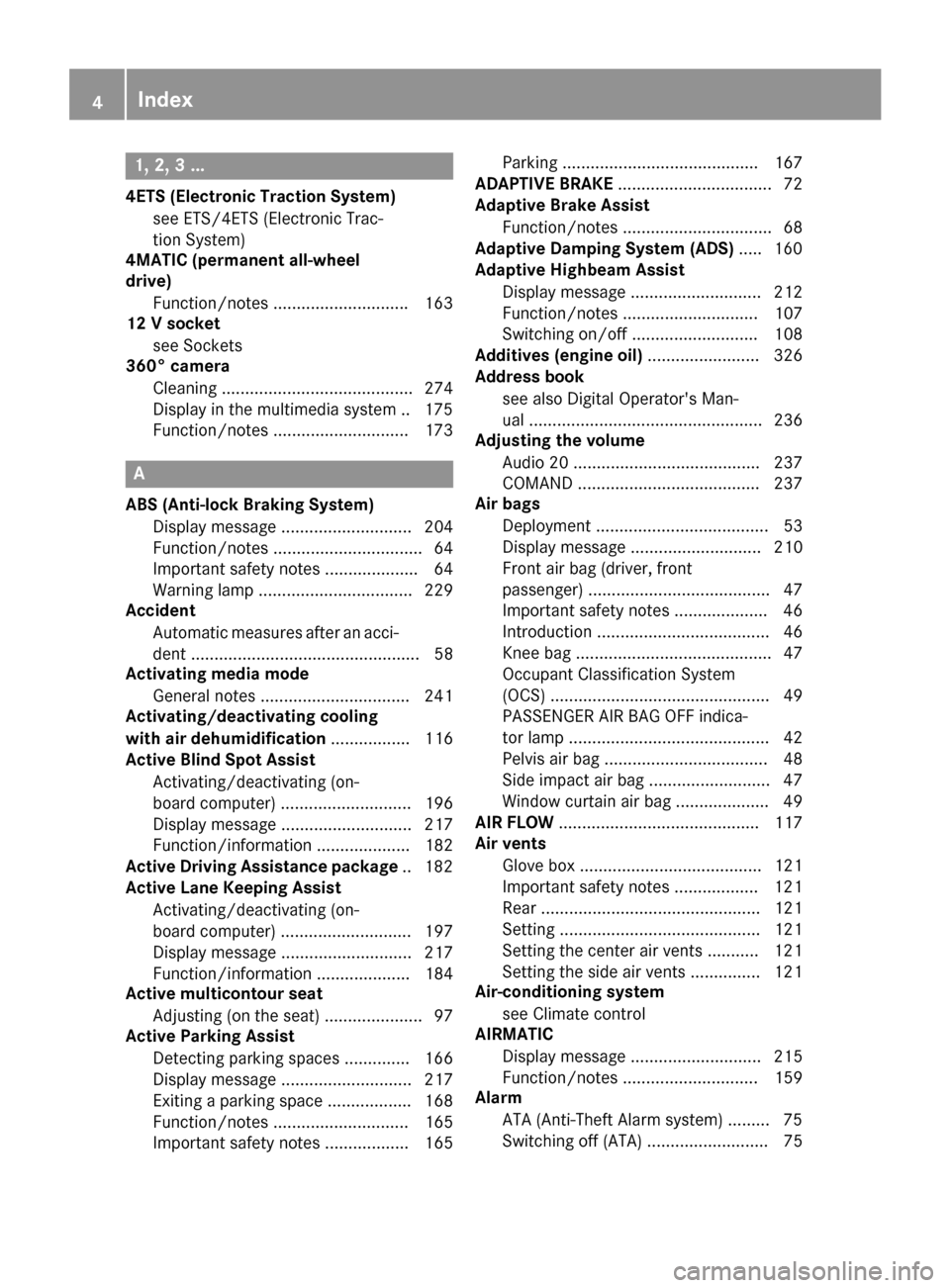
1, 2, 3 ...
4ETS (Electronic Traction System)see ETS/4ETS (Electronic Trac-
tion System)
4MATIC (permanent all-wheel
drive)
Function/notes ............................ .163
12 V socket
see Sockets
360° camera
Cleaning ......................................... 274
Display in the multimedia system .. 175
Function/notes .............................1 73
A
ABS (Anti-lock Braking System)
Display message ............................ 204
Function/notes ................................ 64
Important safety notes .................... 64
Warning lamp ................................. 229
Accident
Automatic measures after an acci-
dent ................................................. 58
Activating media mode
General notes ................................ 241
Activating/deactivating cooling
with air dehumidification ................. 116
Active Blind Spot Assist
Activating/deactivating (on-
board computer) ............................ 196
Display message ............................ 217
Function/information .................... 182
Active Driving Assistance package .. 182
Active Lane Keeping Assist
Activating/deactivating (on-
board computer) ............................ 197
Display message ............................ 217
Function/information .................... 184
Active multicontour seat
Adjusting (on the seat) ..................... 97
Active Parking Assist
Detecting parking spaces .............. 166
Display message ............................ 217
Exiting a parking space .................. 168
Function/notes ............................. 165
Important safety notes .................. 165 Parking .......................................... 167
ADAPTIVE BRAKE ................................. 72
Adaptive Brake Assist
Function/notes ................................ 68
Adaptive Damping System (ADS) ..... 160
Adaptive Highbeam Assist
Display message ............................ 212
Function/notes ............................. 107
Switching on/off ........................... 108
Additives (engine oil) ........................ 326
Address book
see also Digital Operator's Man-
ual .................................................. 236
Adjusting the volume
Audio 20 ........................................ 237
COMAND ....................................... 237
Air bags
Deployment ..................................... 53
Display message ............................ 210
Front air bag (driver, front
passenger) ....................................... 47
Important safety notes .................... 46
Introduction ..................................... 46
Knee bag .......................................... 47
Occupant Cla
ssification System
(OCS) ............................................... 49
PASSENGER AIR BAG OFF indica-
tor lamp ........................................... 42
Pelvis air bag ................................... 48
Side impact air bag .......................... 47
Window curtain air bag .................... 49
AIR FLOW ........................................... 117
Air vents
Glove box ....................................... 121
Important safety notes .................. 121
Rear ............................................... 121
Setting ........................................... 121
Setting the center air vents ........... 121
Setting the side air vents ............... 121
Air-conditioning system
see Climate control
AIRMATIC
Display message ............................ 215
Function/notes ............................. 159
Alarm
ATA (Anti-Theft Alarm system) ......... 75
Switching off (ATA) .......................... 75
4Index
Page 7 of 334
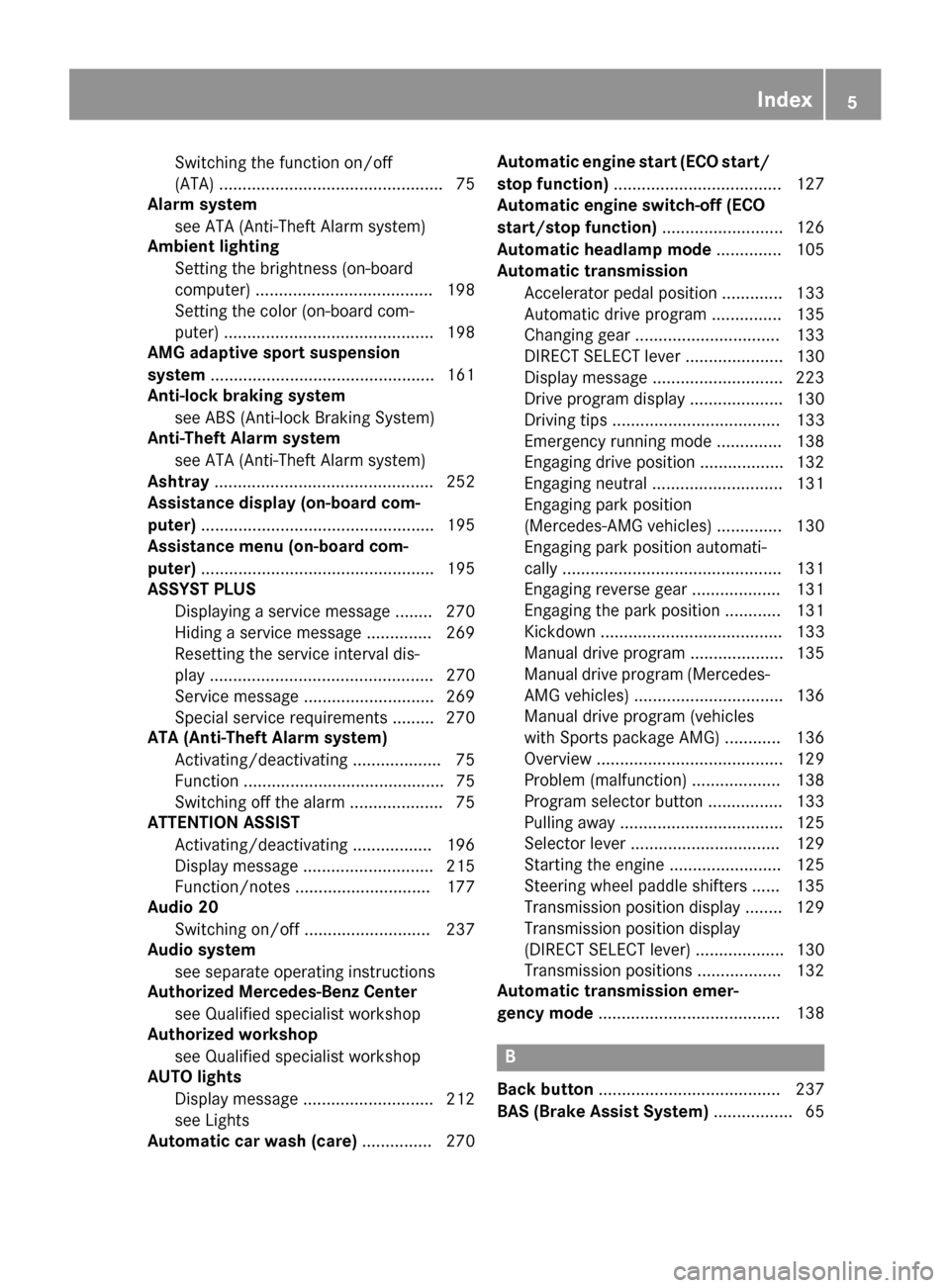
Switching the function on/off
(ATA) ................................................ 75
Alarm system
see ATA (Anti-Theft Alarm system)
Ambient lighting
Setting the brightness (on-board
computer) ...................................... 198
Setting the color (on-board com-
puter) ............................................. 198
AMG adaptive sport suspension
system ................................................ 161
Anti-lock braking system
see ABS (Anti-lock Braking System)
Anti-Theft Alarm system
see ATA (Anti-Theft Alarm system)
Ashtray ............................................... 252
Assistance display (on-board com-
puter) .................................................. 195
Assistance menu (on-board com-
puter) .................................................. 195
ASSYST PLUS
Displaying a service message ........ 270
Hiding a service message .............. 269
Resetting the service interval dis-
play ................................................ 270
Service message ............................ 269
Special service requirements ......... 270
ATA (Anti-Theft Alarm system)
Activating/deactivating ................... 75
Function ........................................... 75
Switching off the alarm .................... 75
ATTENTION ASSIST
Activating/deactivating ................. 196
Display message ............................ 215
Function/notes ............................. 177
Audio 20
Switching on/off ........................... 237
Audio system
see separate operating instructions
Authorized Mercedes-Benz Center
see Qualified specialist workshop
Authorized workshop
see Qualified specialist workshop
AUTO lights
Display message ............................ 212
see Lights
Automatic car wash (care) ............... 270Automatic engine start (ECO start/
stop function)
.................................... 127
Automatic engine switch-off (ECO
start/stop function) .......................... 126
Automatic headlamp mode .............. 105
Automatic transmission
Accelerator pedal position ............. 133
Automatic drive program ............... 135
Cha
nging gear ............................... 133
DIRECT SELECT lever ..................... 130
Display message ............................ 223
Drive program display .................... 130
Driving tips .................................... 133
Emergency running mode .............. 138
Engaging drive position .................. 132
Engaging neutral ............................ 131
Engaging park position
(Mercedes-AMG vehicles) .............. 130
Engaging park position automati-
cally ............................................... 131
Engaging reverse gear ................... 131
Engaging the park position ............ 131
Kickdown ....................................... 133
Manual drive program .................... 135
Manual drive program (Mercedes-
AMG vehicles) ................................ 136
Manual drive program (vehicles
with Sports package AMG) ............ 136
Overview ........................................ 129
Problem (malfunction) ................... 138
Program selector button ................ 133
Pulling away ................................... 125
Selector lever ................................ 129
Starting the engine ........................ 125
Steering wheel paddle shifters ...... 135
Transmission position display ........ 129
Transmission position display
(DIRECT SELECT lever) ................... 130
Transmission positions .................. 132
Automatic transmission emer-
gency mode ....................................... 138
B
Back button ....................................... 237
BAS (Brake Assist System) ................. 65
Index5
Page 8 of 334
BAS PLUS (Brake Assist System
PLUS) with Cross-Traffic AssistFunction/notes ................................ 65
BAS PLUS with Cross-Traffic Assist
(Brake Assist PLUS with Cross-
Traffic Assist)
Important safety notes .................... 65
Battery (SmartKey)
Checking .......................................... 79
Important safety notes .................... 78
Replacing ......................................... 79
Battery (vehicle)
Charging ........................................ 284
Display message ............................ 214
Important safety notes .................. 282
Jump starting ................................. 285
Belt
see Seat belts
Blind Spot Assist
Activating/deactivating (on-
board computer) ............................ 196
Display message ............................ 217
Notes/function .............................. 179
see Active Blind Spot Assist
Blootooth
®
Connecting a different mobile
phone ............................................ 241
Bluetooth
®
Searching for a mobile phone ........ 240
see also Digital Operator's Man-
ual .................................................. 236
Telephony ...................................... 239
Box (trunk) ......................................... 246
Brake Assist
see BAS (Brake Assist System)
Brake fluid
Display message ............................ 206
Notes ............................................. 326
Brake force distribution
see EBD (electronic brake force
distribution)
Brake lamps
Display message ............................ 212
Brakes
ABS .................................................. 64
Adaptive Brake Assist ...................... 68
BAS .................................................. 65 BAS PLUS with Cross-Traffic
Assist ............................................... 65
Brake fluid (notes) ......................... 326
Display message ............................ 204
High-performance brake system .... 146
HOLD function ............................... 157
Important safety notes .................. 145
Maintenance .................................. 145
Parking brake ................................ 142
Riding tips ...................................... 145
Warning lamp ................................. 228
Breakdown
Where will I find...? ........................ 277
see Flat tire
see Towing away
Brightness control (instrument
clus
ter lighting) ................................... 34
C
California
Important notice for retail cus-
tomers and lessees .......................... 26
Calling up a malfunction
see Display messages
Car
see Vehicle
Care
360° camera ................................. 274
Car wash ........................................ 270
Carpets .......................................... 276
Display ........................................... 274
Exhaust pipe .................................. 274
Exterior lights ................................ 273
Interior ........................................... 274
Matte finish ................................... 272
Notes ............................................. 270
Paint .............................................. 272
Plastic trim .................................... 275
Power washer ................................ 271
Rear view camera .......................... 274
Roof lining ...................................... 276
Seat belt ........................................ 276
Seat cover ..................................... 275
Selector lever ................................ 275
Sensors ......................................... 274
Steering wheel ............................... 275
Trim pieces .................................... 275
6Index
Page 11 of 334
Doors
Automati clocking (on-boar dcom-
puter) ............................................ .199
Automatic locking (switch) ...............8 2
Central locking/unlocking
(SmartKey) ...................................... .76
Control panel .................................. .40
Display message ............................ 224
Emergency locking ........................... 83
Emergency unlocking ....................... 83
Important safety notes .................... 81
Opening (from inside) ...................... 81
Drinking and driving ......................... 143
Drive program
Automatic ...................................... 135
Display ........................................... 129
Display (DIRECT SELECT lever) ...... 130
Manual ........................................... 135
Manual (Mercedes-AMG vehi-
cles) ............................................... 136
Manual (vehicles with Sports
package AMG) ............................... 136
SETUP (on-board computer) .......... 201
Drive program selector ..................... 134
Driver's door
see Doors
Driving abroad
Mercedes-Benz Service ................. 270
Driving on flooded roads .................. 147
Driving safety systems
ABS (Anti-lock Braking System) ....... 64
ADAPTIVE BRAKE ............................. 72
Adaptive Brake Assist ...................... 68
BAS (Brake Assist System) .............. 65
BAS PLUS with Cross-Traffic
Assist ............................................... 65
COLLISION PREVENTION ASSIST
PLUS ................................................ 67
Distance warning function ............... 67
EBD (electronic brake force distri-
bution) ............................................. 72
ESP
®(Electronic Stability Pro-
gram) ............................................... 69
Important safety information ........... 64
Overview .......................................... 64
PRE-SAFE
®Brake ............................. 72 Driving system
RACE ST
ART (Mercedes-AMG
vehicles) ........................................ 158
Driving systems
360°camera .................................. 173
Active Blind Spot Assist ................. 182
Active Driving Assistance pack-
age ................................................. 182
Active Lane Keeping Assist ............ 184
Active Parking Assist ..................... 165
AIRMATIC ...................................... 159
AMG adaptive sport suspension
system ........................................... 161
ATTENTION ASSIST ........................ 177
Blind Spot Assist ............................ 179
Cruise control ................................ 148
Display message ............................ 215
DISTRONIC PLUS ........................... 149
DISTRONIC PLUS with Steering
Assist and Stop&Go Pilot ............... 155
HOLD function ............................... 157
Lane Keeping Assist ...................... 181
Lane Tracking package .................. 179
PARKTRONIC ................................. 163
Rear view camera .......................... 169
Traffic Sign Assist .......................... 178
Driving tips
AMG ceramic brakes ..................... 146
Automatic transmission ................. 133
Brakes ........................................... 145
Break-in period .............................. 122
Downhill gradient ........................... 145
Drinking and driving ....................... 143
Driving in winter ............................. 147
Driving on flooded roads ................ 147
Driving on wet roads ...................... 147
Exhaust check ............................... 144
Fuel ................................................ 143
General .......................................... 143
Hydroplaning ................................. 147
Icy road surfaces ........................... 147
Limited braking efficiency on sal-
ted roads ....................................... 145
Snow chains .................................. 294
Wet road surface ........................... 145
DVD video
Operating (on-board computer) ..... 193
Index9
Page 15 of 334
KickdownDrivin g tips .................................... 133
Manual drive program .................... 137
Knee bag .............................................. 47
L
Lamps
see Warning and indicator lamps
Lane Keeping Assist
Activating/deactivating ................ .197
Display message ............................ 217
Function/information .................... 181
Lane Tracking package ..................... 179
Lap time (RACETIMER) ...................... 201
LATCH-type (ISOFIX) child seat
anchors ................................................ 60
License plate lamp (display mes-
sage) ................................................... 212
Light function, active
Display message ............................ 212
Light sensor (display message) ....... 212
Lights
Activating/deactivating the inte-
rior lighting delayed switch-off ....... 199
Adaptive Highbeam Assist ............. 107
Automatic headlamp mode ............ 105
Cornering light function ................. 107
Fogged up headlamps .................... 108
General notes ................................ 105
Hazard warning lamps ................... 107
High beam flasher .......................... 106
High-beam headlamps ................... 106
Light switch ................................... 105
Low-beam headlamps .................... 106
Parking lamps ................................ 106
Setting exterior lighting ................. 105
Setting the brightness of the
ambient lighting (on-board com-
puter) ............................................. 198
Setting the brightness of the dis-
play/switch (on-board computer) .. 198
Setting the color of the ambient
lighting (on-board computer) ......... 198
Standing lamps .............................. 106
Switching the daytime running
lamps on/off (on-board com-
puter) ............................................. 198 Switching the exterior lighting
delayed switch-off on/off (on-
board computer) ............................ 198
Switching the surround lighting
on/off (on-board computer) .......... 198
Turn signals ................................... 106
see Interior lighting
Loading guidelines ............................ 242
Loc
king
see Central locking
Locking (doors)
Automatic ........................................ 82
Emergency locking ........................... 83
From inside (central locking but-
ton) .................................................. 82
Locking centrally
see Central locking
Locking verification signal (on-
board computer) ............................... 199
Low-beam headlamps
Display message ............................ 212
Switching on/off ........................... 106
Lumbar support
Adjusting the 4-way lumbar sup-
port .................................................. 97
Luxury head restraints ....................... 95
M
M+S tires............................................ 294
Malfunction message
see Display messages
Matte finish (cleaning instruc-
tions) .................................................. 272
mbrace
Call priority .................................... 257
Display message ............................ 206
Downloading destinations
(COMAND) ..................................... 257
Downloading routes ....................... 260
Emergency call .............................. 255
General notes ................................ 254
Geo fencing ................................... 261
Locating a stolen vehicle ............... 259
MB info call button ........................ 257
Remote fault diagnosis .................. 259
Remote vehicle locking .................. 259
Roadside Assistance button .......... 256
Index13
Page 16 of 334
Search & Send ............................... 258
Self-test ......................................... 254
Speed alert .................................... 260
System .......................................... 254
Triggering the vehicle alarm ........... 261
Vehicle remote unlocking .............. 259
Mechanical key
Function/notes ................................ 78
General notes .................................. 78
Inserting .......................................... 78
Locking vehicle ................................ 83
Removing ......................................... 78
Unlocking the driver's door .............. 83
Media Interface
USB port in the armrest of the
center console ............................... 244
see Digital Operator's Manual
Memory card (audio) ......................... 193
Memory function ............................... 103
Mercedes-Benz Intelligent Drive
360°camera .................................. 173
Active Blind Spot Assist ................. 182
Active Lane Keeping Assist ............ 184
Active Parking Assist ..................... 165
ATTENTION ASSIST ........................ 177
Blind Spot Assist ............................ 179
Cruise control ................................ 148
DISTRONIC PLUS ........................... 149
DISTRONIC PLUS with Steering
Assist and Stop&Go Pilot ............... 155
General notes ................................ 147
Lane Keeping Assist ...................... 181
PARKTRONIC ................................. 163
PRE-SAFE
®(anticipatory occu-
pant protection) ............................... 56
PRE-SAFE
®PLUS (anticipatory
occupant protection PLUS) .............. 57
Rear view camera .......................... 169
Traffic Sign Assist .......................... 178
Message memory (on-board com-
puter) .................................................. 203
Messages
see Display messages
Mirrors
see Exterior mirrors
see Vanity mirror (in the sun visor) Mobile phone
Connecting (Bluetooth
®inter-
face) .............................................. 239
Connecting another mobile
phone ............................................ 241
Frequencies ................................... 321
Installation ..................................... 321
Menu (on-board computer) ............ 194
Transmission output (maximum) .... 321
Modifying the programming
(SmartKey) ........................................... 77
MOExtended tires .............................. 278
Mo
unting wheels
Lowering the vehicle ...................... 316
Mounting a new wheel ................... 315
Preparing the vehicle ..................... 313
Raising the vehicle ......................... 313
Removing a wheel .......................... 315
Securing the vehicle against roll-
ing away ........................................ 313
MP3
Operation ....................................... 193
see also Digital Operator's Man-
ual .................................................. 236
Multicontour seat
Adjusting (on the seat) ..................... 96
Multifunction display
Function/notes ............................. 190
Permanent display ......................... 197
Multifunction steering wheel
Operating the on-board compute r..1 89
Overview .......................................... 35
Multimedia system
see Separate operating instructions
Music files
see also Digital Operator's Man-
ual ..................................................2 36
N
Navigation
Menu (on-board computer) ............ 192
see also Digital Operator's Man-
ual ..................................................2 36
NECK-PRO head restraints
Operation ......................................... 55
Resetting triggered .......................... 56
14Index
Page 17 of 334
NECK-PRO luxury head restraintsImportant safety notes .................... 55
Operation ......................................... 55
Resetting when triggered ................. 56
Notes on breaking-in a new vehi-
cle ....................................................... 122
O
Occupant Classification System
(OCS)
Conditions ....................................... 49
Faults ............................................... 52
Operation ......................................... 49
System self-test ............................... 51
Occupant safety
Air bags ........................................... 46
Automatic measures after an acci-
dent ................................................. 58
Children in the vehicle ..................... 58
Important safety notes .................... 41
Introduction to the restraint sys-
tem .................................................. 41
Occupant Classification System
(OCS) ............................................... 49
PASSENGER AIR BAG indicator
lamps ............................................... 42
Pets in the vehicle ........................... 63
PRE-SAFE
®(anticipatory occu-
pant protection) ............................... 56
PRE-SAFE
®PLUS (anticipatory
occupant protection PLUS) .............. 57
Restraint system warning lamp ........ 42
Seat belt .......................................... 42
OCS
Conditions ....................................... 49
Faults ............................................... 52
Operation ......................................... 49
System self-test ............................... 51
Odometer ........................................... 190
Oil
see Engine oil
On-board computer
AMG menu ..................................... 201
Assistance menu ........................... 195
Audio menu ................................... 193
Convenience submenu .................. 199
Display messages .......................... 203 Displaying a service message ........ 270
DISTRONIC PLUS ........................... 154
Factory settings submenu ............. 200
Important safety notes .................. 188
Instrument cluster submenu .......... 197
Lighting submenu .......................... 198
Menu overview .............................. 190
Message memory .......................... 203
Navigation menu ............................ 192
Operation ....................................... 189
RACETIMER ................................... 201
Service menu ................................. 197
Settings menu ............................... 197
Standard display ............................ 190
Telephone menu ............................ 194
Trip menu ...................................... 190
Vehicle submenu ........................... 199
Video DVD operation ..................... 193
Operating safety
Declaration of conformity ................ 28
Important safety notes .................... 28
Operating system
see On-board compu
ter
Operation
Digital Operator's Manual ................ 24
Operator's Manual
Vehicle equipment ........................... 26
Outside temperature display ........... 188
Overhead control panel ...................... 39
Override feature
Rear side windows ........................... 63
P
Paint code number ............................ 322
Paintwork (cleaning instructions) ... 272
Panic alarm .......................................... 41
Parking
Important safety notes .................. 141
Parking brake ................................ 142
Parking position for the exterior
mirror on the front-passenger
side ................................................ 102
Rear view camera .......................... 169
see PARKTRONIC
Parking aid
Active Parking Assist ..................... 165
see Exterior mirrors
Index15
Page 18 of 334
see PARKTRONIC
Parking assistance
see PARKTRONIC
Parking brake
Display message ............................2 05
Notes/function .............................. 142
Warning lamp ................................. 228
Parking lamps
Switching on/off ........................... 106
PARKTRONIC
Deactivating/activating ................. 165
Driving system ............................... 163
Function/notes .............................1 63
Important safety notes .................. 163
Problem (malfunction) ................... 165
Range of the sensors ..................... 163
Warning display ............................. 164
PASSENGER AIR BAG
Display message ............................ 210
PASSENGER AIR BAG OFF
Indicator lamp .................................. 42
Problems (malfunctions) ................ 210
Pets in the vehicle ............................... 63
Phone book
see also Digital Operator's Man-
ual .................................................. 236
Plastic trim (cleaning instruc-
tions) .................................................. 275
Power washers .................................. 271
Power windows
see Side windows
PRE-SAFE
®(anticipatory occupant
protection)
Display message ............................ 206
Operation ......................................... 56
PRE-SAFE
®Brake
Activating/deactivating ................. 196
Display message ............................ 207
Function/notes ................................ 72
Important safety notes .................... 73
Warning lamp ................................. 234
PRE-SAFE
®PLUS (anticipatory
occupant protection PLUS)
Display message ............................ 207
Operation ......................................... 57
Program selector button .................. 133Protection against theft
ATA (Anti-Theft Alarm system) ......... 75
Immobilizer ...................................... 74
Protection of the environment
General notes .................................. 25
Pulling away
General notes ................................ 125
Pulling away (automatic transmis-
sion) .................................................... 125
Q
QR code
Mercedes-Benz Guide App ................. 1
Rescue card ..................................... 30
Qualified specialist workshop ........... 29
R
RACE START (Mercedes-AMG vehi-
cles).................................................... 158
RACETIMER (on-board computer) .... 201
Radiator cover ................................... 266
Radio
Selecting a station ......................... 193
see separate operating instructions
Radio mode
see also Digital Operator's Man-
ual .................................................. 236
Radio-wave reception/transmis-
sion in the vehicle
Declaration of conformity ................ 28
Reading lamp ..................................... 108
Rear compartment
Setting the air vents ...................... 121
Setting the airflow ......................... 118
Setting the temperature ................ 117
Rear fog lamp
Display message ............................ 212
Rear seat (folding the backrest for-
wards/back) ...................................... 245
Rear seats
Display message ............................ 225
Rear view camera
Cleaning instructions ..................... 274
Display in the multimedia system .. 170
Function/notes ............................. 169
Switching on/off ........................... 170
16Index
Page 59 of 334
Function
PRE-SAFE®intervenes:
Rin emergenc ybraking situations, e.g. when
BA Sis activated
Rin critical driving situations, e.g. when physi-
cal limits are exceeded and th evehicl eunder-
steer sor oversteer sseverely
Ron vehicles wit hth eDrivin gAssistanc epack-
age: if BA SPLU Sintervenes powerfully or th e
radar sensor system detect san imminent
danger of collision in certai nsituation s
PRE-SAF E
®takes thefollowin gmeasures
depending on th ehazardous situation detected:
Rth efron tseat belt sare pre-tensioned.
Rth efront-passenger seat is adjusted if it is in
an unfavorable position .
Rif thevehicl eskids, th eside windows and th e
sliding sunroo fare closed.
Rvehicles wit h amulticontour seat or active
multicontour seat :th eair pressur ein th eside
bolsters of th ebackrest is increased.
If th ehazardous situation passes without result -
ing in an accident, PRE-SAF E
®slackens thebelt
pre-tensioning .On vehicles wit hmulticontour
seat sor active multicontour seats, th eair pres-
sure in th eside bolsters is reduce dagain .All
setting smade by PRE-SAF E
®can then be
reversed.
If th eseat belt pre-tensioning is no treduced:
XMov eth eseat backrest or seat bac kslightly
when th evehicl eis stationary.
The seat belt pre-tensioning is reduce dand
th elockin gmechanism is released.
The seat-belt adjustmen tis an integral part of
th ePRE-SAF E
®convenience function .Informa-
tion about th econvenience function can be
foun dunder "Belt adjustment" (
Ypage 45).
PRE-SAFE®PLUS (anticipatory occu-
pant protection system PLUS)
Introduction
PRE-SAF E®PLUSis only available in vehicles
wit hth eDrivin gAssistanc epackage.
Usin gth eradar sensor system, PRE-SAF E
®
PLUSis able to detect that ahead-on or rear-end
collision is imminent .In certai nhazardous sit -uations, PRE-SAF
E
®PLUStakes pre-emptive
measures to protect th evehicl eoccupants.
Important safety notes
The intervention of PRE-SAF E®PLUScanno t
preven tan imminent collision .
The driver is no twarned about th eintervention
of PRE-SAF E
®PLUS.
PRE-SAF E®PLUSdoes no tinterven eif th evehi-
cle is backin gup.
When driving ,or when parking or exiting apark -
ing spac ewit hassistanc efrom Active Parking
Assist ,PRE-SAF E
®PLUSwill no tapply th e
brakes.
Function
PRE-SAF E®PLUSintervenes in certai nsitua-
tion sif th eradar sensor system detect san
imminent head-on or rear-end collision .
PRE-SAF E
®PLUStakes th efollowin gmeasures
depending on th ehazardous situation detected:
Rif th eradar sensor system detect sthat a
head-on collision is imminent ,th eseat belt s
are pre-tensioned.
Rif th eradar sensor system detect sthat arear -
en dcollision is imminent :
-thebrak epressur eis increased if th edriver
applie sth ebrakes when th evehicl eis sta-
tionary.
-th eseat belt sare pre-tensioned.
The PRE-SAF E®PLUSbraking application is can -
celed:
Rif th eaccelerato rpedal is depressed when a
gear is engage d
Rif theris kof acollision passes or is no longer
detected
Rif DISTRONI CPLU Sindicates an intention to
pull away
If th ehazardous situation passes without result -
ing in an accident, th eoriginal setting sare
restored .
Occupant safety57
Safety
Z
Page 68 of 334
As a result, BAS PLUS may not intervene in allcritical situations. There is a risk of an acci-
dent.
Always pay careful attention to the traffic sit-
uation and be ready to brake.
In the event of snowfall or heavy rain, the rec-
ognition can be impaired.
Recognition by the radar sensor system is also
impaired if:
Rthere is dirt on the sensors or anything else
covering the sensors
Rthere is interference by other radar sources
Rthere are strong radar reflections, for exam-
ple in parking garages
Ra narrow vehicle is traveling in front, e.g. a
motorbike
Ra vehicle is traveling in front on a different line
Rvehicles quickly move into the radar sensor
system detection range
Recognition by the camera system is also
impaired in the event of:
Rdirt on the camera or if the camera is covered
Rglare on the camera system, e.g. from the sun being low in the sky
Rdarkness
Ror if:
-pedestrians move quickly, e.g. into the path
of the vehicle
-the camera system no longer recognizes a
pedestrian as a person due to special cloth-ing or other objects
-a pedestrian is concealed by other objects
-the typical outline of a person is not distin-
guishable from the background
Following damage to the fro
nt end of the vehicle,
have the configuration and operation of the
radar sensors checked at a qualified specialist
workshop. This also applies to collisions at slow
speeds where there is no visible damage to the
front of the vehicle.
Following damage to the windshield, have the
configuration and operation of the camera sys-
tem checked at a qualified specialist workshop.
Function
To avoid a collision, BAS PLUS calculates the
brake force necessary if:
Ryou approach an obstacle, and
RBAS PLUS has detected a risk of collision
At speeds of under20 mph(30 km/h) : if you
depress the brake pedal, BAS PLUS is activated.
The increase in brake pressure will be carried
out at the last possible moment.
At speeds of above20 mph(30 km/h) : if you
depress the brake pedal sharply, BAS PLUS
automatically increases the brake pressure to a
degree suited to the traffic situation.
BAS PLUS provides braking assistance in haz-
ardous situations with vehicles in front within a
speed range between 4 mph (7 km/h) and
155 mph (250 km/h).
Up to a speed of approximately 44 mph
(70 km/h), BAS PLUS may react to:
Rstationary objects in the path of your vehicle,
e.g. stopped or parked vehicles
Rpedestrians in the path of your vehicle
Robstacles crossing your path, which move in
the detection range of the sensors and are
recognized by them
iIf BAS PLUS demands particularly high brak-
ing force, preventative passenger protection
measures (PRE-SAFE
®) are activated simulta-
neously.
XKeep the brake pedal depressed until the
emergency braking situation is over.
ABS p
revents the wheels from locking.
BAS PLUS is deactivated and the brakes func-
tion as usual, if:
Ryou release the brake pedal.
Rthere is no longer a risk of collision.
Rno obstacle is detected in front of your vehi-
cle.
Ryou depress the accelerator pedal.
Ryou activate kickdown.
66Driving safety systems
Safety