blind spot MERCEDES-BENZ E-CLASS SALOON 2009 Owners Manual
[x] Cancel search | Manufacturer: MERCEDES-BENZ, Model Year: 2009, Model line: E-CLASS SALOON, Model: MERCEDES-BENZ E-CLASS SALOON 2009Pages: 373, PDF Size: 12.37 MB
Page 8 of 373
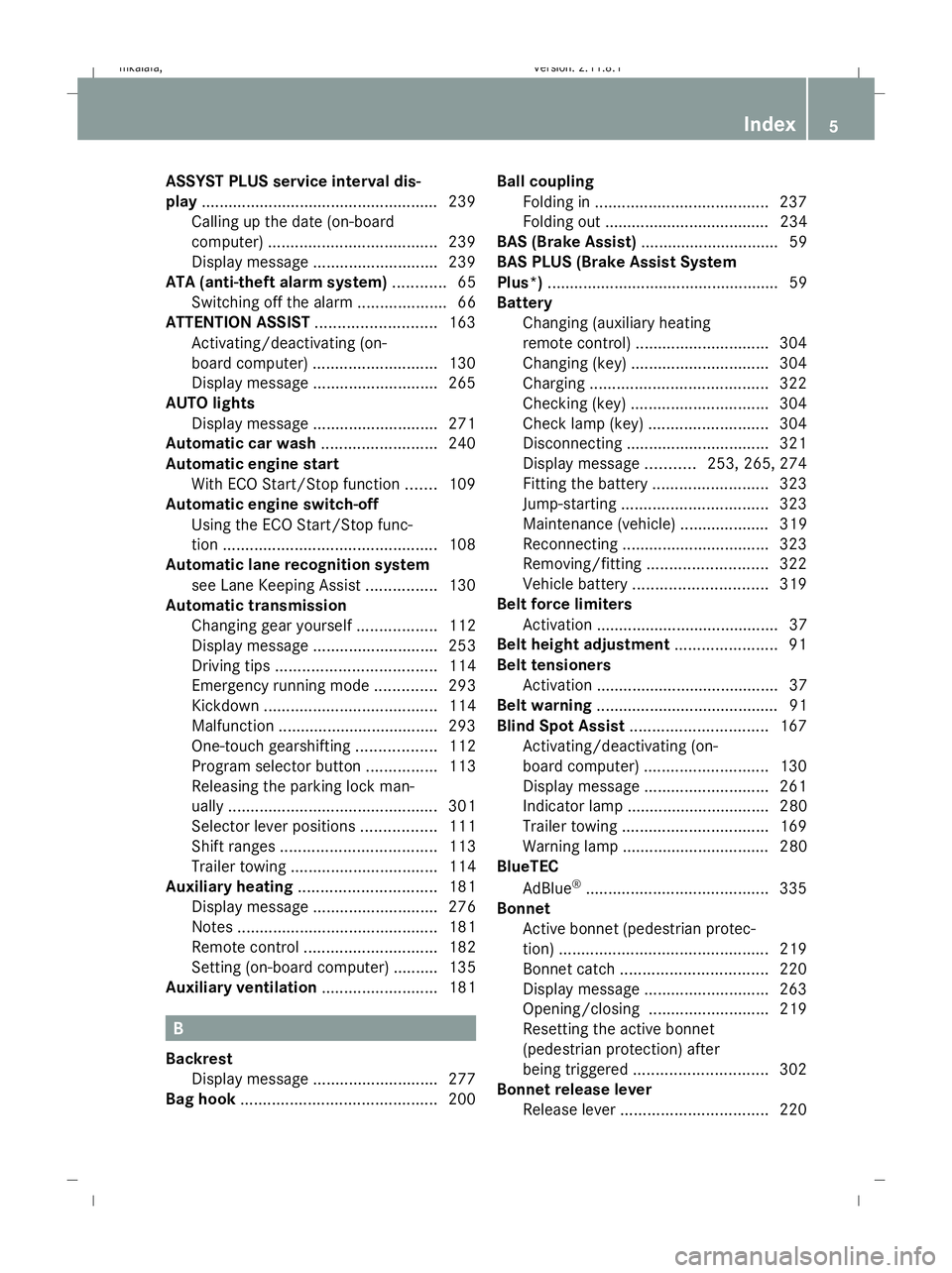
ASSYST PLUS service interval dis-
play ..................................................... 239
Calling up the date (on-board
computer) ...................................... 239
Display message ............................ 239
ATA (anti-theft alarm system) ............65
Switching off the alarm ....................66
ATTENTION ASSIST ...........................163
Activating/deactivating (on-
board computer) ............................ 130
Display message ............................ 265
AUTO lights
Display message ............................ 271
Automatic car wash ..........................240
Automatic engine start With ECO Start/Stop function .......109
Automatic engine switch-off
Using the ECO Start/Stop func-
tion ................................................ 108
Automatic lane recognition system
see Lane Keeping Assist ................130
Automatic transmission
Changing gear yoursel f.................. 112
Display message ............................ 253
Driving tips .................................... 114
Emergency running mode ..............293
Kickdown ....................................... 114
Malfunction ................................... .293
One-touch gearshifting ..................112
Program selector button ................113
Releasing the parking lock man-
ually ............................................... 301
Selector lever positions .................111
Shift ranges ................................... 113
Trailer towing ................................. 114
Auxiliary heating ............................... 181
Display message ............................ 276
Notes ............................................. 181
Remote control .............................. 182
Setting (on-board computer) .......... 135
Auxiliary ventilation ..........................181 B
Backrest Display message ............................ 277
Bag hook ............................................ 200Ball coupling
Folding in ....................................... 237
Folding out ..................................... 234
BAS (Brake Assist) ............................... 59
BAS PLUS (Brake Assist System
Plus*) .................................................... 59
Battery Changing (auxiliary heating
remote control) .............................. 304
Changing (key )............................... 304
Charging ........................................ 322
Checking (key) ............................... 304
Check lamp (key )........................... 304
Disconnecting ................................ 321
Display message ...........253, 265, 274
Fitting the battery ..........................323
Jump-starting ................................. 323
Maintenance (vehicle) .................... 319
Reconnecting ................................. 323
Removing/fitting ........................... 322
Vehicle battery .............................. 319
Belt force limiters
Activation ......................................... 37
Belt height adjustment .......................91
Belt tensioners Activation ......................................... 37
Belt warning ......................................... 91
Blind Spot Assist ............................... 167
Activating/deactivating (on-
board computer) ............................ 130
Display message ............................ 261
Indicator lamp ................................ 280
Trailer towing ................................. 169
Warning lamp ................................. 280
BlueTEC
AdBlue ®
......................................... 335
Bonnet
Active bonnet (pedestrian protec-
tion) ............................................... 219
Bonnet catch ................................. 220
Display message ............................ 263
Opening/closing ........................... 219
Resetting the active bonnet
(pedestrian protection) after
being triggered .............................. 302
Bonnet release lever
Release leve r................................. 220 Index
5 212_AKB; 2; 4, en-GB
mkalafa,
Version: 2.11.8.1 2009-05-05T14:17:16+02:00 - Seite 5Dateiname: 6515346702_buchblock.pdf; erzeugt am 07. May 2009 14:15:26; WK
Page 11 of 373
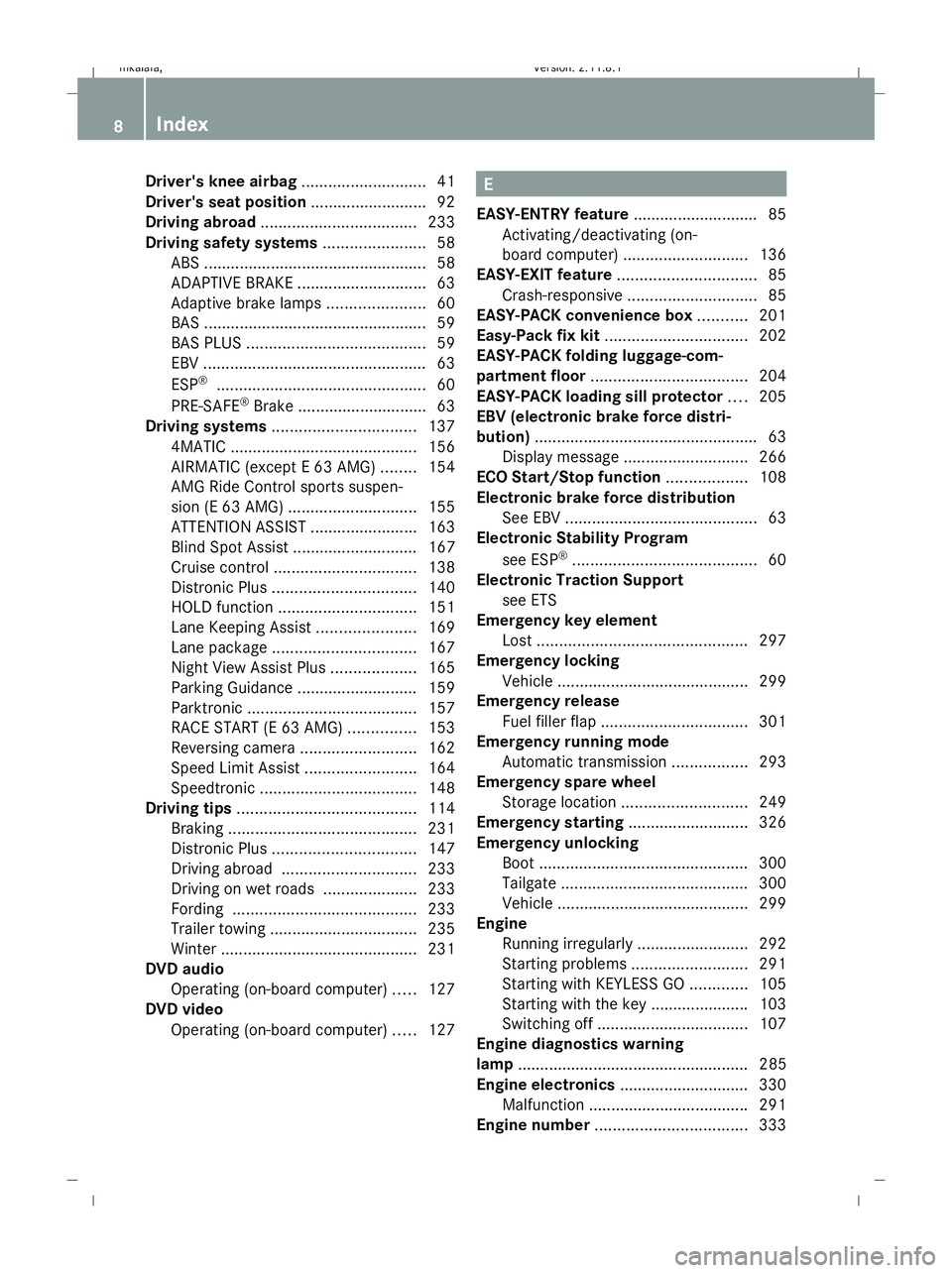
Driver's knee airbag
............................41
Driver's seat position ..........................92
Driving abroad ................................... 233
Driving safety systems .......................58
ABS .................................................. 58
ADAPTIVE BRAKE ............................. 63
Adaptive brake lamps ......................60
BAS .................................................. 59
BAS PLUS ........................................ 59
EBV .................................................. 63
ESP ®
............................................... 60
PRE-SAFE ®
Brake ............................ .63
Driving systems ................................ 137
4MATIC .......................................... 156
AIRMATIC (except E 63 AMG) ........154
AMG Ride Control sports suspen-
sion (E 63 AMG) ............................. 155
ATTENTION ASSIST ........................163
Blind Spot Assist ............................ 167
Cruise control ................................ 138
Distronic Plus ................................ 140
HOLD function ............................... 151
Lane Keeping Assist ......................169
Lane package ................................ 167
Night View Assist Plus ...................165
Parking Guidance ........................... 159
Parktroni c...................................... 157
RACE START (E 63 AMG) ...............153
Reversing camera ..........................162
Speed Limit Assist .........................164
Speedtronic ................................... 148
Driving tips ........................................ 114
Braking .......................................... 231
Distronic Plus ................................ 147
Driving abroad .............................. 233
Driving on wet roads .....................233
Fording ......................................... 233
Trailer towing ................................. 235
Winter ............................................ 231
DVD audio
Operating (on-board computer) .....127
DVD video
Operating (on-board computer) .....127 E
EASY-ENTRY feature ............................ 85
Activating/deactivating (on-
board computer) ............................ 136
EASY-EXIT feature ............................... 85
Crash-responsive ............................. 85
EASY-PACK convenience box ...........201
Easy-Pack fix kit ................................ 202
EASY-PACK folding luggage-com-
partment floor ................................... 204
EASY-PACK loading sill protector ....205
EBV (electronic brake force distri-
bution) .................................................. 63
Display message ............................ 266
ECO Start/Stop function ..................108
Electronic brake force distribution See EBV ........................................... 63
Electronic Stability Program
see ESP ®
......................................... 60
Electronic Traction Support
see ETS
Emergency key element
Lost ............................................... 297
Emergency locking
Vehicle .......................................... .299
Emergency release
Fuel filler fla p................................. 301
Emergency running mode
Automatic transmission .................293
Emergency spare wheel
Storage location ............................ 249
Emergency starting ...........................326
Emergency unlocking Boot ............................................... 300
Tailgate .......................................... 300
Vehicle .......................................... .299
Engine
Running irregularl y......................... 292
Starting problems ..........................291
Starting with KEYLESS GO .............105
Starting with the key ..................... .103
Switching off .................................. 107
Engine diagnostics warning
lamp .................................................... 285
Engine electronics .............................330
Malfunction ................................... .291
Engine number .................................. 3338
Index 212_AKB; 2; 4, en-GB
mkalafa,
Version: 2.11.8.1 2009-05-05T14:17:16+02:00 - Seite 8Dateiname: 6515346702_buchblock.pdf; erzeugt am 07. May 2009 14:15:26; WK
Page 14 of 373
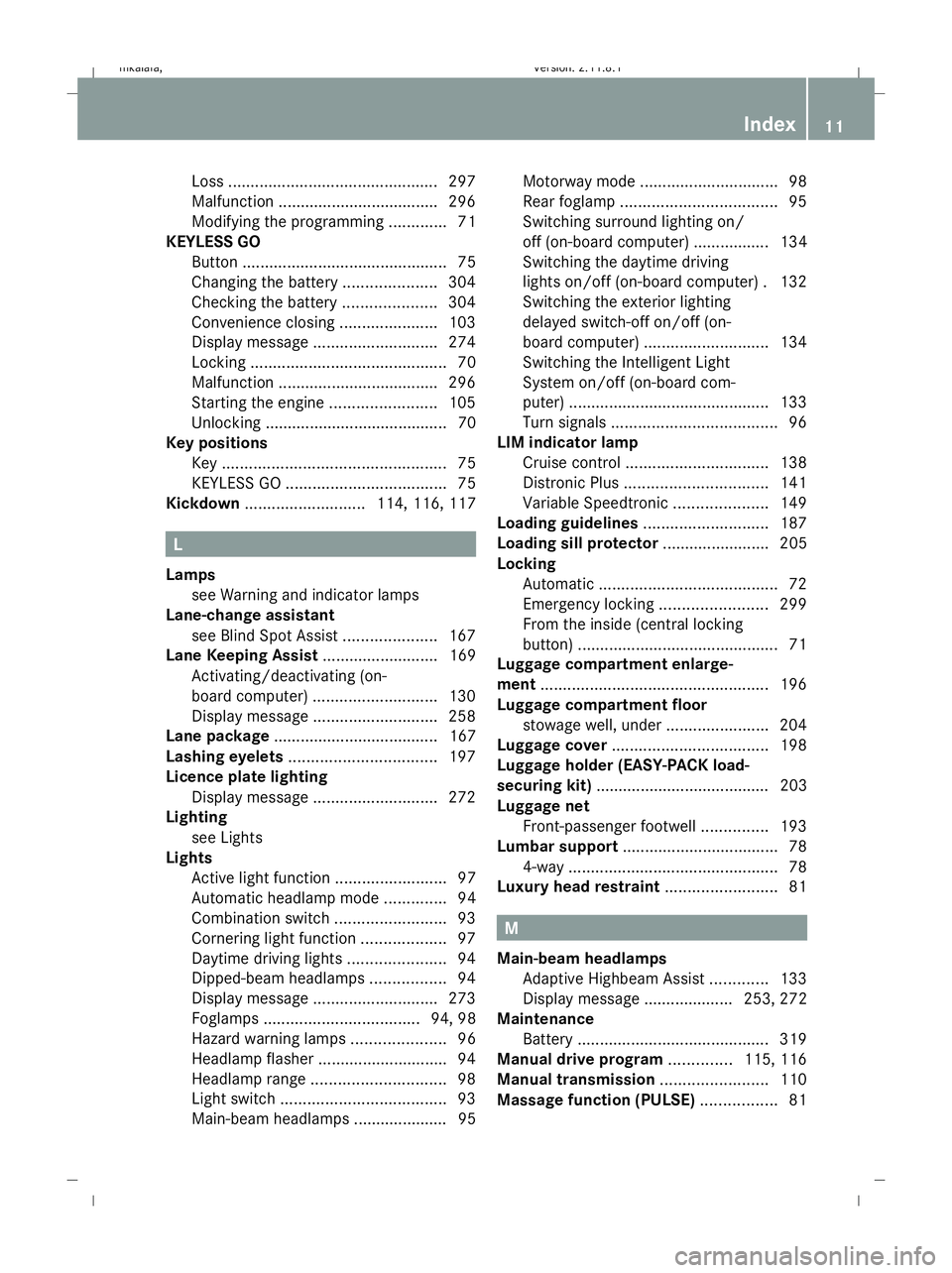
Loss
............................................... 297
Malfunction ................................... .296
Modifying the programming .............71
KEYLESS GO
Button .............................................. 75
Changing the battery .....................304
Checking the battery .....................304
Convenience closing ......................103
Display message ............................ 274
Locking ............................................ 70
Malfunction ................................... .296
Starting the engine ........................105
Unlocking ......................................... 70
Key positions
Key .................................................. 75
KEYLESS GO .................................... 75
Kickdown ........................... 114, 116, 117 L
Lamps see Warning and indicator lamps
Lane-change assistant
see Blind Spot Assist .....................167
Lane Keeping Assist .......................... 169
Activating/deactivating (on-
board computer) ............................ 130
Display message ............................ 258
Lane package ..................................... 167
Lashing eyelets ................................. 197
Licence plate lighting Display message ............................ 272
Lighting
see Lights
Lights
Active light function .........................97
Automatic headlamp mode ..............94
Combination switch .........................93
Cornering light function ...................97
Daytime driving lights ......................94
Dipped-beam headlamps .................94
Display message ............................ 273
Foglamps ................................... 94, 98
Hazard warning lamps .....................96
Headlamp flasher ............................. 94
Headlamp range .............................. 98
Light switch ..................................... 93
Main-beam headlamps ..................... 95 Motorway mode
............................... 98
Rear foglamp ................................... 95
Switching surround lighting on/
off (on-board computer) ................. 134
Switching the daytime driving
lights on/off (on-board computer) .132
Switching the exterior lighting
delayed switch-off on/off (on-
board computer) ............................ 134
Switching the Intelligent Light
System on/off (on-board com-
puter) ............................................. 133
Turn signals ..................................... 96
LIM indicator lamp
Cruise control ................................ 138
Distronic Plus ................................ 141
Variable Speedtronic .....................149
Loading guidelines ............................187
Loading sill protector ........................ 205
Locking Automatic ........................................ 72
Emergency locking ........................299
From the inside (central locking
button) ............................................. 71
Luggage compartment enlarge-
ment ................................................... 196
Luggage compartment floor stowage well, unde r....................... 204
Luggage cover ................................... 198
Luggage holder (EASY-PACK load-
securing kit) ....................................... 203
Luggage net Front-passenger footwell ...............193
Lumbar support ................................... 78
4-way ............................................... 78
Luxury head restraint .........................81 M
Main-beam headlamps Adaptive Highbeam Assist .............133
Display message .................... 253, 272
Maintenance
Battery ........................................... 319
Manual drive program ..............115, 116
Manual transmission ........................110
Massage function (PULSE) .................81 Index
11 212_AKB; 2; 4, en-GB
mkalafa,
Version: 2.11.8.1 2009-05-05T14:17:16+02:00 - Seite 11Dateiname: 6515346702_buchblock.pdf; erzeugt am 07. May 2009 14:15:27; WK
Page 19 of 373
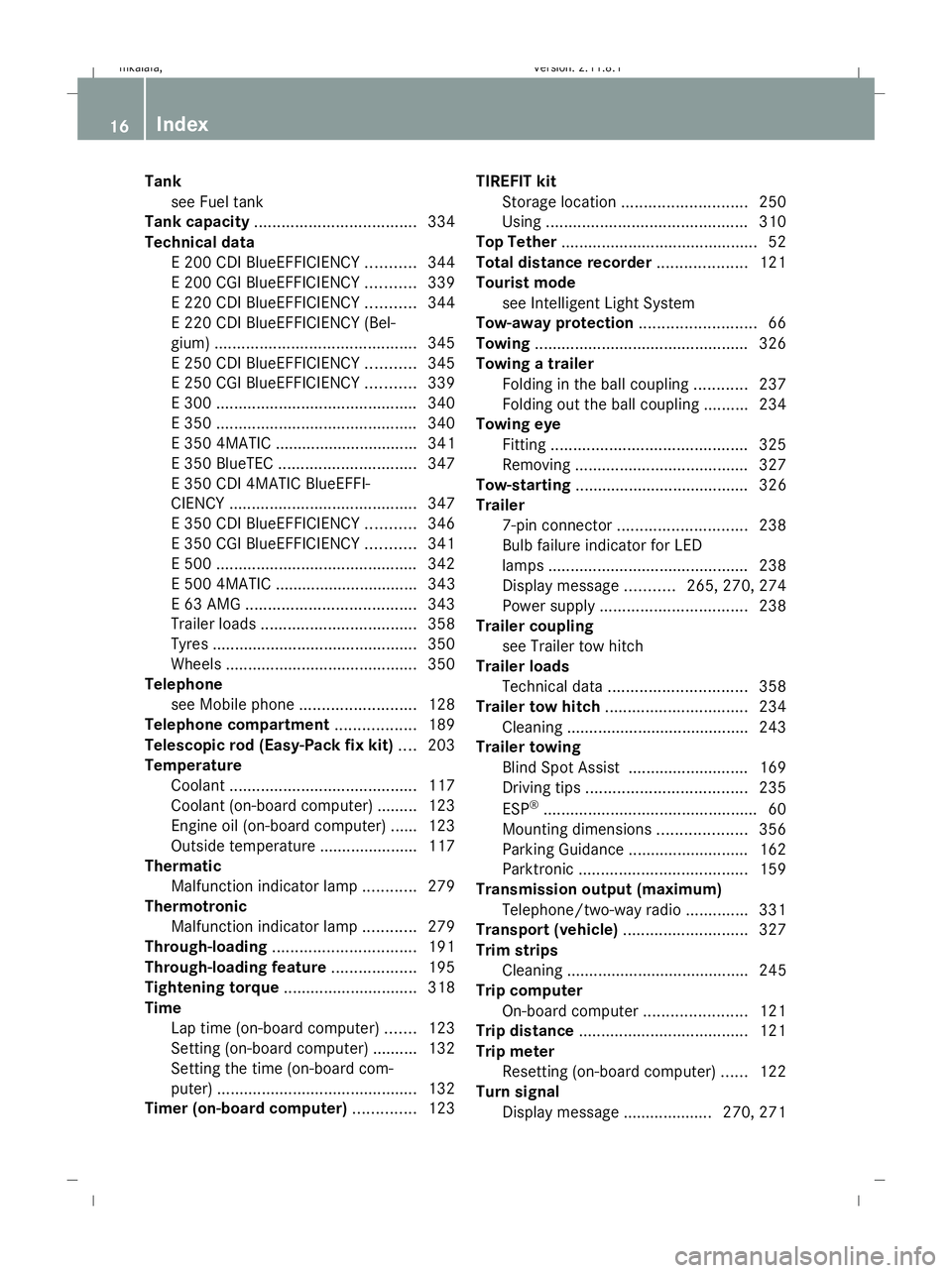
Tank
see Fuel tank
Tank capacity .................................... 334
Technical data E 200 CDI BlueEFFICIENCY ...........344
E 200 CGI BlueEFFICIENCY ...........339
E 220 CDI BlueEFFICIENCY ...........344
E 220 CDI BlueEFFICIENCY (Bel-
gium) ............................................. 345
E 250 CDI BlueEFFICIENCY ...........345
E 250 CGI BlueEFFICIENCY ...........339
E 300 ............................................. 340
E 350 ............................................. 340
E 350 4MATIC ................................ 341
E 350 BlueTEC ............................... 347
E 350 CDI 4MATIC BlueEFFI-
CIENCY .......................................... 347
E 350 CDI BlueEFFICIENCY ...........346
E 350 CGI BlueEFFICIENCY ...........341
E 500 ............................................. 342
E 500 4MATIC ................................ 343
E 63 AMG ...................................... 343
Trailer loads ................................... 358
Tyres .............................................. 350
Wheels ........................................... 350
Telephone
see Mobile phone .......................... 128
Telephone compartment ..................189
Telescopic rod (Easy-Pack fix kit) ....203
Temperature Coolant .......................................... 117
Coolant (on-board computer) ......... 123
Engine oil (on-board computer) ...... 123
Outside temperature ..................... .117
Thermatic
Malfunction indicator lamp ............279
Thermotronic
Malfunction indicator lamp ............279
Through-loading ................................ 191
Through-loading feature ...................195
Tightening torque .............................. 318
Time Lap time (on-board computer) .......123
Setting (on-board computer) .......... 132
Setting the time (on-board com-
puter) ............................................. 132
Timer (on-board computer) ..............123TIREFIT kit
Storage location ............................ 250
Using ............................................. 310
Top Tether ............................................ 52
Total distance recorder ....................121
Tourist mode see Intelligent Light System
Tow-away protection ..........................66
Towing ................................................ 326
Towing a trailer Folding in the ball coupling ............237
Folding out the ball coupling ..........234
Towing eye
Fitting ............................................ 325
Removing ....................................... 327
Tow-starting ....................................... 326
Trailer 7-pin connector ............................. 238
Bulb failure indicator for LED
lamps ............................................. 238
Display message ...........265, 270, 274
Power supply ................................. 238
Trailer coupling
see Trailer tow hitch
Trailer loads
Technical data ............................... 358
Trailer tow hitch ................................ 234
Cleaning ......................................... 243
Trailer towing
Blind Spot Assist ........................... 169
Driving tips .................................... 235
ESP ®
................................................ 60
Mounting dimensions ....................356
Parking Guidance ........................... 162
Parktroni c...................................... 159
Transmission output (maximum)
Telephone/two-way radio ..............331
Transport (vehicle) ............................327
Trim strips Cleaning ......................................... 245
Trip computer
On-board computer .......................121
Trip distance ...................................... 121
Trip meter Resetting (on-board computer) ......122
Turn signal
Display message .................... 270, 271 16
Index 212_AKB; 2; 4, en-GB
mkalafa,
Version: 2.11.8.1 2009-05-05T14:17:16+02:00 - Seite 16Dateiname: 6515346702_buchblock.pdf; erzeugt am 07. May 2009 14:15:27; WK
Page 20 of 373
TV
Operating (on-board computer) .....127
Two-way radio
Installation ..................................... 331
Type identification plate
see vehicle identification plate ......332
Tyre grip ............................................. 233
Tyre pressure ................................... .225
Calling up (on-board computer) ....228
Display message .................... 258, 276
Tyre pressure loss warning system
............................................................ 226
Tyre pressure monitor
Warning lamp ................................. 286
Tyres
Direction of rotatio n...................... 224
General notes ................................ 223
Technical data ............................... 350
Tyre tread .......................................... .224 U
Unladen weight ................................. 339
Unlocking Emergency unlocking ..................... 299
From the inside (central unlocking
button) ............................................. 71
Up (display message) ........................ 123 V
Vanity mirror Sun visor ........................................ 207
Variable Speedtronic ........................148
Vehicle Emergency unlocking ..................... 299
Individual settings (on-board com-
puter) ............................................. 131
Leaving parked up .........................298
Towing ........................................... 326
Tow-starting ................................... 326
Transporting .................................. 327
Vehicle battery .................................. 319
Vehicle dimensions ...................339, 348
Vehicle electronics ...........................330
Vehicle identification number
(VIN) .......................................... 332, 333
Vehicle identification plate ..............332Vehicle level
.............................. 154, 155
Display message ............................ 268
Vehicle tool kit .................................. 249
Vehicle weights ................................. 339 W
Warning and indicator lamp ESP ®
Sport .................................... 283
Warning and indicator lamps
ABS (yellow) ................................... 281
Blind Spot Assist ............................ 280
Distronic Plus (red) ........................281
ESP ®
........................................ 60, 282
ESP ®
OFF ....................................... 282
LIM (cruise control) ........................ 138
LIM (Distronic Plus) .......................141
LIM (variable Speedtronic) .............149
Malfunction indicator lamp ............279
Tyre pressure monitor ...................286
Warning lamps
see Warning and indicator lamps
Warning tone ..................................... 287
Warning triangle ................................ 248
Washer fluid Display message ............................ 278
Washer fluid reservoir ..............222, 339
Filling capacity ............................... 339
Wearing seat belts .............................. 89
Wheel bolts Tightening torque ........................... 318
Wheel chock
Use ................................................ 315
Wheels
Cleaning ......................................... 242
General notes ................................ 223
Interchanging ................................. 229
Technical data ............................... 350
Windowbag .......................................... 42
Windowbags Display message ............................ 278
Windows
Cleaning ......................................... 242
see Side windows
Windscreen washer fluid ..................339
Topping up ..................................... 222
Windscreen washer system .....222, 339 Index
17 212_AKB; 2; 4, en-GB
mkalafa,
Version: 2.11.8.1 2009-05-05T14:17:16+02:00 - Seite 17Dateiname: 6515346702_buchblock.pdf; erzeugt am 07. May 2009 14:15:27; WK
Page 132 of 373
X
If only one telephone number is stored
for a name: press the6ora button
to start dialling.
or
X If there is more than one number for a
particular name: press the6ora
button to display the numbers.
X Press the 9or: button to select the
number you want to dial.
X Press the 6ora button to start dial-
ling.
or
X If you do not want to make a call: press
the ~ button.
Redialling The on-board computer saves the last names
or numbers dialled in the redial memory.
X
Press the =or; button on the steer-
ing wheel to select the Telmenu.
X Press the 6button to switch to the
redial memory.
X Press the 9or: button to select the
desired name or number.
X Press the 6ora button to start dial-
ling. Assistance menu
In the Assist. (Assistance) menu, you can:
R display Speed Limit Assist * (Ypage 129)
R activate/deactivate the Speed Limit Assist
message function* (Y page 129)
R show the distance display* ( Ypage 130)
R activate/deactivate PRE-SAFE ®
Brake*
(Y page 130)
R activate/deactivate ATTENTION ASSIST
(Y page 130) R
activate/deactivate Blind Spot
Assist* (Y page 130)
R activate/deactivate Lane Keeping
Assist* (Y page 130)
Speed Limit Assist* In the
Speed Lim. Asst. function, a detec-
ted speed limit is displayed under certain
conditions. You can set Speed Limit Assist to
display a detected speed limit automatically
for five seconds. Other messages in the multi-
function display will be faded out for this
length of time.
When Speed Limit Assist is operational and
the message function is activated, the multi-
function display shows the Äsymbol
when the ignition is switched on.
Displaying Speed Limit Assist
X Press =or; on the steering wheel
to select the Assist.menu.
X Press 9or: to select Speed Lim.
Asst.
X Press the abutton.
Speed Limit Assist appears in the multi-
function display.
When a speed limit is detected, this
appears in the multi-function display until:
R the speed limit ceases to apply.
R you pass city limits.
R the type of road changes, e.g. motorway
or country road.
R the speed limit is not detected anymore
after a certain distance.
Activating/deactivating the Speed Limit
Assist message function
X Press =or; on the steering wheel
to select the Assist.menu.
X Press 9or: to select Speed Lim.
Asst. On-board computer
129Controls
* optional
212_AKB; 2; 4, en-GB
mkalafa,
Version: 2.11.8.1 2009-05-05T14:17:16+02:00 - Seite 129 Z
Dateiname: 6515346702_buchblock.pdf; erzeugt am 07. May 2009 14:16:15; WK
Page 133 of 373
X
Press the abutton.
Speed Limit Assist appears in the multi-
function display.
X Press the :button.
The current selection is displayed.
X To activate or deactivate: pressa.
A detected speed limit appears automati-
cally for five seconds.
Showing the distance display* This function is only available with Distronic
Plus*.
X Press =or; on the steering wheel
to select the Assist.menu.
X Press the 9or: button to select
Distance display.
X Press the abutton.
The Distronic Plus* distance display
appears in the multi-function display.
Activating/deactivating PRE-SAFE ®
Brake* This function is only available with Distronic
Plus*.
X Press =or; on the steering wheel
to select the Assist.menu.
X Press 9or: to select PRE-SAFE
Brake.
X Press a.
The current selection is displayed.
X To activate or deactivate: pressa
again.
When PRE-SAFE ®
Brake is activated, the
multi-function display shows the Äsym-
bol.
Activating/deactivating ATTENTION
ASSIST X
Press =or; on the steering wheel
to select the Assist.menu.
X Press 9or: to select the Atten‐
tion Asst. menu. X
Press a.
The current selection is displayed.
X To activate or deactivate: pressa
again.
When ATTENTION ASSIST is activated, the
À symbol appears in the multi-function
display when the ignition is on.
Activating/deactivating Blind Spot
Assist* X
Press =or; on the steering wheel
to select the Assist.menu.
X Press 9or: to select Blind Spot
Asst.
X Press a.
The current selection is displayed.
X To activate or deactivate: pressa
again.
Activating/deactivating Lane Keeping
Assist* X
Press =or; on the steering wheel
to select the Assist.menu.
X Press 9or: to select the Lane
Keep. Asst. menu.
X Press a.
The current selection is displayed.
X To activate or deactivate: pressa
again.
When Lane Keeping Assist is activated, the
à symbol appears in the multi-function
display when the ignition is on. Service menu
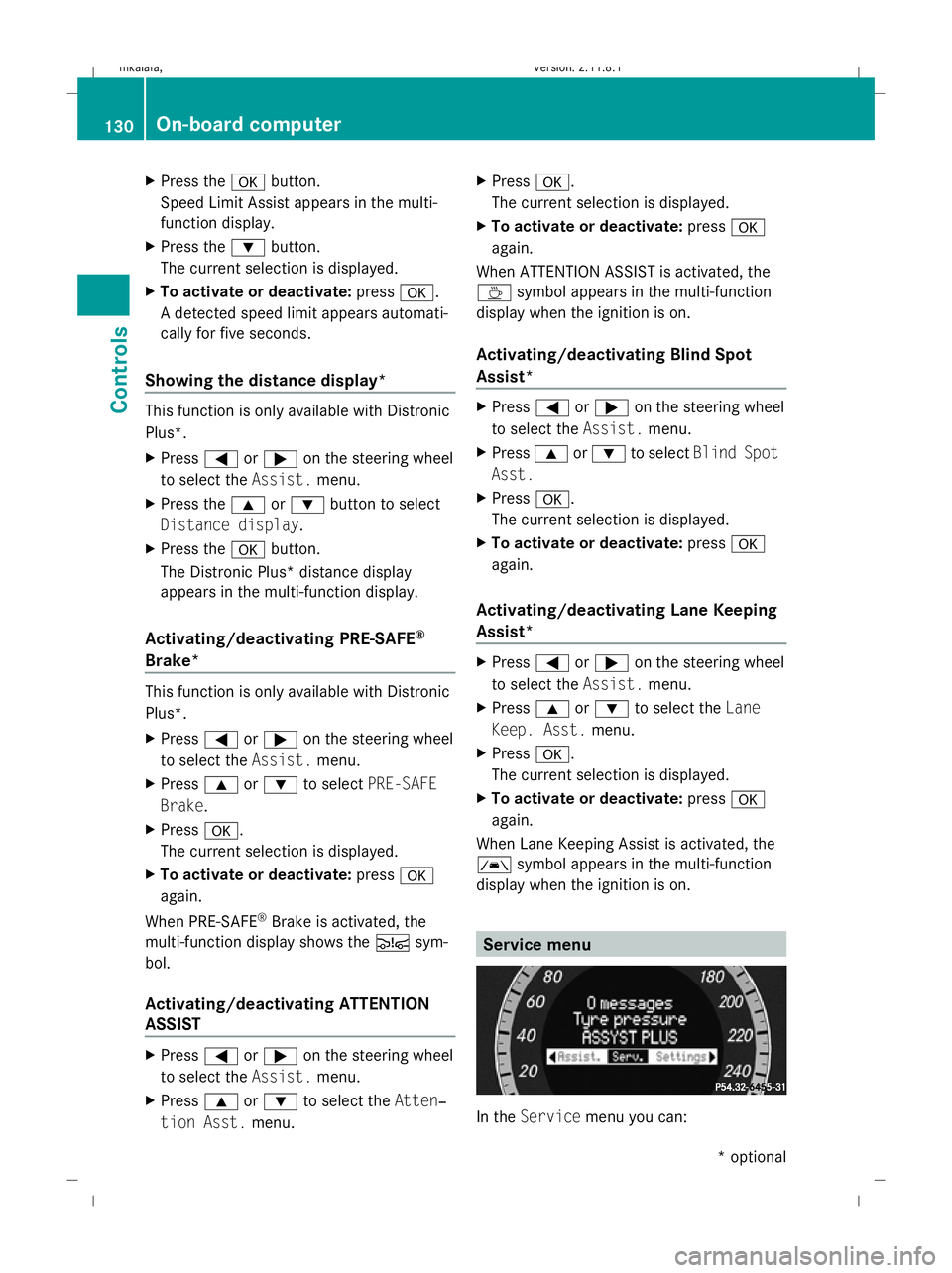
In the
Service menu you can: 130
On-board computerControls
* optional
212_AKB; 2; 4, en-GB
mkalafa,
Version: 2.11.8.1 2009-05-05T14:17:16+02:00 - Seite 130
Dateiname: 6515346702_buchblock.pdf; erzeugt am 07. May 2009 14:16:15; WK
Page 138 of 373
X
Press the abutton to confirm.
X Press the :or9 button to select the
Automatic door locks: function.
You will see the selected setting: onor
off.
X Press the abutton to save the setting.
Activating/deactivating the radar sensor
system*
i You must deactivate the radar sensor sys-
tem in certain countries and near radio
telescope facilities. You will find further
information under "Radar sensor system"
in the index.
Vehicles with a navigation system*: the radar
sensor system is deactivated automatically if
you are close to radio telescope facilities.
The following systems are switched off when
the radar sensor system is deactivated:
R Distronic Plus* (Y page 140)
R BAS PLUS* (Y page 59)
R PRE-SAFE ®
Brake* (Y page 63)
R Blind Spot Assist* (Y page 167)
X Press the =or; button on the steer-
ing wheel to select the Settingsmenu.
X Press the :or9 button to select the
Vehicle submenu.
X Press the abutton to confirm.
X Press the 9or: button to select the
Radar sensor (See Owner's Man.):
You will see the selected setting: onor
off.
X Press the abutton to save the setting.
Heating* Auxiliary heating* departure time
Only vehicles with auxiliary heating have this
submenu.
In the
Heating submenu, you can select a
stored departure time or change a departure time, at which the vehicle is preheated by the
auxiliary heating.
The auxiliary heating timer function calcu-
lates the switch-on time according to the out-
side temperature so that the vehicle is pre-
heated by the departure time. When the
departure time is reached, the auxiliary heat-
ing continues to heat for a further five
minutes and then switches off. The auxiliary
heating adopts the 2-zone Thermatic or the
3-zone Thermotronic *temperature settings.
You can switch off the auxiliary heating by
using the remote control or the auxiliary heat-
ing button on the centre console. G
Risk of poisoning
Exhaust fumes are produced when the auxili-
ary heating is in operation. Inhaling these
exhaust fumes can be poisonous. You should
therefore switch off the auxiliary heating in
confined spaces without an extraction sys-
tem, e.g. a garage. G
Risk of fire
When the auxiliary heating is in operation,
parts of the vehicle can become very hot.
Make sure that the exhaust system does
not under any circumstances come into con-
tact with highly flammable materials such as
dry grass or fuels. The highly flammable mate-
rial could otherwise ignite and set the vehicle
alight. Select your parking space accordingly.
Operating the auxiliary heating is therefore
prohibited at filling stations or when your vehi-
cle is being refuelled. Always switch off the
auxiliary heating at filling stations.
Selecting the departure time or deactivat-
ing a selected departure time
X Press the =or; button on the steer-
ing wheel to select the Settingsmenu.
X Press the :or9 button to select the
Heating submenu.
X Press the abutton to confirm.
You will see the selected setting.
X Press the abutton to confirm. On-board computer
135Controls
* optional
212_AKB; 2; 4, en-GB
mkalafa
,V ersion: 2.11.8.1
2009-05-05T14:17:16+02:00 - Seite 135 Z
Dateiname: 6515346702_buchblock.pdf; erzeugt am 07. May 2009 14:16:16; WK
Page 140 of 373
X
Press the =or; button on the steer-
ing wheel to select the Settingsmenu.
X Press the :or9 button to select the
Convenience submenu.
X Press the abutton to confirm.
X Press the :or9 button to select the
Fold in mirrors when locking: func-
tion.
You will see the selected setting: onor
off.
X Press the abutton to save the setting.
Restoring the factory settings For safety reasons, not all functions are reset:
the Limit Speed (winter tyres): func-
tion in permanent Speedtronic can only be set
in the Vehicle submenu. If you want to reset
the Daytime driving lamps: in theLight
submenu, you must turn the key in the igni-
tion lock to position 1.
X Press the =or; button on the steer-
ing wheel to select the Settingsmenu.
X Press the :or9 button to select the
Factory setting submenu.
X Press the abutton to confirm.
The Reset all settings? message
appears.
X Press the :or9 button to select
Yes orNo.
X Press the abutton to confirm the selec-
tion.
If you have selected Yes, the multi-function
display shows a confirmation message. Driving systems
Overview of driving systems
The vehicle's driving systems are described
on the following pages:
R cruise control, Distronic Plus* and Speed-
tronic, which are used to control the speed
of the vehicle
R HOLD function, which makes pulling away
easier, particularly on steep uphill gradi-
ents
R RACE START (E 63 AMG), which makes pull-
ing away on race tracks easier
R AIRMATIC* (except E 63 AMG), which is
used to adjust the vehicle's suspension
system
R AMG RIDE CONTROL sports suspension
(E 63 AMG), which is used to adjust the
vehicle's suspension system
R 4MATIC* (permanent four-wheel drive), for
optimum traction
R PARKTRONIC* and Parking Guidance*,
which assist you in finding a parking space,
as well as when manoeuvring and parking
R reversing camera*, which assists you when
parking and manoeuvring
R ATTENTION ASSIST, which helps you
detect tiredness or increasing lapses in
concentration
R Speed Limit Assist*, which shows you
speed limits that are detected in the multi-
function display
R Night View Assist Plus*, which assists you
when driving in the dark
R lane package*, which assists you with Blind
Spot Assist when changing lanes and warns
you against leaving your lane unintention-
ally with Lane Keeping Assist
The ABS, BAS, BAS PLUS*, adaptive brake
lights, ESP ®
, EBV and ADAPTIVE BRAKE driv-
ing safety systems and the PRE-SAFE ® Driving systems
137Controls
* optional
212_AKB; 2; 4, en-GB
mkalafa,
Version: 2.11.8.1 2009-05-05T14:17:16+02:00 - Seite 137 Z
Dateiname: 6515346702_buchblock.pdf; erzeugt am 07. May 2009 14:16:16; WK
Page 170 of 373
i
The infrared headlamps only switch on
when the vehicle is driving at speeds of at
least 10 km/h. This means that you do not
have the full visual range while stationary
and cannot check whether Night View
Assist Plus is working.
Pedestrian recognition The Night View Assist Plus recognises pedes-
trians using typical characteristics, i. e. a sil-
houette in the shape of a person.
Pedestrian recognition is activated, if:
R Night View Assist Plus is activated
R you are driving faster than about 10 km/h
R the surroundings are dark, e. g. when driv-
ing outside built-up areas without street
lighting
If pedestrian recognition is active, sym-
bol ?appears. If a pedestrian is now recog-
nised, they are framed =and thereby high-
lighted. If the pedestrian recognition system
has brought a pedestrian to your attention,
look through the windscreen to evaluate the
situation. The actual distance to objects and
pedestrians cannot be gauged accurately by
looking at a screen.
It may be the case that objects are highlighted
as well as pedestrians. G
Risk of accident
Pedestrian recognition may be impaired or
inoperative, if:
R pedestrians are partially or completely
obscured by objects, e. g. by parked vehi-
cles
R the silhouette in the Night View Assist Plus
display is incomplete or interrupted, e. g. by
powerful light reflections
R pedestrians do not contrast with the sur-
roundings
R pedestrians are not in an upright position,
e. g. sitting, squatting or lying i
Animals are not recognised by pedestrian
recognition.
Misted up or dirty windscreen If the windscreen in front of the camera is
misted up or dirty on the inside or outside, the
Night View Assist Plus display is affected.
X To demist: check the automatic air-condi-
tioning settings (Y page 179) and fold
down the camera cover (Y page 245).
X To demist the inside of the wind-
screen: fold down the camera cover and
clean the windscreen (Y page 242). Lane package*
The lane package consists of Blind Spot
Assist and Lane Keeping Assist.
Blind Spot Assist Blind Spot Assist uses a radar sensor system
to monitor the area on both sides of your
vehicle. It supports you when you change
lanes at speeds above 30 km/h. In each case,
a warning lamp appears in the exterior mirror
as soon as a vehicle is detected in the area
monitored. When you switch on the corre-
sponding turn signal prior to changing lanes,
you receive an optical and acoustic collision
warning. For this purpose, Blind Spot Assist
uses sensors in the rear bumper.
G
Risk of accident
Blind Spot Assist is only an aid and may not
detect all vehicles. Blind Spot Assist does not
relieve you of the responsibility of paying
attention.
Always pay attention to traffic conditions and
your surroundings. Otherwise, you may fail to
recognise dangers in time, cause an accident
and injure yourself and others.
The radar sensor system is automatically
deactivated near radio telescope facilities
(Y page 362). Driving systems
167Controls
* optional
212_AKB; 2; 4, en-GB
mkalafa,
Version: 2.11.8.1 2009-05-05T14:17:16+02:00 - Seite 167 Z
Dateiname: 6515346702_buchblock.pdf; erzeugt am 07. May 2009 14:16:26; WK