Sts MERCEDES-BENZ GLA-Class 2016 X156 Comand Manual
[x] Cancel search | Manufacturer: MERCEDES-BENZ, Model Year: 2016, Model line: GLA-Class, Model: MERCEDES-BENZ GLA-Class 2016 X156Pages: 246, PDF Size: 6.73 MB
Page 220 of 246
Option 1: selecting the area in the infor-
mation chart
XTo selectLocationin the information
chart: turn and press the controller.
XTo select the current vehicle position:
select Current Position
in the menu.
COMAND receives the weather data for the
current vehicle position from the nearest
weather station and displays it automati-
cally.
Requirement for "Near destination": a route
to a destination has been calculated
(
Ypage 71). The menu item is otherwise
grayed out.
XTo select the vicinity of the destination:
select Near Destination
: turn and press
the controller.
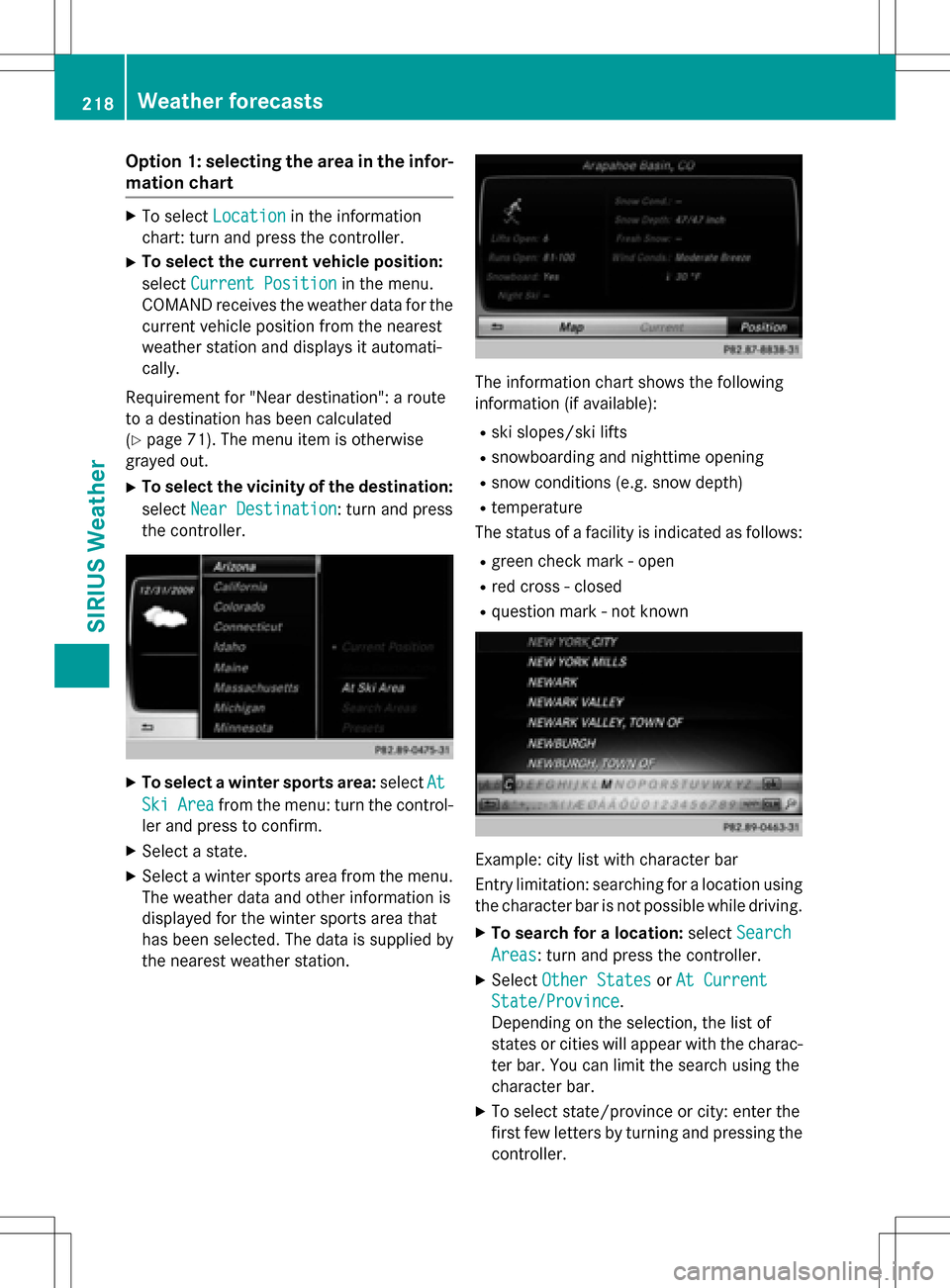
XTo select a winter sports area: selectAt
SkiAreafrom the menu: turn the control-
ler and press to confirm.
XSelect a state.
XSelect a winter sports area from the menu.
The weather data and other information is
displayed for the winter sports area that
has been selected. The data is supplied by
the nearest weather station.
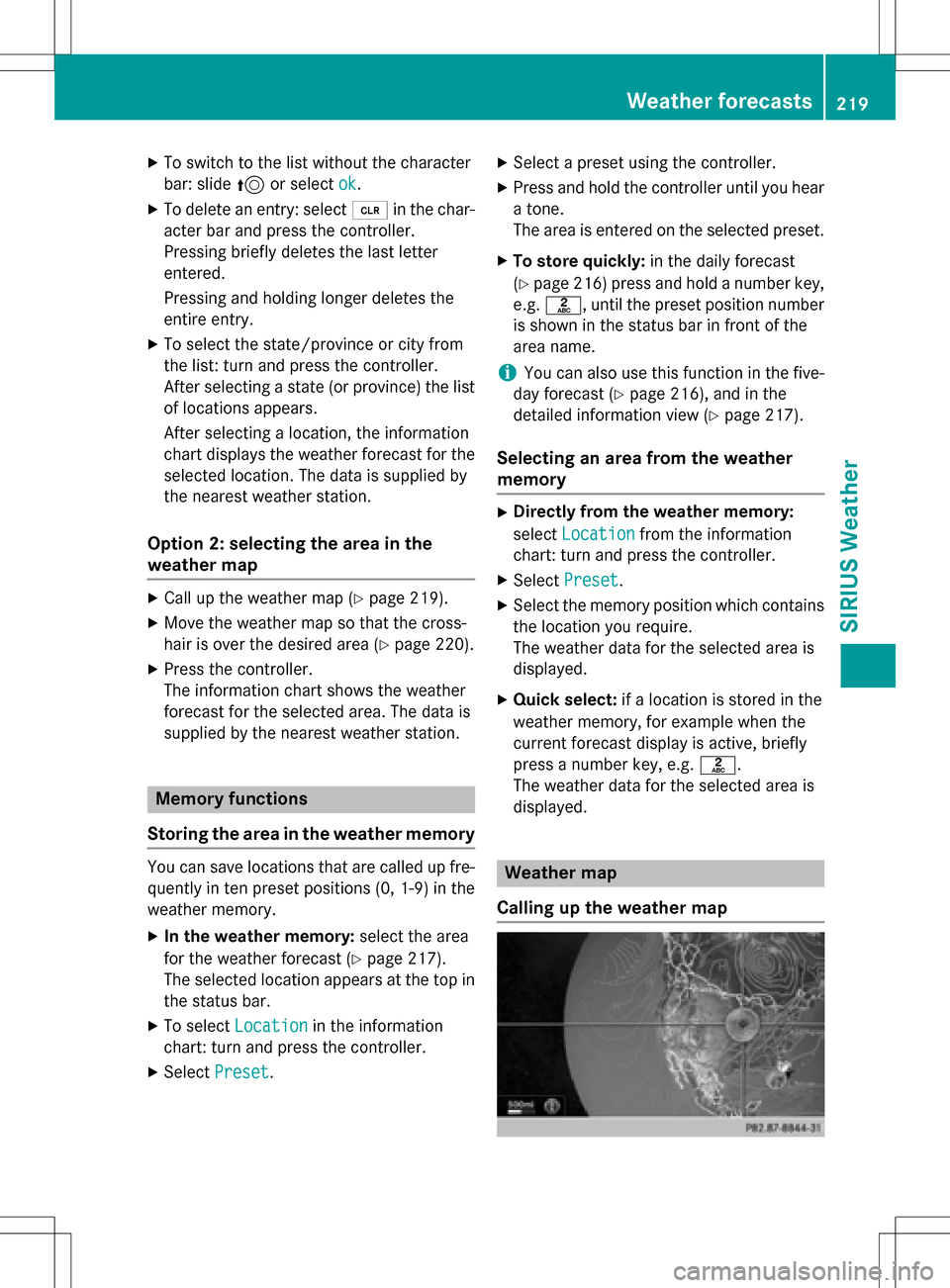
The information chart shows the following
information (if available):
Rski slopes/ski lifts
Rsnowboarding and nighttime opening
Rsnow conditions (e.g. snow depth)
Rtemperature
The status of a facility is indicated as follows:
Rgreen check mark - open
Rred cross - closed
Rquestion mark - not known
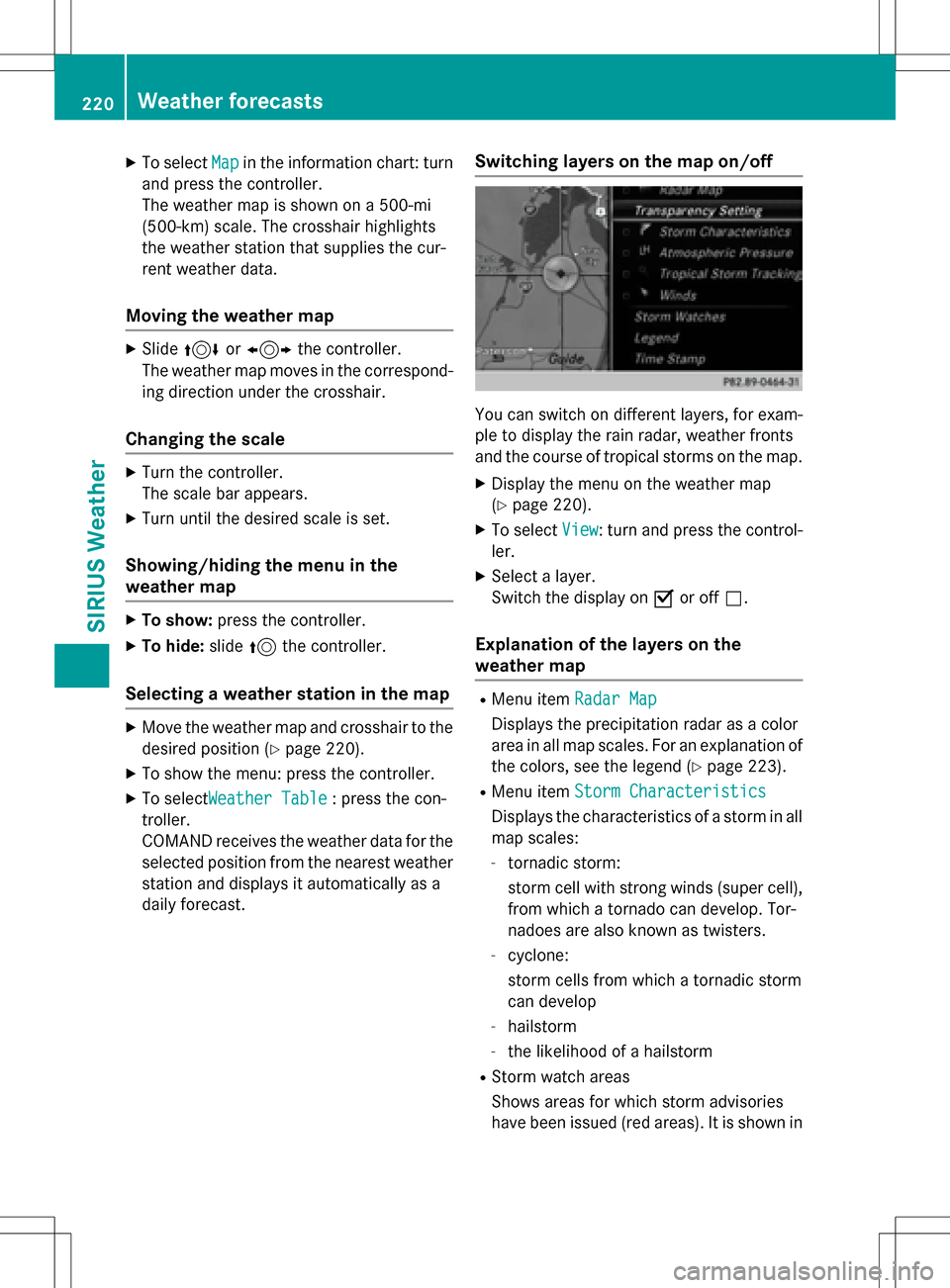
Example: city list with character bar
Entry limitation: searching for a location using
the character bar is not possible while driving.
XTo search for a location: selectSearch
Areas: turn and press the controller.
XSelect Other StatesorAt Current
State/Province.
Depending on the selection, the list of
states or cities will appear with the charac-
ter bar. You can limit the search using the
character bar.
XTo select state/province or city: enter the
first few letters by turning and pressing the
controller.
218Weather forecasts
SIRIUS Weather
Page 221 of 246
XTo switch to the list without the character
bar: slide5or select ok
.
XTo delete an entry: select 2in the char-
acter bar and press the controller.
Pressing briefly deletes the last letter
entered.
Pressing and holding longer deletes the
entire entry.
XTo select the state/province or city from
the list: turn and press the controller.
After selecting a state (or province) the list of locations appears.
After selecting a location, the information
chart displays the weather forecast for the
selected location. The data is supplied by
the nearest weather station.
Option 2: selecting the area in the
weather map
XCall up the weather map (Ypage 219).
XMove the weather map so that the cross-
hair is over the desired area (
Ypage 220).
XPress the controller.
The information chart shows the weather
forecast for the selected area. The data is
supplied by the nearest weather station.
Memory functions
Storing the area in the weather memory
You can save locations that are called up fre-
quently in ten preset positions (0, 1-9) in the
weather memory.
XIn the weather memory: select the area
for the weather forecast (
Ypage 217).
The selected location appears at the top in
the status bar.
XTo select Locationin the information
chart: turn and press the controller.
XSelect Preset.
XSelect a preset using the controller.
XPress and hold the controller until you hear
a tone.
The area is entered on the selected preset.
XTo store quickly: in the daily forecast
(
Ypage 216) press and hold a number key,
e.g. l, until the preset position number
is shown in the status bar in front of the
area name.
iYou can also use this function in the five-
day forecast (
Ypage 216), and in the
detailed information view (
Ypage 217).
Selecting an area from the weather
memory
XDirectly from the weather memory:
select Location
from the information
chart: turn and press the controller.
XSelect Preset.
XSelect the memory position which contains
the location you require.
The weather data for the selected area is
displayed.
XQuick select: if a location is stored in the
weather memory, for example when the
current forecast display is active, briefly
press a number key, e.g. l.
The weather data for the selected area is
displayed.
Weather map
Calling up the weather map
Weather forecasts219
SIRIUS Weather
Page 222 of 246
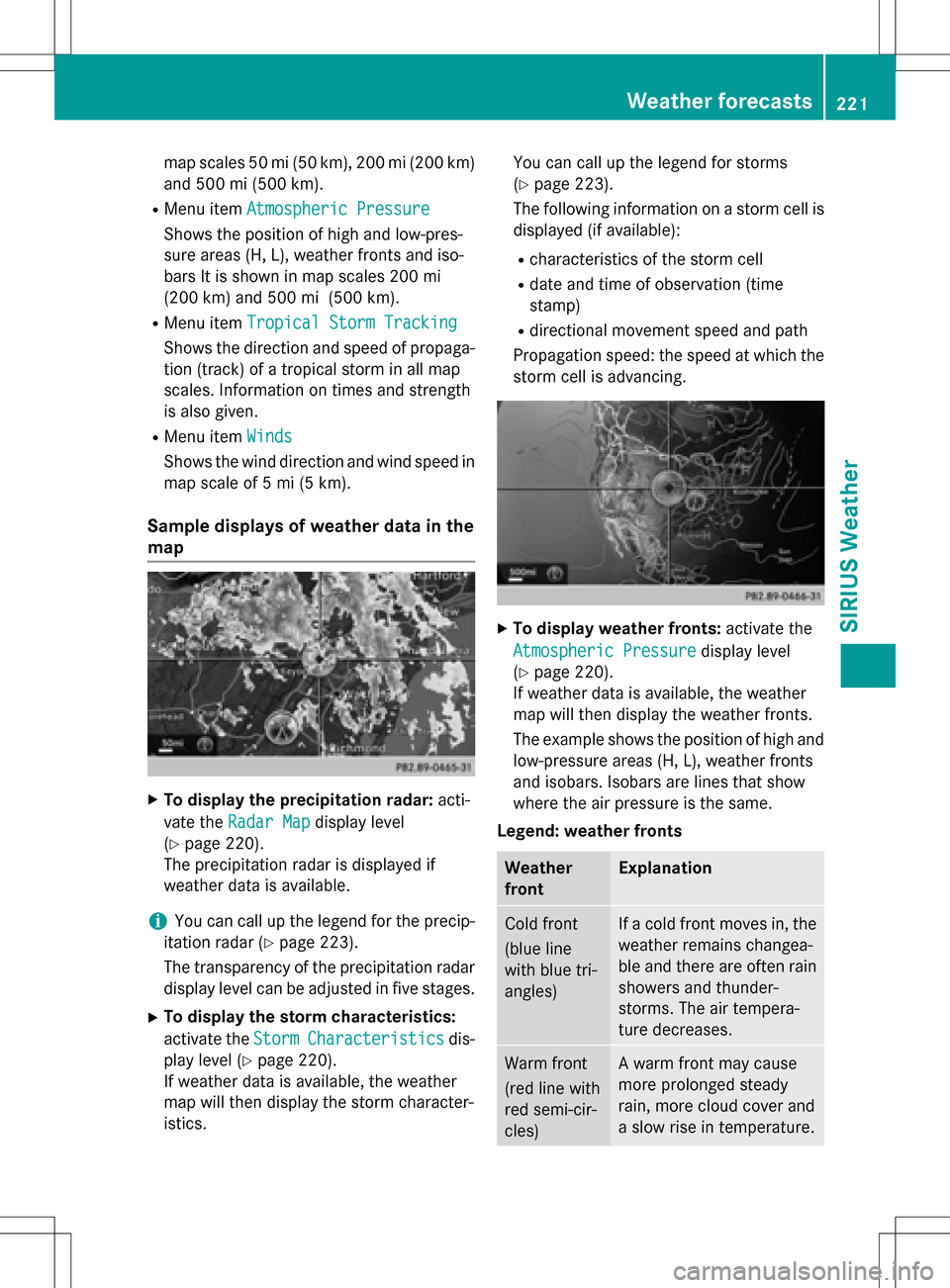
XTo selectMapin the information chart: turn
and press the controller.
The weather map is shown on a 500-mi
(500-km) scale. The crosshair highlights
the weather station that supplies the cur-
rent weather data.
Moving the weather map
XSlide 4 or1 the controller.
The weather map moves in the correspond-
ing direction under the crosshair.
Changing the scale
XTurn the controller.
The scale bar appears.
XTurn until the desired scale is set.
Showing/hiding the menu in the
weather map
XTo show: press the controller.
XTo hide:slide5the controller.
Selecting a weather station in the map
XMove the weather map and crosshair to the
desired position (
Ypage 220).
XTo show the menu: press the controller.
XTo select Weather Table: press the con-
troller.
COMAND receives the weather data for the
selected position from the nearest weather
station and displays it automatically as a
daily forecast.
Switching layers on the map on/off
You can switch on different layers, for exam-
ple to display the rain radar, weather fronts
and the course of tropical storms on the map.
XDisplay the menu on the weather map
(
Ypage 220).
XTo select View: turn and press the control-
ler.
XSelect a layer.
Switch the display on Oor off ª.
Explanation of the layers on the
weather map
RMenu item Radar Map
Displays the precipitation radar as a color
area in all map scales. For an explanation of
the colors, see the legend (
Ypage 223).
RMenu itemStorm Characteristics
Displays the characteristics of a storm in all
map scales:
-tornadic storm:
storm cell with strong winds (super cell),
from which a tornado can develop. Tor-
nadoes are also known as twisters.
-cyclone:
storm cells from which a tornadic storm
can develop
-hailstorm
-the likelihood of a hailstorm
RStorm watch areas
Shows areas for which storm advisories
have been issued (red areas). It is shown in
220Weather forecasts
SIRIUS Weather
Page 223 of 246
map scales 50 mi (50 km), 200 mi (200 km)
and 500 mi (500 km).
RMenu itemAtmospheric Pressure
Shows the position of high and low-pres-
sure areas (H, L), weather fronts and iso-
bars It is shown in map scales 200 mi
(200 km) and 500 mi (500 km).
RMenu itemTropical Storm Tracking
Shows the direction and speed of propaga-
tion (track) of a tropical storm in all map
scales. Information on times and strength
is also given.
RMenu item Winds
Shows the wind direction and wind speed in
map scale of 5 mi (5 km).
Sample displays of weather data in the
map
XTo display the precipitation radar: acti-
vate the Radar Map
display level
(
Ypage 220).
The precipitation radar is displayed if
weather data is available.
iYou can call up the legend for the precip-
itation radar (
Ypage 223).
The transparency of the precipitation radar
display level can be adjusted in five stages.
XTo display the storm characteristics:
activate the Storm
Characteristicsdis-
play level (
Ypage 220).
If weather data is available, the weather
map will then display the storm character-
istics. You can call up the legend for storms
(
Ypage 223).
The following information on a storm cell is displayed (if available):
Rcharacteristics of the storm cell
Rdate and time of observation (time
stamp)
Rdirectional movement speed and path
Propagation speed: the speed at which the
storm cell is advancing.
XTo display weather fronts: activate the
Atmospheric Pressure
display level
(
Ypage 220).
If weather data is available, the weather
map will then display the weather fronts.
The example shows the position of high and
low-pressure areas (H, L), weather fronts
and isobars. Isobars are lines that show
where the air pressure is the same.
Legend: weather fronts
Weather
frontExplanation
Cold front
(blue line
with blue tri-
angles)If a cold front moves in, the
weather remains changea-
ble and there are often rain
showers and thunder-
storms. The air tempera-
ture decreases.
Warm front
(red line with
red semi-cir-
cles)A warm front may cause
more prolonged steady
rain, more cloud cover and
a slow rise in temperature.
Weather forecasts221
SIRIUS Weather
Page 224 of 246
Weather
frontExplanation
Stationary
front
(red and blue
line with red
semi-circles
and blue tri-
angles)The weather front moves
minimally. The weather
remains changeable in this
area.
Occlusion
(purple line
with purple
semi-circles
and trian-
gles)When the faster cold front
catches up and joins the
warm front ahead of it, an
occluded front is formed.
The weather remains
changeable and rainy
within an occlusion.
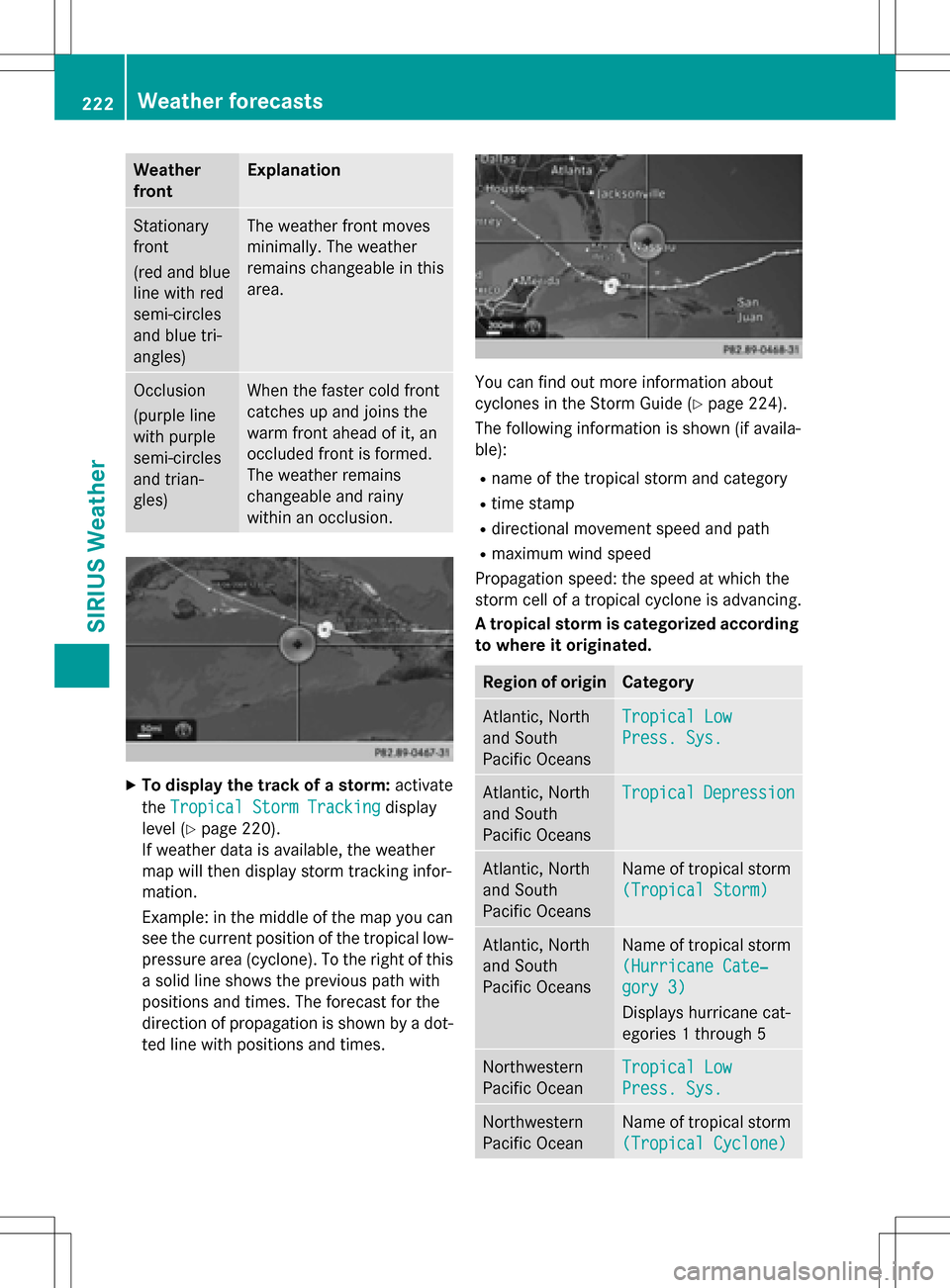
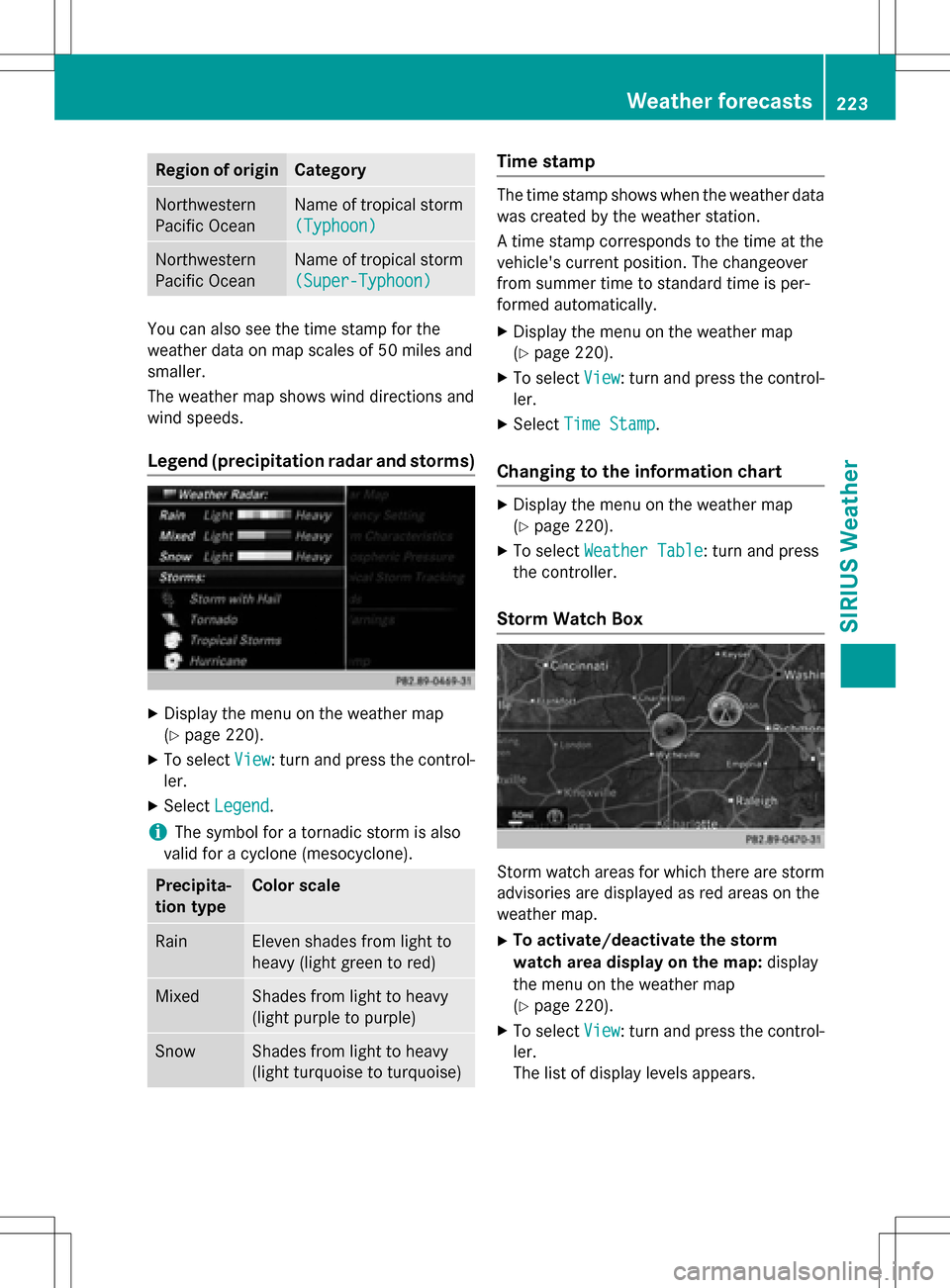
XTo display the track of a storm:activate
the Tropical Storm Tracking
display
level (
Ypage 220).
If weather data is available, the weather
map will then display storm tracking infor-
mation.
Example: in the middle of the map you can
see the current position of the tropical low-
pressure area (cyclone). To the right of this
a solid line shows the previous path with
positions and times. The forecast for the
direction of propagation is shown by a dot-
ted line with positions and times.
You can find out more information about
cyclones in the Storm Guide (
Ypage 224).
The following information is shown (if availa-
ble):
Rname of the tropical storm and category
Rtime stamp
Rdirectional movement speed and path
Rmaximum wind speed
Propagation speed: the speed at which the
storm cell of a tropical cyclone is advancing.
A tropical storm is categorized according to where it originated.
Region of originCategory
Atlantic, North
and South
Pacific OceansTropical Low
Press. Sys.
Atlantic, North
and South
Pacific OceansTropicalDepression
Atlantic, North
and South
Pacific OceansName of tropical storm
(Tropical Storm)
Atlantic, North
and South
Pacific OceansName of tropical storm
(Hurricane Cate‐
gory 3)
Displays hurricane cat-
egories 1 through 5
Northwestern
Pacific OceanTropical Low
Press. Sys.
Northwestern
Pacific OceanName of tropical storm
(Tropical Cyclone)
222Weather forecasts
SIRIUS Weather
Page 225 of 246
Region of originCategory
Northwestern
Pacific OceanName of tropical storm
(Typhoon)
Northwestern
Pacific OceanName of tropical storm
(Super-Typhoon)
You can also see the time stamp for the
weather data on map scales of 50 miles and
smaller.
The weather map shows wind directions and
wind speeds.
Legend (precipitation radar and storms)
XDisplay the menu on the weather map
(
Ypage 220).
XTo selectView: turn and press the control-
ler.
XSelect Legend.
iThe symbol for a tornadic storm is also
valid for a cyclone (mesocyclone).
Precipita-
tion typeColor scale
RainEleven shades from light to
heavy (light green to red)
MixedShades from light to heavy
(light purple to purple)
SnowShades from light to heavy
(light turquoise to turquoise)
Time stamp
The time stamp shows when the weather data
was created by the weather station.
A time stamp corresponds to the time at the
vehicle's current position. The changeover
from summer time to standard time is per-
formed automatically.
XDisplay the menu on the weather map
(
Ypage 220).
XTo select View: turn and press the control-
ler.
XSelect Time Stamp.
Changing to the information chart
XDisplay the menu on the weather map
(
Ypage 220).
XTo select Weather Table: turn and press
the controller.
Storm Watch Box
Storm watch areas for which there are storm
advisories are displayed as red areas on the
weather map.
XTo activate/deactivate the storm
watch area display on the map: display
the menu on the weather map
(
Ypage 220).
XTo select View: turn and press the control-
ler.
The list of display levels appears.
Weather forecasts223
SIRIUS Weather
Page 226 of 246
XSelectStorm Watch.
XSelectShowSymbolsforStormAreas
On Map.
Storm watch areas are displayed Oor are
not displayed ªon the map.
XTo activate/deactivate the automatic
display of storm advisories: selectDis‐
play Storm Watch Automatically.
Storm advisories are automatically dis-
played Oor not displayed ªon the map.
XTo set the radius for storm advisories:
select 5 Miles
,50 Milesor 200 Miles.
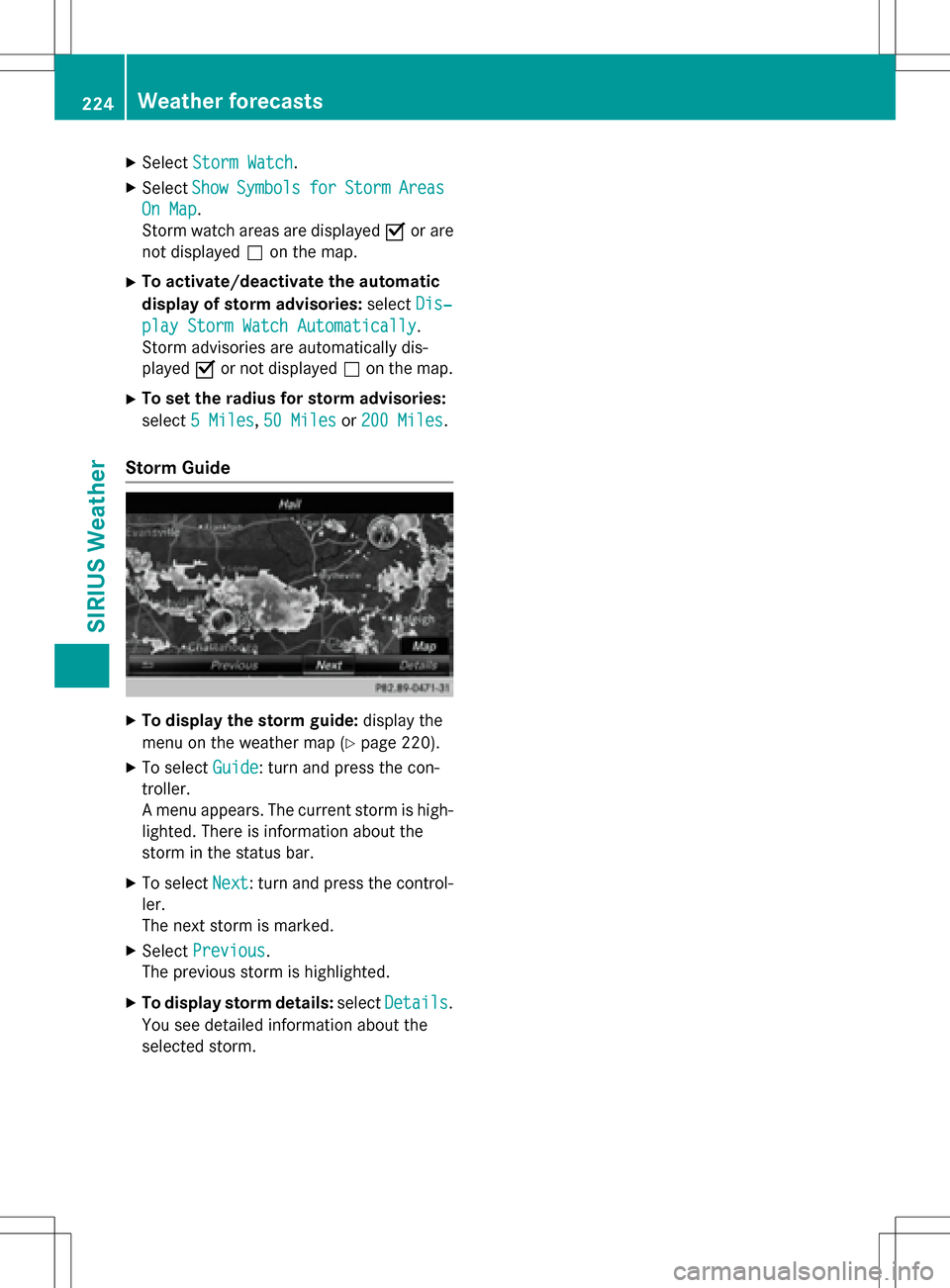
Storm Guide
XTo display the storm guide: display the
menu on the weather map (
Ypage 220).
XTo select Guide: turn and press the con-
troller.
A menu appears. The current storm is high-
lighted. There is information about the
storm in the status bar.
XTo select Next: turn and press the control-
ler.
The next storm is marked.
XSelect Previous.
The previous storm is highlighted.
XTo display storm details: selectDetails.
You see detailed information about the
selected storm.
224Weather forecasts
SIRIUS Weather
Page 229 of 246
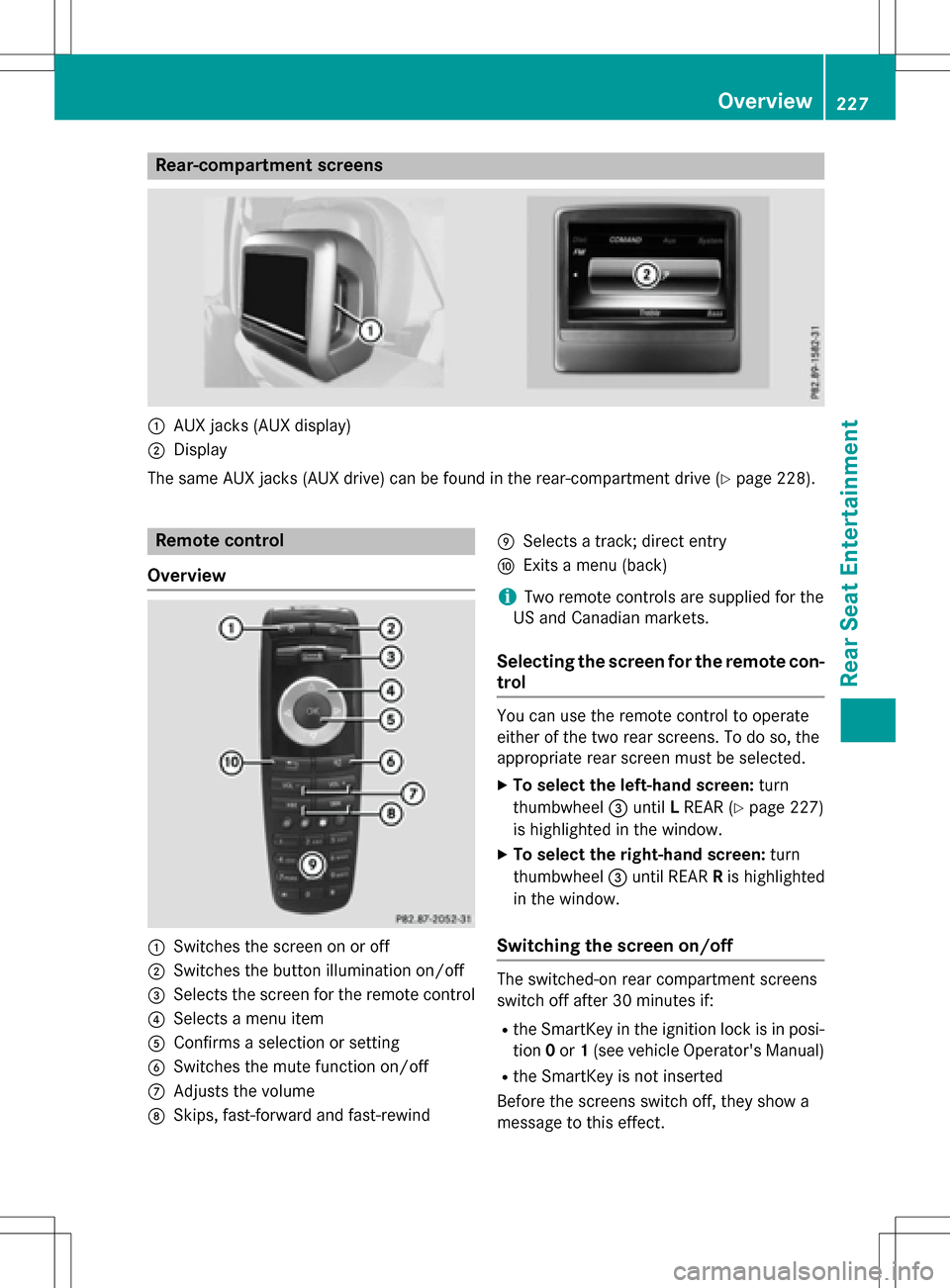
Rear-compartment screens
:AUX jacks (AUX display)
;Display
The same AUX jacks (AUX drive) can be found in the rear-compartment drive (
Ypage 228).
Remote control
Overview
:Switches the screen on or off
;Switches the button illumination on/off
=Selects the screen for the remote control
?Selects a menu item
AConfirms a selection or setting
BSwitches the mute function on/off
CAdjusts the volume
DSkips, fast-forward and fast-rewind
ESelects a track; direct entry
FExits a menu (back)
iTwo remote controls are supplied for the
US and Canadian markets.
Selecting the screen for the remote con-
trol
You can use the remote control to operate
either of the two rear screens. To do so, the
appropriate rear screen must be selected.
XTo select the left-hand screen: turn
thumbwheel =until LREAR (
Ypage 227)
is highlighted in the window.
XTo select the right-hand screen: turn
thumbwheel =until REAR Ris highlighted
in the window.
Switching the screen on/off
The switched-on rear compartment screens
switch off after 30 minutes if:
Rthe SmartKey in the ignition lock is in posi-
tion 0or 1(see vehicle Operator's Manual)
Rthe SmartKey is not inserted
Before the screens switch off, they show a
message to this effect.
Overview227
Rear Seat Entertainment
Z