display MERCEDES-BENZ GLC 2019 Manual PDF
[x] Cancel search | Manufacturer: MERCEDES-BENZ, Model Year: 2019, Model line: GLC, Model: MERCEDES-BENZ GLC 2019Pages: 370, PDF Size: 19.55 MB
Page 210 of 370
Important safety notes
GWARNING
If you operate information systems and com-
munication equipment integrated in the vehi-
cle when driving, you may be distracted from
the traffic situation. You could also lose con-
trol of the vehicle. There is a risk of an acci-
dent.
Only operate this equipment when the traffic
situation permits. If you are not sure that this
is possible, park the vehicle paying attention
to traffic conditions and operate the equip-
ment when the vehicle is stationary.
You must observe the legal requirements for thecountry in which you are currently driving whenoperating the on-board computer.
GWARNING
If the instrument cluster has failed or mal-
functioned, you may not recognize function
restrictions in systems relevant to safety. The
operating safety of your vehicle may be
impaired. There is a risk of an accident.
Drive on carefully. Have the vehicle checked
at a qualified specialist workshop immedi-
ately.
If the operating safety of your vehicle isimpaired, pull over as soon as it is safe to do so.Contact a qualified specialist workshop.
The on-board computer only shows messages orwarnings from certain systems in the multifunc-tion display. You should therefore make sureyour vehicle is operating safely at all times.
For an overview, see the instrument panel illus-tration (Ypage 36).
Displays and operation
Instrument cluster lighting
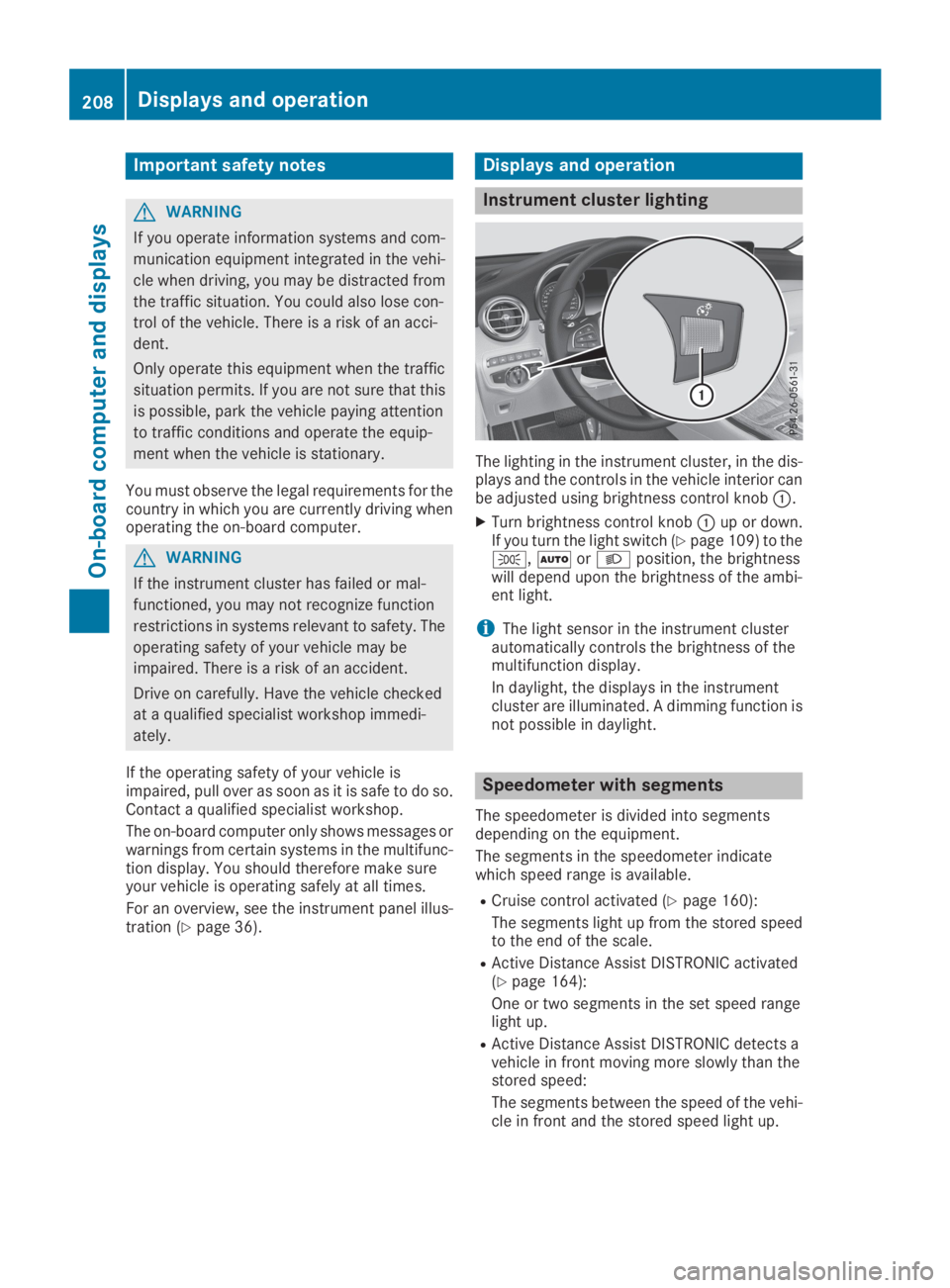
The lighting in the instrument cluster, in the dis-plays and the controls in the vehicle interior canbe adjusted using brightness control knobC.
XTurn brightness control knobCup or down.If you turn the light switch (Ypage 109) to the`,XorXposition, the brightnesswill depend upon the brightness of the ambi-ent light.
iThe light sensor in the instrument clusterautomatically controls the brightness of themultifunction display.
In daylight, the displays in the instrumentcluster are illuminated. A dimming function isnot possible in daylight.
Speedometer with segments
The speedometer is divided into segmentsdepending on the equipment.
The segments in the speedometer indicatewhich speed range is available.
RCruise control activated (Ypage 160):
The segments light up from the stored speedto the end of the scale.
RActive Distance Assist DISTRONIC activated(Ypage 164):
One or two segments in the set speed rangelight up.
RActive Distance Assist DISTRONIC detects avehicle in front moving more slowly than thestored speed:
The segments between the speed of the vehi-cle in front and the stored speed light up.
208Displays and operation
On-board computer and displays
Page 211 of 370
Tachometer
!Do not drive in the overrevving range, as thiscould damage the engine.
The red band in the tachometer indicates theengine's overrevving range.
The fuel supply is interrupted to protect theengine when the red band is reached.
Outside temperature display
You should pay special attention to road condi-tions when temperatures are around freezingpoint.
Bear in mind that the outside temperature dis-play indicates the temperature measured anddoes not record the road temperature.
The outside temperature display is in the multi-function display (Ypage 210).
Changes in the outside temperature are dis-played after a short delay.
Coolant temperature gage
GWARNING
Opening the hood when the engine is over-
heated or when there is a fire in the engine
compartment could expose you to hot gases
or other service products. There is a risk of
injury.
Let an overheated engine cool down before
opening the hood. If there is a fire in the
engine compartment, keep the hood closed
and contact the fire department.
!If the coolant temperature is too high, a dis-play message is shown.
If the coolant temperature display is in thearea marked in red, do not continue driving.Otherwise, the engine will be damaged.
The coolant temperature gauge is in the lowersection of the tachometer (Ypage 36).
Under normal operating conditions and at thecorrect coolant level, the display may rise to thered mark.
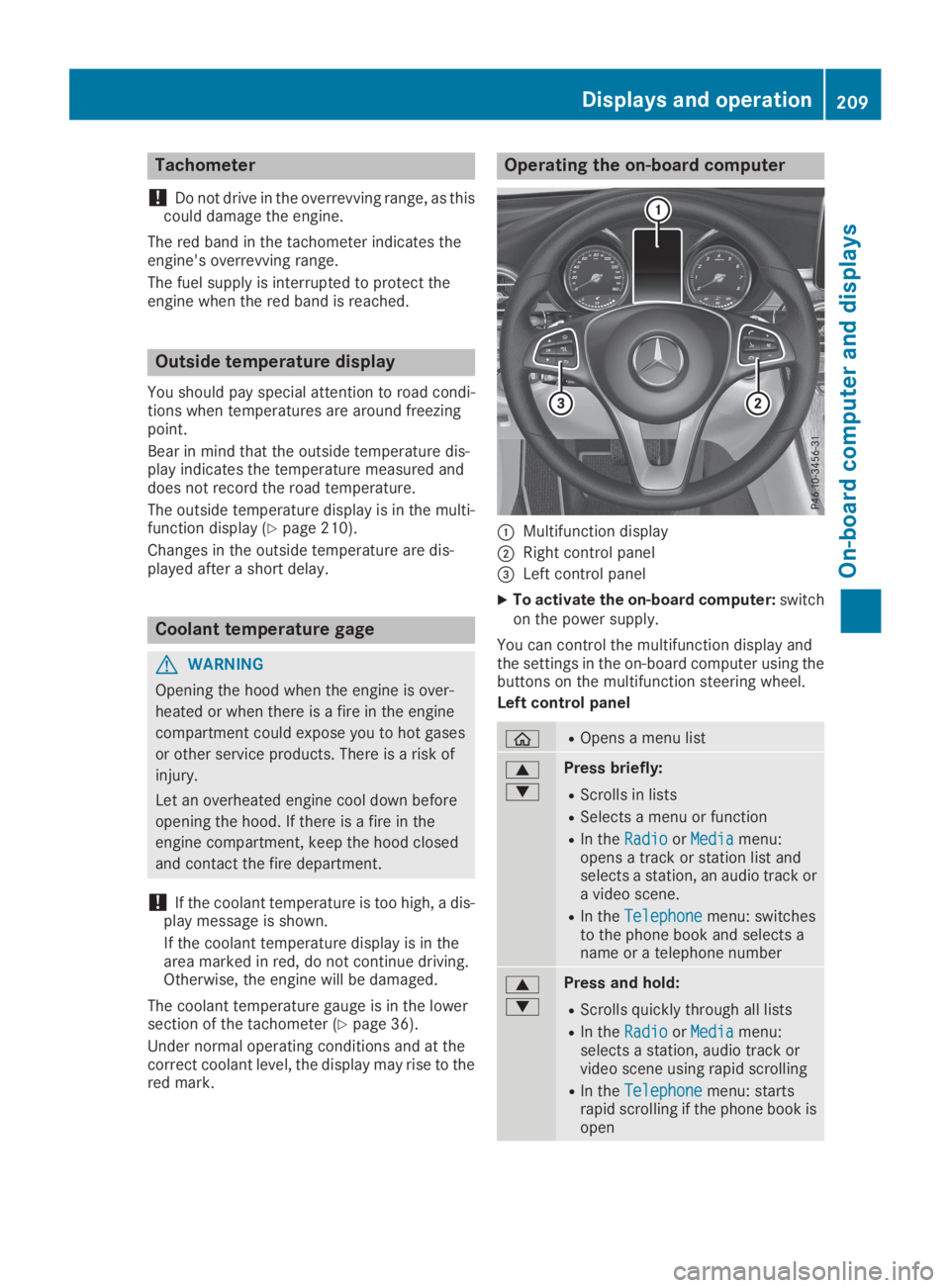
Operating the on-board computer
CMultifunction display
DRight control panel
Page 214 of 370
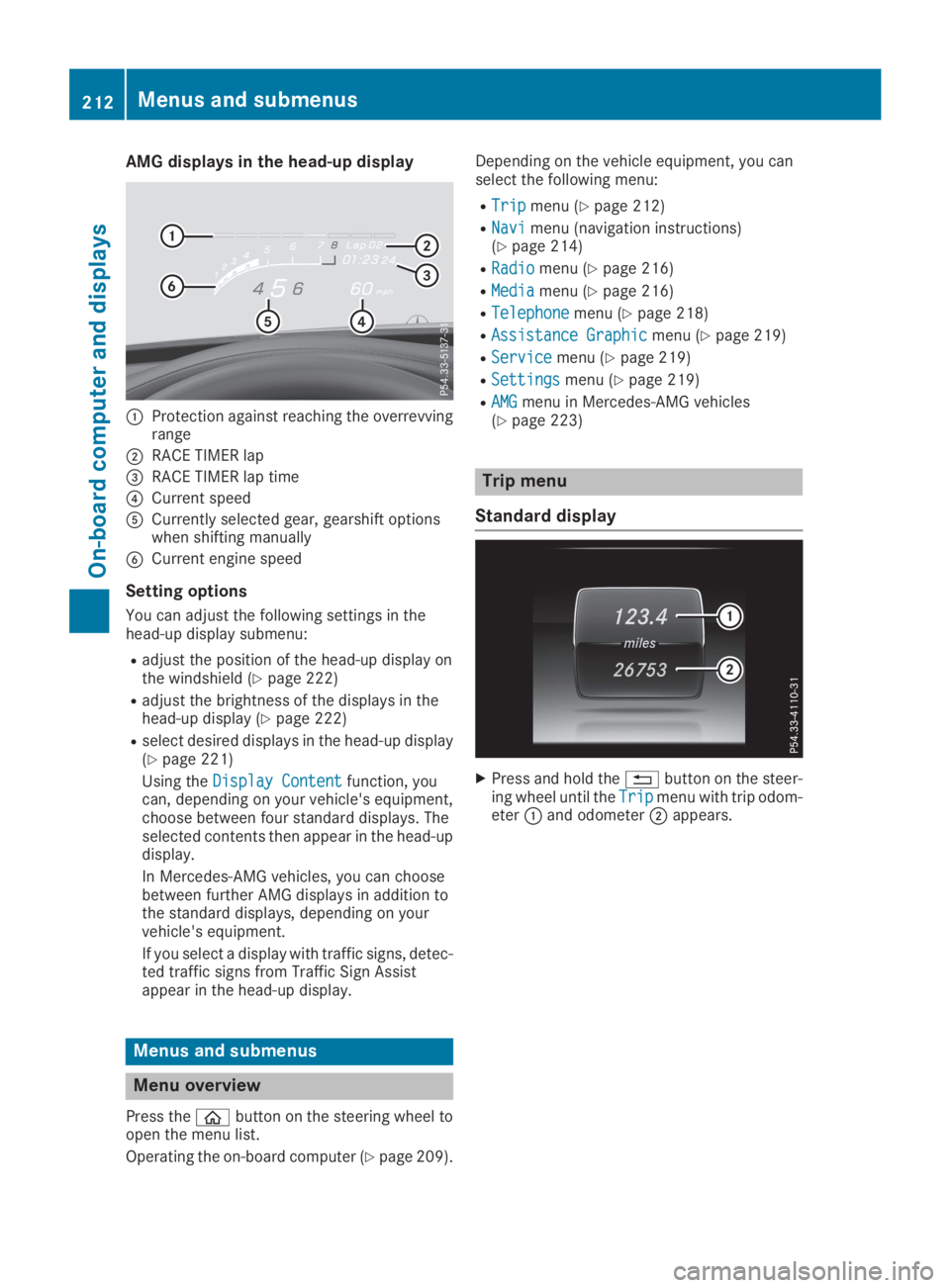
AMG displays in the head-up display
CProtection against reaching the overrevvingrange
DRACE TIMER lap
Page 215 of 370
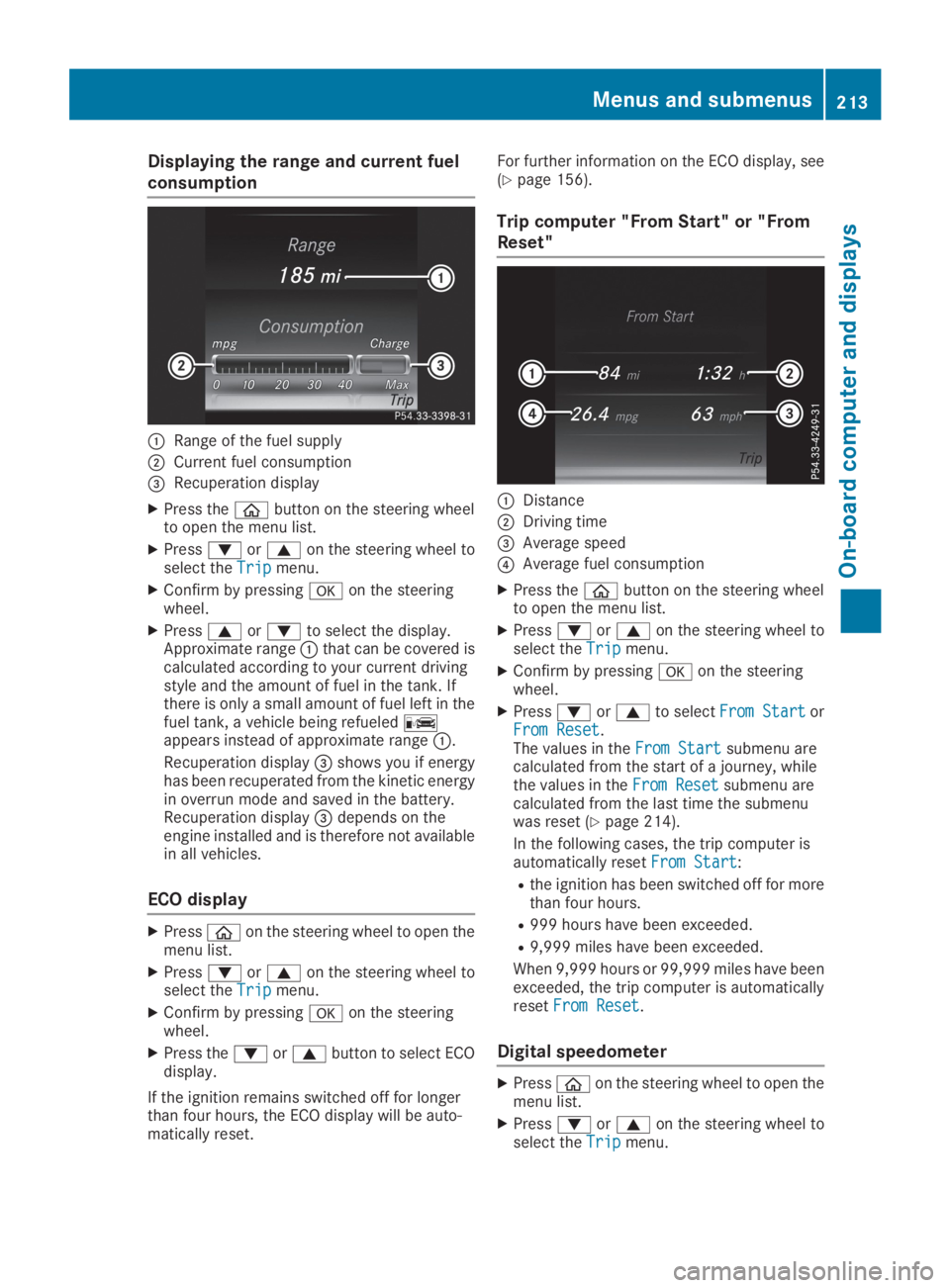
Displaying the range and current fuel
consumption
CRange of the fuel supply
DCurrent fuel consumption
Page 221 of 370
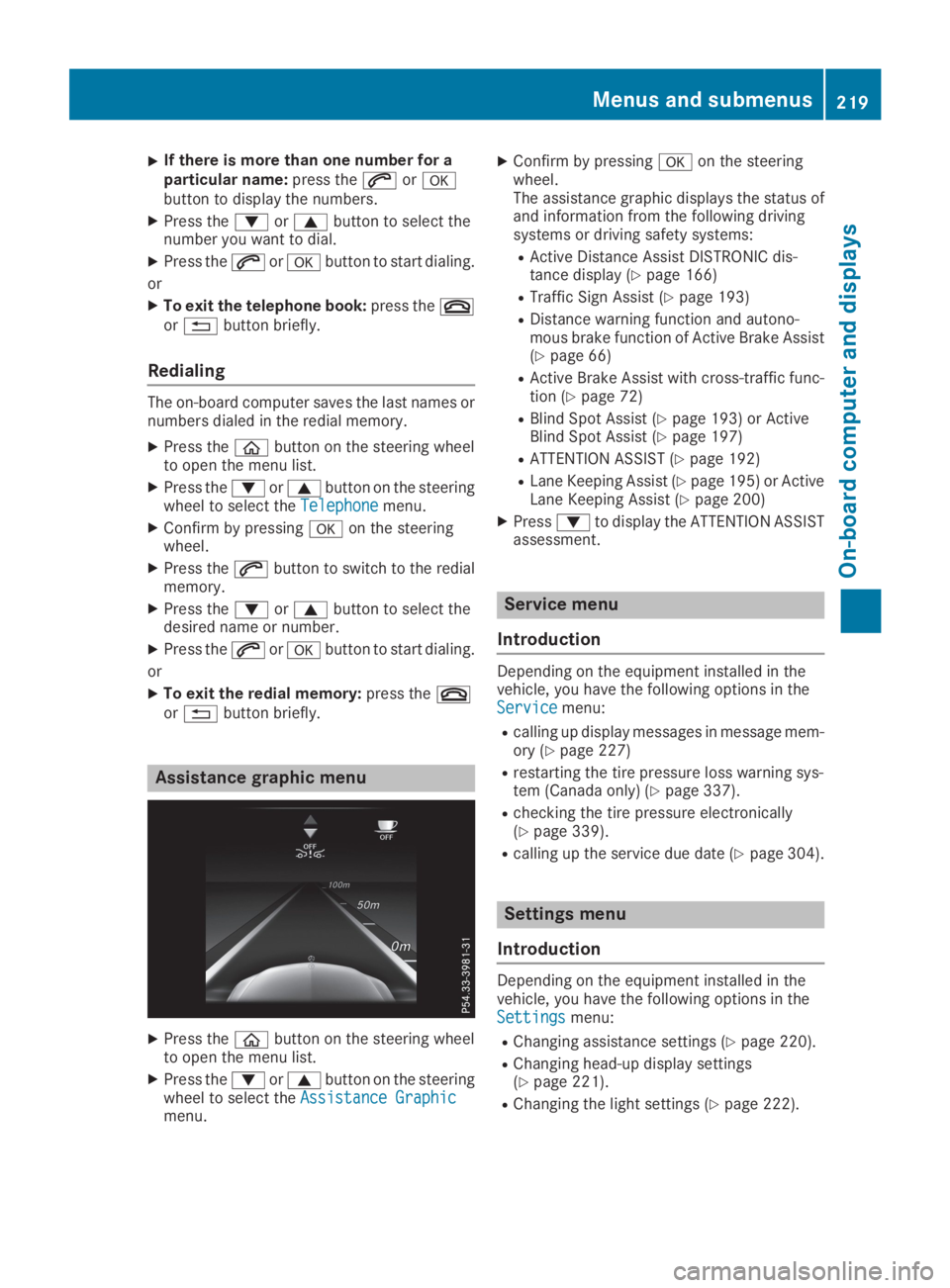
XIf there is more than one number for aparticular name:press theaorvbutton to display the numbers.
XPress thedorcbutton to select thenumber you want to dial.
XPress theaorvbutton to start dialing.
or
XTo exit the telephone book:press thevor8button briefly.
Redialing
The on-board computer saves the last names ornumbers dialed in the redial memory.
XPress the
Page 222 of 370
RChanging the instrument cluster settings(Ypage 222).
RRestoring the factory settings (Ypage 223).
Assistance submenu
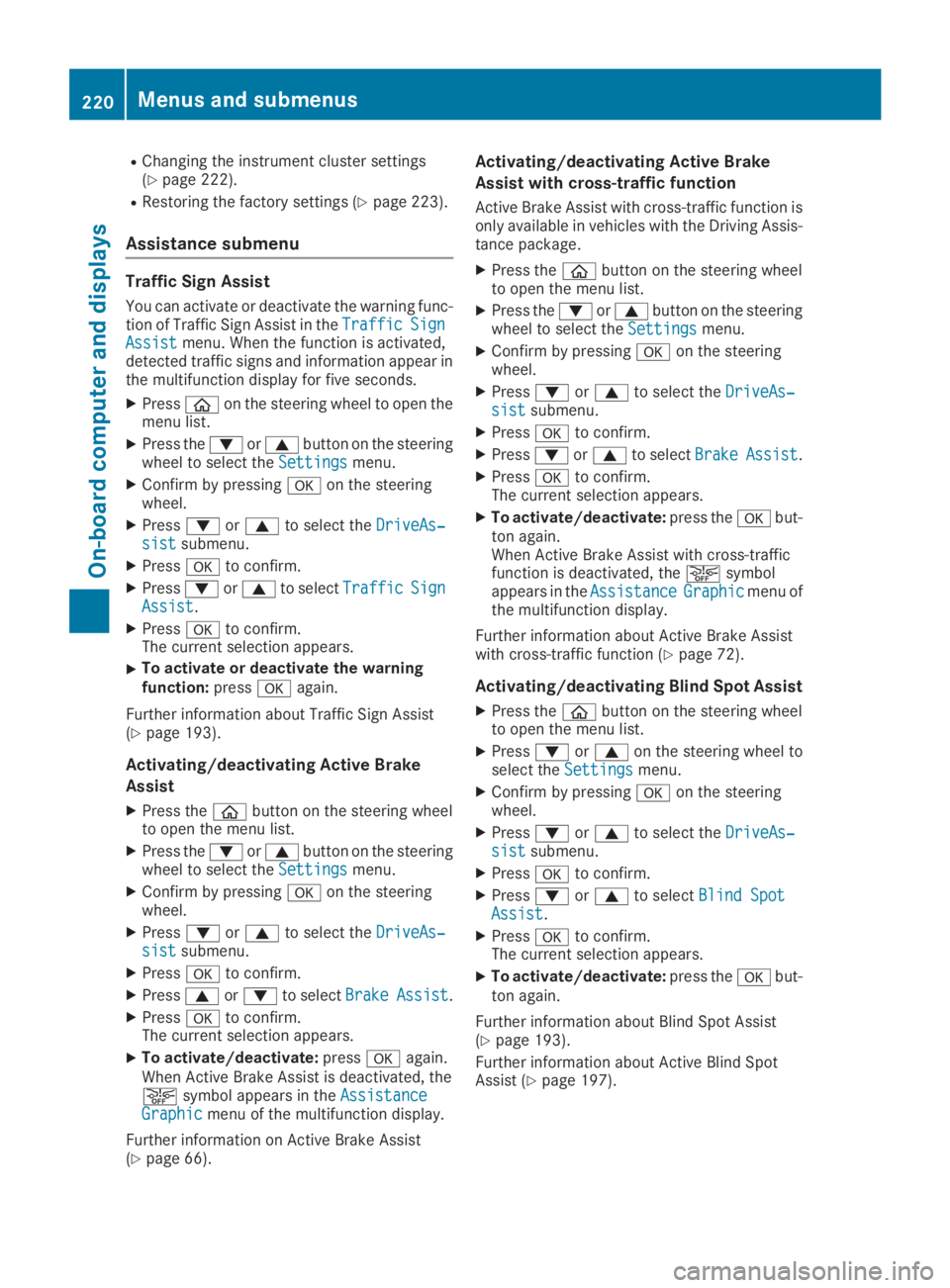
Traffic Sign Assist
You can activate or deactivate the warning func-tion of Traffic Sign Assist in theTrafficTrafficSignSignAssistAssistmenu. When the function is activated,detected traffic signs and information appear inthe multifunction display for five seconds.
XPress
Page 224 of 370
Information on displays of Traffic Sign Assist(Ypage 193).
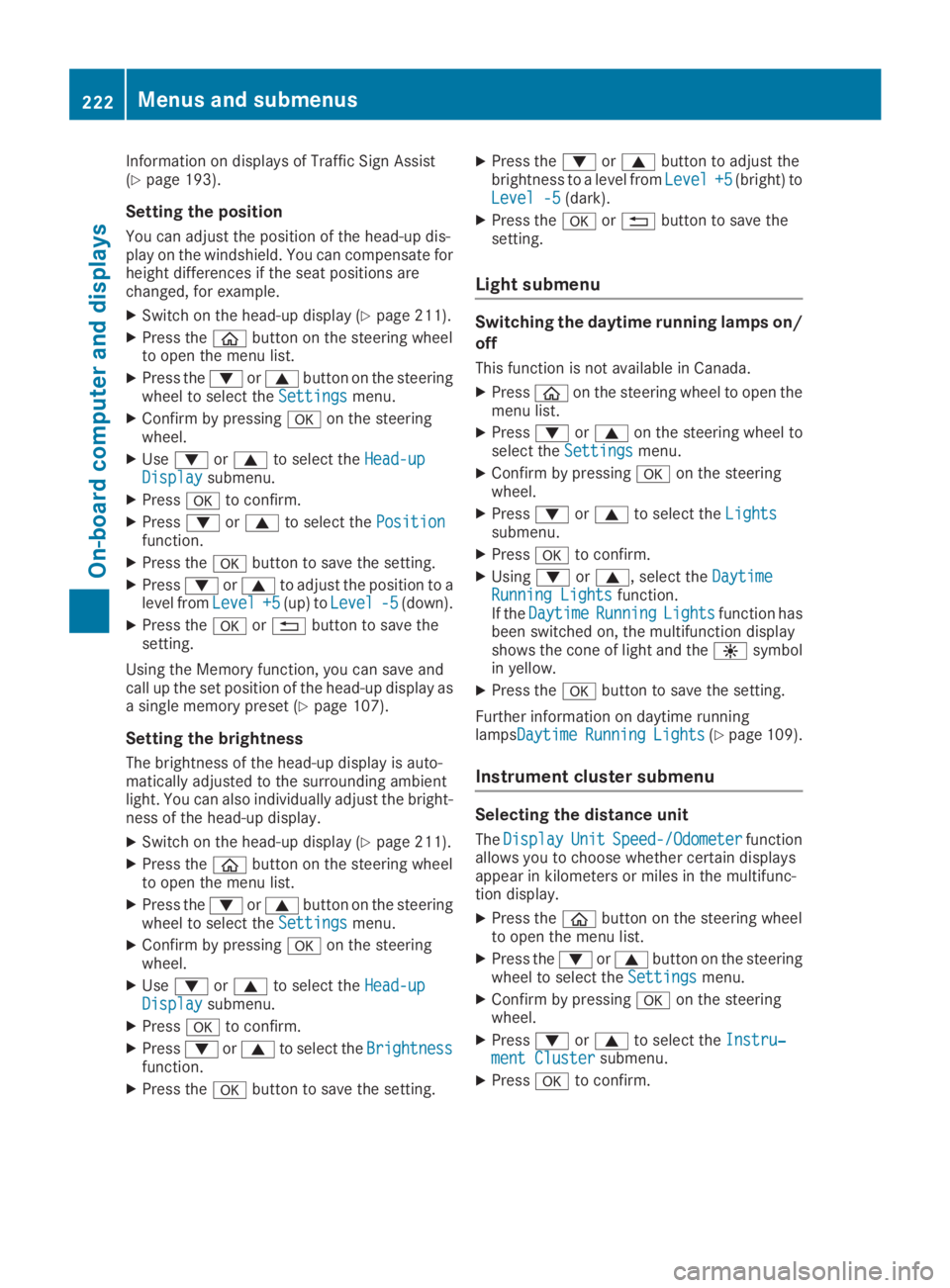
Setting the position
You can adjust the position of the head-up dis-play on the windshield. You can compensate forheight differences if the seat positions arechanged, for example.
XSwitch on the head-up display (Ypage 211).
XPress the
Page 225 of 370
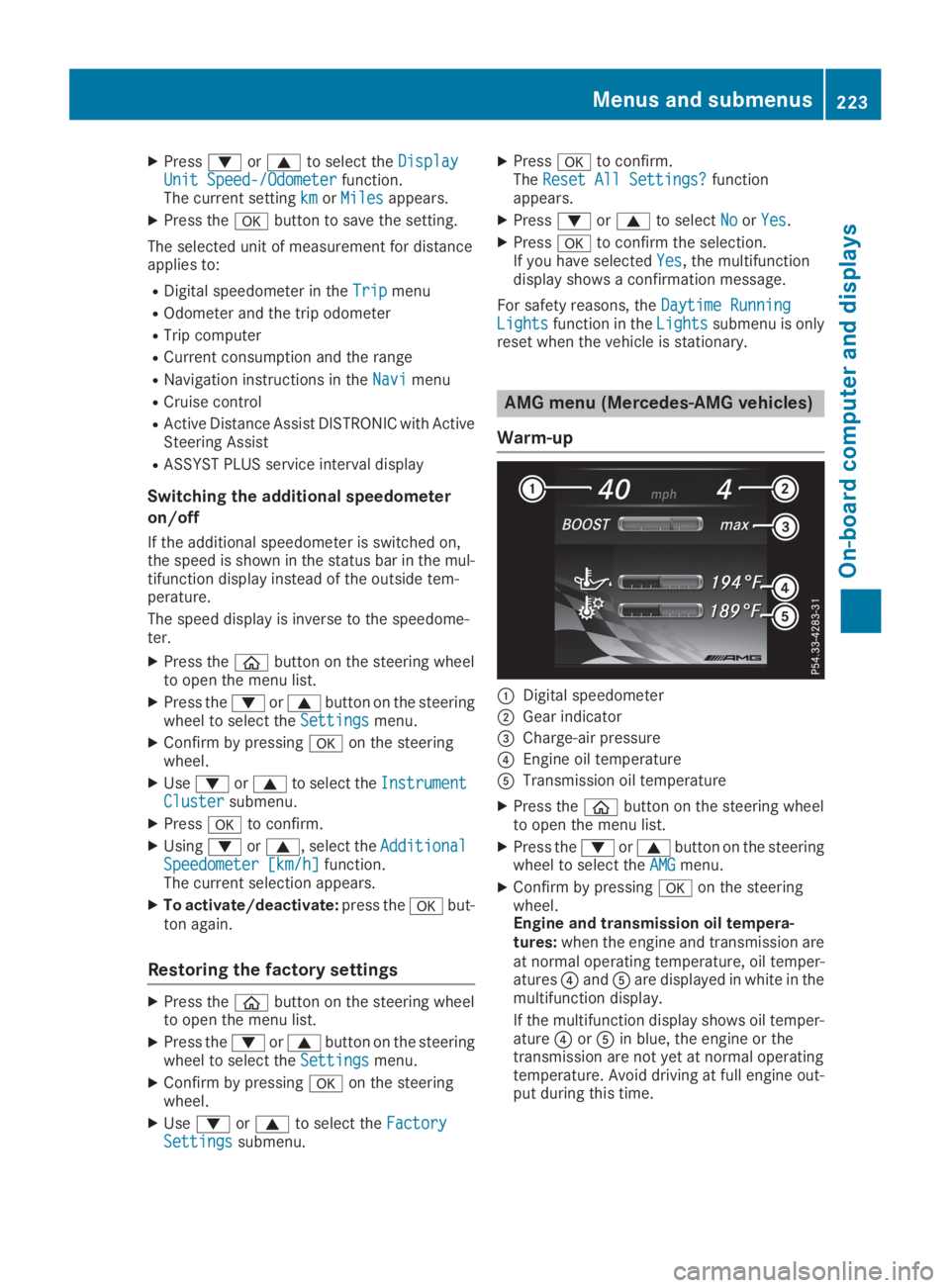
XPressdorcto select theDisplayDisplayUnit Speed-/OdometerUnit Speed-/Odometerfunction.The current settingkmkmorMilesMilesappears.
XPress thevbutton to save the setting.
The selected unit of measurement for distanceapplies to:
RDigital speedometer in theTripTripmenu
ROdometer and the trip odometer
RTrip computer
RCurrent consumption and the range
RNavigation instructions in theNaviNavimenu
RCruise control
RActive Distance Assist DISTRONIC with ActiveSteering Assist
RASSYST PLUS service interval display
Switching the additional speedometer
on/off
If the additional speedometer is switched on,the speed is shown in the status bar in the mul-tifunction display instead of the outside tem-perature.
The speed display is inverse to the speedome-ter.
XPress the
Page 226 of 370
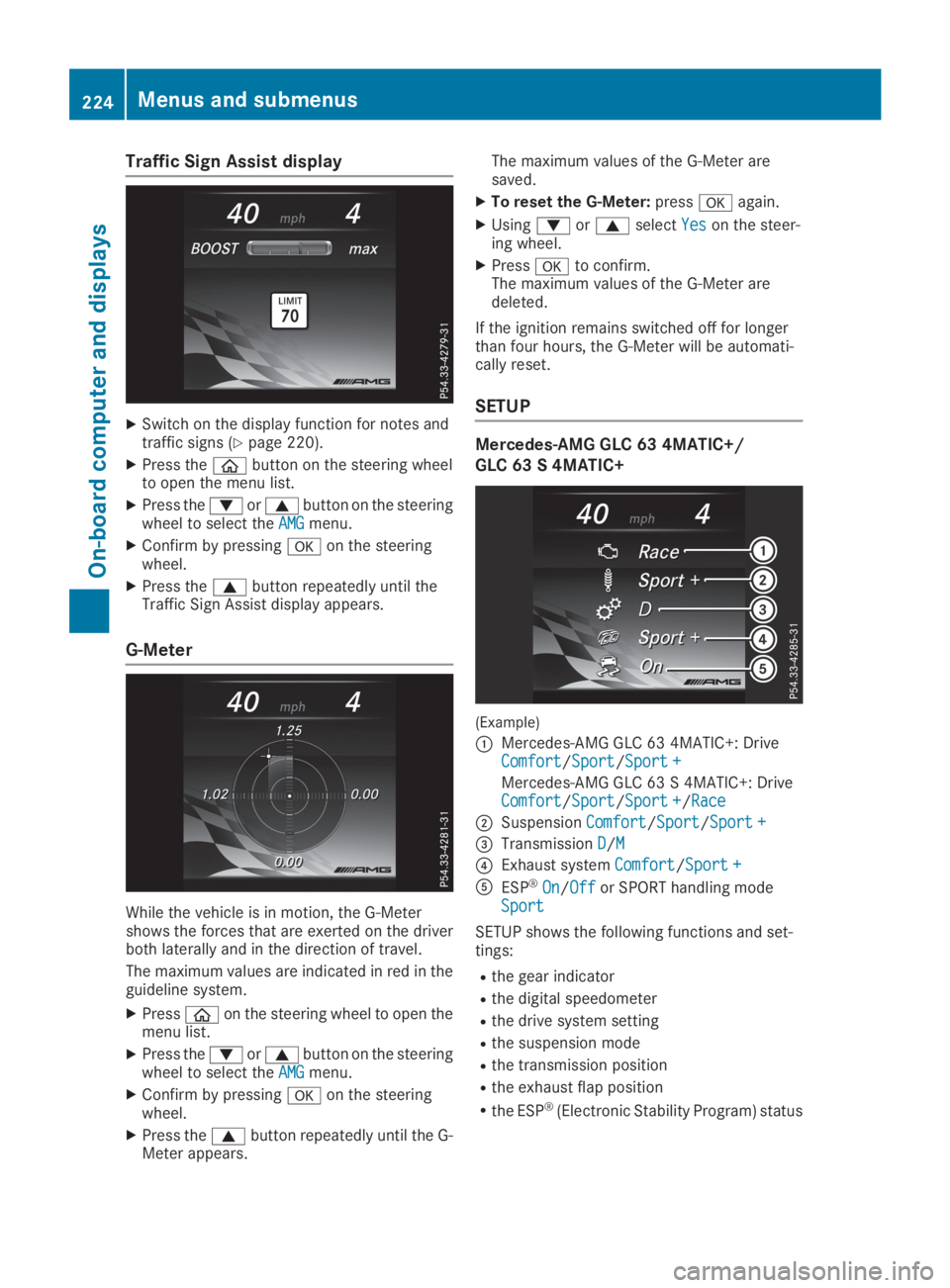
Traffic Sign Assist display
XSwitch on the display function for notes andtraffic signs (Ypage 220).
XPress the
Page 229 of 370
Display messages
Introduction
General notes
Display messages appear in the multifunction display.
Display messages with graphic displays may be shown in simplified form in the Operator's Manualand may therefore differ from the multifunction display.
Please respond in accordance with the display messages and follow the additional notes in thisOperator's Manual.
With certain display messages, you will also hear a warning tone.
You can hide the display messages. The display messages are then stored in the message memory.Rectify the cause of a display message as soon as possible.
When you stop and park the vehicle, please observe the notes on:
RHOLD function (Ypage 170)
RParking (Ypage 152)
Hiding display messages
XPress thevor8button on the steering wheel.The multifunction display hides the display message.
High-priority display messages are shown in red in the multifunction display. Some high-prioritydisplay messages cannot be hidden.
The multifunction display shows these messages continuously until the causes for the messageshave been remedied.
Message memory
The on-board computer saves certain display messages in themessage memory. You can call upthe display messages:
XPress the