phone MERCEDES-BENZ GLS 2020 Owner's Guide
[x] Cancel search | Manufacturer: MERCEDES-BENZ, Model Year: 2020, Model line: GLS, Model: MERCEDES-BENZ GLS 2020Pages: 682, PDF Size: 23.3 MB
Page 428 of 682
#
Todisc onnect: select Disco nnect .
If ap plica ble, themobile phonewillbeaut o‐
maticall yre connect edwhe nth eve hicle is
ne xt star ted. #
Tode-author ize:sel ect Dea utho rize.
In fo rm ation onNearField Comm unication
(NFC)
NFC enabl esshor t-ra ng ewi reless datatransf er
or con nection ofamobile phonewit hth emulti‐
media system.
The follo wing functionsar eav ailable without
ha vin gaut hor izedamobi lephon e:
R Trans ferring aURL oracon tact to be viewe d
in themultimedia system (see themanuf ac‐
tur er's oper ating instruction s).
R Setting uptheve hicle's Wi-Fi acce ssdata via
th esy stem settings (/page37 3).
Fu rther information canbeobt ained at:https: //
www .mercedes-benz -mobile.com/
Using themobil eph one withNe arField Com‐
mu nicat ion(NFC)
Re quirement s: R
NFC isact ivat ed on themobile phone(see
th emanuf acturer'soper ating instruction s)
R The mobile phone's screen isswitc hedon
and unloc ked(see themanuf acturer'soper‐
ating instruction s) #
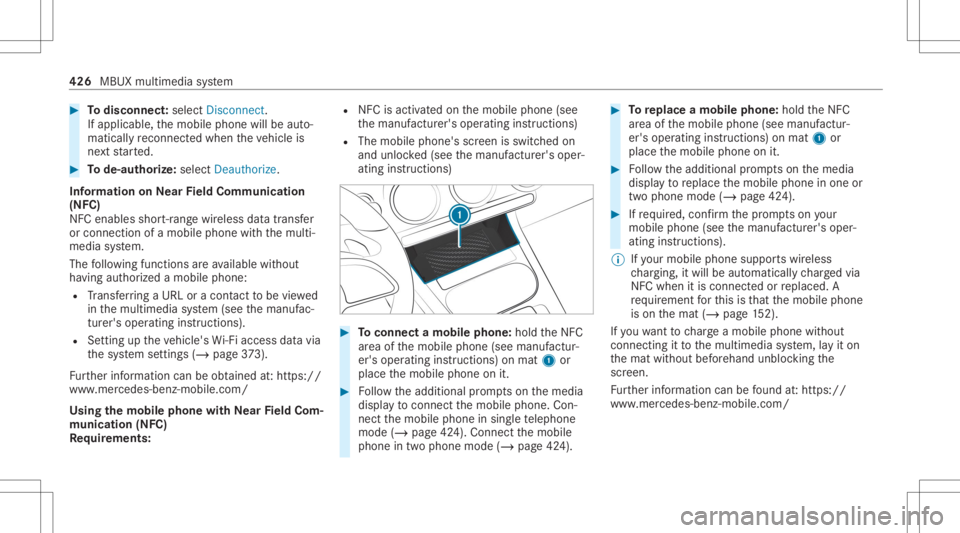
Toconnect amob ilephone: holdtheNFC
ar ea ofthemobile phone(seemanuf actur‐
er's oper ating instruction s)on mat 1or
place themobile phoneonit. #
Followtheadditional prom ptson themedia
displa yto connect themobile phone. Con‐
nect themobile phoneinsing letelephon e
mode (/page42 4). Conn ectthemobile
phone intwophone mode(/page42 4). #
Toreplac eamobi lephon e:hol dth eNFC
ar ea ofthemobile phone(seemanuf actur‐
er's oper ating instruction s)on mat 1or
place themobile phoneonit. #
Followtheadditional prom ptson themedia
displa yto replace themobile phoneinone or
tw ophone mode(/page42 4). #
Ifre qu ired, confirm thepr om ptson your
mob ilephon e(see themanuf acturer'soper‐
ating instruction s).
% Ifyo ur mob ilephon esuppo rts wir eless
ch argin g,itwill beaut omat icallych arge dvia
NFC when itis con nectedor replaced. A
re qu iremen tfo rth is is that themobile phone
is on themat (/page15 2).
If yo uwa nttocharge amobi lephon ewit hout
con nectingit to themultimedia system, lay it on
th emat without beforehand unblockingthe
scr een.
Fu rther information canbefound at:ht tp s://
www .merced es-ben z-mob ile.com/ 426
MBUX mult imed iasystem
Page 429 of 682
Se
tting there cep tion andtrans mis sion vol‐
um e
Re quirement s:
R Amobile phoneis con nected(/ page42 4).
Multimedia system:
4 © 5
Phone 5
5 Z
This function ensur esoptimal languag equ alit y.
% Please note that there spectiv emobile
phone mustbe select edforadju stment of
th ere cep tion andtransm ission volume. #
Selec tVolume. #
Setth ere cep tion andtransm ission volume
using Recept ionand Tran smiss ion.
Fu rther information onthere comme ndedrecep‐
tion andtransm ission volume: https:/ /
www .mercedes-ben z-mobile.co m/ Se
tting theringt one
Multimedia system:
4 © 5
Phone 5
5 Z #
Select Rington es. #
Setth eringt one.
% Ifth emobile phonesuppor tsthetra nsf erof
th eringt one, youwill hear theringt one of
th emobile phoneinstead ofthat oftheve hi‐
cle audi osy stem.
St arting/ stopping mobilephon evo ice recog‐
nit ion
Re quirement s:
R The mobile phonein thefo re ground iscon‐
nect edwithth emultimedia system
(/ page42 4).
St arting mobi lephone voice recognit ion #
Press and hold the£ buttononthemulti‐
func tion steer ing wheel formor eth an one
sec ond.
Yo ucan usemob ilephon evo ice recogni tion. St
opp ingmobil eph one voice recognit ion #
Press the0063 or0076 buttononthemulti‐
func tion steer ing wheel.
% Ifamobile phoneiscon nect edvia Smar t‐
phone Integr ation, thevo ice recogni tionof
th is mobile phoneis star tedor stopped. Calls
Using
thete lephone
Multime diasystem:
4 © 5
Phone
Making acall byent ering thenum bers #
Sele ct_. #
Entera number . #
Select R.
The callismade .
Ac cep tingacall #
Select R Accep t.
Re jec tingaca ll #
Select k Reject . MBU
Xmu ltimed iasystem 42
7
Page 430 of 682
Endin
gacall #
Sele ctk.
Ac tiv atin gfun ctionsdur ingacal l
The follo wing functionsar eav ailable during a
call:
k EndCall
m Microph oneOff
_ NumericKeypad (showto send DTMF
to nes)
0081 AddCall
h Transfe rto Pho ne(anacti vecal lin ha nds-
fr ee mod eis transf erredove rto thete le‐
phon e) #
Selec ta func tion.
Conduct ingcalls withse ve ralpar ticip ants
Re quirement s:
R Ther eis an act ive call (/ page42 7).
R Another call isbeing made. Switc
hingbetw een calls #
Select thecon tact.
The select edcallis acti ve.The other call is
on hold.
Ac tiv atin gacal lon hol d #
Select thecon tact of thecall onhold.
Conducting aconf erence call #
Select iCreate Confer. Call.
The newpar ticipan tis included inthecon fer‐
ence call.
Endin gan activ ecall #
Select kEndCall.
% Onsome mobilephones, thecall onhold is
activ ated assoon astheactiv ecall isended.
Ac cep ting/r eject ingawa iting call
Re quirement s:
R Ther eis an act ive call (/ page42 7).
If yo ure cei veacall while already inacall, a
mes sageis displa yed. Depen
dingonthemobile phoneandmobile net‐
wo rkoper ator youwill hear acall- waitin gsound .
In addition ,in twophon emode youwill hear an
aco ustic sign alwhen thecall goes thro ugh tothe
ot her (notye tacti ve)mobile phone. #
Selec tR Accept.
The incomin gcall isactiv e.
If onl yone mobile phoneiscon nectedwit h
th emultimedia system, thepr ev ious callwill
be put onhold.
If dur ing acall youacc epta call withth e
ot her mobile phonewhenintwophone mode
th en theex istin gcall isended . #
Selec tk Reject.
% This function andbeha viordepen dson your
mob ilephon ene tworkpr ov ider andthe
mobil ephone (seethemanuf acturer'soper‐
ating instruction s). 428
MBUX multimedia system
Page 431 of 682
Contact
s Inf
orma tion abou tth econtact smenu
The contacts menu contains allcont acts from
ex istin gdat asour ces, e.g.mobile phoneor dat a
st or ag emedium.
Depending onthedat asour ce,itis possible to
sa ve /loa dth efo llo wing numb erofcon tacts:
R Perm anen tly sa ve dcon tacts: 3,000 entries
R Contacts loaded from themobile phone:
5,000 entries per mobile phone
Fr om thecon tacts menu ,yo ucan perform the
fo llo wing actions :
R Mak eacall, forex am ple call acon tact
(/ page 430)
R Navig ation (/page38 7)
R Com pose messa ges(/ page434)
R Addition alop tion s(/ page43 1)
If amobile phoneiscon nectedto themultimedia
sy stem (/ page42 4) and automatic callingup
(/ page429) isactiv ated, themobile phone's
con tacts aredispl ayed intheaddr essbook . The
multimedia system can showsugg estion s
based onfreq uentl yused contacts aswellas
inc omin gand outgo ingcalls (/page355) .
These aresho wnattheto pof thecon tact list .
Do wnloa dingmob ilephone conta cts
Mult imediasystem:
4 © 5
Phone 5
5 Z #
Select Contac ts&Recent Calls.
Au tomatic ally #
Ifth eSync hroniz eContac tsAutom atically
func tion isno tactiv e:activ ateth efunc tion
by pressing once.
Manu ally #
Ifth eSync hroniz eContac tsAutom atically
func tion isactiv e:deactiv ateth efunc tion by
pr essing once. #
Select SynchronizeContac ts.
Yo ucan seefrom thest atus ofcon troller tothe
ri ght oftheSync hroniz eContac tsAutom atically
displa yte xt wh ether thefunc tion isactiv e. Calling
upcontacts
Multimedia system:
4 © 5
Phone 5
g
The follo wing option scan beused tosear chfor
cont acts:
R searching byinit ials
R sear ching bynam e
R searching byphone number #
Enterch aract ersint oth esear chfield. #
Select thecon tact.
A cont actcan cont ain th efo llo wing details:
R phon enumb ers
R navig ation addresses
R geo-coor dinates
R Interne taddr ess
R e-mail addresses
R voice tag(if set)
R relation (ifset) MBU
Xmultim ediasystem 429
Page 432 of 682
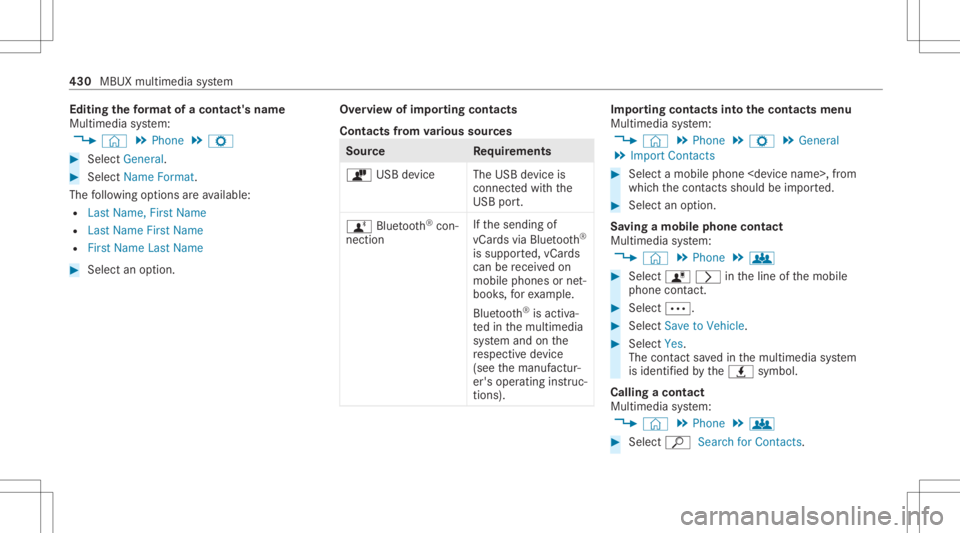
Edit
ingthefo rm atofaco ntact's name
Mul timedi asy stem:
4 © 5
Phone 5
Z #
Select General. #
Select NameFormat.
The follo wing option sar eav ailable:
R Last Name ,Fir stName
R Last Name FirstName
R FirstName LastName #
Select anoptio n. Ov
ervie wof impor tingcontact s
Contact sfrom various sour ces Sour
ce Requirement s
ò USBdevice TheUSB device is
con nectedwit hth e
USB port.
ñ Bluetooth®
con‐
nectio n If
th esendin gof
vCar dsvia Blue tooth®
is suppor ted, vCar ds
can berecei vedon
mobile phones ornet‐
book s,forex am ple.
Blue tooth®
is act iva‐
te din themultimedia
sy stem and onthe
re spectiv ede vice
(see themanuf actur‐
er's oper ating instruc‐
tion s). Im
por ting contacts intoth econtact smenu
Multi media system:
4 © 5
Phone 5
Z 5
General
5 Import Contacts #
Select amobile phone
whic hth econ tacts should be impor ted. #
Select anoption .
Sa ving amobile phonecontact
Multimedia system:
4 © 5
Phone 5
g #
Select ó0048intheline ofthemobile
phone contact. #
Sele ct0062. #
Sele ctSave toVeh icle. #
Sele ctYes .
The cont actsave din themultimedia system
is identif iedbytheq symbol.
Calling acontact
Multimedia system:
4 © 5
Phone 5
g #
Select ªSearch forContac ts. 430
MBUX multimedia system
Page 433 of 682
#
Entercharact ersint oth esear chfield. #
Select thecon tact. #
Sele ctthete lephon enumb er.
The numb erisdialed.
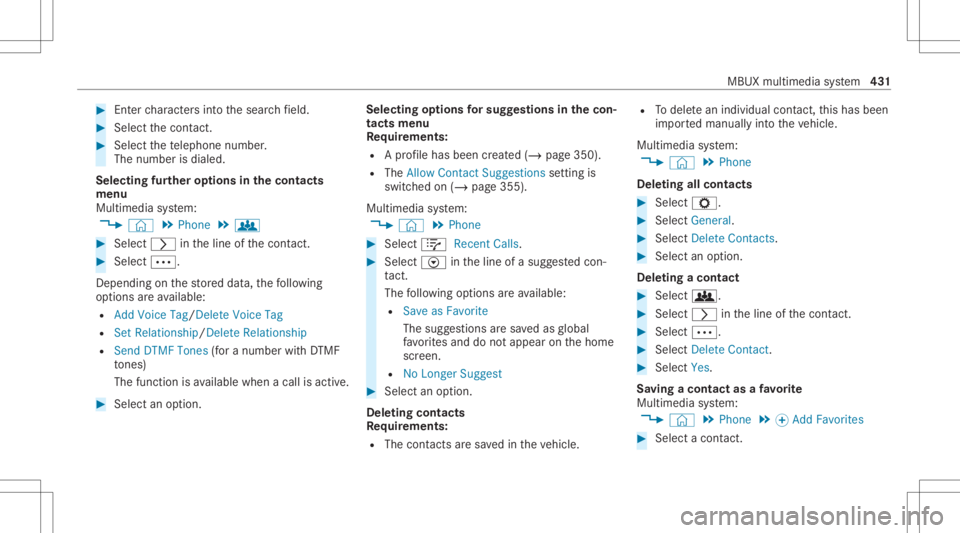
Selecting further options inthecontact s
menu
Multi media system:
4 © 5
Phone 5
g #
Select 0048intheline ofthecon tact. #
Sele ct0062.
Depe nding onthestor ed dat a,thefo llo wing
op tion sar eav ailable:
R Add VoiceTag/ DeleteVoic eTag
R Set Relat ionship /Delet eRelat ionship
R Sen dDT MF Tones(for anum berwithDT MF
to nes)
The func tionis available whenacall isact ive. #
Select anoptio n. Select
ingoption sfo rsug gestions inthecon‐
tacts menu
Re quirement s:
R Apr ofile has been creat ed(/ page350 ).
R The Allow ContactSugges tionsse tting is
switc hedon(/ page355) .
Multime diasystem:
4 © 5
Phone #
Select +Recent Calls. #
Select Vintheline ofasugg estedcon ‐
ta ct.
The follo wing option sar eav ailable:
R Sav eas Fav orite
The sugg estio ns aresa ve das global
fa vo rite sand donotappea ron thehome
scr een.
R NoLonger Suggest #
Select anoption .
Dele ting contacts
Re quirement s:
R The contacts aresa ve din theve hicle. R
Todele tean ind ividual contact, this has been
im por tedmanuall yint oth eve hicle.
Multimedia system:
4 © 5
Phone
Dele ting allcontacts #
Select Z. #
Select General. #
Select DeleteContac ts. #
Select anoption .
Dele ting acontact #
Select g. #
Select 0048intheline ofthecon tact. #
Sele ct0062. #
Sele ctDele teCo ntact . #
Sele ctYes .
Sa vin gaco ntact asafa vo rite
Multimedia system:
4 © 5
Phone 5
0074 Add Favorit es #
Select acon tact. MBUX
multime diasy stem 43
1
Page 434 of 682
#
Select 0048 intheline ofthecon tact. #
Sele ctthete lephon enumb er.
The contact isstor ed asafa vo rite inthete le‐
phon emen uove rview.
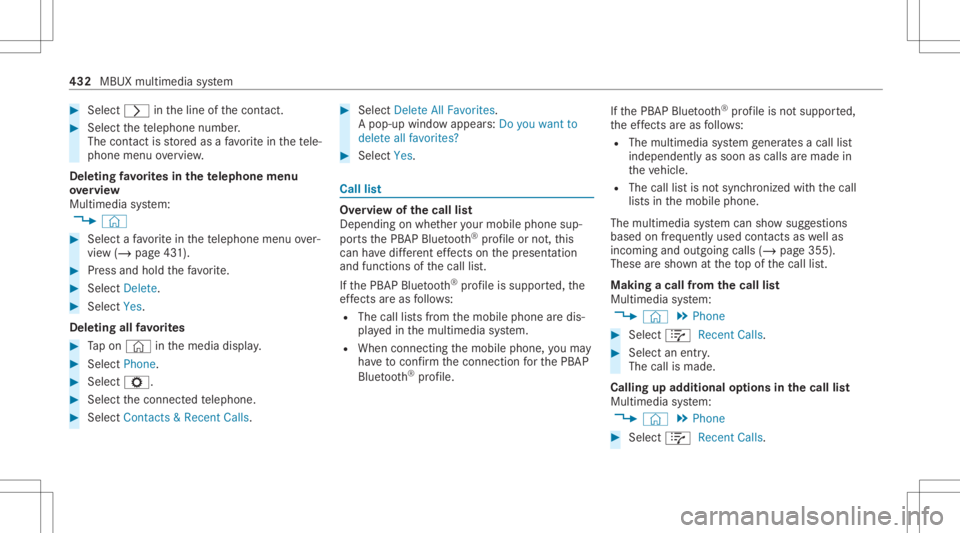
Dele ting favo rite sin thete lephone menu
ove rview
Multime diasystem:
4 © #
Select afa vo rite inthete lephon emen uov er‐
vie w(/ page43 1). #
Press and hold thefa vo rite . #
Select Dele te. #
Select Yes.
De leting allfavo rite s #
Tapon © inthemedia display. #
Select Pho ne. #
Select Z. #
Select thecon nect edtelephon e. #
Selec tCont acts& Recen tCalls. #
Selec tDelet eAll Favo rites.
A pop- upwindo wappear s:Do you want to
delet eall favor ites? #
Selec tYes. Call
list Ov
ervie wof thecall list
Dep endingonwhe ther your mob ilephon esup‐
por tsthePB AP Blue tooth®
pr ofile ornot,th is
can have differe nt effects onthepr esent ation
and func tionsof thecall list.
If th ePB AP Blue tooth®
pr ofile issuppor ted, the
ef fects are asfollo ws :
R The calllists from themobile phonearedis‐
pla yedin themultimedia system.
R When connect ingthemobile phone, youma y
ha ve toconf irm thecon nect ionforth ePB AP
Blue tooth®
pr ofile. If
th ePB AP Blue tooth®
pr ofile isno tsuppor ted,
th eef fects areas follo ws :
R The multimedia system gener ates acal llist
indepe ndently as soon ascalls aremade in
th eve hicle.
R The calllistis no tsync hronized withth ecall
lis ts inthemobile phone.
The multimedia system can showsugg estion s
based onfreq uentl yused contacts aswellas
inc omin gand outgo ingcalls (/page355 ).
These aresho wnattheto pof thecall list.
Making acall from thecall list
Multi media system:
4 © 5
Phone #
Select +Recent Calls. #
Select anent ry.
The callismade.
Calling upadd itional options inthecall list
Multi media system:
4 © 5
Phone #
Select +Recent Calls. 432
MBUX multimedia system
Page 435 of 682
#
Forpr ev iousl yst or ed cont acts: select 0048
in theline ofan ent ry.
The sear chresults aredispla yed. #
Forcont acts whohave notbe en stor ed:
select i.
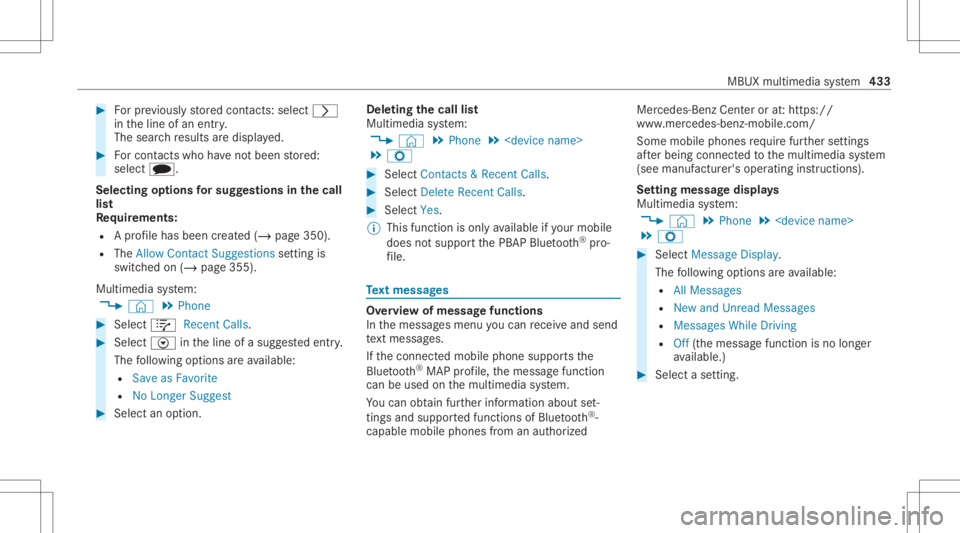
Selecting options forsug gestions inthecall
lis t
Re quirement s:
R Apr ofile has been creat ed(/ page350 ).
R The Allow ContactSugges tionsse tting is
switc hedon(/ page355) .
Multime diasystem:
4 © 5
Phone #
Select +Recent Calls. #
Select Vintheline ofasugg estedent ry.
The follo wing option sar eav ailable:
R Sav eas Fav orite
R NoLon ger Sugg est #
Select anoptio n. Dele
tingth ecall list
Multi media system:
4 © 5
Phone 5
5 Z #
Select Contac ts&Recent Calls. #
Select DeleteRecent Calls. #
Select Yes.
% This function isonl yav ailable ifyo ur mob ile
does notsuppo rtthePB AP Blue tooth®
pr o‐
fi le. Te
xt messag es Ov
ervie wof messag efunctions
In themessag esmenu youcan recei veand send
te xt mes sage s.
If th econ nect edmobile phonesuppor tsthe
Blu etoo th®
MAP profile, themessag efunc tion
can beused onthemultimedia system.
Yo ucan obtain further information aboutset‐
ting sand suppor tedfunc tionsof Blue tooth®
-
cap ablemob ile pho nes from anauthor ized Mer
cedes-B enzCent eror at:htt ps://
www .mercedes-ben z-mobile.com/
Some mobile phones requ ire fur ther settings
af te rbeing connect edtothemultimedia system
(see manuf acturer'soper ating instruction s).
Se tting messag edispla ys
Multimedia system:
4 © 5
Phone 5
5 Z #
Select Message Display.
The follo wing option sar eav ailable:
R AllMess ages
R New andUnread Mess ages
R Mess agesWhile Drivin g
R Off (the mes sagefun ction isno longer
av ailable. ) #
Select ase tting . MBU
Xmult imed iasystem 433
Page 436 of 682
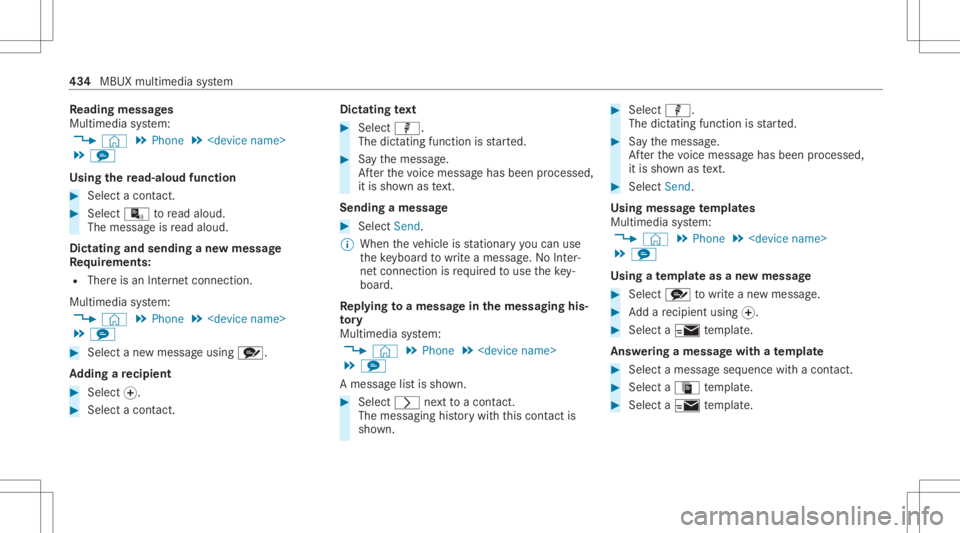
Re
ading messag es
Mul timedi asy stem:
4 © 5
Phone 5
5 l
Using there ad-aloud function #
Select acont act. #
Select ¬toread aloud.
The messageis read aloud.
Dictat ingand send ingane wmes sage
Re quirement s:
R Ther eis an Interne tcon nection .
Multime diasystem:
4 © 5
Phone 5
5 l #
Select ane wmessag eusing r.
Ad ding are cipie nt #
Select 0074. #
Select acon tact. Di
ctating text #
Select p.
The dictating function isstar ted. #
Sayth emessag e.
Af terth evo ice mess agehas been proces sed,
it is sho wnastext.
Se ndi ngames sage #
Select Send .
% Whe nth eve hicle isstatio naryyo ucan use
th eke yboar dto write amess age. No Inte r‐
ne tconnection isrequ ired touse theke y‐
boar d.
Re plyin gto amessag ein themess aging his‐
to ry
Multimedia system:
4 © 5
Phone 5
5 l
A messag elis tis sho wn. #
Select 0048next to acon tact.
The mess aging history wit hth is con tact is
sho wn. #
Sele ctp.
The dict ati ng functi onisstar ted. #
Sayth emessag e.
Af terth evo ice mess agehas been proces sed,
it is sho wnastext. #
Select Send .
Us ingmes sagete mp lates
Multime diasystem:
4 © 5
Phone 5
5 l
Using ate mp lateas ane wmessa ge #
Select r towrite ane wmess age. #
Addare cip ient using 0074. #
Sele cta0 temp late.
Answ ering amessa gewit hate mp late #
Selec ta messag eseq uenc ewit hacon tact. #
Sele ctaª temp late. #
Selec ta 0 temp late. 43
4
MBU Xmultim ediasystem
Page 437 of 682
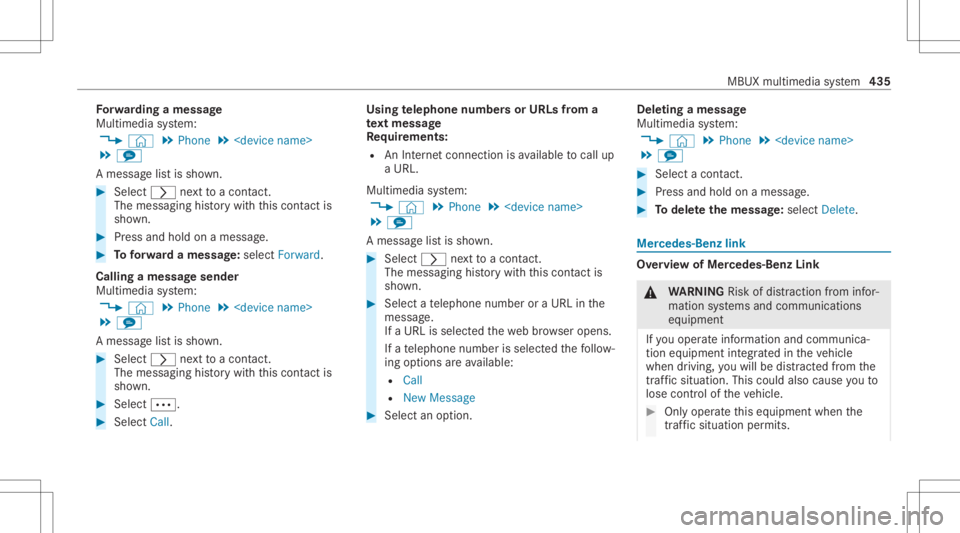
Fo
rw arding amessag e
Mul timedi asy stem:
4 © 5
Phone 5
5 l
A messag elis tis sho wn. #
Select 0048next to acon tact.
The mess aging history wit hth is con tact is
sho wn. #
Press and holdon amess age. #
Toforw ardamessag e:sele ctForwa rd.
Call ingamessag esen der
Mul timedi asy stem:
4 © 5
Phone 5
5 l
A messag elis tis sho wn. #
Select 0048next to acon tact.
The mess aging history wit hth is con tact is
sho wn. #
Sele ct0062. #
Sele ctCa ll. Usi
ngtelephone numbersor URLs from a
te xt messag e
Re quirement s:
R AnInterne tcon nection isavailable tocal lup
a UR L.
Mu ltimed iasystem:
4 © 5
Phone 5
5 l
A messag elis tis sho wn. #
Select 0048next to acon tact.
The mess aging history wit hth is con tact is
sho wn. #
Sele ctate lephon enumb eror aURL inthe
messa ge.
If aURL isselect edthewe bbr ows eropens.
If ate lephon enumb erisselec tedth efo llo w‐
ing option sar eav ailable:
R Call
R New Mess age #
Select anoptio n. Dele
tingames sage
Mult imed iasystem:
4 © 5
Phone 5
5 l #
Select acon tact. #
Press and holdon amess age. #
Todel eteth emess age:selec tDele te. Mer
cedes- Benzlink Ov
ervie wof Mer cedes- BenzLink &
WARNIN GRisk ofdist ra ction from infor‐
mati onsystems andcomm unication s
eq uipment
If yo uoper ateinf ormat ionand comm unic a‐
tio neq uipme ntintegratedin theve hicle
when driving, youwill bedistract ed from the
tr af fic situ ation. Thiscou ldalso cau seyouto
lose control of theve hicle. #
Onlyoper ateth is eq uipmen twhen the
tr af fic situ ation per mits. MBUX
multime diasy stem 435