display MERCEDES-BENZ M-CLASS SUV 2011 Owners Manual
[x] Cancel search | Manufacturer: MERCEDES-BENZ, Model Year: 2011, Model line: M-CLASS SUV, Model: MERCEDES-BENZ M-CLASS SUV 2011Pages: 389, PDF Size: 9.22 MB
Page 364 of 389
R
you are drivin gonsandorg ravel.
R yo ua dopt averys porty driv ings tyle (cor-
nering at hig hspeeds or driv ingw ith high
rates of acceleration).
R you are towing avery heavy or lar getrailer.
R you are driving with aheavy load (in the
vehic le oron the roof).
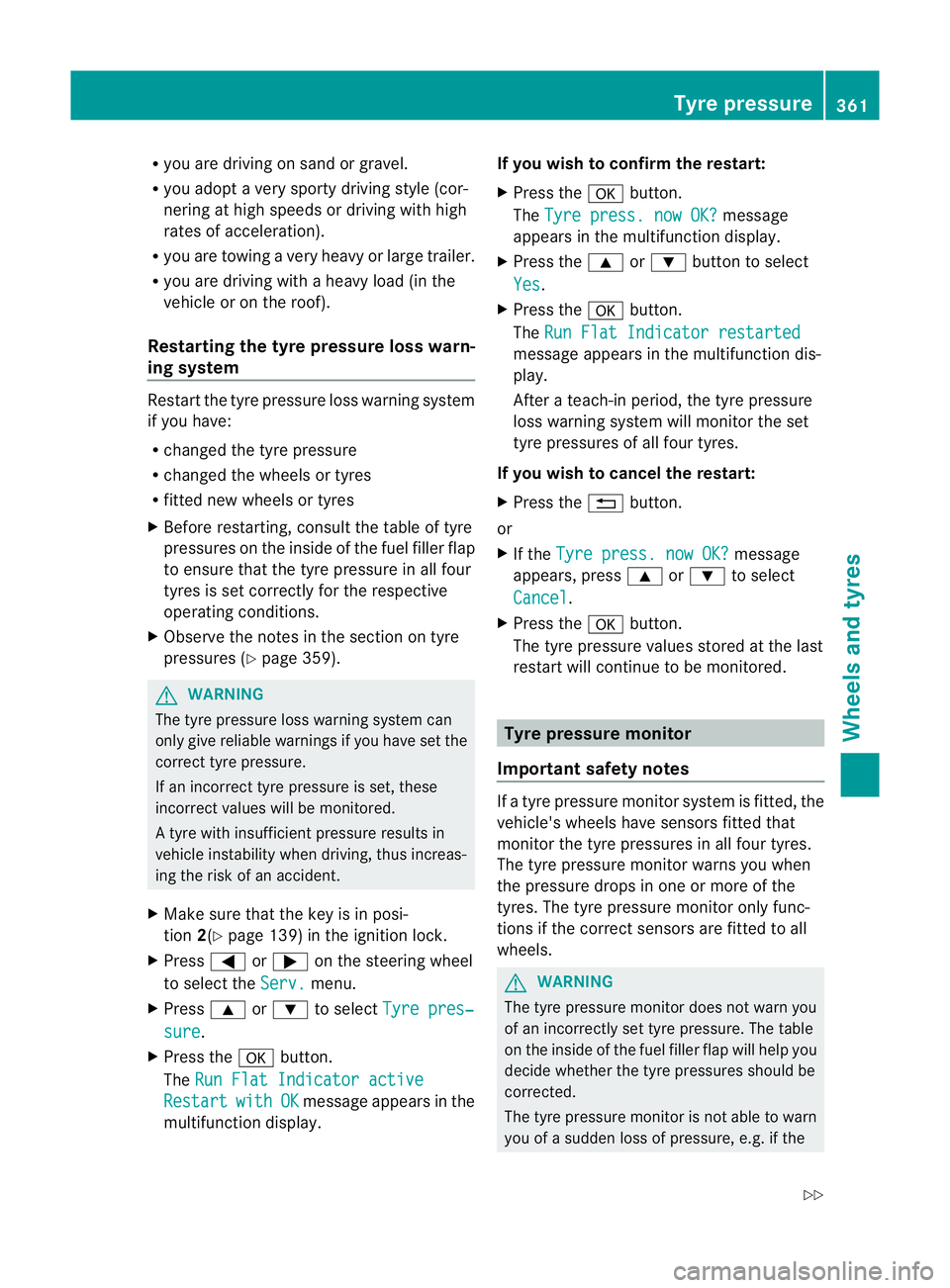
Restarting th etyre pressure lo sswarn-
ing system Restart the tyre press
urel oss warnin gsystem
if you have:
R changed the tyre press ure
R changed the whe elso rtyres
R fitted new wheels or tyres
X Before restarting, consult the table of tyre
press ures on the inside of the fuel filler flap
to ensur ethat the tyr epressure in all four
tyre siss et correctly for the respective
operating conditions.
X Observ ethe notes in the section on tyre
pressures (Y page 359). G
WARNING
The tyr epressure loss warn ings ystem can
only give reliabl ewarnings if you have set the
correct tyre pressure.
If an incorrect tyre pressure is set, these
incorrect values wil lbemonitored.
At yre with insufficient pressure results in
vehicle instability when driving, thu sincreas-
ing the risk of an accident.
X Make sure that the key is in pos i-
tion 2(Ypage139) in the igniti onlock.
X Press =or; on the steering wheel
to select the Serv. menu.
X Press 9or: to select Tyre pres‐ sure .
X Press the abutton.
The RunF lat Indicato ractive Restart with OK message ap
pears in the
multifunction display. If you wis
htoconfirm the restart:
X Press the abutton.
The Tyre press. no wOK? message
ap pe ars in the multifunction display.
X Press the 9or: button to select
Yes .
X Press the abutton.
The RunF lat Indicato rrestarted message ap
pears in the multifunction dis-
play.
After ateach-in period, the tyr epressure
loss warn ings ystem wil lmonitor the set
tyr ep ressures of all fou rtyres.
If you wis htocancel the restart:
X Press the %button.
or
X If the Tyre press. now OK? message
appears ,press 9 or: to select
Cancel .
X Press the abutton.
Th et yre press urev alues stored at the last
restart wil lcontinue to be monitored. Tyre pressur
emonitor
Important safety notes If
at yre press urem onitor system is fitted, the
vehicle's wheels have sensor sfitted that
monitor the tyre pressures in all four tyres.
The tyre pressure monitor warns you when
the pressure drops in one or more of the
tyres. The tyre pressure monitor only func-
tions if the correct sensors are fitted to all
wheels. G
WARNING
The tyre pressure monitor does not warn you
of an incorrectly set tyre pressure. The table
on the inside of the fuel filler flap wil lhelp you
decide whether the tyre pressures should be
correc ted.
The tyr epressure monitor is not abl etow arn
you of asudden loss of pressure, e.g. if the Tyr
epressure
361Wheels and tyres
Z
Page 365 of 389
tyre is penetrated by
aforeign object .Inthe
event of asudden loss of pressure, bring the
vehicl etoah altbyb rakingcarefully. Do not
make any sudden steering movements when
doing so.
Informatio nontyre pressures is displayed in
the multifunction display. After afew minutes
of driv ing, the curren ttyre pressure of each
tyre is sho wn inthe multifunction display.
i Thet yre pressure values indicated by the
on-board computer may differ from those
measured at afilling station with apressure
gauge. Th etyre pressures shown by the on-
board computer refer to thos emeasured at
sea level. At high altitudes, the tyr epres-
sure values indicated by apressure gauge
are higher than thos eshown by the on-
boar dcomputer .Inthis case ,donot reduce
the tyr epressures.
i Theo peration of the tyr epressure moni-
to rc an be affected by interference from
radio transmitting equipment (e.g. radio
headphones ,two-way radios) that may be
being operated in or near the vehicle.
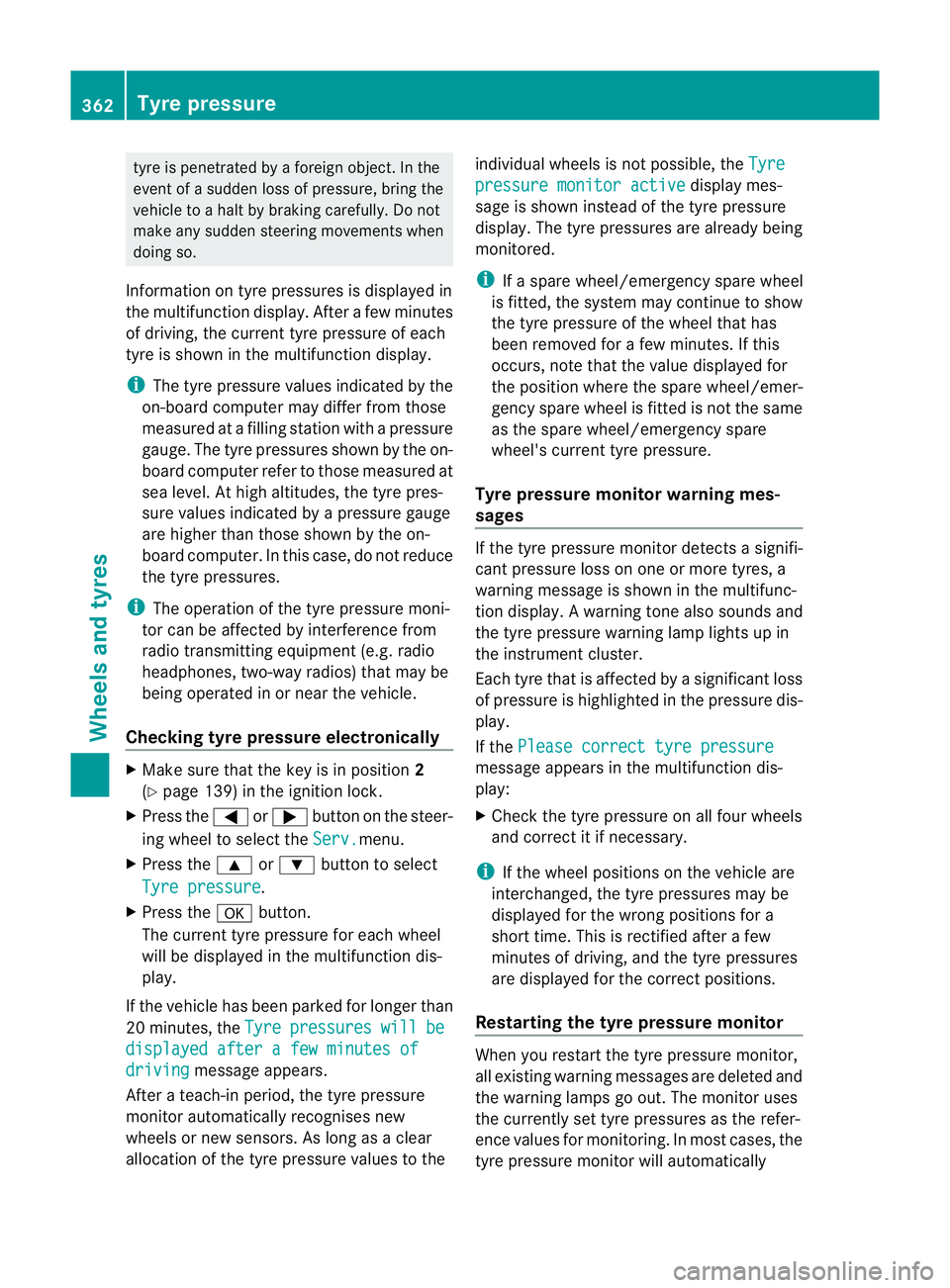
Checking tyr epressure electronically X
Make sure that the key is in position 2
(Y page 139) in the ignitio nlock.
X Press the =or; button on the steer-
ing wheel to select the Serv. menu.
X Press the 9or: button to select
Tyre pressure .
X Press the abutton.
The curren ttyre pressure for each wheel
will be displayed in the multifunction dis-
play.
If the vehicle has been parked for longe rthan
20 minutes, the Tyre pressures will be
displaye
dafter afew minutes of driving message appe
ars.
After ateach-in period, the tyr epressure
monito rautomatically recognise snew
wheels or new sensors. As long as aclear
allocation of the tyre pressure values to the individual wheels is not possible
,the Tyre pressure monito
ractive displa
ymes-
sage is shown instead of the tyr epressure
display. Th etyre pressures are already being
monitored.
i Ifas pare wheel/emergenc yspare wheel
is fitted, the system may continue to show
the tyr epressure of th ewheel that has
been removed for afew minutes. If this
occurs, note that the value displayed for
the position where the spare wheel/emer-
gency spare wheel is fitted is not the same
as the spare wheel/emergenc yspare
wheel's current tyr epressure.
Tyre pressure monito rwarning mes-
sages If the tyre pressure monitor detects
asignifi-
cant pressure loss on one or more tyres, a
warnin gmessage is shown in the multifunc-
tion display. Awarning ton ealso sounds and
th et yrep ressure warning lamp ligh tsup in
the instrumen tcluster.
Eac htyret hat is affected by asignificant loss
of pressure is highlighted in th epressure dis-
play.
If the Please correc ttyrep ressure messag
eappear sinthe multifunctio ndis-
play:
X Chec kthe tyr epressure on all fou rwheels
and correc titifn ecessary.
i If the wheel positions on the vehicle are
inter changed, the tyre pressures may be
displ ayed for th ewrong positions for a
short time .This is rectified after afew
minutes of driving, and the tyr epressures
are displayed for th ecorrect positions.
Restarting th etyre pressure monitor When yo
urestar tthe tyr epressure monitor,
all existing warning message sare deleted and
th ew arning lamps go out. The monitor uses
the currently set tyre pressures as the refer-
ence values for monitoring. In most cases, the
tyre pressure monitor will automatically 362
Tyr
epressureWheels and tyres
Page 366 of 389
detec
tthe new referen ce values after you
have changed th etyrep ressure.
i For an overview of the menus, see
(Y pag e238).
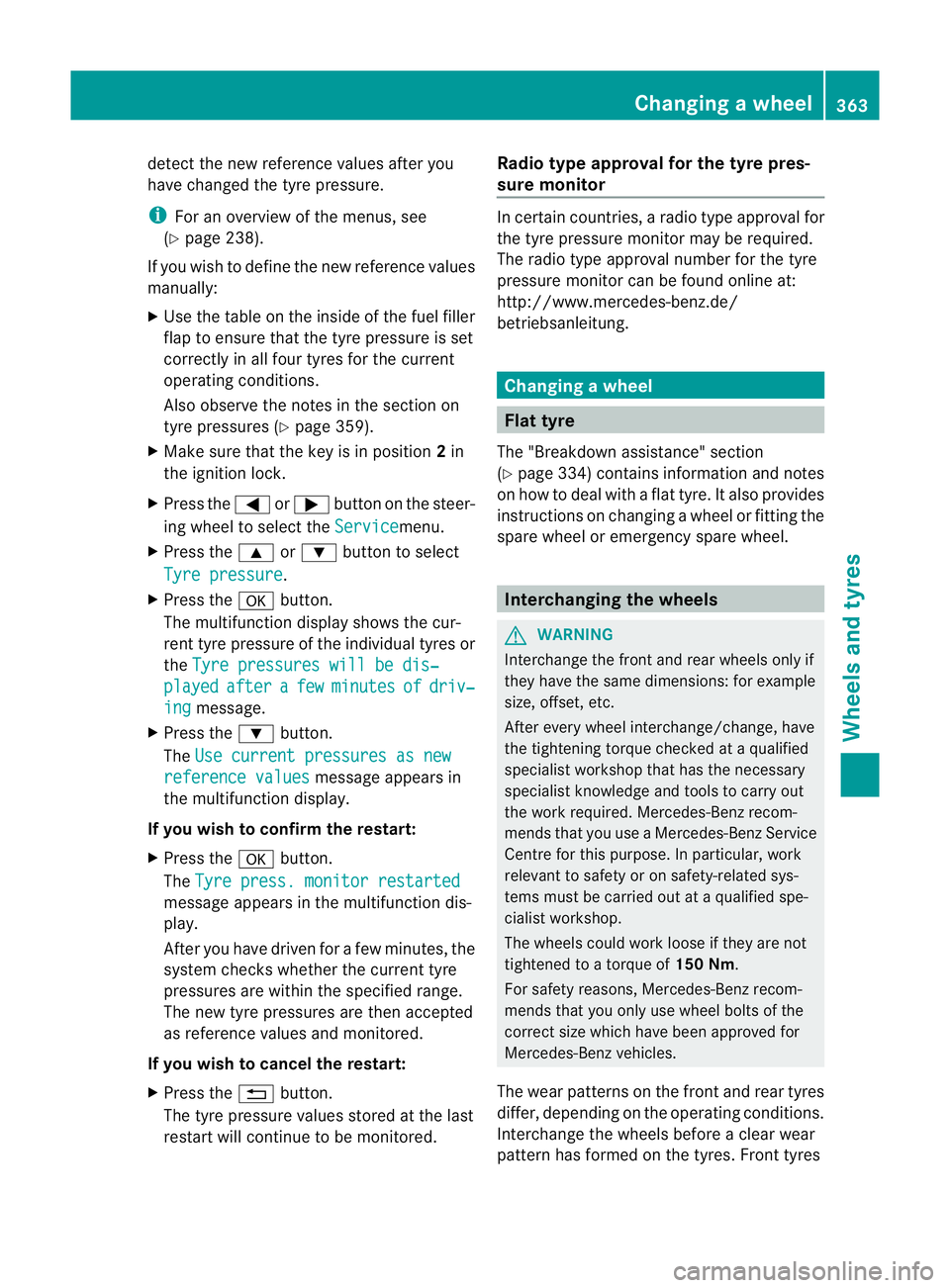
If you wis htodefinethe new reference values
manually:
X Use the tabl eonthe insid eofthe fuel filler
fla ptoe nsure that the tyre pressure is set
correctly in all four tyres for the current
operating conditions.
Also observe the notes in the section on
tyre pressures (Y page359).
X Make sure tha tthe key is in position 2in
the ignition lock.
X Press the =or; button on the steer-
ing wheel to selec tthe Service menu.
X Press the 9or: button to select
Tyre pressu re .
X Press the abutton.
The multifunction display shows the cur-
ren ttyre pressure of the individual tyres or
the Tyrepressures will be dis‐ played after a few minutes of driv‐
ing message.
X Press the :button.
The Usec urrent pressures as new reference values message appears in
th em ultifunction display.
If you wish to confirm the restart:
X Press the abutton.
The Tyre press. monito rrestarted message appears in th
emultifunction dis-
play.
After you have driven for afew minutes, the
system checks whether the curren ttyre
pressures are within the specified range.
The new tyre pressures are then accepted
as reference values and monitored.
If you wish to cancel the restart:
X Press the %button.
The tyre pressure values stored at the last
restart will continue to be monitored. Radio typ
eapproval for the tyr epres-
sur em onitor In certain countries,
aradio type approval for
the tyre pressure monitor may be required.
The radio type approval number for the tyre
pressure monitor can be found online at:
http://www.mercedes-benz.de/
betriebsanleitung. Changing
awheel Flat tyre
Th e" Breakdown ass istance" section
(Y pag e334) contain sinformation and notes
on how to dea lwith aflat tyre. It also provides
instructions on changing awhee lorf itting the
spar ewhee lore mergency spar ewheel. Interch
angin gthe wheels G
WARNING
Interchange th efront and rea rwheels only if
they hav ethe sam edimensions :for example
size, offset ,etc.
After every whee linterchange/change, have
the tightening torque checked at aqualified
specialist workshop that has the necessary
specialist knowledg eand tool stocarry out
the work required. Mercedes-Benz recom-
mends that you use aMercedes-Benz Service
Centr efor this purpose. In particular ,work
relevant to safet yoronsafety-related sys-
tems must be carried out at aqualified spe-
cialist workshop.
The wheel scould work loose if they are not
tightened to atorqu eof150 Nm.
For safety reasons, Mercedes- Benz recom-
mends that you only use wheel bolts of the
correct siz ewhich hav ebeen approved for
Mercedes-Ben zvehicles.
The wear patterns on the fron tand rea rtyres
differ ,dependin gontheopera tingconditions.
Interchange the wheels before aclear wear
pattern has formed on th etyres. Front tyres Changing
awheel
363Wheels and tyre s Z
Page 383 of 389
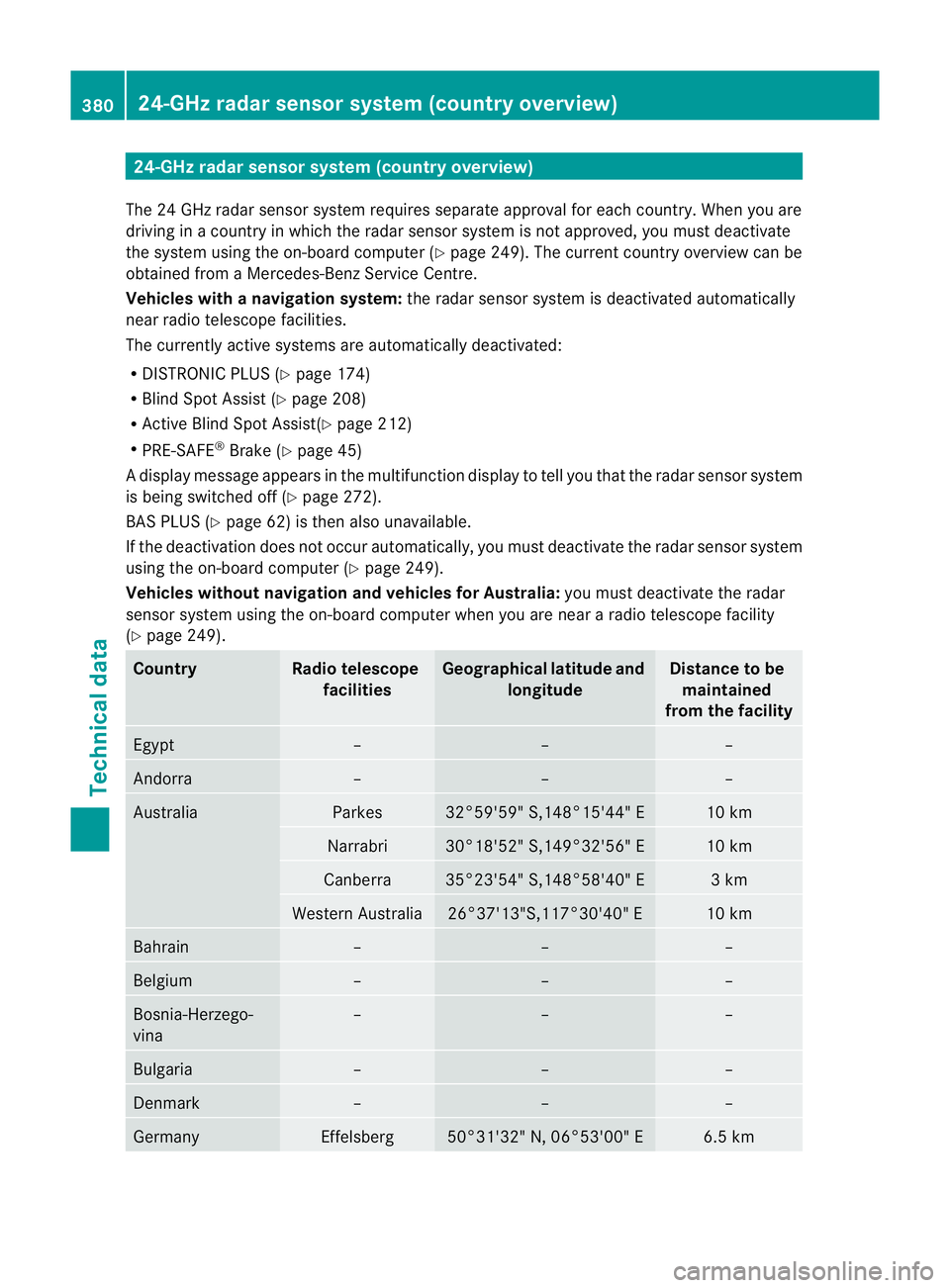
24-G
Hzradar sensor system (country overview)
The 24 GHz radar sensor sys temr equir esseparat eapproval fo reach coun try. Whe nyou are
dri ving in acoun tryinw hichthe ra dar sensor system is no tapproved, you must deacti vate
the syste musing the on-boar dcompu ter( Ypage 24 9).T he curren tcountry over view can be
obtain ed fromaMercedes-Benz Ser vice Centre.
Vehicles with anavigation system: the radar sensor system is deactivated automatically
near radio tele scope facilities.
The currently active systems ar eautom atically deactivated:
R DISTRONIC PLUS (Y page174)
R Blind Spo tAssist (Y page 208)
R Activ eBlind Spot Assist(Y page212)
R PRE-SAFE ®
Brake (Y page45)
Ad isplay message appears in the multifunction display to tell you that the radar sensor system
is being switched off (Y page 272).
BA SP LUS (Y page 62) is then also unavailable.
If th edeactiva tion does not occur automatically ,you must deactiva tethe radar sensor system
using the on-board computer (Y page 249).
Vehicles withou tnavi gation and vehicles for Australia: you must deactivate the radar
sensor system using the on-bo ardc omputer when you are near aradio telescop efacility
(Y page 249). Country Radio telescope
facilities Geographical latitude and
longitude Distance to be
maintained
from the facility Egypt – – –
Andorra – – –
Australia Parkes 32°59'59
"S,14 8°1 5'44" E 10 km
Narrabri 30°18'52" S,149°32'56" E 10 km
Canberra 35°23'54" S,148°58'40" E 3km
Western Australia 26°3
7'13"S,117°30'40" E 10 km
Bahrain – – –
Belgium – – –
Bosnia-Herzego-
vina – – –
Bulgaria – – –
Den
mark – – –
Germany Effelsberg 50°31'32" N, 06°53'00" E 6.5 km380
24-GHz radar sensor syste
m(countr yoverview)Technica ldata