lock MERCEDES-BENZ METRIS 2017 MY17 Operator’s Manual
[x] Cancel search | Manufacturer: MERCEDES-BENZ, Model Year: 2017, Model line: METRIS, Model: MERCEDES-BENZ METRIS 2017Pages: 318, PDF Size: 5.01 MB
Page 288 of 318
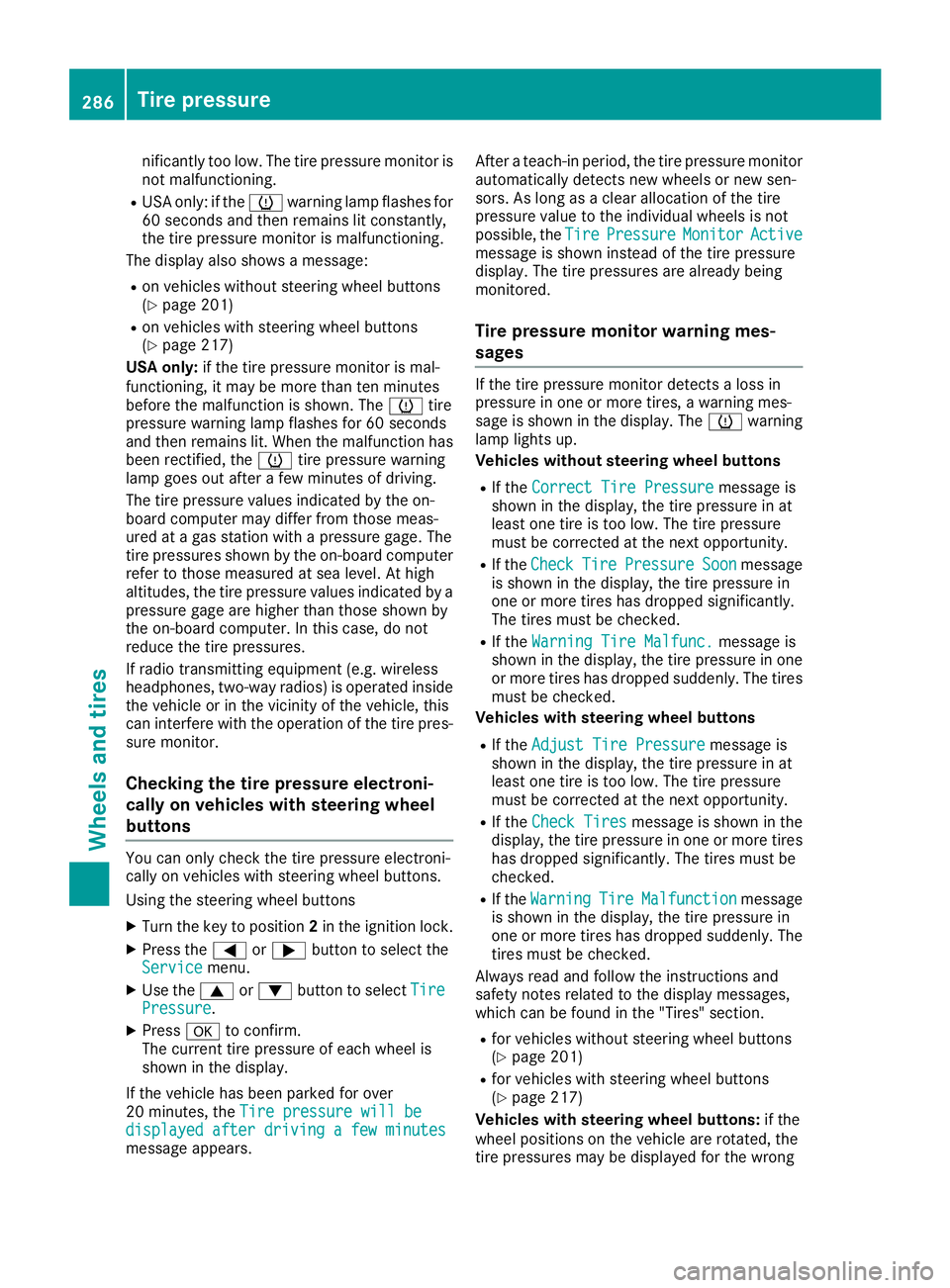
nificantly too low. The tire pressure monitor is
not malfunctioning.
RUSA only: if thehwarning lamp flashes for
60 seconds and then remains lit constantly,
the tire pressure monitor is malfunctioning.
The display also shows a message:
Ron vehicles without steering wheel buttons
(Ypage 201)
Ron vehicles with steering wheel buttons
(Ypage 217)
USA only: if the tire pressure monitor is mal-
functioning, it may be more than ten minutes
before the malfunction is shown. The htire
pressure warning lamp flashes for 60 seconds
and then remains lit. When the malfunction has
been rectified, the htire pressure warning
lamp goes out after a few minutes of driving.
The tire pressure values indicated by the on-
board computer may differ from those meas-
ured at a gas station with a pressure gage. The
tire pressures shown by the on-board computer
refer to those measured at sea level. At high
altitudes, the tire pressure values indicated by a pressure gage are higher than those shown by
the on-board computer. In this case, do not
reduce the tire pressures.
If radio transmitting equipment (e.g. wireless
headphones, two-way radios) is operated inside
the vehicle or in the vicinity of the vehicle, this
can interfere with the operati
on of the tire pres-
sure monitor.
Checking the tire pressure electroni-
cally on vehicles with steering wheel
buttons
You can only check the tire pressure electroni-
cally on vehicles with steering wheel buttons.
Using the steering wheel buttons
XTurn the key to position 2in the ignition lock.
XPress the =or; button to select the
Servicemenu.
XUse the 9or: button to select TirePressure.
XPressato confirm.
The current tire pressure of each wheel is
shown in the display.
If the vehicle has been parked for over
20 minutes, the Tire pressure will be
displayed after driving a few minutesmessage appears. After a teach-in period, the tire pressure monitor
automatically detects new wheels or new sen-
sors. As long as a clear allocation of the tire
pressure value to the individual wheels is not
possible, the
Tire
PressureMonitorActivemessage is shown instead of the tire pressure
display. The tire pressures are already being
monitored.
Tire pressure monitor warning mes-
sages
If the tire pressure monitor detects a loss in
pressure in one or more tires, a warning mes-
sage is shown in the display. The hwarning
lamp lights up.
Vehicles without steering wheel buttons
RIf the Correct Tire Pressuremessage is
shown in the display, the tire pressure in at
least one tire is too low. The tire pressure
must be corrected at the next opportunity.
RIf the CheckTirePressureSoonmessage
is shown in the display, the tire pressure in
one or more tires has dropped significantly.
The tires must be checked.
RIf the Warning Tire Malfunc.message is
shown in the display, the tire pressure in one
or more tires has dropped suddenly. The tires
must be checked.
Vehicles with steering wheel buttons
RIf the Adjust Tire Pressuremessage is
shown in the display, the tire pressure in at
least one tire is too low. The tire pressure
must be corrected at the next opportunity.
RIf the Check Tiresmessage is shown in the
display, the tire pressure in one or more tires has dropped significantly. The tires must be
checked.
RIf the WarningTireMalfunctionmessage
is shown in the display, the tire pressure in
one or more tires has dropped suddenly. The
tires must be checked.
Always read and follow the instructions and
safety notes related to the display messages,
which can be found in the "Tires" section.
Rfor vehicles without steering wheel buttons
(Ypage 201)
Rfor vehicles with steering wheel buttons
(Ypage 217)
Vehicles with steering wheel buttons: if the
wheel positions on the vehicle are rotated, the
tire pressures may be displayed for the wrong
286Tire pressure
Wheels and tires
Page 289 of 318
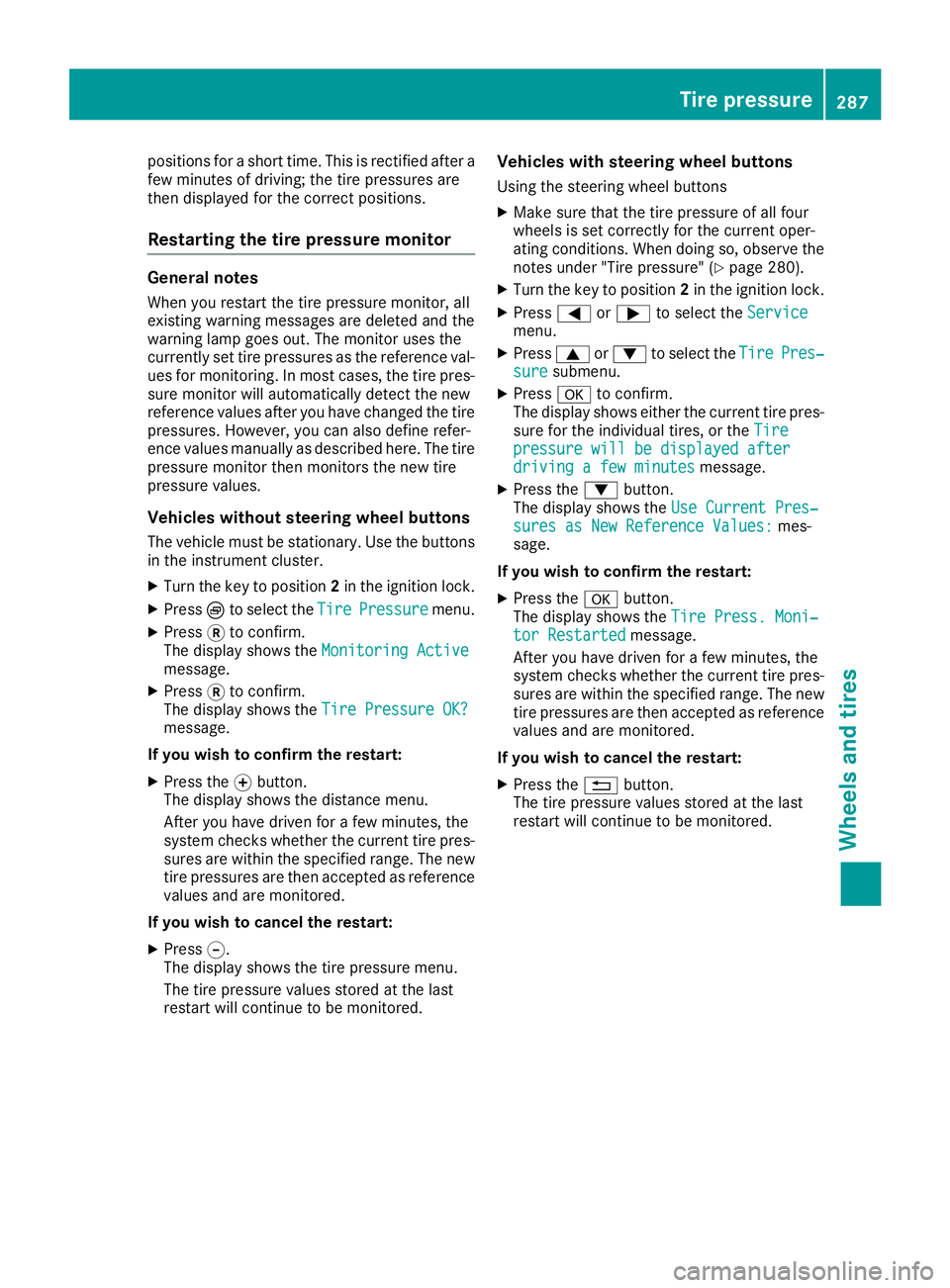
positions for a short time. This is rectified after a
few minutes of driving; the tire pressures are
then displayed for the correct positions.
Restarting the tire pressure monitor
General notes
When you restart the tire pressure monitor, all
existing warning messages are deleted and the
warning lamp goes out. The monitor uses the
currently set tire pressures as the reference val-
ues for monitoring. In most cases, the tire pres-
sure monitor will automatically detect the new
reference values after you have changed the tire
pressures. However, you can also define refer-
ence values manually as described here. The tire
pressure monitor then monitors the new tire
pressure values.
Vehicles without steering wheel buttons
The vehicle must be stationary. Use the buttons
in the instrument cluster.
XTurn the key to position 2in the ignition lock.
XPress Èto select the TirePressuremenu.
XPress3to confirm.
The display shows the Monitoring Active
message.
XPress3to confirm.
The display shows the Tire Pressure OK?
message.
If you wish to confirm the restart:
XPress the fbutton.
The display shows the distance menu.
After you have driven for a few minutes, the
system checks whether the current tire pres-
sures are within the specified range. The new
tire pressures are then accepted as reference
values and are monitored.
If you wish to cancel the restart:
XPress g.
The display shows the tire pressure menu.
The tire pressure values stored at the last
restart will continue to be monitored.
Vehicles with steering wheel buttons
Using the steering wheel buttons
XMake sure that the tire pressure of all four
wheels is set correctly for the current oper-
ating conditions. When doing so, observe the
notes under "Tire pressure" (
Ypage 280).
XTurn the key to position 2in the ignition lock.
XPress =or; to select the Servicemenu.
XPress9or: to select the TirePres‐suresubmenu.
XPressato confirm.
The display shows either the current tire pres-
sure for the individual tires, or the Tire
pressure will be displayed afterdriving a few minutesmessage.
XPress the:button.
The display shows the Use Current Pres‐
sures as New Reference Values:mes-
sage.
If you wish to confirm the restart:
XPress the abutton.
The display shows the Tire Press. Moni‐
tor Restartedmessage.
After you have driven for a few minutes, the
system checks whether the current tire pres- sures are within the specified range. The new
tire pressures are then accepted as reference
values and are monitored.
If you wish to cancel the restart:
XPress the %button.
The tire pressure values stored at the last
restart will continue to be monitored.
Tire pressure287
Wheels and tires
Z
Page 299 of 318
Mounting a wheel
Vehicle preparation
XStop the vehicle as far away as possible from
traffic and on a level, firm and non-slip sur-
face.
XIf your vehicle poses a risk to approaching
traffic, switch on the hazard warning lamps.
XApply the parking brake.
XTurn the front wheels to the straight-ahead
position.
XShift the transmission to position P.
XSwitch off the engine.
XPassengers should leave the vehicle. Make
sure that the passengers are not endangered
as they do so.
XMake sure that no one is near the danger area
while the wheel is being changed. Anyone
who is not directly assisting in the wheel
change should, for example, stand behind the
barrier.
XPlace the warning triangle or warning lamp at
a suitable distance.
Observe the legal requirements on the cor-
rect use of the warning triangle or warning
lamp for the country in which you are cur-
rently driving
XSecure the vehicle to prevent it from rolling
away.
Observe the safety notes on parking under
"Driving and parking" (
Ypage 133)
XOn level terrain: place chocks or other suit-
able objects under the front and rear of the
wheel that is diagonally opposite the wheel to
be changed.
XOn slight inclines: place chocks or other
suitable objects under the wheels on the front and rear axles opposite the wheel to be
changed.
XIf included in the vehicle equipment, take the
tire-changing tool kit out of the vehicle tool kit
(
Ypage 270).
Apart from some country-specific variants,
vehicles are not equipped with tire-changing
tools. Some tools for changing a wheel are
specific to the vehicle. Consult a qualified
specialist workshop for more information on
which tools are required to perform a wheel
change on your vehicle.
XIf included in the vehicle equipment, remove
the spare wheel from the spare wheel bracket (
Ypage 301). Observe the safety notes listed
under "Spare wheel" (Ypage 301).
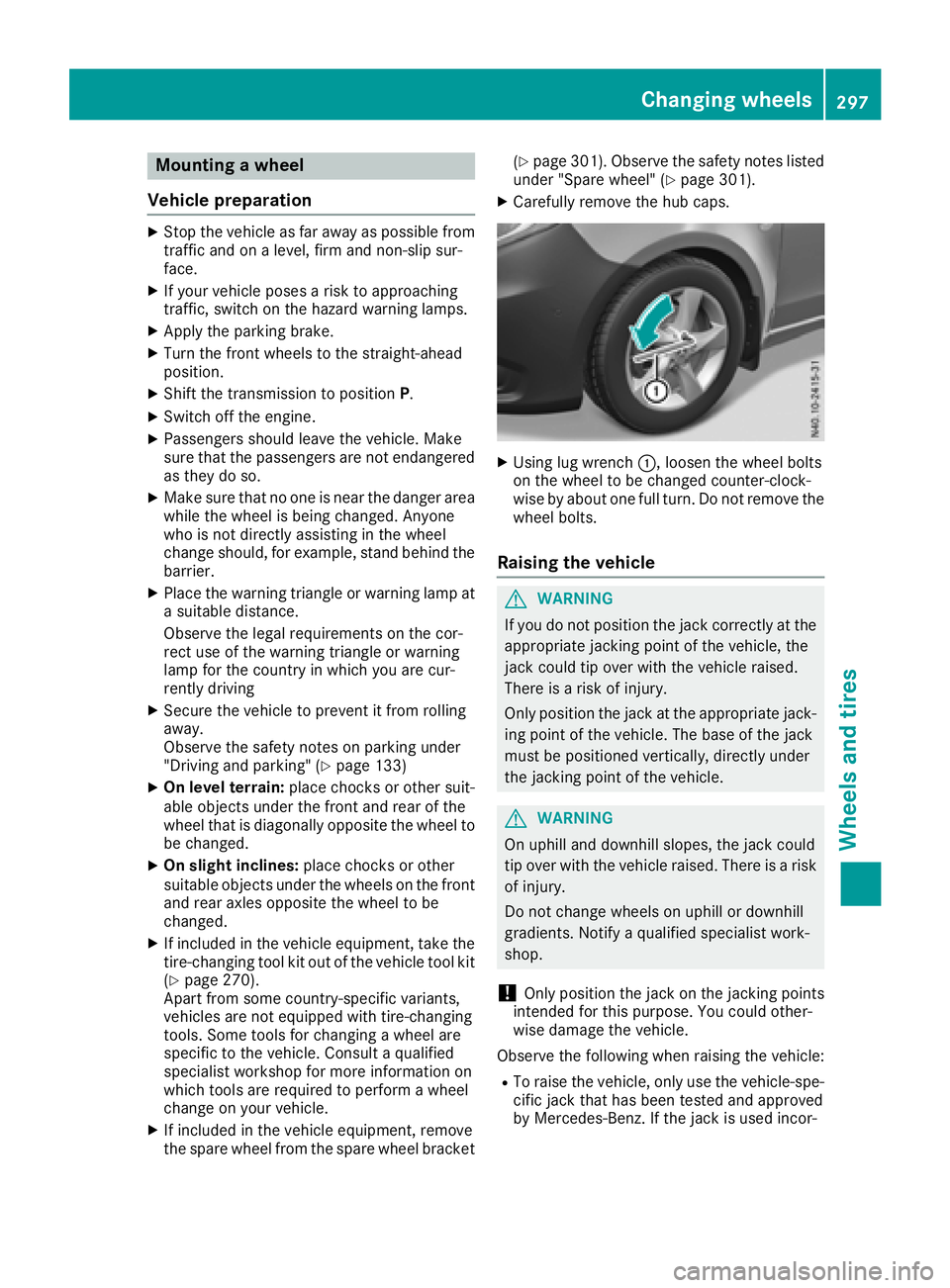
XCarefully remove the hub caps.
XUsing lug wrench :, loosen the wheel bolts
on the wheel to be changed counter-clock-
wise by about one full turn. Do not remove the
wheel bolts.
Raising the vehicle
GWARNING
If you do not position the jack correctly at the
appropriate jacking point of the vehicle, the
jack could tip over with the vehicle raised.
There is a risk of injury.
Only position the jack at the appropriate jack-
ing point of the vehicle. The base of the jack
must be positioned vertically, directly under
the jacking point of the vehicle.
GWARNING
On uphill and downhill slopes, the jack could
tip over with the vehicle raised. There is a risk
of injury.
Do not change wheels on uphill or downhill
gradients. Notify a qualified specialist work-
shop.
!Only position the jack on the jacking points
intended for this purpose. You could other-
wise damage the vehicle.
Observe the following when raising the vehicle:
RTo raise the vehicle, only use the vehicle-spe-
cific jack that has been tested and approved
by Mercedes-Benz. If the jack is used incor-
Changing wheels297
Wheels and tires
Z