interior lights MERCEDES-BENZ METRIS 2018 MY18 Operator’s Manual
[x] Cancel search | Manufacturer: MERCEDES-BENZ, Model Year: 2018, Model line: METRIS, Model: MERCEDES-BENZ METRIS 2018Pages: 318, PDF Size: 5.07 MB
Page 120 of 318
settings are reactivated with the exception of
air-recirculation mode. Air-recirculation mode
remains deactivated.
Clearing condensation from the win-
dows
Windows fogged up on the inside
Air-conditioning system
You should only select this setting until the win-
dows are clear again.
XSwitch on the rear window defroster if nec-
essary (Ypage 118).
XSwitch on climate control (Ypage 113).
XSwitch off air-recirculation mode
(Ypage 118).
XTurn temperature control :clockwise to a
higher temperature and air flow control Ato
a blower speed between 3and 6
(
Ypage 111).
XIf possible, only select the ¯setting of the
air distribution (Ypage 116).
Only the indicator lamp in the ¯button
lights up.
XSwitch on the cooling with air dehumidifica-
tion function (Ypage 114).
XIf the windows still fog up, set the climate
control functions as described for defrosting
of the windshield (
Ypage 117).
Dual-zone automatic climate control
You should only select this setting until the win- dows are clear again.
XSwitch on the rear window defroster if nec-
essary (Ypage 118).
XSwitch on climate control (Ypage 113).
XSwitch off air-recirculation mode
(Ypage 118).
XSwitch on the cooling with air dehumidifica-
tion function (Ypage 114).
XSwitch on automatic mode (Ypage 115).
XIf the windows continue to fog up, switch on
the windshield defrosting function
(
Ypage 117).
Windows fogged up on the outside
You should only select this setting until the
windshield is clear again.
XSwitch on the windshield wipers
(Ypage 106).
XSwitch on climate control (Ypage 113).
XIn warm and damp weather, do not allow cold
air to flow onto the windows. Close the side
air vents if required (
Ypage 120).
Switching the rear window defroster
on/off
General notes
The rear window defroster consumes a lot of
power. You should therefore switch off the rear
window defroster as soon as the rear window is
clear.
XTurn the key to position 2in the ignition lock.
XPress the ¤button on the control panel.
If the indicator lamp in the ¤button lights
up, the rear window defroster is switched on.
The rear window defroster switches off auto-
matically after a few minutes.
Problems with the rear window
defroster
The rear window defroster has switched off pre-
maturely or cannot be activated.
The vehicle starter battery is not sufficiently
charged.
XSwitch off any consumers that are not
required, e.g. reading lamps, interior lighting
or seat heating.
When the battery is sufficiently charged, the
rear window defroster can be activated again.
Switching air-recirculation mode
on/off
Important safety notes
You can deactivate the intake of fresh air if
unpleasant odors enter the vehicle from out-
side. The air inside the vehicle is then circulated.
When you switch on air-recirculation mode, the side windows and windows could fog up more
118Operating the climate control system
Climate control
Page 121 of 318

quickly, in particular at low outside tempera-
tures. Only switch on air-recirculation mode for
a short time.
Air-conditioning system or dual-zone
automatic climate control
XSwitch on climate control (Ypage 113).
XPress thehbutton.
If the indicator lamp in the hbutton lights
up, air-recirculation mode is activated.
Air-recirculation mode switches on automati-
cally:
Rat high outside temperatures.
Rwhile driving in a tunnel (only vehicles with a
navigation system).
The indicator lamp in the hbutton is then not
lit up. Outside air is added automatically after
about 30 minutes.
Air-recirculation mode is deactivated automati-
cally:
Rafter approximately five minutes at outside
temperatures below about 45 ‡ (7 †)
Rafter approximately five minutes when the
cooling with air-dehumidification function is
deactivated
Rafter approximately 30 minutes at outside
temperatures above about 45 ‡ (7 †) and
when the cooling with air-dehumidification
function is active
Convenience opening/pre-entry cli-
mate control
GWARNING
During convenience opening, body parts
could be drawn in or become trapped
between the side window and the door frame.
There is a risk of injury.
Monitor the entire opening procedure when
using convenience opening. When opening,
make sure that nobody touches the side win- dow. Release the %switch immediately if
somebody becomes trapped, to interrupt the
opening procedure.
XPre-entry climate control and conveni-
ence opening with the key: press and hold
the % button on the key.
The side windows open automatically and the
blower of the climate control system is acti-
vated.
XRelease the %button.
iAt high interior temperatures, the blower is
also switched on when a door is opened. This
means that slightly cooled air enters the vehi-
cle interior after the engine is started, to cool
the vehicle more rapidly.
Switching the residual heat function
on/off
General notes
Only vehicles with dual-zone automatic climate
control have the residual heat function.
Once the engine is switched off, it is possible to
make use of the residual heat of the engine to
continue heating or ventilating the front com-
partment of the vehicle for approximately
30 minutes. The heating or ventilation time
depends on the set interior temperature.
Switching the function on/off
XTurn the key to position 0in the ignition lock
or remove it.
XPress the Ìbutton.
If the residual heat function is activated, the
indicator lamp in the Ìbutton comes on.
The blower will run at a low speed regardless
of the airflow setting.
If you activate the residual heat function at
high temperatures, only the auxiliary ventila-
tion will be activated. The blower then runs at
medium speed.
The residual heat function switches off auto-
matically
Rafter approximately 30 minutes
Rif the starter battery's condition of charge is
too low
Rwhen you switch on the ignition
Operating the climate control system119
Climate control
Z
Page 190 of 318
Depending on the vehicle’s equipment, you have
the following options in theServicemenu:
RCalling up display messages in the message
memory (Ypage 205)
RRestarting the tire pressure loss warning sys-
tem or checking the tire pressure electroni-
cally (
Ypage 286)
RCalling up the service due date (ASSYST
PLUS) (Ypage 260)
Settings menu
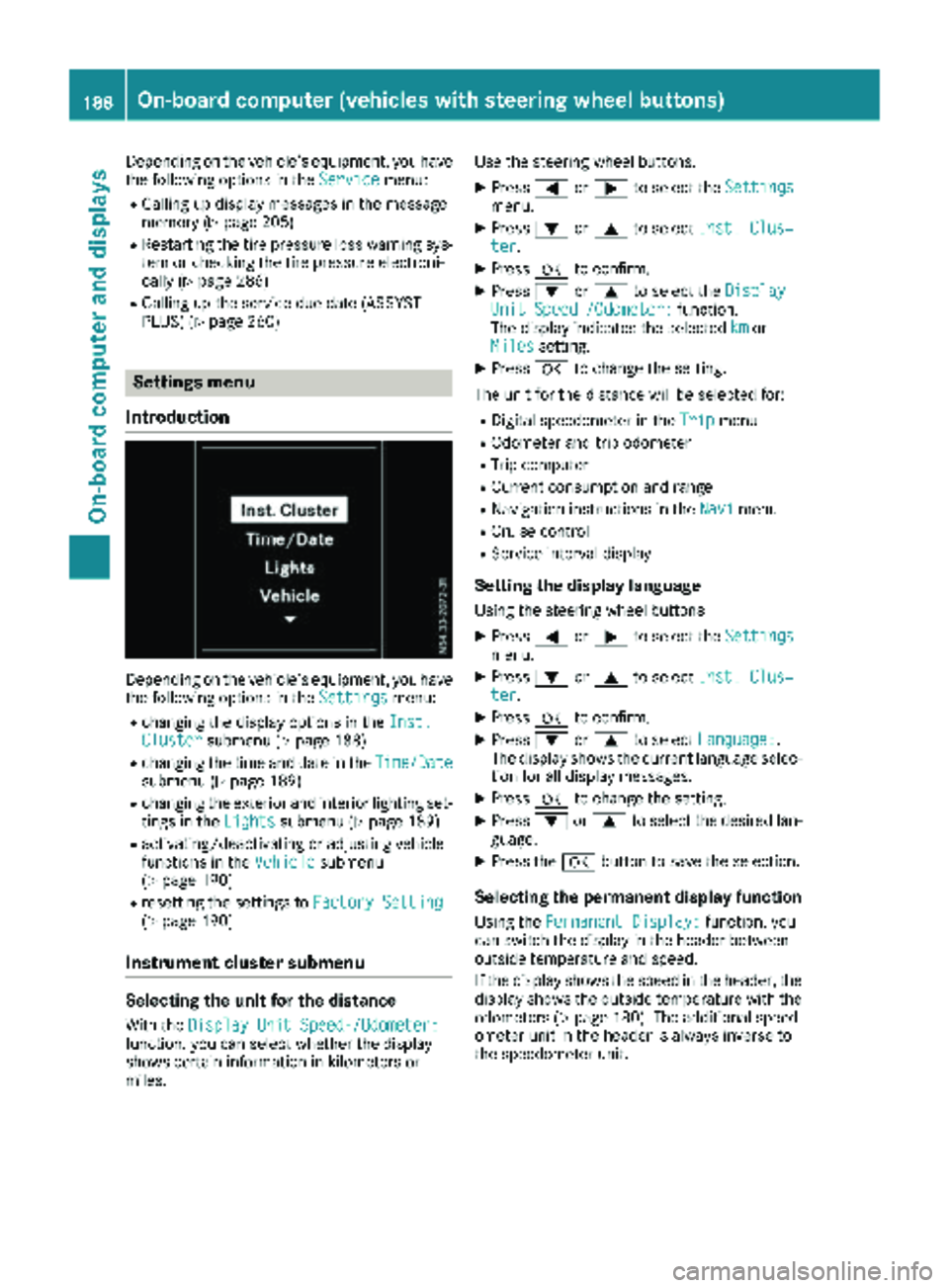
Introduction
Depending on the vehicle’s equipment, you have
the following options in the Settingsmenu:
Rchanging the display options in the Inst.Clustersubmenu (Ypage 188)
Rchanging the time and date in theTime/Datesubmenu (Ypage 189)
Rchanging the exterior and interior lighting set-
tings in theLightssubmenu (Ypage 189)
Ractivating/deactivating or adjusting vehicle
functions in the Vehiclesubmenu
(Ypage 190)
Rresetting the settings to Factory Setting(Ypage 190)
Instrument cluster submenu
Selecting the unit for the distance
With theDisplay Unit Speed-/Odometer:function, you can select whether the display
shows certain information in kilometers or
miles. Use the steering wheel buttons.
XPress
=or; to select the Settingsmenu.
XPress:or9 to select Inst. Clus‐ter.
XPressato confirm.
XPress :or9 to select the DisplayUnit Speed-/Odometer:function.
The display indicates the selected kmor
Milessetting.
XPress ato change the setting.
The unit for the distance will be selected for:
RDigital speedometer in the Tripmenu
ROdometer and trip odometer
RTrip computer
RCurrent consumption and range
RNavigation instructions in the Navimenu
RCruise control
RService interval display
Setting the display language
Using the steering wheel buttons
XPress=or; to select the Settingsmenu.
XPress:or9 to select Inst. Clus‐ter.
XPressato confirm.
XPress :or9 to select Language:.
The display shows the current language selec-
tion for all display messages.
XPress ato change the setting.
XPress :or9 to select the desired lan-
guage.
XPress the abutton to save the selection.
Selecting the permanent display function
Using the Permanent Display:function, you
can switch the display in the header between
outside temperature and speed.
If the display shows the speed in the header, the
display shows the outside temperature with the
odometers (
Ypage 180). The additional speed-
ometer unit in the header is always inverse to
the speedometer unit.
188On-board computer (vehicles withsteering whee lbu ttons)
On-board computer and displays
Page 192 of 318

Activating/deactivating interiorlighting
delayed switch-off
If you activat eth eInteriorLightingDelay:function ,th einterio rlightin gremains lit for a
further 20 seconds.
Usin gth esteering whee lbuttons
XUse th e= or; buttonto select th e
Settings.menu.
XUse : or9 to select Lights.
XPressato confirm .
XUse: or9 to select th eInteriorLighting Delayfunction .
The curren tstatus appears.
XTo switch on/of f:press aagain.
Vehicle submenu
Setting the sensitivity of thera in sensor
Usin gth esteering whee lbuttons
XPress =or; to select th eSettingsmenu.
XPress :or9 to select Vehicle.
XPressato confirm .
XPress:or9 to select th eRai nSen ‐sor Sensitivityfunction .
The display shows th ecurren tsetting.
XPress ato chang eth esetting.
XPress :or9 to select th eHig h,
Standardor Lowsetting. This settin gcontrol s
th erain sensor's sensitivit yto precipitation.
The windshield wiper then wipes mor eor less
frequently at th esame precipitatio nintensity.
XPress th ea buttonto store th eentry.
You can fin dfurther information under "Wind-
shield wiper " (
Ypage 106).
Switching the automatic locking featu re
on/off
Usin gth esteering whee lbuttons
XPress =or; to select th eSettingsmenu.
XPress :or9 to select Vehicle.
XPressato confirm .
XPress:or9 to select th eAutomaticDoo rLoc kfunction .
The curren tstatus is shown.
XTo act ivate/deact ivate:pressaagain.
If you activat eth eAutomatic
Doo rLockfunc-
tion, your vehicl ewill loc kautomatically from a
spee dof approximately 15 km/h.
You can fin dfurther information under "Auto-
matic door lock" (
Ypage 74).
Activating/deactivating the acoustic
locking confi rmation
Usin gth esteering whee lbuttons
XPress =or; to select th eSettingsmenu.
XPress :or9 to select Vehicle.
XPressato confirm .
XPress:or9 to select AcousticLockFeedback.
The curren tstatus is shown.
XTo act ivate/deact ivate:pressaagain.
If you activat eth eAcoustic Loc kFeedback
function ,an acoustic tone sounds when th e
vehicl eis locked.
Restoring the factory settings
Usin gth esteering whee lbuttons
XPress =or; to select th eSettingsmenu.
XPress :or9 to select FactorySet ‐ting.
XPress ato confirm .
The Reset All Settings?function is dis-
played.
XPress :or9 to select NoorYes.
XPress ato confirm th echoice.
If you select Yes,th edisplay shows aconfir-
mation message .
190On-board computer (vehicles with steering wheel buttons)
On-board computer and displays