jack MERCEDES-BENZ S-Class 2014 W222 Comand Manual
[x] Cancel search | Manufacturer: MERCEDES-BENZ, Model Year: 2014, Model line: S-Class, Model: MERCEDES-BENZ S-Class 2014 W222Pages: 278, PDF Size: 6.65 MB
Page 249 of 278
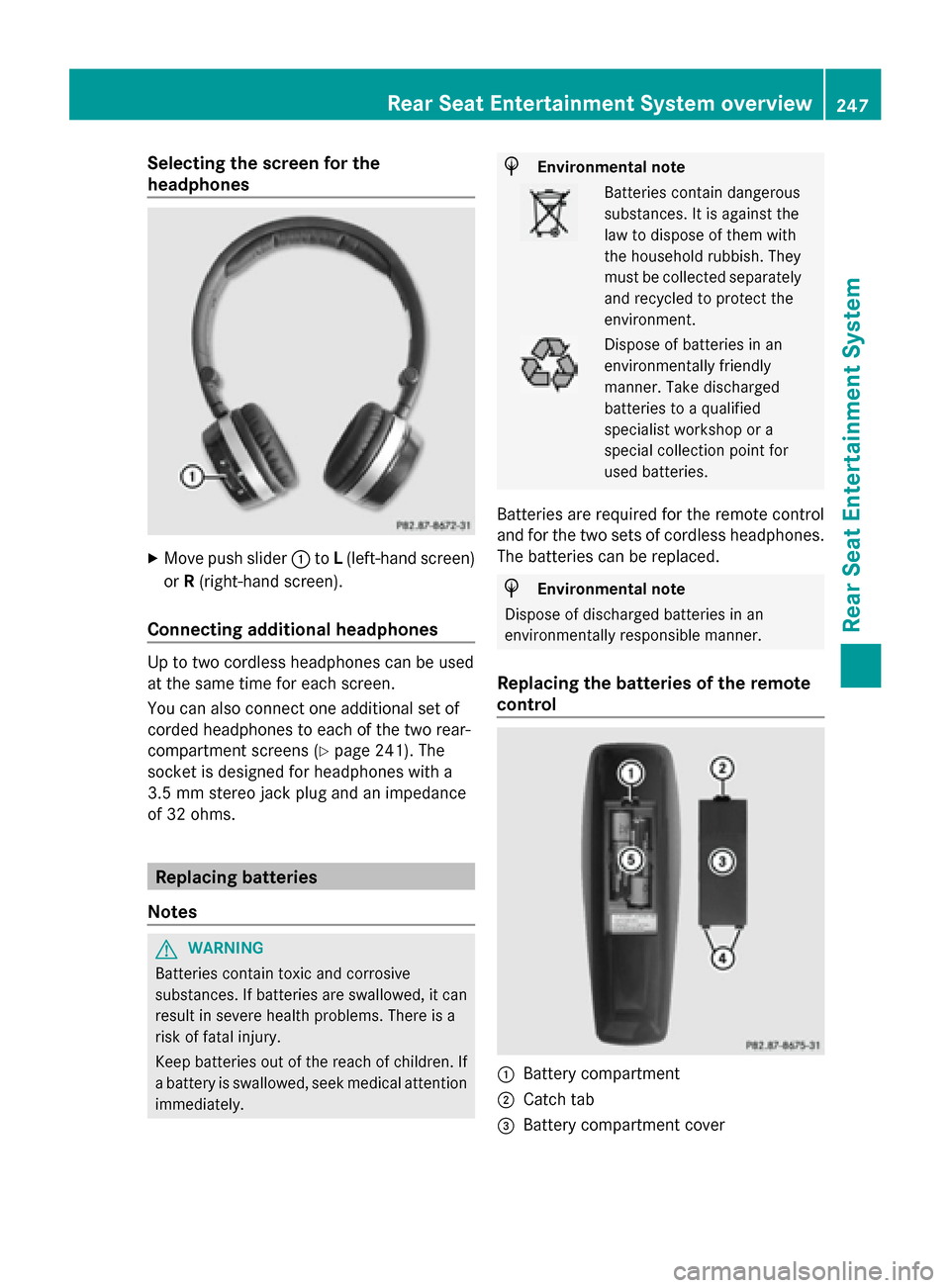
Selecting the screen for the
headphones
X
Move push slider 0043toL(left-hand screen)
or R(right-hand screen).
Connecting additional headphones Up to two cordless headphones can be used
at the same time for each screen.
You can also connect one additional set of
corded headphones to each of the two rear-
compartment screens (Y page 241). The
socket is designed for headphones with a
3.5 mm stereo jack plug and an impedance
of 32 ohms. Replacing batteries
Notes G
WARNING
Batteries contain toxic and corrosive
substances. If batteries are swallowed, it can
result in severe health problems. There is a
risk of fatal injury.
Keep batteries out of the reach of children. If
a battery is swallowed, seek medical attention
immediately. H
Environmental note Batteries contain dangerous
substances. It is against the
law to dispose of them with
the household rubbish. They
must be collected separately
and recycled to protect the
environment.
Dispose of batteries in an
environmentally friendly
manner. Take discharged
batteries to a qualified
specialist workshop or a
special collection point for
used batteries.
Batteries are required for the remote control
and for the two sets of cordless headphones.
The batteries can be replaced. H
Environmental note
Dispose of discharged batteries in an
environmentally responsible manner.
Replacing the batteries of the remote
control 0043
Battery compartment
0044 Catch tab
0087 Battery compartment cover Rear Seat Entertainment System overview
247Rear Seat Entertainment System Z
Page 256 of 278
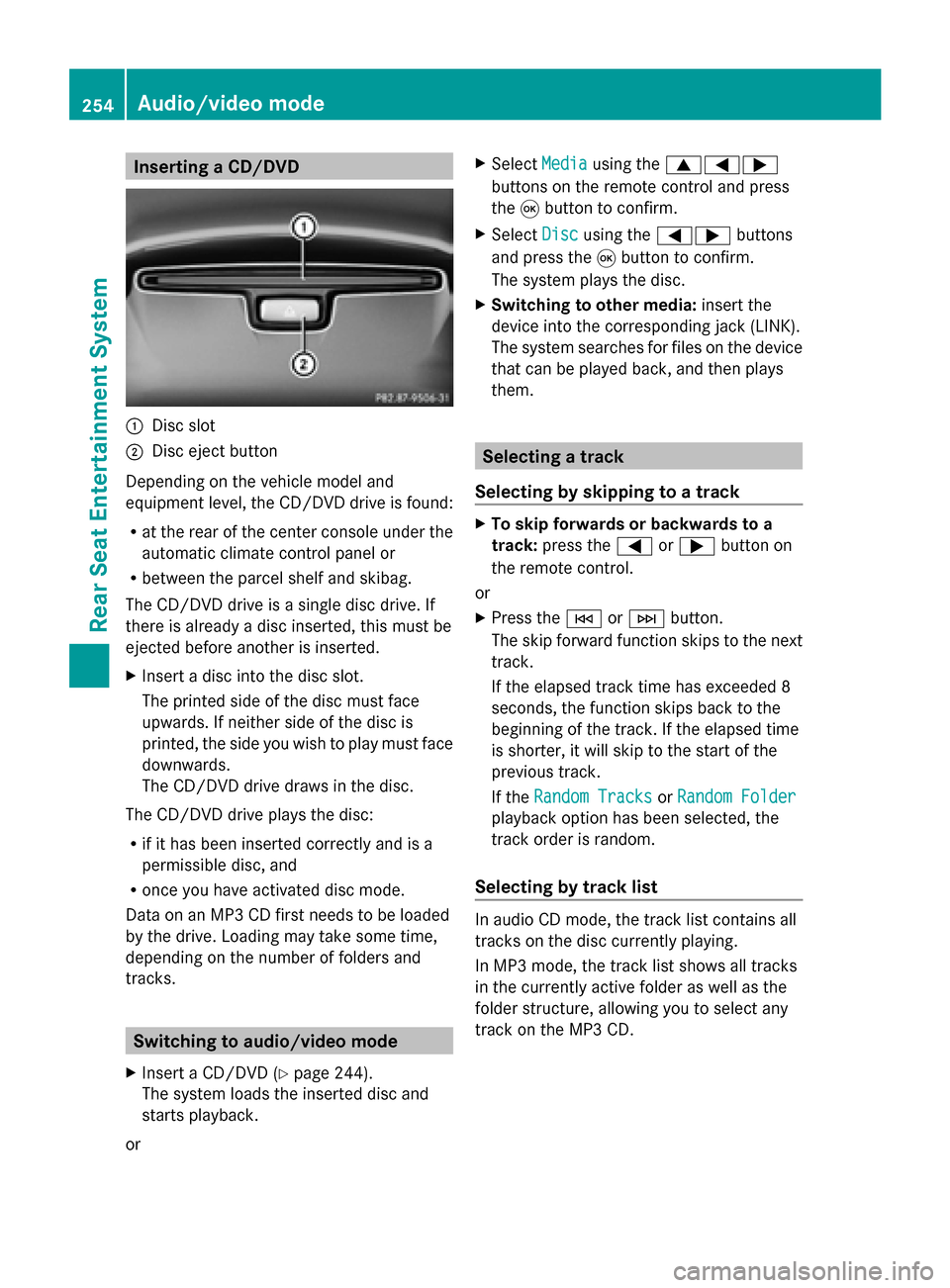
Inserting a CD/DVD
0043
Disc slot
0044 Disc eject button
Depending on the vehicle model and
equipment level, the CD/DVD drive is found:
R at the rear of the center console under the
automatic climate control panel or
R between the parcel shelf and skibag.
The CD/DVD drive is a single disc drive. If
there is already a disc inserted, this must be
ejected before another is inserted.
X Insert a disc into the disc slot.
The printed side of the disc must face
upwards. If neither side of the disc is
printed, the side you wish to play must face
downwards.
The CD/DVD drive draws in the disc.
The CD/DVD drive plays the disc:
R if it has been inserted correctly and is a
permissible disc, and
R once you have activated disc mode.
Data on an MP3 CD first needs to be loaded
by the drive. Loading may take some time,
depending on the number of folders and
tracks. Switching to audio/video mode
X Insert a CD/DVD (Y page 244).
The system loads the inserted disc and
starts playback.
or X
Select Media Mediausing the 006300590065
buttons on the remote control and press
the 008Bbutton to confirm.
X Select Disc Discusing the 00590065 buttons
and press the 008Bbutton to confirm.
The system plays the disc.
X Switching to other media: insert the
device into the corresponding jack (LINK).
The system searches for files on the device
that can be played back, and then plays
them. Selecting a track
Selecting by skipping to a track X
To skip forwards or backwards to a
track: press the 0059or0065 button on
the remote control.
or
X Press the 0048or0049 button.
The skip forward function skips to the next
track.
If the elapsed track time has exceeded 8
seconds, the function skips back to the
beginning of the track. If the elapsed time
is shorter, it will skip to the start of the
previous track.
If the Random Tracks Random Tracks orRandom Folder
Random Folder
playback option has been selected, the
track order is random.
Selecting by track list In audio CD mode, the track list contains all
tracks on the disc currently playing.
In MP3 mode, the track list shows all tracks
in the currently active folder as well as the
folder structure, allowing you to select any
track on the MP3 CD. 254
Audio/video modeRea
r Seat Entertainment System
Page 262 of 278
X
Select DVD Functions
DVD Functions and press the008B
button to confirm.
X Select Subtitles
Subtitles orCamera Angle
Camera Angle and
press the 008Bbutton to confirm.
In both cases, a menu appears after a few
seconds. The 0036dot in front of an entry
indicates the current setting.
X Select the setting using the 00630064
buttons and press the 008Bbutton to confirm.
X To exit the menu: press the0059
or 0065 button. Interactive content
DVDs can also contain interactive content
(e.g. a video game). In a video game, you may
be able to influence events by selecting and
triggering actions. The type and number of
actions depend on the DVD.
X Select an action using the
006300650064 buttons on the
remote control and press the 008Bbutton to
execute it.
A menu appears and the first entry,
Select
Select , is highlighted.
X Press the 008Bbutton. AUX mode
General information
You can connect an external video source in
the rear compartment.
Depending on the vehicle model and
equipment level, the AUX jacks are found:
R in the stowage box between the rear seats
or
R in the rear-compartment armrest
(Y page 245).
Please see the corresponding operating
instructions for information on how to
operate the external video source. For further details about external video
sources, please consult an authorized
Mercedes-Benz Center. Connecting AUX equipment
Audio and video connection X
Insert the audio plugs for the left and right
signals into the corresponding Land R
jacks.
X Insert the video plug into the Vjack. Activating AUX mode
AUX drive X
Select Aux Auxusing the 006300590065
buttons on the remote control and press
the 008Bbutton to confirm.
The AUX source is switched on once the
AUX device is active. 260
AUX modeRear Seat Entertainment System