maintenance MERCEDES-BENZ S CLASS 2019 Owner's Guide
[x] Cancel search | Manufacturer: MERCEDES-BENZ, Model Year: 2019, Model line: S CLASS, Model: MERCEDES-BENZ S CLASS 2019Pages: 578, PDF Size: 23.31 MB
Page 541 of 578
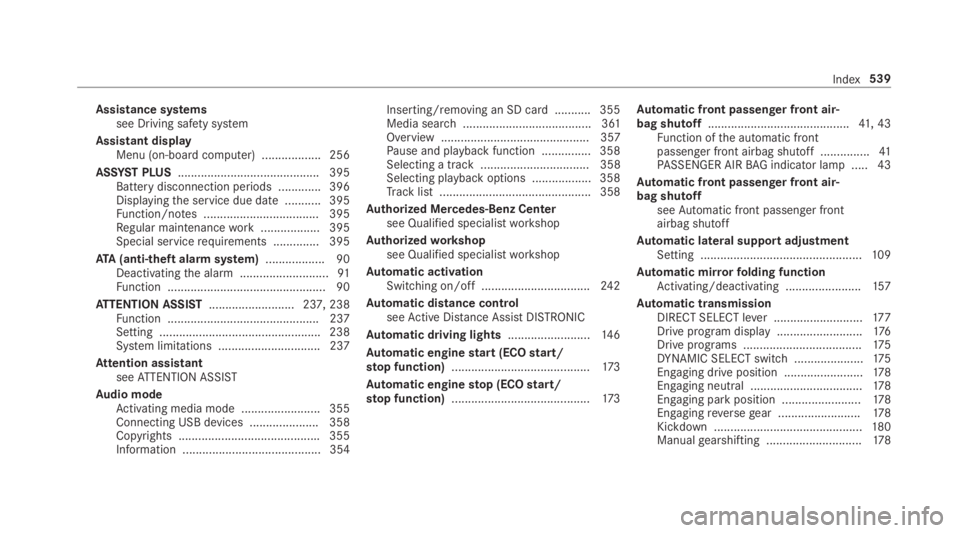
Assistance systemssee Driving safety system
Assistant displayMenu (on-board computer) .................. 256
ASSYST PLUS........................................... 395Battery disconnection periods .............396Displayingthe service due date ........... 395Function/notes ................................... 395Regular maintenancework.................. 395Special servicerequirements .............. 395
ATA(anti-theft alarmsystem).................. 90Deactivatingthe alarm ...........................91Function ................................................ 90
ATTENTION ASSIST.......................... 237, 238Function .............................................. 237Setting ................................................. 238System limitations ...............................237
Attention assistantseeATTENTION ASSIST
Audio modeActivating media mode ........................ 355Connecting USB devices ..................... 358Copyrights ...........................................355Information .......................................... 354
Inserting/removing an SD card ........... 355Media search ....................................... 361Overview ............................................. 357Pause and playback function ...............358Selecting a track ................................. 358Selecting playbackoptions .................. 358Track list .............................................. 358
Authorized Mercedes-Benz Centersee Qualified specialistworkshop
Authorizedworkshopsee Qualified specialistworkshop
Automatic activationSwitching on/off.................................24 2
Automatic distance controlseeActive Distance AssistDISTRONIC
Automatic driving lights.........................14 6
Automatic enginestart (ECOstart/stop function)..........................................173
Automatic enginestop (ECOstart/stop function)..........................................173
Automatic front passenger front air‐bag shutoff...........................................41, 43Function ofthe automatic frontpassenger front airbag shutoff ...............41PASSENGER AIRBAG indicator lamp .....43
Automatic front passenger front air‐bag shutoffseeAutomatic front passenger frontairbag shutoff
Automatic lateral support adjustmentSetting .................................................109
Automatic mirrorfolding functionActivating/deactivating .......................157
Automatic transmissionDIRECT SELECT lever ...........................17 7Drive program display ..........................176Drive programs ....................................175DYNAMIC SELECT switch .....................175Engaging drive position ........................178Engaging neutral ..................................178Engaging parkposition ........................178Engagingreversegear .........................178Kickdown .............................................180Manualgearshifting .............................178
Index539
Page 558 of 578
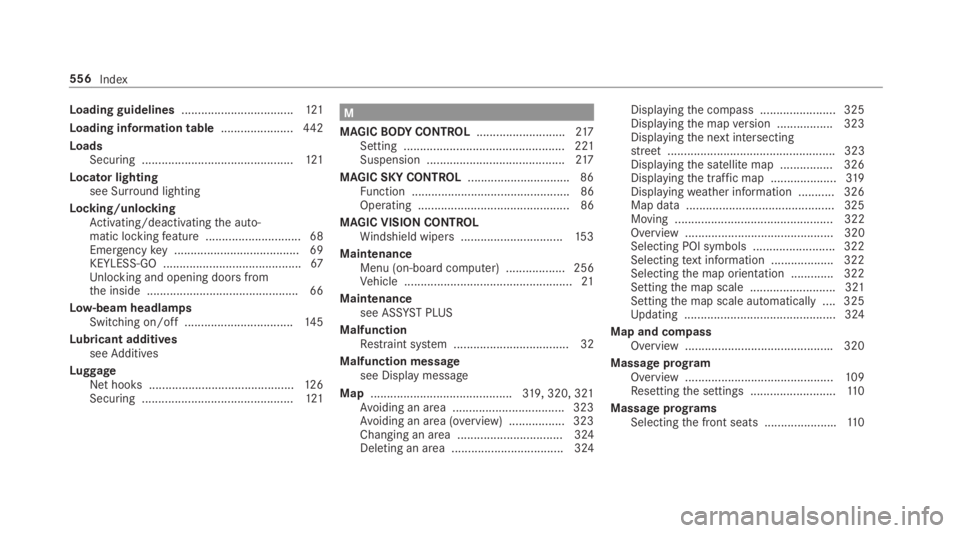
Loading guidelines..................................121
Loading information table......................442
LoadsSecuring ..............................................121
Locator lightingsee Surround lighting
Locking/unlockingActivating/deactivatingthe auto‐matic lockingfeature .............................68Emergencykey ...................................... 69KEYLESS-GO ..........................................67Unlocking and opening doors fromthe inside ..............................................66
Low-beam headlampsSwitching on/off .................................14 5
Lubricant additivesseeAdditives
LuggageNet hooks ............................................12 6Securing ..............................................121
M
MAGICBODYCONTROL...........................217Setting ................................................. 221Suspension ..........................................217
MAGIC SKY CONTROL...............................86Function ................................................ 86Operating .............................................. 86
MAGIC VISION CONTROLWindshield wipers...............................15 3
MaintenanceMenu (on-boardcomputer) .................. 256Vehicle ...................................................21
Maintenancesee ASSYST PLUS
MalfunctionRestraint system ................................... 32
Malfunction messagesee Display message
Map...........................................319, 320, 321Avoiding an area ..................................323Avoiding an area (overview) .................323Changing an area ................................ 324Deleting an area .................................. 324
Displayingthe compass ....................... 325Displayingthe mapversion .................323Displayingthe next intersectingstreet................................................... 323Displayingthe satellite map ................326Displayingthe traffic map ....................319Displayingweather information ...........326Map data ............................................. 325Moving ................................................ 322Overview ............................................. 320Selecting POI symbols ......................... 322Selectingtext information ................... 322Selectingthe map orientation .............322Settingthe map scale .......................... 321Settingthe map scale automatically ....325Updating .............................................. 324
Map and compassOverview .............................................320
Massage programOverview .............................................109Resettingthe settings ..........................11 0
Massage programsSelectingthe front seats ......................110
556Index
Page 559 of 578
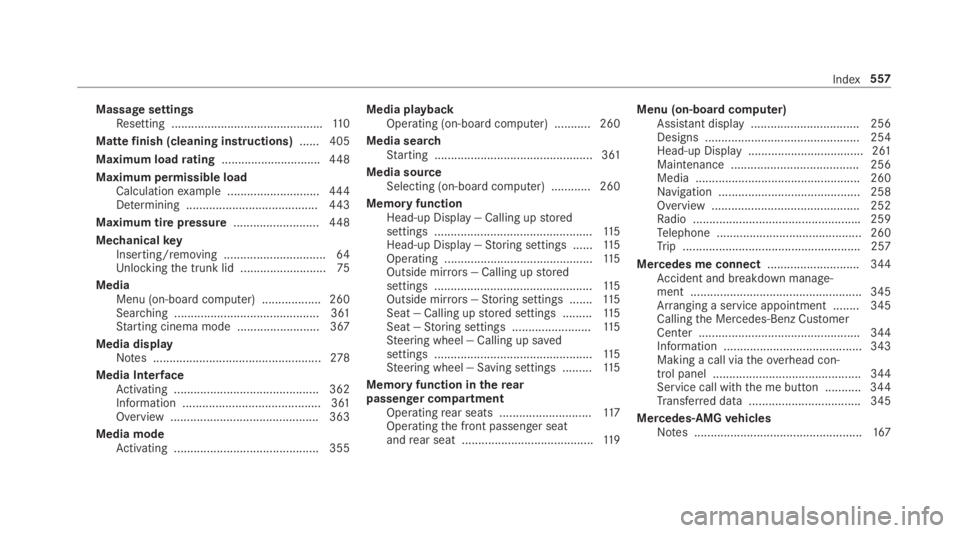
Massage settingsResetting ..............................................110
Mattefinish (cleaning instructions)...... 405
Maximum loadrating..............................448
Maximum permissible loadCalculationexample ............................444Determining ........................................443
Maximum tire pressure..........................448
MechanicalkeyInserting/removing ...............................64Unlockingthe trunk lid ..........................75
MediaMenu (on-boardcomputer) .................. 260Searching ............................................ 361Starting cinema mode .........................367
Media displayNotes ...................................................278
Media InterfaceActivating ............................................ 362Information .......................................... 361Overview .............................................363
Media modeActivating ............................................ 355
Media playbackOperating (on-board computer) ........... 260
Media searchStarting ................................................ 361
Media sourceSelecting (on-board computer) ............ 260
Memory functionHead-up Display — Calling upstoredsettings ................................................11 5Head-up Display —Storing settings ......11 5Operating .............................................11 5Outside mirrors— Calling upstoredsettings ................................................11 5Outside mirrors—Storing settings .......115Seat — Calling upstored settings .........11 5Seat —Storing settings ........................11 5Steering wheel — Calling up savedsettings ................................................11 5Steering wheel — Saving settings .........11 5
Memory function intherearpassenger compartmentOperatingrear seats ............................11 7Operatingthe front passenger seatandrear seat ........................................11 9
Menu (on-board computer)Assistant display................................. 256Designs ............................................... 254Head-up Display ................................... 261Maintenance ....................................... 256Media .................................................. 260Navigation ........................................... 258Overview ............................................. 252Radio ...................................................259Telephone ............................................ 260Trip ...................................................... 257
Mercedes me connect............................ 344Accident and breakdown manage‐ment .................................................... 345Arranging a service appointment ........ 345Callingthe Mercedes-Benz CustomerCenter ................................................. 344Information .......................................... 343Making a call viatheoverhead con‐trol panel ............................................. 344Service call withthe me button ........... 344Transferred data ..................................345
Mercedes-AMGvehiclesNotes ...................................................167
Index557
Page 575 of 578
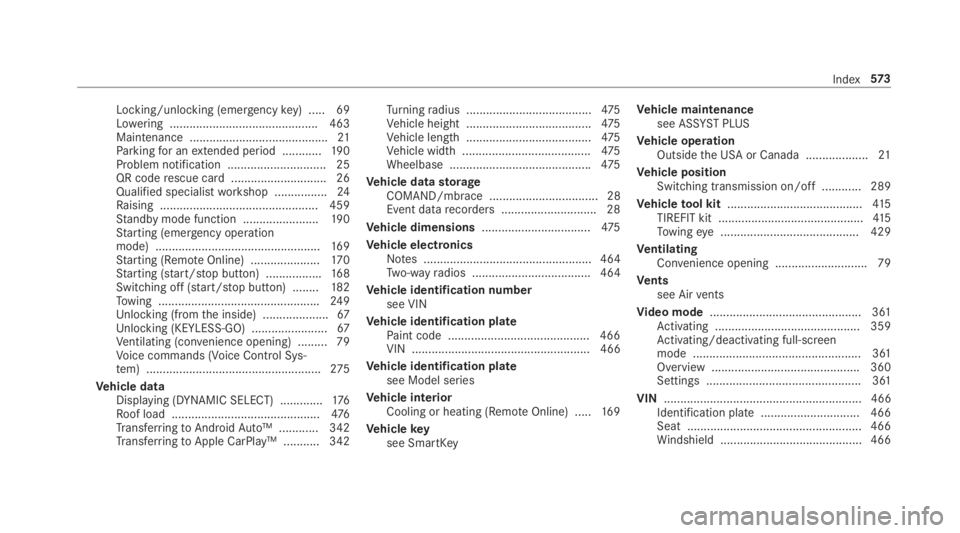
Locking/unlocking (emergencykey) .....69Lowering ............................................. 463Maintenance ..........................................21Parkingfor anextended period ............19 0Problem notification .............................. 25QR coderescue card ............................. 26Qualified specialistworkshop ................24Raising ................................................ 459Standby mode function .......................190Starting (emergency operationmode) ..................................................16 9Starting (RemoteOnline) .....................17 0Starting (start/stop button) .................168Switching off (start/stop button) ........182Towing .................................................249Unlocking (fromthe inside) ....................67Unlocking (KEYLESS-GO) .......................67Ventilating (convenience opening) ......... 79Voice commands (Voice Control Sys‐tem) .....................................................275
Vehicle dataDisplaying (DYNAMIC SELECT) .............176Roof load .............................................476TransferringtoAndroidAuto™ ............ 342TransferringtoApple CarPlay™ ........... 342
Turningradius ......................................475Vehicle height ......................................475Vehicle length ......................................475Vehicle width .......................................475Wheelbase ...........................................475
Vehicle datastorageCOMAND/mbrace ................................. 28Event datarecorders .............................28
Vehicle dimensions.................................475
Vehicle electronicsNotes ................................................... 464Two-wayradios .................................... 464
Vehicle identification numbersee VIN
Vehicle identification platePaint code ...........................................466VIN ...................................................... 466
Vehicle identification platesee Model series
Vehicle interiorCooling or heating (RemoteOnline) .....16 9
Vehiclekeysee SmartKey
Vehicle maintenancesee ASSYST PLUS
Vehicle operationOutsidethe USA or Canada ...................21
Vehicle positionSwitching transmission on/off ............ 289
Vehicletool kit.........................................415TIREFIT kit ............................................41 5Towingeye .......................................... 429
VentilatingConvenience opening ............................ 79
Ventssee Airvents
Video mode.............................................. 361Activating ............................................ 359Activating/deactivating full-screenmode ................................................... 361Overview .............................................360Settings ............................................... 361
VIN............................................................ 466Identification plate.............................. 466Seat ..................................................... 466Windshield ........................................... 466
Index573