climate settings MERCEDES-BENZ S-Class MAYBACH 2017 W222 Comand Manual
[x] Cancel search | Manufacturer: MERCEDES-BENZ, Model Year: 2017, Model line: S-Class MAYBACH, Model: MERCEDES-BENZ S-Class MAYBACH 2017 W222Pages: 230, PDF Size: 8.27 MB
Page 220 of 230
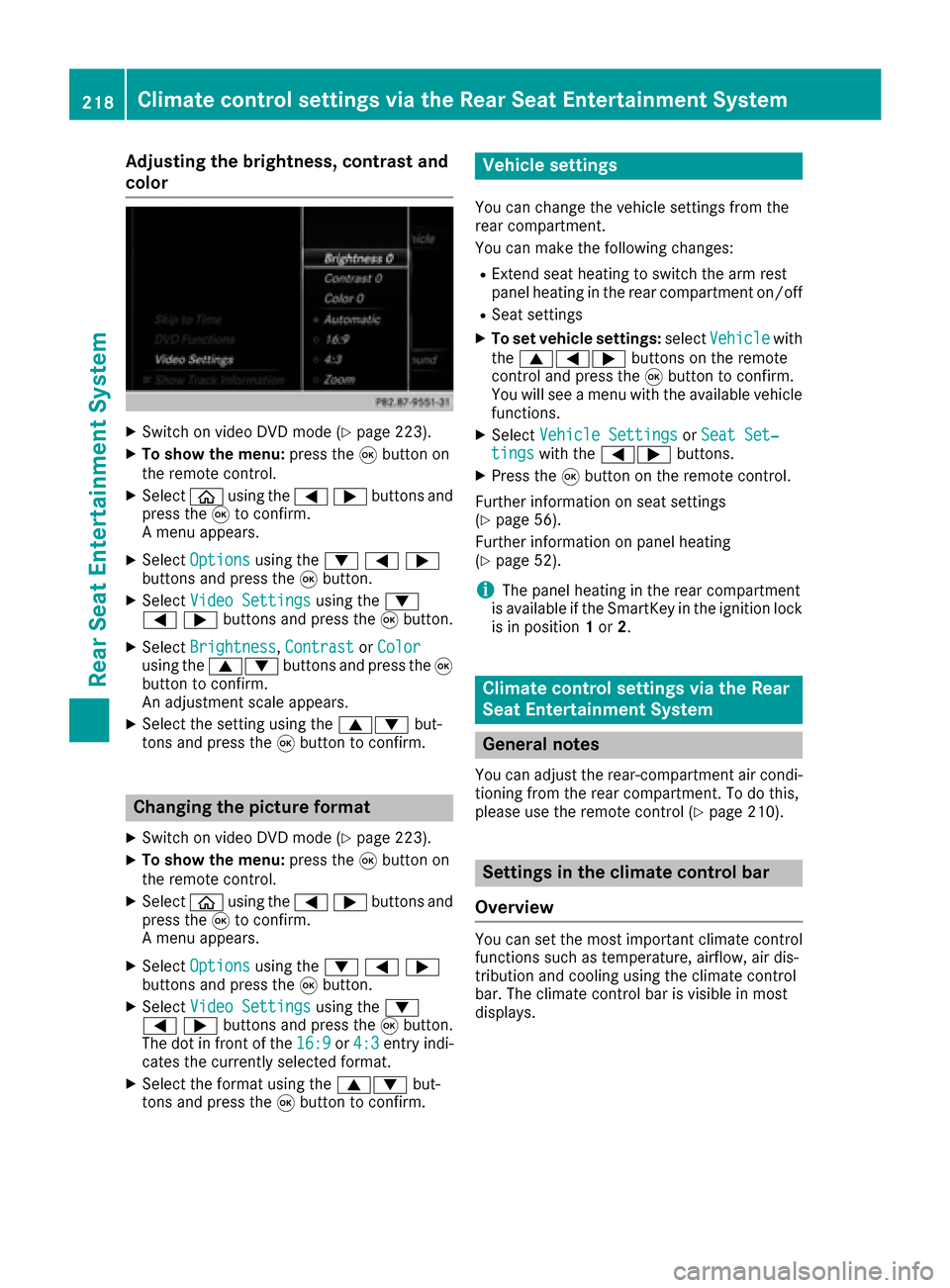
Adjusting the brightness, contrast and
color
XSwitc h on video DVD mod e(Ypage 223).
XTo showthemenu: press th e9 button on
th e remote control.
XSelectòusing the=;buttons and
press the 9to confirm.
A menu appears.
XSelect Optionsusing the :=;
buttons and press the 9button.
XSelect Video Settingsusing the :
=;buttons and press the 9button.
XSelect Brightness,Contrastor Colorusing the 9: buttons and press the 9
button to confirm.
An adjustment scale appears.
XSelect the setting using the 9:but-
tons and press the 9button to confirm.
Changing the picture format
XSwitch on video DVD mode (Ypage 223).
XTo show the menu: press the9button on
the remote control.
XSelect òusing the =;buttons and
press the 9to confirm.
A menu appears.
XSelect Optionsusing the :=;
buttons and press the 9button.
XSelect Video Settingsusing the :
=;buttons and press the 9button.
The dot in front of the 16:9
or4:3entry indi-
cates the currently selected format.
XSelect the format using the 9:but-
tons and press the 9button to confirm.
Vehicle settings
You can change the vehicle settings from the
rear compartment.
You can make the following changes:
RExtend seat heating to switch the arm rest
panel heating in the rear compartment on/off
RSeat settings
XTo set vehicle settings: selectVehiclewith
the 9=; buttons on the remote
control and press the 9button to confirm.
You will see a menu with the available vehicle
functions.
XSelect Vehicle SettingsorSeat Set‐tingswith the =; buttons.
XPress the9button on the remote control.
Further information on seat settings
(
Ypage 56).
Further information on panel heating
(
Ypage 52).
iThe panel heating in the rear compartment
is available if the SmartKey in the ignition lock
is in position 1or 2.
Climate control settings via the Rear
Seat Entertainment System
General notes
You can adjust the rear-compartment air condi-
tioning from the rear compartment. To do this,
please use the remote control (
Ypage 210).
Settings in the climate control bar
Overview
You can set the most important climate control
functions such as temperature, airflow, air dis-
tribution and cooling using the climate control
bar. The climate control bar is visible in most
displays.
218Climate control settings via the Rear Seat Entertainment System
Rear Seat Entertainment System
Page 221 of 230
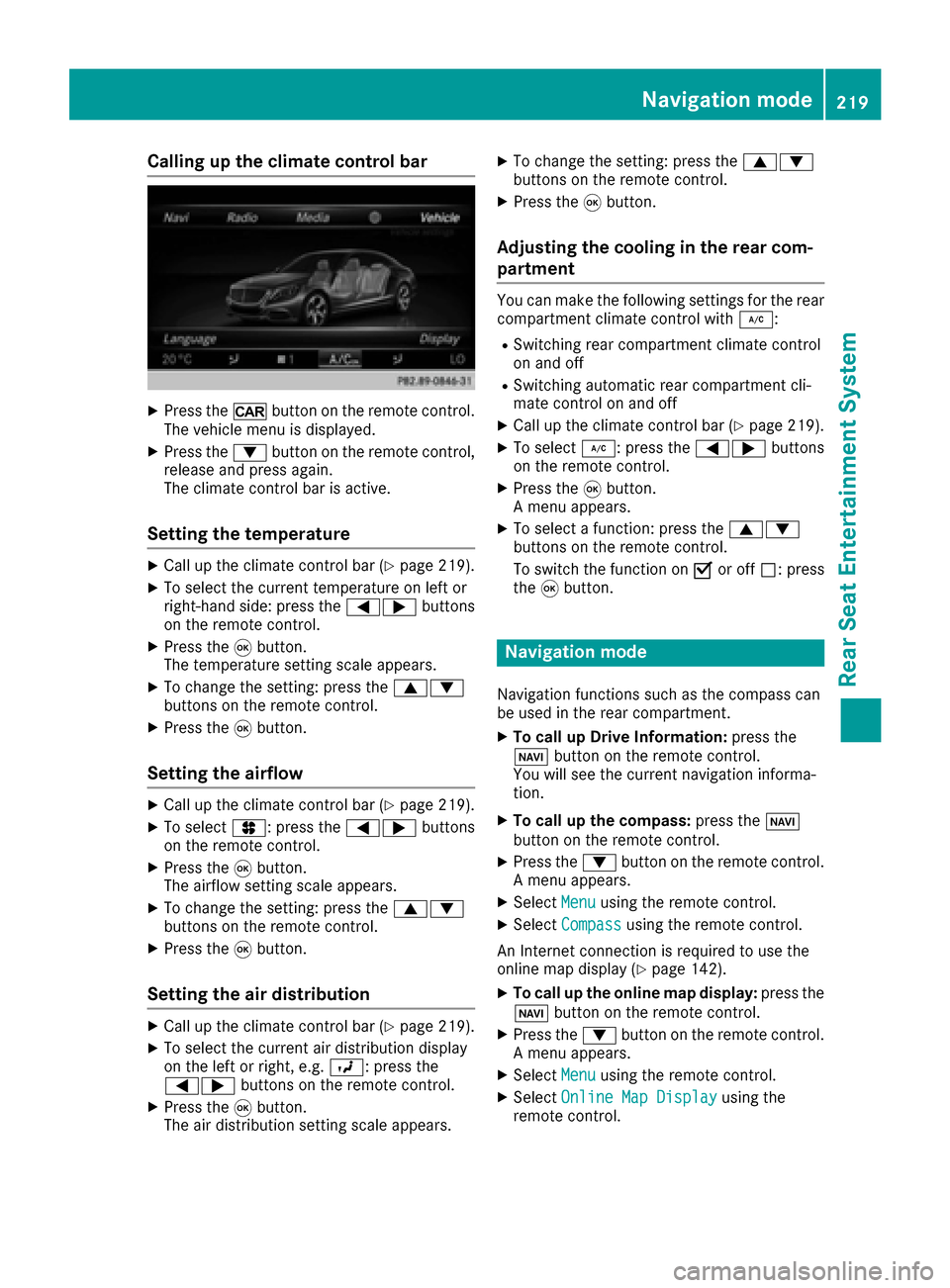
Calling up the climate control bar
XPress the/button on the remote control.
The vehicle menu is displayed.
XPress the :button on the remote control,
release and press again.
The climate control bar is active.
Setting the temperature
XCall up the climate control bar (Ypage 219).
XTo select the current temperature on left or
right-hand side: press the =;buttons
on the remote control.
XPress the 9button.
The temperature setting scale appears.
XTo change the setting: press the 9:
buttons on the remote control.
XPress the 9button.
Setting the airflow
XCall up the climate control bar (Ypage 219).
XTo select J: press the =;buttons
on the remote control.
XPress the 9button.
The airflow setting scale appears.
XTo change the setting: press the 9:
buttons on the remote control.
XPress the 9button.
Setting the air distribution
XCall up the climate control bar (Ypage 219).
XTo select the current air distribution display
on the left or right, e.g. O: press the
=; buttons on the remote control.
XPress the9button.
The air distribution setting scale appears.
XTo change the setting: press the 9:
buttons on the remote control.
XPress the 9button.
Adjusting the cooling in the rear com-
partment
You can make the following settings for the rear
compartment climate control with ¿:
RSwitching rear compartment climate control
on and off
RSwitching automatic rear compartment cli-
mate control on and off
XCall up the climate control bar (Ypage 219).
XTo select¿: press the =;buttons
on the remote control.
XPress the 9button.
A menu appears.
XTo select a function: press the 9:
buttons on the remote control.
To switch the function on Oor off ª: press
the 9button.
Navigation mode
Navigation functions such as the compass can
be used in the rear compartment.
XTo call up Drive Information: press the
Ø button on the remote control.
You will see the current navigation informa-
tion.
XTo call up the compass: press theØ
button on the remote control.
XPress the :button on the remote control.
A menu appears.
XSelect Menuusing the remote control.
XSelectCompassusing the remote control.
An Internet connection is required to use the
online map display (
Ypage 142).
XTo call up the online map display: press the
Ø button on the remote control.
XPress the :button on the remote control.
A menu appears.
XSelect Menuusing the remote control.
XSelectOnline Map Displayusing the
remote control.
Navigation mode219
Rear Seat Entertainment System
Z