light MERCEDES-BENZ S-Class MAYBACH 2017 W222 Comand Manual
[x] Cancel search | Manufacturer: MERCEDES-BENZ, Model Year: 2017, Model line: S-Class MAYBACH, Model: MERCEDES-BENZ S-Class MAYBACH 2017 W222Pages: 230, PDF Size: 8.27 MB
Page 32 of 230
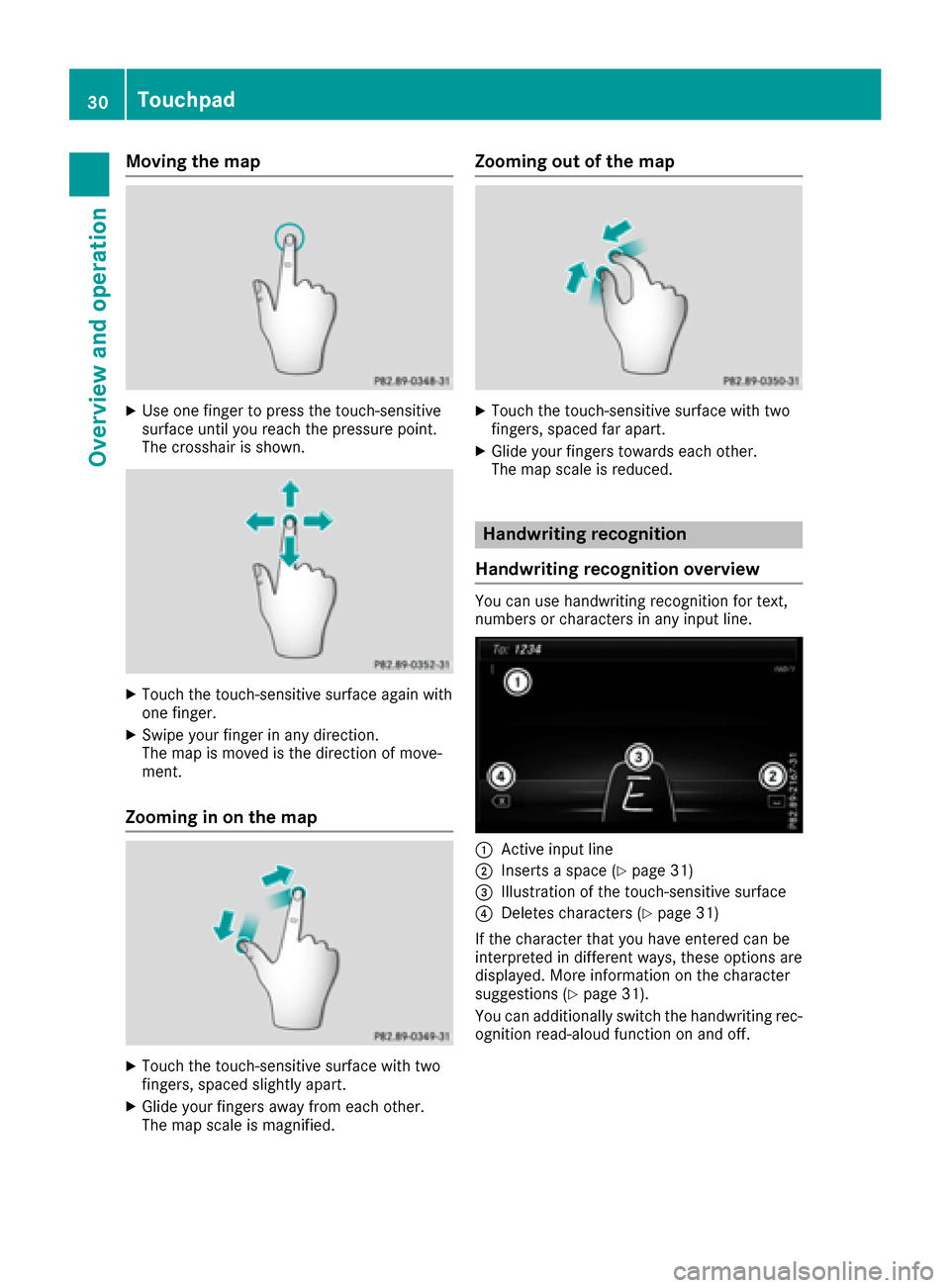
Moving the map
XUse one finger to press the touch-sensitive
surface until you reach the pressure point.
The crosshair is shown.
XTouch the touch-sensitive surface again with
one finger.
XSwipe your finger in any direction.
The map is moved is the direction of move-
ment.
Zooming in on the map
XTouch the touch-sensitive surface with two
fingers, spaced slightly apart.
XGlide your fingers away from each other.
The map scale is magnified.
Zooming out of the map
XTouch the touch-sensitive surface with two
fingers, spaced far apart.
XGlide your fingers towards each other.
The map scale is reduced.
Handwriting recognition
Handwriting recognition overview
You can use handwriting recognition for text,
numbers or characters in any input line.
:Active input line
;Inserts a space (Ypage 31)
=Illustration of the touch-sensitive surface
?Deletes characters (Ypage 31)
If the character that you have entered can be
interpreted in different ways, these options are
displayed. More information on the character
suggestions (
Ypage 31).
You can additionally switch the handwriting rec-
ognition read-aloud function on and off.
30Touchpad
Overview and operation
Page 34 of 230
Moving the cursor within the input line
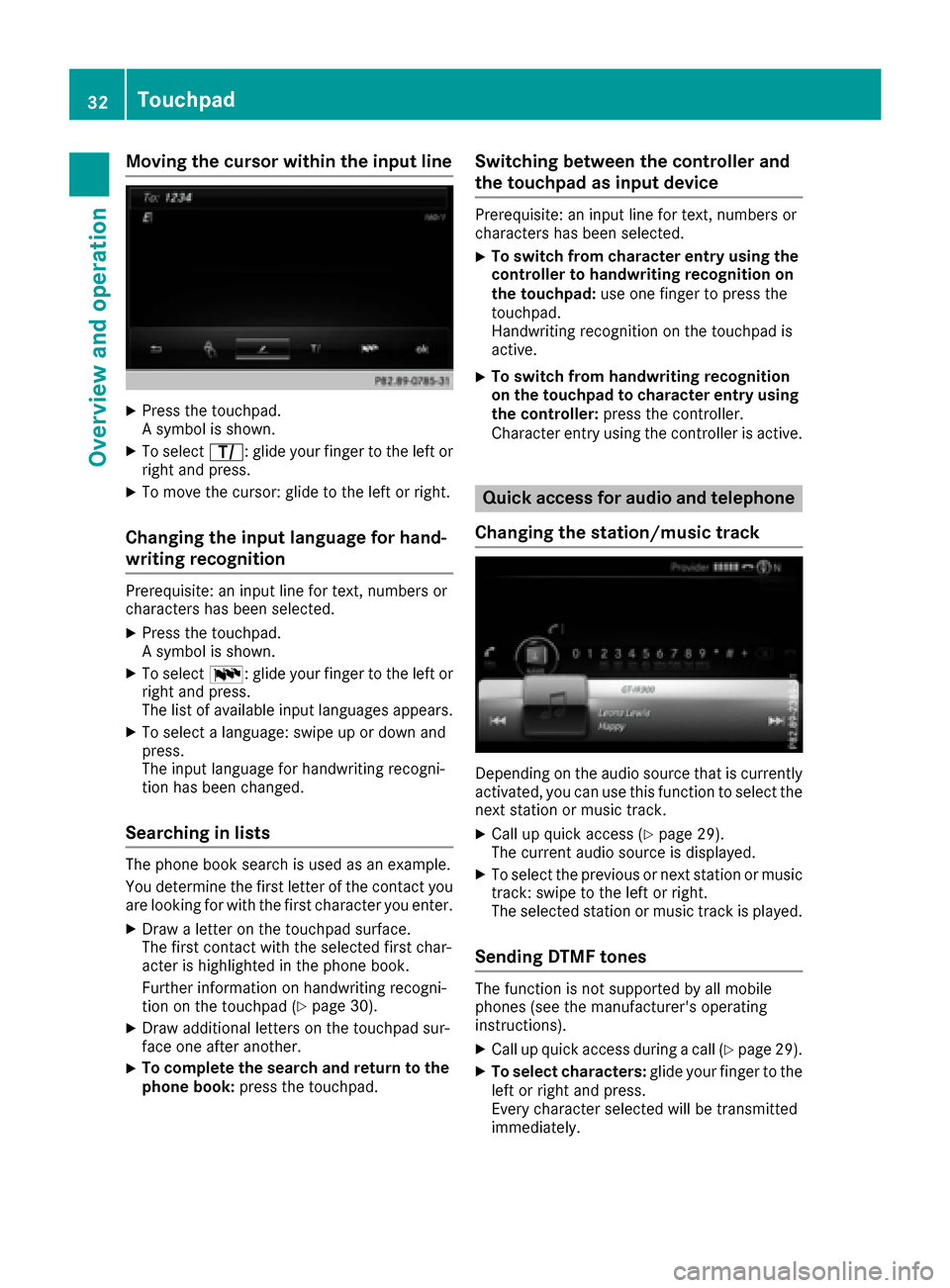
XPress the touchpad.
A symbol is shown.
XTo selectp: glide your finger to the left or
right and press.
XTo move the cursor: glide to the left or right.
Changing the input language for hand-
writing recognition
Prerequisite: an input line for text, numbers or
characters has been selected.
XPress the touchpad.
A symbol is shown.
XTo select B: glide your finger to the left or
right and press.
The list of available input languages appears.
XTo select a language: swipe up or down and
press.
The input language for handwriting recogni-
tion has been changed.
Searching in lists
The phone book search is used as an example.
You determine the first letter of the contact you
are looking for with the first character you enter.
XDraw a letter on the touchpad surface.
The first contact with the selected first char-
acter is highlighted in the phone book.
Further information on handwriting recogni-
tion on the touchpad (
Ypage 30).
XDraw additional letters on the touchpad sur-
face one after another.
XTo complete the search and return to the
phone book: press the touchpad.
Switching between the controller and
the touchpad as input device
Prerequisite: an input line for text, numbers or
characters has been selected.
XTo switch from character entry using the
controller to handwriting recognition on
the touchpad: use one finger to press the
touchpad.
Handwriting recognition on the touchpad is
active.
XTo switch from handwriting recognition
on the touchpad to character entry using
the controller: press the controller.
Character entry using the controller is active.
Quick access for audio and telephone
Changing the station/music track
Depending on the audio source that is currently
activated, you can use this function to select the
next station or music track.
XCall up quick access (Ypage 29).
The current audio source is displayed.
XTo select the previous or next station or music
track: swipe to the left or right.
The selected station or music track is played.
Sending DTMF tones
The function is not supported by all mobile
phones (see the manufacturer's operating
instructions).
XCall up quick access during a call (Ypage 29).
XTo select characters: glide your finger to the
left or right and press.
Every character selected will be transmitted
immediately.
32Touchpad
Overview and operation
Page 38 of 230
iAlternatively, you can also delete the entry
using the telephone keypad.
XTo switch to keyword search: slide6and
turn the controller, then press it after select-
ing =(
Ypage 75).
XTo confirm an entry: slide6and turn the
controller, then press it after selecting ¬.
or
XSlide 5the controller repeatedly until the
character bar disappears.
The location selection list appears. The selec-
ted entry is highlighted.
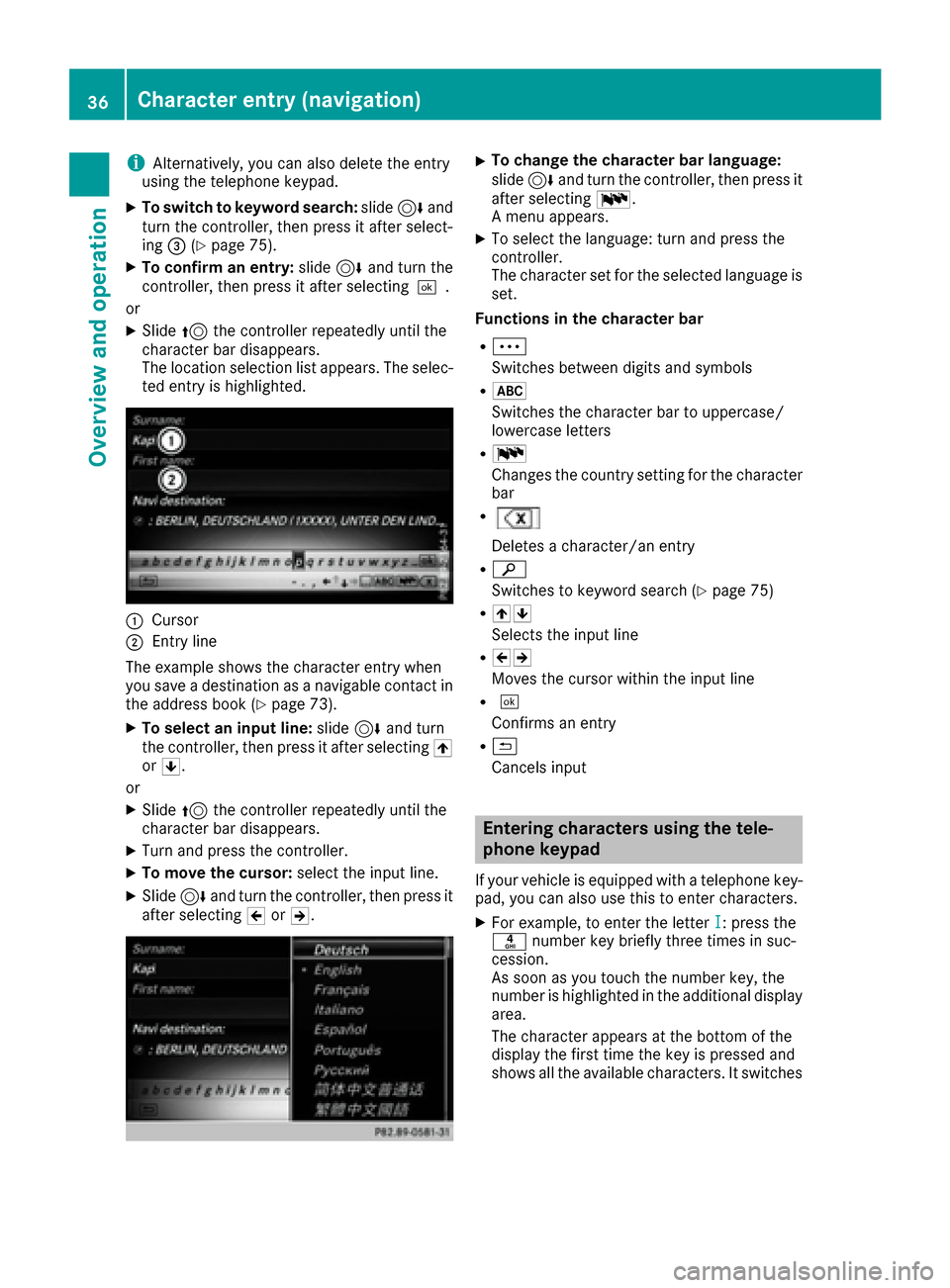
:Cursor
;Entry line
The example shows the character entry when
you save a destination as a navigable contact in
the address book (
Ypage 73).
XTo select an input line: slide6and turn
the controller, then press it after selecting 4
or 5.
or
XSlide 5the controller repeatedly until the
character bar disappears.
XTurn and press the controller.
XTo move the cursor: select the input line.
XSlide6and turn the controller, then press it
after selecting 2or3.
XTo change the character bar language:
slide 6and turn the controller, then press it
after selecting B.
A menu appears.
XTo select the language: turn and press the
controller.
The character set for the selected language is set.
Functions in the character bar
RÄ
Switches between digits and symbols
R*
Switches the character bar to uppercase/
lowercase letters
RB
Changes the country setting for the character
bar
R
Deletes a character/an entry
Rè
Switches to keyword search (
Ypage 75)
R45
Selects the input line
R23
Moves the cursor within the input line
R¬
Confirms an entry
R&
Cancels input
Entering characters using the tele-
phone keypad
If your vehicle is equipped with a telephone key- pad, you can also use this to enter characters.
XFor example, to enter the letter I: press the
n number key briefly three times in suc-
cession.
As soon as you touch the number key, the
number is highlighted in the additional display
area.
The character appears at the bottom of the
display the first time the key is pressed and
shows all the available characters. It switches
36Character entry (navigation)
Overview and operation
Page 39 of 230
to the next character each time the key is
pressed.
XWait until the character display goes out.
The selected character is entered in the input
line.
XTo delete the character: press the$
button.
XTo delete an entire entry: press and hold the
$ button until the entire entry is deleted.
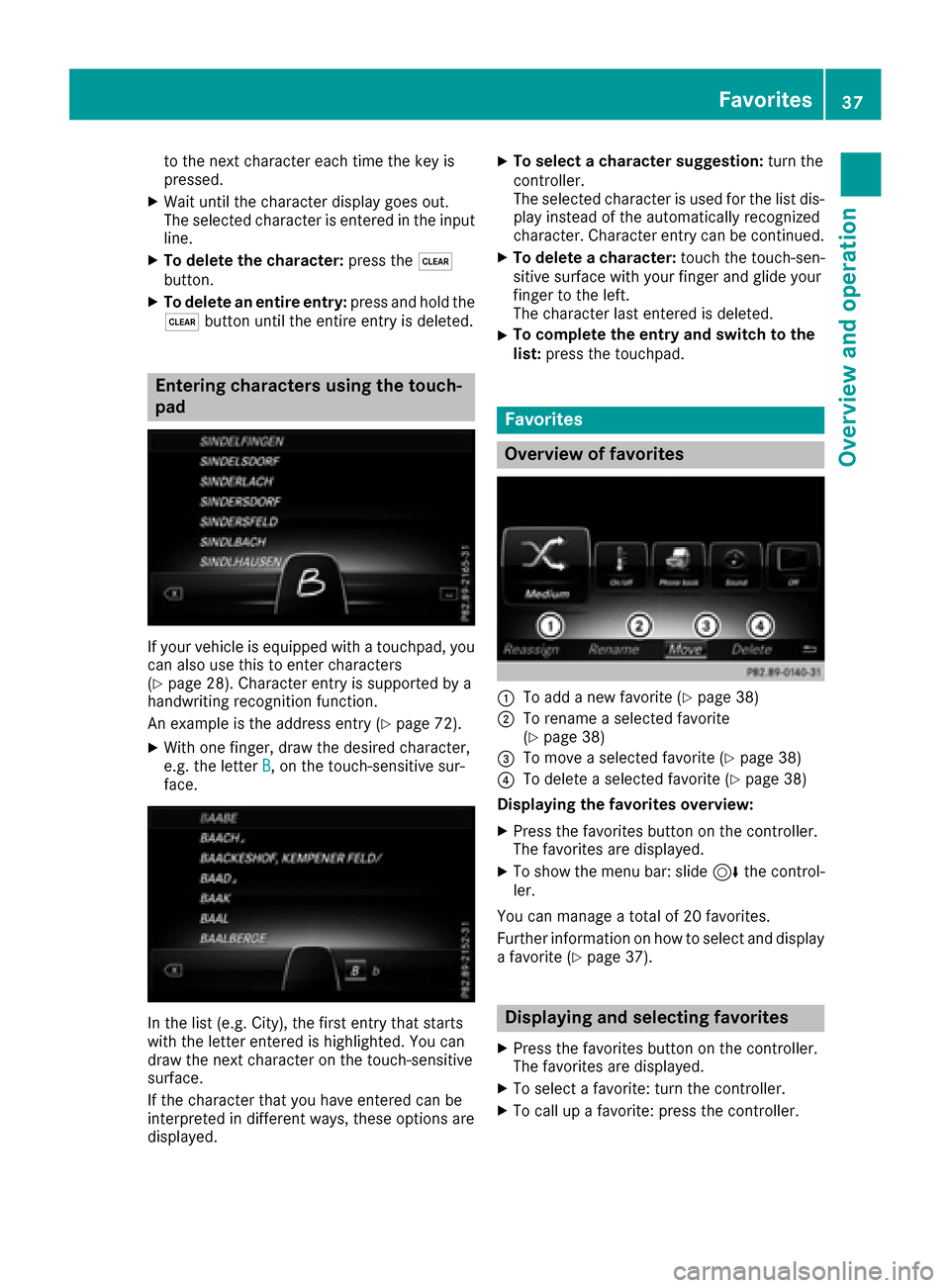
Entering characters using the touch-
pad
If your vehicle is equipped with a touchpad, you
can also use this to enter characters
(
Ypage 28). Character entry is supported by a
handwriting recognition function.
An example is the address entry (
Ypage 72).
XWith one finger, draw the desired character,
e.g. the letter B, on the touch-sensitive sur-
face.
In the list (e.g. City), the first entry that starts
with the letter entered is highlighted. You can
draw the next character on the touch-sensitive
surface.
If the character that you have entered can be
interpreted in different ways, these options are
displayed.
XTo select a character suggestion: turn the
controller.
The selected character is used for the list dis-
play instead of the automatically recognized
character. Character entry can be continued.
XTo delete a character: touch the touch-sen-
sitive surface with your finger and glide your
finger to the left.
The character last entered is deleted.
XTo complete the entry and switch to the
list: press the touchpad.
Favorites
Overview of favorites
:To add a new favorite (Ypage 38)
;To rename a selected favorite
(Ypage 38)
=To move a selected favorite (Ypage 38)
?To delete a selected favorite (Ypage 38)
Displaying the favorites overview:
XPress the favorites button on the controller.
The favorites are displayed.
XTo show the menu bar: slide 6the control-
ler.
You can manage a total of 20 favorites.
Further information on how to select and display
a favorite (
Ypage 37).
Displaying and selecting favorites
XPress the favorites button on the controller.
The favorites are displayed.
XTo select a favorite: turn the controller.
XTo call up a favorite: press the controller.
Favorites37
Overview and operation
Page 41 of 230
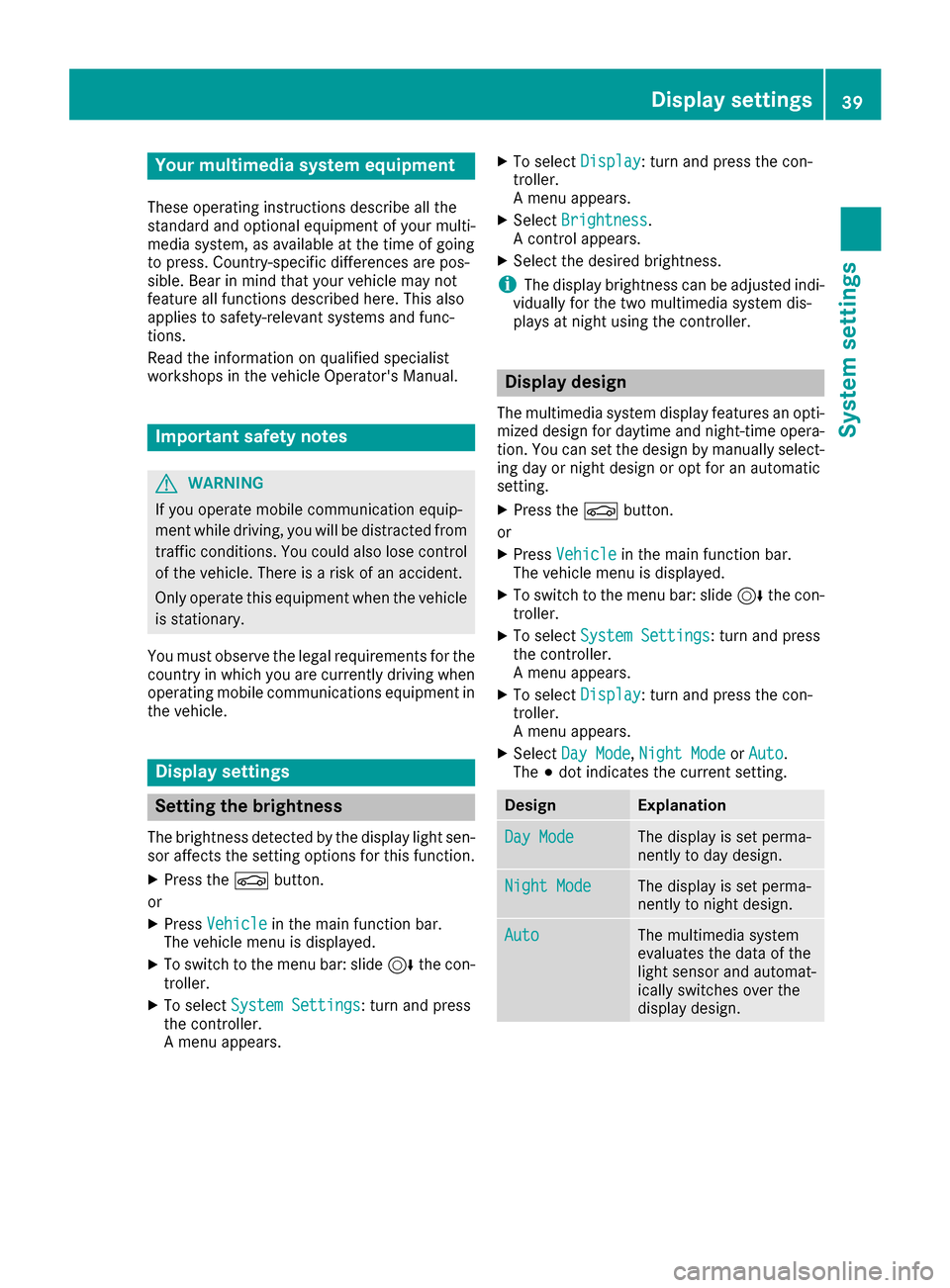
Your multimediasystem equipment
These operating instructions describe all the
standard and optional equipment of your multi-
media system, as available at the time of going
to press. Country-specifi cdifferences are pos-
sible. Bear in mind that your vehicle may not
feature all functions described here. This also
applies to safety-relevant systems andfunc-
tions.
Read the information on qualified specialist
workshop s in the vehicle Operator's Manual.
Important safety notes
GWARNING
If you operate mobile communication equip-
ment while driving, you will be distracted from traffic conditions. You could also lose control
of the vehicle. There is a risk of an accident.
Only operate this equipment when the vehicle
is stationary.
You must observe the legal requirements for the
country in which you are currently driving when
operating mobile communications equipment in
th e vehicle.
Display settings
Setting the brightness
The brightness detected by the display light sen-
sor affects th e setting options forthis function .
XPress theØbutton.
or
XPress Vehicl ein the main function bar.
The vehicle menu is displayed.
XTo switch to th e menu bar: slide 6thecon-
troller.
XTo select SystemSettings:turn an dpress
th econtroller.
A menu appears.
XTo select Display:turn an dpress th econ-
troller.
A menu appears.
XSelect Brightness.
A contro l appears.
XSelect the desired brightness.
iThe display brightness can be adjusted indi-
vidually for thetw o multimedia system dis-
plays at night using thecontroller.
Display design
The multimedia system display features an opti-
mized design for daytime and night-time opera-
tion. You can set the design by manually select-
ing day or night design or opt for an automatic
setting .
XPress the Øbutton.
or
XPress Vehicl ein the main function bar.
The vehicle menu is displayed.
XTo switch to th e menu bar: slide 6thecon-
troller.
XTo select System Settings:turn an dpress
th econtroller.
A menu appears.
XTo select Display:turn an dpress th econ-
troller.
A menu appears.
XSelect DayMode,Nigh tModeor Auto.
The #dot indicates the current setting.
DesignExplanation
DayModeThe display is set perma-
nently to day design.
Nigh tModeThe display is set perma-
nently to night design.
AutoThe multimedia system
evaluates the data of the
light sensor an d automat-
ically switches over the
display design.
Display settings39
System settings
Z
Page 43 of 230
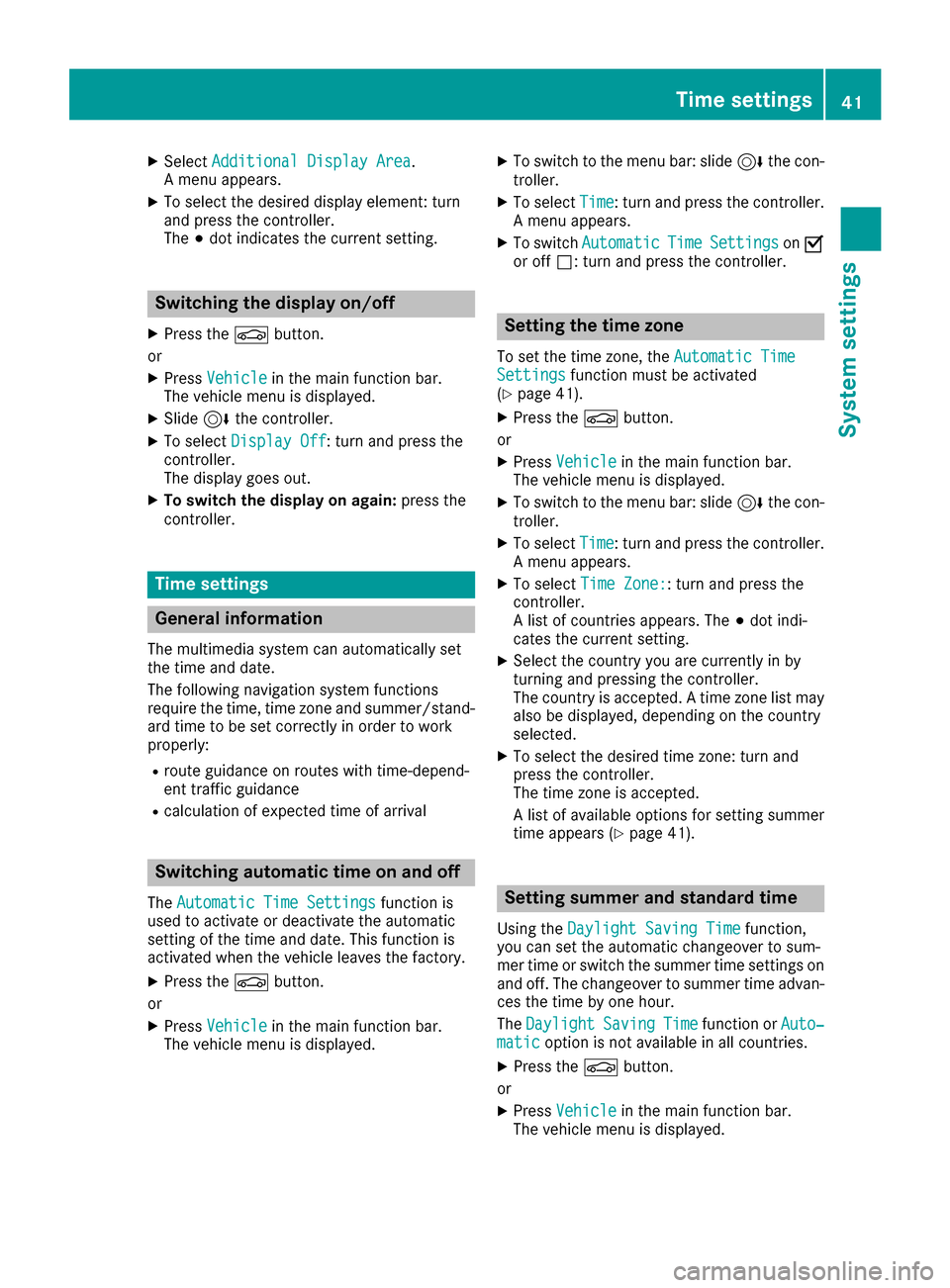
XSelectAdditional Display Area.
A menu appears.
XTo select the desired display element: turn
and press the controller.
The #dot indicates the current setting.
Switching the display on/off
XPress the Øbutton.
or
XPress Vehiclein the main function bar.
The vehicle menu is displayed.
XSlide 6the controller.
XTo select Display Off: turn and press the
controller.
The display goes out.
XTo switch the display on again: press the
controller.
Time settings
General information
The multimedia system can automatically set
the time and date.
The following navigation system functions
require the time, time zone and summer/stand-
ard time to be set correctly in order to work
properly:
Rroute guidance on routes with time-depend-
ent traffic guidance
Rcalculation of expected time of arrival
Switching automatic time on and off
The Automatic Time Settingsfunction is
used to activate or deactivate the automatic
setting of the time and date. This function is
activated when the vehicle leaves the factory.
XPress the Øbutton.
or
XPress Vehiclein the main function bar.
The vehicle menu is displayed.
XTo switch to the menu bar: slide 6the con-
troller.
XTo select Time: turn and press the controller.
A menu appears.
XTo switch AutomaticTimeSettingsonO
or off ª: turn and press the controller.
Setting the time zone
To set the time zone, the Automatic TimeSettingsfunction must be activated
(Ypage 41).
XPress the Øbutton.
or
XPress Vehiclein the main function bar.
The vehicle menu is displayed.
XTo switch to the menu bar: slide 6the con-
troller.
XTo select Time: turn and press the controller.
A menu appears.
XTo select Time Zone:: turn and press the
controller.
A list of countries appears. The #dot indi-
cates the current setting.
XSelect the country you are currently in by
turning and pressing the controller.
The country is accepted. A time zone list may
also be displayed, depending on the country
selected.
XTo select the desired time zone: turn and
press the controller.
The time zone is accepted.
A list of available options for setting summer
time appears (
Ypage 41).
Setting summer and standard time
Using the Daylight Saving Timefunction,
you can set the automatic changeover to sum-
mer time or switch the summer time settings on and off. The changeover to summer time advan-
ces the time by one hour.
The Daylight
SavingTimefunction or Auto‐maticoption is not available in all countries.
XPress theØbutton.
or
XPress Vehiclein the main function bar.
The vehicle menu is displayed.
Time settings41
System settings
Z
Page 44 of 230
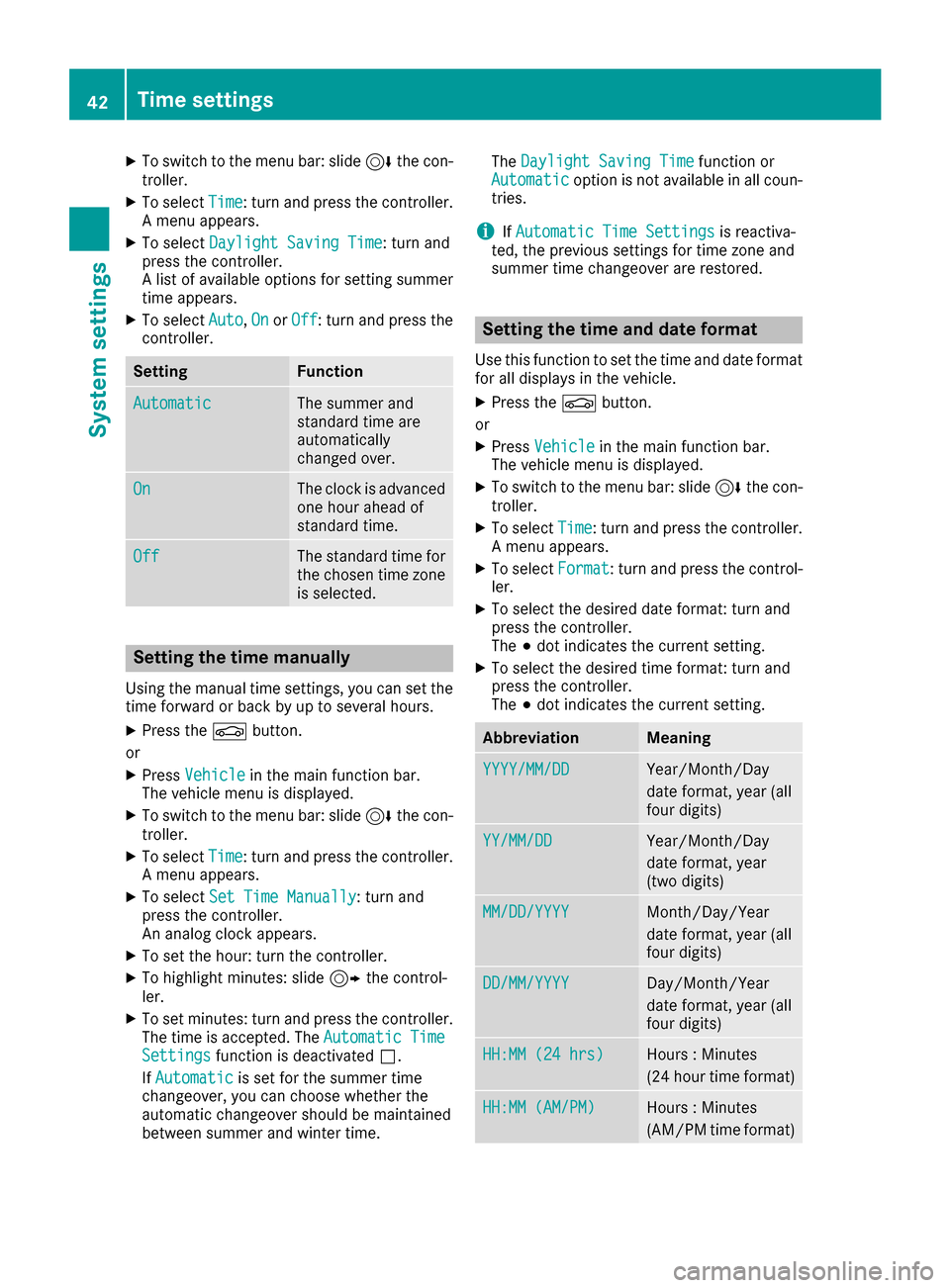
XTo switch to the menu bar: slide6the con-
troller.
XTo select Time: turn and press the controller.
A menu appears.
XTo select Daylight Saving Time: turn and
press the controller.
A list of available options for setting summer
time appears.
XTo select Auto,Onor Off: turn and press the
controller.
SettingFunction
AutomaticThe summer and
standard time are
automatically
changed over.
OnThe clock is advanced
one hour ahead of
standard time.
OffThe standard time for
the chosen time zone
is selected.
Setting the time manually
Using the manual time settings, you can set the
time forward or back by up to several hours.
XPress the Øbutton.
or
XPress Vehiclein the main function bar.
The vehicle menu is displayed.
XTo switch to the menu bar: slide 6the con-
troller.
XTo select Time: turn and press the controller.
A menu appears.
XTo select Set Time Manually: turn and
press the controller.
An analog clock appears.
XTo set the hour: turn the controller.
XTo highlight minutes: slide 9the control-
ler.
XTo set minutes: turn and press the controller. The time is accepted. The Automatic Time
Settingsfunction is deactivatedª.
If Automatic
is set for the summer time
changeover, you can choose whether the
automatic changeover should be maintained
between summer and winter time. The
Daylight Saving Time
function or
Automaticoption is not available in all coun-
tries.
iIf Automatic Time Settingsis reactiva-
ted, the previous settings for time zone and
summer time changeover are restored.
Setting the time and date format
Use this function to set the time and date format for all displays in the vehicle.
XPress the Øbutton.
or
XPress Vehiclein the main function bar.
The vehicle menu is displayed.
XTo switch to the menu bar: slide 6the con-
troller.
XTo select Time: turn and press the controller.
A menu appears.
XTo select Format: turn and press the control-
ler.
XTo select the desired date format: turn and
press the controller.
The #dot indicates the current setting.
XTo select the desired time format: turn and
press the controller.
The #dot indicates the current setting.
AbbreviationMeaning
YYYY/MM/DDYear/Month/Day
date format, year (all
four digits)
YY/MM/DDYear/Month/Day
date format, year
(two digits)
MM/DD/YYYYMonth/Day/Year
date format, year (all
four digits)
DD/MM/YYYYDay/Month/Year
date format, year (all
four digits)
HH:MM (24 hrs)Hours : Minutes
(24 hour time format)
HH:MM (AM/PM)Hours : Minutes
(AM/PM time format)
42Time settings
System settings
Page 48 of 230
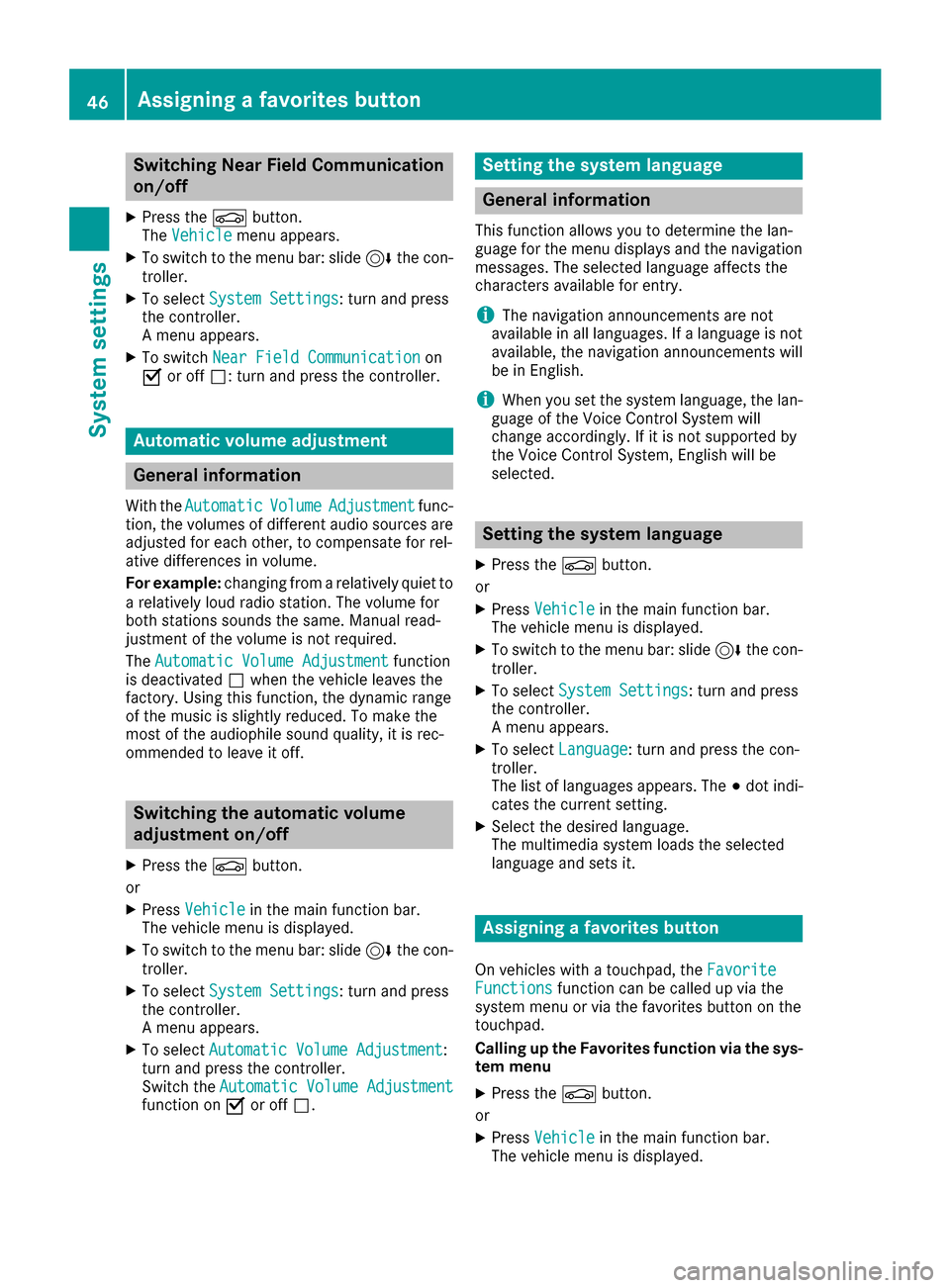
Switching Near Field Communication
on/off
XPress theØbutton.
The Vehiclemenu appears.
XTo switch to the menu bar: slide 6the con-
troller.
XTo select System Settings: turn and press
the controller.
A menu appears.
XTo switch Near Field Communicationon
O or off ª: turn and press the controller.
Automatic volume adjustment
General information
With the AutomaticVolumeAdjustmentfunc-
tion, the volumes of different audio sources are
adjusted for each other, to compensate for rel-
ative differences in volume.
For example: changing from a relatively quiet to
a relatively loud radio station. The volume for
both stations sounds the same. Manual read-
justment of the volume is not required.
The Automatic Volume Adjustment
function
is deactivated ªwhen the vehicle leaves the
factory. Using this function, the dynamic range
of the music is slightly reduced. To make the
most of the audiophile sound quality, it is rec-
ommended to leave it off.
Switching the automatic volume
adjustment on/off
XPress the Øbutton.
or
XPress Vehiclein the main function bar.
The vehicle menu is displayed.
XTo switch to the menu bar: slide 6the con-
troller.
XTo select System Settings: turn and press
the controller.
A menu appears.
XTo select Automatic Volume Adjustment:
turn and press the controller.
Switch the Automatic Volume Adjustment
function on Oor off ª.
Setting the system language
General information
This function allows you to determine the lan-
guage for the menu displays and the navigation
messages. The selected language affects the
characters available for entry.
iThe navigation announcements are not
available in all languages. If a language is not
available, the navigation announcements will
be in English.
iWhen you set the system language, the lan-
guage of the Voice Control System will
change accordingly. If it is not supported by
the Voice Control System, English will be
selected.
Setting the system language
XPress the Øbutton.
or
XPress Vehiclein the main function bar.
The vehicle menu is displayed.
XTo switch to the menu bar: slide 6the con-
troller.
XTo select System Settings: turn and press
the controller.
A menu appears.
XTo select Language: turn and press the con-
troller.
The list of languages appears. The #dot indi-
cates the current setting.
XSelect the desired language.
The multimedia system loads the selected
language and sets it.
Assigning a favorites button
On vehicles with a touchpad, the FavoriteFunctionsfunction can be called up via the
system menu or via the favorites button on the
touchpad.
Calling up the Favorites function via the sys-
tem menu
XPress the Øbutton.
or
XPress Vehiclein the main function bar.
The vehicle menu is displayed.
46Assigning a favorites button
System settings
Page 50 of 230
Calling up a favorite
XPress thegbutton.
You call up the favorites functions menu. The
g symbol lights up.
XPress a favorites button, e.g. n.
This calls up the predefined function.
XTo exit the favorites function menu: press
the g button.
The favorite functions menu is closed.
iIf you only press the gbutton, you auto-
matically exit the favorites function menu
after 16 seconds.
Selecting predefined functions, for example:
RSpoken Driving Recommendations On/Off: to switch the current driving recommen-
dations on/off.
RSound Menu: to call up the sound settings.
RMercedes-Benz Apps: to call up apps for
online and Internet functions.
Resetting favorites
XPress the Øbutton.
or
XPress Vehiclein the main function bar.
The vehicle menu is displayed.
XTo switch to the menu bar: slide 6the con-
troller.
XTo select System Settings: turn and press
the controller.
A menu appears.
XTo select Favorite Functions: press the
controller.
A menu appears.
XSelect Reset Favorite(s).
A menu appears with the prompt Please
select a favorites button:.
XSelect the desired favorites, e.g.por
Reset All.
A prompt appears asking whether you wish to reset.
XSelect YesorNo.
If you select Yes, the favorite is reset to its
pre-installed favorite function.
If you select No
the process is canceled.
iYou can also assign the Favorites button
directly from a relevant function, such as in
the radio menu (
Ypage 156).
Importing/exporting data
General notes
!
Never remove the stick or card when writing
data to the USB stick or the memory card. You may otherwise lose data.
Using this function you can do the following with
your personal data:
Rtransfer your data from one multimedia sys-
tem to another multimedia system
The transfer may be limited or not possible,
depending on the vehicle's equipment.
Rmake a backup copy of your personal data
(export data) and load it again (import data)
Rprotect your data from unwanted export by
activating a pin prompt (presetting: deactiva-
ted ª)
You can either use an SD card or a USB storage
device (e.g. a USB stick) as temporary storage.
You can obtain further information on data
import and export from an authorized
Mercedes-Benz Center.
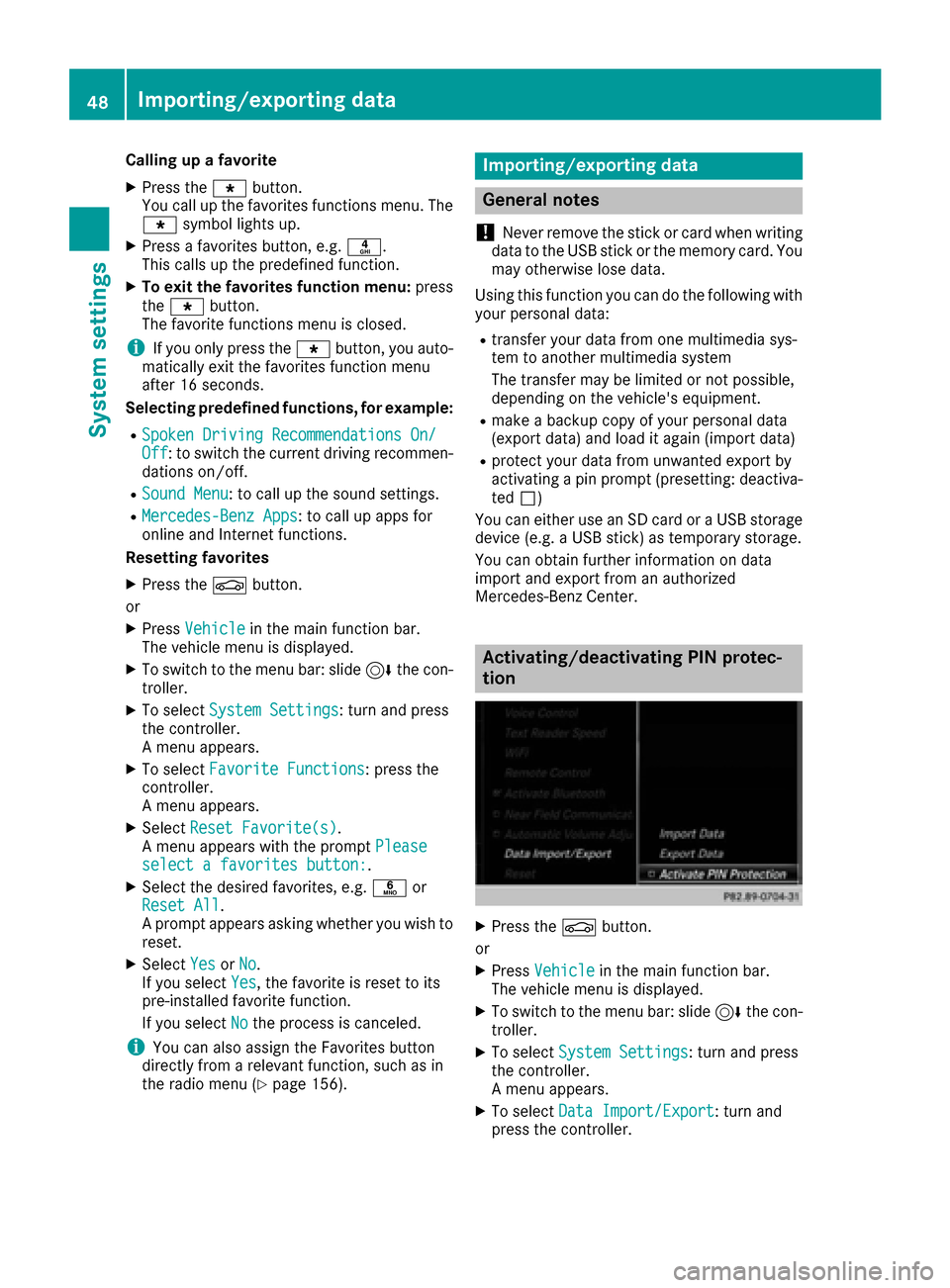
Activating/deactivating PIN protec-
tion
XPress the Øbutton.
or
XPress Vehiclein the main function bar.
The vehicle menu is displayed.
XTo switch to the menu bar: slide 6the con-
troller.
XTo select System Settings: turn and press
the controller.
A menu appears.
XTo select Data Import/Export: turn and
press the controller.
48Importing/exporting data
System settings
Page 53 of 230
Your multimediasystem equipment
These operating instructions describe all the
standard and optional equipment of your multi-
media system, as available at the time of going
to press. Country-specifi cdifferences are pos-
sible. Bear in mind that your vehicle may not
feature all functions described here. This also
applies to safety-relevant systems andfunc-
tions.
Read the information on qualified specialist
workshop s in the vehicle Operator's Manual.
Important safety notes
GWARNING
If you operate mobile communication equip-
ment while driving, you will be distracted from traffic conditions. You could also lose control
of the vehicle. There is a risk of an accident.
Only operate this equipment when the vehicle
is stationary.
You must observe the legal requirements for the
country in which you are currently driving when
operating mobile communications equipment in
th e vehicle.
Vehicle settings
Calling up vehicle settings
XPress the Øbutton.
or
XPress Vehicl ein the main function bar.
The vehicle menu is displayed.
XTo select VehicleSettings:turn an dpress
th econtroller.
The menu forth e vehicle settings is active.
XTo select the desired vehicle setting: turn and
press th econtroller.
The main area with the setting element is
active.
Selecting a different vehicle setting:
XTo activate the menu forselecting th e vehicle
setting : slide5thecontroller.
Exiting the vehicle settings:
XTo select &: slide 6andpress th econ-
troller.
Ambient lighting
General notes
You can set the following forth e ambient light-
ing:
RZone
The zone setting determines the area in which
th e brightness setting is to be applied. If the
Complete zone is selected forlonger than 0. 5
seconds, th ebrightness of th eFron tzone is
adopted forth e entire vehicle.
RBrightness
This setting makes an additional change to
thebrightness of th e ambient lighting. The
brightness change is only effective for the
selected zone.Fo rthis reason ,th ezone fo r
which thebrightness change is to be active
must be selected first.
RColor
This setting changes th ecolor of th e ambient
lighting.
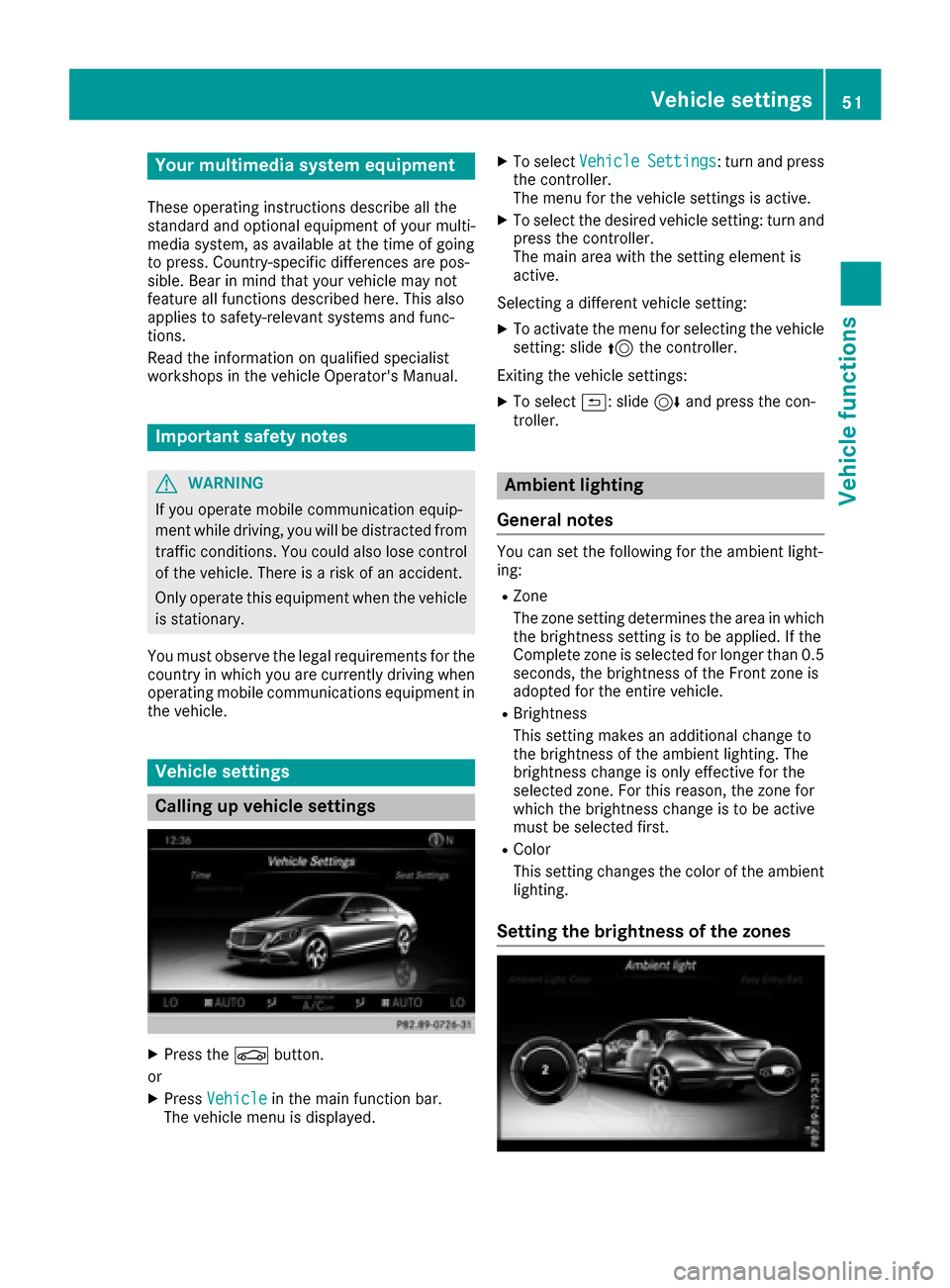
Setting the brightness of the zones
Vehicle settings51
Vehicle functions
Z