oil reset MERCEDES-BENZ SL-CLASS ROADSTER 2014 Owners Manual
[x] Cancel search | Manufacturer: MERCEDES-BENZ, Model Year: 2014, Model line: SL-CLASS ROADSTER, Model: MERCEDES-BENZ SL-CLASS ROADSTER 2014Pages: 284, PDF Size: 45.52 MB
Page 15 of 284
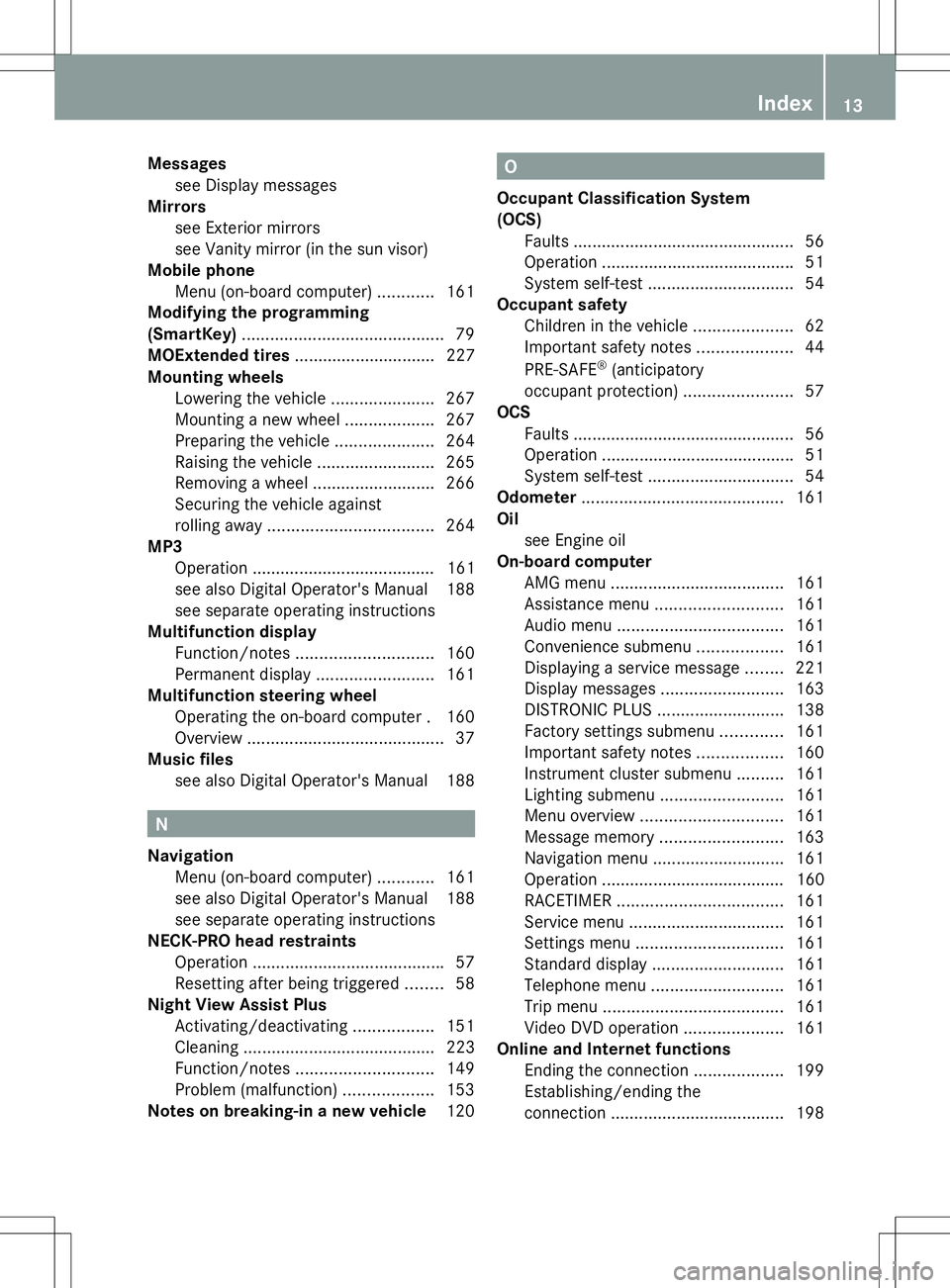
Messages
see Display messages
Mirrors
see Exterior mirrors
see Vanity mirror (in the sun visor)
Mobile phone
Menu (on-board computer) ............161
Modifying the programming
(SmartKey) ........................................... 79
MOExtended tires .............................. 227
Mounting wheels Lowering the vehicle ......................267
Mounting a new wheel ...................267
Preparing the vehicle .....................264
Raising the vehicle .........................265
Removing a wheel ..........................266
Securing the vehicle against
rolling away ................................... 264
MP3
Operation ....................................... 161
see also Digital Operator's Manual 188
see separate operating instructions
Multifunction display
Function/notes ............................. 160
Permanent displa y......................... 161
Multifunction steering wheel
Operating the on-board computer .160
Overview .......................................... 37
Music files
see also Digital Operator's Manual 188 N
Navigation Menu (on-board computer) ............161
see also Digital Operator's Manual 188
see separate operating instructions
NECK-PRO head restraints
Operation ........................................ .57
Resetting after being triggered ........58
Night View Assist Plus
Activating/deactivating .................151
Cleaning ......................................... 223
Function/notes ............................. 149
Problem (malfunction) ...................153
Notes on breaking-in a new vehicle 120 O
Occupant Classification System
(OCS) Faults ............................................... 56
Operation ........................................ .51
System self-test ............................... 54
Occupant safety
Children in the vehicle .....................62
Important safety notes ....................44
PRE-SAFE ®
(anticipatory
occupant protection) .......................57
OCS
Faults ............................................... 56
Operation ........................................ .51
System self-test ............................... 54
Odometer ........................................... 161
Oil see Engine oil
On-board computer
AMG menu ..................................... 161
Assistance menu ........................... 161
Audio menu ................................... 161
Convenience submenu ..................161
Displaying a service message ........221
Display messages ..........................163
DISTRONIC PLUS ........................... 138
Factory settings submenu .............161
Important safety notes ..................160
Instrument cluster submenu ..........161
Lighting submenu .......................... 161
Menu overview .............................. 161
Message memory .......................... 163
Navigation menu ............................ 161
Operation ....................................... 160
RACETIMER ................................... 161
Service menu ................................. 161
Settings menu ............................... 161
Standard displa y............................ 161
Telephone menu ............................ 161
Trip menu ...................................... 161
Video DVD operation .....................161
Online and Internet functions
Ending the connection ...................199
Establishing/ending the
connection ..................................... 198 Index
13
Page 18 of 284
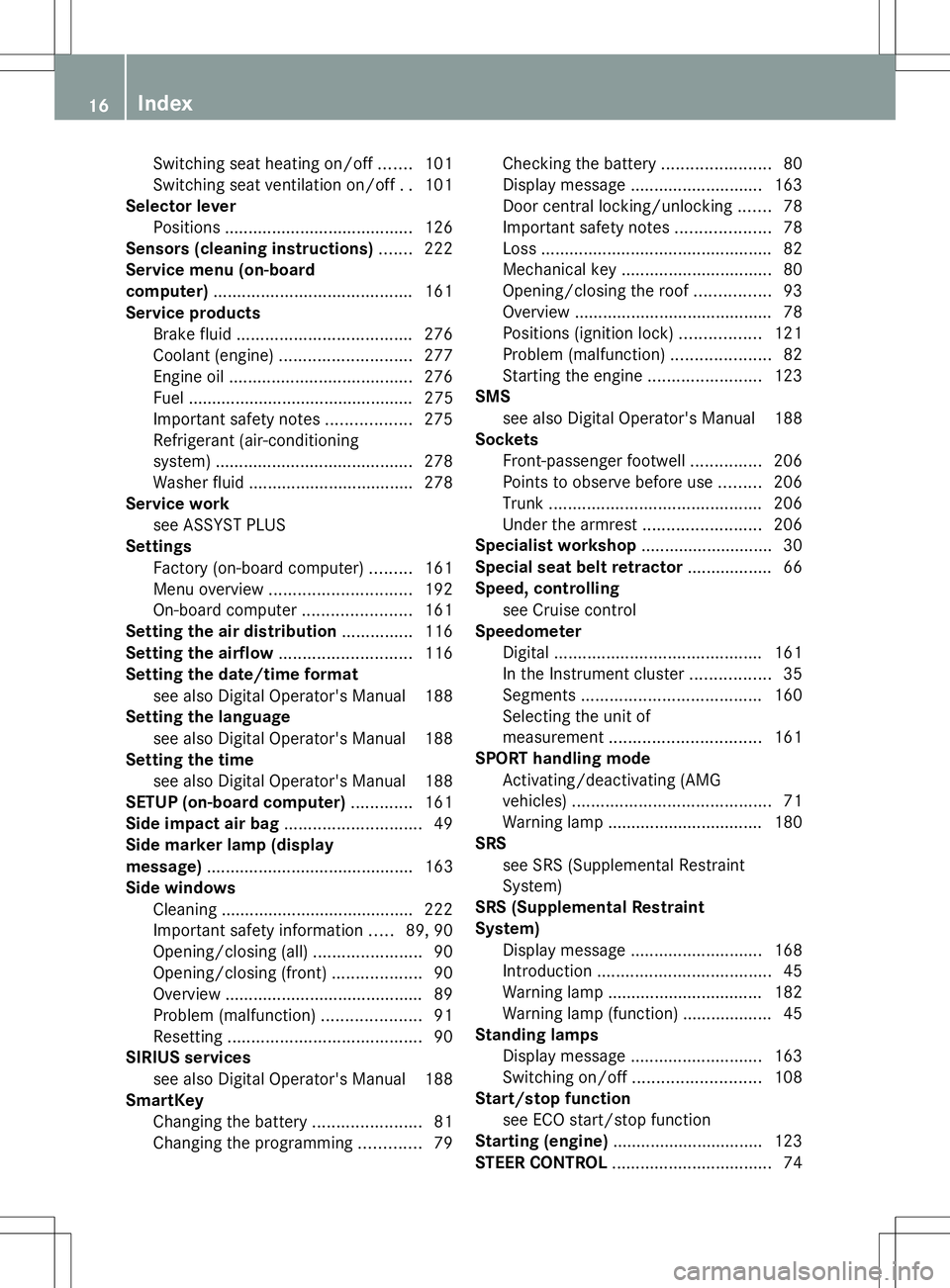
Switching seat heating on/of
f....... 101
Switching seat ventilation on/off ..101
Selector lever
Positions ........................................ 126
Sensors (cleaning instructions) .......222
Service menu (on-board
computer) .......................................... 161
Service products Brake fluid ..................................... 276
Coolant (engine) ............................ 277
Engine oil ....................................... 276
Fuel ................................................ 275
Important safety notes ..................275
Refrigerant (air-conditioning
system) .......................................... 278
Washer fluid .................................. .278
Service work
see ASSYST PLUS
Settings
Factory (on-board computer) .........161
Menu overview .............................. 192
On-board computer .......................161
Setting the air distribution ...............116
Setting the airflow ............................116
Setting the date/time format see also Digital Operator's Manual 188
Setting the language
see also Digital Operator's Manual 188
Setting the time
see also Digital Operator's Manual 188
SETUP (on-board computer) .............161
Side impact air bag .............................49
Side marker lamp (display
message) ............................................ 163
Side windows Cleaning ......................................... 222
Important safety information .....89, 90
Opening/closing (all) .......................90
Opening/closing (front) ...................90
Overview .......................................... 89
Problem (malfunction) .....................91
Resetting ......................................... 90
SIRIUS services
see also Digital Operator's Manual 188
SmartKey
Changing the battery .......................81
Changing the programming .............79Checking the battery
.......................80
Display message ............................ 163
Door central locking/unlocking .......78
Important safety notes ....................78
Loss ................................................. 82
Mechanical key ................................ 80
Opening/closing the roof ................93
Overview .......................................... 78
Positions (ignition lock) .................121
Problem (malfunction) .....................82
Starting the engine ........................123
SMS
see also Digital Operator's Manual 188
Sockets
Front-passenger footwell ...............206
Points to observe before use .........206
Trunk ............................................. 206
Under the armrest .........................206
Specialist workshop ............................ 30
Special seat belt retractor .................. 66
Speed, controlling see Cruise control
Speedometer
Digital ............................................ 161
In the Instrument cluster .................35
Segments ...................................... 160
Selecting the unit of
measurement ................................ 161
SPORT handling mode
Activating/deactivating (AMG
vehicles) .......................................... 71
Warning lamp ................................. 180
SRS
see SRS (Supplemental Restraint
System)
SRS (Supplemental Restraint
System)
Display message ............................ 168
Introduction ..................................... 45
Warning lamp ................................. 182
Warning lamp (function) ................... 45
Standing lamps
Display message ............................ 163
Switching on/off ........................... 108
Start/stop function
see ECO start/stop function
Starting (engine) ................................ 123
STEER CONTROL .................................. 7416
Index
Page 223 of 284
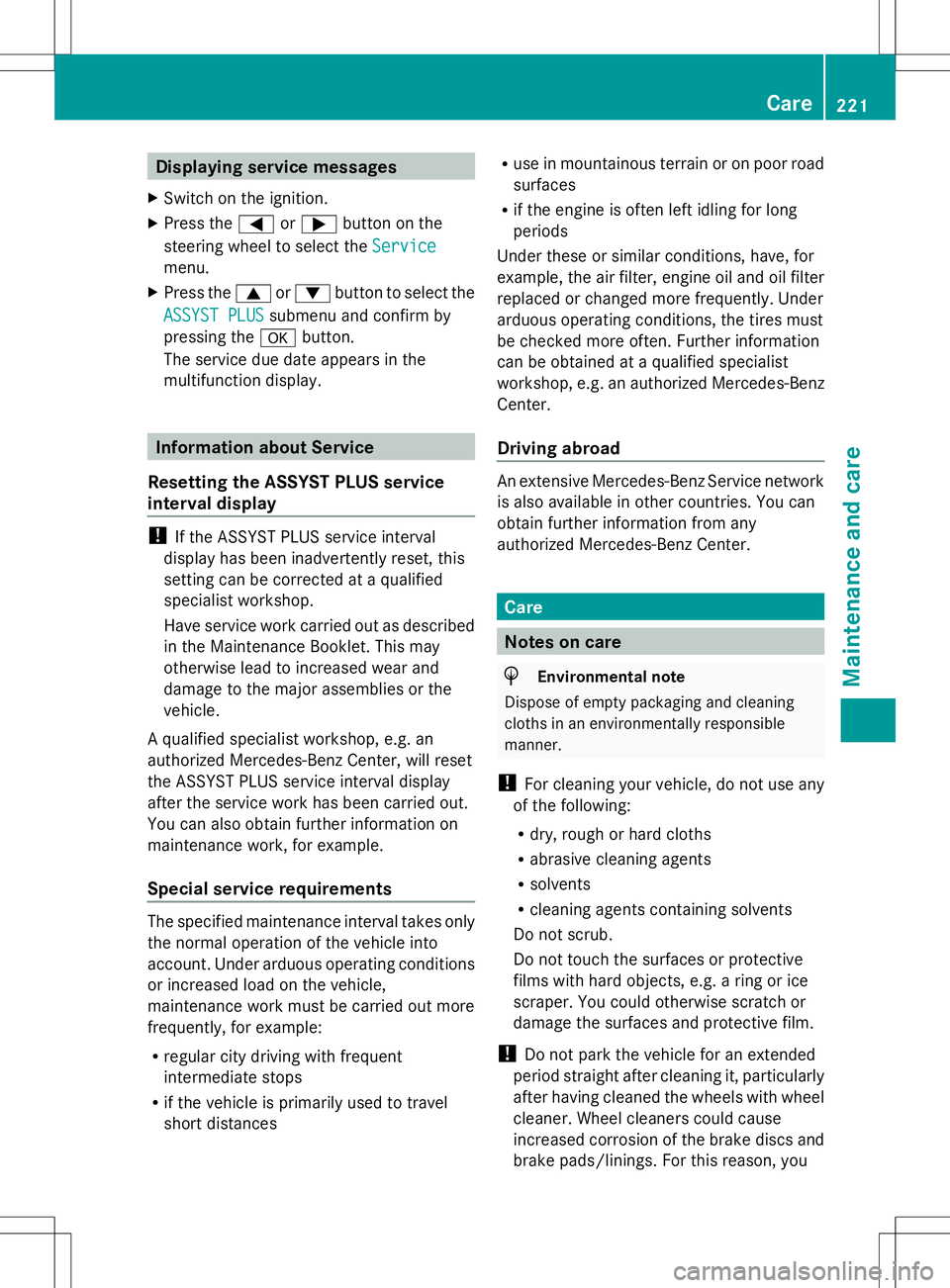
Displaying service messages
X Switch on the ignition.
X Press the =or; button on the
steering wheel to select the Service
Service
menu.
X Press the 9or: button to select the
ASSYST PLUS
ASSYST PLUS submenu and confirm by
pressing the abutton.
The service due date appears in the
multifunction display. Information about Service
Resetting the ASSYST PLUS service
interval display !
If the ASSYST PLUS service interval
display has been inadvertently reset, this
setting can be corrected at a qualified
specialist workshop.
Have service work carried out as described
in the Maintenance Booklet. This may
otherwise lead to increased wear and
damage to the major assemblies or the
vehicle.
A qualified specialist workshop, e.g. an
authorized Mercedes-Benz Center, will reset
the ASSYST PLUS service interval display
after the service work has been carried out.
You can also obtain further information on
maintenance work, for example.
Special service requirements The specified maintenance interval takes only
the normal operation of the vehicle into
account. Under arduous operating conditions
or increased load on the vehicle,
maintenance work must be carried out more
frequently, for example:
R regular city driving with frequent
intermediate stops
R if the vehicle is primarily used to travel
short distances R
use in mountainous terrain or on poor road
surfaces
R if the engine is often left idling for long
periods
Under these or similar conditions, have, for
example, the air filter, engine oil and oil filter
replaced or changed more frequently. Under
arduous operating conditions, the tires must
be checked more often. Further information
can be obtained at a qualified specialist
workshop, e.g. an authorized Mercedes-Benz
Center.
Driving abroad An extensive Mercedes-Benz Service network
is also available in other countries. You can
obtain further information from any
authorized Mercedes-Benz Center.
Care
Notes on care
H
Environmental note
Dispose of empty packaging and cleaning
cloths in an environmentally responsible
manner.
! For cleaning your vehicle, do not use any
of the following:
R dry, rough or hard cloths
R abrasive cleaning agents
R solvents
R cleaning agents containing solvents
Do not scrub.
Do not touch the surfaces or protective
films with hard objects, e.g. a ring or ice
scraper. You could otherwise scratch or
damage the surfaces and protective film.
! Do not park the vehicle for an extended
period straight after cleaning it, particularly
after having cleaned the wheels with wheel
cleaner. Wheel cleaners could cause
increased corrosion of the brake discs and
brake pads/linings. For this reason, you Care
221Maintenance and care Z