key MERCEDES-BENZ SPRINTER 2014 MY 14 Audio Manual
[x] Cancel search | Manufacturer: MERCEDES-BENZ, Model Year: 2014, Model line: SPRINTER, Model: MERCEDES-BENZ SPRINTER 2014Pages: 50, PDF Size: 3.41 MB
Page 41 of 50
to
0089 number keys and press the 008B
button to confirm.
Or
X Press the 0059or0065 button to select 4
digits, one after the other, and press the
008B button to confirm.
X Press the 0065button to select OK
OK and
press the 008Bbutton to confirm.
The Bluetooth ®
device is authorized.
X Select Bluetooth ®
device name MB
Bluetooth on the device.
X Enter the number selected previously on
the Bluetooth ®
device, and confirm.
X Confirm possible prompts using the
Bluetooth ®
device.
The Authorization successful. Authorization successful.
message is shown in the display. You will
see the Bluetooth ®
name of the
Bluetooth ®
device in the display/selection
window.
i When the Authorization failed. Authorization failed.
message is displayed, you may have
exceeded the prescribed time period.
Repeat the procedure.
Pairing Bluetooth ®
devices via
Bluetooth ® X
To call up the BT audio menu: press
the 0064 button, select BT BTAudio
Audio using the
0059 or0065 button and confirm by
pressing the 008Bbutton.
The Bluetooth Audio Device List
Bluetooth Audio Device List
menu item is selected.
X Press the 008Bbutton.
The display shows the device list. X
Press the 0065button.
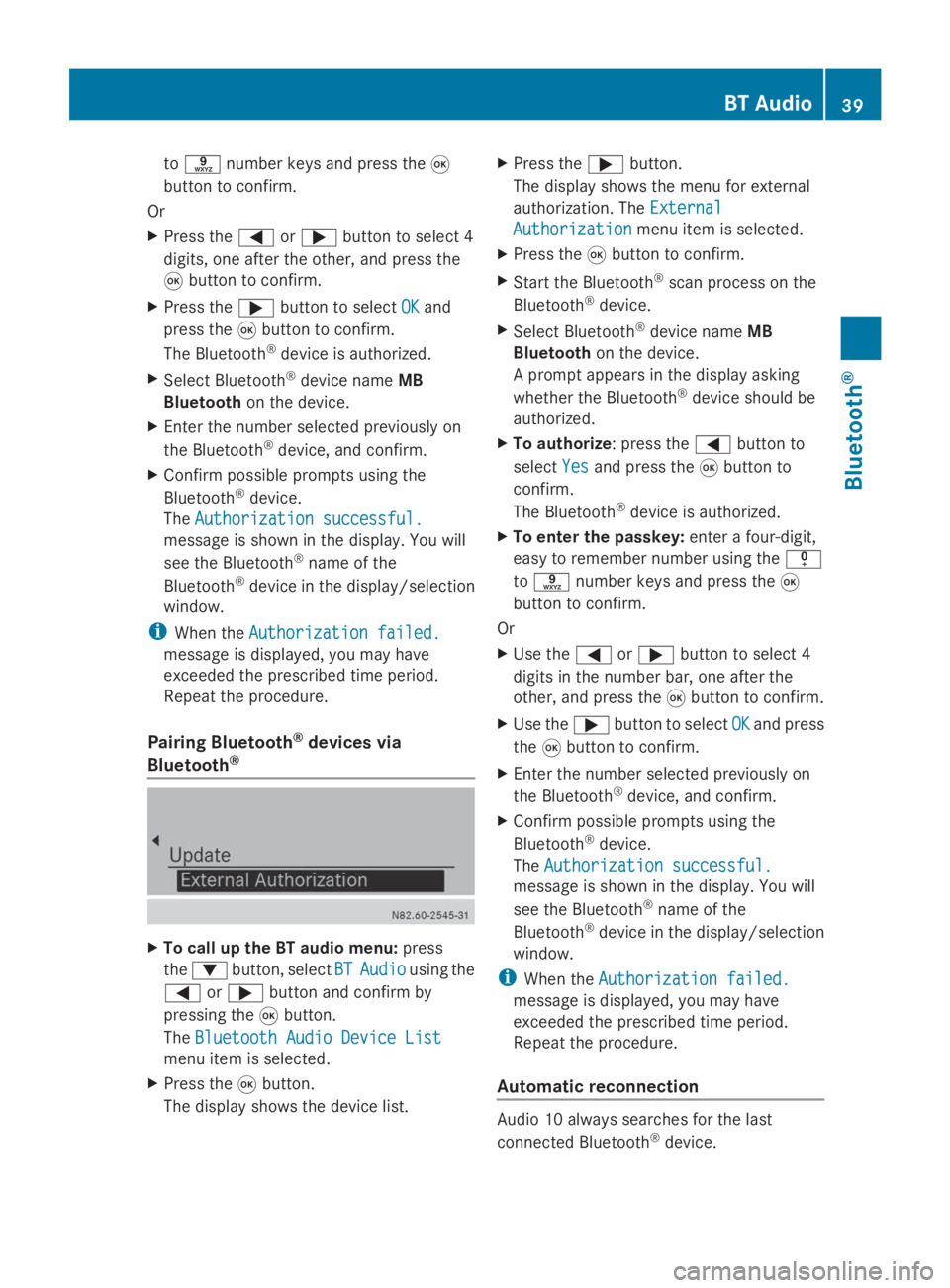
The display shows the menu for external
authorization. The External
External
Authorization Authorization menu item is selected.
X Press the 008Bbutton to confirm.
X Start the Bluetooth ®
scan process on the
Bluetooth ®
device.
X Select Bluetooth ®
device name MB
Bluetooth on the device.
A prompt appears in the display asking
whether the Bluetooth ®
device should be
authorized.
X To authorize : press the0059button to
select Yes
Yes and press the 008Bbutton to
confirm.
The Bluetooth ®
device is authorized.
X To enter the passkey: enter a four-digit,
easy to remember number using the 007F
to 0089 number keys and press the 008B
button to confirm.
Or
X Use the 0059or0065 button to select 4
digits in the number bar, one after the
other, and press the 008Bbutton to confirm.
X Use the 0065button to select OK OKand press
the 008Bbutton to confirm.
X Enter the number selected previously on
the Bluetooth ®
device, and confirm.
X Confirm possible prompts using the
Bluetooth ®
device.
The Authorization successful. Authorization successful.
message is shown in the display. You will
see the Bluetooth ®
name of the
Bluetooth ®
device in the display/selection
window.
i When the Authorization failed. Authorization failed.
message is displayed, you may have
exceeded the prescribed time period.
Repeat the procedure.
Automatic reconnection Audio 10 always searches for the last
connected Bluetooth
®
device. BT Audio
39Bluetooth® Z