display MERCEDES-BENZ SPRINTER 2014 MY 14 Audio Manual
[x] Cancel search | Manufacturer: MERCEDES-BENZ, Model Year: 2014, Model line: SPRINTER, Model: MERCEDES-BENZ SPRINTER 2014Pages: 50, PDF Size: 3.41 MB
Page 42 of 50
If the last connected Bluetooth
®
device
cannot be connected, Audio 10 searches for
the Bluetooth ®
device that was connected
prior to that.
Connecting another Bluetooth ®
device If you have authorized more than one
Bluetooth
®
device, you can switch between
the devices.
X To call up the BT audio menu: press
the 0064 button, select BT BTAudio
Audio using the
0059 or0065 button and confirm by
pressing the 008Bbutton.
The Bluetooth Audio Device List
Bluetooth Audio Device List
menu item is selected.
X Press the 008Bbutton.
The display shows the device list.
X Press the 0064button to select the desired
Bluetooth ®
device and press the 008Bbutton
to confirm.
The selected Bluetooth ®
device is searched
for and connected to Audio 10.
i Audio 10 can only be connected to one
Bluetooth ®
device at any one time. The
connected phone is identified by the 0036
dot.
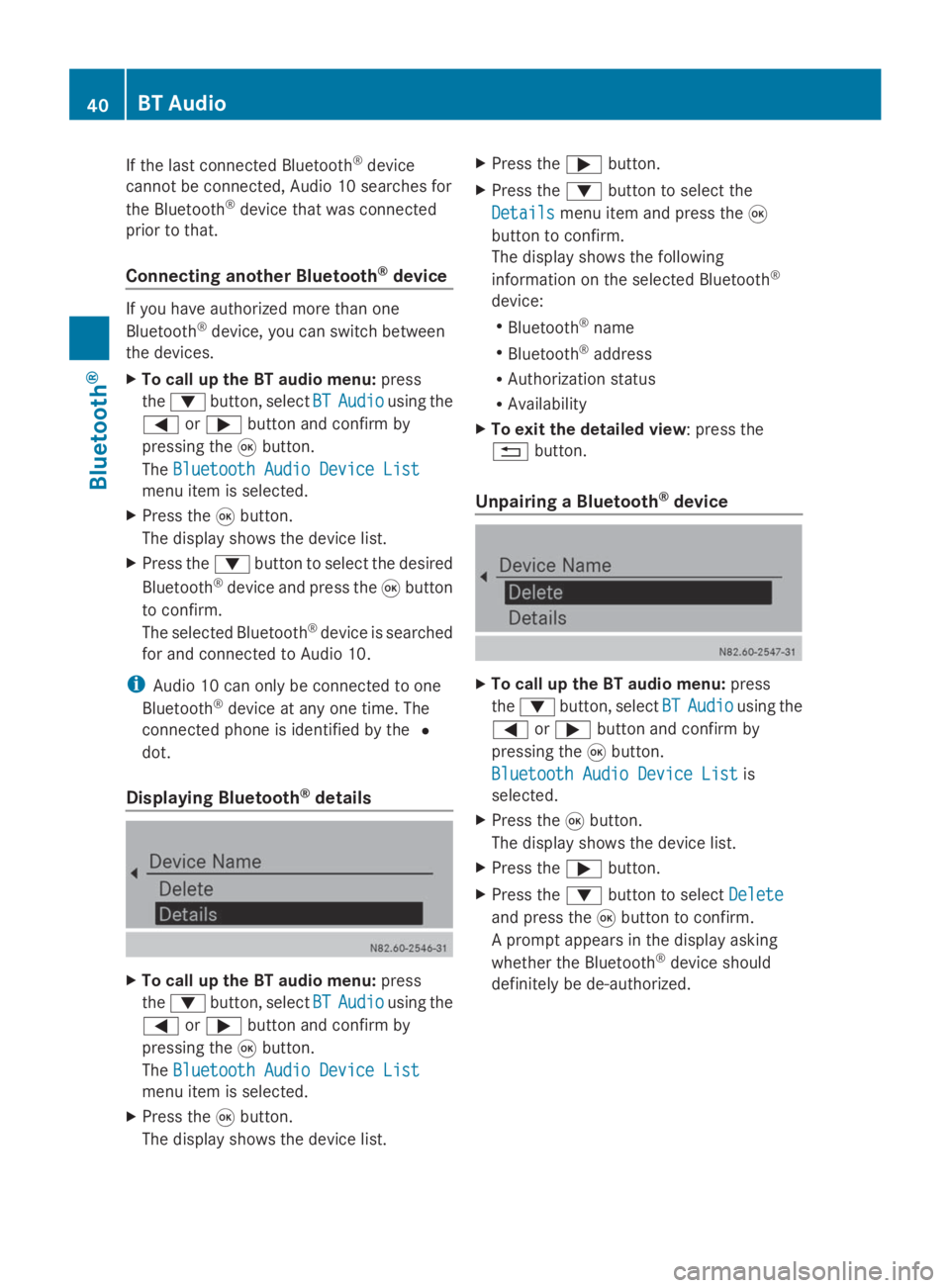
Displaying Bluetooth ®
details X
To call up the BT audio menu: press
the 0064 button, select BT BTAudio
Audio using the
0059 or0065 button and confirm by
pressing the 008Bbutton.
The Bluetooth Audio Device List
Bluetooth Audio Device List
menu item is selected.
X Press the 008Bbutton.
The display shows the device list. X
Press the 0065button.
X Press the 0064button to select the
Details
Details menu item and press the 008B
button to confirm.
The display shows the following
information on the selected Bluetooth ®
device:
R Bluetooth ®
name
R Bluetooth ®
address
R Authorization status
R Availability
X To exit the detailed view: press the
0038 button.
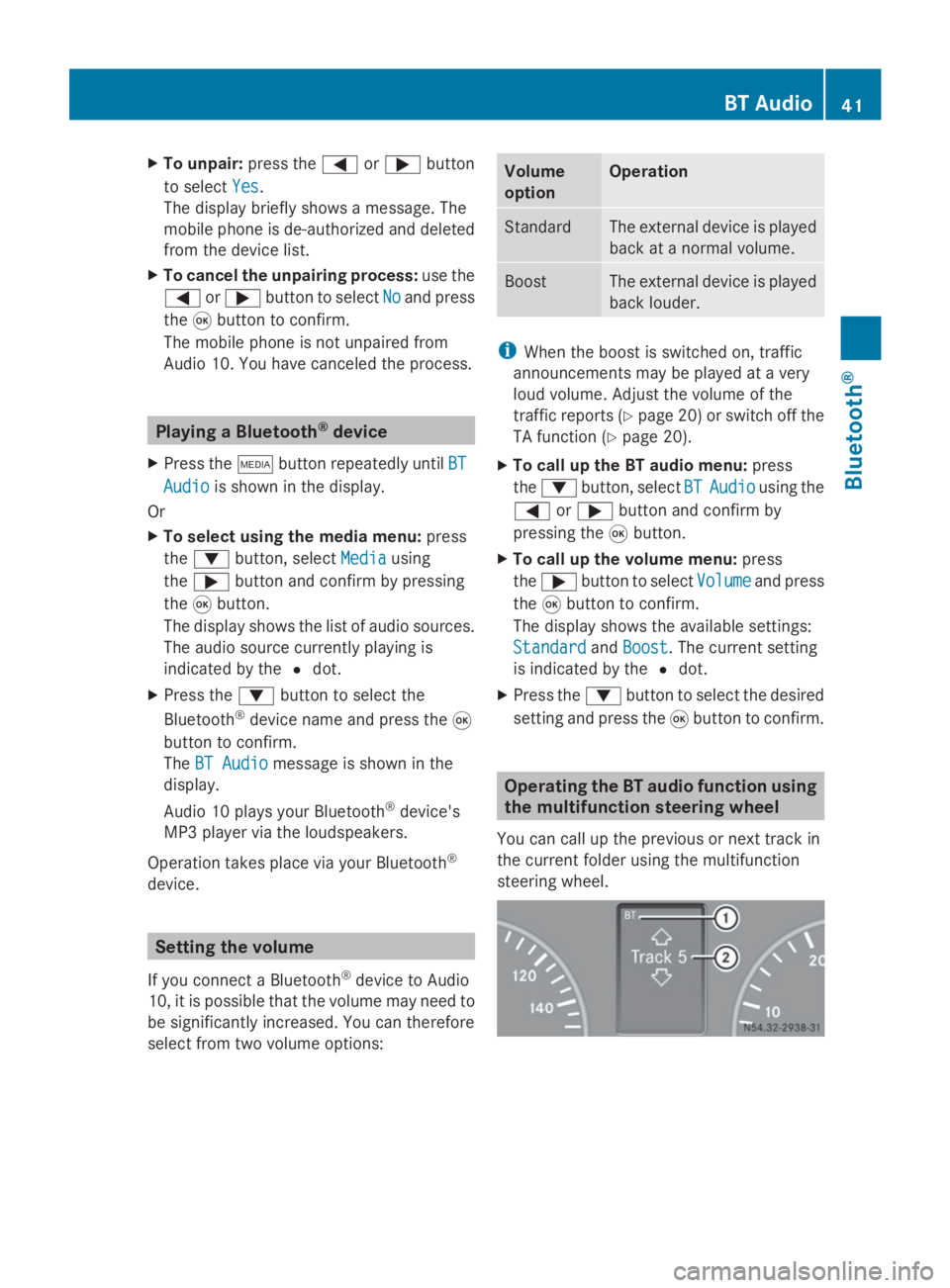
Unpairing a Bluetooth ®
device X
To call up the BT audio menu: press
the 0064 button, select BT BTAudio
Audio using the
0059 or0065 button and confirm by
pressing the 008Bbutton.
Bluetooth Audio Device List
Bluetooth Audio Device List is
selected.
X Press the 008Bbutton.
The display shows the device list.
X Press the 0065button.
X Press the 0064button to select Delete
Delete
and press the 008Bbutton to confirm.
A prompt appears in the display asking
whether the Bluetooth ®
device should
definitely be de-authorized. 40
BT AudioBluetooth ®
Page 43 of 50
X
To unpair: press the0059or0065 button
to select Yes
Yes.
The display briefly shows a message. The
mobile phone is de-authorized and deleted
from the device list.
X To cancel the unpairing process: use the
0059 or0065 button to select No Noand press
the 008Bbutton to confirm.
The mobile phone is not unpaired from
Audio 10. You have canceled the process. Playing a Bluetooth
®
device
X Press the 00FDbutton repeatedly until BT
BT
Audio
Audio is shown in the display.
Or
X To select using the media menu: press
the 0064 button, select Media
Media using
the 0065 button and confirm by pressing
the 008Bbutton.
The display shows the list of audio sources.
The audio source currently playing is
indicated by the 0036dot.
X Press the 0064button to select the
Bluetooth ®
device name and press the 008B
button to confirm.
The BT Audio BT Audio message is shown in the
display.
Audio 10 plays your Bluetooth ®
device's
MP3 player via the loudspeakers.
Operation takes place via your Bluetooth ®
device. Setting the volume
If you connect a Bluetooth ®
device to Audio
10, it is possible that the volume may need to
be significantly increased. You can therefore
select from two volume options: Volume
option Operation
Standard The external device is played
back at a normal volume.
Boost The external device is played
back louder.
i
When the boost is switched on, traffic
announcements may be played at a very
loud volume. Adjust the volume of the
traffic reports (Y page 20) or switch off the
TA function (Y page 20).
X To call up the BT audio menu: press
the 0064 button, select BT BTAudio
Audio using the
0059 or0065 button and confirm by
pressing the 008Bbutton.
X To call up the volume menu: press
the 0065 button to select Volume
Volumeand press
the 008Bbutton to confirm.
The display shows the available settings:
Standard
Standard andBoost
Boost. The current setting
is indicated by the 0036dot.
X Press the 0064button to select the desired
setting and press the 008Bbutton to confirm. Operating the BT audio function using
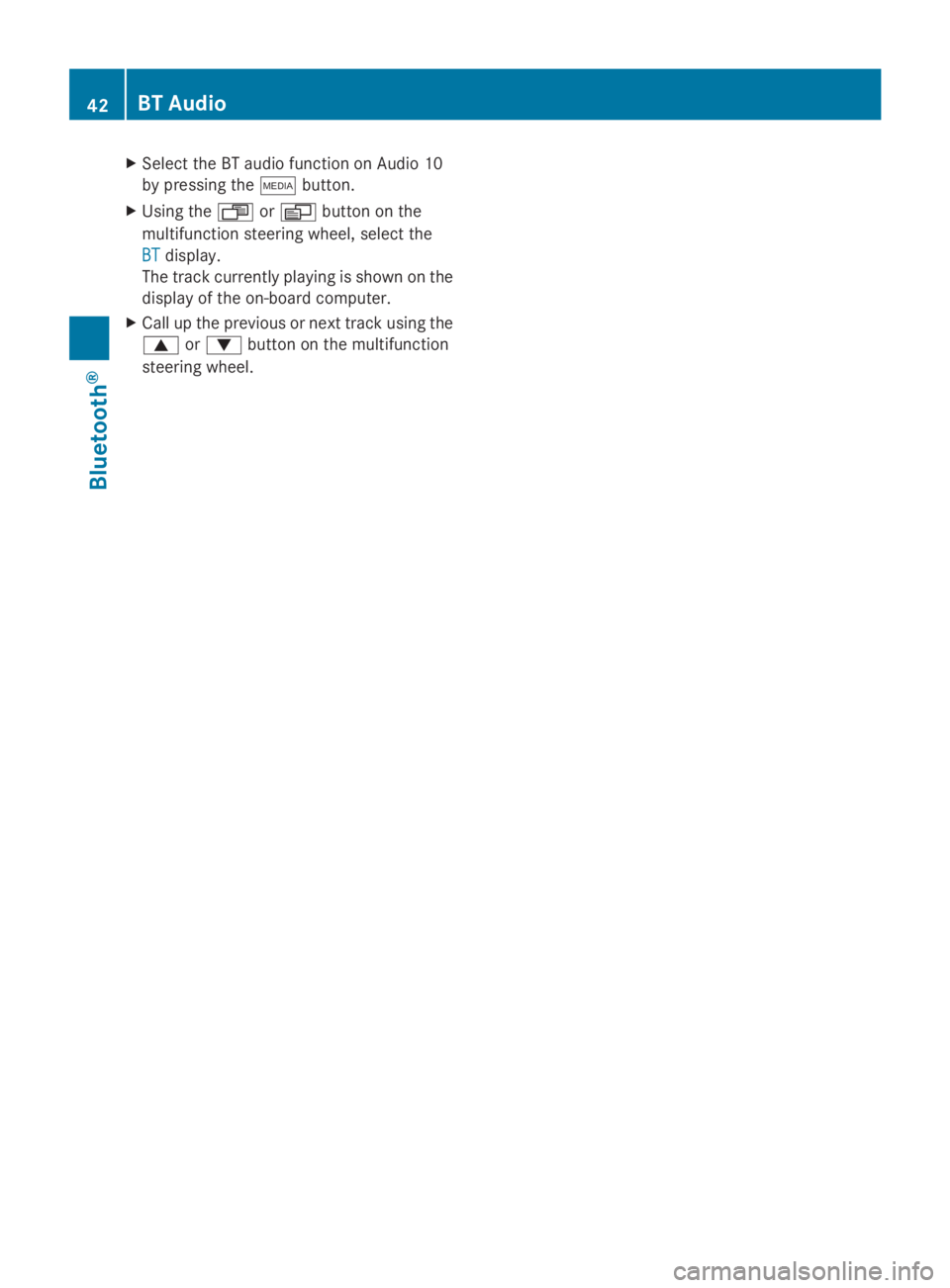
the multifunction steering wheel
You can call up the previous or next track in
the current folder using the multifunction
steering wheel. BT Audio
41Bluetooth® Z
Page 44 of 50
X
Select the BT audio function on Audio 10
by pressing the 00FDbutton.
X Using the 007For0080 button on the
multifunction steering wheel, select the
BT
BT display.
The track currently playing is shown on the
display of the on-board computer.
X Call up the previous or next track using the
0063 or0064 button on the multifunction
steering wheel. 42
BT AudioBluetooth ®
Page 46 of 50
Important safety notes
G
WARNING
Handling discs while driving may distract you
from traffic conditions. You could also lose
control of the vehicle. There is a risk of an
accident.
Handle discs only when the vehicle is
stationary. Connecting an external device
You can connect an external device to Audio
10 and play it back via the speakers. The AUX
jack intended for this purpose (3.5 mm stereo
audio jack) is located in the stowage
compartment on the driver's side of the
dashboard.
X Connect an external device to the AUX
jack.
i An adapter cable is required for the AUX
jack.
i If you connect an external device, Audio
10 does not automatically switch over to
the AUX function. Selecting the AUX function
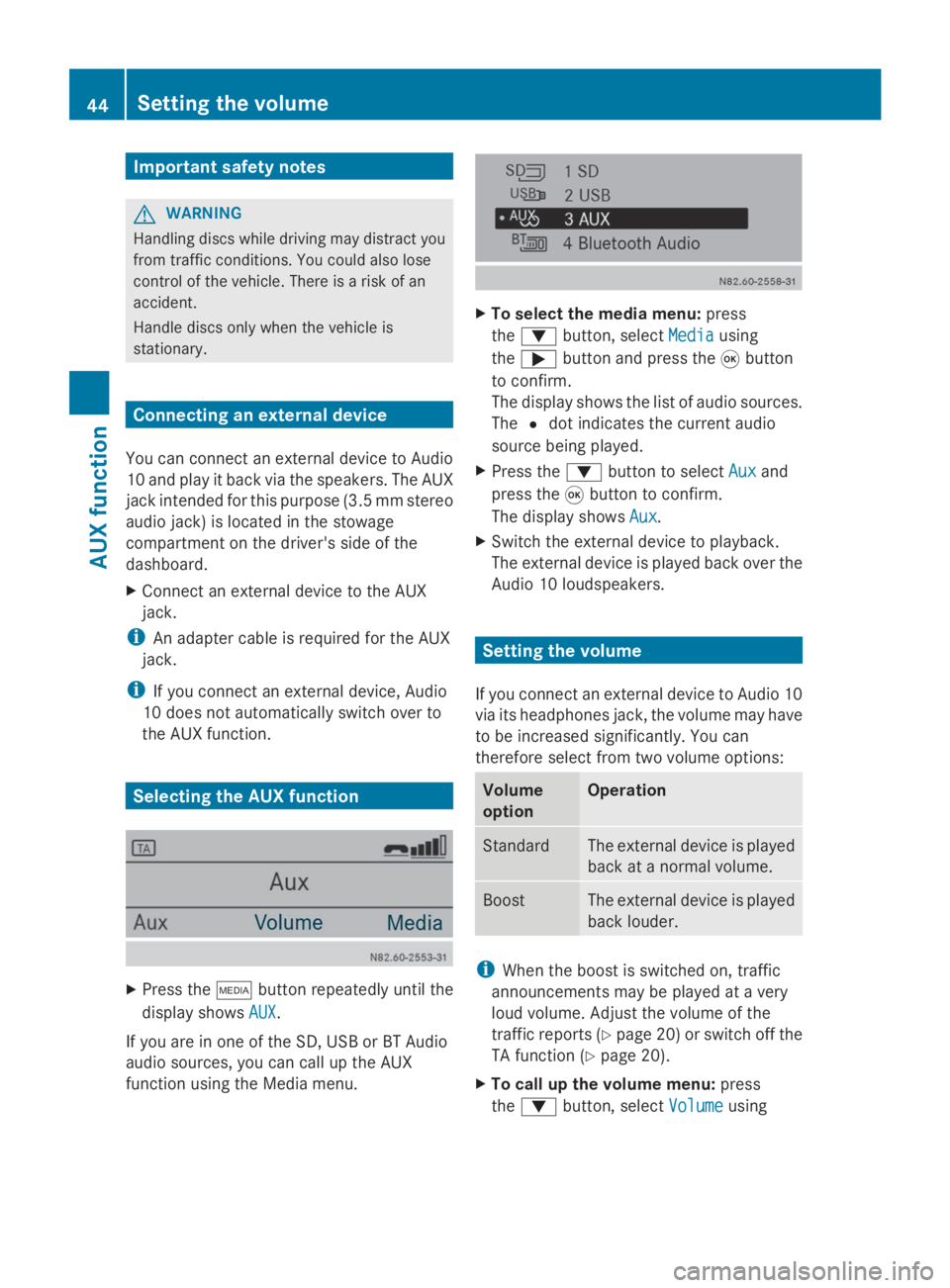
X
Press the 00FDbutton repeatedly until the
display shows AUX AUX.
If you are in one of the SD, USB or BT Audio
audio sources, you can call up the AUX
function using the Media menu. X
To select the media menu: press
the 0064 button, select Media Mediausing
the 0065 button and press the 008Bbutton
to confirm.
The display shows the list of audio sources.
The 0036dot indicates the current audio
source being played.
X Press the 0064button to select Aux Auxand
press the 008Bbutton to confirm.
The display shows Aux
Aux.
X Switch the external device to playback.
The external device is played back over the
Audio 10 loudspeakers. Setting the volume
If you connect an external device to Audio 10
via its headphones jack, the volume may have
to be increased significantly. You can
therefore select from two volume options: Volume
option Operation
Standard The external device is played
back at a normal volume.
Boost The external device is played
back louder.
i
When the boost is switched on, traffic
announcements may be played at a very
loud volume. Adjust the volume of the
traffic reports (Y page 20)or switch off the
TA function (Y page 20).
X To call up the volume menu: press
the 0064 button, select Volume Volumeusing 44
Setting the volumeAUX function
Page 47 of 50
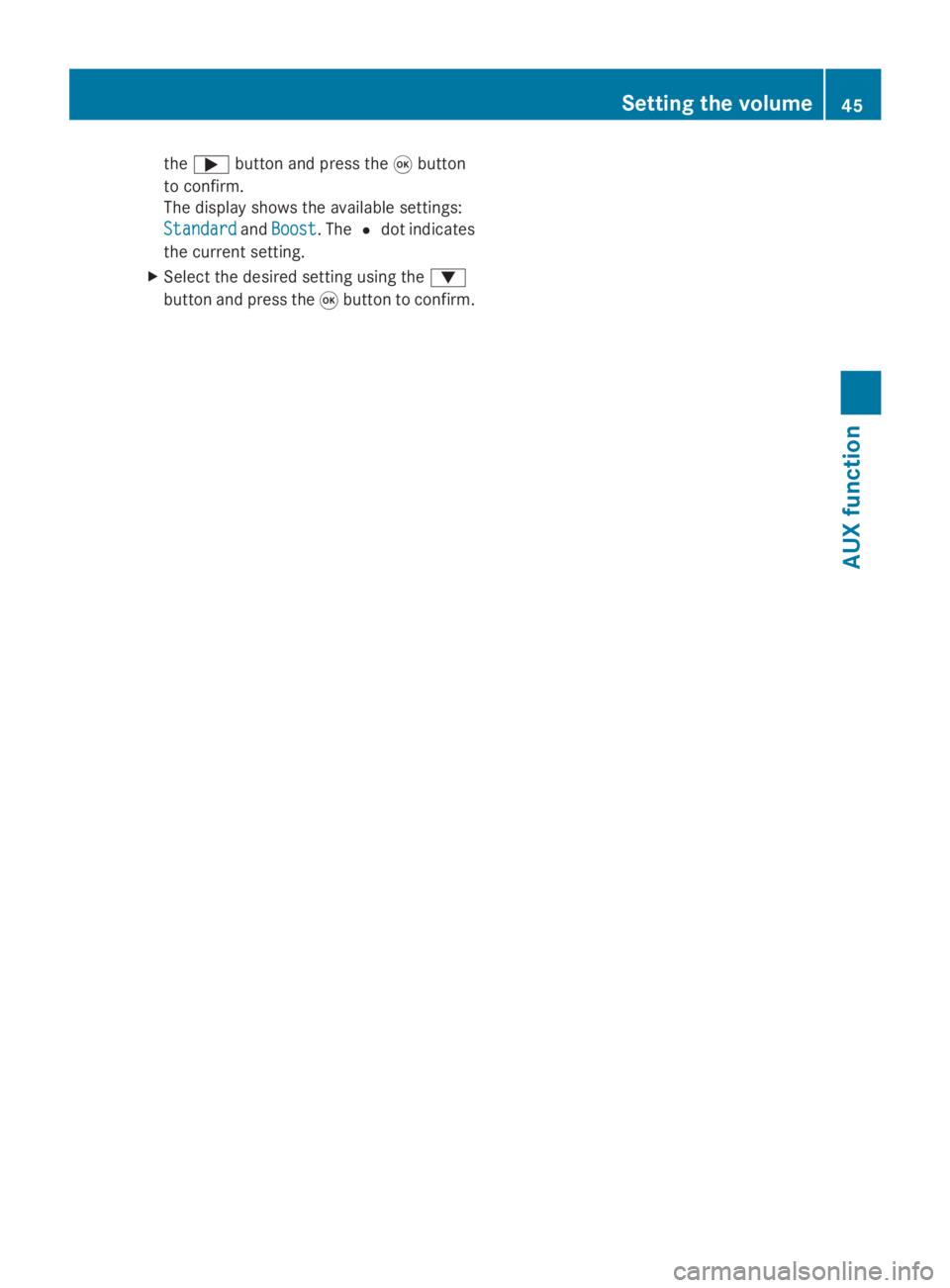
the
0065 button and press the 008Bbutton
to confirm.
The display shows the available settings:
Standard
Standard andBoost
Boost. The 0036dot indicates
the current setting.
X Select the desired setting using the 0064
button and press the 008Bbutton to confirm. Setting the volume
45AUX function Z
Page 50 of 50
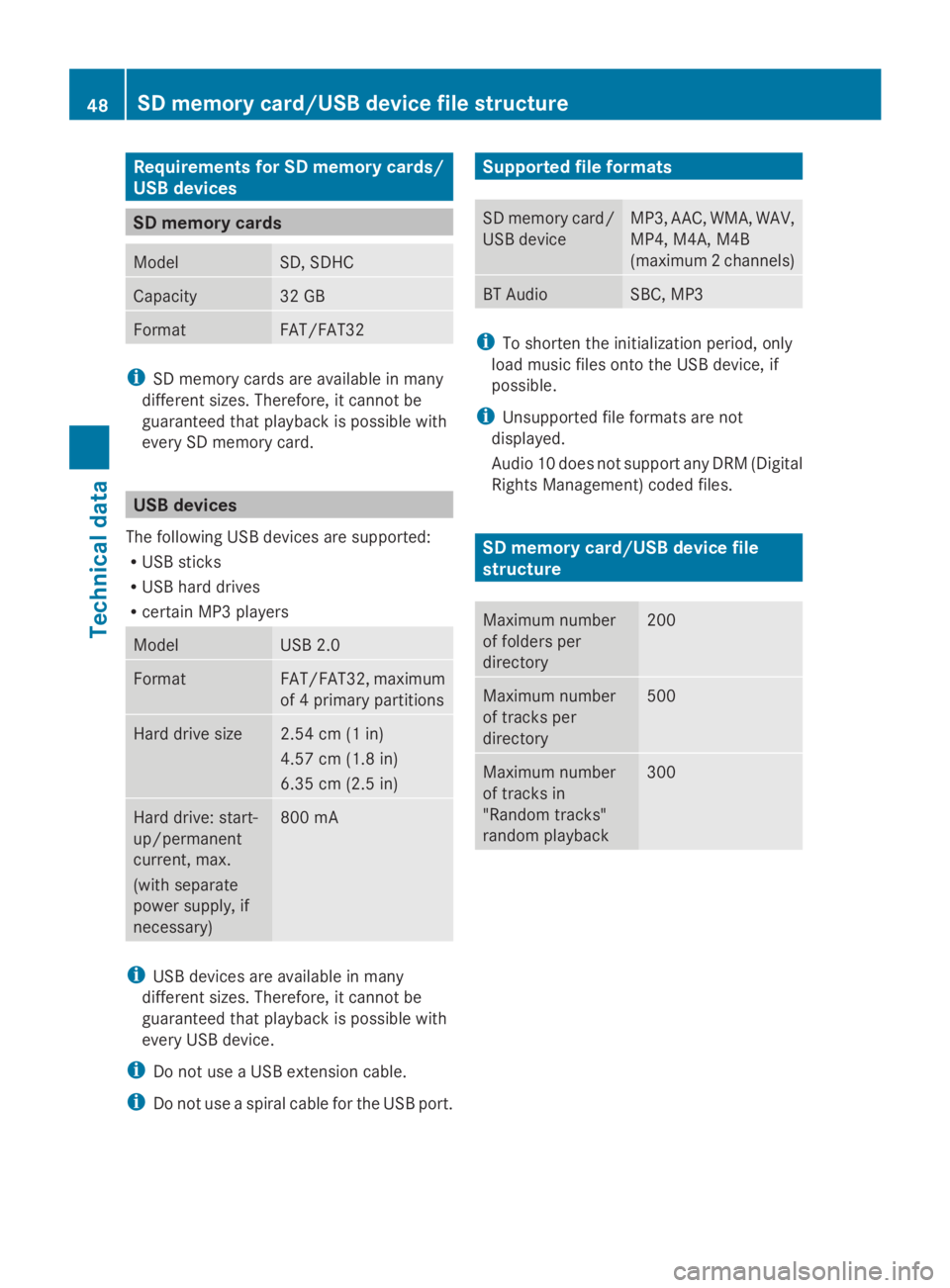
Requirements for SD memory cards/
USB devices SD memory cards
Model SD, SDHC
Capacity 32 GB
Format FAT/FAT32
i
SD memory cards are available in many
different sizes. Therefore, it cannot be
guaranteed that playback is possible with
every SD memory card. USB devices
The following USB devices are supported:
R USB sticks
R USB hard drives
R certain MP3 players Model USB 2.0
Format FAT/FAT32, maximum
of 4 primary partitions
Hard drive size 2.54 cm (1 in)
4.57 cm (1.8 in)
6.35 cm (2.5 in) Hard drive: start-
up/permanent
current, max.
(with separate
power supply, if
necessary) 800 mA
i
USB devices are available in many
different sizes. Therefore, it cannot be
guaranteed that playback is possible with
every USB device.
i Do not use a USB extension cable.
i Do not use a spiral cable for the USB port. Supported file formats
SD memory card/
USB device MP3, AAC, WMA, WAV,
MP4, M4A, M4B
(maximum 2 channels)
BT Audio SBC, MP3
i
To shorten the initialization period, only
load music files onto the USB device, if
possible.
i Unsupported file formats are not
displayed.
Audio 10 does not support any DRM (Digital
Rights Management) coded files. SD memory card/USB device file
structure
Maximum number
of folders per
directory 200
Maximum number
of tracks per
directory 500
Maximum number
of tracks in
"Random tracks"
random playback 30048
SD memory card/USB device file structureTechnical data