display MITSUBISHI ENDEAVOR 2004 Service User Guide
[x] Cancel search | Manufacturer: MITSUBISHI, Model Year: 2004, Model line: ENDEAVOR, Model: MITSUBISHI ENDEAVOR 2004Pages: 3870, PDF Size: 98.47 MB
Page 833 of 3870
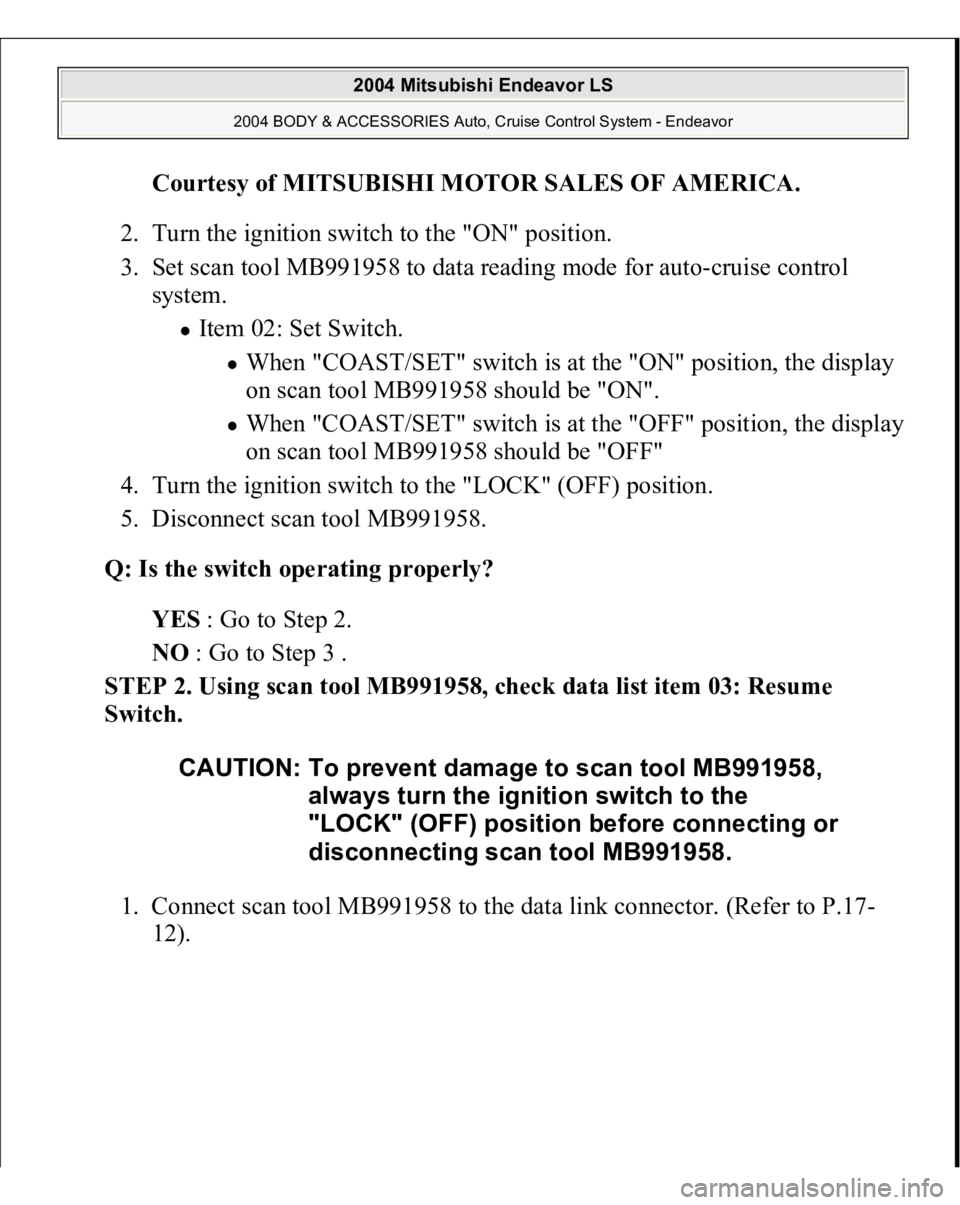
Courtesy of MITSUBISHI MOTOR SALES OF AMERICA
.
2. Turn the ignition switch to the "ON" position.
3. Set scan tool MB991958 to data reading mode for auto-cruise control
system.
Item 02: Set Switch.
When "COAST/SET" switch is at the "ON" position, the display
on scan tool MB991958 should be "ON". When "COAST/SET" switch is at the "OFF" position, the display
on scan tool MB991958 should be "OFF"
4. Turn the ignition switch to the "LOCK" (OFF) position.
5. Disconnect scan tool MB991958.
Q: Is the switch operating properly?
YES : Go to Step 2.
NO : Go to Step 3 .
STEP 2. Using scan tool MB991958, check data list item 03: Resume
Switch.
1. Connect scan tool MB991958 to the data link connector. (Refer to P.17-
12).
CAUTION: To prevent damage to scan tool MB991958,
always turn the ignition switch to the
"LOCK" (OFF) position before connecting or
disconnecting scan tool MB991958.
2004 Mitsubishi Endeavor LS
2004 BODY & ACCESSORIES Auto, Cruise Control System - Endeavor
Page 835 of 3870
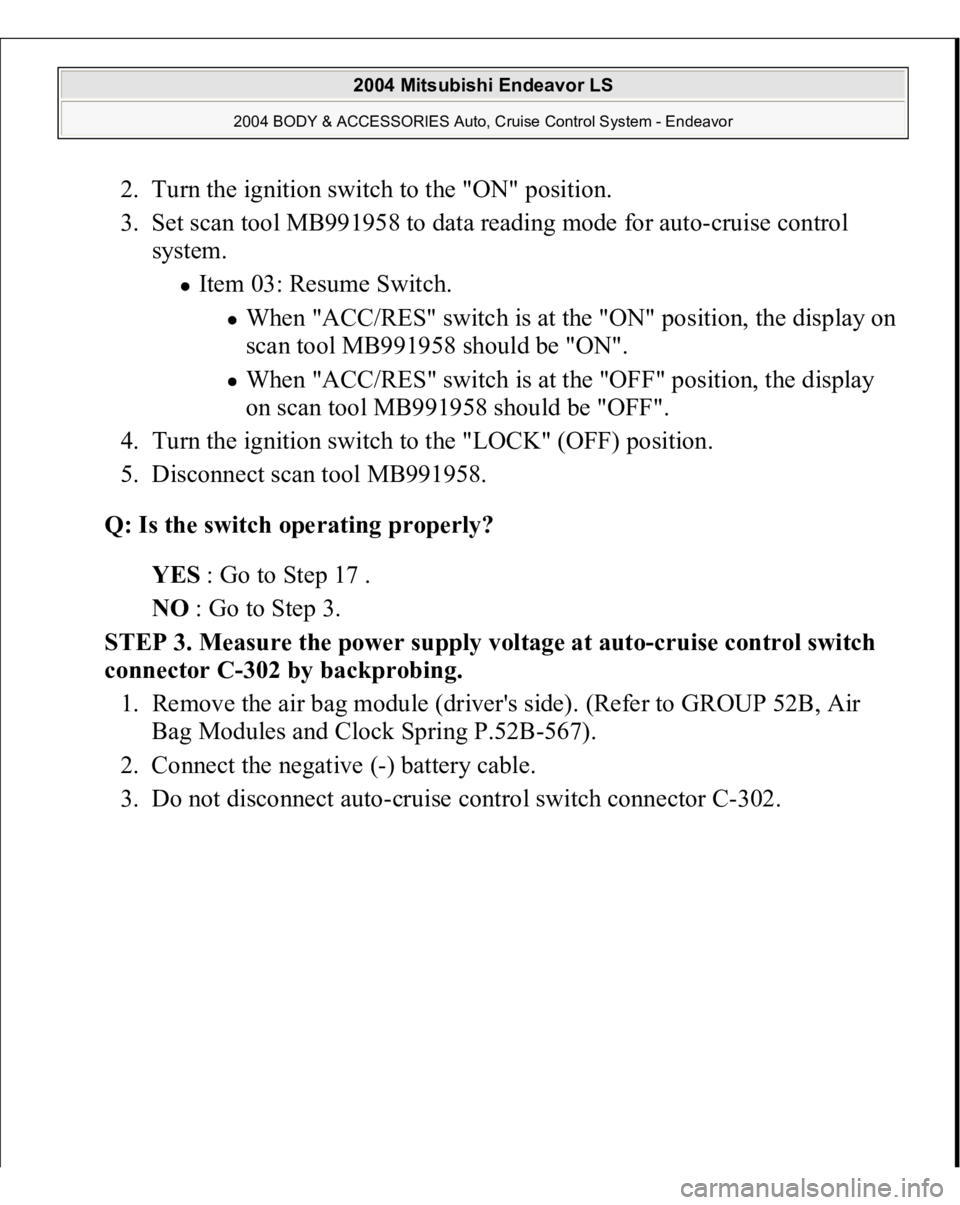
2. Turn the ignition switch to the "ON" position.
3. Set scan tool MB991958 to data reading mode for auto-cruise control
system.
Item 03: Resume Switch.
When "ACC/RES" switch is at the "ON" position, the display on
scan tool MB991958 should be "ON". When "ACC/RES" switch is at the "OFF" position, the display
on scan tool MB991958 should be "OFF".
4. Turn the ignition switch to the "LOCK" (OFF) position.
5. Disconnect scan tool MB991958.
Q: Is the switch operating properly?
YES : Go to Step 17 .
NO : Go to Step 3.
STEP 3. Measure the power supply voltage at auto-cruise control switch
connector C-302 by backprobing.
1. Remove the air bag module (driver's side). (Refer to GROUP 52B, Air
Bag Modules and Clock Spring P.52B-567).
2. Connect the negative (-) battery cable.
3. Do not disconnect auto-cruise control switch connector C-302.
2004 Mitsubishi Endeavor LS
2004 BODY & ACCESSORIES Auto, Cruise Control System - Endeavor
Page 886 of 3870
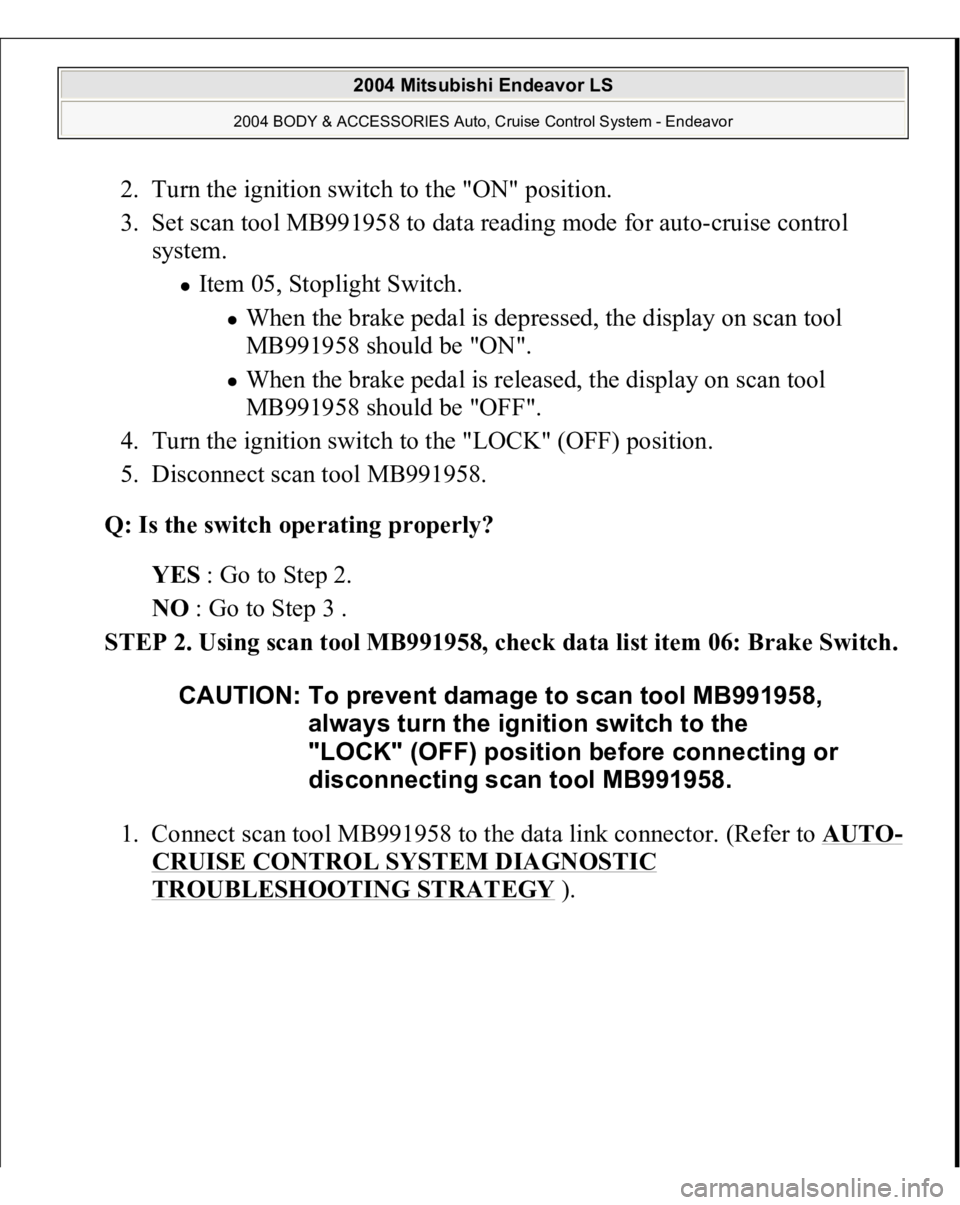
2. Turn the ignition switch to the "ON" position.
3. Set scan tool MB991958 to data reading mode for auto-cruise control
system.
Item 05, Stoplight Switch.
When the brake pedal is depressed, the display on scan tool
MB991958 should be "ON". When the brake pedal is released, the display on scan tool
MB991958 should be "OFF".
4. Turn the ignition switch to the "LOCK" (OFF) position.
5. Disconnect scan tool MB991958.
Q: Is the switch operating properly?
YES : Go to Step 2.
NO : Go to Step 3 .
STEP 2. Using scan tool MB991958, check data list item 06: Brake Switch.
1. Connect scan tool MB991958 to the data link connector. (Refer to AUTO
-
CRUISE CONTROL SYSTEM DIAGNOSTIC TROUBLESHOOTING STRATEGY
).
CAUTION: To prevent damage to scan tool MB991958,
always turn the ignition switch to the
"LOCK" (OFF) position before connecting or
disconnecting scan tool MB991958.
2004 Mitsubishi Endeavor LS
2004 BODY & ACCESSORIES Auto, Cruise Control System - Endeavor
Page 888 of 3870
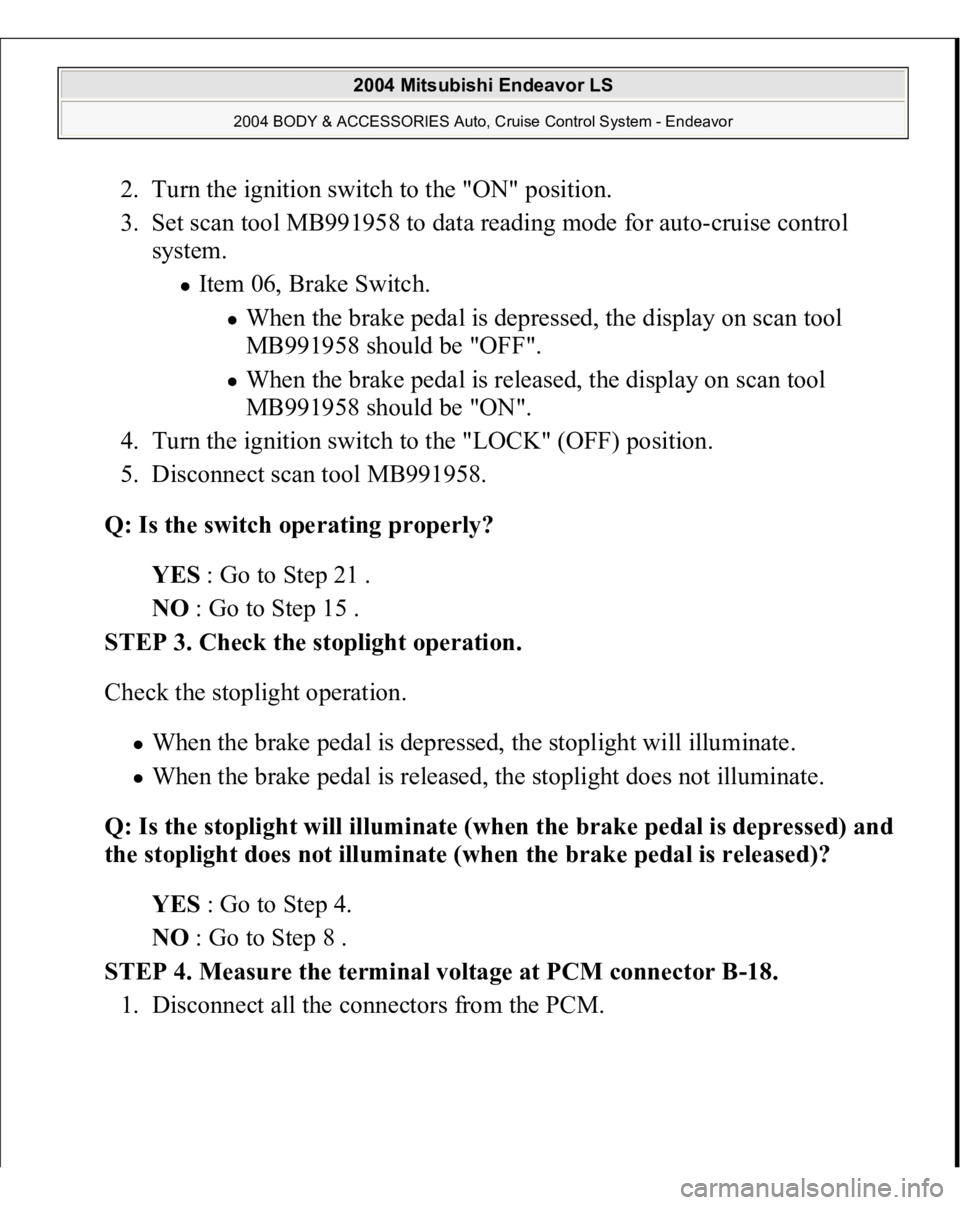
2. Turn the ignition switch to the "ON" position.
3. Set scan tool MB991958 to data reading mode for auto-cruise control
system.
Item 06, Brake Switch.
When the brake pedal is depressed, the display on scan tool
MB991958 should be "OFF". When the brake pedal is released, the display on scan tool
MB991958 should be "ON".
4. Turn the ignition switch to the "LOCK" (OFF) position.
5. Disconnect scan tool MB991958.
Q: Is the switch operating properly?
YES : Go to Step 21 .
NO : Go to Step 15 .
STEP 3. Check the stoplight operation.
Check the stoplight operation.
When the brake pedal is depressed, the stoplight will illuminate. When the brake pedal is released, the stoplight does not illuminate.
Q: Is the stoplight will illuminate (when the brake pedal is depressed) and
the stoplight does not illuminate (when the brake pedal is released)?
YES : Go to Step 4.
NO : Go to Step 8 .
STEP 4. Measure the terminal voltage at PCM connector B-18.
1. Disconnect all the connectors from the PCM.
2004 Mitsubishi Endeavor LS
2004 BODY & ACCESSORIES Auto, Cruise Control System - Endeavor
Page 947 of 3870
Courtesy of MITSUBISHI MOTOR SALES OF AMERICA
.
2. Turn the ignition switch to the "ON" position.
3. Set scan tool MB991958 to data reading mode for auto-cruise control
system.
Item 04, Cancel Switch.
When "CANCEL" switch is at the ON position, the display on
scan tool MB991958 should be "ON". When "CANCEL" switch is at the OFF position, the display on
scan tool MB991958 should be "OFF".
4. Turn the ignition switch to the "LOCK" (OFF) position.
5. Disconnect scan tool MB991958.
Q: Is the switch operating properly?
YES: Go to Step 3.
NO: Refer to SYMPTOM PROCEDURES
. Then go to Step 7 .
STEP 3. Using scan tool MB991958, check data list item 05: Stoplight
Switch.
1. Connect scan tool MB991958 to the data link connector. (Refer to AUTO
-
CRUISE CONTROL SYSTEM DIAGNOSTIC TROUBLESHOOTING STRATEGY
).
CAUTION: To prevent damage to scan tool MB991958,
always turn the ignition switch to the
"LOCK" (OFF) position before connecting or
disconnecting scan tool MB991958.
2004 Mitsubishi Endeavor LS
2004 BODY & ACCESSORIES Auto, Cruise Control System - Endeavor
Page 949 of 3870
Courtesy of MITSUBISHI MOTOR SALES OF AMERICA
.
2. Turn the ignition switch to the "ON" position.
3. Set scan tool MB991958 to data reading mode for auto-cruise control
system.
Item 05: Stoplight Switch.
When brake pedal is depressed, the display on scan tool
MB991958 should be "ON". When brake pedal is released, the display on scan tool
MB991958 should be "OFF".
4. Turn the ignition switch to the "LOCK" (OFF) position.
5. Disconnect scan tool MB991958.
Q: Is the switch operating properly?
YES: Go to Step 4.
NO: Refer to SYMPTOM PROCEDURES
. Then go to Step 7 .
STEP 4. Using scan tool MB991958, check data list item 06: Brake switch.
1. Connect scan tool MB991958 to the data link connector. (Refer to AUTO
-
CRUISE CONTROL SYSTEM DIAGNOSTIC TROUBLESHOOTING STRATEGY
).
CAUTION: To prevent damage to scan tool MB991958,
always turn the ignition switch to the
"LOCK" (OFF) position before connecting or
disconnecting scan tool MB991958.
2004 Mitsubishi Endeavor LS
2004 BODY & ACCESSORIES Auto, Cruise Control System - Endeavor
Page 951 of 3870
2. Turn the ignition switch to the "ON" position.
3. Set scan tool MB991958 to data reading mode for auto-cruise control
system.
Item 06, Brake Switch.
When brake pedal is depressed, the display on scan tool
MB991958 should be "ON". When brake pedal is released, the display on scan tool
MB991958 should be "OFF".
4. Turn the ignition switch to the "LOCK" (OFF) position.
5. Disconnect scan tool MB991958.
Q: Is the switch operating properly?
YES: Go to Step 5.
NO: Refer to SYMPTOM PROCEDURES
. Then go to Step 7 .
STEP 5. Using scan tool MB991958, check data list item 07: Transmission
Range Switch.
1. Connect scan tool MB991958 to the data link connector. (Refer to AUTO
-
CRUISE CONTROL SYSTEM DIAGNOSTIC TROUBLESHOOTING STRATEGY
).
CAUTION: To prevent damage to scan tool MB991958,
always turn the ignition switch to the
"LOCK" (OFF) position before connecting or
disconnecting scan tool MB991958.
2004 Mitsubishi Endeavor LS
2004 BODY & ACCESSORIES Auto, Cruise Control System - Endeavor
Page 953 of 3870
2. Turn the ignition switch to the "ON" position.
3. Set scan tool MB991958 to data reading mode for auto-cruise control
system.
Item 07, Transmission Range Switch.
When selector lever is at the "P" or "N" position, the display on
scan tool MB991958 should be "ON". When selector lever is at the "R" or "D" position, the display on
scan tool MB991958 should be "OFF".
4. Turn the ignition switch to the "LOCK" (OFF) position.
5. Disconnect scan tool MB991958.
Q: Is the switch operating properly?
YES: Go to Step 6.
NO: Refer to SYMPTOM PROCEDURES
. Then go to Step 7 .
STEP 6. Check the Symptoms.
Q: Can auto-cruise control be set?
YES: It can be assumed that this malfunction is intermittent (Refer to
HOW TO COPE WITH INTERMITTENT MALFUNCTIONS
).
NO: Replace the PCM [Refer to POWERTRAIN CONTROL
MODULE (PCM)
]. Then go to Step 7.
STEP 7. Check the symptoms.
Q: Can auto-cruise control be set?
YES: The procedure is complete.
NO: Return to Step 1 .
INSPECTION PROCEDURE 5: Hunting (Repeated Acceleration and Deceleration) Occurs at the Set Vehicle Speed. COMMENT The out
put shaft s
peed sensor si
gnal or the throttle bod
y is sus
pected.
2004 Mitsubishi Endeavor LS
2004 BODY & ACCESSORIES Auto, Cruise Control System - Endeavor
Page 1099 of 3870
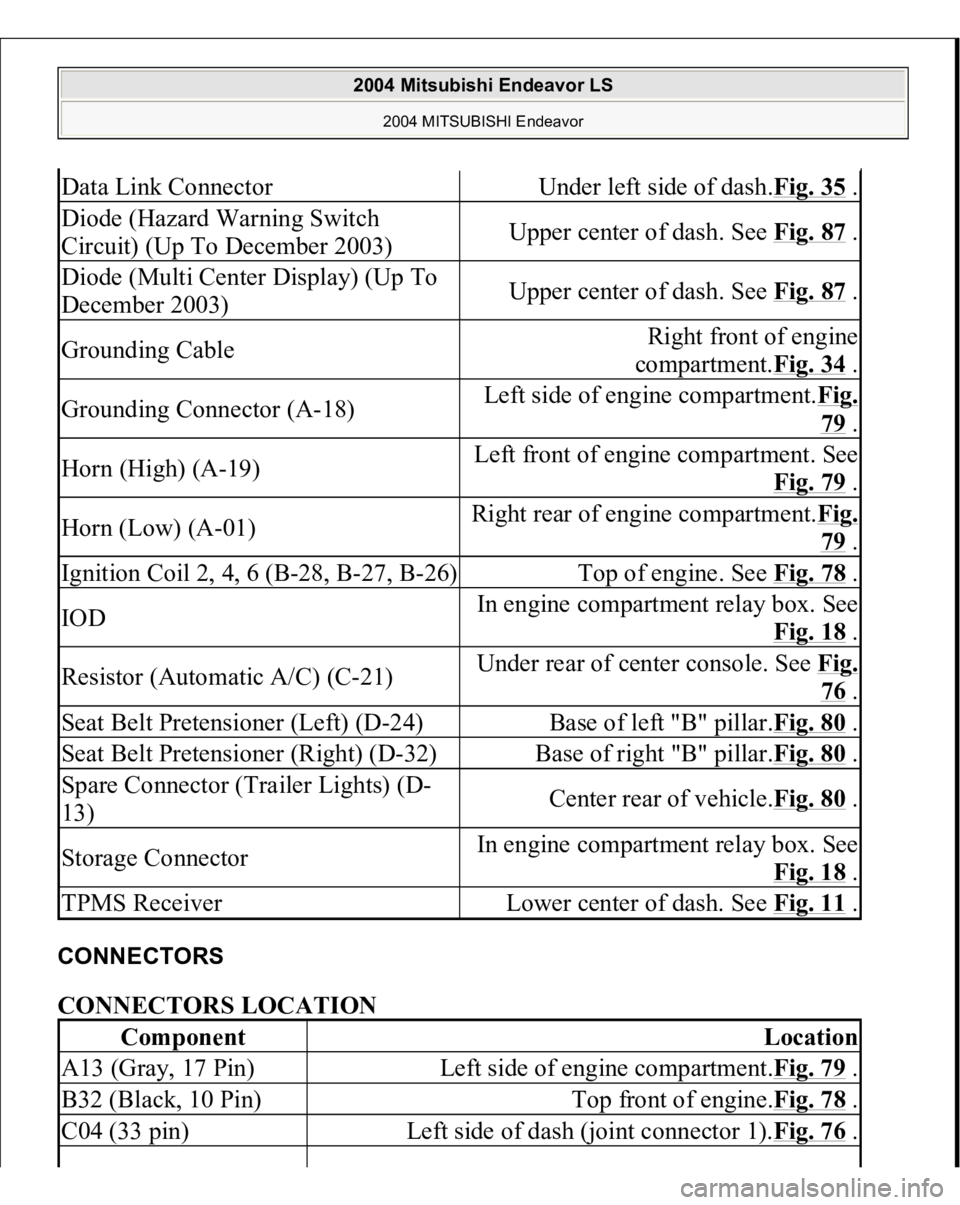
CONNECTORS CONNECTORS LOCATION Data Link Connector
Under left side of dash.Fig. 35
.
Diode (Hazard Warning Switch
Circuit) (Up To December 2003)
Upper center of dash. See Fig. 87
.
Diode (Multi Center Display) (Up To
December 2003)
Upper center of dash. See Fig. 87
.
Grounding Cable
Right front of engine
compartment.Fig. 34
.
Grounding Connector (A-18)
Left side of engine compartment.Fig.
79 .
Horn (High) (A-19)
Left front of engine compartment. See
Fig. 79
.
Horn (Low) (A-01)
Right rear of engine compartment.Fi
g.
79 .
Ignition Coil 2, 4, 6 (B-28, B-27, B-26)
Top of engine. See Fig. 78
.
IOD
In engine compartment relay box. See
Fig. 18
.
Resistor (Automatic A/C) (C-21)
Under rear of center console. See Fi
g.
76 .
Seat Belt Pretensioner (Left) (D-24)
Base of left "B" pillar.Fig. 80
.
Seat Belt Pretensioner (Right) (D-32)
Base of right "B" pillar.Fig. 80
.
Spare Connector (Trailer Lights) (D-
13)
Center rear of vehicle.Fig. 80
.
Storage Connector
In engine compartment relay box. See
Fig. 18
.
TPMS Receiver
Lower center of dash. See Fig. 11
.
Component
Location
A13 (Gray, 17 Pin)
Left side of engine compartment.Fig. 79
.
B32 (Black, 10 Pin)
Top front of engine.Fig. 78
.
C04 (33 pin)
Left side of dash (joint connector 1).Fig. 76
.
2004 Mitsubishi Endeavor LS
2004 MITSUBISHI Endeavor
Page 1274 of 3870
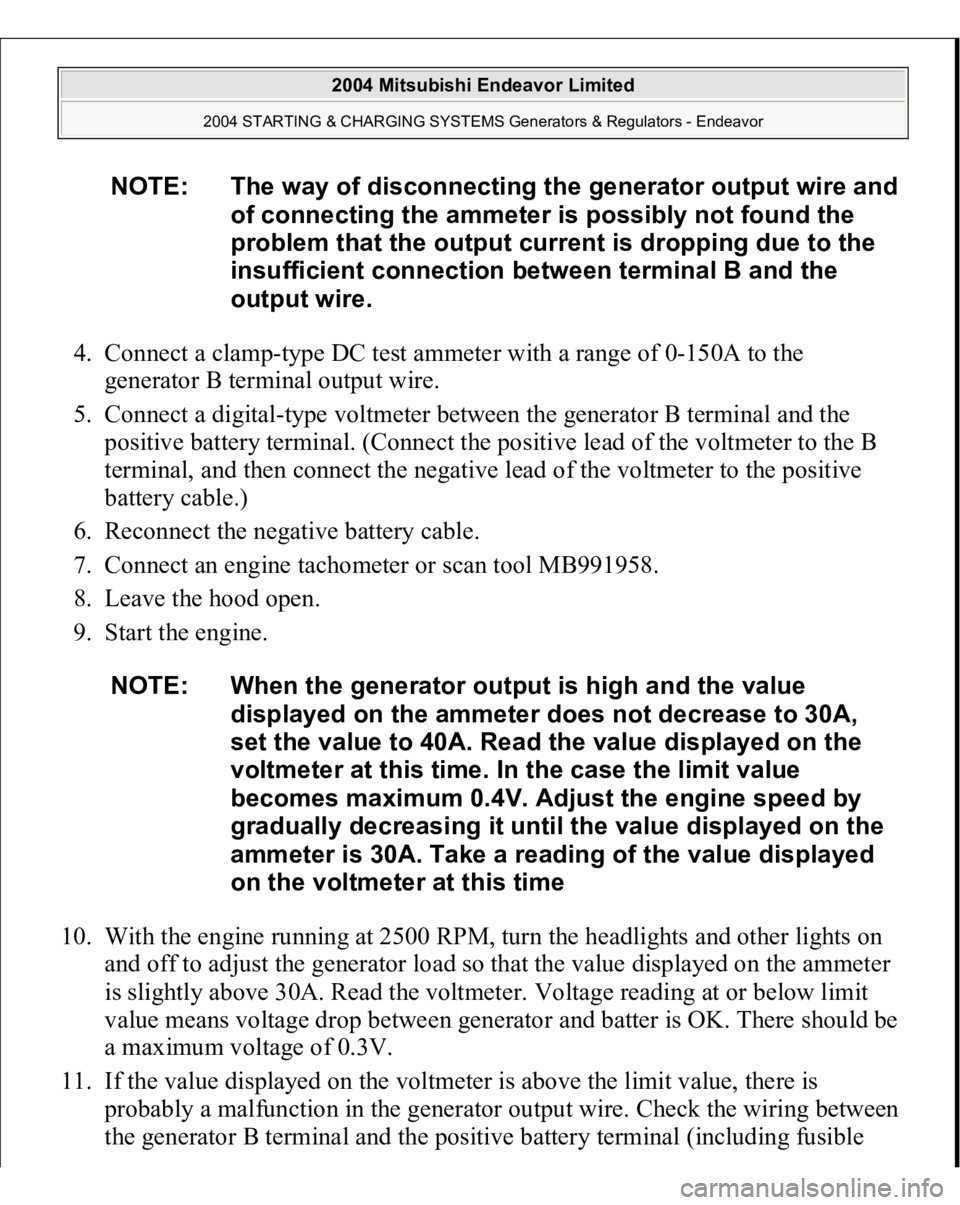
4. Connect a clamp-type DC test ammeter with a range of 0-150A to the
generator B terminal output wire.
5. Connect a digital-type voltmeter between the generator B terminal and the
positive battery terminal. (Connect the positive lead of the voltmeter to the B
terminal, and then connect the negative lead of the voltmeter to the positive
battery cable.)
6. Reconnect the negative battery cable.
7. Connect an engine tachometer or scan tool MB991958.
8. Leave the hood open.
9. Start the engine.
10. With the engine running at 2500 RPM, turn the headlights and other lights on
and off to adjust the generator load so that the value displayed on the ammeter
is slightly above 30A. Read the voltmeter. Voltage reading at or below limit
value means voltage drop between generator and batter is OK. There should be
a maximum voltage of 0.3V.
11. If the value displayed on the voltmeter is above the limit value, there is
probably a malfunction in the generator output wire. Check the wiring between
the
generator B terminal and the
positive batter
y terminal
(includin
g fusible
NOTE: The way of disconnecting the generator output wire and
of connecting the ammeter is possibly not found the
problem that the output current is dropping due to the
insufficient connection between terminal B and the
output wire.
NOTE: When the generator output is high and the value
displayed on the ammeter does not decrease to 30A,
set the value to 40A. Read the value displayed on the
voltmeter at this time. In the case the limit value
becomes maximum 0.4V. Adjust the engine speed by
gradually decreasing it until the value displayed on the
ammeter is 30A. Take a reading of the value displayed
on the voltmeter at this time
2004 Mitsubishi Endeavor Limited
2004 STARTING & CHARGING SYSTEMS Generators & Regulators - Endeavor