change time MITSUBISHI OUTLANDER III 2017 User Guide
[x] Cancel search | Manufacturer: MITSUBISHI, Model Year: 2017, Model line: OUTLANDER III, Model: MITSUBISHI OUTLANDER III 2017Pages: 521, PDF Size: 14.95 MB
Page 166 of 521
S-AWC (Super-All Wheel Co
ntrol) (if so equipped)
Features and controls 5-85
5
N00576600020
While the drive mode is in the “4WD AUTO”
ON, the drive mode will be changed to “4WD ECO” mode.If the ECO mode switch is switched OFF, the drive mode will be returned to “4WD AUTO”Refer to the “ECO mode switch” on page 5-231.
N00541301088
S-AWC is an integr
ated vehicle dynamics
control system that helps enhance driving performance, cornering performance, and vehicle stability over a wide range of drivingconditions through integr
ated management of
the electronically cont
rolled 4WD, the AYC
(Active Yaw Control), the ABS and the ASC.
The electronically controlled 4WD is a sys- tem that improves acceleration performance and stability performance by controlling front-rear distribution of driving torque withoperating the electronic control coupling arranged in the rear differential assembly. The AYC is a system, with a left-right differ- ential limiting function
and yaw control func-
tion, that controls the left-rightdriving/braking force by managing the AFD* (Active Front Differential), the brake, the EPS.*: AFD (Active Front Differential)
If the drive mode indicator (4WD) is blink- ing, a problem has occurred with the elec-tronically controlled
4WD. A warning will
also be displayed in
the information screen
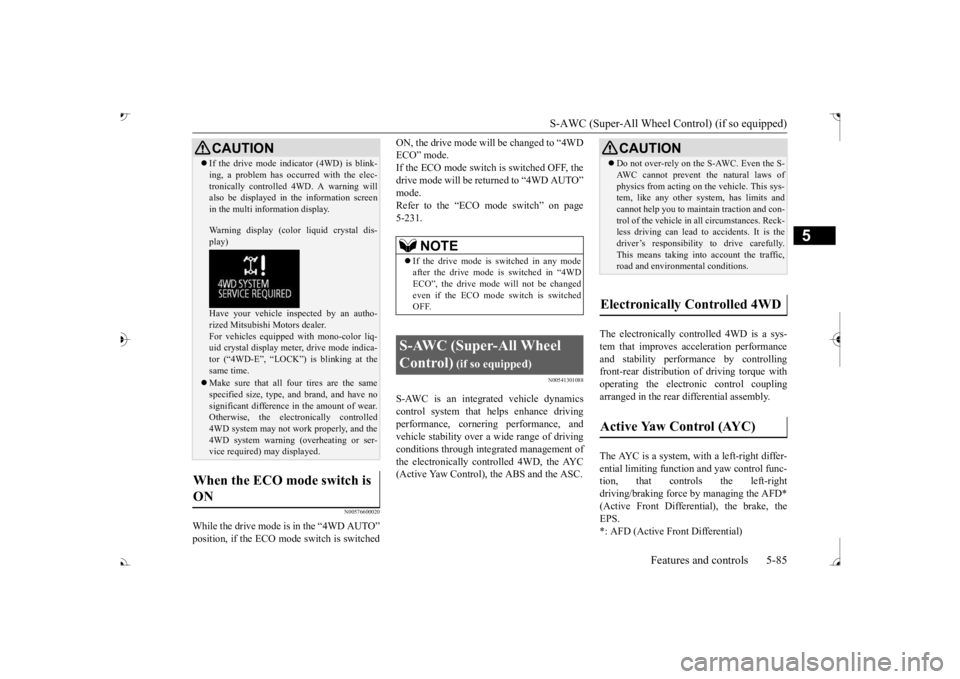
in the multi information display. Warning display (color
liquid crystal dis-
play) Have your vehicle in
spected by an autho-
rized Mitsubishi Motors dealer.For vehicles equipped with mono-color liq- uid crystal display mete
r, drive mode indica-
tor (“4WD-E”, “LOCK”)
is blinking at the
same time. Make sure that all four tires are the same specified size, type, a
nd brand, and have no
significant difference
in the amount of wear.
Otherwise, the elec
tronically controlled
4WD system may not work properly, and the 4WD system warning (overheating or ser- vice required) may displayed.
When the ECO mode switch is ON
CAUTION
NOTE
If the drive mode is switched in any mode after the drive mode is switched in “4WD ECO”, the drive mode
will not be changed
even if the ECO mode switch is switched OFF.
S-AWC (Super-All Wheel Control)
(if so equipped)
Do not over-rely on the S-AWC. Even the S- AWC cannot prevent the natural laws ofphysics from acting on the vehicle. This sys-tem, like any other system, has limits and cannot help you to main
tain traction and con-
trol of the vehicle in
all circumstances. Reck-
less driving can lead to
accidents. It is the
driver’s responsibility to drive carefully. This means taking into account the traffic,road and environmental conditions.
Electronically Controlled 4WD
Active Yaw Control (AYC)
BK0239700US.book 85 ページ 2016年6月16日 木曜日 午前10時58分
Page 190 of 521
Adaptive Cruise Control System (ACC) (if so equipped)
Features and controls 5-109
5
Press the “ACC ON/OFF” switch to turn off the ACC.
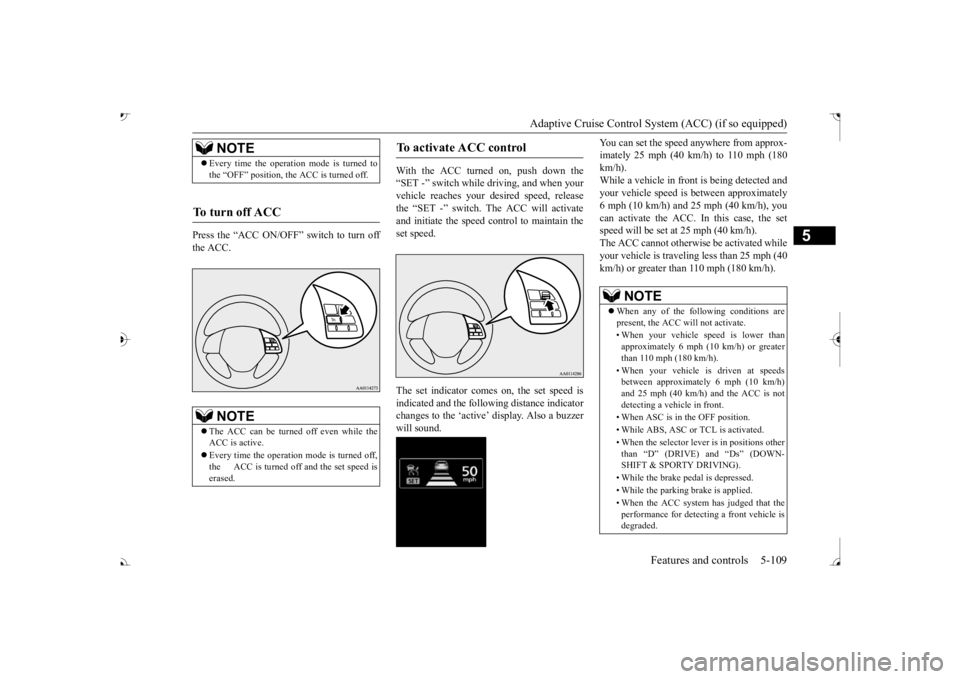
With the ACC turned on, push down the “SET -” switch while
driving, and when your
vehicle reaches your de
sired speed, release
the “SET -” switch. The ACC will activateand initiate the speed control to maintain the set speed. The set indicator comes on, the set speed is indicated and the follow
ing distance indicator
changes to the ‘active’ will sound.
You can set the speed anywhere from approx- imately 25 mph (40 km/h) to 110 mph (180km/h). While a vehicle in front
is being detected and
your vehicle speed is
between a
pproximately
6 mph (10 km/h) and 25 mph (40 km/h), you can activate the ACC. In this case, the set speed will be set at 25 mph (40 km/h).The ACC cannot otherwis
e be activated while
your vehicle is traveling less than 25 mph (40 km/h) or greater than 110 mph (180 km/h).
NOTE
Every time the operation mode is turned to the “OFF” position, the ACC is turned off.
To turn off ACC
NOTE
The ACC can be turned off even while the ACC is active. Every time the operation mode is turned off, the ACC is turned off and the set speed iserased.
To activate ACC control
NOTE
When any of the following conditions are present, the ACC will not activate. • When your vehicle speed is lower than approximately 6 mph (10 km/h) or greater than 110 mph (180 km/h). • When your vehicle is driven at speeds between approximately 6 mph (10 km/h) and 25 mph (40 km/h) and the ACC is notdetecting a vehi
cle in front.
• When ASC is in the OFF position.• While ABS, ASC or TCL is activated. • When the selector lever
is in positions other
than
Page 193 of 521
Adaptive Cruise Control System (ACC) (if so equipped) 5-112 Features and controls
5
N00581500027
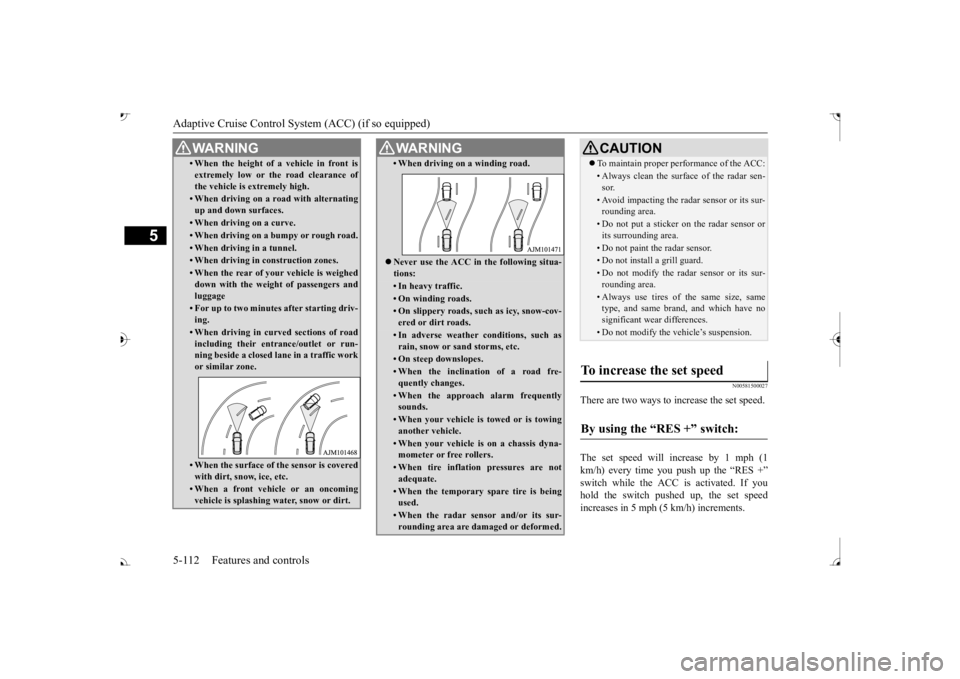
There are two ways to increase the set speed. The set speed will increase by 1 mph (1 km/h) every time you push up the “RES +” switch while the ACC is activated. If youhold the switch pushed up, the set speed increases in 5 mph (5 km/h) increments.
• When the height of a vehicle in front is extremely low or the road clearance ofthe vehicle is extremely high.• When driving on a r
oad with alternating
up and down surfaces.• When driving on a curve.• When driving on a bumpy or rough road.• When driving in a tunnel.• When driving in construction zones.• When the rear of your vehicle is weighed down with the weight of passengers and luggage• For up to two minutes after starting driv-ing.• When driving in curved sections of roadincluding their entrance/outlet or run-ning beside a closed lane in a traffic work or similar zone.• When the surface of th
e sensor is covered
with dirt, snow, ice, etc.• When a front vehicle or an oncomingvehicle is splashing wa
ter, snow or dirt.
WA R N I N G
• When driving on
a winding road.
Never use the ACC in the following situa- tions:• In heavy traffic.• On winding roads.• On slippery roads, such as icy, snow-cov-ered or dirt roads.• In adverse weather conditions, such asrain, snow or sand storms, etc.• On steep downslopes.• When the inclination of a road fre-quently changes.• When the approach alarm frequentlysounds.• When your vehicle is towed or is towinganother vehicle.• When your vehicle is on a chassis dyna-mometer or free rollers.• When tire inflation pressures are notadequate.• When the temporary sp
are tire is being
used.• When the radar sensor and/or its sur-rounding area are damaged or deformed.WA R N I N G
CAUTION To maintain proper performance of the ACC:• Always clean the surface of the radar sen- sor.• Avoid impacting the radar sensor or its sur-rounding area.• Do not put a sticker on the radar sensor orits surrounding area.• Do not paint the radar sensor.• Do not install a grill guard.• Do not modify the radar sensor or its sur- rounding area.• Always use tires of the same size, sametype, and same brand, and which have no significant wear differences.• Do not modify the vehicle’s suspension.
To increase the set speed
By using the “RES +” switch:
BK0239700US.book 112 ページ 2016年6月16日 木曜日 午前10時58分
Page 194 of 521
Adaptive Cruise Control System (ACC) (if so equipped)
Features and controls 5-113
5
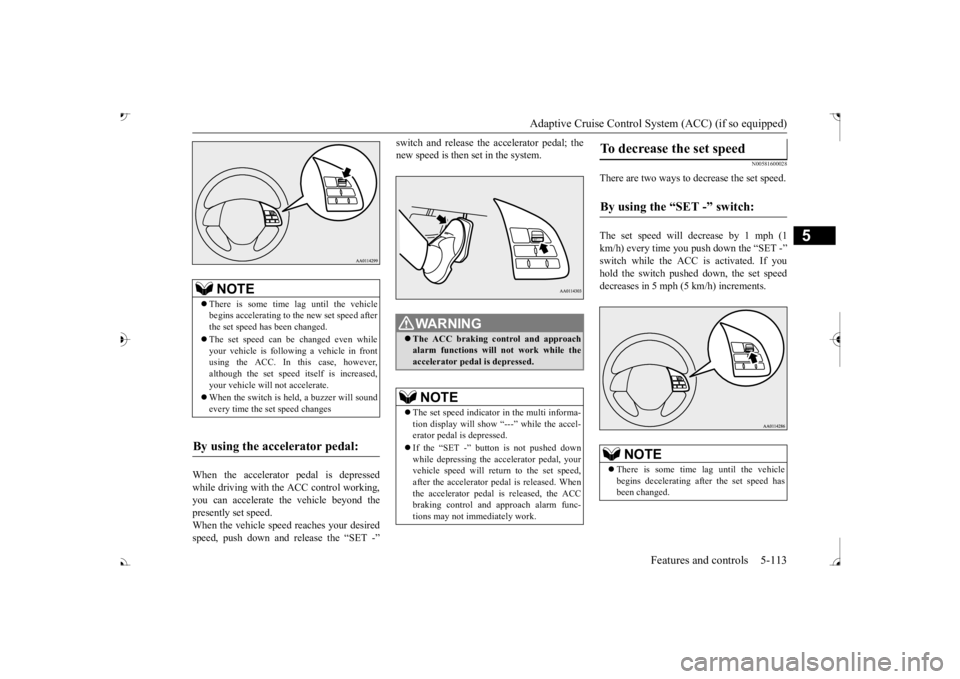
When the accelerator pedal is depressed while driving with the ACC control working, you can accelerate the vehicle beyond thepresently set speed. When the vehicle speed reaches your desired speed, push down and release the “SET -”
new speed is then set in the system.
N00581600028
There are two ways to decrease the set speed. The set speed will decrease by 1 mph (1 km/h) every time you push down the “SET -” hold the switch pushed down, the set speed decreases in 5 mph (5 km/h) increments.
NOTE
There is some time
lag until the vehicle
begins accelerating to
the new set speed after
the set speed has been changed. The set speed can be changed even while your vehicle is followi
ng a vehicle in front
using the ACC. In this case, however, although the set speed itself is increased,your vehicle will
not accelerate.
When the switch is he
ld, a buzzer will sound
every time the set speed changes
By using the accelerator pedal:
WA R N I N G The ACC braking control and approach alarm functions will
not work while the
accelerator pedal is depressed.NOTE
The set speed indicator in the multi informa- tion display will show “---” while the accel-erator pedal is depressed. If the “SET -” button is not pushed down while depressing the ac
celerator pedal, your
vehicle speed will return to the set speed, after the accelerator pedal is released. Whenthe accelerator pedal is released, the ACC braking control and approach alarm func- tions may not immediately work.
To decrease the set speed
By using the “SET -” switch:
NOTE
There is some time
lag until the vehicle
begins decelerating after the set speed has been changed.
BK0239700US.book 113 ページ 2016年6月16日 木曜日 午前10時58分
Page 195 of 521
Adaptive Cruise Control System (ACC) (if so equipped) 5-114 Features and controls
5
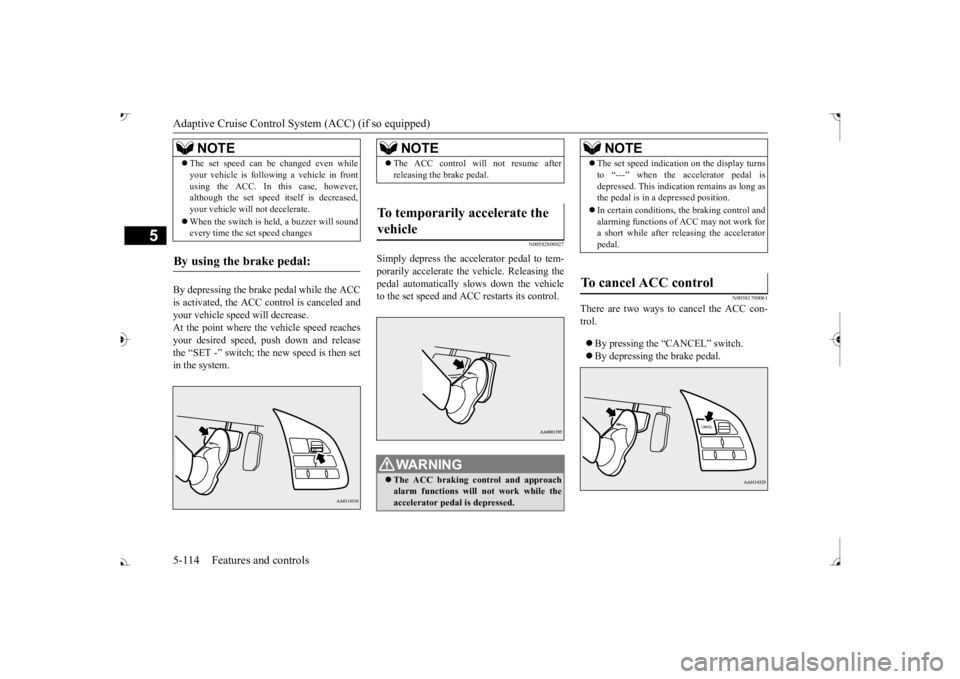
By depressing the brake pedal while the ACC is activated, the ACC c
ontrol is canceled and
your vehicle speed will decrease.At the point where the vehicle speed reaches your desired speed,
push down and release
the “SET -” switch; the new speed is then setin the system.
N00582800027
Simply depress the accelerator pedal to tem-porarily accelerate the
vehicle. Releasing the
pedal automatically sl
ows down the vehicle
to the set speed and ACC restarts its control.
N00581700061
There are two ways to cancel the ACC con- trol. By pressing the “CANCEL” switch. By depressing the brake pedal.
The set speed can be changed even while your vehicle is follow
ing a vehicle in front
using the ACC. In this case, however,although the set speed it
self is decreased,
your vehicle will
not decelerate.
When the switch is held, a buzzer will sound every time the set speed changes
By using the brake pedal:
NOTE
NOTE
The ACC control will
not resume after
releasing the brake pedal.
To temporarily accelerate the vehicle
WA R N I N G The ACC braking control and approach alarm functions will not work while the accelerator pedal is depressed.
NOTE
The set speed indication on the display turns to “---” when the accelerator pedal isdepressed. This indication remains as long asthe pedal is in a depressed position. In certain conditions, th
e braking control and
alarming functions of ACC may not work for a short while after releasing the accelerator pedal.
To cancel ACC control
BK0239700US.book 114 ページ 2016年6月16日 木曜日 午前10時58分
Page 197 of 521
Adaptive Cruise Control System (ACC) (if so equipped) 5-116 Features and controls
5
If the display keeps showing the message, there is a possibility that the ACC has a mal-function. Contact your authorized Mitsubishi Motors dealer. When the ACC system
detects an abnormal-
ity in the system, the ACC system will beturned off, a buzzer will sound and a message will be displayed in the multi information dis- play. If the message remains after the opera-tion mode has been turned to the “OFF” position and then turned back to the “ON” position, contact your au
thorized Mitsubishi
Motors dealer.
N00581800059
After the ACC control has been canceled with the ACC turned on, the ACC control can beresumed by pushing up
and releasing the
“RES +” switch.
N00581900021
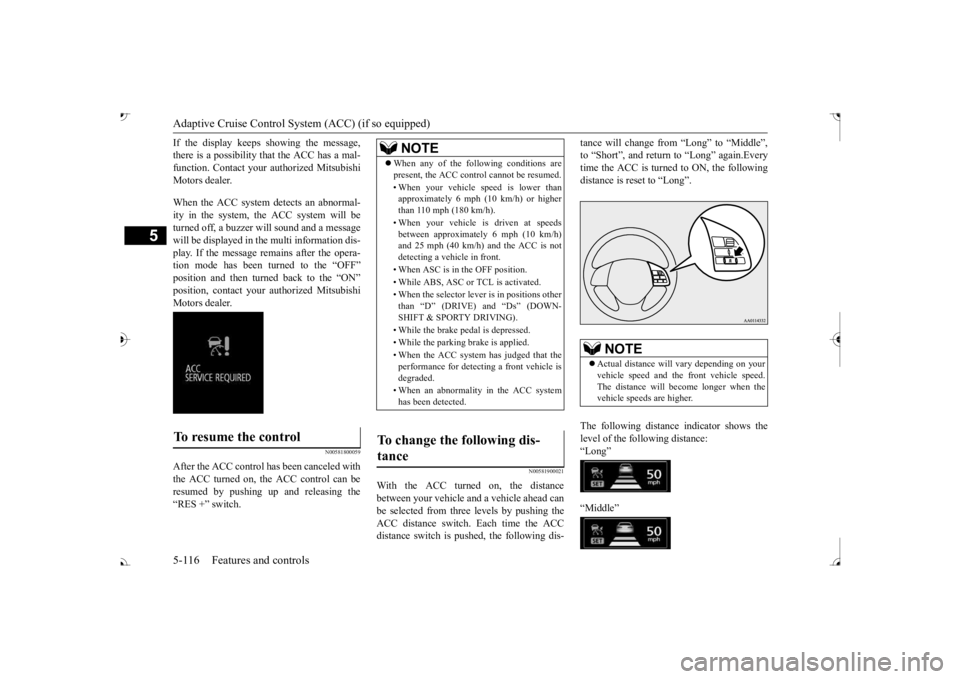
With the ACC turned on, the distance between your vehicle an
d a vehicle ahead can
be selected from thre
e levels by pushing the
ACC distance switch. Each time the ACC distance switch is pus
hed, the following dis-
tance will change fro
m “Long” to “Middle”,
to “Short”, and return to “Long” again.Everytime the ACC is turned to ON, the following distance is re
set to “Long”.
The following distance indicator shows the level of the following distance:“Long” “Middle”
To resume the control
NOTE
When any of the following conditions are present, the ACC cont
rol cannot be resumed.
• When your vehicle speed is lower than approximately 6 mph (10 km/h) or higher than 110 mph (180 km/h). • When your vehicle is driven at speeds between approximately 6 mph (10 km/h)and 25 mph (40 km/h) and the ACC is not detecting a vehi
cle in front.
• When ASC is in the OFF position. • While ABS, ASC or TCL is activated.• When the selector lever
is in positions other
than
Page 203 of 521
Forward Collision Mitigation System (FCM) (if so equipped) 5-122 Features and controls
5
N00577800061
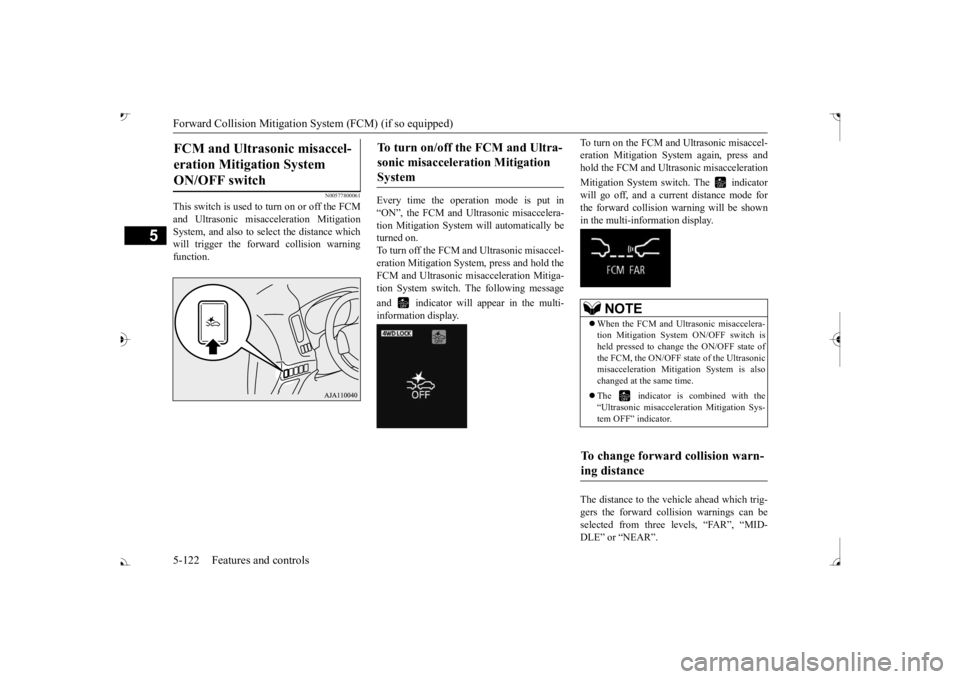
This switch is used to turn on or off the FCM and Ultrasonic misacc
eleration Mitigation
System, and also to select the distance which will trigger the forward collision warningfunction.
Every time the opera
tion mode is put in
“ON”, the FCM and Ultrasonic misaccelera- tion Mitigation System will automatically beturned on. To turn off the FCM and Ultrasonic misaccel- eration Mitigation System
, press and hold the
FCM and Ultrasonic misacceleration Mitiga- tion System switch.
The following message
and indicator will appear in the multi- information display.
To turn on the FCM and Ultrasonic misaccel- eration Mitigation Syst
em again, press and
hold the FCM and Ultrasonic misacceleration Mitigation System switch. The indicator will go off, and a curre
nt distance mode for
the forward collision warning will be shownin the multi-information display. The distance to the vehicle ahead which trig- gers the forward collision warnings can be selected from three levels, “FAR”, “MID- DLE” or “NEAR”.
FCM and Ultrasonic misaccel- eration Mitigation System ON/OFF switch
To turn on/off the FCM and Ultra- sonic misacceleration Mitigation System
NOTE
When the FCM and Ultrasonic misaccelera- tion Mitigation System
ON/OFF switch is
held pressed to change the ON/OFF state ofthe FCM, the ON/OFF state of the Ultrasonic misacceleration Mitigation System is also changed at the same time. The indicator is combined with the “Ultrasonic misacceleration Mitigation Sys- tem OFF” indicator.
To change forward collision warn- ing distance
BK0239700US.book 122 ページ 2016年6月16日 木曜日 午前10時58分
Page 204 of 521
Forward Collision Mitigation System (FCM) (if so equipped)
Features and controls 5-123
5
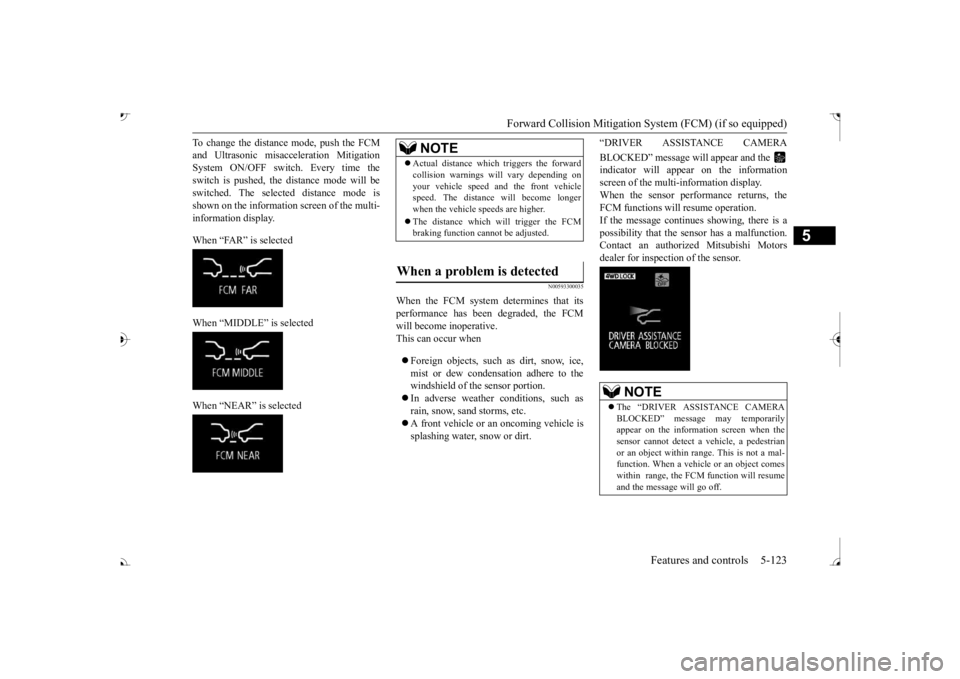
To change the distan
ce mode, push the FCM
and Ultrasonic misacc
eleration
Mitigation
System ON/OFF switch. Every time the switch is pushed, the
distance mode will be
switched. The selected distance mode isshown on the information screen of the multi- information display. When “FAR” is selected When “MIDDLE” is selected When “NEAR” is selected
N00593300035
When the FCM system determines that its performance has been degraded, the FCMwill become inoperative. This can occur when Foreign objects, such as dirt, snow, ice, mist or dew condensation adhere to thewindshield of the sensor portion. In adverse weather
conditions, such as
rain, snow, sand storms, etc. A front vehicle or an oncoming vehicle is splashing water, snow or dirt.
“DRIVER ASSISTANCE CAMERA BLOCKED” message will appear and the indicator will appear
on the information
screen of the multi-information display. When the sensor performance returns, the FCM functions will resume operation.If the message continue
s showing, there is a
possibility that the sensor has a malfunction. Contact an authorized Mitsubishi Motorsdealer for inspection of the sensor.
NOTE
Actual distance which
triggers the forward
collision warnings will vary depending onyour vehicle speed a
nd the front vehicle
speed. The distance
will become longer
when the vehicle speeds are higher. The distance which will trigger the FCM braking function cannot be adjusted.
When a problem is detected
NOTE
The “DRIVER ASSISTANCE CAMERA BLOCKED” message
may temporarily
appear on the information screen when the sensor cannot detect a
vehicle, a pedestrian
or an object within range. This is not a mal- function. When a vehicle or an object comes within range, the FCM function will resumeand the message will go off.
BK0239700US.book 123 ページ 2016年6月16日 木曜日 午前10時58分
Page 212 of 521
Blind Spot Warning (BSW) (with Lane Change Assist) (if so equipped)
Features and controls 5-131
5
N00586800038
Every time the operation mode is turned to “ON”, the Ultrasonic misacceleration Mitiga-tion System will automatically be turned on. In addition, on vehicles equipped with the Forward Collision Mitigation System (FCM),the Ultrasonic misacceleration Mitigation System and the FCM are simultaneously turned off and on by operating the FCM andUltrasonic misaccelerat
ion Mitigation System
ON/OFF switch. Refer to “FCM and Ultrasonic misaccelera-tion Mitigation System ON/OFF switch” on page 5-122.
N00586900026 N00587000037
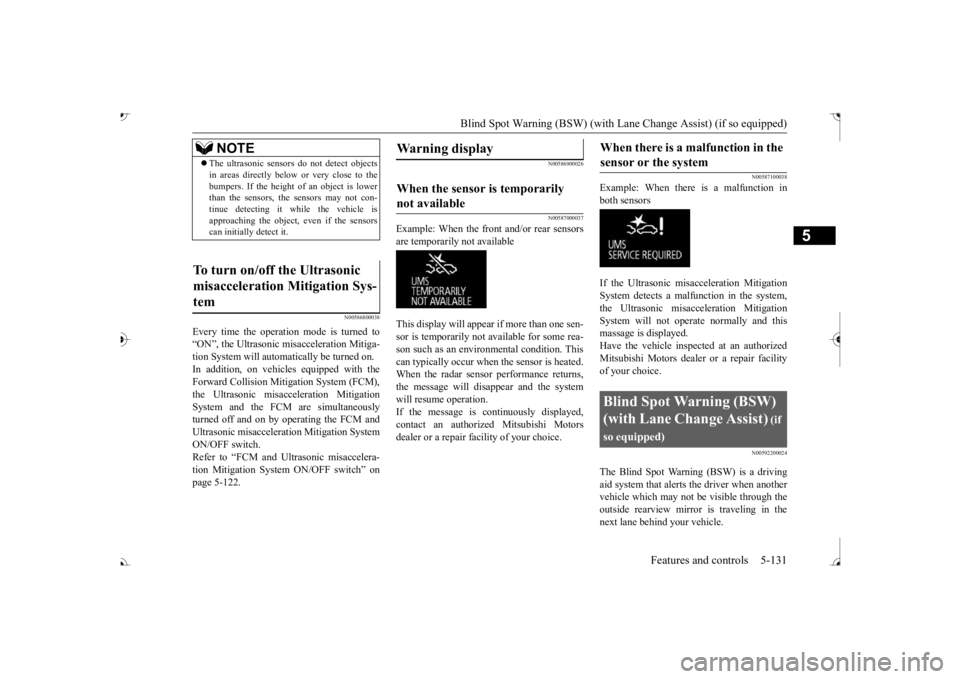
Example: When the front and/or rear sensors are temporarily not available This display will appear if more than one sen- sor is temporarily not available for some rea- son such as an environmental condition. This can typically occur when
the sensor is heated.
When the radar sensor performance returns, the message will disappear and the system will resume operation.If the message is continuously displayed, contact an authorized Mitsubishi Motors dealer or a repair facility of your choice.
N00587100038
Example: When there is a malfunction inboth sensors If the Ultrasonic misacceleration Mitigation System detects a malfun
ction in the system,
the Ultrasonic misacceleration Mitigation System will not operate normally and thismassage is displayed. Have the vehicle inspected at an authorized Mitsubishi Motors dealer or a repair facilityof your choice.
N00592200024
The Blind Spot Warning (BSW) is a driving aid system that alerts the driver when another vehicle which may not be visible through theoutside rearview mirror is traveling in the next lane behind your vehicle.
NOTE
The ultrasonic sensors
do not detect objects
in areas directly below or very close to thebumpers. If the height of
an object is lower
than the sensors, the sensors may not con- tinue detecting it wh
ile the vehicle is
approaching the object,
even if the sensors
can initially detect it.
To turn on/off the Ultrasonic misacceleration Mitigation Sys- tem
Warning display
When the sensor is temporarily not available
When there is a malfunction in the sensor or the system
Blind Spot Warning (BSW) (with Lane Change Assist)
(if
so equipped)
BK0239700US.book 131 ページ 2016年6月16日 木曜日 午前10時58分
Page 213 of 521
Blind Spot Warning (BSW) (with Lane Change Assist) (if so equipped)
5
When a vehicle in the next lane is traveling at same speed or faster in the detection areas,the Blind Spot Warning light in the corre- sponding outside rearview
mirror will illumi-
nate. If the turn signal lever is operated to theside where the Blind Spot Warning light is illuminated, the Blind
Spot Warning light will
blink and the system will beep three times toalert the driver. Depending on the speed of your vehicle, the Blind Spot Warning system will detect up to approximately 230 feet (70 m) from your vehicle.
N00592300038
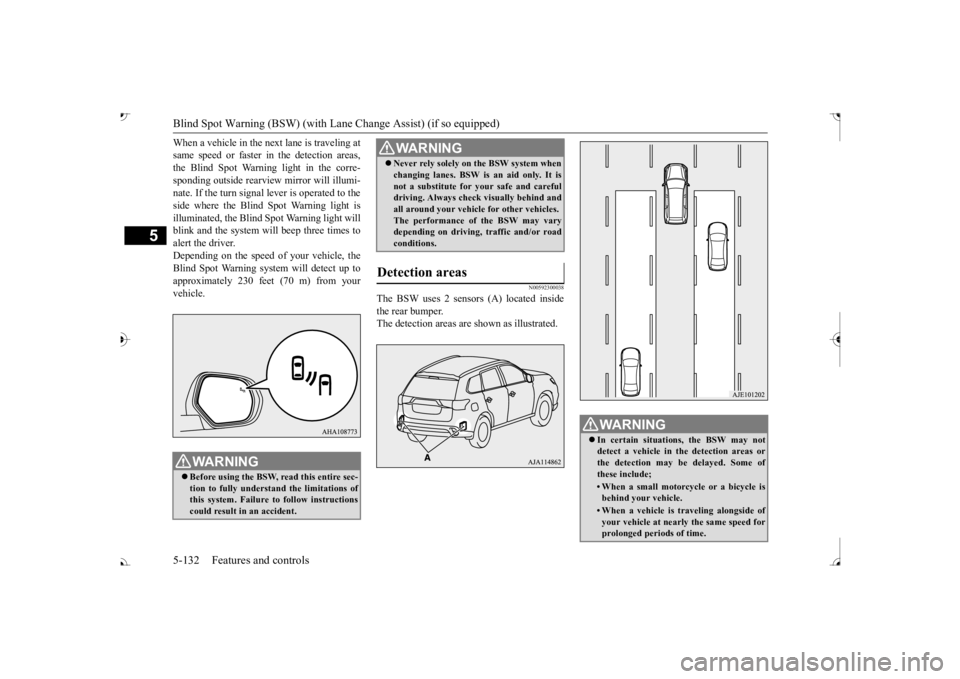
The BSW uses 2 sensors (A) located inside the rear bumper. The detection areas are
shown as illustrated.
WA R N I N GBefore using the BSW, read this entire sec- tion to fully understand the limitations ofthis system. Failure to follow instructions could result in an accident.
Never rely solely on the BSW system when changing lanes. BSW is an aid only. It isnot a substitute for your safe and carefuldriving. Always check
visually behind and
all around your vehicl
e for other vehicles.
The performance of the BSW may varydepending on driving, traffic and/or road conditions.
Detection areas
WA R N I N G
WA R N I N G In certain situations, the BSW may not detect a vehicle in the detection areas or the detection may be delayed. Some ofthese include;• When a small motorcycle or a bicycle isbehind your vehicle.• When a vehicle is
traveling alongside of
your vehicle at nearly
the same speed for
prolonged periods of time.
BK0239700US.book 132 ページ 2016年6月16日 木曜日 午前10時58分