brake light NISSAN ALTIMA HYBRID 2008 L32A / 4.G Owners Manual
[x] Cancel search | Manufacturer: NISSAN, Model Year: 2008, Model line: ALTIMA HYBRID, Model: NISSAN ALTIMA HYBRID 2008 L32A / 4.GPages: 351, PDF Size: 4.14 MB
Page 12 of 351

Push the ignition switch to the ON position. De-
press the brake pedal and push the ignition
switch when the transmission is in the P (Park)
position to start the Hybrid System.
The READY light illuminates indicating that the
vehicle is ready to be driven. If the ambient tem-
perature is low, the READY may flash and may
take time until the READY light stays on. For
details, see “Starting the Hybrid System” in the
“Starting and driving” section of this manual.
As long as the READY light remains on you can
drive your vehicle using the traction motor even
though the gasoline engine may not be running.Drive your vehicle with smooth accelera-
tion and deceleration.
cWhile driving, energy is recovered through
the regenerative brake as the vehicle decel-
erates. However, for most efficient use, do
not accelerate or decelerate your vehicle
more than necessary.
cAvoid abrupt acceleration and deceleration.
cThe power of the high voltage battery can be
checked on the high voltage battery status
meter. See “High voltage battery status
meter” in this section for details. Gradual or
non-abrupt acceleration and deceleration
will make more effective use of the traction
motor without having to use gasoline engine
power.
cWhen parking, be sure to place the selector
lever in the P (Park) position. While driving,
place the selector lever in the D (Drive)
position.
cThe Hybrid System recharges the high volt-
age battery as necessary. However, the Hy-
brid System can not charge the high voltage
battery when the transmission is in the N
(Neutral) position even if the engine is run-
ning.cIf the high voltage battery becomes dis-
charged, the engine will run for a longer
period of time. Do not keep the transmission
in the N (Neutral) position with the system in
the ready mode.
NOTE:
The gasoline engine starts and stops auto-
matically. It may stop during low load driv-
ing, deceleration or when the vehicle is
stopped.
As long as the READY light remains on, you
can drive your vehicle using the traction
motor even with the gasoline engine
stopped.
The gasoline engine may not stop auto-
matically in the following conditions:
cDuring gasoline engine warm-up.
cDuring high voltage battery charging.
cDuring high or low high voltage battery
temperature.
STARTING THE HYBRID SYSTEM EFFICIENT USE OF YOUR VEHICLE
HEV OverviewHEV-7
ZREVIEW COPYÐ2008 Altima Hybrid Electric
(ahv)
Owners ManualÐUSA_English(nna)
05/31/07Ðdebbie
X
Page 25 of 351

Warning
lightName Page
or
Anti-lock Braking
System (ABS) warn-
ing light2-10
or
Brake warning light
(red)2-10
Charge warning
light2-11
Engine oil pressure
warning light2-12
Electric power
steering warning
light2-11
Electronically con-
trolled brake warn-
ing light (yellow)2-11
High temperature
warning light (red)2-12
Warning
lightName Page
High voltage battery
warning light2-12
Hybrid system warn-
ing light2-13
Intelligent Key sys-
tem warning light2-13
Low tire pressure
warning light2-13
Master warning light 2-14
Seat belt warning
light and chime2-14
Supplemental air
bag warning light1-49
Vehicle Dynamic
Control warning
light2-15
Indicator
lightName Page
Electronically Con-
trolled Continuously
Variable Transmis-
sion (eCVT) position
indicator light2-15
Front passenger air
bag status light2-15
High beam indicator
light (blue)2-16
Low temperature
indicator light (blue)2-16
Malfunction Indica-
tor Light (MIL)2-16
Ready operation
indicator light
(green)2-17
Security indicator
light2-27
WARNING/INDICATOR LIGHTS
0-8Illustrated table of contents
ZREVIEW COPYÐ2008 Altima Hybrid Electric
(ahv)
Owners ManualÐUSA_English(nna)
06/01/07Ðtbrooks
X
Page 88 of 351

orAnti-lock Braking System (ABS)
warning lightHybrid System warning lightFront passenger air bag status light
orBrake warning light (Red)Intelligent Key system warning lightHigh beam indicator light (Blue)
Charge warning lightLow tire pressure warning light (if so equipped)Low temperature indicator light (Blue)
Electronically controlled brake warning light
(Yellow)Master warning lightMalfunction Indicator Light (MIL)
Electric power steering warning lightSeat belt warning light and chimeReady operation indicator light (Green)
Engine oil pressure warning lightSupplemental air bag warning lightSecurity indicator light
High temperature warning light (Red)Vehicle Dynamic Control warning lightSlip indicator light
High voltage battery warning lightElectronically controlled Continuously Variable
Transmission (eCVT) position indicator lightTurn signal/hazard indicator lights
CHECKING BULBS
With all doors closed, apply the parking brake
and push the ignition switch to the ON position
without starting the Hybrid System. The following
lights will come on:
,or,,,,
,,.
The following lights come on when the ignition
switch is pushed ON before the READY light
comes on indicating the Hybrid System is activated:
or,,,.The following light comes on briefly and then
goes off:
If any light fails to come on, it may indicate
a burned-out bulb or an open circuit in the
electrical system. Have the system repaired
promptly.
WARNING/INDICATOR LIGHTS AND
AUDIBLE REMINDERS
Instruments and controls2-9
ZREVIEW COPYÐ2008 Altima Hybrid Electric
(ahv)
Owners ManualÐUSA_English(nna)
05/31/07Ðdebbie
X
Page 89 of 351
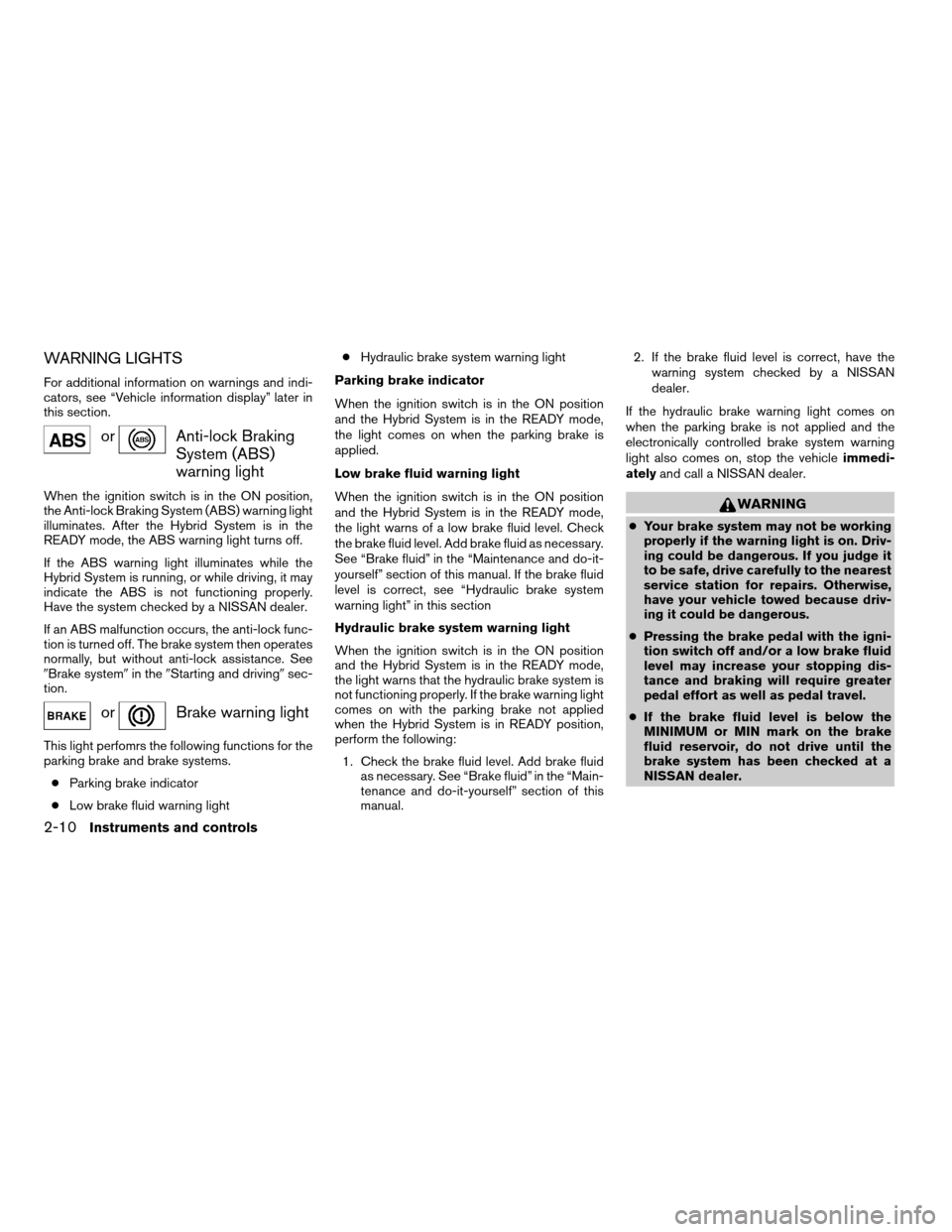
WARNING LIGHTS
For additional information on warnings and indi-
cators, see “Vehicle information display” later in
this section.
orAnti-lock Braking
System (ABS)
warning light
When the ignition switch is in the ON position,
the Anti-lock Braking System (ABS) warning light
illuminates. After the Hybrid System is in the
READY mode, the ABS warning light turns off.
If the ABS warning light illuminates while the
Hybrid System is running, or while driving, it may
indicate the ABS is not functioning properly.
Have the system checked by a NISSAN dealer.
If an ABS malfunction occurs, the anti-lock func-
tion is turned off. The brake system then operates
normally, but without anti-lock assistance. See
9Brake system9in the9Starting and driving9sec-
tion.
orBrake warning light
This light perfomrs the following functions for the
parking brake and brake systems.
cParking brake indicator
cLow brake fluid warning lightcHydraulic brake system warning light
Parking brake indicator
When the ignition switch is in the ON position
and the Hybrid System is in the READY mode,
the light comes on when the parking brake is
applied.
Low brake fluid warning light
When the ignition switch is in the ON position
and the Hybrid System is in the READY mode,
the light warns of a low brake fluid level. Check
the brake fluid level. Add brake fluid as necessary.
See “Brake fluid” in the “Maintenance and do-it-
yourself” section of this manual. If the brake fluid
level is correct, see “Hydraulic brake system
warning light” in this section
Hydraulic brake system warning light
When the ignition switch is in the ON position
and the Hybrid System is in the READY mode,
the light warns that the hydraulic brake system is
not functioning properly. If the brake warning light
comes on with the parking brake not applied
when the Hybrid System is in READY position,
perform the following:
1. Check the brake fluid level. Add brake fluid
as necessary. See “Brake fluid” in the “Main-
tenance and do-it-yourself” section of this
manual.2. If the brake fluid level is correct, have the
warning system checked by a NISSAN
dealer.
If the hydraulic brake warning light comes on
when the parking brake is not applied and the
electronically controlled brake system warning
light also comes on, stop the vehicleimmedi-
atelyand call a NISSAN dealer.
WARNING
cYour brake system may not be working
properly if the warning light is on. Driv-
ing could be dangerous. If you judge it
to be safe, drive carefully to the nearest
service station for repairs. Otherwise,
have your vehicle towed because driv-
ing it could be dangerous.
cPressing the brake pedal with the igni-
tion switch off and/or a low brake fluid
level may increase your stopping dis-
tance and braking will require greater
pedal effort as well as pedal travel.
cIf the brake fluid level is below the
MINIMUM or MIN mark on the brake
fluid reservoir, do not drive until the
brake system has been checked at a
NISSAN dealer.
2-10Instruments and controls
ZREVIEW COPYÐ2008 Altima Hybrid Electric
(ahv)
Owners ManualÐUSA_English(nna)
05/31/07Ðdebbie
X
Page 90 of 351
cYour brake system may not be working
properly if both the brake warning light
and electronically controlled brake sys-
tem warning light come on when the
Hybrid System is in READY mode and
the parking brake is not applied. Driving
could be dangerous. If you judge it to be
safe, drive carefully to the nearest ser-
vice station for repairs. Otherwise, have
your vehicle towed because driving
could be dangerous.
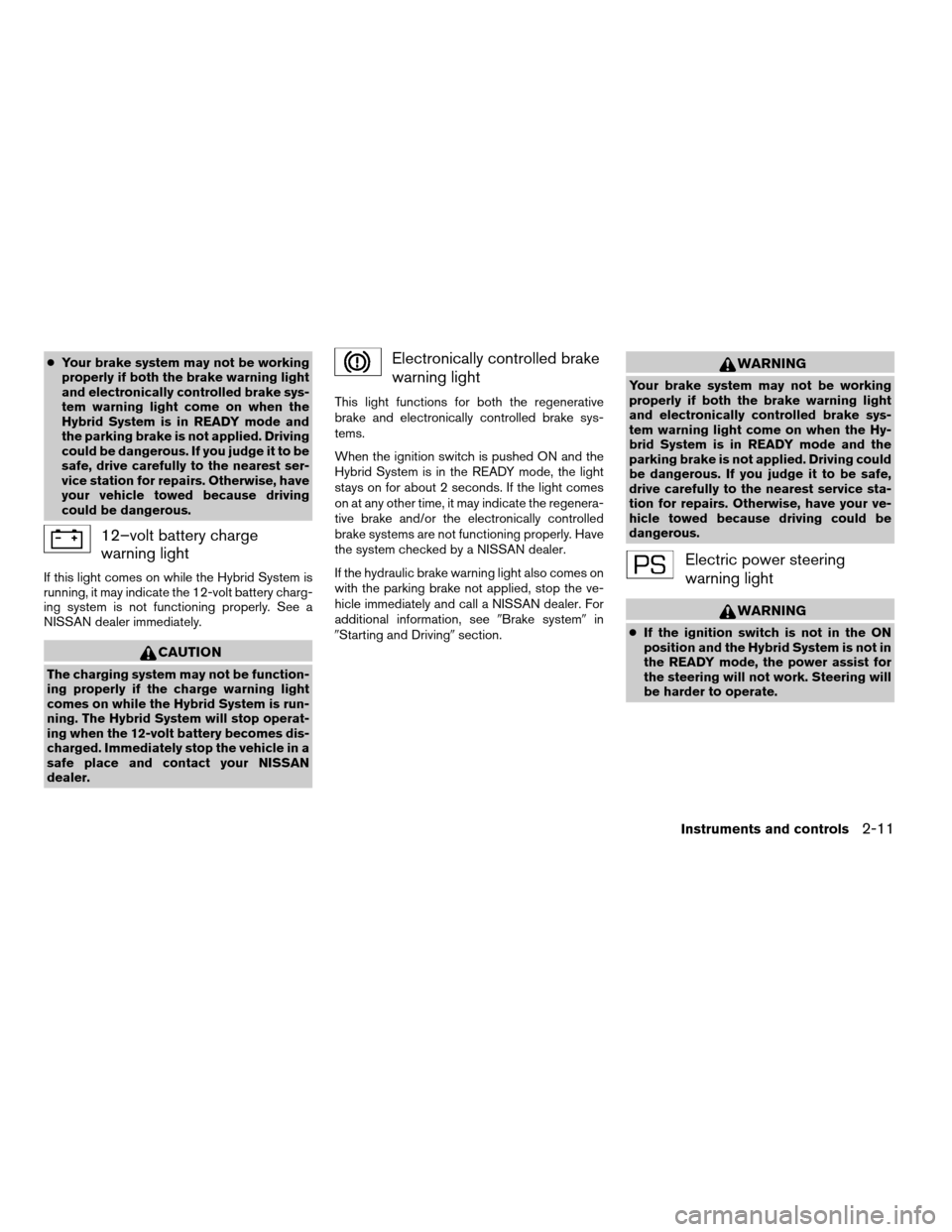
12–volt battery charge
warning light
If this light comes on while the Hybrid System is
running, it may indicate the 12-volt battery charg-
ing system is not functioning properly. See a
NISSAN dealer immediately.
CAUTION
The charging system may not be function-
ing properly if the charge warning light
comes on while the Hybrid System is run-
ning. The Hybrid System will stop operat-
ing when the 12-volt battery becomes dis-
charged. Immediately stop the vehicle in a
safe place and contact your NISSAN
dealer.
Electronically controlled brake
warning light
This light functions for both the regenerative
brake and electronically controlled brake sys-
tems.
When the ignition switch is pushed ON and the
Hybrid System is in the READY mode, the light
stays on for about 2 seconds. If the light comes
on at any other time, it may indicate the regenera-
tive brake and/or the electronically controlled
brake systems are not functioning properly. Have
the system checked by a NISSAN dealer.
If the hydraulic brake warning light also comes on
with the parking brake not applied, stop the ve-
hicle immediately and call a NISSAN dealer. For
additional information, see9Brake system9in
9Starting and Driving9section.
WARNING
Your brake system may not be working
properly if both the brake warning light
and electronically controlled brake sys-
tem warning light come on when the Hy-
brid System is in READY mode and the
parking brake is not applied. Driving could
be dangerous. If you judge it to be safe,
drive carefully to the nearest service sta-
tion for repairs. Otherwise, have your ve-
hicle towed because driving could be
dangerous.
Electric power steering
warning light
WARNING
cIf the ignition switch is not in the ON
position and the Hybrid System is not in
the READY mode, the power assist for
the steering will not work. Steering will
be harder to operate.
Instruments and controls2-11
ZREVIEW COPYÐ2008 Altima Hybrid Electric
(ahv)
Owners ManualÐUSA_English(nna)
05/31/07Ðdebbie
X
Page 96 of 351
CAUTION
Continued vehicle operation without hav-
ing the emission control system checked
and repaired as necessary could lead to
poor driveability, reduced fuel economy,
and possible damage to the emission con-
trol system.
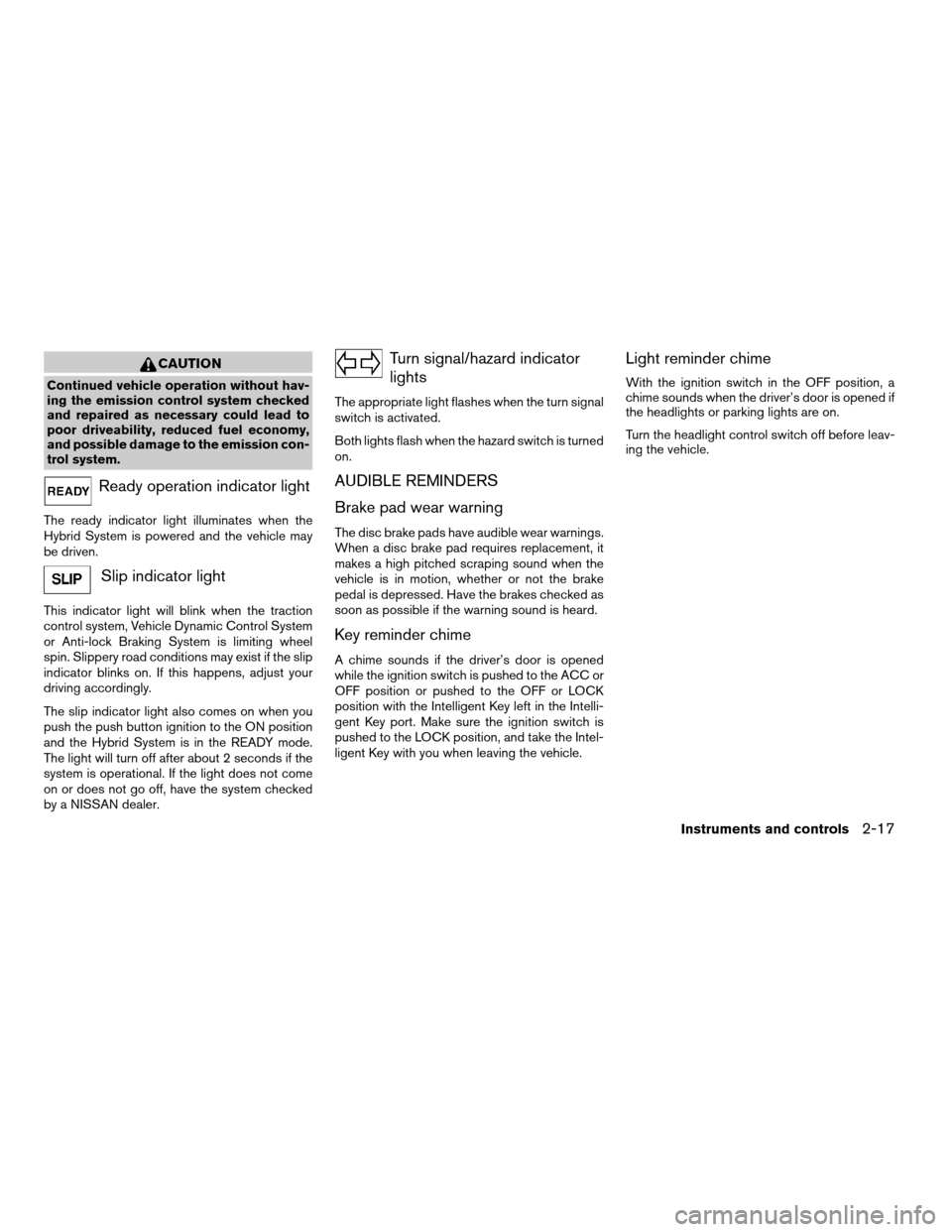
Ready operation indicator light
The ready indicator light illuminates when the
Hybrid System is powered and the vehicle may
be driven.
Slip indicator light
This indicator light will blink when the traction
control system, Vehicle Dynamic Control System
or Anti-lock Braking System is limiting wheel
spin. Slippery road conditions may exist if the slip
indicator blinks on. If this happens, adjust your
driving accordingly.
The slip indicator light also comes on when you
push the push button ignition to the ON position
and the Hybrid System is in the READY mode.
The light will turn off after about 2 seconds if the
system is operational. If the light does not come
on or does not go off, have the system checked
by a NISSAN dealer.
Turn signal/hazard indicator
lights
The appropriate light flashes when the turn signal
switch is activated.
Both lights flash when the hazard switch is turned
on.
AUDIBLE REMINDERS
Brake pad wear warning
The disc brake pads have audible wear warnings.
When a disc brake pad requires replacement, it
makes a high pitched scraping sound when the
vehicle is in motion, whether or not the brake
pedal is depressed. Have the brakes checked as
soon as possible if the warning sound is heard.
Key reminder chime
A chime sounds if the driver’s door is opened
while the ignition switch is pushed to the ACC or
OFF position or pushed to the OFF or LOCK
position with the Intelligent Key left in the Intelli-
gent Key port. Make sure the ignition switch is
pushed to the LOCK position, and take the Intel-
ligent Key with you when leaving the vehicle.
Light reminder chime
With the ignition switch in the OFF position, a
chime sounds when the driver’s door is opened if
the headlights or parking lights are on.
Turn the headlight control switch off before leav-
ing the vehicle.
Instruments and controls2-17
ZREVIEW COPYÐ2008 Altima Hybrid Electric
(ahv)
Owners ManualÐUSA_English(nna)
05/31/07Ðdebbie
X
Page 104 of 351

Cruise main switch indicator
This indicator illuminates when the cruise control
main switch is pushed. The indicator turns off
when the main switch is pushed again. When the
cruise main switch indicator illuminates, the
cruise control system is operational.
Cruise set switch indicator light
The light comes on while the vehicle speed is
controlled by the cruise control system. If the light
blinks while the engine is running, it may indicate
the cruise control system is not functioning prop-
erly. Have the system checked by a NISSAN
dealer.
Hybrid System operation indicator (ignition
switch in the LOCK or ACC position)
This indicator illuminates when the ignition switch
is in the LOCK, OFF, ACC or ON position with
the selector lever in the “P” position.
This indicator means that the Hybrid System will
start by pushing the push-button ignition switch
with the brake pedal depressed.
EV mode indicator
This indicator illuminates when the Hybrid Sys-
tem is READY without the engine idling or when
the vehicle is driven without the gasoline engine
running.Intelligent Key insertion indicator
This indicator illuminates when the Intelligent Key
needs to be inserted into the Intelligent Key port.
(For example, the Intelligent Key battery is dis-
charged.)
If this indicator illuminates, insert the Intelligent
Key into the Intelligent Keys port in the correct
direction. See “Push-button ignition switch” in
the “Starting and driving” section.
Intelligent Key removal indicator
This indicator illuminates when the driver’s door
is opened with ignition switch in the OFF position
and the Intelligent Key placed in the Intelligent
Key port. A key reminder chime also sounds.
If this indicator illuminates, remove the Intelligent
Key from the Intelligent Key port and take it with
you when leaving the vehicle.
Intelligent Key battery discharge indicator
This indicator illuminates when the Intelligent Key
battery is running out of power.
If this indicator illuminates, replace the battery
with a new one. See “Intelligent Key battery” in
the “Maintenance and do-it-yourself” section.Steering lock release malfunction indica-
tor
This indicator illuminates when the steering
wheel cannot be released from the LOCK posi-
tion.
If this indicator illuminates, push the push-button
ignition switch while lightly turning the steering
wheel right and left.
Instruments and controls2-25
ZREVIEW COPYÐ2008 Altima Hybrid Electric
(ahv)
Owners ManualÐUSA_English(nna)
05/31/07Ðdebbie
X
Page 111 of 351
CAUTION
Even with the INFINITI Advanced Air Bag
System, never install a rear facing child
restraint in the front seat. An inflating
supplemental front air bag could seriously
injure or kill your child. A rear-facing child
restraint must only be used in the rear
seat.
DAYTIME RUNNING LIGHT SYSTEM
(Canada only)
The headlights automatically illuminate at a re-
duced intensity when the engine is started with
the parking brake released. The daytime running
lights operate with the headlight switch in the
OFF position or in the
position. Turn the
headlight switch to theposition for full
illumination when driving at night.
If the parking brake is applied before the engine is
started, the daytime running lights do not illumi-
nate. The daytime running lights illuminate when
the parking brake is released. The daytime run-
ning lights will remain on until the ignition switch
is turned off.
WARNING
When the daytime running light system is
active, tail lights on your vehicle are not
on. It is necessary at dusk to turn on your
headlights. Failure to do so could cause
an accident injuring yourself and others.
INSTRUMENT BRIGHTNESS
CONTROL
The instrument cluster illuminates when the igni-
tion switch is in ON position.
The instrument brightness control operates when
the headlight control switch is in the
AUTO,
orposition.
Turn the control to adjust the brightness of instru-
ment panel lights when driving at night.
The instrument brightness control will not adjust
the brightness when the headlights or parking
lights are off.
WIC1127
2-32Instruments and controls
ZREVIEW COPYÐ2008 Altima Hybrid Electric
(ahv)
Owners ManualÐUSA_English(nna)
05/31/07Ðdebbie
X
Page 230 of 351

When the ignition switch is pushed without de-
pressing the brake pedal, the ignition switch po-
sition will illuminate as follows:
With the selector lever in the P (Park) position
push the switch
conce to change to ACC.
ctwo times to change to ON.
cthree times to return to off.
If the ignition switch was repeatedly turned on
and off over a short period of time, the start
function may not work properly. Wait 20 seconds
then restart the Hybrid System.The ignition switch is equipped with an anti-theft
steering lock device.
The ignition lock is designed so that the ignition
switch position cannot be switched to off until the
selector lever is moved to the P (Park) position.
When the ignition switch cannot be switched off,
proceed as follows:
1. Move the selector lever into the P (Park)
position.
2. Push the ignition switch. The ignition switch
position will change to the ON position.
3. Push the ignition switch again to the off
position.
The selector lever can be moved from the P
(Park) position if the ignition switch is in
the ON position and the brake pedal is
depressed.
In order for the steering wheel to be locked, it
must be turned about 1/8 of a right or left turn
from the straight up position.
To lock the steering wheel, push the igni-
tion switch to the off position and cycle any
door from closed to open or open to closed.
LOCK will illuminate on the ignition switch
and the steering wheel will lock. To unlockthe steering wheel, push the ignition switch
while slightly turning the steering wheel
right and left.
If the battery of the vehicle is discharged,
the push-button ignition switch cannot be
activated.
Some indicators and warnings for operation are
displayed on the vehicle information display. See
“Vehicle information display” in the “Instruments
and controls” section.
PUSH-BUTTON IGNITION SWITCH
POSITIONS
LOCK (Normal parking position):
The ignition switch can only be locked in this
position.
The ignition switch will be unlocked when it is
pushed to the ACC position while carrying the
Intelligent Key or with the Intelligent Key inserted
in the port.
The ignition switch will lock when any door is
opened or closed with the ignition switched off.
OFF:
The ignition switch is in the off position when the
Hybrid System is turned off using the ignition
switch. No lights will illuminate on the ignition
switch.WSD0196
Starting and driving5-7
ZREVIEW COPYÐ2008 Altima Hybrid Electric
(ahv)
Owners ManualÐUSA_English(nna)
05/31/07Ðdebbie
X
Page 232 of 351
CAUTION
cNever place anything except the Intelli-
gent Key in the Intelligent Key port. Do-
ing so may cause damage to the
equipment.
cMake sure the Intelligent Key is in the
correct direction when inserting it to
the Intelligent Key port. The engine may
not start if it is in the wrong direction.
cRemove the Intelligent Key from the
Intelligent Key port after the ignition
switch is pushed to the LOCK position.
NISSAN VEHICLE IMMOBILIZER
SYSTEM
The NISSAN Vehicle Immobilizer System will not
allow the engine to start without the use of the
registered key.
If the engine fails to start using a registered key
(for example, when interference is caused by
another registered key, an automated toll road
device or automatic payment device on the key
ring) , restart the engine using the following pro-
cedures:
1. Leave the ignition switch in the ON position
for approximately 5 seconds.2. Turn the ignition switch to the OFF or LOCK
position, and wait approximately 10 sec-
onds.
3. Repeat steps 1 and 2.
4. Restart the engine while holding the device
(which may have caused the interference)
separate from the registered key.
If the no start condition re-occurs, NISSAN rec-
ommends placing the registered key on a sepa-
rate key ring to avoid interference from other
devices.cMake sure the area around the vehicle is
clear.
cCheck fluid levels such as engine oil, cool-
ant, brake fluid, and window washer fluid as
frequently as possible, or at least whenever
you refuel.
cCheck that all windows and lights are clean.
cVisually inspect tires for their appearance
and condition. Also check tires for proper
inflation.
cLock all doors.
cPosition seat and adjust head restraints.
cAdjust inside and outside mirrors.
cFasten seat belts and ask all passengers to
do likewise.
cCheck the operation of warning lights when
the ignition switch is pushed to the ON
position. See “Warning/indicator lights and
audible reminders” in the “Instruments and
controls” section of this manual.
BEFORE STARTING THE HYBRID
SYSTEM
Starting and driving5-9
ZREVIEW COPYÐ2008 Altima Hybrid Electric
(ahv)
Owners ManualÐUSA_English(nna)
05/31/07Ðdebbie
X