remote control NISSAN LEAF 2015 1.G Owner's Manual
[x] Cancel search | Manufacturer: NISSAN, Model Year: 2015, Model line: LEAF, Model: NISSAN LEAF 2015 1.GPages: 412, PDF Size: 8.81 MB
Page 253 of 412
• When charging is set as the first priority, theClimate Ctrl. Timer does not start until 10 seg-
ments of the Li-ion battery available charge
gauge are illuminated.
• When the climate control is set as the first priority, the climate control system will be turned
on as scheduled by the Climate Ctrl. Timer
regardless of the remaining battery energy.
• Even when the climate control is set as the first priority, the climate control system will be turned
off when the climate control spends more elec-
tric than the charging Li-ion battery.
• The Li-ion battery may not charge or may even become discharged if the Climate Ctrl. Timer or
remote climate control is used in low ambient
temperatures.
Remote climate control
This vehicle incorporates a communication de-
vice that is called a TCU (Telematics Communi-
cation Unit) . The communication connection be-
tween this unit and NISSAN CARWINGS Data
Center allows for various remote function ser-
vices.
Even when away from the vehicle, climate control
can be started by accessing the NISSAN CAR- WINGS Data Center website using a cellular
phone or a personal computer.
When operation is started, or at the set start time,
the NISSAN CARWINGS Data Center accesses
the vehicle. When the vehicle receives a com-
mand for remote operation, the climate control
immediately turns ON and operates for the speci-
fied period of time. Confirmation of the ON/OFF
of the climate control operation can be checked
by accessing the website or by e-mail.
Establishing the CARWINGS™ service is neces-
sary before using the service. See LEAF Naviga-
tion System Owner’s Manual.
WARNING
• Radio waves could adversely affect electric medical equipment. For more
information, contact your electric
medical equipment manufacturer for
the possible effect on pacemakers be-
fore using the remote climate control. • Even if the remote climate control is
set, the temperature in the passenger
room may become high if the system
automatically stops. Do not leave chil-
dren or adults who would normally re-
quire the support of others alone in
your vehicle. Pets should not be left
alone either. On hot, sunny days, tem-
peratures in a closed vehicle could
quickly become high enough to cause
severe or possibly fatal injuries to
people or animals.
NOTE:
•To check the Li-ion battery charging status
using an internet enabled smart phone or
personal computer.
– The vehicle must be located in a cellu- lar phone coverage area.
– The cellular phone must be located in an area with cellular phone coverage.
– The computer must be connected to the internet.
• Some cellular phones are not compatible
with this system and cannot be used to
check the Li-ion battery charging status.
Confirm this beforehand.
4-26Display screen, heater, air conditioner, audio and phone systems
Page 254 of 412
Operating tips:
• When the charge connector is connected, theclimate control operates using electric power.
When the charge connector is disconnected
from the vehicle, the climate control operates
using vehicle battery electric power.
• The climate control can be operated for a maxi- mum of 2 hours when the charge connector is
connected to the vehicle, or a maximum of 15
minutes when the charge connector is
disconnected.
• The remote climate control will only start to operate when the power switch is in the OFF
position. Be sure to check that the power switch
is in the OFF position.
• Remote climate control operation is not avail- able when the vehicle is in an area of cellular
communication range.
• Communication becomes unavailable when the vehicle is not used for two weeks or more.
When the power switch is placed in the ON
position, communication with the NISSAN
CARWINGS Data Center can be restored.
• Air conditioning is limited to the capacity of the electric power when the charge connector is
connected to the vehicle. Therefore, the tem-
perature may not reach a comfortable level due to performance of the air conditioning being
limited, if the outside temperature is excessively
high or low, or if the charge connector is con-
nected to a 120V outlet.
• If the power switch is in the ON position or the charge connector is disconnected, while the
remote climate control is being operated, re-
mote climate control operation is automatically
stopped and an e-mail is sent.
• If remote climate control operation is started while the vehicle is in normal charge mode, the
climate control operates in climate control pri-
ority mode and charging is continued.
• If remote climate control operation is started and charging is stopped while the vehicle is in
quick charge mode, climate control operation is
also stopped.
• If the quick charge connector is connected and charging is not performed, remote climate con-
trol operation starts using the battery electric
power of the vehicle.
Temperature settings
This procedure sets the temperature of Climate
Ctrl. timer and remote climate control.
1. Push the Zero Emission menu button. Touch “SETTING”. 2. Touch “Timer/Remote – Set Climate Temp”.
3. Set the temperature and the touch “OK”.
Display screen, heater, air conditioner, audio and phone systems4-27
Page 345 of 412
– The Climate Ctrl. Timer and remoteclimate control are not active or op-
erating. See “Climate Ctrl. Timer”
and “Remote climate control” in the
“Ventilators and climate control sys-
tems” section.
– The 12-volt battery is not being charged by the Li-ion battery and
that all charging status indicator
lights are off, see “Charging the 12-
volt battery” in the “EV overview”
section and “Charge status indica-
tor lights” in the “Charging” section.
• The power switch is in the OFF posi- tion. Place the power switch in the ON
position and then in the OFF position
to prevent the 12-volt battery auto-
matically being charged by the Li-ion
battery. See “Charging the 12-volt bat-
tery” in the “EV overview” section.
The “Maintenance and do-it-yourself” section
gives instructions regarding only those items that
are relatively easy for an owner to perform.
A genuine NISSAN Service Manual is also avail-
able. See “Owner’s manual/service manual order
information” in the “Technical and consumer in-
formation” section. You should be aware that incomplete or improper
servicing may result in operating difficulties and
could affect your warranty coverage.
If in doubt
about any servicing, we recommend that it
be done by a NISSAN certified LEAF dealer.
8-6Maintenance and do-it yourself
Page 392 of 412
offer you new or additional products or services;
and as otherwise may be required by law. Such
data may be shared with NISSAN’s parents, sub-
sidiaries, affiliates, successors or assignees; au-
thorized NISSAN certified LEAF dealers; NIS-
SAN’s marketing partners; your fleet company, if
your vehicle is a fleet vehicle; your rental com-
pany, if your vehicle is a rental vehicle; and third
party service providers such as cellular, informa-
tion systems and data management providers.
State laws allow access and use of data re-
corded by vehicle devices with the consent of the
vehicle owner or pursuant to subscription agree-
ment. While you are not required to allow such
access and use, if you do not so agree NISSAN
may be unable under applicable law to activate
the vehicle telematics system in your vehicle, and
certain features of your vehicle which are depen-
dent on vehicle telematics will not operate as
intended or designed. These may include fea-
tures such as automatic charging station map
updates, remote battery state of charge check,
charging complete notice, remote plug in re-
minder, remote charging on, remote climate con-
trol on, drive route planning, driving tips to im-
prove range, driving history, billing simulation,
ECO ranking, ECO forest, maintenance remind-
ers, etc. Other features that may be developedand offered by NISSAN in the future may also not
function without telematics data transmission.
CARWINGS™ telematics services are provided
by NISSAN pursuant to a subscription services
agreement covering your vehicle. This agreement
is necessary for all owners. This agreement, and
an explanation of its terms and conditions, can be
found at the NISSAN Owner’s Portal webpage.
Further, the operator of the vehicle must also
touch [OK] on the Navi screen to indicate assent
each time he or she starts the car. If you decide at
any time that you do not want your vehicle to
transmit data to NISSAN, you can deactivate the
telematics account associated with this vehicle
by canceling the subscription services agree-
ment by visiting the NISSAN Owner’s Portal
Webpage or calling NISSAN at 1-877-
NOGASEV (1-877-664-2738) . The service can
be reactivated later upon request if you choose.
Simply visit the same website or call the number
above. Alternatively, you can turn off the transmis-
sion of certain categories of data through the use
of settings found in the Navigation system under
Menu, CARWINGS™, Vehicle Information Shar-
ing with NISSAN. Note, turning off “Vehicle Infor-
mation Sharing with NISSAN” will only disable
the automatic sharing of information at vehicle
start-up. Certain categories of data may still betransmitted if vehicle telematics features are ac-
cessed either in the vehicle or remotely.
Your agreement to the transmission and use of
data by NISSAN can be provided in various ways.
The vehicle is equipped with a “pop up” screen
on the vehicle navigation system that will ask for
your consent to this data transfer. A version of the
following message will appear: “Pursuant to sub-
scription agreement, your vehicle wirelessly
transmits recorded vehicle data to NISSAN for
various purposes, including CARWINGS™ ser-
vices, product evaluation, research and develop-
ment. By pressing OK, you consent to the trans-
mission and use of your vehicle data. See
Owner’s Manual or NISSAN Owner’s portal
webpage for terms and details.” If you press [OK],
your vehicle will transmit data as designed in
connection with the vehicle telematics system. If
you press [Decline] your vehicle will not transmit
data. However, the telematics features refer-
enced above, and perhaps others, will not be
available to you. The vehicle’s static navigation
system will remain operational, and you will be
able to access your radio and climate controls.
Telematics features are dependent on cellular
data transmission. Some areas may have limited
or no cellular connectivity, resulting in a loss or
Technical and consumer information9-17
Page 398 of 412
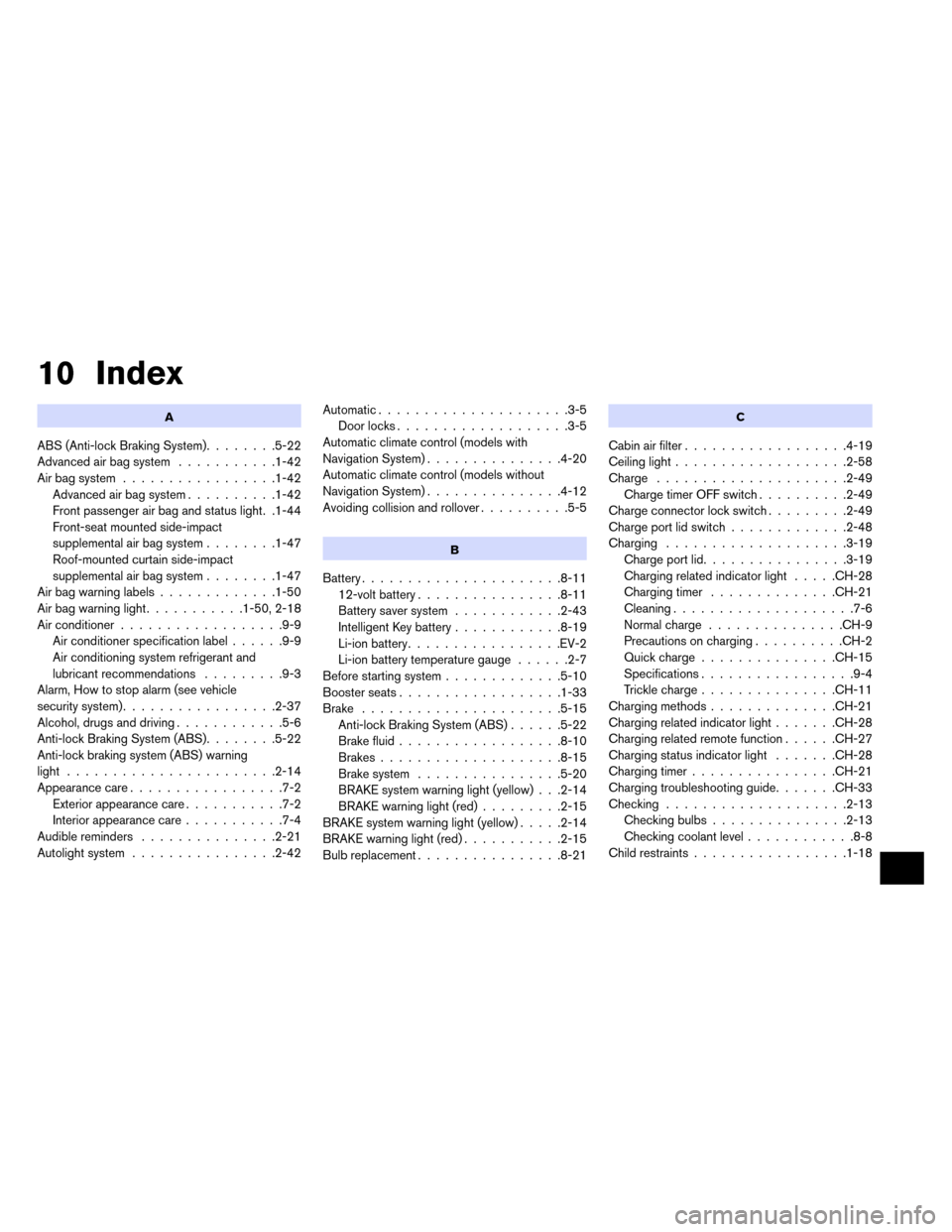
10 Index
A
ABS (Anti-lock Braking System)........5-22
Advanced air bag system ...........1-42
Air bag system .................1-42
Advanced air bag system ..........1-42
Front passenger air bag and status light. .1-44
Front-seat mounted side-impact
supplemental air bag system ........1-47
Roof-mounted curtain side-impact
supplemental air bag system ........1-47
Airbagwarninglabels.............1-50
Airbagwarninglight...........1-50,2-18
Air conditioner ..................9-9
Air conditioner specification label ......9-9
Air conditioning system refrigerant and
lubricant recommendations .........9-3
Alarm, How to stop alarm (see vehicle
security system) .................2-37
Alcohol, drugs and driving ............5-6
Anti-lock Braking System (ABS) ........5-22
Anti-lock braking system (ABS) warning
light .......................2-14
Appearance care .................7-2
Exterior appearance care ...........7-2
Interior appearance care ...........7-4
Audible reminders ...............2-21
Autolight system ................2-42 Automatic.....................3-5
Door locks ...................3-5
Automatic climate control (models with
Navigation System) ...............4-20
Automatic climate control (models without
Navigation System) ...............4-12
Avoiding collision and rollover ..........5-5
B
Battery......................8-11
12-volt battery ................8-11
Battery saver system ............2-43
Intelligent Key battery ............8-19
Li-ion battery .................EV-2
Li-ion battery temperature gauge ......2-7
Before starting system .............5-10
Boosterseats..................1-33
Brake ......................5-15 Anti-lock Braking System (ABS) ......5-22
Brakefluid..................8-10
Brakes....................8-15
Brake system ................5-20
BRAKE system warning light (yellow) . . .2-14
BRAKE warning light (red) .........2-15
BRAKE system warning light (yellow) .....2-14
BRAKE warning light (red) ...........2-15
Bulb replacement ................8-21
C
Cabin air filter..................4-19
Ceiling light ...................2-58
Charge .....................2-49
Charge timer OFF switch ..........2-49
Charge connector lock switch .........2-49
Charge port lid switch .............2-48
Charging ....................3-19
Chargeportlid................3-19
Charging related indicator light .....CH-28
Chargingtimer ..............CH-21
Cleaning ....................7-6
Normalcharge ...............CH-9
Precautions on charging ..........CH-2
Quickcharge...............CH-15
Specifications .................9-4
Trickle charge ...............CH-11
Charging methods ..............CH-21
Charging related indicator light .......CH-28
Charging related remote function ......CH-27
Charging status indicator light .......CH-28
Charging timer ................CH-21
Charging troubleshooting guide .......CH-33
Checking ....................2-13
Checkingbulbs...............2-13
Checking coolant level ............8-8
Child restraints .................1-18
Page 400 of 412
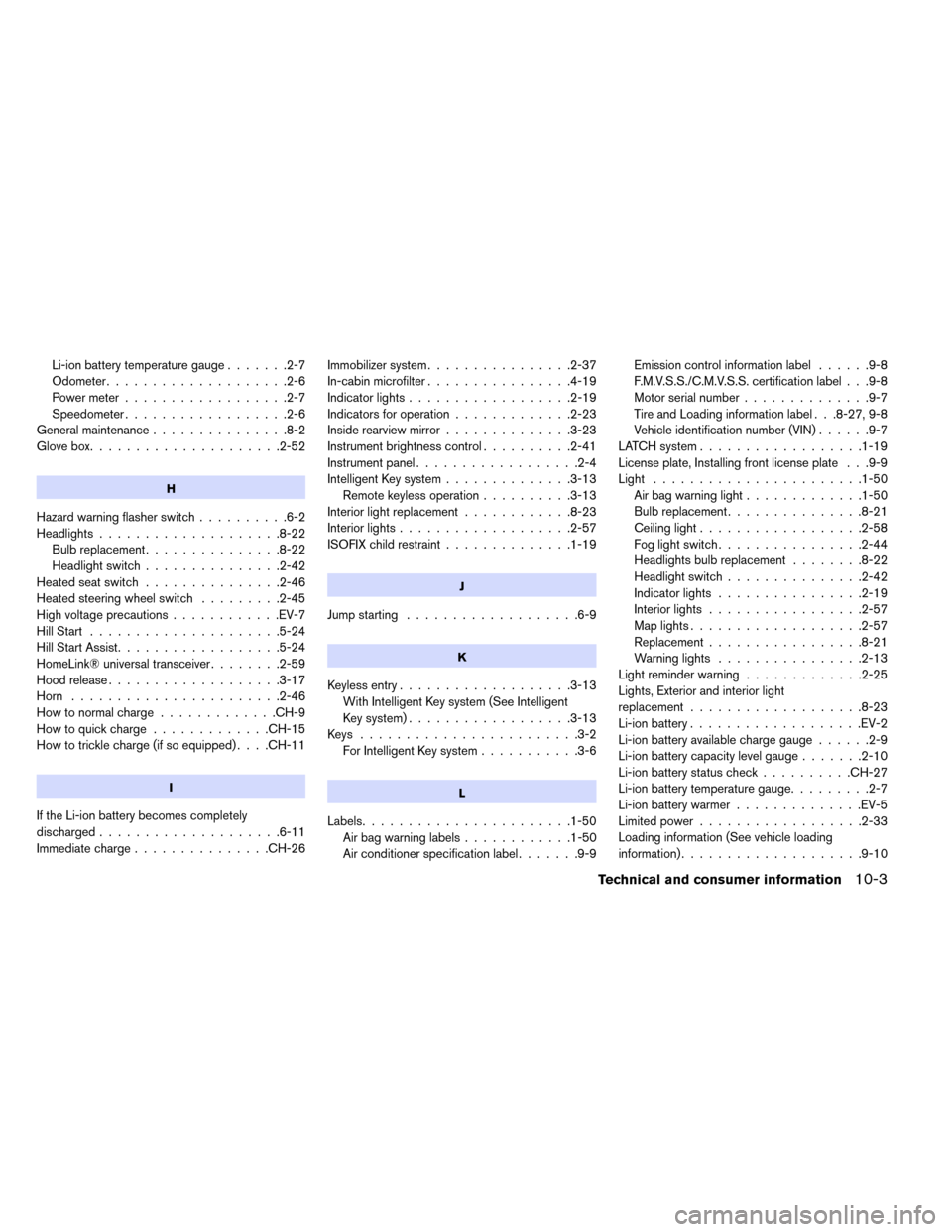
Li-ion battery temperature gauge.......2-7
Odometer ....................2-6
Power meter ..................2-7
Speedometer ..................2-6
Generalmaintenance...............8-2
Glovebox.....................2-52
H
Hazard warning flasher switch ..........6-2
Headlights ....................8-22
Bulb replacement ...............8-22
Headlightswitch...............2-42
Heatedseatswitch ...............2-46
Heated steering wheel switch .........2-45
High voltage precautions ............EV-7
HillStart .....................5-24
Hill Start Assist ..................5-24
HomeLink® universal transceiver ........2-59
Hood release ...................3-17
Horn .......................2-46
Howtonormalcharge.............CH-9
Howtoquickcharge.............CH-15
How to trickle charge (if so equipped) ....CH-11
I
If the Li-ion battery becomes completely
discharged....................6-11
Immediate charge...............CH-26 Immobilizer system
................2-37
In-cabin microfilter ................4-19
Indicatorlights..................2-19
Indicators for operation .............2-23
Inside rearview mirror ..............3-23
Instrument brightness control ..........2-41
Instrument panel ..................2-4
Intelligent Key system ..............3-13
Remote keyless operation ..........3-13
Interior light replacement ............8-23
Interior lights ...................2-57
ISOFIX child restraint ..............1-19
J
Jump starting...................6-9
K
Keylessentry...................3-13
With Intelligent Key system (See Intelligent
Key system) ..................3-13
Keys ........................3-2 For Intelligent Key system ...........3-6
L
Labels.......................1-50
Airbagwarninglabels............1-50
Air conditioner specification label .......9-9Emission control information label
......9-8
F.M.V.S.S./C.M.V.S.S. certification label . . .9-8
Motor serial number ..............9-7
Tire and Loading information label . . .8-27, 9-8
Vehicle identification number (VIN) ......9-7
LATCH system ..................1-19
License plate, Installing front license plate . . .9-9
Light .......................1-50 Airbagwarninglight.............1-50
Bulb replacement ...............8-21
Ceiling light ..................2-58
Fog light switch ................2-44
Headlightsbulbreplacement ........8-22
Headlightswitch...............2-42
Indicatorlights ................2-19
Interiorlights .................2-57
Maplights...................2-57
Replacement.................8-21
Warning lights ................2-13
Lightreminderwarning .............2-25
Lights, Exterior and interior light
replacement ...................8-23
Li-ion battery ...................EV-2
Li-ion battery available charge gauge ......2-9
Li-ion battery capacity level gauge .......2-10
Li-ion battery status check ..........CH-27
Li-ion battery temperature gauge .........2-7
Li-ion battery warmer ..............EV-5
Limited power ..................2-33
Loading information (See vehicle loading
information)....................9-10
Technical and consumer information10-3
Page 402 of 412
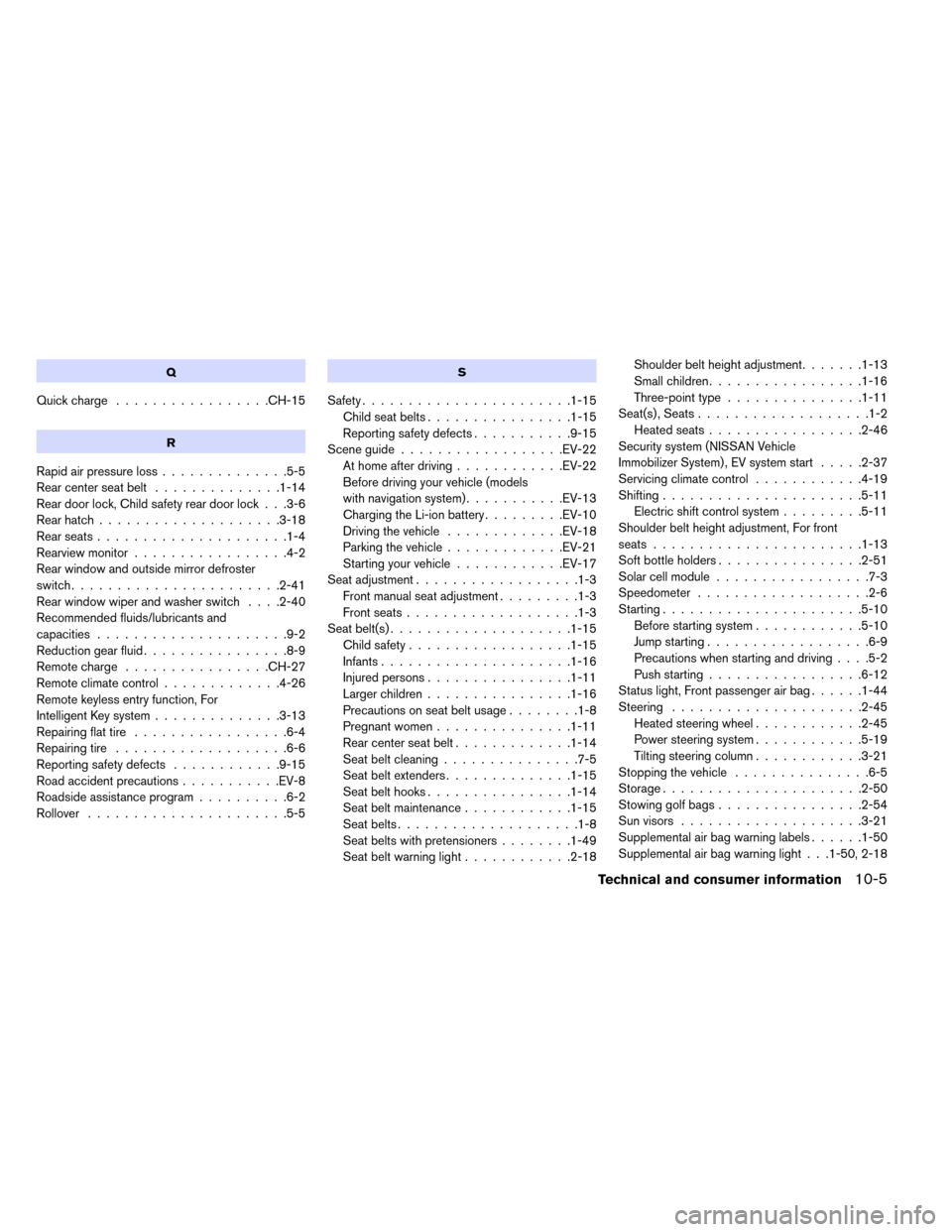
Q
Quickcharge .................CH-15
R
Rapidairpressureloss..............5-5
Rearcenterseatbelt ..............1-14
Rear door lock, Child safety rear door lock . . .3-6
Rear hatch....................3-18
Rearseats.....................1-4
Rearview monitor .................4-2
Rear window and outside mirror defroster
switch .......................2-41
Rear window wiper and washer switch ....2-40
Recommended fluids/lubricants and
capacities .....................9-2
Reductiongearfluid................8-9
Remotecharge ................CH-27
Remoteclimatecontrol.............4-26
Remote keyless entry function, For
Intelligent Key system ..............3-13
Repairing flat tire .................6-4
Repairing tire ...................6-6
Reporting safety defects ............9-15
Road accident precautions ...........EV-8
Roadside assistance program ..........6-2
Rollover ......................5-5
S
Safety.......................1-15 Childseatbelts................1-15
Reporting safety defects ...........9-15
Sceneguide..................EV-22 At home after driving ............EV-22
Before driving your vehicle (models
with navigation system) ...........EV-13
Charging the Li-ion battery .........EV-10
Driving the vehicle .............EV-18
Parking the vehicle .............EV-21
Starting your vehicle ............EV-17
Seat adjustment ..................1-3
Front manual seat adjustment .........1-3
Frontseats...................1-3
Seat belt(s) ....................1-15
Child safety ..................1-15
Infants.....................1-16
Injuredpersons................1-11
Largerchildren................1-16
Precautions on seat belt usage ........1-8
Pregnant women ...............1-11
Rear center seat belt .............1-14
Seatbeltcleaning...............7-5
Seatbeltextenders..............1-15
Seat belt hooks ................1-14
Seat belt maintenance ............1-15
Seatbelts....................1-8
Seat belts with pretensioners ........1-49
Seatbeltwarninglight............2-18 Shoulder belt height adjustment
.......1-13
Small children .................1-16
Three-pointtype...............1-11
Seat(s) , Seats ...................1-2
Heatedseats.................2-46
Security system (NISSAN Vehicle
Immobilizer System) , EV system start .....2-37
Servicing climate control ............4-19
Shifting ......................5-11
Electric shift control system .........5-11
Shoulder belt height adjustment, For front
seats .......................1-13
Soft bottle holders ................2-51
Solar cell module .................7-3
Speedometer ...................2-6
Starting ......................5-10
Before starting system ............5-10
Jump starting ..................6-9
Precautions when starting and driving ....5-2
Push starting .................6-12
Status light, Front passenger air bag ......1-44
Steering .....................2-45 Heated steering wheel ............2-45
Power steering system ............5-19
Tilting steering column ............3-21
Stopping the vehicle ...............6-5
Storage......................2-50
Stowing golf bags ................2-54
Sun visors ....................3-21
Supplemental air bag warning labels ......1-50
Supplemental air bag warning light . . .1-50, 2-18
Technical and consumer information10-5