NISSAN TEANA 2014 Service Manual
TEANA 2014
NISSAN
NISSAN
https://www.carmanualsonline.info/img/5/57390/w960_57390-0.png
NISSAN TEANA 2014 Service Manual
Page 3857 of 4801
SEC-32
< WIRING DIAGRAM >
ENGINE START FUNCTION
ABKIA3637GB
Revision: November 20132014 Altima NAMRevision: November 20132014 Altima NAM
Page 3858 of 4801
ENGINE START FUNCTIONSEC-33
< WIRING DIAGRAM >
C
D E
F
G H
I
J
L
M A
B
SEC
N
O P
ABKIA3638GB
Revision: November 20132014 Altima NAMRevision: November 20132014 Altima NAM
Page 3859 of 4801
SEC-34
< WIRING DIAGRAM >
ENGINE START FUNCTION
ABKIA3639GB
Revision: November 20132014 Altima NAMRevision: November 20132014 Altima NAM
Page 3860 of 4801
ENGINE START FUNCTIONSEC-35
< WIRING DIAGRAM >
C
D E
F
G H
I
J
L
M A
B
SEC
N
O P
ABKIA3640GB
Revision: November 20132014 Altima NAMRevision: November 20132014 Altima NAM
Page 3861 of 4801
SEC-36
< WIRING DIAGRAM >
ENGINE START FUNCTION
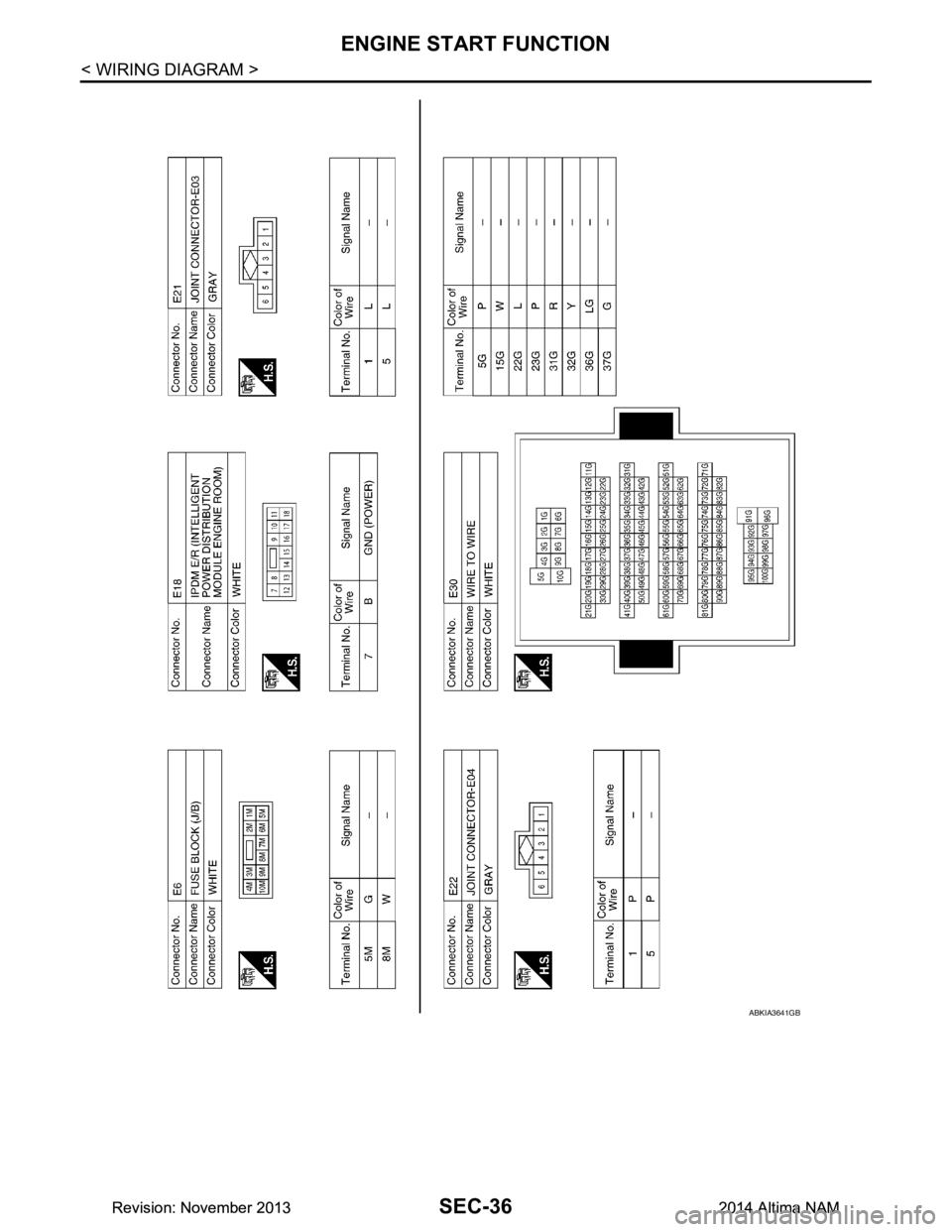
ABKIA3641GB
Revision: November 20132014 Altima NAMRevision: November 20132014 Altima NAM
Page 3862 of 4801
ENGINE START FUNCTIONSEC-37
< WIRING DIAGRAM >
C
D E
F
G H
I
J
L
M A
B
SEC
N
O P
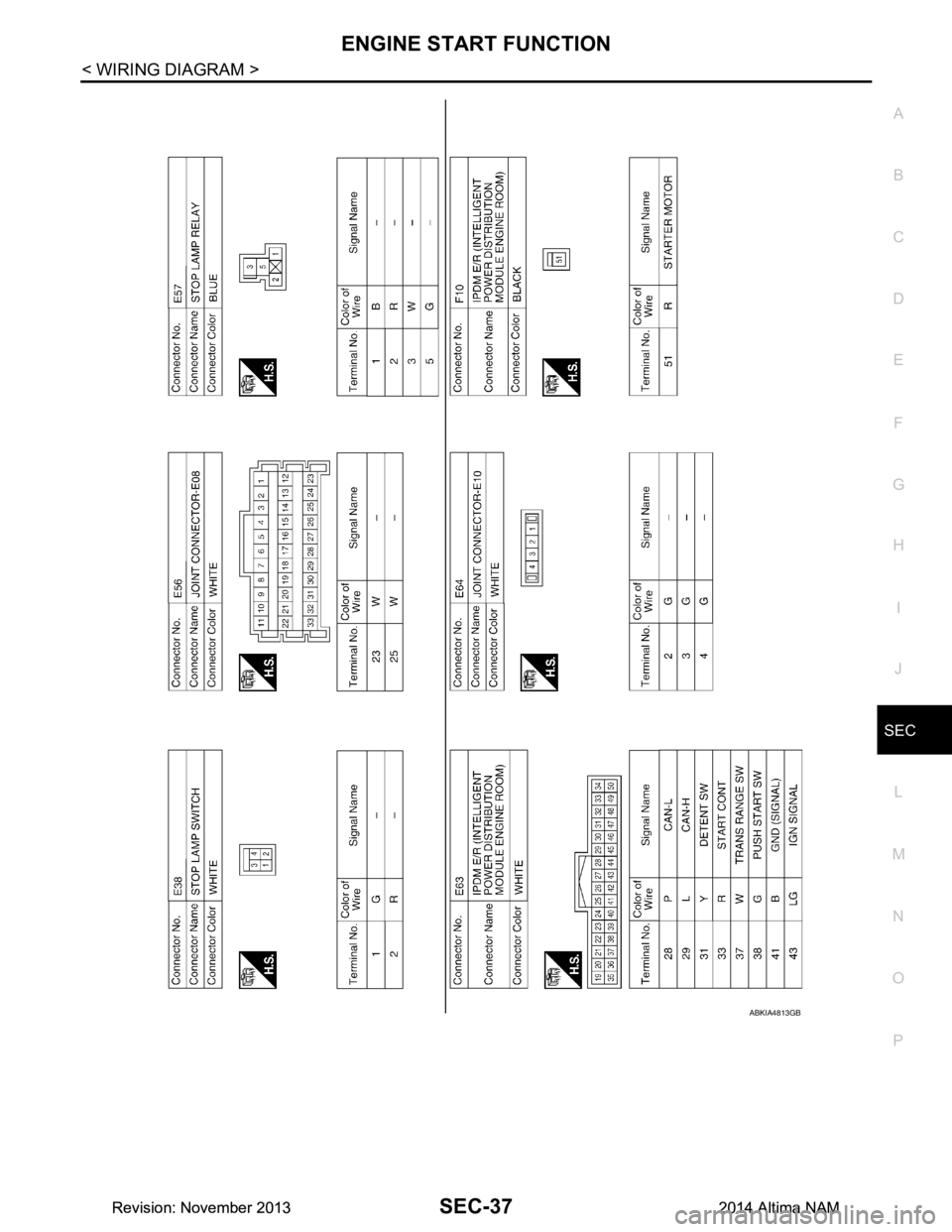
ABKIA4813GB
Revision: November 20132014 Altima NAMRevision: November 20132014 Altima NAM
Page 3863 of 4801
SEC-38
< WIRING DIAGRAM >
ENGINE START FUNCTION
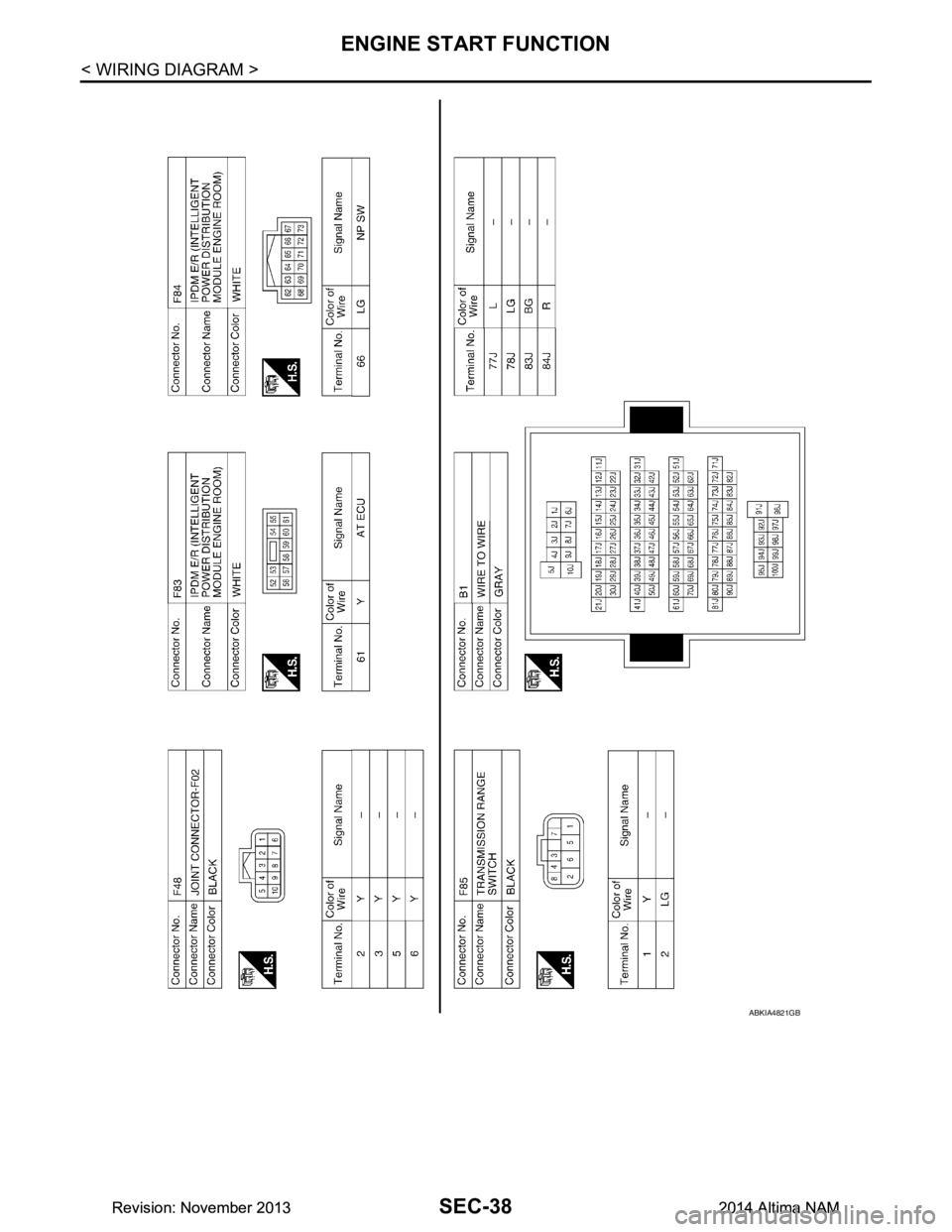
ABKIA4821GB
Revision: November 20132014 Altima NAMRevision: November 20132014 Altima NAM
Page 3864 of 4801
ENGINE START FUNCTIONSEC-39
< WIRING DIAGRAM >
C
D E
F
G H
I
J
L
M A
B
SEC
N
O P
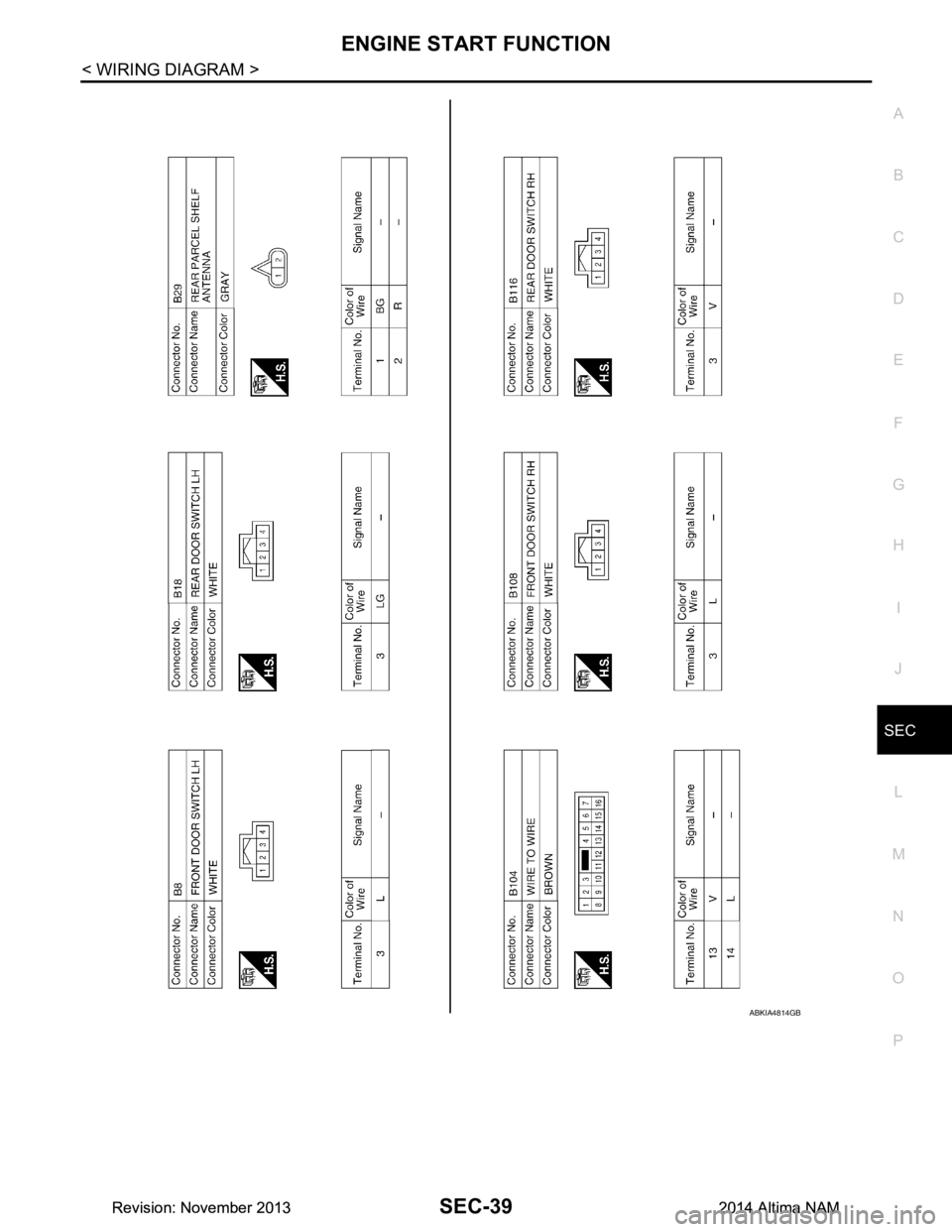
ABKIA4814GB
Revision: November 20132014 Altima NAMRevision: November 20132014 Altima NAM
Page 3891 of 4801

SEC-66
< BASIC INSPECTION >
ADDITIONAL SERVICE WHEN REPLACING CONTROL UNIT
ADDITIONAL SERVICE WHEN REPLACING CONTROL UNIT
ECM
ECM : DescriptionINFOID:0000000009461102
Performing the following procedure can automatically activate recommunication of ECM and BCM, but only
when the ECM is replaced with a new one*.
*: New one means an ECM that has never been energized on-board.
(In this step, initialization procedure by CONSULT is not necessary)
NOTE:
• If multiple keys are attached to the key hold er, separate them before beginning work.
• Distinguish keys with unregistered key ID s from those with registered IDs.
ECM : Work ProcedureINFOID:0000000009461103
1.PERFORM ECM RECOMMUNICATING FUNCTION
1. Install ECM.
2. Contact backside of registered Intelligent Key* to pus h-button ignition switch, then turn ignition switch to
ON.
*: To perform this step, use the key that is used before performing ECM replacement.
3. Maintain ignition switch in the ON position for at least 5 seconds.
4. Turn ignition switch to OFF.
5. Check that the engine starts.
>> GO TO 2.
2.PERFORM ADDITIONAL SERVICE WHEN REPLACING ECM
Perform EC-174, "Work Procedure"
.
>> Inspection End.
BCM
BCM : DescriptionINFOID:0000000009461104
BEFORE REPLACEMENT
When replacing BCM, save or print current vehicle s pecification with CONSULT configuration before replace-
ment.
NOTE:
If “Before Replace ECU” cannot be used, use the “After Replace ECU” or “Manual Configuration” after replac-
ing BCM.
AFTER REPLACEMENT
CAUTION:
• When replacing BCM, you must perfo rm “After Replace ECU” with CONSULT.
- Complete the procedure of “After Replace ECU” in order.
- If you set incorrect “After Replace ECU”, incidents might occur.
- Configuration is different for each vehicle mode l. Confirm configuration of each vehicle model.
• When replacing BCM, perform the system initialization (NATS).
BCM : Work ProcedureINFOID:0000000009461105
1.SAVING VEHICLE SPECIFICATION
CONSULT
Enter "Re/Programming, Configuration" and perform “Before Replace ECU” to save or print current vehicle
specification.
NOTE:
If “Before Replace ECU” cannot be used, use the "After Replace ECU" or "Manual Configuration" after replac-
ing BCM.
Revision: November 20132014 Altima NAMRevision: November 20132014 Altima NAM
Page 3893 of 4801
SEC-68
< DTC/CIRCUIT DIAGNOSIS >
P1610 LOCK MODE
DTC/CIRCUIT DIAGNOSIS
P1610 LOCK MODE
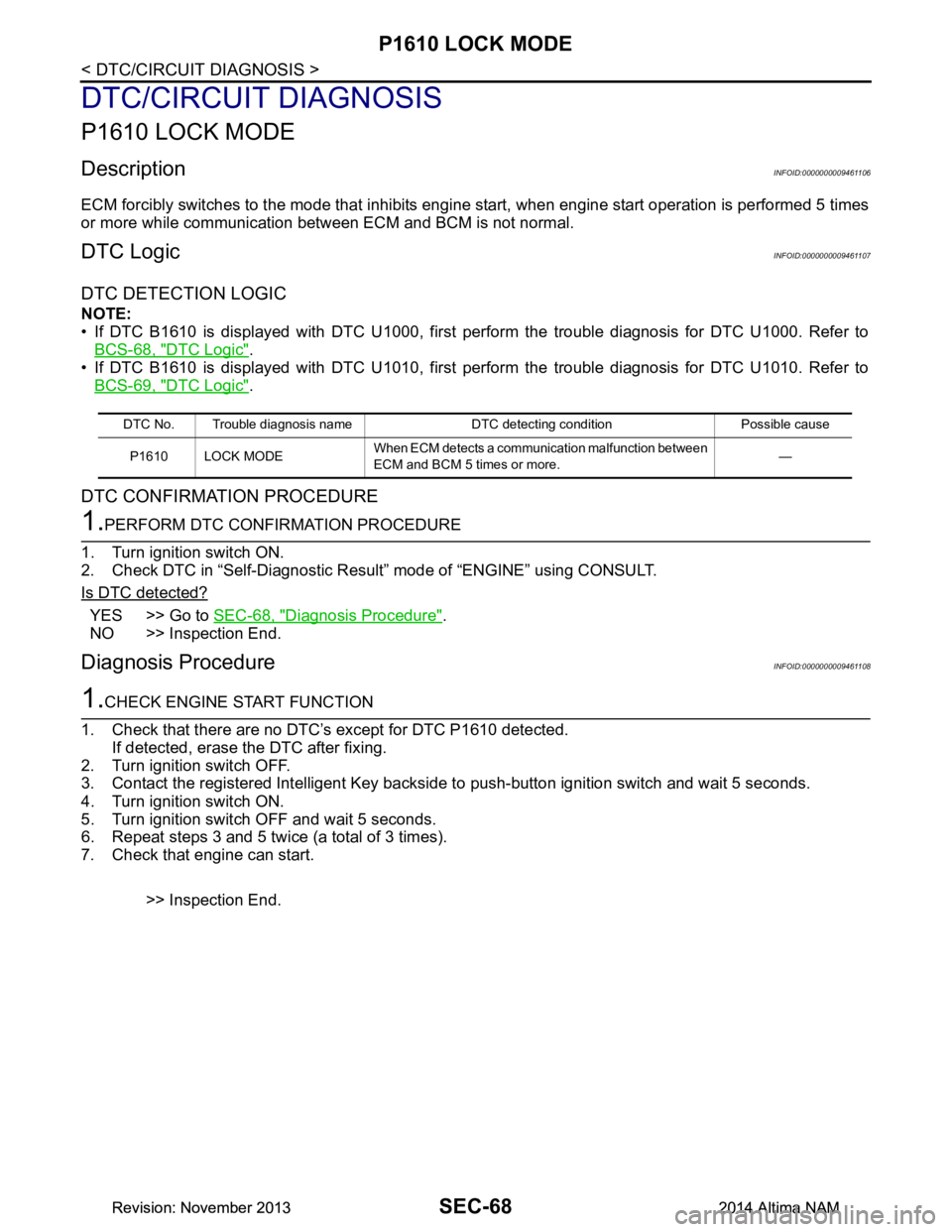
DescriptionINFOID:0000000009461106
ECM forcibly switches to the mode that inhibits engine start, when engine start operation is performed 5 times
or more while communication between ECM and BCM is not normal.
DTC LogicINFOID:0000000009461107
DTC DETECTION LOGIC
NOTE:
• If DTC B1610 is displayed with DTC U1000, first perform the trouble diagnosis for DTC U1000. Refer to BCS-68, "DTC Logic"
.
• If DTC B1610 is displayed with DTC U1010, first perform the trouble diagnosis for DTC U1010. Refer to BCS-69, "DTC Logic"
.
DTC CONFIRMATION PROCEDURE
1.PERFORM DTC CONFIRMATION PROCEDURE
1. Turn ignition switch ON.
2. Check DTC in “Self-Diagnostic Result” mode of “ENGINE” using CONSULT.
Is DTC detected?
YES >> Go to SEC-68, "Diagnosis Procedure".
NO >> Inspection End.
Diagnosis ProcedureINFOID:0000000009461108
1.CHECK ENGINE START FUNCTION
1. Check that there are no DTC’s except for DTC P1610 detected. If detected, erase the DTC after fixing.
2. Turn ignition switch OFF.
3. Contact the registered Intelligent Key backside to push-button ignition switch and wait 5 seconds.
4. Turn ignition switch ON.
5. Turn ignition switch OFF and wait 5 seconds.
6. Repeat steps 3 and 5 twice (a total of 3 times).
7. Check that engine can start.
>> Inspection End.
DTC No. Trouble diagnosis name DTC detecting condition Possible causeP1610 LOCK MODE When ECM detects a communication malfunction between
ECM and BCM 5 times or more. —
Revision: November 20132014 Altima NAMRevision: November 20132014 Altima NAM