engine oil NISSAN TITAN 2018 Owner´s Manual
[x] Cancel search | Manufacturer: NISSAN, Model Year: 2018, Model line: TITAN, Model: NISSAN TITAN 2018Pages: 650, PDF Size: 7.54 MB
Page 130 of 650
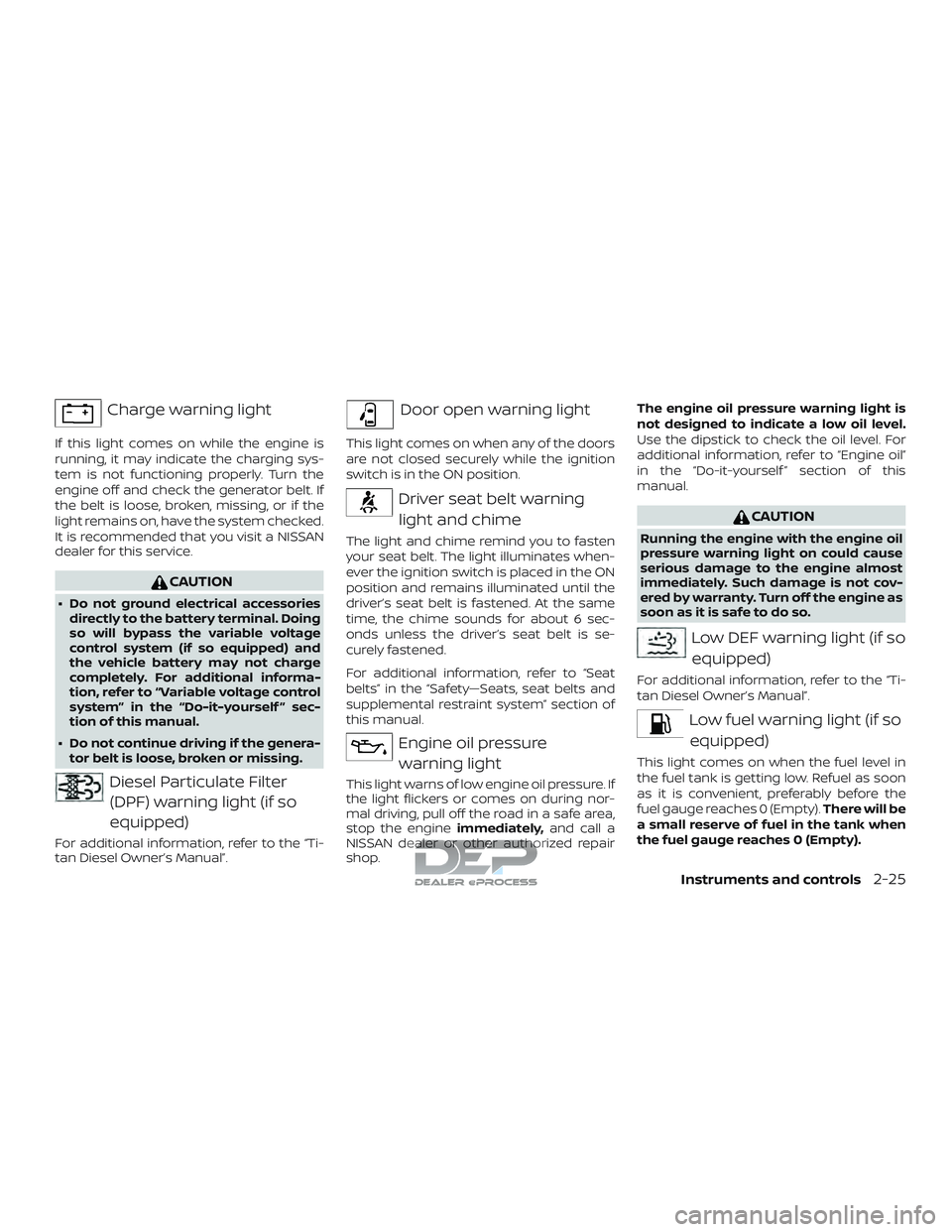
Charge warning light
If this light comes on while the engine is
running, it may indicate the charging sys-
tem is not functioning properly. Turn the
engine off and check the generator belt. If
the belt is loose, broken, missing, or if the
light remains on, have the system checked.
It is recommended that you visit a NISSAN
dealer for this service.
CAUTION
∙ Do not ground electrical accessoriesdirectly to the battery terminal. Doing
so will bypass the variable voltage
control system (if so equipped) and
the vehicle battery may not charge
completely. For additional informa-
tion, refer to “Variable voltage control
system” in the “Do-it-yourself ” sec-
tion of this manual.
∙ Do not continue driving if the genera- tor belt is loose, broken or missing.
Diesel Particulate Filter
(DPF) warning light (if so
equipped)
For additional information, refer to the “Ti-
tan Diesel Owner’s Manual”.
Door open warning light
This light comes on when any of the doors
are not closed securely while the ignition
switch is in the ON position.
Driver seat belt warning
light and chime
The light and chime remind you to fasten
your seat belt. The light illuminates when-
ever the ignition switch is placed in the ON
position and remains illuminated until the
driver’s seat belt is fastened. At the same
time, the chime sounds for about 6 sec-
onds unless the driver’s seat belt is se-
curely fastened.
For additional information, refer to “Seat
belts” in the “Safety—Seats, seat belts and
supplemental restraint system” section of
this manual.
Engine oil pressurewarning light
This light warns of low engine oil pressure. If
the light flickers or comes on during nor-
mal driving, pull off the road in a safe area,
stop the engine immediately,and call a
NISSAN dealer or other authorized repair
shop. The engine oil pressure warning light is
not designed to indicate a low oil level.
Use the dipstick to check the oil level. For
additional information, refer to “Engine oil”
in the “Do-it-yourself ” section of this
manual.
CAUTION
Running the engine with the engine oil
pressure warning light on could cause
serious damage to the engine almost
immediately. Such damage is not cov-
ered by warranty. Turn off the engine as
soon as it is safe to do so.
Low DEF warning light (if so
equipped)
For additional information, refer to the “Ti-
tan Diesel Owner’s Manual”.
Low fuel warning light (if soequipped)
This light comes on when the fuel level in
the fuel tank is getting low. Refuel as soon
as it is convenient, preferably before the
fuel gauge reaches 0 (Empty). There will be
a small reserve of fuel in the tank when
the fuel gauge reaches 0 (Empty).
Instruments and controls2-25
Page 143 of 650
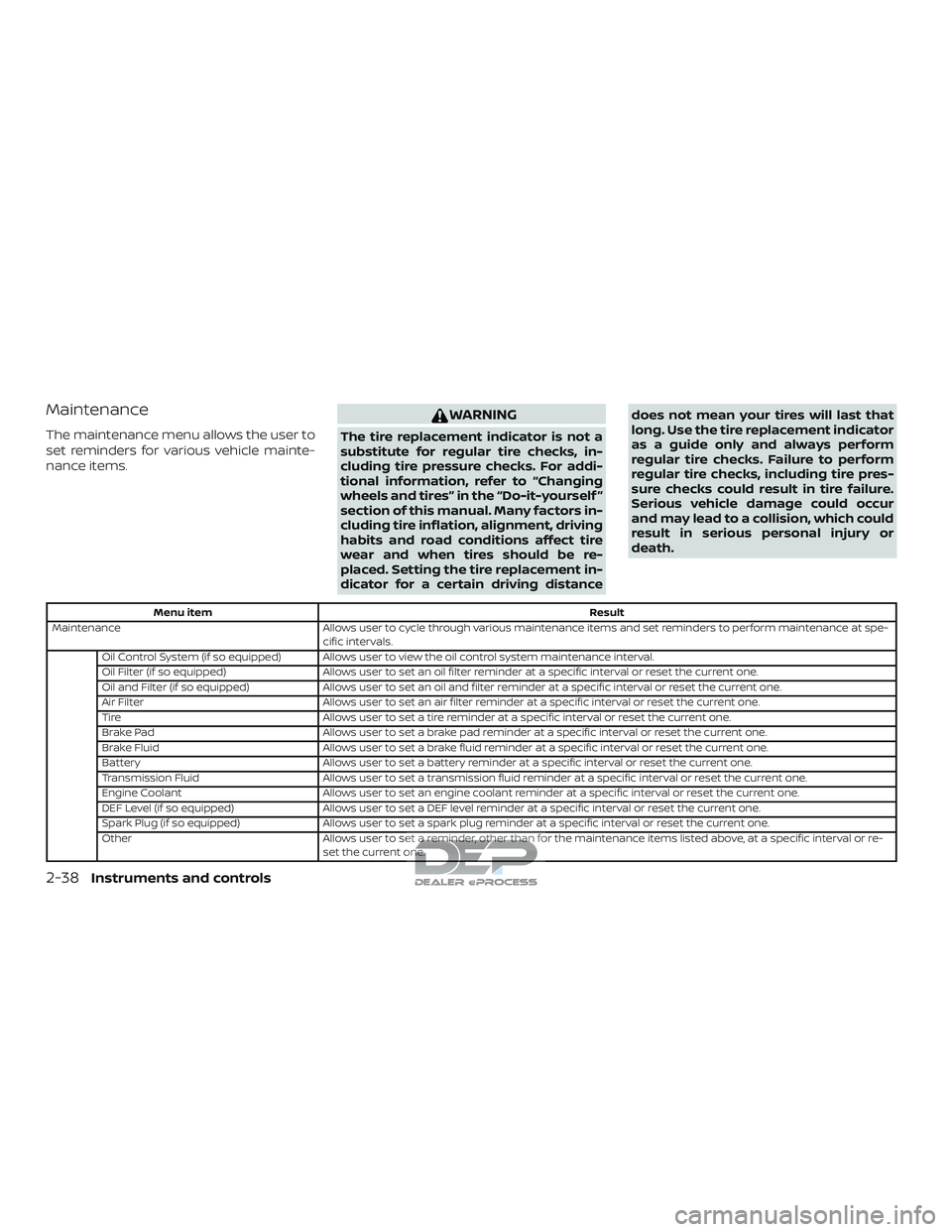
Maintenance
The maintenance menu allows the user to
set reminders for various vehicle mainte-
nance items.
WARNING
The tire replacement indicator is not a
substitute for regular tire checks, in-
cluding tire pressure checks. For addi-
tional information, refer to “Changing
wheels and tires” in the “Do-it-yourself ”
section of this manual. Many factors in-
cluding tire inflation, alignment, driving
habits and road conditions affect tire
wear and when tires should be re-
placed. Setting the tire replacement in-
dicator for a certain driving distancedoes not mean your tires will last that
long. Use the tire replacement indicator
as a guide only and always perform
regular tire checks. Failure to perform
regular tire checks, including tire pres-
sure checks could result in tire failure.
Serious vehicle damage could occur
and may lead to a collision, which could
result in serious personal injury or
death.
Menu item
Result
Maintenance Allows user to cycle through various maintenance items and set reminders to perform maintenance at spe-
cific intervals.
Oil Control System (if so equipped) Allows user to view the oil control system maintenance interval.
Oil Filter (if so equipped) Allows user to set an oil filter reminder at a specific interval or reset the current one.
Oil and Filter (if so equipped) Allows user to set an oil and filter reminder at a specific interval or reset the current one.
Air Filter Allows user to set an air filter reminder at a specific interval or reset the current one.
Tire Allows user to set a tire reminder at a specific interval or reset the current one.
Brake Pad Allows user to set a brake pad reminder at a specific interval or reset the current one.
Brake Fluid Allows user to set a brake fluid reminder at a specific interval or reset the current one.
Battery Allows user to set a battery reminder at a specific interval or reset the current one.
Transmission Fluid Allows user to set a transmission fluid reminder at a specific interval or reset the current one.
Engine Coolant Allows user to set an engine coolant reminder at a specific interval or reset the current one.
DEF Level (if so equipped) Allows user to set a DEF level reminder at a specific interval or reset the current one.
Spark Plug (if so equipped) Allows user to set a spark plug reminder at a specific interval or reset the current one.
Other Allows user to set a reminder, other than for the maintenance items listed above, at a specific interval or re-
set the current one.
2-38Instruments and controls
Page 146 of 650
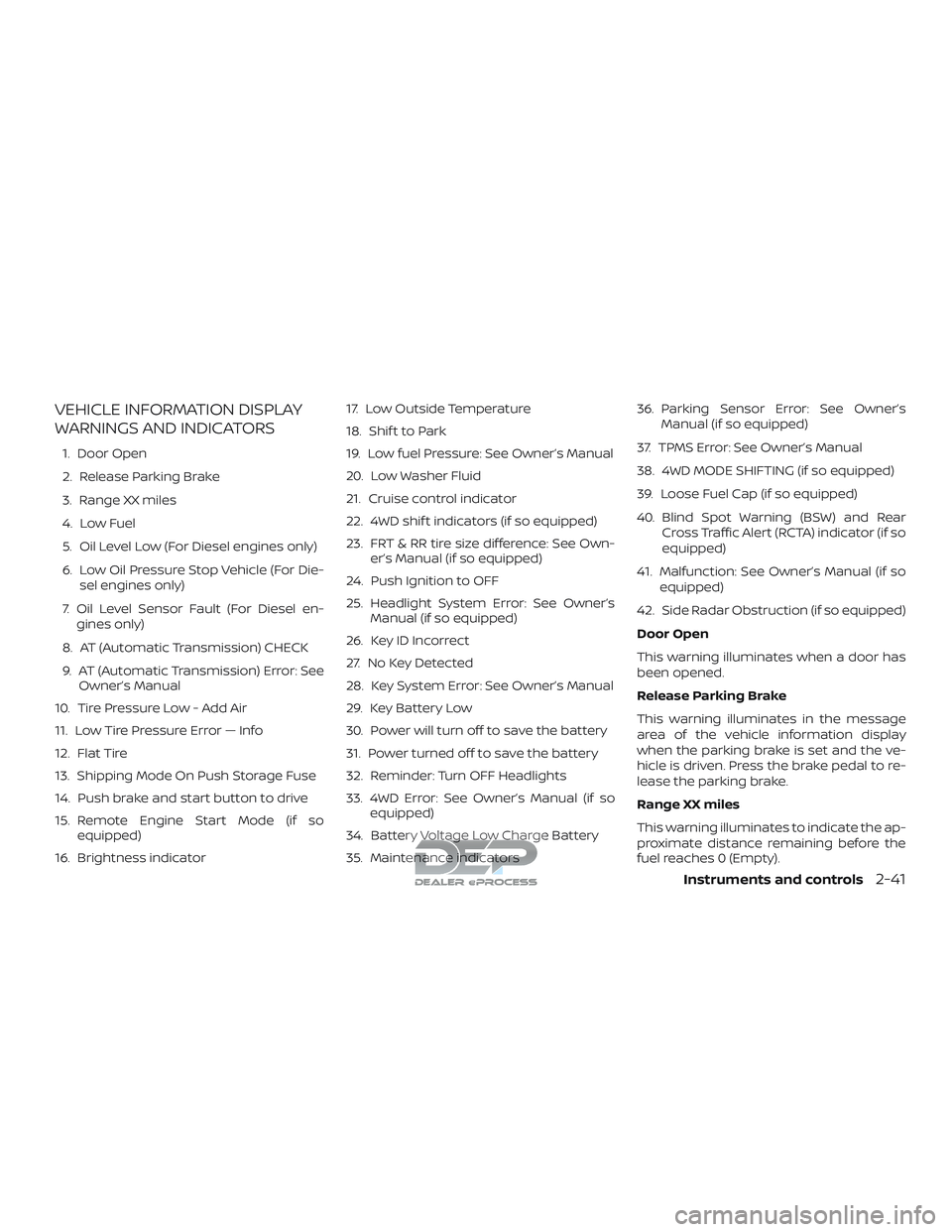
VEHICLE INFORMATION DISPLAY
WARNINGS AND INDICATORS
1. Door Open
2. Release Parking Brake
3. Range XX miles
4. Low Fuel
5. Oil Level Low (For Diesel engines only)
6. Low Oil Pressure Stop Vehicle (For Die-sel engines only)
7. Oil Level Sensor Fault (For Diesel en- gines only)
8. AT (Automatic Transmission) CHECK
9. AT (Automatic Transmission) Error: See Owner’s Manual
10. Tire Pressure Low - Add Air
11. Low Tire Pressure Error — Info
12. Flat Tire
13. Shipping Mode On Push Storage Fuse
14. Push brake and start button to drive
15. Remote Engine Start Mode (if so equipped)
16. Brightness indicator 17. Low Outside Temperature
18. Shif t to Park
19. Low fuel Pressure: See Owner’s Manual
20. Low Washer Fluid
21. Cruise control indicator
22. 4WD shif t indicators (if so equipped)
23. FRT & RR tire size difference: See Own-
er’s Manual (if so equipped)
24. Push Ignition to OFF
25. Headlight System Error: See Owner’s Manual (if so equipped)
26. Key ID Incorrect
27. No Key Detected
28. Key System Error: See Owner’s Manual
29. Key Battery Low
30. Power will turn off to save the battery
31. Power turned off to save the battery
32. Reminder: Turn OFF Headlights
33. 4WD Error: See Owner’s Manual (if so equipped)
34. Battery Voltage Low Charge Battery
35. Maintenance indicators 36. Parking Sensor Error: See Owner’s
Manual (if so equipped)
37. TPMS Error: See Owner’s Manual
38. 4WD MODE SHIFTING (if so equipped)
39. Loose Fuel Cap (if so equipped)
40. Blind Spot Warning (BSW) and Rear Cross Traffic Alert (RCTA) indicator (if so
equipped)
41. Malfunction: See Owner’s Manual (if so equipped)
42. Side Radar Obstruction (if so equipped)
Door Open
This warning illuminates when a door has
been opened.
Release Parking Brake
This warning illuminates in the message
area of the vehicle information display
when the parking brake is set and the ve-
hicle is driven. Press the brake pedal to re-
lease the parking brake.
Range XX miles
This warning illuminates to indicate the ap-
proximate distance remaining before the
fuel reaches 0 (Empty).
Instruments and controls2-41
Page 147 of 650
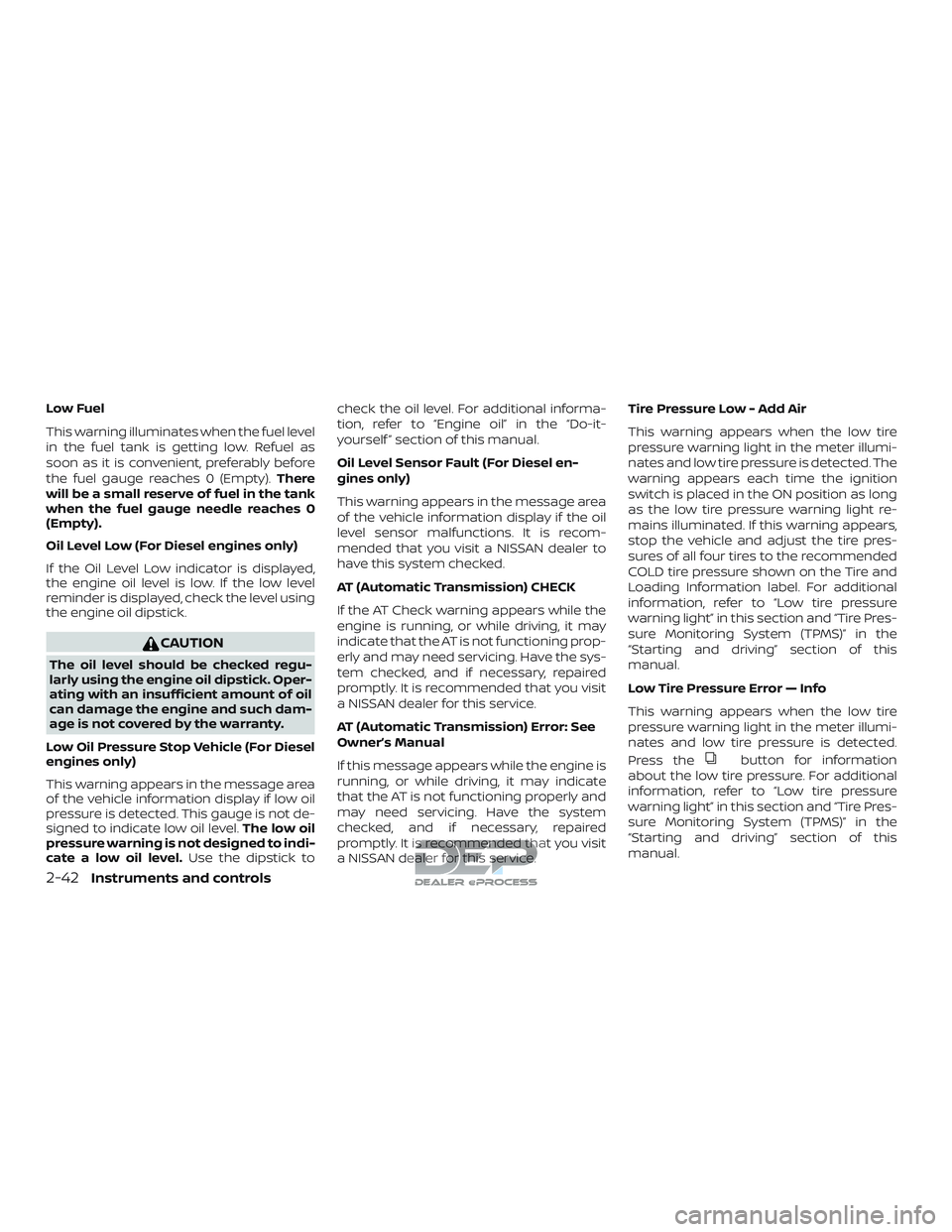
Low Fuel
This warning illuminates when the fuel level
in the fuel tank is getting low. Refuel as
soon as it is convenient, preferably before
the fuel gauge reaches 0 (Empty).There
will be a small reserve of fuel in the tank
when the fuel gauge needle reaches 0
(Empty).
Oil Level Low (For Diesel engines only)
If the Oil Level Low indicator is displayed,
the engine oil level is low. If the low level
reminder is displayed, check the level using
the engine oil dipstick.
CAUTION
The oil level should be checked regu-
larly using the engine oil dipstick. Oper-
ating with an insufficient amount of oil
can damage the engine and such dam-
age is not covered by the warranty.
Low Oil Pressure Stop Vehicle (For Diesel
engines only)
This warning appears in the message area
of the vehicle information display if low oil
pressure is detected. This gauge is not de-
signed to indicate low oil level. The low oil
pressure warning is not designed to indi-
cate a low oil level. Use the dipstick to check the oil level. For additional informa-
tion, refer to “Engine oil” in the “Do-it-
yourself ” section of this manual.
Oil Level Sensor Fault (For Diesel en-
gines only)
This warning appears in the message area
of the vehicle information display if the oil
level sensor malfunctions. It is recom-
mended that you visit a NISSAN dealer to
have this system checked.
AT (Automatic Transmission) CHECK
If the AT Check warning appears while the
engine is running, or while driving, it may
indicate that the AT is not functioning prop-
erly and may need servicing. Have the sys-
tem checked, and if necessary, repaired
promptly. It is recommended that you visit
a NISSAN dealer for this service.
AT (Automatic Transmission) Error: See
Owner’s Manual
If this message appears while the engine is
running, or while driving, it may indicate
that the AT is not functioning properly and
may need servicing. Have the system
checked, and if necessary, repaired
promptly. It is recommended that you visit
a NISSAN dealer for this service. Tire Pressure Low - Add Air
This warning appears when the low tire
pressure warning light in the meter illumi-
nates and low tire pressure is detected. The
warning appears each time the ignition
switch is placed in the ON position as long
as the low tire pressure warning light re-
mains illuminated. If this warning appears,
stop the vehicle and adjust the tire pres-
sures of all four tires to the recommended
COLD tire pressure shown on the Tire and
Loading Information label. For additional
information, refer to “Low tire pressure
warning light” in this section and “Tire Pres-
sure Monitoring System (TPMS)” in the
“Starting and driving” section of this
manual.
Low Tire Pressure Error — Info
This warning appears when the low tire
pressure warning light in the meter illumi-
nates and low tire pressure is detected.
Press the
button for information
about the low tire pressure. For additional
information, refer to “Low tire pressure
warning light” in this section and “Tire Pres-
sure Monitoring System (TPMS)” in the
“Starting and driving” section of this
manual.
2-42Instruments and controls
Page 150 of 650
Power turned off to save the battery
This warning appears af ter the ignition
switch is automatically turned off to save
the battery.
Reminder: Turn OFF Headlights
This warning appears when the headlights
are lef t in the ON position when exiting the
vehicle. Place the headlight switch in the
OFF or AUTO position. For additional infor-
mation, refer to “Headlight switch” in this
section.
4WD Error: See Owner’s Manual (if so
equipped)
This warning appears when the 4-wheel
drive system is not functioning properly
while the engine is running.
Battery Voltage Low Charge Battery
This warning appears when the battery is
low and needs to be charged.
Maintenance indicators
When engine oil service is due, one or more
of these icons will appear automatically to
remind you. For additional information, re-
fer to “Engine oil” in the “Do-it-yourself ” sec-
tion of this manual.These will also appear when the user-set
reminders are met. For additional informa-
tion, refer to “Vehicle information display” in
this section.
Parking Sensor Error: See Owner’s
Manual (if so equipped)
This warning illuminates when there is an
error with the system. For additional infor-
mation, refer to “Front and rear sonar sys-
tem” in the “Starting and driving” section of
this manual.
TPMS Error: See Owner’s Manual
This warning appears when there is an er-
ror with your TPMS. If this warning comes
on, have the system checked. It is recom-
mended that you visit a NISSAN dealer for
this service.
4WD MODE SHIFTING (if so equipped)
This message appears when the vehicle is
shif ting into 4WD. For additional informa-
tion, refer to “Using 4–wheel drive (4WD)” in
the “Starting and driving” section of this
manual.
Loose Fuel Cap (if so equipped)
This warning appears when the fuel-filler
cap is not tightened correctly af ter the ve-
hicle has been refueled. For additional in-formation, refer to “Fuel-filler door” in the
“Pre-driving checks and adjustments” sec-
tion of this manual.
Blind Spot Warning (BSW) and Rear
Cross Traffic Alert (RCTA) indicator (if so
equipped)
This indicator shows when the BSW and
RCTA systems are engaged.
For additional information, refer to “Blind
Spot Warning (BSW)” and “Rear Cross Traffic
Alert (RCTA)” in the “Starting and driving”
section of this manual.
Malfunction: See Owner’s Manual (if so
equipped)
This warning appears when one or more of
the following systems (if so equipped) is
not functioning properly:
∙ Blind Spot Warning (BSW)
∙ Rear Cross Traffic alert (RCTA)
If one or more of these warning appears,
have the system checked. It is recom-
mended that you visit a NISSAN dealer for
this service.
Instruments and controls2-45
Page 297 of 650
∙ If you feel that the air flow mode youhave selected and the outlets the air is
coming out do not match, select
the
mode.
∙ When you change the air flow mode, you may feel air flow from the feet vents
for just a moment. This is not a mal-
function. The air conditioner system in your NISSAN
vehicle is charged with a refrigerant de-
signed with the environment in mind.
This refrigerant does not harm the
earth’s ozone layer.
Special charging equipment and lubricant
is required when servicing your NISSAN air
conditioner. Using improper refrigerants or
lubricants will cause severe damage to
your air conditioner system. For additional
information, refer to “Air conditioner sys-
tem refrigerant and oil recommendations”
in the “Technical and consumer informa-
tion” section of this manual.
It is recommended that you visit a NISSAN
dealer to service your “environmentally
friendly” air conditioner system.
WARNING
The air conditioner system contains re-
frigerant under high pressure. To avoid
personal injury, any air conditioner ser-
vice should be done only by an experi-
enced technician with proper
equipment.
RADIO
With the ignition is placed in the ACC or ON
position, press the
or POWER button
to turn the radio on. If you listen to the radio
with the engine not running, the ignition
should be placed in the ACC position.
Radio reception is affected by station sig-
nal strength, distance from radio transmit-
ter, buildings, bridges, mountains and other
external influences. Intermittent changes
in reception quality normally are caused by
these external influences.
Using a cellular phone in or near the ve-
hicle may influence radio reception quality.
Radio reception
Your NISSAN radio system is equipped with
state-of-the-art electronic circuits to en-
hance radio reception. These circuits are
designed to extend reception range, and to
enhance the quality of that reception.
However, there are some general charac-
teristics of both FM and AM radio signals
that can affect radio reception quality in a
moving vehicle, even when the finest
equipment is used. These characteristics
are completely normal in a given reception
area and do not indicate any malfunction
in your NISSAN radio system.
SERVICING AIR CONDITIONER AUDIO SYSTEM
4-48Monitor, climate, audio, phone and voice recognition systems
Page 411 of 650
Af ter step 3 is performed, when the
ignition switch is pushed without de-
pressing the brake pedal, the ignition
switch position will change to the ON
position.
4. Push the ignition switch while depress- ing the brake pedal within 10 seconds
af ter the chime sounds. The engine will
start.
NOTE: ∙ When the ignition switch is pushed to
the ON position or the engine is
started by the above procedure, the
Intelligent Key battery discharge in-
dicator appears in the vehicle infor-
mation display even when the Intelli-
gent Key is inside the vehicle. This is
not a malfunction. To turn off the In-
telligent Key battery discharge indi-
cator, touch the ignition switch with
the Intelligent Key again.
∙ If the Intelligent Key battery dis-
charge indicator appears, replace the
battery as soon as possible. For addi-
tional information, refer to “Battery
replacement” in the “Do-it-yourself ”
section of this manual.NISSAN VEHICLE IMMOBILIZER
SYSTEM
The NISSAN Vehicle Immobilizer System
will not allow the engine to start without
the use of the registered key.
If the engine fails to start using a registered
key (for example, when interference is
caused by another registered key, an auto-
mated toll road device or automatic pay-
ment device on the key ring), restart the
engine using the following procedures:
1. Leave the ignition switch in the ON po- sition for approximately 5 seconds.
2. Place the ignition switch in the OFF or LOCK position, and wait approximately
10 seconds.
3. Repeat steps 1 and 2.
4. Restart the engine while holding the device (which may have caused the in-
terference) separate from the regis-
tered key.
If the no start condition re-occurs, NISSAN
recommends placing the registered key on
a separate key ring to avoid interference
from other devices. ∙ Make sure the area around the vehicle is
clear.
∙ Check fluid levels such as engine oil, coolant, brake fluid, Diesel Exhaust Fluid
(Diesel only) and windshield-washer
fluid as frequently as possible, or at least
whenever you refuel.
∙ Check that all windows and lights are clean.
∙ Visually inspect tires for their appear- ance and condition. Also check tires for
proper inflation.
∙ Check that all doors are closed.
∙ Position seat and adjust head restraints/headrests.
∙ Adjust inside and outside mirrors.
∙ Fasten seat belts and ask all passen- gers to do likewise.
∙ Check the operation of warning lights when the ignition switch is placed in the
ON position. For additional information,
refer to “Warning lights, indicator lights
and audible reminders” in the “Instru-
ments and controls” section of this
manual.
BEFORE STARTING THE ENGINE
5-14Starting and driving
Page 414 of 650
erator pedal, and the air conditioning cool-
ing function will automatically be turned
back on.
The Malfunction Indicator Light (MIL) may
also come on if the engine coolant tem-
perature is not reduced or the air condi-
tioning cooling function does not turn back
on. Ifonly it remains on, you do not need to
have your vehicle towed, but have it in-
spected soon. It is recommended that you
visit a NISSAN dealer for this service. For
additional information, refer to “Malfunc-
tion Indicator Light (MIL)” in the “Instru-
ments and controls” section of this manual.
WARNING
Overheating can result in reduced en-
gine power and vehicle speed. The re-
duced speed may be lower than other
traffic, which could increase the chance
of a collision. Be especially careful when
driving. If the vehicle cannot maintain a
safe driving speed, pull to the side of the
road in a safe area. Allow the engine to
cool and return to normal operation. For
additional information, refer to “If your
vehicle overheats” in the “In case of
emergency ” section of this manual.
CAUTION
Running the engine with the engine oil
pressure warning light on could cause
serious damage to the engine almost
immediately. Such damage is not cov-
ered by warranty. Turn off the engine as
soon as it is safe to do so.
AUTOMATIC TRANSMISSION (A/T)
WARNING
∙ Do not depress the accelerator pedal while shif ting from P (Park) or N (Neu-
tral) to R (Reverse), or D (Drive). Always
depress the brake pedal until shif ting
is completed. Failure to do so could
cause you to lose control and have an
accident.
∙ Cold engine idle speed is high, so use caution when shif ting into a forward
or reverse gear before the engine has
warmed up.
∙ Never shif t to either the P (Park) or R (Reverse) position while the vehicle is
moving forward and P (Park) or D
(Drive) position while the vehicle is re-
versing. This could cause an accident
or damage the transmission. ∙ Except in an emergency, do not shif t
to the N (Neutral) position while driv-
ing. Coasting with the transmission in
the N (Neutral) position may cause se-
rious damage to the transmission.
∙ Do not downshif t abruptly on slippery roads. This may cause a loss of
control.
CAUTION
To avoid possible damage to your ve-
hicle, when stopping the vehicle on an
uphill grade, do not hold the vehicle by
depressing the accelerator pedal. The
foot brake should be used for this
purpose
The A/T in your vehicle is electronically con-
trolled to produce maximum power and
smooth operation.
The recommended operating procedures
for this transmission are shown on the fol-
lowing pages. Follow these procedures for
maximum vehicle performance and driv-
ing enjoyment.
Starting and driving5-17
Page 441 of 650
3.Use Air Conditioning (A/C) at Higher
Vehicle Speeds
∙ Below 40 mph (64 km/h), it is more efficient to open windows to cool the
vehicle due to reduced engine load.
∙ Above 40 mph (64 km/h), it is more efficient to use A/C to cool the vehicle
due to increased aerodynamic drag.
∙ Recirculating the cool air in the cabin when the A/C is on reduces cooling
load.
4. Drive at Economical Speeds and Dis-
tances
∙ Observing the speed limit and not exceeding 60 mph (97 km/h) (where
legally allowed) can improve fuel effi-
ciency due to reduced aerodynamic
drag.
∙ Maintaining a safe following distance behind other vehicles reduces un-
necessary braking.
∙ Safely monitoring traffic to anticipate changes in speed permits reduced
braking and smooth acceleration
changes.
∙ Select a gear range suitable to road conditions. 5.
Use Cruise Control
∙ Using cruise control during highway driving helps maintain a steady
speed.
∙ Cruise control is particularly effective in providing fuel savings when driving
on flat terrains.
6. Plan for the Shortest Route
∙ Utilize a map or navigation system to determine the best route to save
time.
7. Avoid Idling
∙ Shutting off your engine when safe for stops exceeding 30–60 seconds
saves fuel and reduces emissions.
8. Buy an Automated Pass for Toll
Roads
∙ Automated passes permit drivers to use special lanes to maintain cruis-
ing speed through the toll and avoid
stopping and starting. 9.
Winter Warm Up
∙ Limit idling time to minimize impact to fuel economy.
∙ Vehicles typically need no more than 30 seconds of idling at start-up to
effectively circulate the engine oil be-
fore driving.
∙ Your vehicle will reach its ideal oper- ating temperature more quickly
while driving versus idling.
10. Keeping your Vehicle Cool
∙ Park your vehicle in a covered parking area or in the shade whenever pos-
sible.
∙ When entering a hot vehicle, opening the windows will help to reduce the
inside temperature faster, resulting in
reduced demand on your A/C sys-
tem.
5-44Starting and driving
Page 442 of 650
∙ Keep your engine tuned up.
∙ Follow the recommended scheduledmaintenance.
∙ Keep the tires inflated to the correct pressure. Low tire pressure increases
tire wear and lowers fuel economy.
∙ Keep the wheels in correct alignment. Improper alignment increases tire wear
and lowers fuel economy.
∙ For vehicles equipped with
, use
4H or 4L position only when necessary.
4-wheel drive operation lowers fuel
economy.
∙ Use the recommended viscosity engine oil. For additional information, refer to
“Engine oil and oil filter recommenda-
tions” in the “Technical and consumer
information” section of this manual.
WARNING
∙ For 4WD equipped vehicles, do not at-tempt to raise two wheels off the
ground and shif t the transmission to
any drive or reverse position with the
engine running. Doing so may result
in drivetrain damage or unexpected
vehicle movement which could result
in serious vehicle damage or personal
injury.
∙ Do not attempt to test a 4WD equipped vehicle on a 2-wheel dyna-
mometer (such as the dynamometers
used by some states for emissions
testing), or similar equipment even if
the other two wheels are raised off the
ground. Make sure you inform test fa-
cility personnel that your vehicle is
equipped with 4WD before it is placed
on a dynamometer. Using the wrong
test equipment may result in drive-
train damage or unexpected vehicle
movement which could result in seri-
ous vehicle damage or personal
injury.
CAUTION
∙ Do not drive the vehicle in the 4H or4LO position on dry hard surface
roads. Driving on dry, hard surfaces in
4H or 4LO may cause unnecessary
noise, tire wear and increased fuel
consumption.
If the 4WD warning light or vehicle in-
formation display warning message
turns on when you are driving on dry
hard surface roads:
– in the 4H position, shif t the 4WD shif t switch to 2WD.
– in the 4LO position, stop the ve- hicle, move the shif t lever to the N
(Neutral) position with the brake
pedal depressed, and shif t the
4WD shif t switch to 2WD.
∙ If the warning light or vehicle infor- mation display warning message is
still on af ter the above operation,
have your vehicle checked as soon as
possible. It is recommended that you
visit a NISSAN dealer for this service.
INCREASING FUEL ECONOMY USING 4–WHEEL DRIVE (4WD) (if so
equipped)
Starting and driving5-45