brake OLDSMOBILE AURORA 2003 User Guide
[x] Cancel search | Manufacturer: OLDSMOBILE, Model Year: 2003, Model line: AURORA, Model: OLDSMOBILE AURORA 2003Pages: 387, PDF Size: 18.05 MB
Page 97 of 387

Running Your Engine While You
Are Parked
It’s better not to park with the engine running. But if you
ever have
to, here are some things to know.
Idling the engine with the climate control
system
off could allow dangerous exhaust into
your vehicle. See the earlier Caution under
“Engine Exhaust.’’
Also, idling
in a closed-in place can let deadly
carbon monoxide (CO) into your vehicle even
if
the fan is at the highest setting. One place this
can happen
is a garage. Exhaust - with
CO
- can come in easily. NEVER park in a
garage with the engine
running.
Another closed-in place can be a blizzard. See
“Winter Driving” in the Index.
I
It can be dangerous to get out of your vehicle
if the
shift lever is not fully in PARK (P) with
the parking brake firmly set. Your vehicle can
roll. Don’t leave your vehicle when the engine
is running unless you have to.
If you’ve left the
engine running, the vehicle can move suddenly. You or others could be injured.
To
be sure your vehicle won’t move, even when
you’re on fairly level ground, always set your parking brake and move the shift lever to
PARK (P).
Follow the proper steps to be sure your vehicle won’t
move. See Shifting Into Park (P) on page 2-30.
If you are parking on a hill and if you’re pulling a trailer,
also see
Towing a Trailer on page 4-36.
2-34
ProCarManuals.com
Page 114 of 387
3 Instrument Panel
Instrument Panel Overview .............................. -3-2
Hazard Warning Flashers
................................ 3-4
Other Warning Devices
................................... 3-5
Horn
............................................................. 3-5
Tilt Wheel
..................................................... 3-5
Turn SignaVMultifunction Lever
......................... 3-6
Exterior Lamps
............................................. 3-14
Interior Lamps
.............................................. 3-17
Accessory Power Outlets
............................... 3-21
Ashtrays and Cigarette Lighter
........................ 3-22
Climate Controls
............................................ 3.23
Automatic Climate Control System
.................. 3-23
Outlet Adjustment
......................................... 3-27
Steering Wheel Climate Controls
..................... 3-28
Climate Controls Personalization
..................... 3.29
Warning Lights, Gages and Indicators
............. 3-30
Instrument Panel Cluster
............................... -3-31
Speedometer and Odometer
........................... 3-32
I acnorneier .-..
Safety Belt Reminder Light ............................. 3-33
Air Bag Readiness Light
................................ 3-34
Battery Warning Light
.................................... 3.35
Brake System Warning Light
.......................... 3.35
Anti-Lock Brake System Warning Light
............. 3-36
- n no .................................................
Traction Control System (TCS) Warning Light ... 3.37
Traction Control System Active Light
............... 3.38
Engine Coolant Temperature Gage
.................. 3.38
Oil Pressure Light
......................................... 3.42
Cruise Control Light
...................................... 3.43
Fuel Gage
................................................... 3.44
Driver Information Center
(DIC) ....................... 3.45
DIC Warnings and Messages
......................... 3.50
DIC Vehicle Personalization
............................ 3.52
Audio System(s)
............................................. 3.59
Setting the Time
........................................... 3.59
Radio with Cassette and CD
.......................... 3.60
Navigation/Radio System
............................... 3.69
Trunk-Mounted CD Changer
........................... 3-70
Personal Choice Radio Controls
...................... 3.73
Theft-Deterrent Feature
.................................. 3.73
Audio Steering Wheel Controls
....................... 3.74
Care of Your Cassette Tape Player
................. 3-74
Care of Your CDs
......................................... 3-75
Care
of Your CD Player ................................ 3-76
Malfunction Indicator
Lamp
............................. 3.39
I I...I-.-L--A.- ... n,.-J:, n-, --+in- VI luel awl lull ty I laulu I IGL, G~LIUI I u 1 T '2 7A ......................
Diversity Antenna System .............................. 3.76
Chime Level Adjustment
............................... -3-76
3-
1
ProCarManuals.com
Page 116 of 387
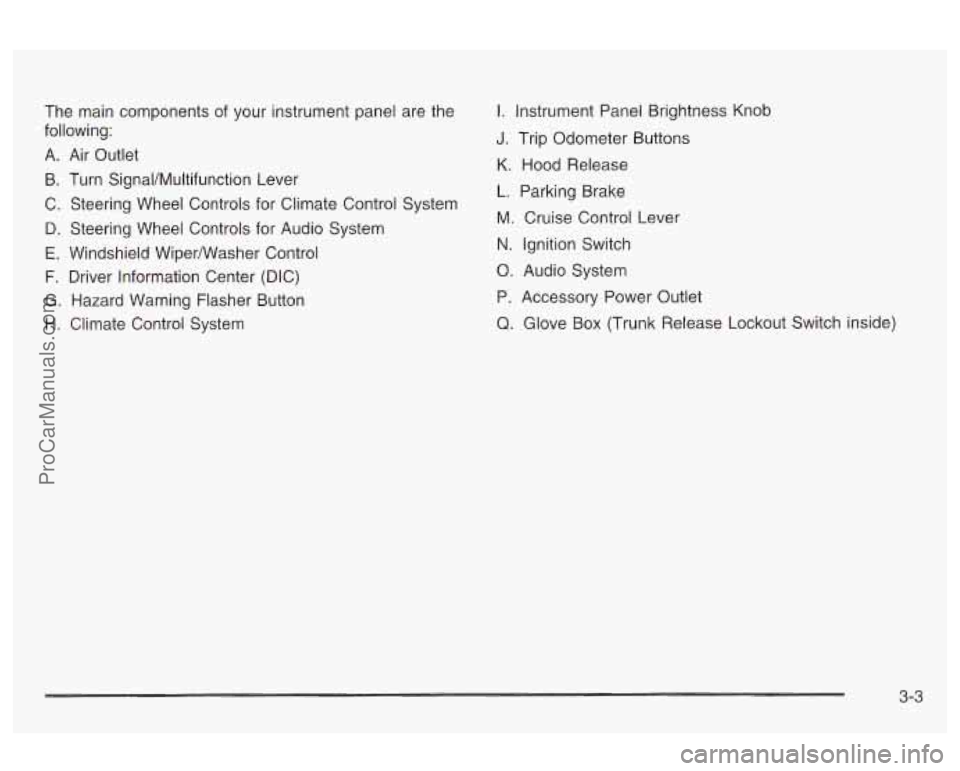
The main components of your instrument panel are the
following:
A. Air Outlet
B. Turn SignaVMultifunction Lever
C. Steering Wheel Controls for Climate Control System
D. Steering Wheel Controls for Audio System
E. Windshield Wiperwasher Control
F. Driver information Center (DIC)
G. Hazard Warning Flasher Button
H. Climate Control System
I. Instrument Panel Brightness Knob
J. Trip Odometer Buttons
K. Hood Release
L. Parking Brake
M. Cruise Control Lever
N. ignition Switch
0. Audio System
P. Accessory Power Outlet
Q. Glove Box (Trunk Release Lockout Switch inside)
3-3
ProCarManuals.com
Page 124 of 387

Cruise Control
With cruise control, you can maintain a speed of about
25 mph (40 km/h) or more without keeping your foot
on the accelerator. This is helpful on long trips.
Cruise control does not work at speeds below about
25 mph (40 km/h).
When you apply your brakes, the cruise control
shuts
off.
If your vehicle is in cruise control when the traction
control system begins to limit wheel spin, the cruise
control will automatically disengage. See
Traction
Control System
(TCS) on page 4-8. When road
conditions allow you to safely use it again, you may turn
the cruise control back on.
Setting Cruise Control
Cruise control can be dangerous where
you can’t drive safely at a steady speed.
So, don’t use your cruise control on
winding roads or
in heavy traffic.
Cruise control can be dangerous on
slippery roads. On such roads, fast
changes in tire traction can cause
lose control. Don’t use cruise control on
slippery roads.
---dl--- ...Lam1 ,,:,,:,, ---I I--.. --..I-I ~IGGUIG~~ VVIIGGI ~JIIIIIIIIY, a11u YWU I.WUIU
If you leave your cruise control on when you’re
not using cruise, you might hit a button and go
into cruise when you don’t want to. You could
be startled and even lose control. Keep the
cruise control switch off until you want to use
cruise control.
3-1 1
ProCarManuals.com
Page 125 of 387

Resuming a Set Speed
Setting the cruise control at a desired speed and then
applying the brake will end the cruise control function.
Once you’re going about
25 mph (40 km/h) or more, you
can briefly push the cruise control lever up to RES-ACC
(Resume-Accelerate) to reset. This returns you to
the desired preset speed.
Remember,
if you hold the lever up at RES-ACC, the
vehicle will accelerate until you release the lever
or apply the brake.
So unless you want to go faster,
don’t hold the lever at RES-ACC.
Increasing Speed While Using Cruise
Control
1.
2.
3.
4.
Push the cruise control switch, located on the right
side of the steering column at the end of the lever,
in to
ON.
Get up to the speed you want.
Push the lever down to SET-CST (Coast) and
release it. The CRUISE light on the instrument
panel cluster will come on.
Take your foot
off the accelerator pedal. There are
three ways to go to a higher speed:
Use the accelerator pedal to go to a higher speed.
Push the lever down, then release the lever and
the accelerator pedal. You’ll now cruise at the higher
speed.
Move the cruise lever up to RES-ACC. Hold it there
until you reach a desired speed and then release
the lever.
3-1 2
ProCarManuals.com
Page 126 of 387

To increase your speed in very small amounts,
move the lever up to RES-ACC briefly and then
release it. Each time you do this, your vehicle will go
about
1 mph (1 -6 km/h) faster.
The accelerate feature will only work after you have set
the cruise control speed by pushing the lever down
to SET-CST.
Reducing Speed While Using Cruise
Control
There are two ways to reduce your speed while using
cruise control:
@ Push the lever down until you reach a desired lower
speed then release it.
To slow down in very small amounts, push the lever
down briefly. Each time you do this, you’ll go about
1 mph (1.6 km/h) slower.
Passing Another Vehicle While Using
Cruise Control
Use the accelerator pedal to increase your speed.
When you take your foot
off the pedal, your vehicle will
slow down to the cruise control speed you set earlier.
Using Cruise Control on Hills
How well your cruise control will work on hills depends
upon your speed, load, and the steepness of the
hills. When going up steep hills, you may have to step
on the accelerator pedal to maintain your speed.
When going downhill, you may have to brake or shift to
a lower gear to keep your speed down. Of course,
applying the brake takes you out of cruise control. Many
drivers find this to be too much trouble and don’t use
cruise control on steep hills.
Ending Cruise Control Without Erasing the
Set Speed
There are two ways to turn off the cruise control:
* Step lightly on the brake pedal, or
@ pull the cruise lever towards you to cancel cruise.
To resume the set speed see “Resuming a Set Speed”
earlier in this section.
Erasing Speed Memory
When you turn off the cruise control or the ignition, your
cruise control set speed memory is erased.
3-1 3
ProCarManuals.com
Page 148 of 387
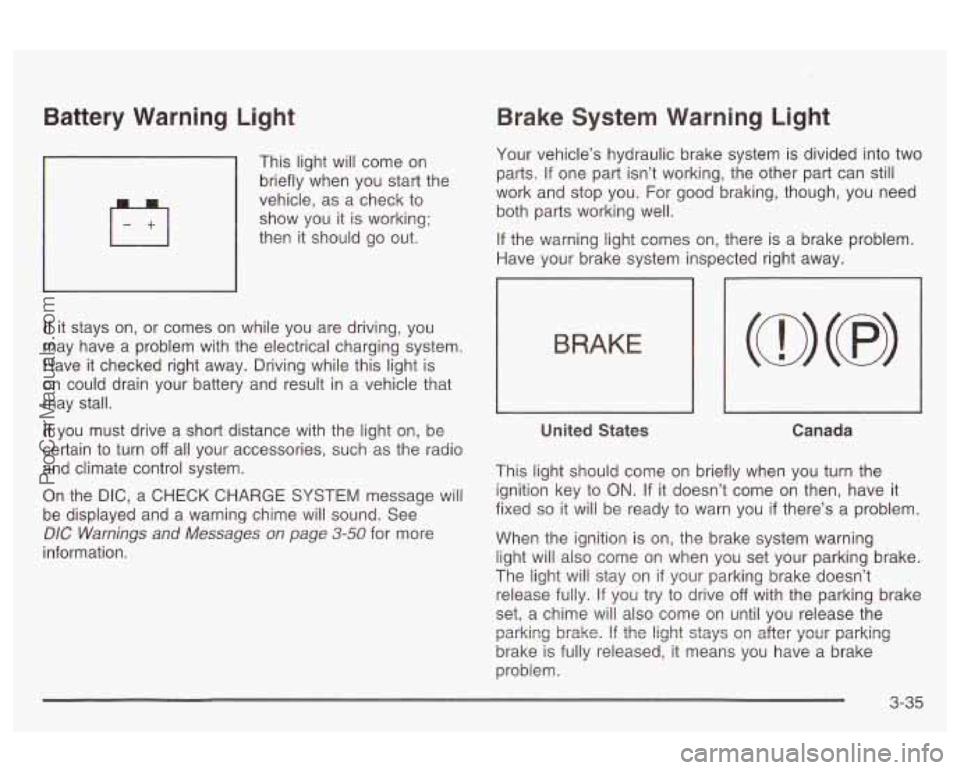
Battery Warning Light
’ This light will come on
briefly when you start the
vehicle, as a check to
show you it
is working;
then it should go out.
If it stays on, or comes on while you are driving, you
may have a problem with the electrical charging system.
Have it checked right away. Driving while this light is
on could drain your battery and result in a vehicle that
may stall.
If you must drive a short distance with the light on, be
certain
to turn off all your accessories, such as the radio
and climate control system.
On the DIC, a CHECK CHARGE SYSTEM message will
be displayed and a warning chime will sound. See
DIC Warnings and Messages on page 3-50 for more
information.
Brake System Warning Light
Your vehicle’s hydraulic brake system is divided into two
parts. If one part isn’t working, the other part can
still
work and stop you. For good braking, though, you need
both parts working well.
If the warning light comes on, there is a brake problem.
Have your brake system inspected right away.
1
BRAKE
United States Canada
This light should come on briefly when you turn the
ignition key to
ON. If it doesn’t come on then, have it
fixed
so it will be ready to warn you if there’s a problem.
When the ignition is on, the brake system warning
light will also come on when you set your parking brake.
The light will stay on
if your parking brake doesn’t
release fully. If you try to drive
off with the parking brake
set, a chime will also come on until you release the
brake is fully released, it means you have a brake
problem. parking
brake. If the light stays Gn after yGu: parking
3-35
ProCarManuals.com
Page 149 of 387
A PARK BRAKE SET message will be displayed on the
Driver Information Center (DIC) while the parking
brake is set and the vehicle is moving. The message
will not come on
if the transaxle is in PARK (P).
If the light comes on while you are driving, pull
off the
road and stop carefully. You may notice that the pedal is
harder
to push. Or, the pedal may go closer to the
floor. It may take longer
to stop. If the light is still on,
have the vehicle towed for service. See
Towing
Your Vehicle
on page 4-33.
Your brake system may not be working
properly
if the brake system warning light is
on. Driving with the brake system warning light
on can lead to an accident.
If the light is still
on after you’ve pulled
off the road and stopped
carefully, have the vehicle towed for service.
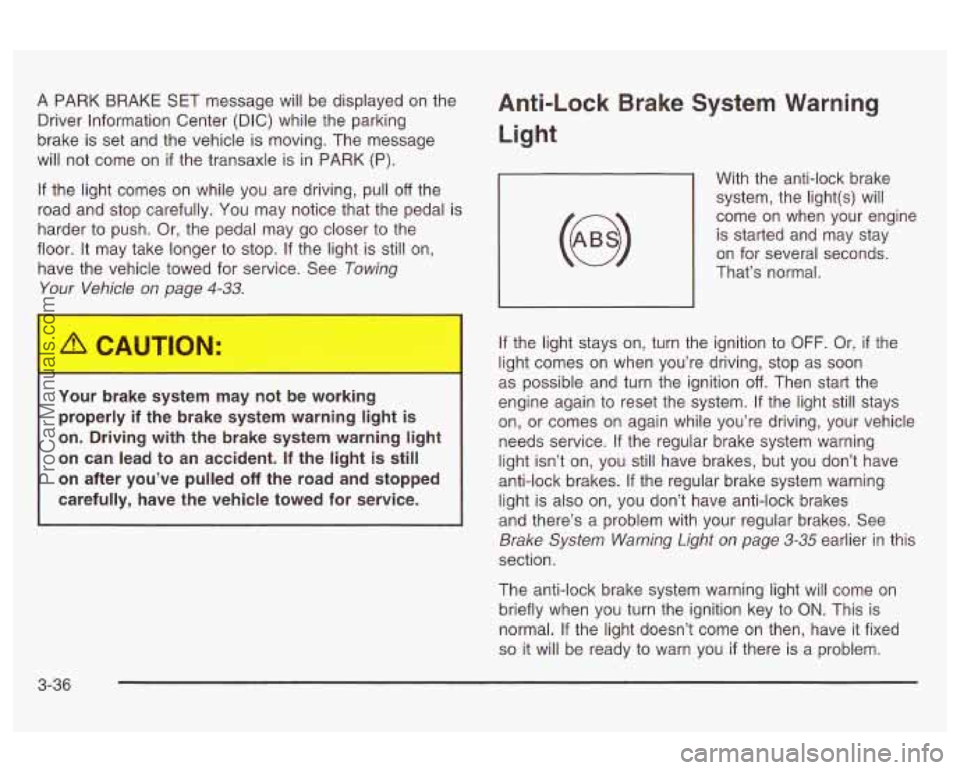
Anti-Lock Brake System Warning
Light
With the anti-lock brake
system, the light(s) will
come on when your engine is started and may stay
on for several seconds.
That’s normal.
If the light stays on, turn the ignition to
OFF. Or, if the
light comes on when you’re driving, stop as soon
as possible and turn the ignition
off. Then start the
engine again to reset the system.
If the light still stays
on, or comes on again while you’re driving, your vehicle
needs service.
If the regular brake system warning
light isn’t on, you still have brakes, but you don’t have
anti-lock brakes.
If the regular brake system warning
light is also on, you don’t have anti-lock brakes
and there’s a problem with your regular brakes. See
Brake System Warning Light on page 3-35 earlier in this
section.
The anti-lock brake system warning light will come on
briefly when you turn the ignition key to
ON. This is
normal.
If the light doesn’t come on then, have it fixed
so it will be ready to warn you if there is a problem.
3-36
ProCarManuals.com
Page 150 of 387

Traction Control System (TCS)
Warning Light
,
TRAC
OFF
United States Canada
This warning light should come on briefly when the
engine
is started.
If the warning light doesn’t come on then, have it fixed
so it will be ready to warn you if there’s a problem.
If it stays on, or comes on when you’re driving, there
may be a problem with your traction control system and
your vehicle may need service. When this warning
light is on, the system will not limit wheel spin. Adjust
your ariving accordingiy. The
traction control system warning light may come on
for the following reasons:
If you turn the system off by pressing the TC button
located on the center console, the warning light will
come on and stay on. To turn the system back
on, press the button again. The warning light should
go
off. See Traction Control System (TCS) on
page 4-8 for more information.
If there’s a brake system problem that is specifically
related to traction control, the traction control
system will turn
off and the warning light will come
on.
If your brakes begin to overheat, the traction
control system will turn
off and the warning light will
come on until your brakes cool down.
If the traction control system is affected by an
engine-related problem, the system will turn off and
the warning light will come on.
If the traction control system warning light comes on
and stays on for an extended period of time when the
system is turned on, your vehicle needs service.
3-37
ProCarManuals.com
Page 158 of 387
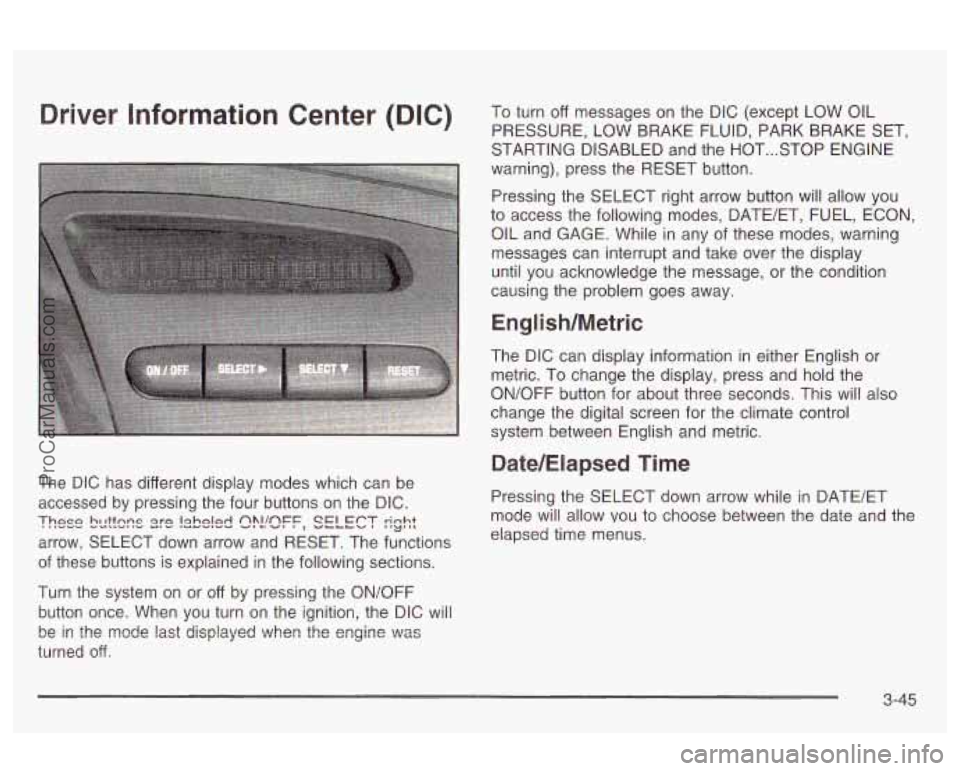
Driver Information Center (DIG) To turn off messages on the DIC (except LOW OIL
PRESSURE, LOW BRAKE FLUID, PARK BRAKE SET,
STARTING DISABLED and the HOT
... STOP ENGINE
warning), press the RESET button.
Pressing the SELECT right arrow button will allow you
to access the following modes, DATE/ET, FUEL, ECON,
OIL and GAGE. While
in any sf these modes, warning
messages can interrupt and take over the display
until you acknowledge the message, or the condition
causing the problem goes away.
English/Metric
The DIC can display information in either English or
metric. To change the display, press and hold the
ON/OFF button for about three seconds. This will also
change the digital screen for the climate control
system between English and metric.
Date/Elapsed Time
The DIC has different display modes which can be
accessed by pressing the four buttons on the DIC. Pressing the SELECT down arrow while in BATE/ET
arrow, SELECT down arrow and RESET. The functions
These bcttsns s)?!!sFF, SELECT rinht I'LJ',L mode will allow vou to choose between the date and the
elapsed time menus.
of these buttons is explained in the following sections.
Turn the system
on or off by pressing the ON/OFF
button once. When you turn on the ignition, the DIC will
turned
off.
be in the mode last displayed ?..lhen the engine \":as
3-45
ProCarManuals.com