ignition OLDSMOBILE CUTLASS 1997 Owner's Manual
[x] Cancel search | Manufacturer: OLDSMOBILE, Model Year: 1997, Model line: CUTLASS, Model: OLDSMOBILE CUTLASS 1997Pages: 353, PDF Size: 16.72 MB
Page 115 of 353
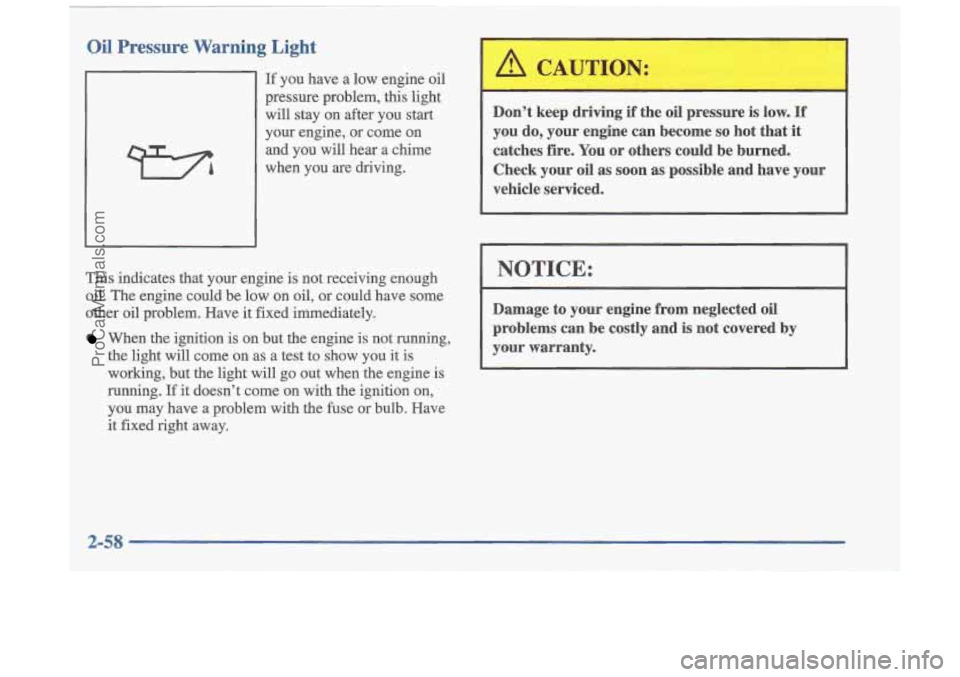
Oil Pressure Warning Light
If you have a low engine oil
pressure problem, this light will stay on after you start
your engine, or come on
and you
will hear a chime
when you
are driving.
This indicates that your engine is not receiving enough
oil. The engine could be low on oil, or could have some
other oil problem. Have
it fixed immediately.
When the ignition is on but the engine is not running,
the light will come on as
a test to show you it is
working, but the light will go out when the engine is
running.
If it doesn't come on with the ignition on,
you may have a problem with the fuse or bulb. Have
it fixed right away. Don't keep driving
if the oil pressure is low.
If
you do, your engine can become so hot that it
catches fire. You
or others could be burned.
Check your oil as soon
as possible and have vow
vehicle serviced.
I
I NOTICE:
Damage to your engine from neglected oil
problems can be costly and is not covered by
your warranty.
2-58
ProCarManuals.com
Page 116 of 353
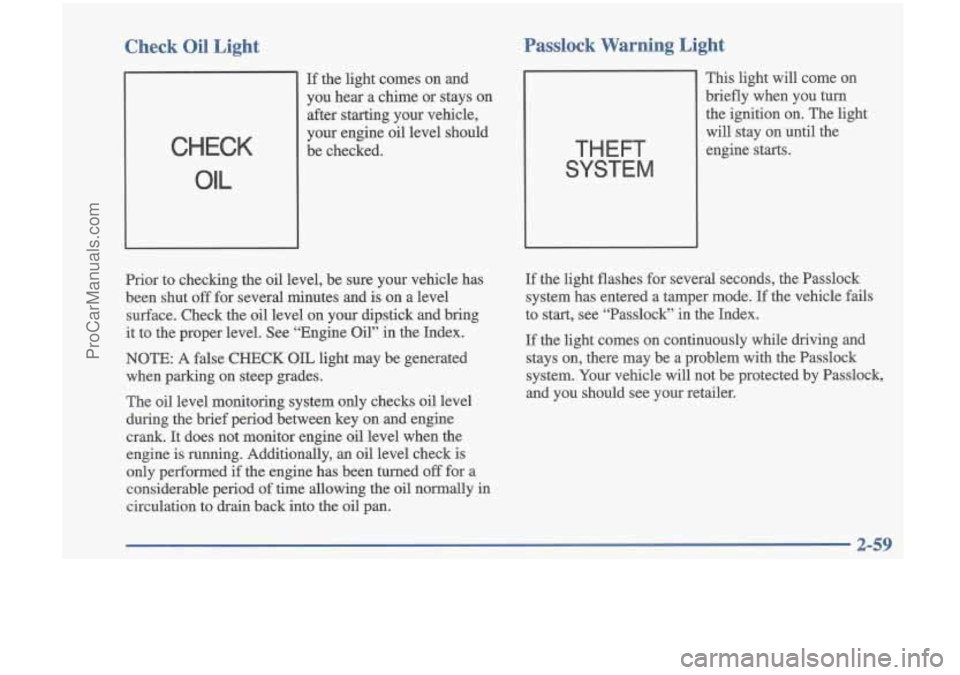
Check Oil Light Passlock Warning Light
CHECK
OIL
If the light
comes on and
you hear a chime or stays on after starting your vehicle,
your engine oil level should
be checked.
THEFT
SYSTEM
This light will come on
briefly when
you turn
the ignition on. The light
will stay on until the
engine
starts.
Prior to checking the oil level, be sure your vehicle has
been shut
off for several minutes and is on a level
surface. Check the oil level on your dipstick and bring
it to the proper level. See “Engine Oil” in the Index.
NOTE:
A false CHECK OIL light may be generated
when parking on steep grades.
The oil level monitoring system only checks oil level
during the brief period between key on and engine
crank.
It does not monitor engine oil level when the
engine is running. Additionally, an oil level check is
only performed if the engine has been turned
off for a
considerable period
of time allowing the oil normally in
circulation
to drain back into the oil pan.
If the light flashes for several seconds, the Passlock
system has entered a tamper mode.
If the vehicle fails
to start, see “Passlock” in the Index.
If the light comes on continuously while driving and
stays on, there may be a problem with the Passlock
system.
Your vehicle will not be protected by Passlock,
and you should see your retailer.
ProCarManuals.com
Page 117 of 353
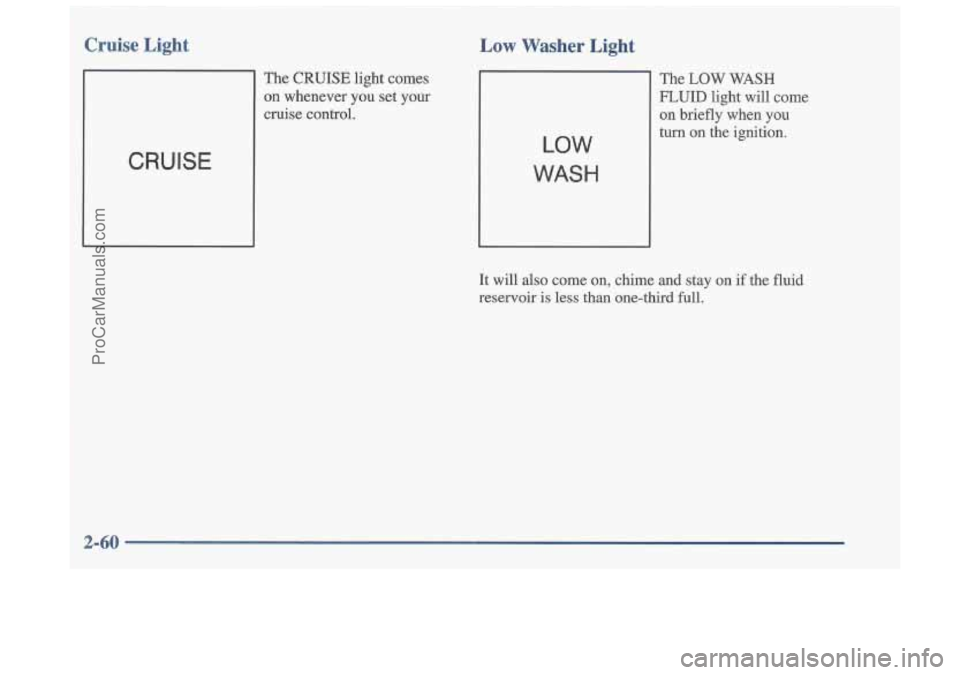
Cruise Light
The CRUISE light comes
on whenever you set your
cruise control.
CRUISE
The CRUISE light comes
on whenever you set your
cruise control.
Low v- --- Light
LOW
WASH
The LOW WASH
FLUID light will come on briefly when
you
turn on the ignition.
It will also come on, chime
and stay on if the fluid
reservoir is less than one-third full.
. , ..
ProCarManuals.com
Page 118 of 353
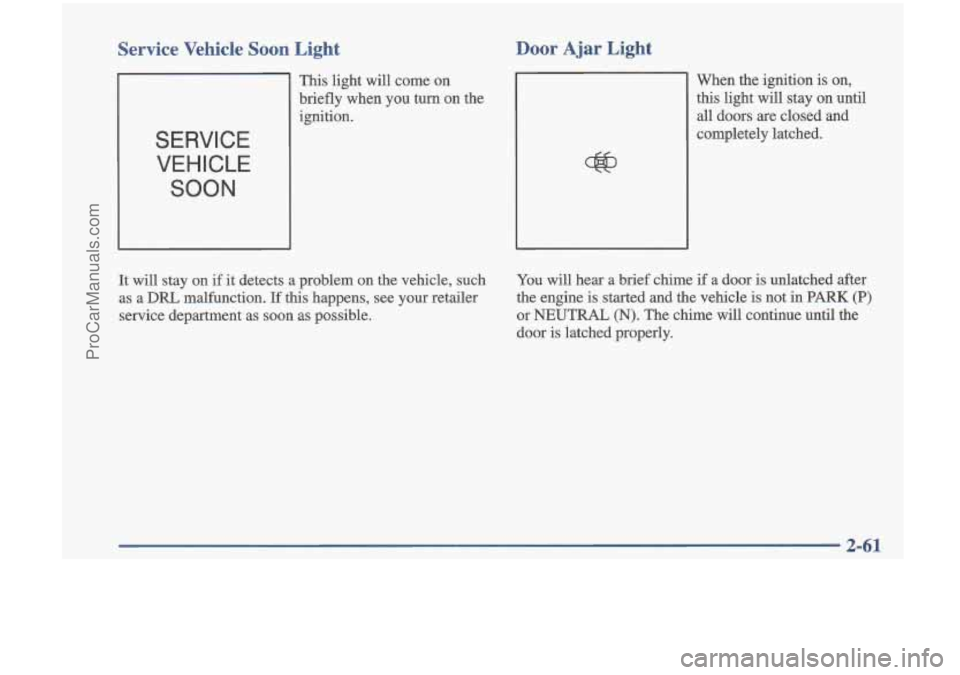
Service Vehicle Soon Light
SERVICE VEHICLE
SOON
Door Ajar Light
This light will come on
briefly when you
turn on the
ignition. When the ignition
is on,
this light will stay on until
all doors are closed and
completely latched.
It will stay on if it detects a problem on the vehicle, such
as a
DRL malfunction. If this happens, see your retailer
service department as soon as possible. You
will hear a brief chime
if a door is unlatched after
the engine is started and the vehicle is not in
PARK (P)
or NEUTRAL (N). The chime will continue until the
door is latched properly.
2-61
~~
ProCarManuals.com
Page 119 of 353
Fuel Gage
0
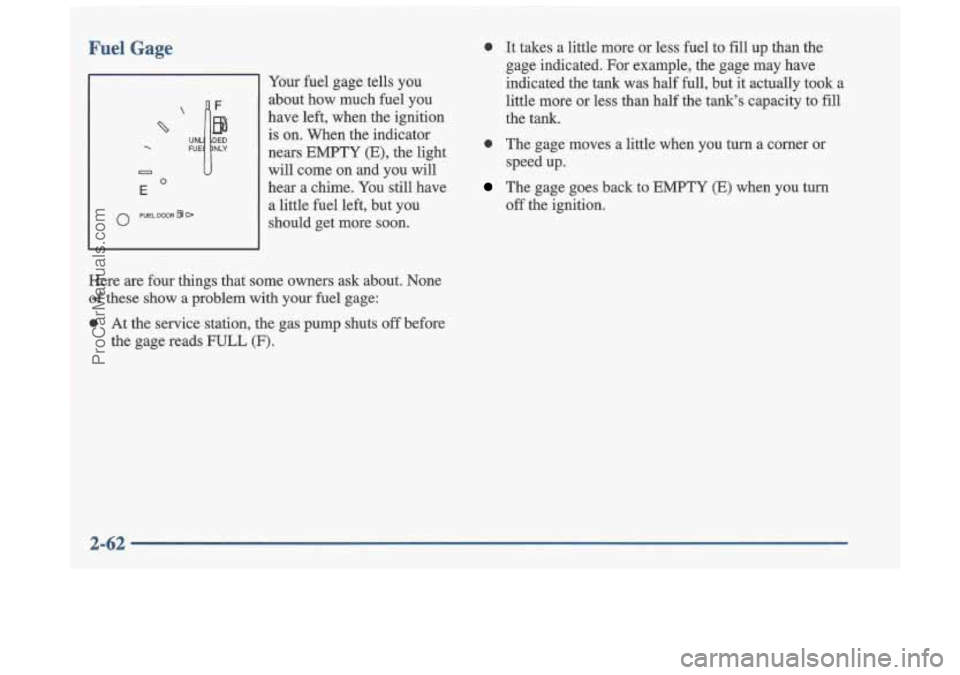
Your fuel gage tells you
about how much fuel you
have left, when the ignition is on. When the indicator
nears EMPTY (E), the light
will come on and you will
hear a chime. You still have
a little fuel left, but you should get more
soon.
0 It takes a little more or less fuel to fill up than the
gage indicated. For example, the gage may have
indicated the tank was half full, but it actually took a
little more or less than half the tank's capacity to
fill
the tank.
0 The gage moves a little when you turn a corner or
The gage goes back to EMPTY (E) when you turn speed up.
off the ignition.
Here
are four things that some owners ask about. None
of these show a problem with your fuel gage:
0 At the service station, the gas pump shuts off before
the gage reads
FULL (F).
2-62
ProCarManuals.com
Page 126 of 353
Rear Window Defogger (If Equipped)
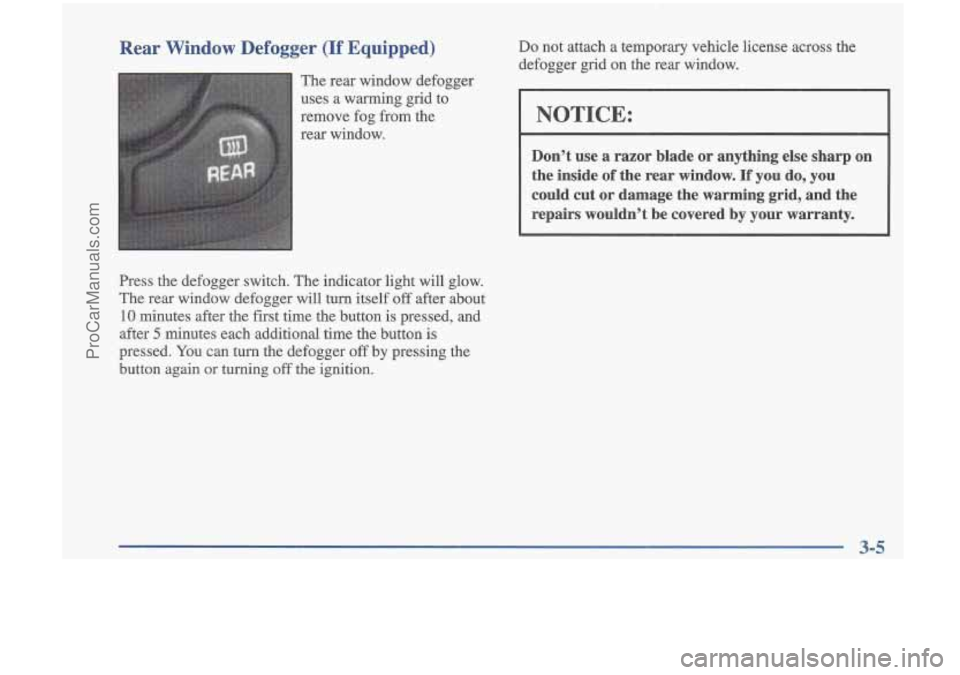
The rear window defogger
uses a warming grid to
remove fog from the
rear window.
Press the defogger switch. The indicator light will glow.
The rear window defogger will turn itself
off after about
10 minutes after the first time the button is pressed, and
after
5 minutes each additional time the button is
pressed.
You can turn the defogger off by pressing the
button again or turning off the ignition.
Do not attach a temporary vehicle license across the
defogger grid on the rear window.
NOTICE:
Don’t use a razor blade or anything else sharp on
the inside
of the rear window. If you do, you
could cut or damage the warming grid, and the repairs wouldn’t be covered by your warranty.
ProCarManuals.com
Page 128 of 353
Audio Systems
Your DelcoB audio system has been designed to operate
easily .and give years of listening pleasure.
You will get
the most enjoyment out
of it if you acquaint yourself
with it first. Find out what your Delco system can do
and how to operate
all its controls, to be sure you’re
getting the most out of the advanced engineering that
went into it.
Setting the Clock
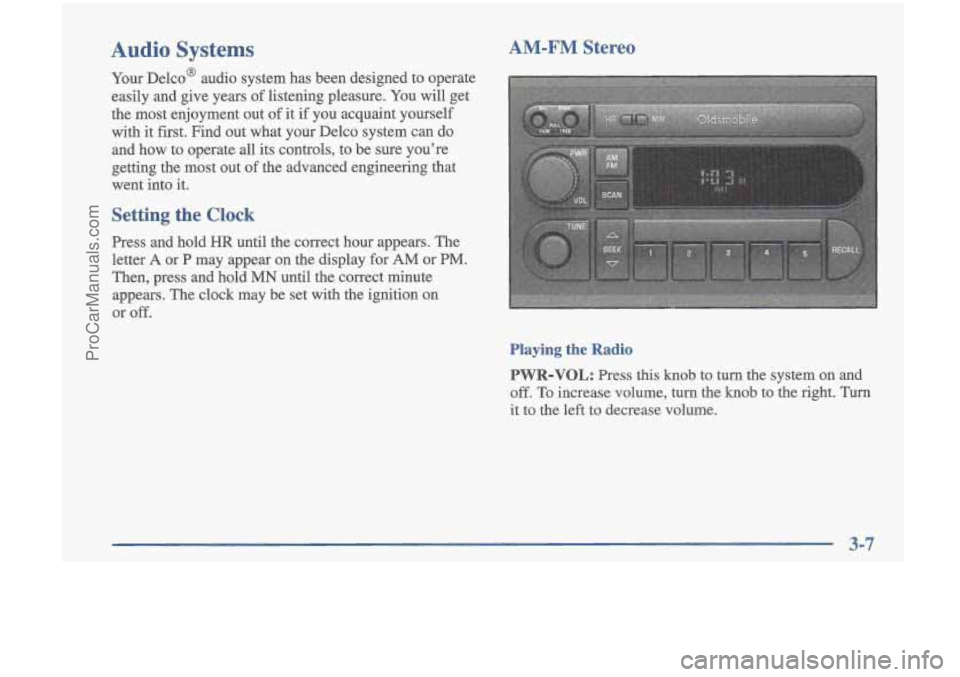
Press and hold HR until the correct hour appears. The
letter
A or P may appear on the display for AM or PM.
Then, press and hold MN until the correct minute
appears. The clock may be set with the ignition on
or
off.
AM-FM Stereo
Playing the Radio
PWR-VOL:
Press this knob to turn the system on and
off. To increase volume, turn the knob to the right. Turn
it
to the left to decrease volume.
ProCarManuals.com
Page 129 of 353
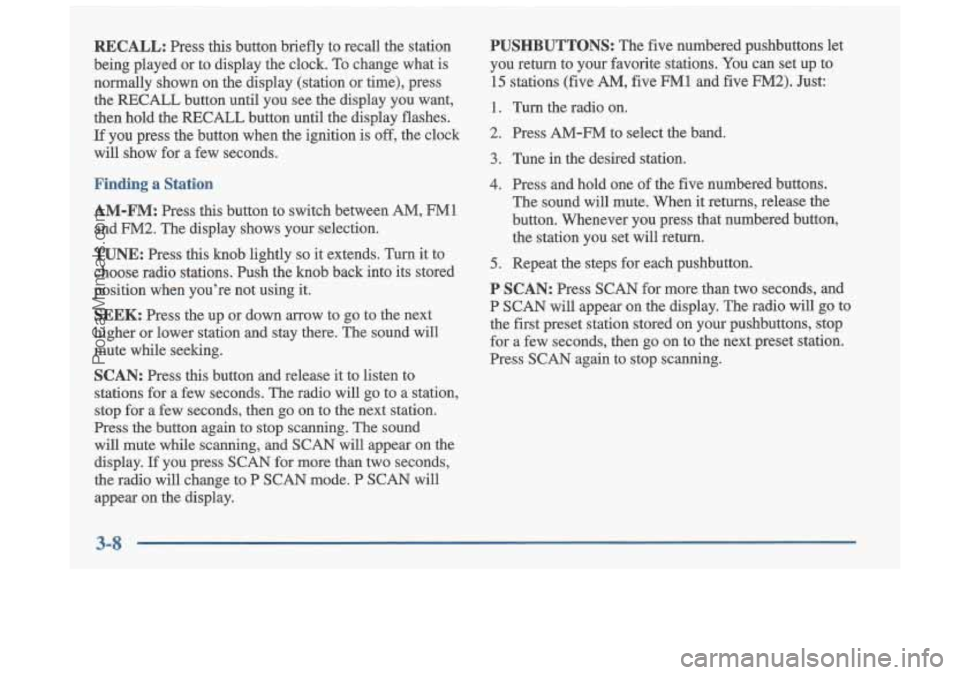
RECALL: Press this button briefly to recall the station
being played or to display the clock. To change what is
normally shown on the display (station or time), press the RECALL button until you see the display you want,
then hold the RECALL button until the display flashes.
If you press the button when the ignition is
off, the clock
will show for a few seconds.
Finding a Station
AM-FM: Press this button to switch between AM, FM1
and FM2. The display shows your selection.
TUNE: Press this knob lightly so it extends. Turn it to
choose radio stations. Push the knob back into its stored
position when you’re not using it.
SEEK: Press the up or down arrow to go to the next
higher or lower station and stay there. The sound will
mute while seeking.
SCAN: Press this button and release it to listen to
stations for a few seconds. The radio will go to a station,
stop for a few seconds, then go on to the next station.
Press the button again to stop scanning. The sound
will mute while scanning, and SCAN will appear on the display.
If you press SCAN for more than two seconds,
the radio will change to P SCAN mode.
P SCAN will
appear on the display.
PUSHBUTTONS: The five numbered pushbuttons let
you return to your favorite stations. You can set up to
15 stations (five AM, five FM1 and five FM2). Just:
1. Turn the radio on.
2. Press AM-FM to select the band.
3. Tune in the desired station.
4. Press and hold one of the five numbered buttons.
The sound will mute. When it returns, release the
button. Whenever you press that numbered button,
the station you set will return.
5. Repeat the steps for each pushbutton.
P SCAN: Press SCAN for more than two seconds, and
P SCAN will appear on the display. The radio will go to
the
first preset station stored on your pushbuttons, stop
for a few seconds, then go on to the next preset station.
Press SCAN again to stop scanning.
3-8
ProCarManuals.com
Page 131 of 353
RCL: Press this button briefly to recall the station being
played or to display the clock. To change what
is
normally shown on the display (station or time), press
the RCL button until you see the display you want, then
hold the RCL button until the display flashes. If you
press the button when the ignition is
off, the clock will
show for a few seconds.
Finding a Station
AM-FM:
Press this button to switch between AM, FM1
and FM2. The display shows your selection.
TUNE: Press this knob lightly so it extends. Turn it to
choose radio stations. Push the knob back into its stored
position when you’re not using it.
SEEK: Press the up or down arrow to go to the next
higher or lower station and stay there. The sound will
mute while seeking.
SCAN: Press this button and release it to listen to
stations-for a few seconds. The radio
will go to a station,
stop for a few seconds, then go on to the next station.
Press the button again to stop scanning. The sound will
mute while scanning, and SCAN will appear on the display.
If you press SCAN for more than two seconds,
the radio will change to P SCAN mode. P SCAN will appear on the display.
PUSHBUTTONS: The five numbered pushbuttons let
you return to your favorite stations. You can set up to
15 stations (five AM, five FM1 and five FM2). Just:
1. Turn the radio on.
2. Press AM-FM to select the band.
3. Tune in the desired station.
4. Press TONE to select the equalization that best suits
the type of station selected.
5. Press and hold one of the five numbered buttons.
The sound will mute. When it returns, release the
button. Whenever you press that numbered button, the station you set will return and the tone that you selected will also be automatically selected for
that button.
6. Repeat the steps for each pushbutton.
P SCAN: Press SCAN for more than two seconds, and
P SCAN will appear on the display. The radio will go to
the first preset station stored on your pushbuttons, stop
for a
few seconds, then go on to the next preset station.
Press SCAN again to stop scanning.
3-10
ProCarManuals.com
Page 132 of 353
Setting the Tone
BASS:
Press this knob lightly so it extends. Turn the
knob to increase or decrease bass. When you use this
control, the radio’s tone setting will switch to manual.
TREB: Press this knob lightly so it extends. Then pull
the knob all the way out. Turn the knob to increase or
decrease treble. When you use this control, the radio’s
tone setting will switch to manual.
If a station is weak or
noisy, you may want to decrease the treble.
Push these knobs back into their stored positions when
you’re not using them.
TONE: This feature allows you to choose preset bass
and treble equalization settings designed for jazz, vocal,
pop, rock and classical stations.
JAZZ will appear on the
display when you first press TONE. Each time you press
it, another setting will appear on the display. Press it
again after CLASSIC appears and
MANUAL will
appear. Manual tone control will return to the BASS and
TREB knobs. Also, if you use the BASS and TREB
knobs, control will return to them and MANUAL
will appear.
Adjusting the Speakers
BAL:
Press this knob lightly so it extends. Turn the
knob to move the sound to the left or right speakers.
The middle position balances the sound between
the speakers.
FADE: Press the knob lightly so it extends. Then pull
the knob all the way out. Turn it to move the sound to
the front or rear speakers. The middle position balances
the sound between the speakers.
Push these knobs back into their stored positions when
you’re not using them.
Playing a Cassette Tape
Your tape player is built to work best with tapes that are
30 to 45 minutes long on each side. Tapes longer than
that are
so thin they may not work well in this player.
The longer side with the tape visible should face to the
right. If the ignition is on, but the radio is
off, the tape
can be inserted and will begin playing.
If you hear
nothing but a garbled sound, the tape may not be in
squarely. Press EJECT to remove the tape and start over.
ProCarManuals.com