light Oldsmobile Cutlass Supreme 1994 s User Guide
[x] Cancel search | Manufacturer: OLDSMOBILE, Model Year: 1994, Model line: Cutlass Supreme, Model: Oldsmobile Cutlass Supreme 1994Pages: 276, PDF Size: 14.73 MB
Page 68 of 276
Features & Controls
NOTICE:
Don’t drive in 2 (Second Gear) for
more than
5 miles (8 km) , or at
speeds over
55 mph (88 kwh), or
you can damage your transaxle.
Use
D or 3 as much as possible.
Don’t
shift into 2 unless you are
going slower than
65 mph (105
krn/h), or you can damage your
engine.
1 (First Gear): This position gives you
even more power (but lower fuel
economy) than
2. You can use it on
very steep hills, or in deep snow
or
mud. If the shift lever is put in 1, the
transaxle won’t shift into first gear until
the vehicle is going slowly enough.
NOTICE:
If your front wheels can’t rotate,
don’t
try to drive. This might
happen if you were stuck in very
deep sand or mud or were up
against a solid object. You could
damage your transaxle.
Also, if you stop when going uphill,
don’t hold your vehicle there with
only the accelerator pedal. This
could overheat and damage the
transaxle. Use your brakes or shift
into
P (Park) to hold. your vehicle.
in position on a hill.
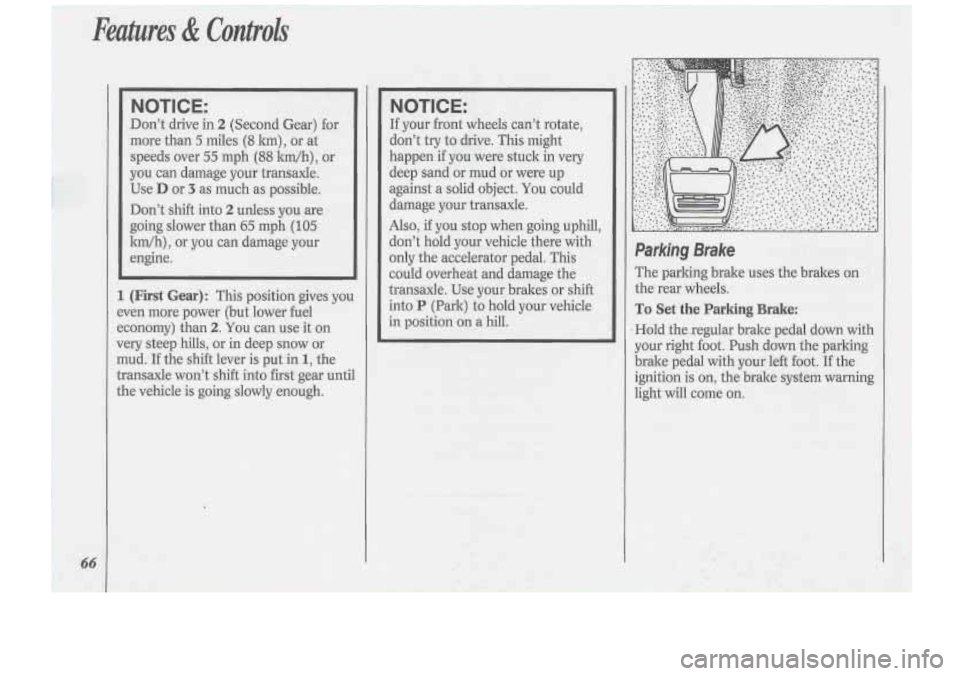
Parking Brake
The parking brake uses the brakes on
.the rear wheels.
To Set the Parking Brake:
Hold thexegular brake pedal down with
your right .foot. Push down the parking
brake pedal with your left foot. If the
ignition is
on, the brake system warning
light will come on.
Page 74 of 276
Fmtures di ConlroZs
72
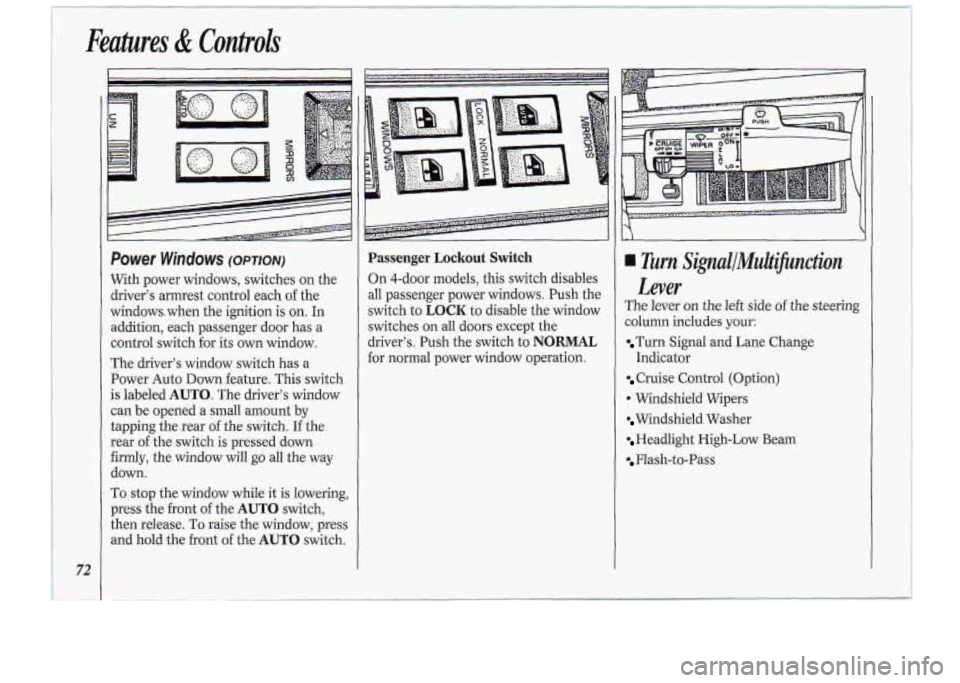
Passenger Lockout Switch
On 4-door models, this switch disables
all passenger power windows. Push the
switch
to LOCK to disable the window
switches on all
doors except the
driver’s. Push the switch to
NORMAL
for normal power window operation.
.,>,>.+..:%,***,: ....... %i%*,Y,.-.lr.= ..,., ;,~;n.*...*i...?i??s79rs .‘-*cz-.=-.- .‘.?....
Turn SignallMuiiifinctiort
Lever
The lever on the left side of the steering
column
includes yaur:
Turn Signal and Lane Change
Indicator
Cruise Control (Option)
*’Windshield Wipers
Windshield Washer
Headlight High-Low Beam
Flash-to-Pass
Page 78 of 276
/1 Features & Controk
76
down. Of course, applying the brake
takes you .out of cruise control. Many
drivers find this to be too much trouble
and don’t use cruise control on steep
hills
*
To Get Out of Cruise Control
There are two ways to turn off the
cruise control:
Step lightly on the brake pedal; OR
Move the cruise switch to OFF.
To Erase Cruise Speed Memory
When you turn off the cruise control or
the ignition, or shift into
P (Park), your
cruise control set speed memory is
erased.
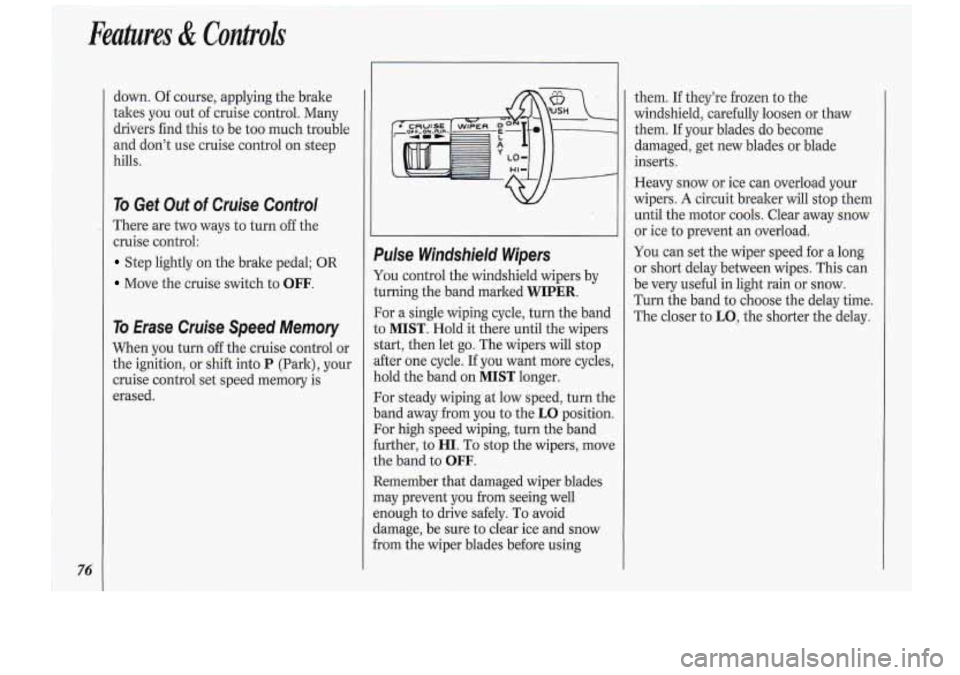
Pulse Windshield. Wipers
You control the windshield wipers by
turning the band marked
WIPER.
For a single wiping cycle, turn the band
to
MIST. Hold it there until the wipers
start, then let go. The wipers will stop
after one cycle. If you want more cycles,
hold the band on
MIST longer.
For steady wiping at low speed, turn the
band away from you to the
LO position.
For high-speed wiping, turn the band
further, to
HI. To stop the wipers, move
the band to
OFF.
Remember that damaged wiper blades
may prevent you from seeing well
enough to drive safely. To avoid
damage, be sure to clear ice and snow
from the wiper blades before using them.
If they’re
frozen to.the
windshield, carefully loosen or thaw
them.
If your blades do become
damaged, get new blades or blade
inserts.
Heavy snow or ice can overload your
wipers.
A circuit breaker will stop them
until the motor cools. Clear away snow
or ice to prevent an overload.
You can set the wiper speed for a long
or short delay between wipes. This can
be very useful
in light rain or snow.
Turn the band to choose the delay time.
The closer to
LO, the shorter the delay.
Page 79 of 276
^^
Headlights
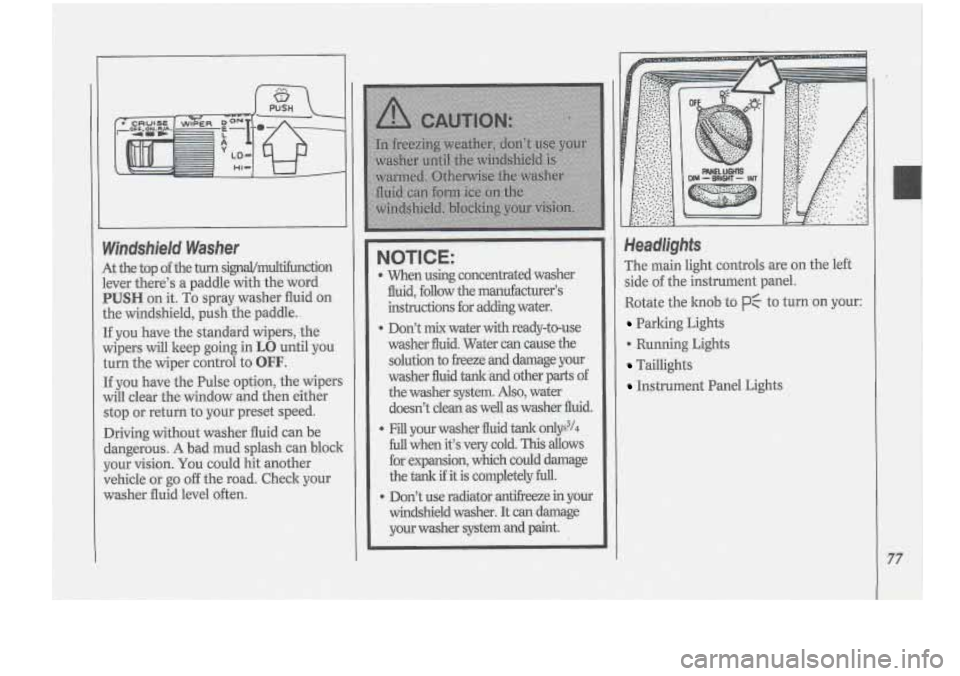
The main light controls are on the left
side of the instrument panel..
Rotate the
knob to PC to turn on your:
Parking Lights
'0 Running Lights
Taillights
Instrument Panel Lights
77
Page 80 of 276
78
1
1
I
I
I
1
1
4 ,I
i
I
1
-1
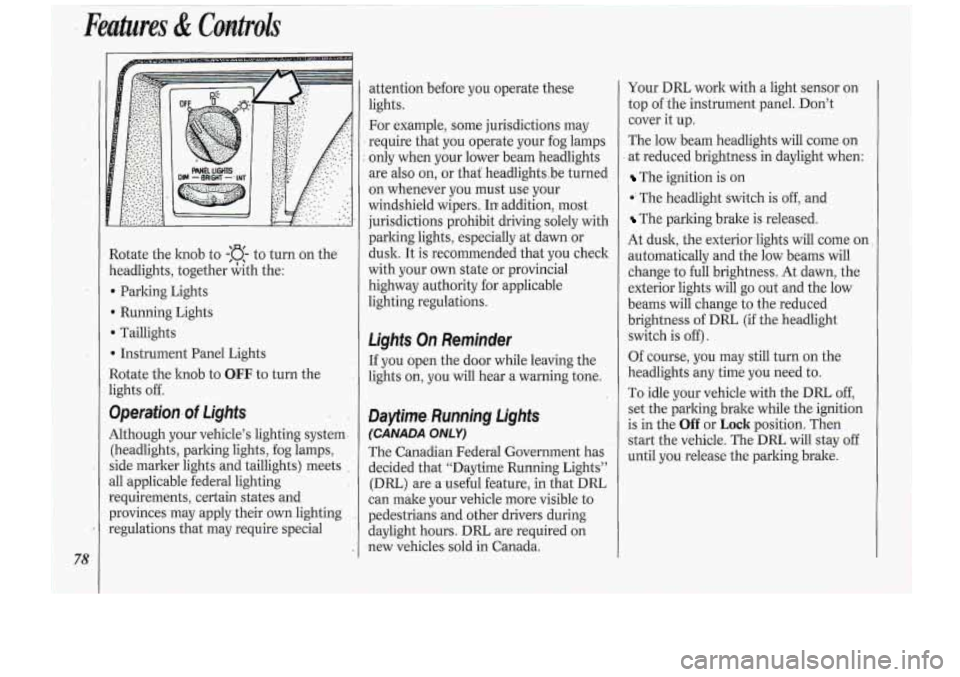
Rotate the knob to -:a- to turn on the
zeadlights, together &th the:
b Parking Lights
Running Lights
D ‘Taillights
b Instrument Panel Lights
3otate the hob to
OEF. to turn the
ights off.
9perafion.of Lights
Although your vehicle’s lighting system-
(headlights, parlung lights, fog lamps,
side marker lights and taillights) meets
311 applicable federal lighting
requirements, certain states and
provinces may apply thek own lighting
:egulations that may require special attention
before
you op~erate these
lights.
For example, some jurisdictions may
require that you operate your fog lamps
only when your lower beam headlights
are
also on, or that‘ headlightsbe turned
on whenever you must .use your
windshield wipers. In addition, mo.st
jurisdictions prohibit driving solely with
parking lights, especially at dawn or
dusk. It
is recommended that you check
with your
own state or provincial
highway authority for applicable
lighting regulations.
Ligk On Reminder
If you open the door while leaving the
lights on, you will hear a warning tone.
Daytinre. Rurmjng DgMs
(CANADA ONLY)
.The Canadian Federal Government has
decided that “Daytime Running Lights”
(DRL) are a useful feature, in that DRL
can make your vehicle more visible to
pedestrians and other drivers during
daylight hours.
DRL are required on
.new vehicles sold in Canada. Your
DIU work
with a light sensor on
top
of the instrument panel. Don’t
cover it up.
The low :beam headlights will come on
at reduced brightness in daylight when:
The ignition is on
*‘ The head,light switch is off, and
‘The parking brake is released.
At dusk, the exteriorlights will come on
automatically and the low beams will
change
to full brightness. At dawn, the
exterior lights will go out and the low
beams will change
to the reduced
brightness of
DRL (if the headlight
switch is
off).
Of course, you may still turn on the
headlights any time you need to.
To idle your vehicle with the DRL,
off,
set the parling brake while the ignition
is in the
Off or Loch position. Then
start the vehicle. The DRL will stay off
until
you: release the parking brake.
Page 81 of 276
Headlight High-Low Beam Changer
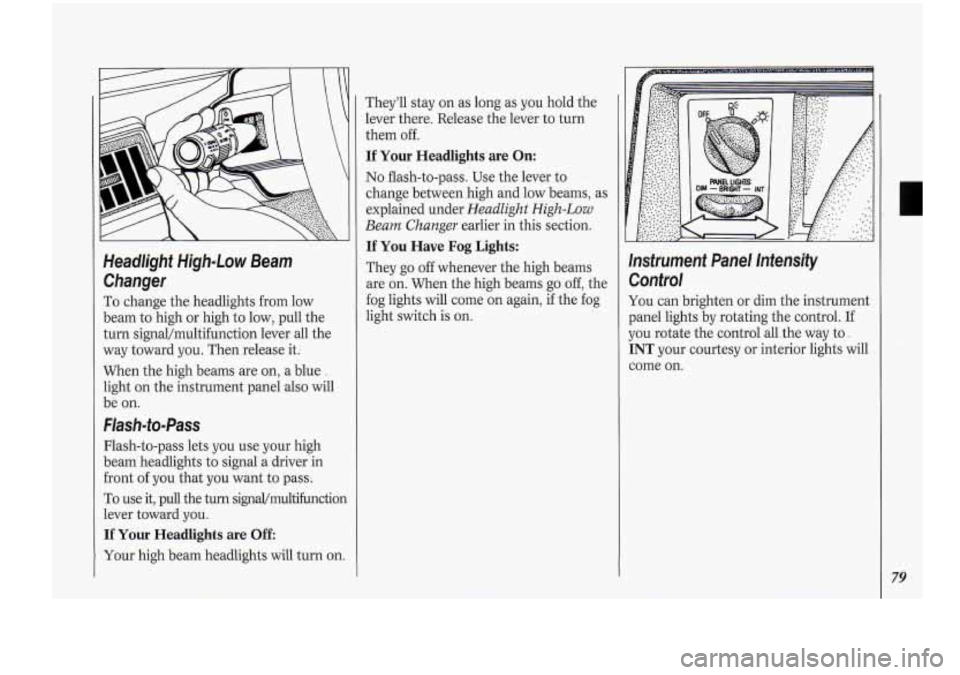
To change the headlights from low
beam to high or high to low, pull the
turn signal/multifunction lever all the
way toward you. Then release
it:
When the high beams are on, a blue .
light on the instrument panel also will
be on.
Flash-to-Pass
Flash-to-pass lets you use your high
beam headlights to signal a driver in
front of you that you want to pass;
To use it, pull the turn signaVmu1tifunction
lever toward you.
If Your Headlights are Off
They’ll stay on as long as you hold the
lever there. Release the lever to turn
them off.
If Your Headlights are On:
No flash-to-pass. Use the lever to
change between high and low beams, as
explained under
Headlight High-Low
Beam Changer
earlier in this section.
If You Have Fog Lights:
They go off whenever the high beams
are on. When the high beams go off, the
fog lights will come on again, if the fog
light switch is on. Instrument Panel Intensity
Control
You can brighten or dim the instrument
panel lights by rotating the control. If
you rotate the control all-the way to.
INT your courtesy or interior lights will
come on.
Your high beam headlights will turn on.
79
Page 82 of 276
I Features & Controls
I
I I\ I
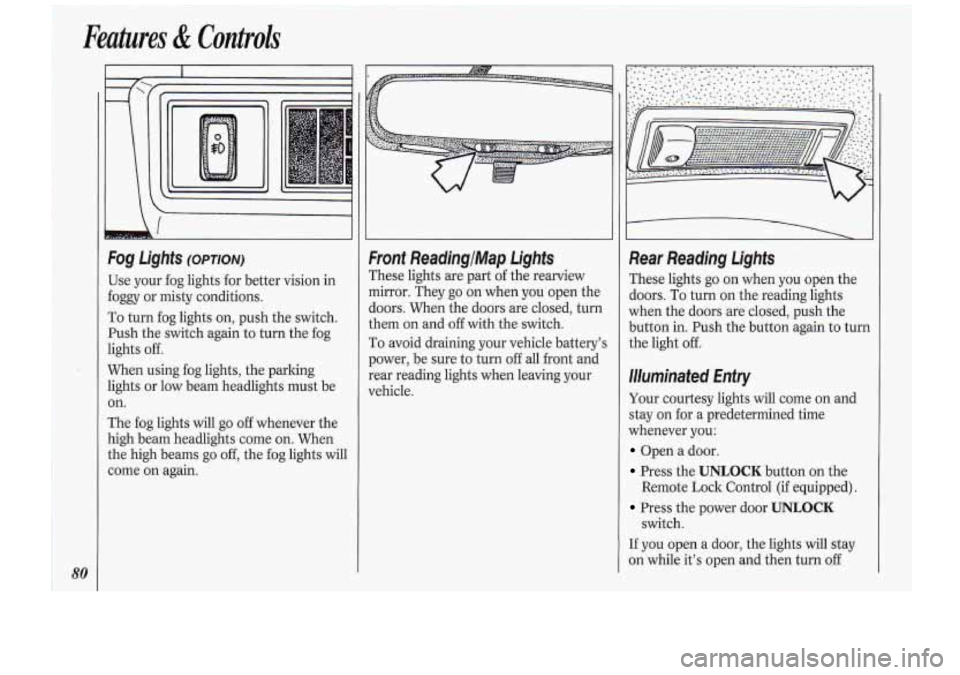
Use your fog lights for better vision in
foggy or misty conditions.
To turn fog lights on, push the switch.
Push the switch again to turn the fog
lights off.
When using fog lights, the parking
lights or low beam headlights must be
on.
The fog lights will go
off whenever the
high beam headlights come on. When
the high beams go
off, the fog lights will
come
on again.
bonf ReadingIMap. Lights
rhese lights are part of the rearview
nirror. They go on when you open the
ioors. When the doors are closed, turn
:hem on and
off with the switch.
ro avoid draining your vehicle battery’s
?ewer, be sure to turn off all front and
:ear reading lights when leaving your
rehicle.
Rear Reading lights
These lights go on when you open the
doors.
To turn on the reading lights
when the doors are closed, push the
button in. Push the button again to turn
the light
off.
Illuminated Enfry
Your courtesy lights will come on and
stay on for a predetermined time
whenever you:
Open a door.
Press the UNLOCK button on the
Press the power door UNLOCK
If you open a door, the lights wiIl stay
on while it’s open and then turn
off
Remote Lock Control (if equipped).
switch.
Page 83 of 276
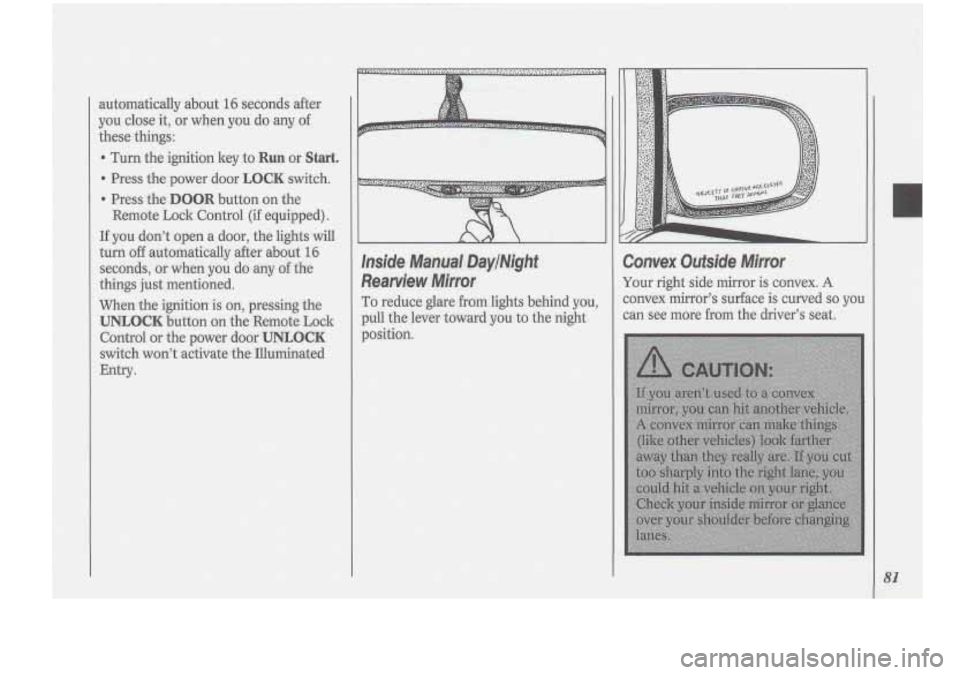
Inside Manual, DaylNight
Rearview
Mirror
To reduce glare from lights behind you,
pull the lever toward you to the night
position.
:onvex Outside Mirror
’our right side mirror is convex. A
onvex mirror’s sursface is cwved so you
an see more from the driver’s seat
81
Page 85 of 276
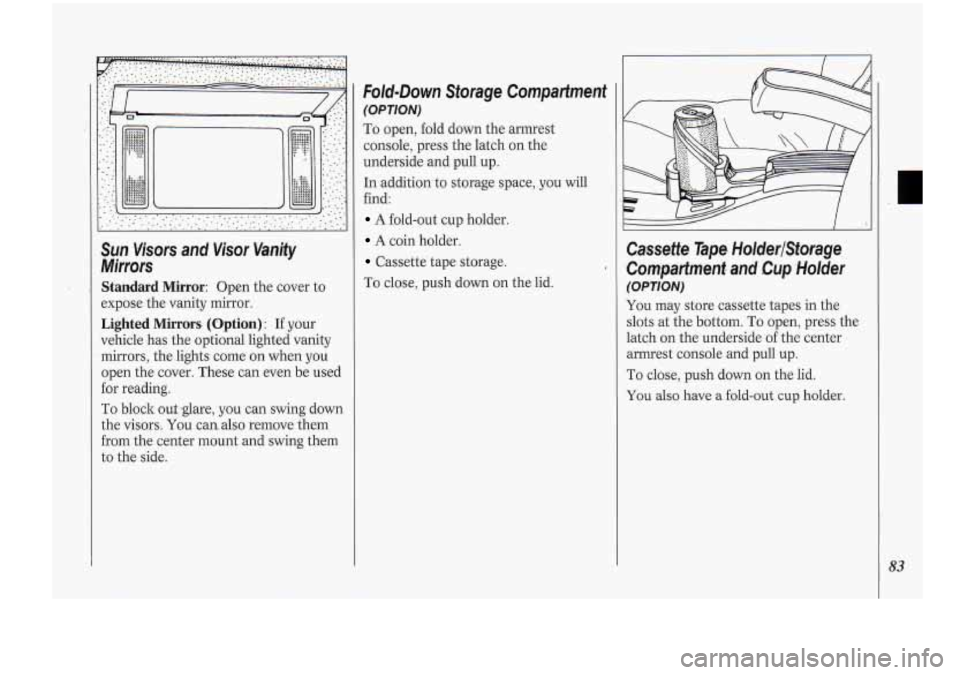
Sun Visors and Visor Va.nity
Mirrars
Standard Mirror: Open the cover to
expose the vanity mirror.
Lighted Mirrors- (Option) : If your
vehicle has the optional lighted vanity
mirrors, the .lights corne on when
you
open the cover. These can even be used
for reading.
To block out
YOU canalso remove them
from the center mount and swing them
to the- side.
Fold-Down Storage Compartment
(OPTION)
To open, fold down the armrest
console, press the latch on the
underside
and pull up.
In addition,to storage space, you will
find:
A-fold-out cup holder.
A coin holder.
Cassette tape storage.
To close, push down on the lid.
Cassette Tape HotderlStwage
.CompaHment and Cup Holder
(OPTION)
You may store cassette tapes in the
slots at the bottom.
To open, press the
latch on the underside
of the center
armrest console and
pull up.
To close, push down on the lid.
You also have a fold-out cup holder.
83
Page 87 of 276
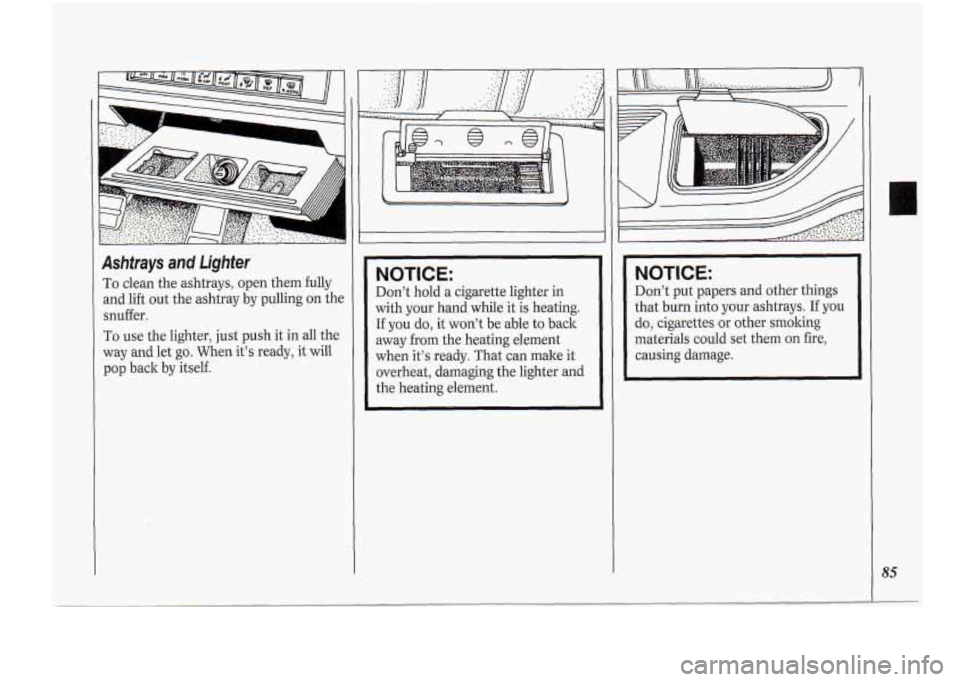
Ashtrays and Lighter
To clean the ashtrays, open them fully
and lift out the ashtray by pulling on the
snuffer.
To use the lighter, just push it in all the
way and let go. When it’s ready, it will
pop back by itself.
NOTICE:
Don’t hold a cigarette lighter in
with your hand while it is heating.
If you do, it won’t be able to back
away
from the heating element
when it’s ready. That can make it
overheat, damaging the lighter and
the heating element.
NOTICE:
Don’t put papers and other things
that burn into your ashtrays.
If you
do, cigarettes
or other smoking
materials could set them on fire,
causing damage.
85