brake OLDSMOBILE SILHOUETTE 1993 User Guide
[x] Cancel search | Manufacturer: OLDSMOBILE, Model Year: 1993, Model line: SILHOUETTE, Model: OLDSMOBILE SILHOUETTE 1993Pages: 323, PDF Size: 17.13 MB
Page 77 of 323
I
I&
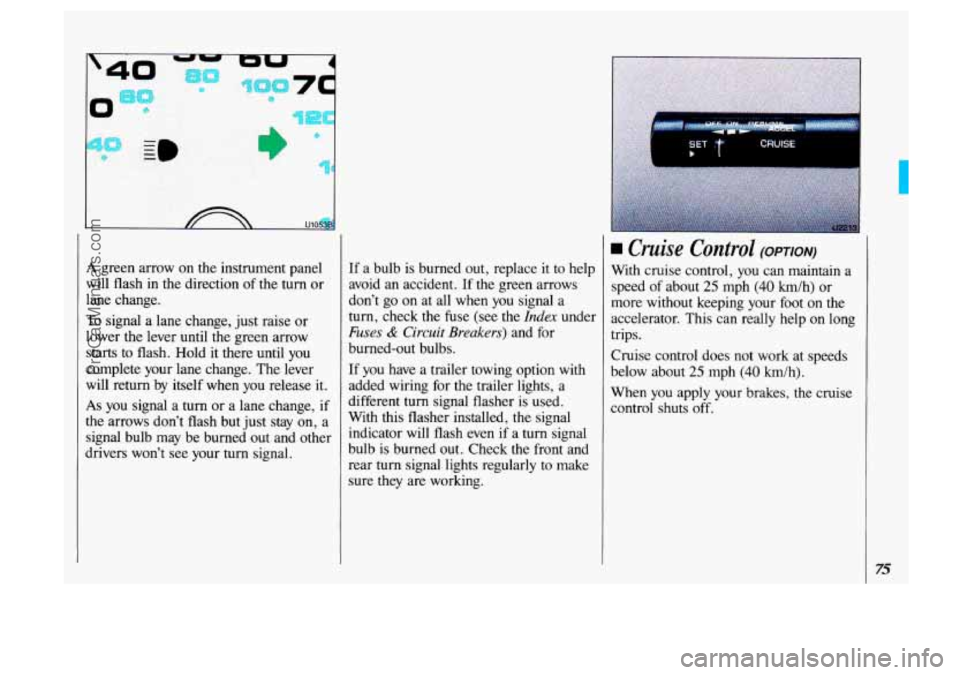
A green arrow on. the instrument panel
will flash in the direction of the turn or
lane change.
To signal a lane change, just raise or
lower
the lever until the green arrow
starts to flash. Hold it there until you
complete your lane change. The lever
will return by itself when
you release it.
As you signal a turn or a lane change, if
the arrows don’t flash but just stay on, a
signal bulb may be burned out and other
dhvers won’t see your turn signal. If
a bulb is burned out, replace
it to help
avoid an accident. If the green arrows
don’t go on at all when you signal a
turn, check the fuse (see the
Index under
Fuses & Circuit Breakers) and for
burned-out bulbs.
If you have a trailer- towing option with
added wiring for the trailer lights, a
different
turn signal flasher is used.
With this flasher installed, the signal
indicator will flash even if a turn signal
bulb is burned out. Check
the front and
rear turn signal lights regularly to make
sure they are working.
SET T CRUISE b I
Cruise Control (OPTION)
With cruise control, you can maintain a
speed
of about 25 mph (40 km/h) or
more without keeping your foot
on the
accelerator. This can really help
on long
trips.
Cruise control does not work at speeds
below about
25 mph (40 km/h).
When you apply your brakes, the cruise
control shuts off.
75
ProCarManuals.com
Page 79 of 323
I To Resume a Set Speed
Suppose you set your cruise control at a
desired speed and then you apply the
brake. This,
of course, shuts off the
cruise control. But you don’t need to
reset it. Once you’re going about
25 mph (40 Wh) or more, you can
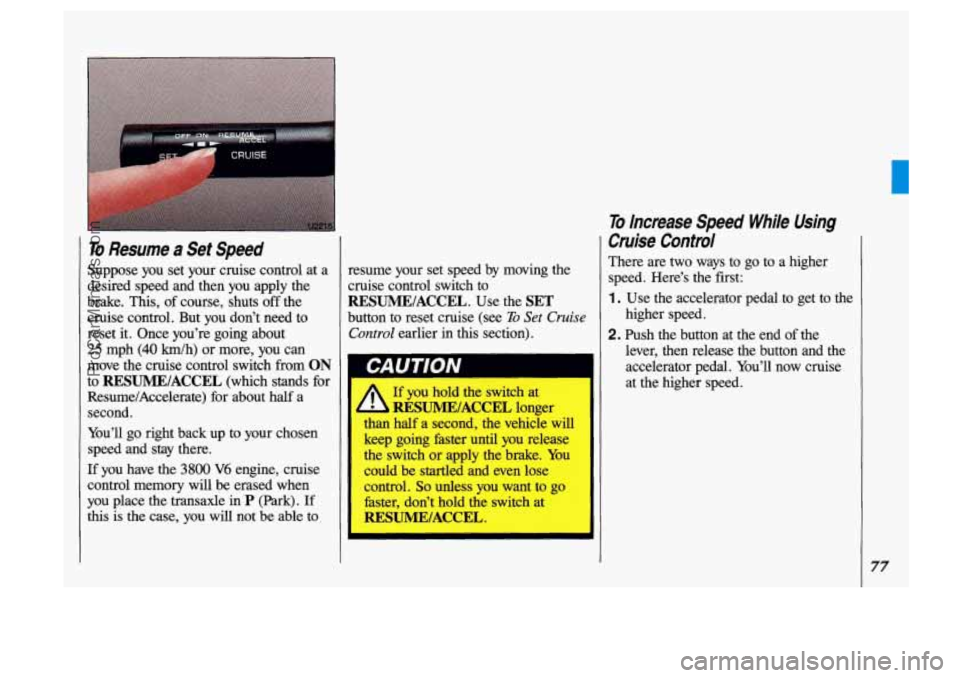
move the cruise control switch
from ON
to RESUME/ACCEL (which stands for
Resume/Accelerate) for about half a
second.
You’ll go right back up to your chosen
speed and stay there.
If you have the 3800 V6 engine, cruise
control memory
will be erased when
you place the transaxle
in P (Park). If
this is the case, you will not be able to resume your set speed
by moving the
cruise control switch to
RESUME/ACCEL. Use the SET
button to reset cruise (see To Set Cruise
Control earlier in this section).
If you hold the switch
at
than half a second, the vehicle will
keep going faster until you release
the switch or apply the brake. You
could be startled and even lose
control.
So unless you want to go
faster, don’t hold the switch at
RESUME/ACCEL.
I. RESUMEIACCEL longer
To Increase Speed Whl’le Using
Cruise Control
There are two ways to go to a higher
speed. Here’s the first:
1 . Use the accelerator pedal to get to the
2. Push the button at the end of the
higher speed.
lever, then release the button and the accelerator pedal. You’ll now cruise
at the higher speed.
77
ProCarManuals.com
Page 80 of 323
c
Features di Controls
To Increase Speed While Using
Cruise Control
(CONI)
Here’s the second way to go to a higher
speed:
Move the cruise switch from ON to
RESUME/ACCEL. Hold it there
until you get up to the speed you want,
and then release the switch.
amounts, move the switch to
RESUME/ACCEL for less than half a
second and then release it. Each time
you do this, your vehicle will go about
1 rnph (1.6 km/h) faster.
To increase your speed in very small
If you have the
3800 V6 engine, the
accelerate feature will only work after
you have set the initial cruise control
speed by pushing the
SET button. If you
have the
3.E V6 engine, the accelerate
feature will work whether or not you
have set an initial cruise control speed.
To Reduce Speed While Using
Cruise Control
Push in the button at the end of the
lever until you reach the lower speed
you want, then release it.
To slow down in very small amounts,
push the button for less than half a second. Each time
you do this, you’ll
go
1 mph (1.6 Wh) slower.
Passing Another Vehicle While
Using Cruise Control
Use the accelerator pedal to increase
your speed. When you take your foot off
the pedal, your vehicle
will slow down
to the cruise control speed you set
earlier.
Using Cruise Control on Hills
How well your cruise control will work
on
hills depends upon your speed, load,
and the steepness of the hills. When
going up steep hills, you may have to
step on the accelerator pedal to maintain
your speed. When going downhill, you
may have to brake or shift to a lower
gear to keep your speed down. Of course, applying the brake takes you out
of cruise control. Many drivers find this
to be too much trouble and don’t use
cruise control on steep hills.
ProCarManuals.com
Page 81 of 323
To Get Out of Cruise Confro/
There are two ways to turn off the cruise
control:
Step lightly on the brake pedal; OR
Move the cruise switch to OFF.
To Erase Cruise Speed Memory
When you turn off the cruise control or
the ignition, your cruise control set
speed memory is erased.
If you have the
3800 V6 engine, cruise control memory
will also be erased when you place the
transaxle
in P (Park).
Headlights
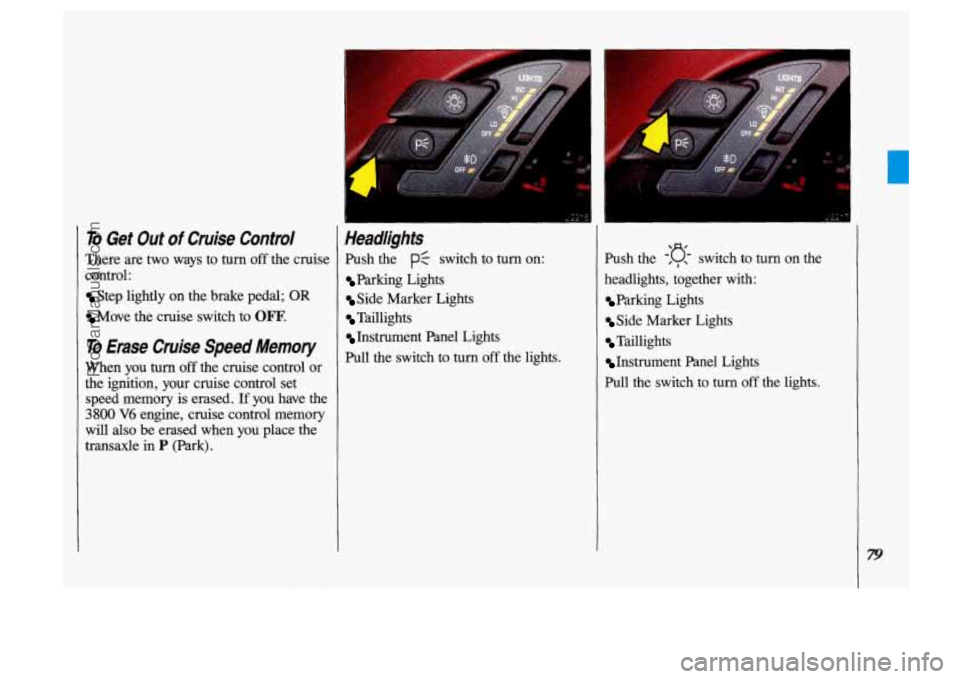
Push the PC switch to turn on:
Parking Lights
Side Marker Lights
Taillights
Instrument Panel Lights
Pull the switch to
turn off the lights. Push the
-'D , , switch to turn on the
headlights, together with:
Parking Lights
Side Marker Lights
Taillights
Instrument Panel Lights
Pull the switch to turn
off the lights.
ProCarManuals.com
Page 103 of 323

The Instrument Panel- Your Information System
Your instrument panel is designed to let
you know at a glance how your vehicle
is running. You’ll know how fast you’re
going, how much fuel you’re using, and
many other things you’ll need to drive
safely and economically.
Refer to the accompanying diagram of
your instrument panel
to locate the
components listed below.
1. Side Vents
2. Light Controls
3. Turn SignaVHeadlight Beam Lever
4. Tilt Steering Wheel Lever
5. Instrument Cluster
6. Gearshift Lever
7. WiperIWasher Controls
8. Center Vents
9. Storage Compartment
10. Side Vents
11. Circuit Breaker/Relay Panel
12. Glove Box/Fuse Panel
13. Audio System
14. Rear Fan Controls
15. Cup HolderdAshtray
1 6. Locking Storage Bin
17. Lighter
18. Interior Lights Override Switch
19. Climate Controls
20. Ignition Switch
21. Hazard Warning Flashers Switch
22. Horn
23. Parking Brake Release
24. Hood Release
101
ProCarManuals.com
Page 107 of 323
Po-
UNLEADED FUEL 0
0
U2238
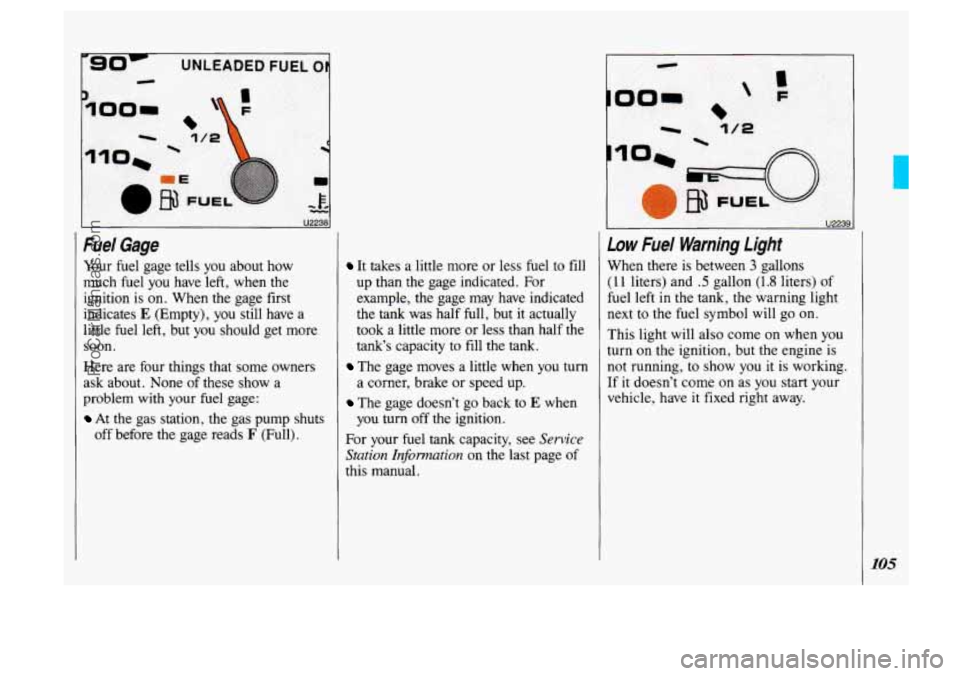
Fuel Gage
Your fuel gage tells you about how
much fuel you have left, when the
ignition is on. When the gage first
indicates
E (Empty), you still have a
little fuel left, but you should get more
soon.
Here are four things that some owners
ask about. None of these show a
problem with your fuel gage:
At the gas station, the gas pump shuts
off before the gage reads
F (Full).
It takes a little more or less fuel to fill
up than the gage indicated. For
example, the gage may have indicated
the
tank was half full, but it actually
took a little more or less than half
the
tank’s capacity to fill the tank.
The gage moves a little when you turn
a corner, brake or speed up.
The gage doesn’t go back to E when
you
turn off the ignition.
For your fuel
tank capacity, see Sewice
Station Information
on the last page of
this manual.
I u22391
Low Fuel Warning Light
When there is between 3 gallons
(1 1 liters) and .5 gallon (1.8 liters) of
fuel left
in the tank, the warning light
next to the fuel symbol will
go on.
This light will also come on when
you
turn on the ignition, but the engine is
not running, to show you it is working.
If it doesn’t come on as you start your
vehicle, have
it fixed right away.
105
ProCarManuals.com
Page 110 of 323
I
Features & Controls
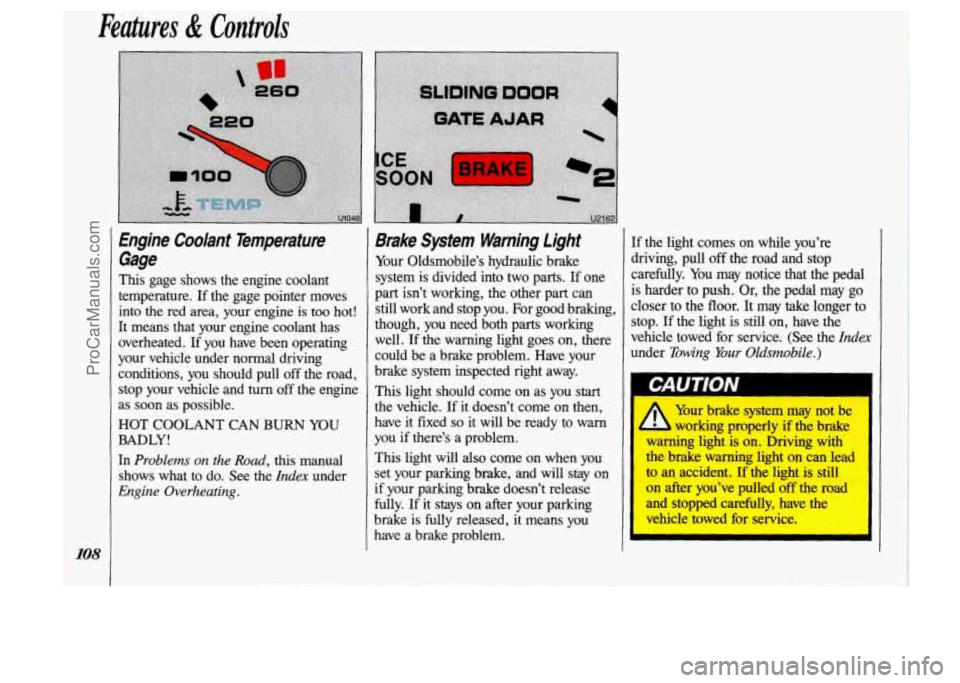
Engine Coolant Temperature Gage
This gage shows the engine coolant
temperature. If the gage pointer moves
into the red area, your engine is too hot!
It means that your engine coolant has overheated.
If you have been operating
your vehicle under normal driving conditions, you should pull off the road,
stop your vehicle and
turn off the engine
as soon as possible.
HOT COOLANT CAN BURN YOU
BADLY!
In Problems on the Road, this manual
shows what to do. See the
Index under
Engine Overheating.
Brake System Warning Light
Your Oldsmobile’s hydraulic brake
system is divided into two parts. If one
part isn’t working, the other part can
still work and stop you. For good braking,
though, you need both parts working
well.
If the warning light goes on, there
could be a brake problem. Have your
brake system inspected right away.
This light should come on as you start
the vehicle.
If it doesn’t come on then,
have it fixed
so it will be ready to warn
you if there’s a problem.
This light will
also come on when you
set your parking brake, and will stay on
if your parking brake doesn’t release
fully.
If it stays on after your parking
brake is fully released, it means you have a brake problem.
I
If the light comes on while you’re
driving, pull off the road and stop
carefully. You may notice that the pedal
is harder to push. Or, the pedal may go
closer to the floor. It may take longer to
stop.
If the light is still on, have the
vehicle towed for service.
(See the Index
under Towing Your Oldsrnobile.)
Your brake system may not be
h working properly if the brake
-kg light is on. Driving with
cllu ,,&e warning light on can lead
to
an accident. If the light is still
on after you’ve pulled off the road
and stopped carefully, have the
vehicle towed for service.
ProCarManuals.com
Page 111 of 323
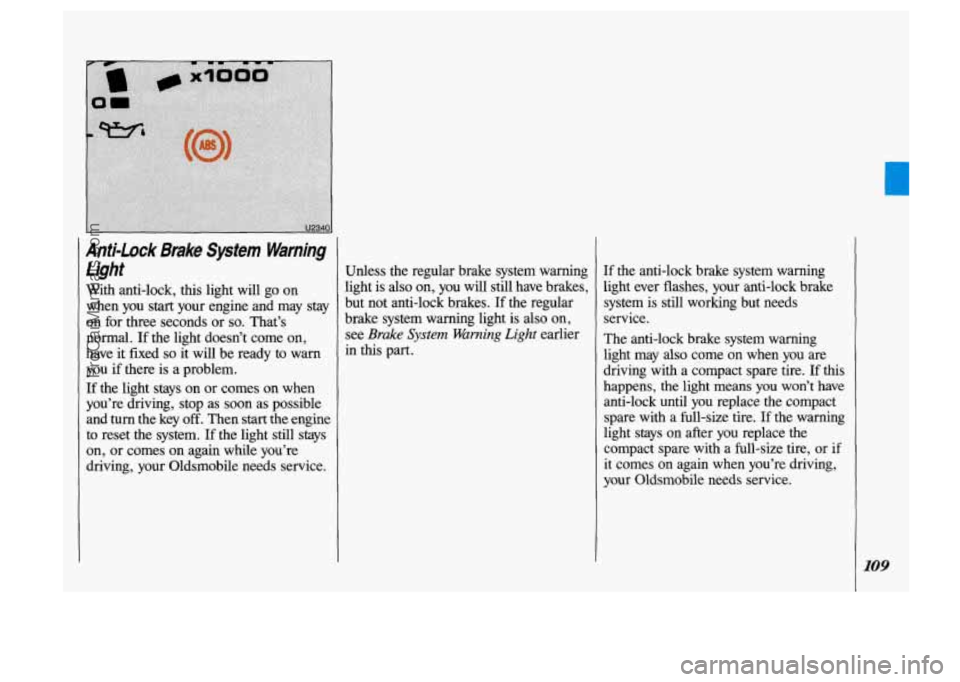
Anti-Lock Brake System Warning light
With anti-lock, this light will go on
when you
start your engine and may stay
on for three seconds or
so. That’s
normal.
If the light doesn’t come on,
have
it fixed so it will be ready to warn
you if there is a problem.
If the light stays on or comes on when
you’re driving, stop
as soon as possible
and
turn the key off. Then start the engine
to reset the system.
If the light still stays
on, or comes on again while you’re
driving, your Oldsmobile needs service. Unless the regular brake system waming
light is
also on, you will still have brakes,
but not anti-lock brakes.
If the regular
brake system warning light
is also on,
see
Brake System Warning Light earlier
in this part.
If the anti-lock brake system warning
light ever flashes, your anti-lock
brake
system is still working but needs
service.
The anti-lock brake system warning
light
may also come on when you are
driving with a compact spare tire.
If this
happens, the light
means you won’t have
anti-lock until you replace
the compact
spare with a full-size tire.
If the warning
light stays on after you replace the
compact spare with
a full-size tire, or if
it comes on again when you’re driving,
your Oldsmobile needs service.
ProCarManuals.com
Page 141 of 323
Here you’ll find information about
driving on different kinds of roads
and in varying weather conditions
.
We’ve also included many other useful
tips on driving
.
Part
Your Driving and the Road
Roadsigns ...................................................... 140
Defensive Driving
................................................ 144
Drunken Driving
................................................. 145
Control
of a Vehicle ............................................... 147
Braking
....................................................... 148
Anti-LockBrakes
............................................... 149
SteeringTips
................................................... 154
Passing
....................................................... 156
DrivingatNight
.................................................. 159
Driving in the Rain
................................................ 161
Driving in Fog. Mist and Haze
...................................... 164
CityDriving
..................................................... 165
Freeway Driving
................................................. 166
Driving
a Long Distance ........................................... 168
HillandMountainRoads
........................................... 170
ParkingonHills
.................................................. 171
Winter Driving
................................................... 173
TowingaTrailer
.................................................. 177
Steering in Emergencies
.......................................... 155
139
ProCarManuals.com
Page 145 of 323
m%p&:*g%
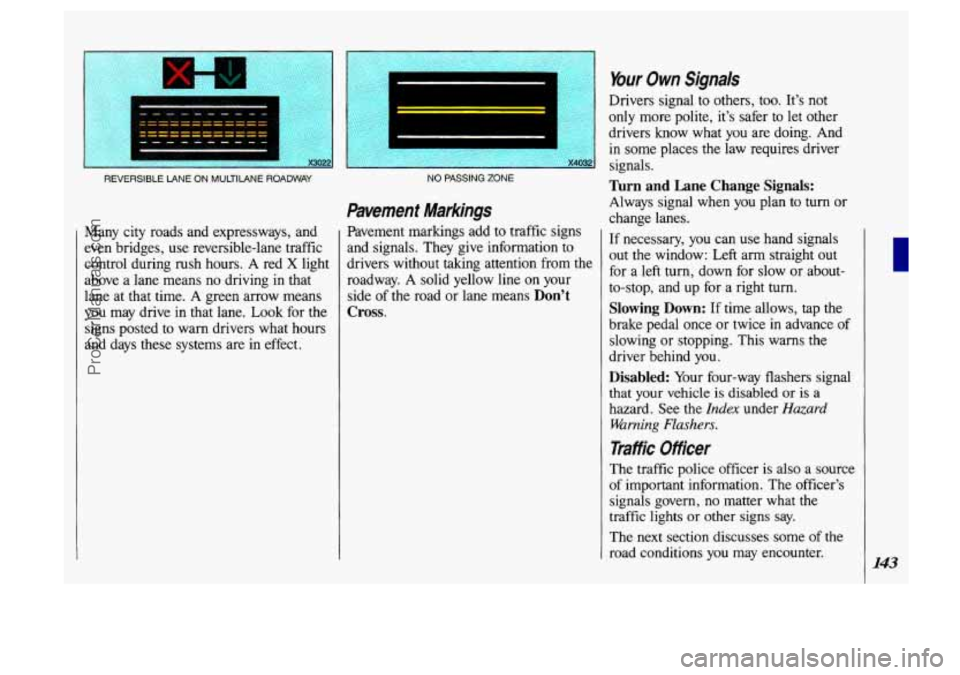
REVERSIBLE LANE ON MULTILANE ROADWAY
Many city roads and expressways, and
even bridges, use reversible-lane traffic
control during rush hours.
A red X light
above a lane means no driving in that
lane at that time. A green arrow means
you may drive in that lane.
Look for the
signs posted to warn drivers what hours
and days these systems are in effect.
~ ~~~
NO PASSING ZONE
Pavement Markings
Pavement markings add to traffic signs
and signals. They give information to
drivers without taking attention from the
roadway.
A solid yellow line on your
side of the road or lane means
Don’t
Cross.
Your Own Signals
Drivers signal to others, too. It’s not
only more polite, it’s safer
to let other
drivers know what
you are doing. And
in some places the law requires driver
signals.
Turn and Lane Change Signals:
Always signal when you plan to turn or
change lanes.
If necessary, you can use hand signals
out the window: Left arm straight out
for a left turn, down for slow or about-
to-stop, and up for a right turn.
Slowing Down: If time allows, tap the
brake pedal once or twice in advance of
slowing or stopping. This warns the
driver behind you.
Disabled: Your four-way flashers signal
that your vehicle is disabled or
is a
hazard. See the
Index under Hazard
Warning Flashers.
Traffic Officer
The traffic police officer is also a source
of important information. The officer’s
signals govern, no matter what the
traffic lights
or other signs say.
The next section discusses some
of the
road conditions you may encounter.
143
ProCarManuals.com