instrument panel OLDSMOBILE SILHOUETTE 1997 User Guide
[x] Cancel search | Manufacturer: OLDSMOBILE, Model Year: 1997, Model line: SILHOUETTE, Model: OLDSMOBILE SILHOUETTE 1997Pages: 436, PDF Size: 21.87 MB
Page 115 of 436
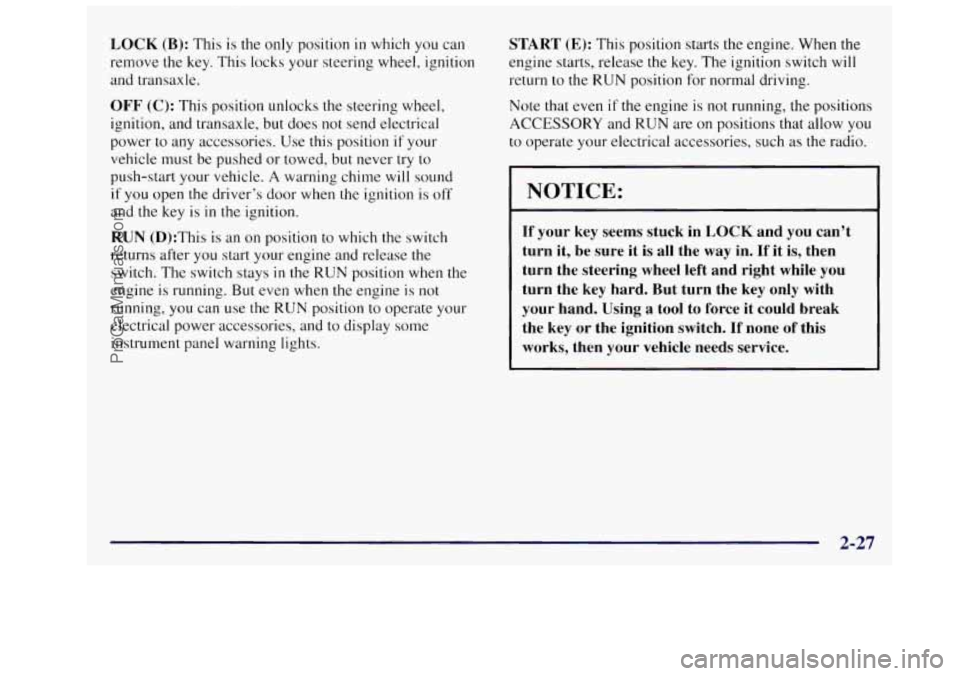
LOCK (B): This is the only position in which you can
remove
the key, This locks your steering wheel, ignition
and transaxle.
OFF (C): This position unlocks the steering wheel,
ignition, and transaxle, but does not send electrical
power to any accessories. Use this position if your
vehicle must be pushed or towed, but never try to
push-start your vehicle.
A warning chime will sound
if you open the driver’s door when the ignition is off
and the key is in the ignition.
RUN (D):This is an on position to which the switch
returns after
you start your engine and release the
switch. The switch stays
in the RUN position when the
engine is running. But even when
the engine is not
running, you can use the
RUN position to operate your
electrical power accessories, and to display some
instrument panel warning lights.
START (E): This position starts the engine. When the
engine starts, release the key. The ignition switch will
return to the
RUN position for normal driving.
Note that
even if the engine is not running, the positions
ACCESSORY and RUN are on positions that allow you
to operate your electrical accessories, such as the radio.
NOTICE:
If your key seems stuck in LOCK and you can’t
turn it, be sure it is all the
way in. If it is, then
turn the steering wheel left and right while
you
turn the key hard. But turn the key only with
your hand. Using
a tool to force it could break
the key
or the ignition switch. If none of this
works, then your vehicle needs service.
2-27
ProCarManuals.com
Page 130 of 436
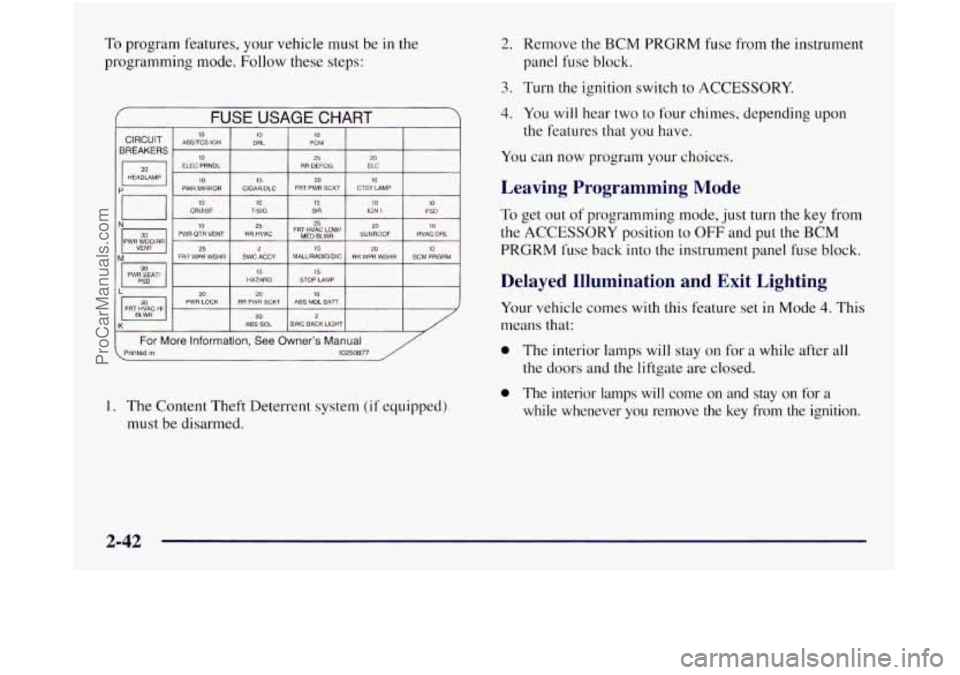
To program features, your vehicle must be in the
programming mode. Follow these steps:
f FUSE USAGE CHART
10 TISIG 15 SIR io IGN 1 10 PSD
I N- I PWH WTJOmR 30 111 PWR QTR VENT RR HVAC FRT MED HVAC BLWR Low’ SUNROOF HVACIDRL
VENT
25 20 M FRT WPR WSHR SWC ACCY MALLIRADIOIDIC RH WPR WSHR BCM PRGRM
PWR SEAT/ HAZARD
15 STOP LAMP
20 10 2u PWR LOCK ABS MDL BAi7 RR PWR SCKT FRT HVAC HI 20 2 ABS SOL SWC BACK LIGHT
( For More information, See Owner’s Manual Printed in 10250877
1. The Content Theft Deterrent system (if equipped)
must be disarmed.
2. Remove the BCM PRGRM fuse from the instrument
panel fuse block.
3. Turn the ignition switch to ACCESSORY.
4. You will hear two to four chimes, depending upon
the features that you have.
You can now program your choices.
Leaving Programming Mode
To get out of programming mode, just turn the key from
the ACCESSORY position to OFF and put the BCM
PRGRM fuse back into the instrument panel fuse block.
Delayed Illumination and Exit Lighting
Your vehicle comes with this feature set in Mode 4. This
means that:
0 The interior lamps will stay on for a while after all
the doors and the liftgate are closed.
0 The interior lamps will come on and stay on for a
while whenever you remove the key from the ignition.
2-42
ProCarManuals.com
Page 137 of 436
Mode 2: Key Chain Transmitter ArmDisarm Only
0 Your Content Theft Deterrent system will arm when
you lock the doors with your key chain transmitter.
The key must be removed from the ignition when
you lock the doors or the Content Theft Deterrent
system will not arm.
when you unlock the doors with your key
chain transmitter.
Your Content Theft Deterrent system will disarm
Special Note: While this mode provides increased
security, it can be
a problem if your key chain
transmitter
is damaged, lost or if it fails to operate for
any reason while the Content Theft Deterrent system is
armed. The Content Theft Deterrent system must be
disarmed .for the engine
to run while in Mode 2; your
key can no longer disarm the system.
Mode 3: Standard Arming and Disarming
0 Your Content Theft Deterrent system will arm when
you lock the doors using either power door lock
switch while any door or the liftgate is open and the
key is removed from
the ignition.
0 Your Content Theft Deterrent system will arm when
you lock the doors with your key or key chain
transmitter and the key is removed from the ignition.
Your Content Theft Deterrent system will disarm
when you unlock the doors with your key or key
chain transmitter.
Leaving Programming Mode
To get out of programming mode, just turn the key
from the ACCESSORY ignition position to
OFF and
put the BCM PRGRM fuse back into the instrument
panel fuse block.
2-49
ProCarManuals.com
Page 141 of 436
Turn Signal and Lane Change Indicator
The turn signal has two upward (for right) and two
downward (for left) positions. These positions allow you
to signal a turn or
a lane change.
To signal a turn, move the lever all the way up or down.
When the turn is finished, the lever will return automatically.
An arrow on the instrument panel will flash in the
direction of the turn or lane change.
To signal a lane change, just raise or lower the lever
until the arrow starts to flash. Hold it there until you
complete your lane change. The lever will return by
itself when
you release it.
As you signal a turn or a lane change, if the arrow
flashes faster than normal, a signal bulb may be burned
out and other drivers won’t see your turn signal.
If a bulb is burned out, replace it to help avoid an
accident. If the arrows don’t go on at all when you
signal
a turn, check for burned-out bulbs and check the
fuse (see “Fuses and Circuit Breakers”
in the Index).
If you have a trailer towing option with added wiring for
the trailer lamps, the signal indicator will flash at a
normal rate even
if a turn signal bulb is burned out.
Check the front and rear turn signal lamps regularly to
make sure
they are working.
Turn Signal Reminder Chime
If either turn signal is left on for more than 3/4 of a mile,
a chime will sound to let the driver know to turn it off.
If you need to leave the signal on for more than 3/4 of a
mile, turn off the signal and then turn it back on.
Headlamp HigWLow Beam Changer
To change the headlamps from high to low beam, or low
to high, simply pull
the turn signal lever all the way
toward you. Then release it.
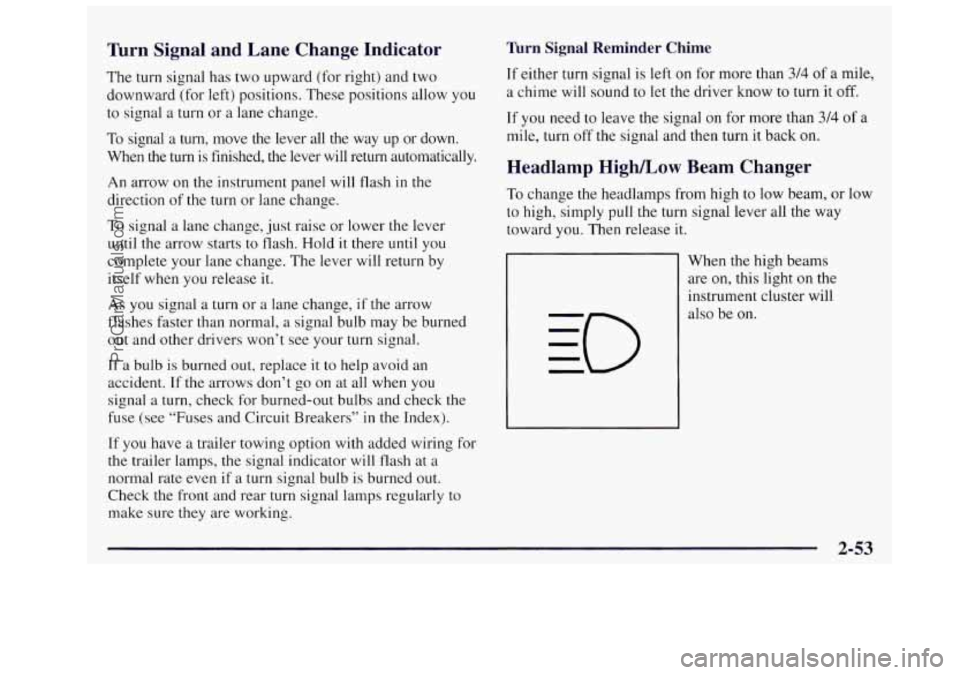
When the high beams
are on, this light on the
instrument cluster will
also be on.
2-53
ProCarManuals.com
Page 143 of 436

Rear Window Wiper and Washer
\-
I The rear window wiper
switch
is located in
the Instrument Panel
switchbank.
Push the wiper symbol on the bottom
of the button to
turn on the intermittent wiper. To turn off the wiper,
gently push the top
of the button.
To wash and wipe the rear window, push in the washer
symbol on the top
of the button. Washer fluid will spray
as long as the button is held
in. When the top of the
button is released, the wiper will continue to cycle three
more times.
To wash the rear window when the rear wiper is already on,
push on the top
of the button with the wash symbol on it.
Push in the bottom of the button to continue the intermittent
wiper cycle after the washing cycle is completed.
Cruise Control (Option)
With cruise control, you can maintain a speed of about
25 mph (40 km/h) or more without keeping your foot
on the accelerator. This can really help
on long trips.
Cruise control does not work at speeds below about
25 mph (40 kmh).
When you apply your brakes,
the cruise control
shuts
off.
0 Cruise control can be dangerous where you
can’t drive safely at
a steady speed. So,
don’t use your cruise control on winding
roads or in heavy traffic.
slippery roads. On such roads, fast changes
in tire traction can cause needless wheel
spinning, and you could lose control. Don’t
use cruise control on slippery roads.
0 Cruise control can be dangerous on
2-55
ProCarManuals.com
Page 147 of 436
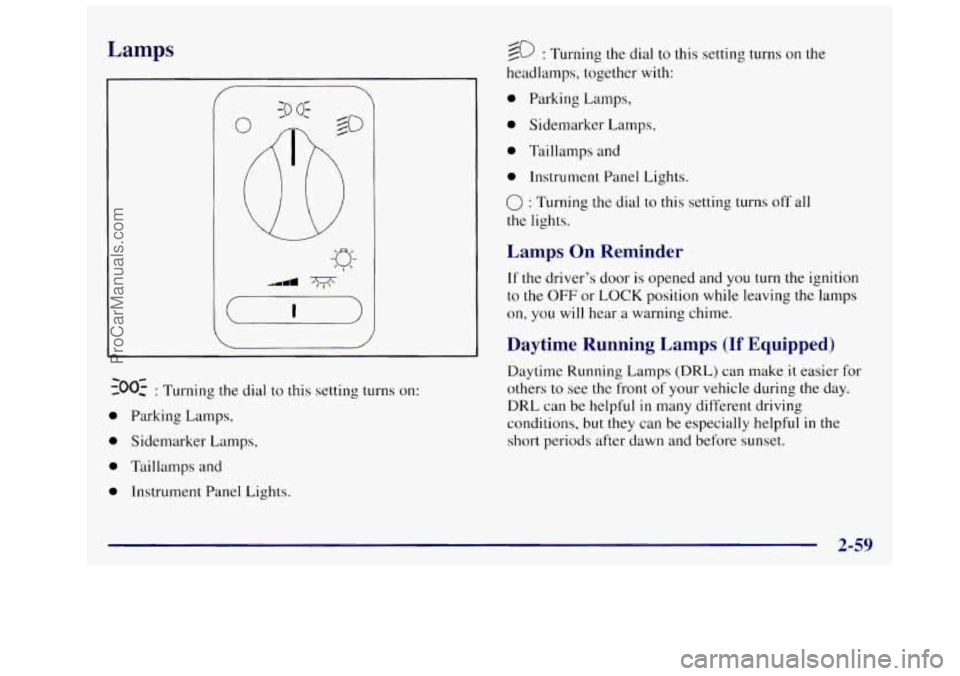
Lamps
300: : Turning the dial to this setting turns on:
0 Parking Lamps,
0 Sidemarker Lamps,
0 Taillamps and
0 Instrument Panel Lights.
--
20 : Turning the dial to this setting turns on the
headlamps, together with:
a Parking Lamps,
0 Sidemarker Lamps,
0 Taillamps and
0 Instrument Panel Lights.
0 : Turning the dial to this setting turns off all
the lights.
Lamps On Reminder
If the driver’s door is opened and you turn the ignition
to
the OFF or LOCK position while leaving the lamps
on, you will hear a warning chime.
Daytime Running Lamps (If Equipped)
Daytime Running Lamps (DRL) can make it easier for
others to see the front
of your vehicle during the day.
DRL can be helpful
in many different driving
conditions, but they can be especially helpful
in the
short periods after dawn and before sunset.
- 2-59
ProCarManuals.com
Page 148 of 436
A light sensor on top of the instrument panel makes the
DRL work, so be sure it isn’t covered. The DRL system
will make your front parWturn signal lamps come
on in
daylight when:
The ignition is on,
the headlamp switch is off, and
the parking brake is released.
When the
DRL are on, only your front park/turn signal
lamps will be on. Your instrument panel won’t be
lit up.
When it’s dark enough outside, the exterior lamps will
come on automatically. When it’s bright enough outside,
the exterior lamps will go
out and the DRL will turn on.
Of course, you may still turn on the headlamps any time
you need to.
To idle your vehicle with the DRL or exterior lamps off,
set the parking brake while the ignition is
in the OFF or
LOCK position. Then start the vehicle. The DRL will
stay off until you release
the parking brake,
As with any vehicle, you should turn on the regular
headlamp system when you need
it.
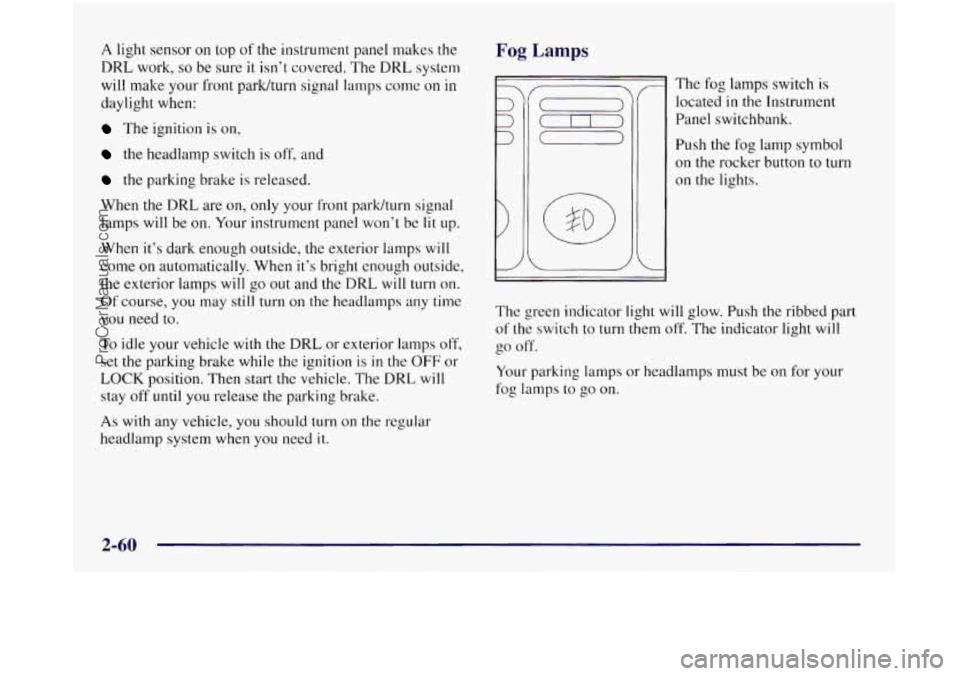
Fog Lamps
r
v-
I The fog lamps switch is
located
in the Instrument
Panel switchbank.
Push the fog
on the rockel
on the lights. lamp symbol
- button to
turn
I J
The green indicator light will glow. Push the ribbed part
of the switch to turn them off. The indicator light will
go off.
Your parking lamps or headlamps must be on for your
fog lamps to go on.
2-60
ProCarManuals.com
Page 149 of 436
When your DRL are on, the headlamps switch must first
be turned from the off position before
the fog lamps can
be turned on. At night, when the
DRL automatically
turns on your headlamps,
the fog lamps can be turned
on
when the headlamps switch is in any position.
Your fog lamps will go
off when you switch to highbeams.
Using your highbeams
in fog is not recommended.
Interior Lamps
Battery Saver
Your vehicle has a feature to help prevent you from
draining the battery,
in case you accidentally leave the
interior or underhood lamps on.
If you leave any of
these lamps on while the ignition is in the LOCK or
OFF position, they will automatically turn off after
10 minutes. The lamps won’t come back on again
until you:
0 turn the ignition to the RUN or ACCESSORY
position,
turn the interior lamps dial all the way to the right,
then slightly back to
the left; or
open (or close and reopen) a door that is closed.
Note that
if your vehicle has less than 15 miles (25 km)
on the odometer, the battery saver will turn off the lamps
after only three minutes.
Instrument Panel Intensity Control
Turn the lights control, located below the headlamps
switch, all the way to the right to increase the brightness
of the instrument panel lights, and to the left to decrease
the brightness. Turn the control
all the way to the left to
turn them
off.
Interior Lamps Control
Turn the dial all the way to the right to turn on the
interior lamps,
if the interior lamps override switch is
off. Turn the dial to the left to turn the lights off.
2-61
ProCarManuals.com
Page 162 of 436
Cunholders Storage Bin
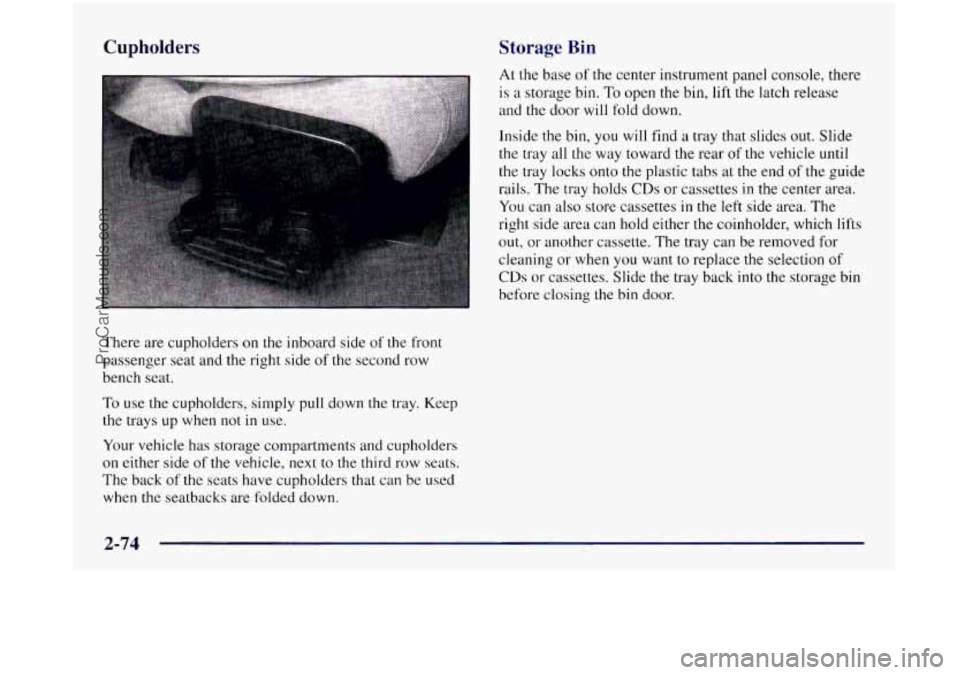
There are cupholders on the inboard side of the front
passenger seat and the right side of the second row
bench seat.
To use the cupholders, simply pull down the tray. Keep
the trays up when not
in use.
Your vehicle has storage compartments and cupholders
on either side
of the vehicle, next to the third row seats.
The back of the seats have cupholders that can be used
when the seatbacks are folded down.
At the base of the center instrument panel console, there
is a storage bin,
To open the bin, lift the latch release
and the door will fold down.
Inside the bin,
you will find a tray that slides out. Slide
the tray all the way toward the rear
of the vehicle until
the tray locks onto
the plastic tabs at the end of the guide
rails. The tray holds
CDs or cassettes in the center area.
You can also store cassettes
in the left side area. The
right side area can hold either
the coinholder, which lifts
out, or another cassette. The tray can be removed for
cleaning or when you want to replace the selection
of
CDs or cassettes. Slide the tray back into the storage bin
before closing the bin door.
2-74
ProCarManuals.com
Page 170 of 436
. , .
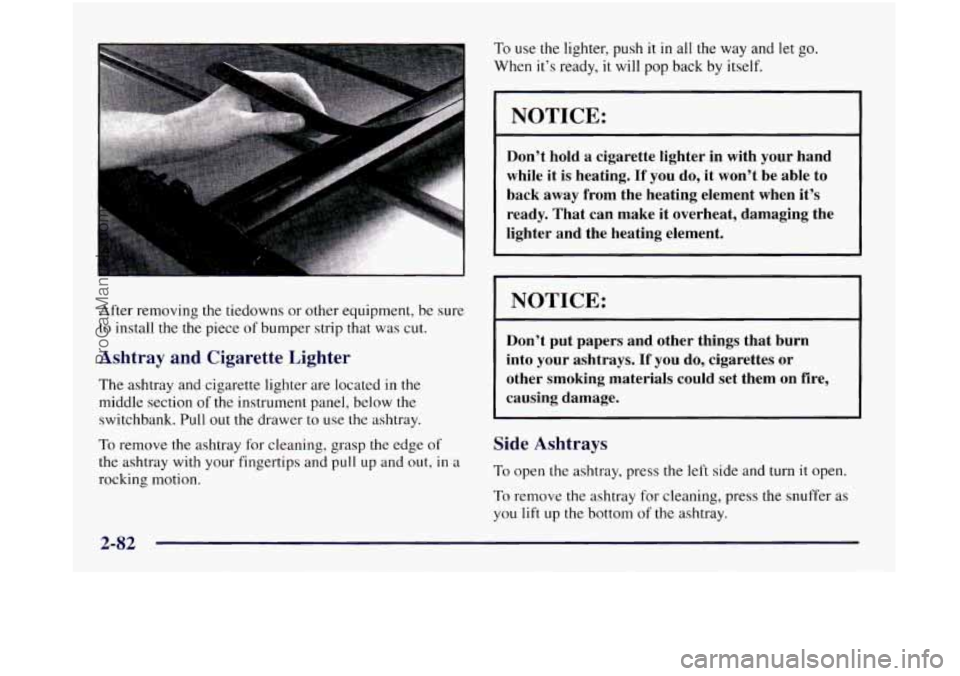
After removing the tiedowns or other equipment, be sure
to install the
the piece of bumper strip that was cut.
Ashtray and Cigarette Lighter
The ashtray and cigarette lighter are located in the
middle section
of the instrument panel, below the
switchbank.
Pull out the drawer to use the ashtray.
To remove the ashtray
for cleaning, grasp the edge of
the ashtray with your fingertips and pull up and out, in a
rocking motion. To use the
lighter, push it in all the way and
let go.
When it’s ready, it will pop back by itself.
NOTICE:
Don’t hold a cigarette lighter in with your hand
while it is heating.
If you do, it won’t be able to
back away from the heating element when it’s
ready. That can make it overheat, damaging the
lighter and the heating element.
NOTICE:
Don’t put papers and other things that burn
into your ashtrays.
If you do, cigarettes or
other smoking materials could set them on fire,
causing damage.
Side Ashtrays
To open the ashtray, press the left side and turn it open.
To remove the ashtray for cleaning, press the snuffer as
you lift up the bottom of the ashtray.
2-82
ProCarManuals.com