wheel OLDSMOBILE SILHOUETTE 1997 User Guide
[x] Cancel search | Manufacturer: OLDSMOBILE, Model Year: 1997, Model line: SILHOUETTE, Model: OLDSMOBILE SILHOUETTE 1997Pages: 436, PDF Size: 21.87 MB
Page 122 of 436
NOTICE:
If your vehicle seems to start up rather slowly,
or if it seems not to shift gears as you go faster,
something may be wrong with
a transaxle system
sensor.
If you drive very far that way, your
vehicle can be damaged.
So, if this happens,
have your vehicle serviced right
away. Until then,
you can use SECOND
(2) when you are driving
less than
35 mph (55 kmh) and THIRD (3) for
higher speeds.
FIRST (1): This position gives you even more power
(but lower fuel economy) than
SECOND (2). You can
use it on very steep hills, or in deep snow or mud. If
the selector lever is put in FIRST (I), the transaxle
won’t downshift into first gear
until the vehicle is
going
slow enough.
NOTICE:
If your front wheels can’t rotate, don’t try to
drive. This might happen if you were stuck in
very deep sand or mud or were up against
a
solid object. You could damage your transaxle.
Also, if you stop when going uphill, don’t hold
your vehicle there with only the accelerator
pedal. This could overheat and damage the
transaxle.
Use your brakes or shift into PARK (P)
to hold your vehicle in position on a hill.
2-34
ProCarManuals.com
Page 139 of 436
Side Window Latches
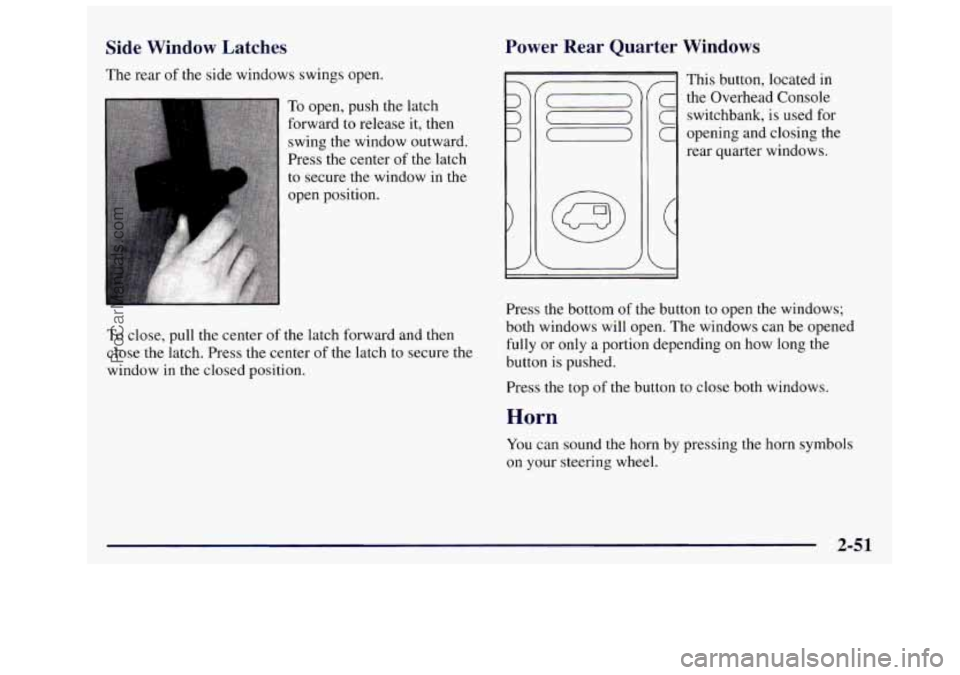
The rear of the side windows swings open.
To open, push the latch
forward to release it, then
swing the window outward.
Press the center of the latch
to secure the window in the
open position.
To close, pull the center of the latch forward and then
close the latch. Press the center
of the latch to secure the
window in the closed
position.
Power Rear Quarter Windows
This button, located in
the Overhead Console
switchbank, is used for
opening and closing the
rear quarter windows.
Press the bottom
of the button to open the windows;
both windows will open. The windows can be opened
fully or only a portion depending on how long the
button
is pushed.
Press the top of the button to close both windows.
Horl
You can sound the horn by pressing the horn symbols
on your steering wheel.
2-51
ProCarManuals.com
Page 140 of 436
Tilt Steering Wheel
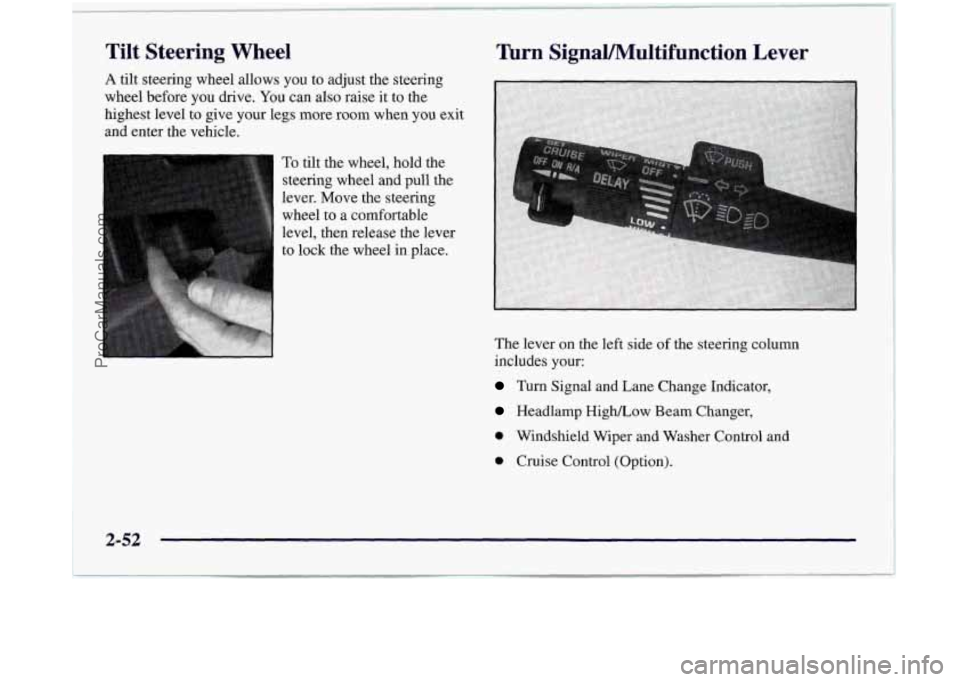
A tilt steering wheel allows you to adjust the steering
wheel before you drive.
You can also raise it to the
highest level to give your legs more room when you exit
and enter the vehicle.
To tilt the wheel, hold the
steering wheel and pull the
lever. Move the steering
wheel to a comfortable
level, then release the lever
to
lock the wheel in place.
Turn SignaUMultifunction Lever
The lever on the left side of the steering column
includes your:
Turn Signal and Lane Change Indicator,
Headlamp High/Low Beam Changer,
0 Windshield Wiper and Washer Control and
0 Cruise Control (Option).
2-52
,
ProCarManuals.com
Page 143 of 436

Rear Window Wiper and Washer
\-
I The rear window wiper
switch
is located in
the Instrument Panel
switchbank.
Push the wiper symbol on the bottom
of the button to
turn on the intermittent wiper. To turn off the wiper,
gently push the top
of the button.
To wash and wipe the rear window, push in the washer
symbol on the top
of the button. Washer fluid will spray
as long as the button is held
in. When the top of the
button is released, the wiper will continue to cycle three
more times.
To wash the rear window when the rear wiper is already on,
push on the top
of the button with the wash symbol on it.
Push in the bottom of the button to continue the intermittent
wiper cycle after the washing cycle is completed.
Cruise Control (Option)
With cruise control, you can maintain a speed of about
25 mph (40 km/h) or more without keeping your foot
on the accelerator. This can really help
on long trips.
Cruise control does not work at speeds below about
25 mph (40 kmh).
When you apply your brakes,
the cruise control
shuts
off.
0 Cruise control can be dangerous where you
can’t drive safely at
a steady speed. So,
don’t use your cruise control on winding
roads or in heavy traffic.
slippery roads. On such roads, fast changes
in tire traction can cause needless wheel
spinning, and you could lose control. Don’t
use cruise control on slippery roads.
0 Cruise control can be dangerous on
2-55
ProCarManuals.com
Page 144 of 436

If your vehicle is in cruise control when the optional
traction control system begins to
limit wheel spin, the
cruise control will automatically disengage. (See
“Traction Control System” in the Index.) When road
conditions allow you
to safely use it again, you may
turn the cruise control back on.
Setting Cruise Control
If you leave your cruise control switch on when
you’re not using cruise, you might hit
a button
and
go into cruise when you don’t want to.
You could be startled and even lose control.
Keep the cruise control switch
OFF until you
want to use it.
1. Move the cruise control switch to ON.
2. Get up to the speed you want.
3. Push in the SET button at the end of the lever and
release
it.
4. Take your .foot off the accelerator pedal.
2-56
ProCarManuals.com
Page 155 of 436
If you are not adjusting either mirror, leave the control
in the center off position. This prevents moving the
mirrors accidentally once
you have them adjusted.
Both outside mirrors can be folded forward or rearward.
In the rearward position, they will fold almost flush with
the vehicle. This feature
is particularly useful in
automatic car washes and when maneuvering your
vehicle
in narrow spaces.
Your mirrors have
a blue tint to reduce glare while
driving at night.
Convex Outside Mirror
Your passenger’s side mirror is convex. A convex
mirror’s surface is curved
so you can see more from the
driver’s seat.
1
A convex mirror can make things (like other
vehicles)
look farther away than they really are.
If you cut too sharply into the right lane, you
could hit a vehicle on your right. Check your
inside mirror or glance over your shoulder before
changing lanes.
Storage Compartments
Your Silhouette’s large carrying capacity can store many
items.
If you have the long wheelbase version, you can
carry things
as large as a 4‘ x 8‘ piece of plywood. You
can also use the floor pins that are used to attach the
seats, to secure larger loads. This section also describes
storage
areas for specific items like sunglasses and cups.
2-67
ProCarManuals.com
Page 177 of 436

Your instrument panel is designed to let you know at a glance how your vehicle is running. You’ll know how fast
you’re going, how much
fuel you’re using, and many other things you’ll need to drive safely and economically.
Refer to the accompanying diagram of your instrument panel
to locate the components listed below.
A. Side Vents
B. Front Vent
C. Turn SignaVMultifunction Lever
D. Hazard Warning Flashers Switch
E. Instrument Cluster
E Center Vents
G. Audio System
H. Side Vents
I. Lamps Switch
J. Hood Release
K. Steering Wheel Touch Controls (Option)
L. Horn
M. Ignition Switch
N. Steering Wheel Touch Controls (Option)
0. Climate Controls
P. Rear Fan Controls
Q. Accessory Power Outlet
R. Storage Bin
S. Remote CD Player (Option)
T. Instrument Panel Switchbank
U. LightedAshtray
V. Glove Box
W. Front Vents
X. Fuse Panel
2-89
ProCarManuals.com
Page 185 of 436
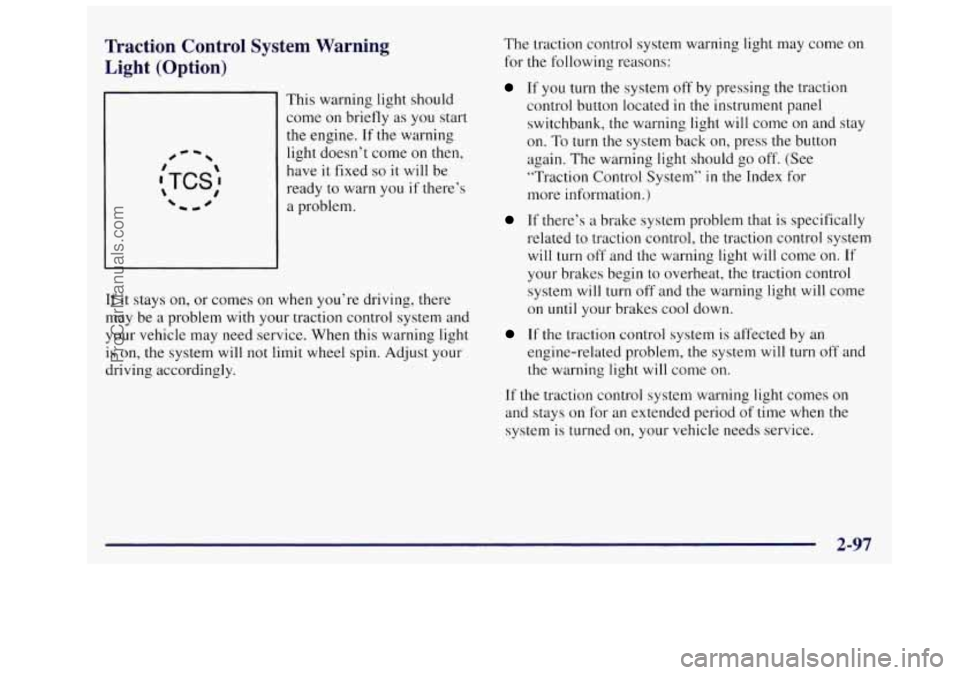
Traction Control System Warning
Light (Option)
#-I
This warning light should
come on briefly
as you start
the engine.
If the warning
light doesn’t come on then,
have
it fixed so it will be
ready to warn
you if there’s
a problem.
If it stays on, or comes on when you’re driving, there
may be
a problem with your traction control system and
your vehicle may need service. When this warning light
is on, the system will not limit wheel spin. Adjust your
driving accordingly. The
traction control system warning light may come on
for
the following reasons:
If you turn the system off by pressing the traction
control button located
in the instrument panel
switchbank, the warning light will come
on and stay
on. To
turn the system back on, press the button
again. The warning light should go off. (See
“Traction Control System”
in the Index for
more information.)
If there’s a brake system problem that is specifically
related to traction control, the traction control system
will turn off and the warning light will come on. If
your brakes begin to overheat, the traction control
system
will turn off and the warning light will come
on
until your brakes cool down.
If the traction control system is affected by an
engine-related problem, the system will turn
off and
the warning light will come on.
If the traction control system warning light comes on
and stays on for an extended period of time when the
system is turned on, your vehicle needs service.
2-97
ProCarManuals.com
Page 186 of 436
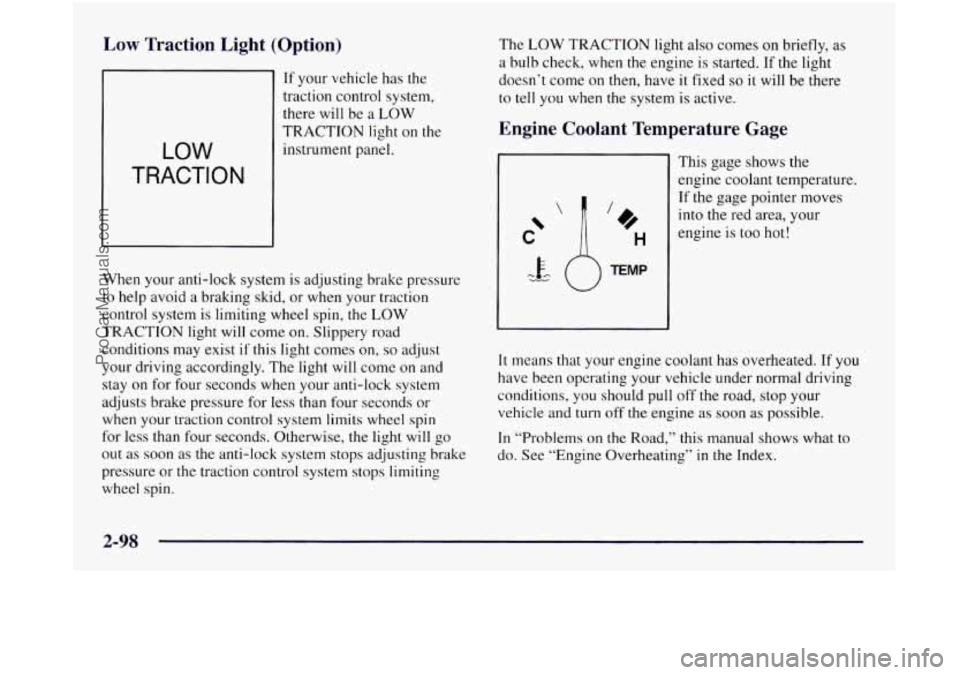
Low Traction Light (Option)
If your vehicle has the
traction control system,
there will be a LOW
LOW
TRACTION
TRACTION light on the
instrument panel.
When your anti-lock system is adjusting brake pressure
to help avoid
a braking skid, or when your traction
control system is limiting wheel spin,
the LOW
TRACTION light will come on. Slippery road
conditions may exist
if this light comes on, so adjust
your driving accordingly. The light will come on and
stay on for four seconds when your anti-lock system
adjusts brake pressure for less than four seconds or
when your traction control system limits wheel spin
for less than four seconds. Otherwise, the light will go
out as soon as the anti-lock system stops adjusting brake
pressure or the traction control system stops limiting
wheel spin. The
LOW TRACTION
light also comes on briefly, as
a bulb check, when the engine is started. If the light
doesn’t come on then, have it fixed
so it will be there
to tell you when the system is active.
Engine Coolant Temperature Gage
This gage shows the
engine coolant temperature.
If the gage pointer moves
into the red area, your
engine is too hot!
It means that your engine coolant has overheated. If you
have been operating your vehicle under normal driving
conditions, you should pull off the road, stop your
vehicle and turn off the engine as soon as possible.
In “Problems on the Road,” this manual shows what to
do. See “Engine Overheating”
in the Index.
2-98
ProCarManuals.com
Page 195 of 436

Section 3 Comfort Controls and Audio Syster1.-
In this section, you’ll find out how to operate the comfort control and audio systems offered with your Oldsmobile.
Be sure
to read about the particular systems supplied with your vehicle.
3-2 3-3
3-4
3-4
3-5
3-8
3-8
3-9
3-9
3-15 Comfort Controls
Air Conditioning
Heating Ventilation System and Tips
Rear Climate Control
Tips for Defogging and Defrosting
Rear Window Defogger
Setting the Clock
Radios
Rear Seat Audio
3- 17
3 -24
3-26
3-27
3-27
3-28
3-28
3-30
3-30 Remote Compact
Disc Player
Theft-Deterrent Feature
Steering Wheel Controls
Understanding Radio Reception
Tips About Your Audio System
Adding Sound Equipment to Your Vehicle
Care
of Your Cassette Tape Player
Care
of Your Compact Discs
Antenna
ProCarManuals.com