light OLDSMOBILE SILHOUETTE 1997 Service Manual
[x] Cancel search | Manufacturer: OLDSMOBILE, Model Year: 1997, Model line: SILHOUETTE, Model: OLDSMOBILE SILHOUETTE 1997Pages: 436, PDF Size: 21.87 MB
Page 173 of 436
NOTICE:
When using the accessory power outlet:
0 Maximum load of any electrical equipment
should not exceed
20 amps.
Be sure to turn off any electrical equipment
when not in use. Leaving electrical
equipment on for extended periods can
drain your battery.
To replace the cover on the rear outlet,
line up the tabs
at the back of the cover and
put the cover in place. Push
down the tab to secure the cover.
Power Sunroof (Option)
The sunroof has a sun shade to let in light without
opening the sunroof. Slide the shade back to open.
The power sunroof button
is on the fir right of the
overhead console switchbank. The sunroof has two
positions,
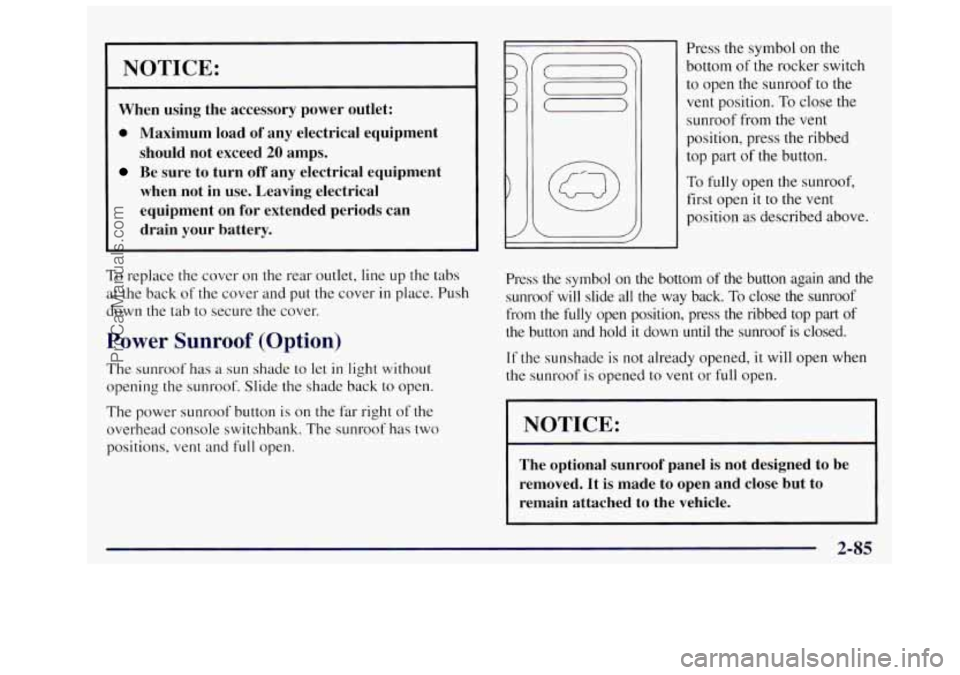
vent and full open. Press the
symbol on the
bottom
of the rocker switch
to open the sunroof
to the
vent position. To close the
sunroof from
the vent
position, press the ribbed
top part
of the button.
To
fully open the sunroof,
first open
it to the vent
position
as described above.
Press the symbol on the bottom of the button again and the
sunroof will slide all the way back.
To close the sunroof
from the
fully open position, press the ribbed top part of
the button and hold it down until the sunroof is closed.
If the sunshade is not already opened, it will open when
the sunroof
is opened to vent or full open.
I NOTICE:
The optional sunroof panel is not designed to be
removed. It is made to open and close but to
remain attached to the vehicle.
2-85
ProCarManuals.com
Page 177 of 436

Your instrument panel is designed to let you know at a glance how your vehicle is running. You’ll know how fast
you’re going, how much
fuel you’re using, and many other things you’ll need to drive safely and economically.
Refer to the accompanying diagram of your instrument panel
to locate the components listed below.
A. Side Vents
B. Front Vent
C. Turn SignaVMultifunction Lever
D. Hazard Warning Flashers Switch
E. Instrument Cluster
E Center Vents
G. Audio System
H. Side Vents
I. Lamps Switch
J. Hood Release
K. Steering Wheel Touch Controls (Option)
L. Horn
M. Ignition Switch
N. Steering Wheel Touch Controls (Option)
0. Climate Controls
P. Rear Fan Controls
Q. Accessory Power Outlet
R. Storage Bin
S. Remote CD Player (Option)
T. Instrument Panel Switchbank
U. LightedAshtray
V. Glove Box
W. Front Vents
X. Fuse Panel
2-89
ProCarManuals.com
Page 178 of 436
Instrument Panel Cluster
I- -
PRND APPLY BRAKE TO SHIFT FROM PARK
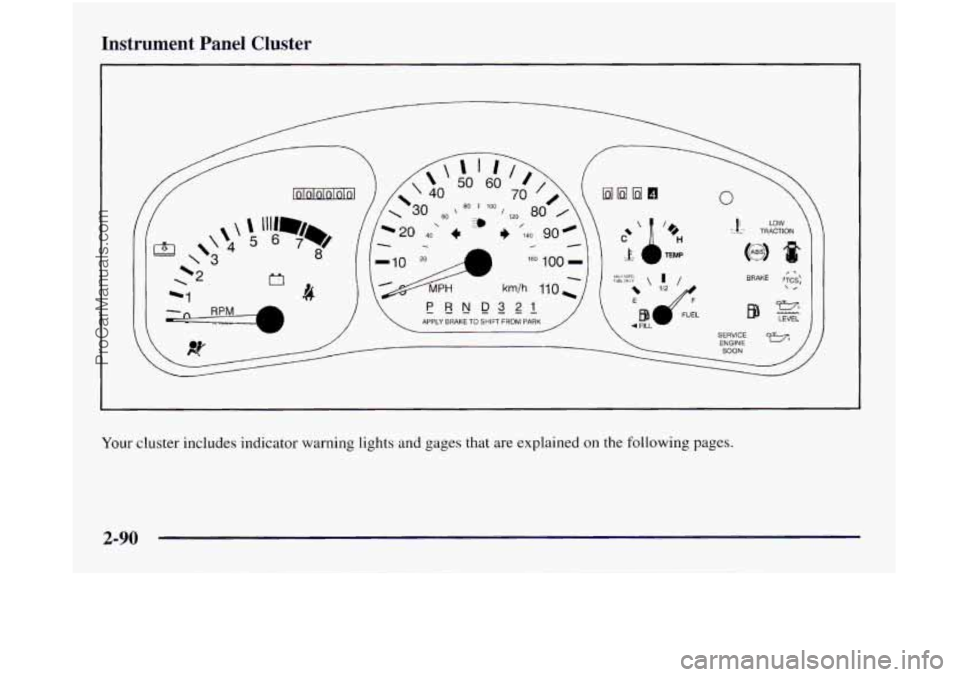
Your cluster includes indicator warning lights and gages that are explained on the following pages.
2-90
ProCarManuals.com
Page 180 of 436
Tachometer
' -3
1 +2
-1
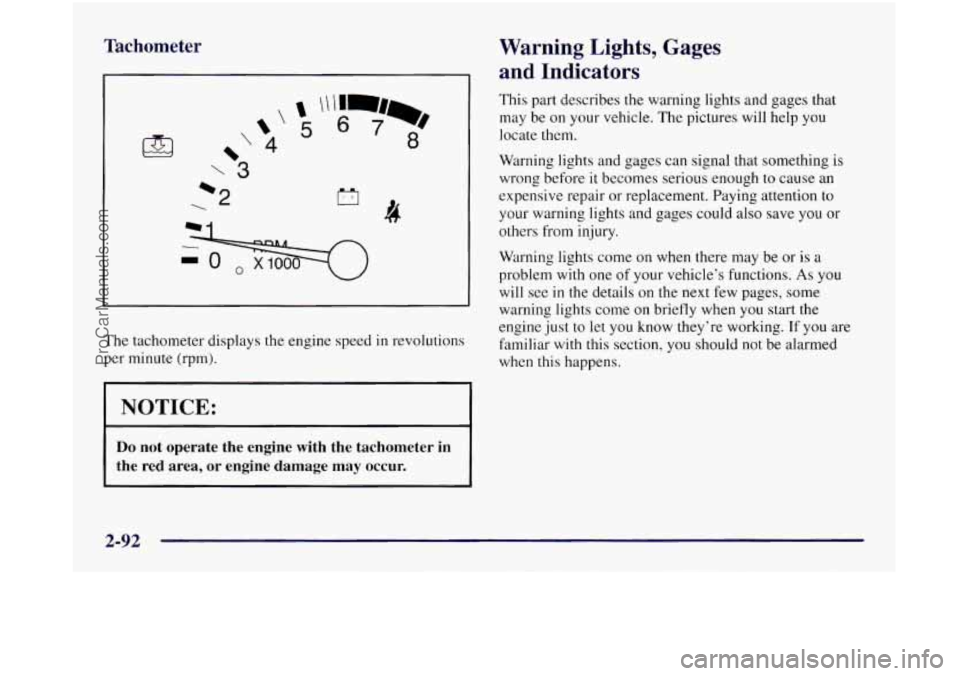
The tachometer displays the engine speed in revolutions
per minute (rpm).
1 NOTICE:
Warning Lights, Gages
and Indicators
This part describes the warning lights and gages that
may be on your vehicle. The pictures will help you
locate them.
Warning lights and gages can signal that something is
wrong before
it becomes serious enough to cause an
expensive repair or replacement. Paying attention to
your warning lights and gages could also save you or
others from injury.
Warning lights come
on when there may be or is a
problem with one of your vehicle's functions.
As you
will see
in the details on the next few pages, some
warning lights come on briefly when you start the
engine just to
let you know they're working. If you are
familiar
with this section, you should not be alarmed
when this happens.
Do not operate the engine with the tachometer in
the red area, or engine damage may occur.
2-92
ProCarManuals.com
Page 181 of 436
Gages can indicate when there may be or is a problem
with one
of your vehicle’s functions. Often gages and
warning lights work together to let you know when
there’s
a problem with your vehicle.
When one of
the warning lights comes on and stays on
when you are driving, or when one of
the gages shows
there may be
a problem, check the section that tells you
what
to do about it. Please follow this manual’s advice.
Waiting to do repairs can be costly
-- and even
dangerous.
So please get to know your warning lights
and gages. They’re
a big help.
Safety Belt Reminder Light
When the key is turned to RUN or START, a chime will
come on for about eight seconds
to remind people to
fasten their safety belts, unless the driver’s safety belt is
already buckled.
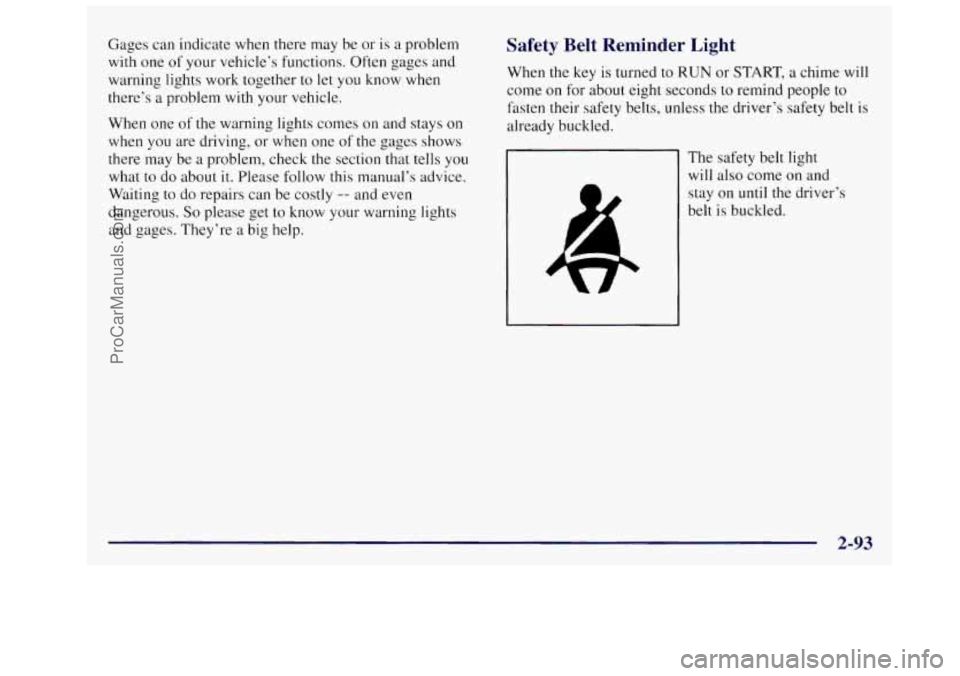
The safety belt light
will also come on and
stay on
until the driver’s
belt is buckled.
ProCarManuals.com
Page 182 of 436
Air Bag Readiness Light
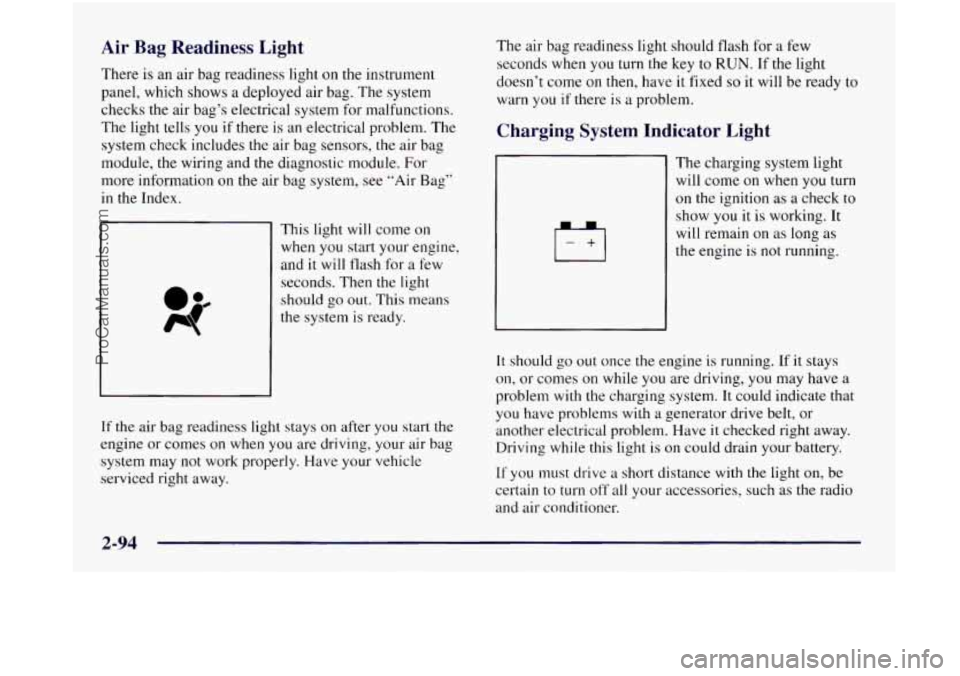
There is an air bag readiness light on the instrument
panel, which shows a deployed air bag. The system
checks the air bag’s electrical system for malfunctions.
The light tells you if there is an electrical problem. The
system check includes
the air bag sensors, the air bag
module, the wiring and the diagnostic module. For
more information on the air bag system, see “Air Bag”
in the Index.
This light will come on
when you start your engine,
and it will tlash for a few
seconds. Then the light
should
go out. This means
the system
is ready.
If
the air bag readiness light stays on after you start the
engine or comes
on when you are driving, your air bag
system may not work properly. Have your vehicle
serviced right away. The air
bag readiness light should flash for a few
seconds when you turn the key to
RUN. If the light
doesn’t come on then, have
it fixed so it will be ready to
warn you if there is a problem.
Charging System Indicator Light
1+1
The charging system light
will come on when you turn
on the ignition as a check to
show you it is working. It
will remain on as long as
the engine is
not running.
It should go out once the engine is running. If it stays
on, or comes on while you are driving, you may have a
problem with the charging system. It could indicate that
you have problems with a generator drive belt, or
another electrical problem. Have
it checked right away.
Driving while this light is on could drain your battery.
If you must drive a short distance with the light on, be
certain to turn
off all your accessories, such as the radio
and air conditioner.
ProCarManuals.com
Page 183 of 436
Brake System Warning Light
Your Oldsmobile’s hydraulic brake system is divided
into two parts. If
one part isn’t working, the other part
can still work and stop you. For good braking, though,
you need both parts working well.
If the warning light comes on, there could be a brake
problem or the brake fluid level could be low. Have your
brake system inspected right away.
BRAKE
This light should come on
briefly when you turn the
ignition
key to RUN. If it
doesn’t come on then, have
it fixed so it will be ready to
warn you
if there’s a
problem.
If the light comes
on while you are driving, pull off the
road and stop carefully. You may notice that the pedal
is
harder to push. Or, the pedal may go closer to the floor.
It may take longer to stop. If the light is still on, or if the
anti-lock brake system warning light is flashing, have
the vehicle towed for service. (See “Anti-Lock Brake
System Warning Light” and “Towing Your Vehicle”
in
the Index.)
Your brake system may not be working properly
if the brake system warning light is on. Driving
with the brake system warning light on can lead
to an accident. If the light is still on or if the
anti-lock brake system warning light is flashing
after you’ve pulled
off the road and stopped
carefully, have the vehicle towed
for service.
. UTIO--:
4
When the ignition is on, the brake system warning light
will also come on when you set your parking brake. The
light
will stay on if your parking brake doesn’t release
fully. If it stays on after your parking brake is fully
released,
it means you have a brake problem.
2-95
ProCarManuals.com
Page 184 of 436
Anti-Lock Brake System Warning Light
With the anti-lock brake
system,
this light will come
on when you start your
engine and
it will stay
on for three seconds.
That’s normal.
Your regular brake system may not be working
properly if the anti-lock brake system warning
light is flashing. Driving with the anti-lock
brake system warning light flashing can lead
to an accident. After you’ve pulled off the road
and stopped carefully, have the vehicle towed
for service.
If the light flashes when you’re driving, you don’t have
anti-lock brakes and there could be a problem with your
regular brakes. Pull
off the road and stop carefully. You
may notice that the pedal is harder to push. Or, the pedal
may go closer to the floor. It may take longer to stop.
Have the vehicle towed for service. (See “Towing Your
Vehicle” in the Index.) If
the anti-lock brake system warning light stays on
longer than normal after you’ve started your engine, turn
the ignition
off. Or, if the light comes on and stays on
when you’re driving, stop as
soon as possible and turn
the ignition off. Then start the engine again to reset the
system. If the light still stays on, or comes on again
while you’re driving, your Oldsmobile needs service. If
the light is on but not flashing and the regular brake
system warning light isn’t
on, you still have brakes, but
you don’t have anti-lock brakes.
The anti-lock brake system warning light should come
on briefly when you turn the ignition key to RUN. If the
light doesn’t come
on then, have it fixed so it will be
ready to warn you
if there is a problem.
2-96
ProCarManuals.com
Page 185 of 436
Traction Control System Warning
Light (Option)
#-I
This warning light should
come on briefly
as you start
the engine.
If the warning
light doesn’t come on then,
have
it fixed so it will be
ready to warn
you if there’s
a problem.
If it stays on, or comes on when you’re driving, there
may be
a problem with your traction control system and
your vehicle may need service. When this warning light
is on, the system will not limit wheel spin. Adjust your
driving accordingly. The
traction control system warning light may come on
for
the following reasons:
If you turn the system off by pressing the traction
control button located
in the instrument panel
switchbank, the warning light will come
on and stay
on. To
turn the system back on, press the button
again. The warning light should go off. (See
“Traction Control System”
in the Index for
more information.)
If there’s a brake system problem that is specifically
related to traction control, the traction control system
will turn off and the warning light will come on. If
your brakes begin to overheat, the traction control
system
will turn off and the warning light will come
on
until your brakes cool down.
If the traction control system is affected by an
engine-related problem, the system will turn
off and
the warning light will come on.
If the traction control system warning light comes on
and stays on for an extended period of time when the
system is turned on, your vehicle needs service.
2-97
ProCarManuals.com
Page 186 of 436
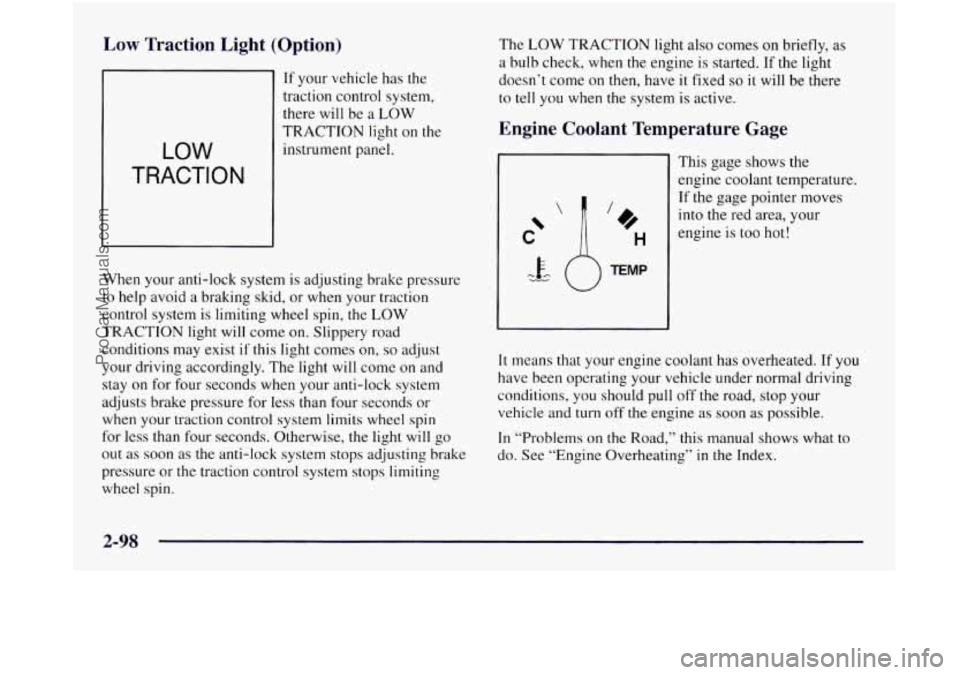
Low Traction Light (Option)
If your vehicle has the
traction control system,
there will be a LOW
LOW
TRACTION
TRACTION light on the
instrument panel.
When your anti-lock system is adjusting brake pressure
to help avoid
a braking skid, or when your traction
control system is limiting wheel spin,
the LOW
TRACTION light will come on. Slippery road
conditions may exist
if this light comes on, so adjust
your driving accordingly. The light will come on and
stay on for four seconds when your anti-lock system
adjusts brake pressure for less than four seconds or
when your traction control system limits wheel spin
for less than four seconds. Otherwise, the light will go
out as soon as the anti-lock system stops adjusting brake
pressure or the traction control system stops limiting
wheel spin. The
LOW TRACTION
light also comes on briefly, as
a bulb check, when the engine is started. If the light
doesn’t come on then, have it fixed
so it will be there
to tell you when the system is active.
Engine Coolant Temperature Gage
This gage shows the
engine coolant temperature.
If the gage pointer moves
into the red area, your
engine is too hot!
It means that your engine coolant has overheated. If you
have been operating your vehicle under normal driving
conditions, you should pull off the road, stop your
vehicle and turn off the engine as soon as possible.
In “Problems on the Road,” this manual shows what to
do. See “Engine Overheating”
in the Index.
2-98
ProCarManuals.com