display PEUGEOT 1007 2008 User Guide
[x] Cancel search | Manufacturer: PEUGEOT, Model Year: 2008, Model line: 1007, Model: PEUGEOT 1007 2008Pages: 189, PDF Size: 10.54 MB
Page 22 of 189
1
25
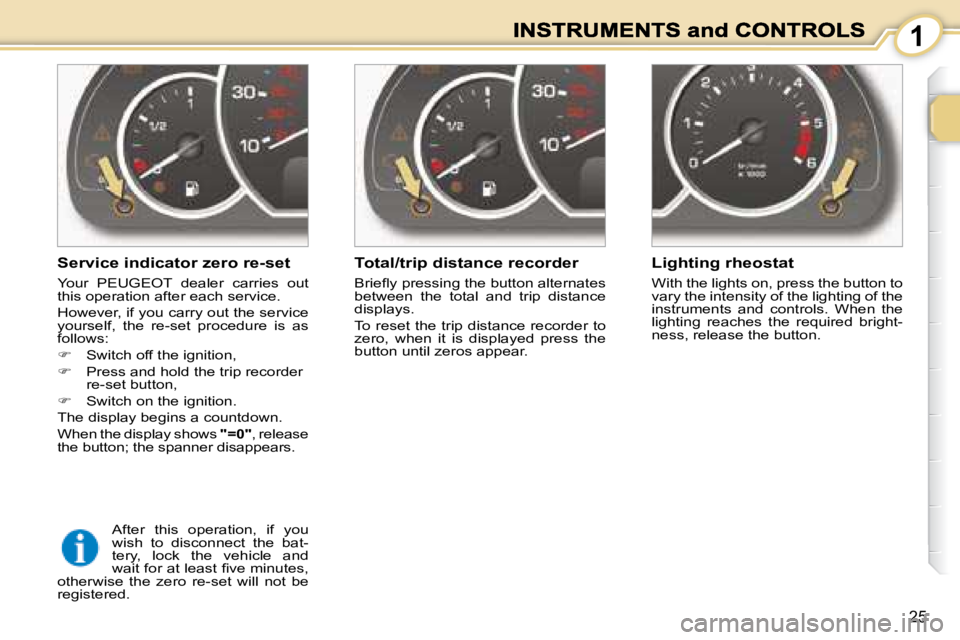
Service indicator zero re-set
Your PEUGEOT dealer carries out
this operation after each service.
However, if you carry out the service
yourself, the re-set procedure is as
follows:
Switch off the ignition,
Press and hold the trip recorder
re-set button,
Switch on the ignition.
The display begins a countdown.
When the display shows "=0" , release
the button; the spanner disappears. Total/trip distance recorder
Briefl y pressing the button alternates
between the total and trip distance
displays.
To reset the trip distance recorder to
zero, when it is displayed press the
button until zeros appear.
Lighting rheostat
With the lights on, press the button to
vary the intensity of the lighting of the
instruments and controls. When the
lighting reaches the required bright-
ness, release the button.
After this operation, if you
wish to disconnect the bat-
tery, lock the vehicle and
wait for at least fi ve minutes,
otherwise the zero re-set will not be
registered.
Page 24 of 189
1
27
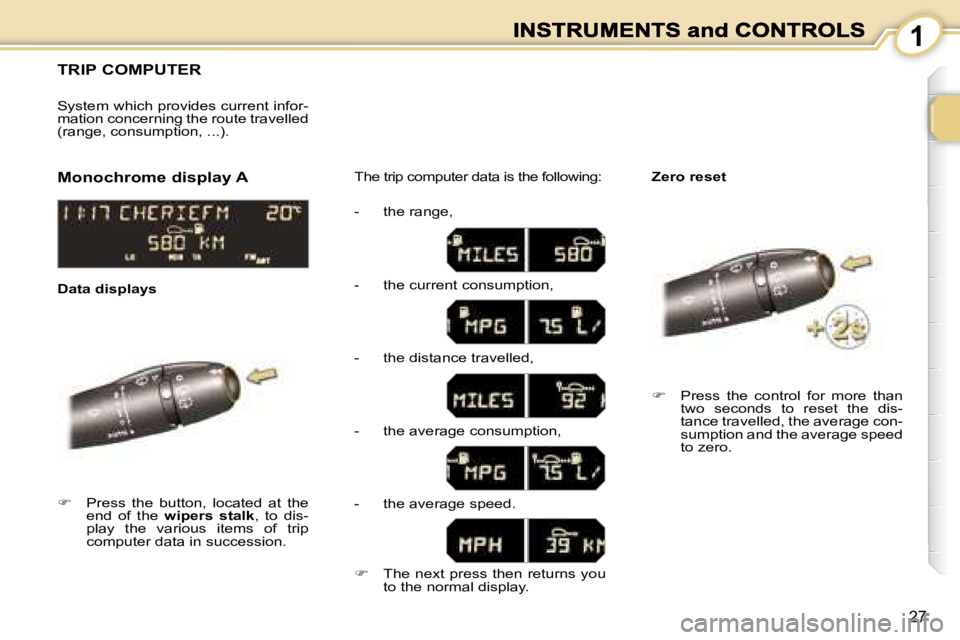
TRIP COMPUTER
Press the button, located at the
end of the wipers stalk , to dis-
play the various items of trip
computer data in succession. The trip computer data is the following:
System which provides current infor-
mation concerning the route travelled
(range, consumption, ...).
Press the control for more than
two seconds to reset the dis-
tance travelled, the average con-
sumption and the average speed
to zero.
Monochrome display A
Zero reset
Data displays - the range,
- the current consumption,
- the distance travelled,
- the average consumption,
- the average speed.
The next press then returns you
to the normal display.
Page 26 of 189
1
29
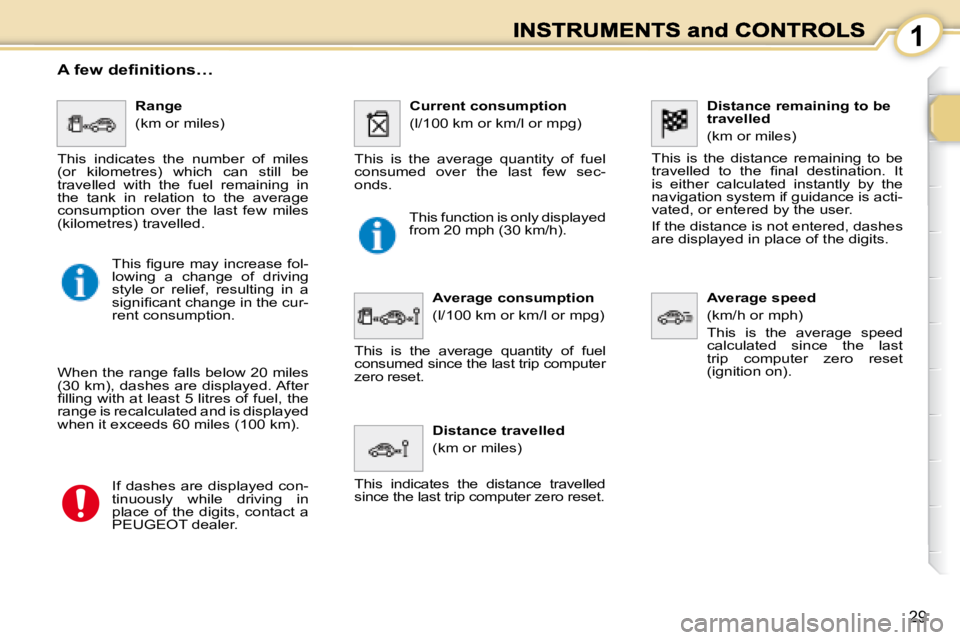
Distance remaining to be
travelled
(km or miles)
This is the distance remaining to be
travelled to the fi nal destination. It
is either calculated instantly by the
navigation system if guidance is acti-
vated, or entered by the user.
If the distance is not entered, dashes
are displayed in place of the digits.
Average speed
(km/h or mph)
This is the average speed
calculated since the last
trip computer zero reset
(ignition on).
Range
(km or miles)
This indicates the number of miles
(or kilometres) which can still be
travelled with the fuel remaining in
the tank in relation to the average
consumption over the last few miles
(kilometres) travelled. Current consumption
(l/100 km or km/l or mpg)
This is the average quantity of fuel
consumed over the last few sec-
onds.
Average consumption
(l/100 km or km/l or mpg)
This is the average quantity of fuel
consumed since the last trip computer
zero reset.
Distance travelled
(km or miles)
This indicates the distance travelled
since the last trip computer zero reset.
A few definitions…
When the range falls below 20 miles
(30 km), dashes are displayed. After
fi lling with at least 5 litres of fuel, the
range is recalculated and is displayed
when it exceeds 60 miles (100 km).
If dashes are displayed con-
tinuously while driving in
place of the digits, contact a
PEUGEOT dealer. This function is only displayed
from 20 mph (30 km/h).
This fi gure may increase fol-
lowing a change of driving
style or relief, resulting in a
signifi cant change in the cur-
rent consumption.
Page 27 of 189
1
30
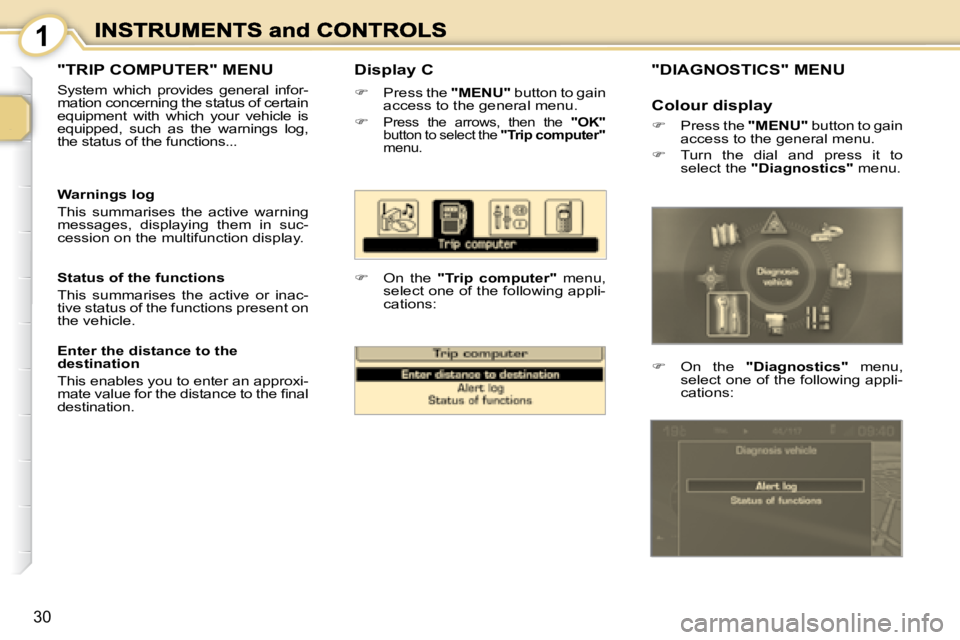
Display C
Press the "MENU" button to gain
access to the general menu.
Press the arrows, then the "OK"
button to select the "Trip computer"
menu.
On the "Trip computer" menu,
select one of the following appli-
cations:
Warnings log
This summarises the active warning
messages, displaying them in suc-
cession on the multifunction display.
Status of the functions
This summarises the active or inac-
tive status of the functions present on
the vehicle.
Enter the distance to the
destination
This enables you to enter an approxi-
mate value for the distance to the fi nal
destination.
"TRIP COMPUTER" MENU
System which provides general infor-
mation concerning the status of certain
equipment with which your vehicle is
equipped, such as the warnings log,
the status of the functions...
"DIAGNOSTICS" MENU
On the "Diagnostics" menu,
select one of the following appli-
cations:
Colour display
Press the "MENU" button to gain
access to the general menu.
Turn the dial and press it to
select the "Diagnostics" menu.
Page 28 of 189
2
31
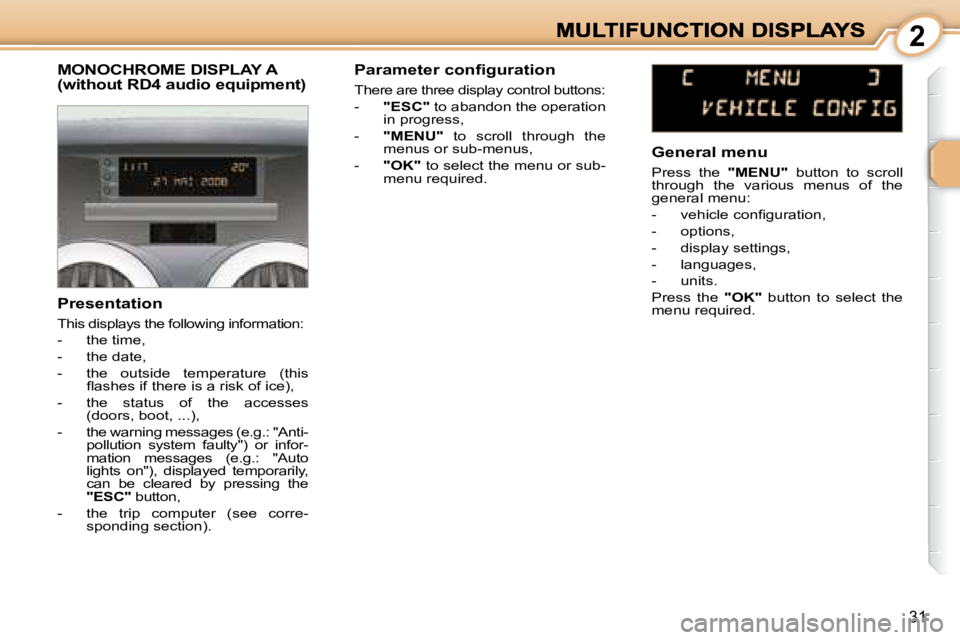
MONOCHROME DISPLAY A (without RD4 audio equipment)
Presentation
This displays the following information:
- the time,
- the date,
- the outside temperature (this fl ashes if there is a risk of ice),
- the status of the accesses (doors, boot, ...),
- the warning messages (e.g.: "Anti- pollution system faulty") or infor-
mation messages (e.g.: "Auto
lights on"), displayed temporarily,
can be cleared by pressing the
"ESC" button,
- the trip computer (see corre- sponding section). Parameter configuration
There are three display control buttons:
-
"ESC" to abandon the operation
in progress,
- "MENU" to scroll through the
menus or sub-menus,
- "OK" to select the menu or sub-
menu required. General menu
Press the
"MENU" button to scroll
through the various menus of the
general menu:
- vehicle confi guration,
- options,
- display settings,
- languages,
- units.
Press the "OK" button to select the
menu required.
Page 29 of 189
2
32
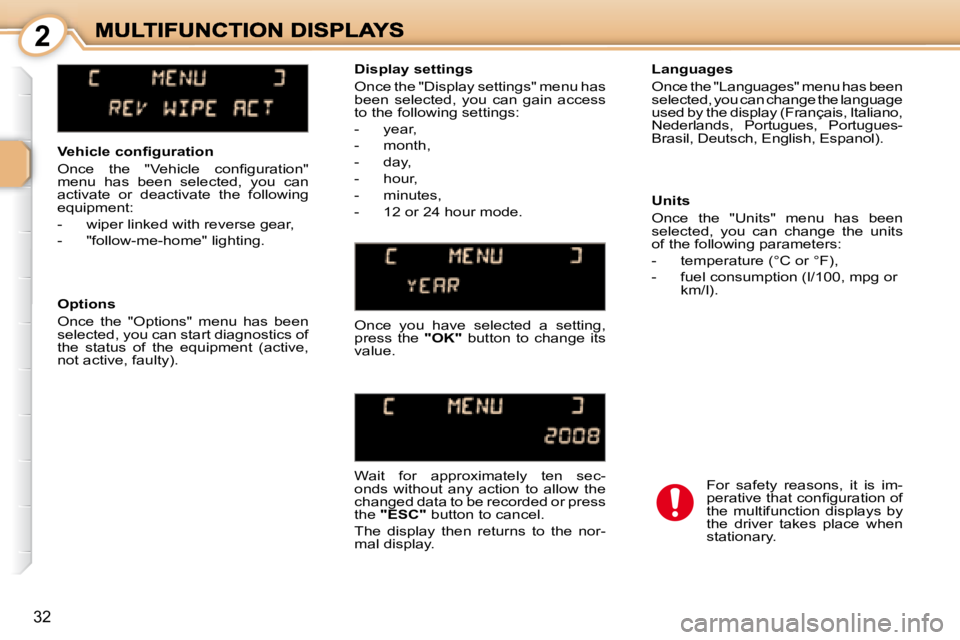
Vehicle confi guration
Once the "Vehicle confi guration"
menu has been selected, you can
activate or deactivate the following
equipment:
- wiper linked with reverse gear,
- "follow-me-home" lighting. Languages
Once the "Languages" menu has been
selected, you can change the language
used by the display (Français, Italiano,
Nederlands, Portugues, Portugues-
Brasil, Deutsch, English, Espanol).
Display settings
Once the "Display settings" menu has
been selected, you can gain access
to the following settings:
- year,
- month,
- day,
- hour,
- minutes,
- 12 or 24 hour mode.
Options
Once the "Options" menu has been
selected, you can start diagnostics of
the status of the equipment (active,
not active, faulty). Once you have selected a setting,
press the
"OK" button to change its
value.
Wait for approximately ten sec-
onds without any action to allow the
changed data to be recorded or press
the "ESC" button to cancel.
The display then returns to the nor-
mal display. Units
Once the "Units" menu has been
selected, you can change the units
of the following parameters:
- temperature (°C or °F),
- fuel consumption (l/100, mpg or
km/l).
For safety reasons, it is im-
perative that confi guration of
the multifunction displays by
the driver takes place when
stationary.
Page 30 of 189

2
33
General menu
Press the "MENU" button to gain
access to the general menu, then
press the " " or " " buttons to scroll
through the following items:
- radio-CD,
- vehicle confi guration,
- options,
- display settings,
- languages,
- units.
Press the "OK" button to select the
menu required. Vehicle confi guration
Once the "Vehicle confi guration"
menu has been selected, you can
activate or deactivate the following
equipment:
- rear wiper linked with reverse
gear,
- "follow-me-home" lighting.
Presentation
This displays the following informa-
tion, via the RD4 audio equipment
control keypad:
- the time,
- the date,
- the outside temperature (this fl ashes if there is a risk of ice),
- the audio source displays (radio, CD, ...),
- the status of the accesses (doors, boot, ...),
- the warning messages (e.g.: "Anti- pollution system faulty") or infor-
mation messages (e.g.: "Auto
lights on"), displayed temporarily,
can be cleared by pressing the
"ESC" button,
- the trip computer (see corre- sponding section).
MONOCHROME DISPLAY A
Options
Once the "Options" menu has been
selected, you can start diagnostics of
the status of the equipment (active,
not active, faulty).
Radio-CD
With the RD4 audio equipment
switched on, once the "Radio-CD"
menu has been selected, you can
activate or deactivate the functions
linked with the use of the radio (RDS
following, REG mode), the CD or the
CD changer (introscan, random play,
CD repeat).
Page 31 of 189
2
34
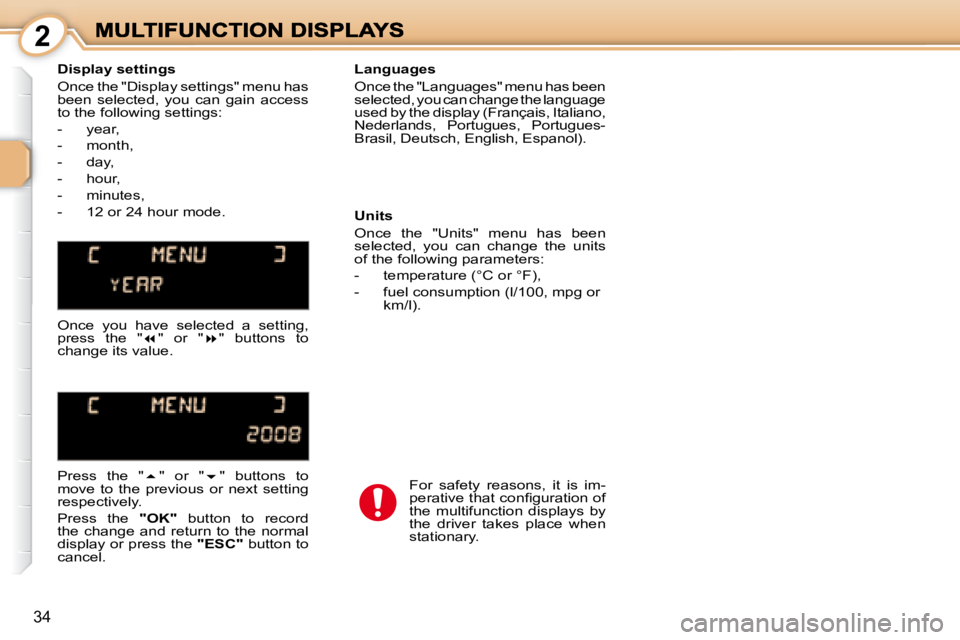
Display settings
Once the "Display settings" menu has
been selected, you can gain access
to the following settings:
- year,
- month,
- day,
- hour,
- minutes,
- 12 or 24 hour mode. Languages
Once the "Languages" menu has been
selected, you can change the language
used by the display (Français, Italiano,
Nederlands, Portugues, Portugues-
Brasil, Deutsch, English, Espanol).
Units
Once the "Units" menu has been
selected, you can change the units
of the following parameters:
- temperature (°C or °F),
- fuel consumption (l/100, mpg or
km/l).
Once you have selected a setting,
press the " " or " " buttons to
change its value.
Press the " " or " " buttons to
move to the previous or next setting
respectively.
Press the "OK" button to record
the change and return to the normal
display or press the "ESC" button to
cancel. For safety reasons, it is im-
perative that confi guration of
the multifunction displays by
the driver takes place when
stationary.
Page 32 of 189
2
35
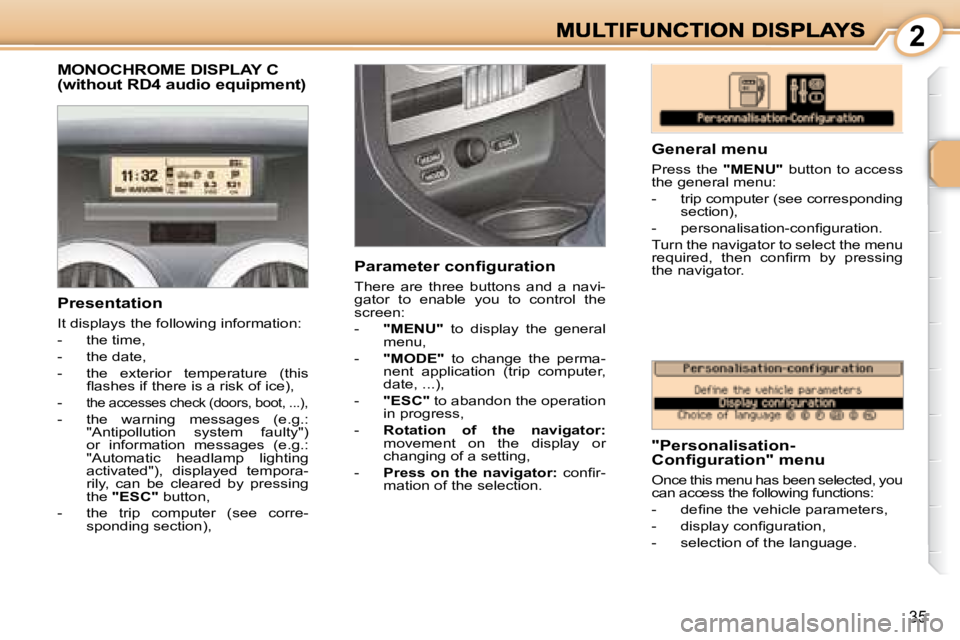
MONOCHROME DISPLAY C (without RD4 audio equipment)
General menu
Press the "MENU" button to access
the general menu:
- trip computer (see corresponding section),
- personalisation-confi guration.
Turn the navigator to select the menu
required, then confi rm by pressing
the navigator.
Presentation
It displays the following information:
- the time,
- the date,
- the exterior temperature (this fl ashes if there is a risk of ice),
-
the accesses check (doors, boot, ...),
- the warning messages (e.g.: "Antipollution system faulty")
or information messages (e.g.:
"Automatic headlamp lighting
activated"), displayed tempora-
rily, can be cleared by pressing
the "ESC" button,
- the trip computer (see corre- sponding section), Parameter configuration
There are three buttons and a navi-
gator to enable you to control the
screen:
-
"MENU" to display the general
menu,
- "MODE" to change the perma-
nent application (trip computer,
date, ...),
- "ESC" to abandon the operation
in progress,
- Rotation of the navigator:
movement on the display or
changing of a setting,
- Press on the navigator: confi r-
mation of the selection. "Personalisation-
Configuration" menu
Once this menu has been selected, you
can access the following functions:
- defi ne the vehicle parameters,
- display confi guration,
- selection of the language.
Page 34 of 189

2
37
MONOCHROME SCREEN C
"Audio functions" menu
With the RD4 audio equipment
switched on, once this menu has
been selected, you can activate
or deactivate the functions linked
with the use of the radio (RDS,
REG, RadioText), the CD or the CD
changer (introscan, random play, CD
repeat).
Presentation
This displays the following informa-
tion, via the RD4 audio equipment
control keypad:
- the time,
- the date,
- the outside temperature (this fl ashes if there is a risk of ice),
- the audio source displays (radio, CD, ...),
- the status of the accesses (doors, boot, ...),
- the warning messages (e.g.: "Antipollution system faulty")
or information messages (e.g.:
"Automatic headlamp lighting
activated"), displayed temporar-
ily, can be cleared by pressing
the "ESC" button,
- the trip computer (see corre- sponding section). General menu
Press the
"MENU" button to gain
access to the general menu:
- audio functions,
- trip computer (see corresponding section),
- personalisation-confi guration,
- telephone (hands-free kit).
Press the " " or " " buttons to select
the menu required, then confi rm by
pressing the "OK" button.
"Personalisation-
Configuration" menu
Once this menu has been selected,
you can gain access to the following
functions:
- defi ne the vehicle parameters,
- display confi guration,
- selection of the language.