buttons PEUGEOT 106 2001.5 User Guide
[x] Cancel search | Manufacturer: PEUGEOT, Model Year: 2001.5, Model line: 106, Model: PEUGEOT 106 2001.5Pages: 107, PDF Size: 2.92 MB
Page 41 of 107
YOUR 106 IN DETAIL43
EON system
This connects stations which are part of the same network. It enables broadcasting of traffic information or a PTY programme from a station which is part of the same network as the station to which you are listening.
This service is available when you have selected the TA traffic information programme or the PTY function.
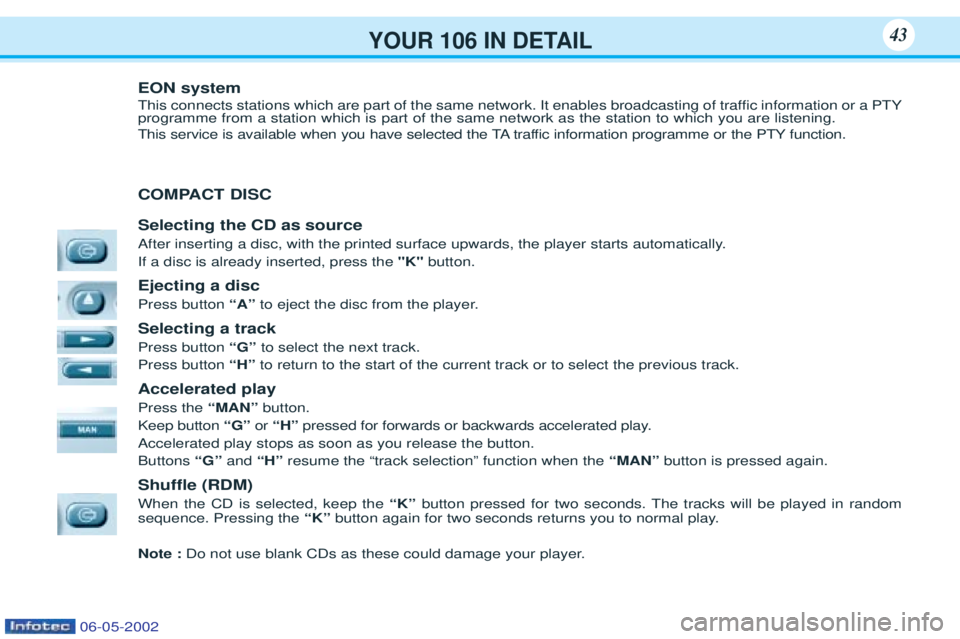
COMPACT DISC Selecting the CD as source
After inserting a disc, with the printed surface upwards, the player starts automatically. If a disc is already inserted, press the"K"button.
Ejecting a disc Press button “A”to eject the disc from the player.
Selecting a trackPress button “G” to select the next track.
Press button “H”to return to the start of the current track or to select the previous track.
Accelerated playPress the “MAN”button.
Keep button “G” or “H” pressed for forwards or backwards accelerated play.
Accelerated play stops as soon as you release the button. Buttons “G”and“H” resume the Òtrack selectionÓ function when the “MAN”button is pressed again.
Shuffle (RDM) When the CD is selected, keep the “K”button pressed for two seconds. The tracks will be played in random
sequence. Pressing the “K”button again for two seconds returns you to normal play.
Note : Do not use blank CDs as these could damage your player.
06-05-2002
Page 42 of 107
YOUR 106 IN DETAIL43
EON system
This connects stations which are part of the same network. It enables broadcasting of traffic information or a PTY programme from a station which is part of the same network as the station to which you are listening.
This service is available when you have selected the TA traffic information programme or the PTY function.
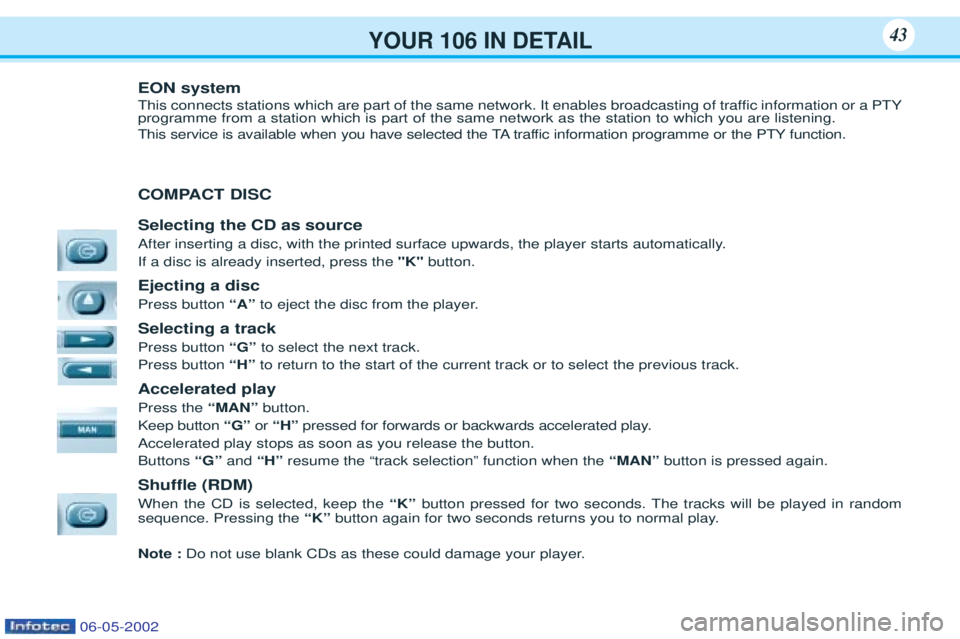
COMPACT DISC Selecting the CD as source
After inserting a disc, with the printed surface upwards, the player starts automatically. If a disc is already inserted, press the"K"button.
Ejecting a disc Press button “A”to eject the disc from the player.
Selecting a trackPress button “G” to select the next track.
Press button “H”to return to the start of the current track or to select the previous track.
Accelerated playPress the “MAN”button.
Keep button “G” or “H” pressed for forwards or backwards accelerated play.
Accelerated play stops as soon as you release the button. Buttons “G”and“H” resume the Òtrack selectionÓ function when the “MAN”button is pressed again.
Shuffle (RDM) When the CD is selected, keep the “K”button pressed for two seconds. The tracks will be played in random
sequence. Pressing the “K”button again for two seconds returns you to normal play.
Note : Do not use blank CDs as these could damage your player.
06-05-2002
Page 43 of 107
YOUR 106 IN DETAIL44
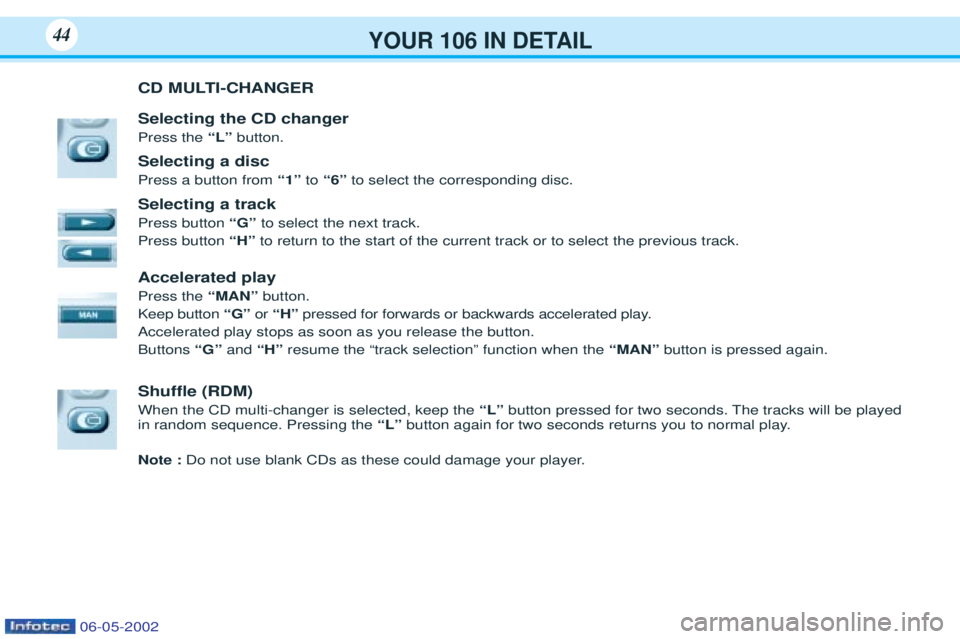
CD MULTI-CHANGER Selecting the CD changer Press the “L” button.
Selecting a discPress a button from “1”to“6” to select the corresponding disc.
Selecting a trackPress button “G”to select the next track.
Press button “H”to return to the start of the current track or to select the previous track.
Accelerated playPress the “MAN”button.
Keep button “G”or “H” pressed for forwards or backwards accelerated play.
Accelerated play stops as soon as you release the button. Buttons “G”and“H” resume the Òtrack selectionÓ function when the “MAN”button is pressed again.
Shuffle (RDM) When the CD multi-changer is selected, keep the “L” button pressed for two seconds. The tracks will be played
in random sequence. Pressing the “L” button again for two seconds returns you to normal play.
Note : Do not use blank CDs as these could damage your player.
06-05-2002