change time PEUGEOT 108 2014 User Guide
[x] Cancel search | Manufacturer: PEUGEOT, Model Year: 2014, Model line: 108, Model: PEUGEOT 108 2014Pages: 256, PDF Size: 5.88 MB
Page 195 of 256
04
193
RADIO
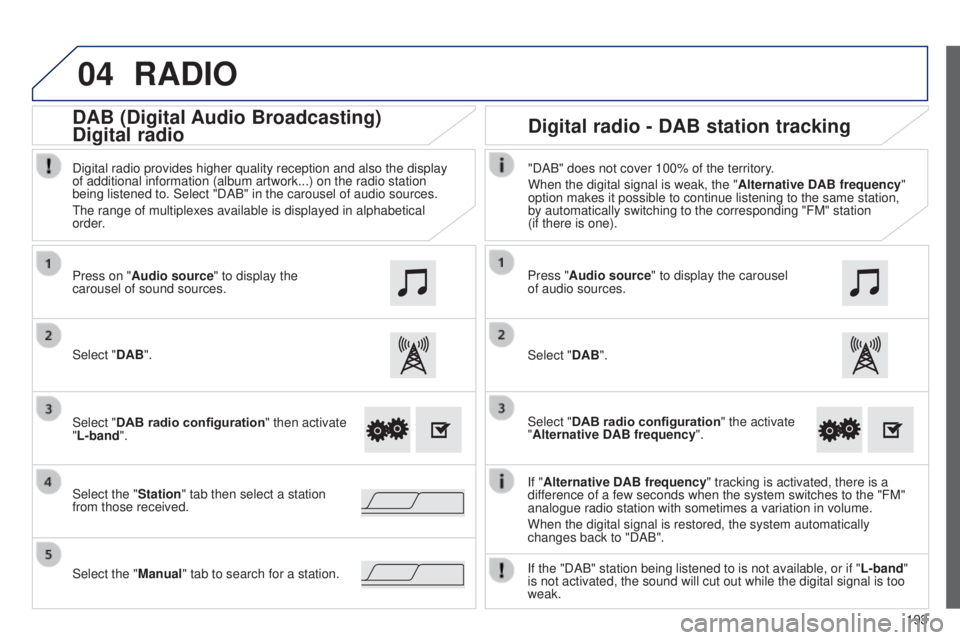
If "Alternative DAB frequency " tracking is activated, there is a
difference of a few seconds when the system switches to the "FM"
analogue radio station with sometimes a variation in volume.
When the digital signal is restored, the system automatically
changes back to "DAB".
Select "DAB". Press on "Audio source" to display the
carousel of sound sources.
Select the "Station" tab then select a station
from those received. Select "DAB radio configuration" then activate
"L-band".
Select the "Manual" tab to search for a station. Digital radio provides higher quality reception and also the display
of additional information (album artwork...) on the radio station
being listened to. Select "DAB" in the carousel of audio sources.
t
he range of multiplexes available is displayed in alphabetical
order.
Press "Audio source" to display the carousel
of audio sources.
Select "DAB".
Select "DAB radio configuration" the activate
"Alternative DAB frequency ".
"DAB" does not cover 100% of the territory.
When the digital signal is weak, the "
Alternative DAB frequency"
option makes it possible to continue listening to the same station,
by automatically switching to the corresponding "FM" station
(if there is one).
If the "DAB" station being listened to is not available, or if " L-band"
is not activated, the sound will cut out while the digital signal is too\
weak.
Digital radio - DAB station tracking
DAB (Digital Audio
Broadcasting)
Digital radio
B3_en_Chap12a_Autoradio-t oyota-tactile-1_ed01-2014
Page 222 of 256
FREQUENTLY ASKED QUESTIONS
220QUESTION
ANSWER SOLUTION
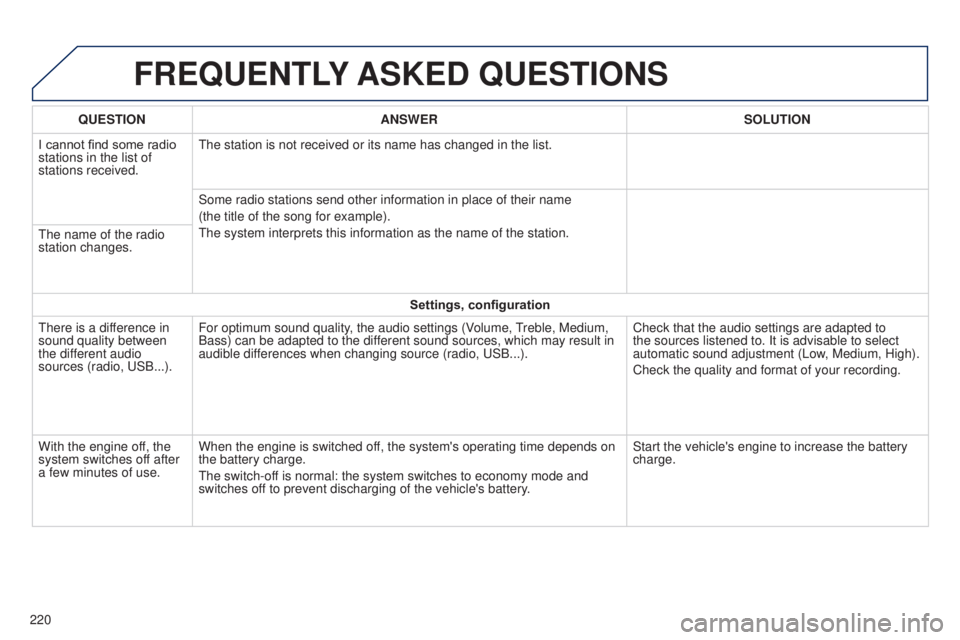
I cannot find some radio
stations in the list of
stations received.
t
he station is not received or its name has changed in the list.
Some radio stations send other information in place of their name
(the title of the song for example).
t
he system interprets this information as the name of the station.
t
he name of the radio
station changes.
Settings, configuration
t
here is a difference in
sound quality between
the different audio
sources (radio, u SB...).
For optimum sound quality, the audio settings (Volume,
treble, Medium,
Bass) can be adapted to the dif
ferent sound sources, which may result in
audible differences when changing source (radio, u SB...).
Check that the audio settings are adapted to
the sources listened to. It is advisable to select
automatic sound adjustment (Low, Medium, High).
Check the quality and format of your recording.
With the engine off, the
system switches off after
a few minutes of use. When the engine is switched off, the system's operating time depends on
the battery charge.
t
he switch-off is normal: the system switches to economy mode and
switches off to prevent discharging of the vehicle's battery. Start the vehicle's engine to increase the battery
charge.
Page 229 of 256
03
MODE
227
RADIO
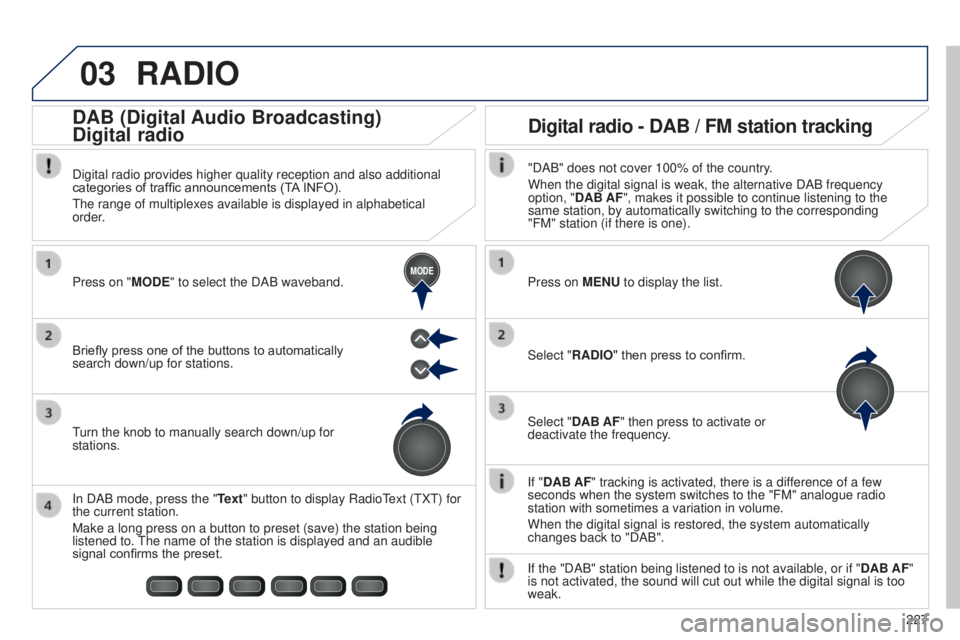
If "DAB AF" tracking is activated, there is a difference of a few
seconds when the system switches to the "FM" analogue radio
station with sometimes a variation in volume.
When the digital signal is restored, the system automatically
changes back to "DAB".
Briefly press one of the buttons to automatically
search down/up for stations. Press on "MODE" to select the DAB waveband.
In DAB mode, press the "Text" button to display Radio
t
ext (
t
X
t
) for
the current station.
Make a long press on a button to preset (save) the station being
listened to.
t
he name of the station is displayed and an audible
signal confirms the preset.
turn the knob to manually search down/up for
stations. Digital radio provides higher quality reception and also additional
categories of traffic announcements (T
A INFO).
t
he range of multiplexes available is displayed in alphabetical
order.
Press on MENU to display the list.
Select "RADIO" then press to confirm.
Select "DAB AF" then press to activate or
deactivate the frequency."DAB" does not cover 100% of the country.
When the digital signal is weak, the alternative DAB frequency
option, "DAB AF", makes it possible to continue listening to the
same station, by automatically switching to the corresponding
"FM" station (if there is one).
If the "DAB" station being listened to is not available, or if " DAB AF"
is not activated, the sound will cut out while the digital signal is too\
weak.
Digital radio - DAB / FM station tracking
DAB (Digital Audio Broadcasting)
Digital radio
B3_en_Chap12b_Autoradio-t
oyota-2_ed01-2014
Page 238 of 256
FREQUENTLY ASKED QUESTIONS
236QUESTION
ANSWER SOLUTION
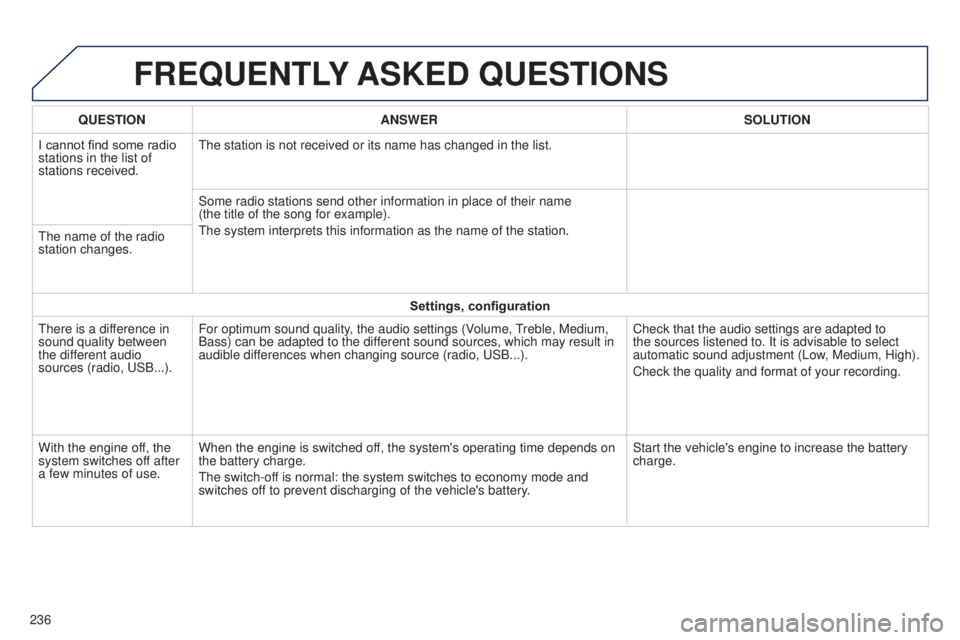
I cannot find some radio
stations in the list of
stations received.
t
he station is not received or its name has changed in the list.
Some radio stations send other information in place of their name
(the title of the song for example).
t
he system interprets this information as the name of the station.
t
he name of the radio
station changes.
Settings, configuration
t
here is a difference in
sound quality between
the different audio
sources (radio, u SB...).
For optimum sound quality, the audio settings (Volume,
treble, Medium,
Bass) can be adapted to the dif
ferent sound sources, which may result in
audible differences when changing source (radio, u SB...).
Check that the audio settings are adapted to
the sources listened to. It is advisable to select
automatic sound adjustment (Low, Medium, High).
Check the quality and format of your recording.
With the engine off, the
system switches off after
a few minutes of use. When the engine is switched off, the system's operating time depends on
the battery charge.
t
he switch-off is normal: the system switches to economy mode and
switches off to prevent discharging of the vehicle's battery. Start the vehicle's engine to increase the battery
charge.