stop start PEUGEOT 108 2018 Owner's Guide
[x] Cancel search | Manufacturer: PEUGEOT, Model Year: 2018, Model line: 108, Model: PEUGEOT 108 2018Pages: 180, PDF Size: 7.14 MB
Page 123 of 180
121
Fuse N°Rating (A) Functions
29 125* Demisting of the rear screen and door mirrors – Heated seats
– Electric roof – ABS system – VSC system – Fan assembly –
Front foglamps – LED Daytime running lamps
30 50ETG gearbox
40 Stop & Start
31 50Power steering
32 30Fan assembly
40
33 50ABS System – VSC system
37 20Demisting of the rear screen and door mirrors
38 30ABS System – VSC system
39 7. 5Front foglamps – Instrument panel – Display screen
40 7. 5LED daytime running lamps
41 15Right heated seat
42 20Electric fabric roof
43 15Left heated seat
*
T
his fuse must be replaced only by
a
PEUGEOT dealer or by a qualified
workshop.12 V battery
Procedure for starting the engine using another
battery or charging a
discharged battery.
General points
Lead-acid starter batteries
Batteries contain harmful substances
such as sulphuric acid and lead.
They must be disposed of in
accordance with regulations and must
not, in any circumstances, be discarded
with household waste.
Take used remote control batteries and
vehicle batteries to a
special collection
point.
Protect your eyes and face before
handling the battery.
All operations on the battery must be
carried out in a
well ventilated area and
away from naked flames and sources of
sparks, so as to avoid the risk of explosion
or fire.
Wash your hands afterwards.
8
In the event of a breakdown
Page 124 of 180
122
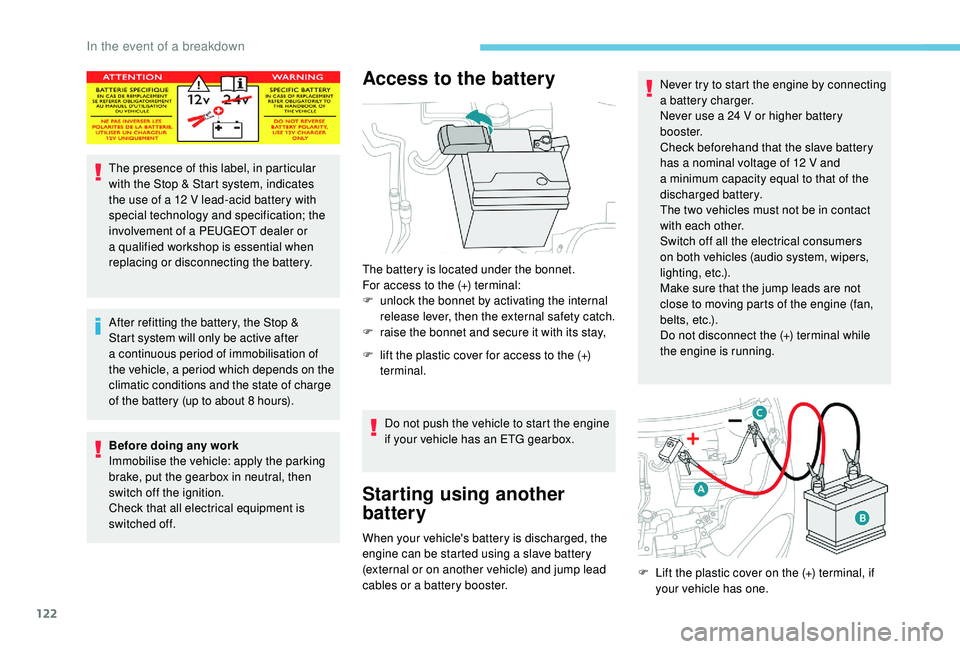
The presence of this label, in particular
with the Stop & Start system, indicates
the use of a 12 V lead-acid battery with
special technology and specification; the
involvement of a
PEUGEOT dealer or
a
qualified workshop is essential when
replacing or disconnecting the battery.
After refitting the battery, the Stop &
Start system will only be active after
a
continuous period of immobilisation of
the vehicle, a period which depends on the
climatic conditions and the state of charge
of the battery (up to about 8
hours).
Before doing any work
Immobilise the vehicle: apply the parking
brake, put the gearbox in neutral, then
switch off the ignition.
Check that all electrical equipment is
switched off.
Access to the battery
The battery is located under the bonnet.
For access to the (+) terminal:
F
u
nlock the bonnet by activating the internal
release lever, then the external safety catch.
F
r
aise the bonnet and secure it with its stay,
F
l
ift the plastic cover for access to the (+)
terminal.
Do not push the vehicle to start the engine
if your vehicle has an ETG gearbox.
Starting using another
battery
When your vehicle's battery is discharged, the
engine can be started using a slave battery
(external or on another vehicle) and jump lead
cables or a
battery booster. Never try to start the engine by connecting
a
battery charger.
Never use a 24 V or higher battery
b o o s t e r.
Check beforehand that the slave battery
has a nominal voltage of 12 V and
a
minimum capacity equal to that of the
discharged battery.
The two vehicles must not be in contact
with each other.
Switch off all the electrical consumers
on both vehicles (audio system, wipers,
lighting, etc.).
Make sure that the jump leads are not
close to moving parts of the engine (fan,
belts, etc.).
Do not disconnect the (+) terminal while
the engine is running.
F
L
ift the plastic cover on the (+) terminal, if
your vehicle has one.
In the event of a breakdown
Page 125 of 180
123
F Connect the red cable to the positive terminal (+) of the flat battery A (at the metal
elbow) then to the positive terminal (+) of the
slave battery B or the booster.
F
C
onnect one end of the green or black
cable to the negative terminal (-) of backup
battery B or the booster (or an earth point
on the other vehicle).
F
C
onnect the other end of the green or black
cable to earth point C on the broken down
vehicle.
F
S
tart the engine of the vehicle with the
good battery and leave it running for a
few
minutes.
F
O
perate the starter on the broken down
vehicle and let the engine run.
If the engine does not start straight away,
switch off the ignition and wait a
few moments
before trying again.
F
W
ait for it to return to idle.
F
D
isconnect the jump lead cables in reverse
order .
F
R
efit the plastic cover to the (+) terminal, if
your vehicle has one.
F
A
llow the engine to run for at least
30
minutes, by driving or with the vehicle
stationary, so that the battery reaches an
adequate state of charge.Before disconnecting the battery
Wait 2 minutes after switching off the ignition
b efore disconnecting the battery.
Close the windows, the electric fabric roof and
the doors before disconnecting the battery.
After reconnecting the battery
After each time that the battery has been
reconnected, switch on the ignition and wait
1
minute before starting the engine, to allow
the electronic systems to initialise. However,
if minor problems persist after this procedure,
contact a
PEUGEOT dealer or a qualified
workshop.
Some functions, including Stop & Start,
are not available if the battery is not
sufficiently charged.
Charging the battery using
a battery charger
Never try to charge a frozen battery – risk
o f explosion!
If the battery has frozen, have it checked
by a
PEUGEOT dealer or by a qualified
workshop who will check that the internal
components have not been damaged and
that the container has not cracked, which
would mean a
risk of toxic and corrosive
acid leaking.
Towing the vehicle
Your vehicle can only be towed from the
front .
F
D
isconnect the battery from the vehicle.
F
F
ollow the instructions of use provided by
the manufacturer of the charger.
F
R
econnect the battery starting with the
positive terminal (+).
F
C
heck that the terminals and connectors
are clean. If they are covered with sulphate
(whitish or greenish deposit), remove and
clean them. F
T
ake the detachable towing ring kept in the
toolbox under the boot mat.
F
U
nclip the plastic cover by pressing on the
lower part.
F
S
crew the towing eye in fully.
F
I
nstall the towing arm.
F
W
ith a manual gearbox: move the gear lever
to neutral.
8
In the event of a breakdown
Page 131 of 180
1
MODE
Radio
Contents
Audio system glossary
2
F
irst steps
5
S
teering mounted controls
6
R
adio
7
D
AB radio (Digital Audio Broadcasting)
8
M
edia
9
T
elephone
1
0
Bluetooth
® 13
S
ettings
1 4
Frequently asked questions
1
5The different functions and settings
described vary according to the version
and configuration of your vehicle. As a safety measure, the driver must only
carry out operations which require close
attention while the vehicle is stationary .
On vehicles equipped with Keyless Entry
And Starting, to protect the battery, the
system shuts down after activation of the
energy economy mode, 20 minutes after
the engine has been stopped.
.
Radio
Page 149 of 180
1
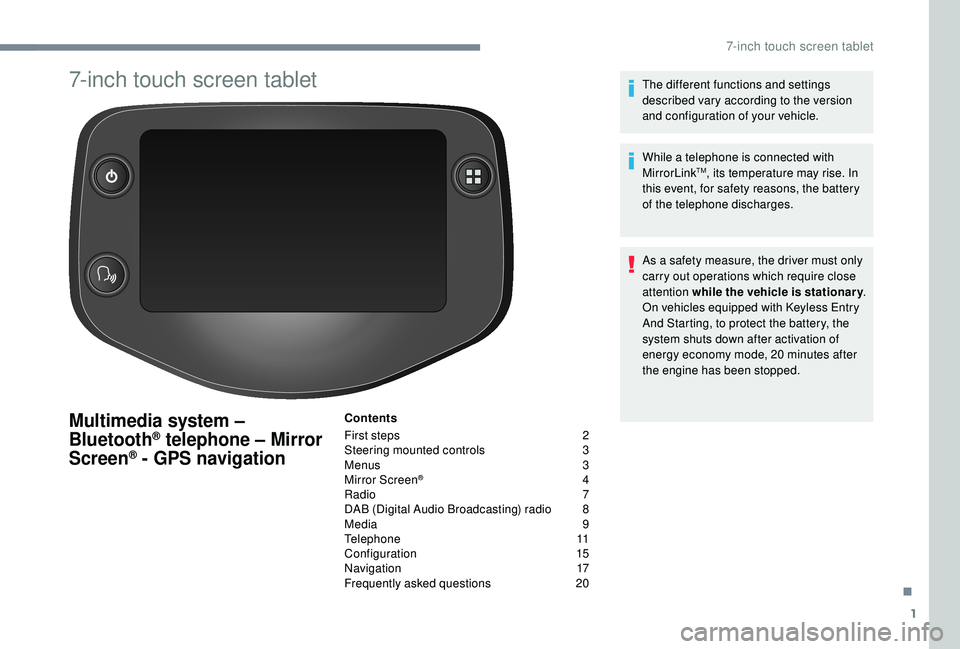
7-inch touch screen tablet
Multimedia system –
Bluetooth® telephone – Mirror
Screen® - GPS navigation
Contents
First steps
2
S
teering mounted controls
3
M
enus
3
M
irror Screen
® 4
R
adio
7
D
AB (Digital Audio Broadcasting) radio
8
M
edia
9
T
elephone
1
1
Configuration
1
5
Navigation
1
7
Frequently asked questions
20T
he different functions and settings
described vary according to the version
and configuration of your vehicle.
While a telephone is connected with
MirrorLink
TM, its temperature may rise. In
this event, for safety reasons, the battery
of the telephone discharges.
As a
safety measure, the driver must only
carry out operations which require close
attention while the vehicle is stationary .
On vehicles equipped with Keyless Entry
And Starting, to protect the battery, the
system shuts down after activation of
energy economy mode, 20
minutes after
the engine has been stopped.
.
7-inch touch screen tablet
Page 158 of 180
10
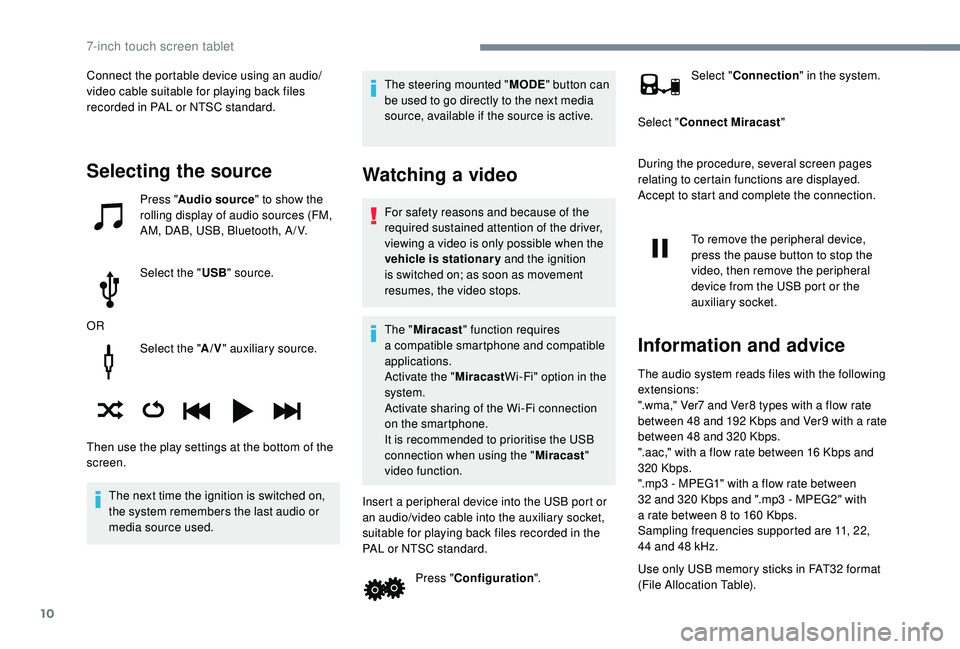
Select the "A/V" auxiliary source.
The next time the ignition is switched on,
the system remembers the last audio or
media source used. The steering mounted "
MODE" button can
be used to go directly to the next media
source, available if the source is active.
Watching a video
For safety reasons and because of the
required sustained attention of the driver,
viewing a
video is only possible when the
vehicle is stationary and the ignition
is switched on; as soon as movement
resumes, the video stops.
The " Miracast " function requires
a
compatible smartphone and compatible
applications.
Activate the " MiracastWi-Fi" option in the
system.
Activate sharing of the Wi-Fi connection
on the smartphone.
It is recommended to prioritise the USB
connection when using the " Miracast"
video function.
Insert a peripheral device into the USB port or
an audio/video cable into the auxiliary socket,
suitable for playing back files recorded in the
PAL or NTSC standard. Press "Configuration ". Select "
Connection " in the system.
Select " Connect Miracast "
During the procedure, several screen pages
relating to certain functions are displayed.
Accept to start and complete the connection.
To remove the peripheral device,
press the pause button to stop the
video, then remove the peripheral
device from the USB port or the
auxiliary socket.
Information and advice
The audio system reads files with the following
extensions:
".wma," Ver7 and Ver8 types with a flow rate
between 48
and 192 Kbps and Ver9 with a rate
between 48
and 320 Kbps.
".aac," with a
flow rate between 16 Kbps and
320
Kbps.
".mp3 - MPEG1" with a
flow rate between
32
and 320 Kbps and ".mp3 - MPEG2" with
a
rate between 8 to 160 Kbps.
Sampling frequencies supported are 11, 22,
44
and 48 kHz.
Use only USB memory sticks in FAT32
format
(File Allocation Table).
Selecting the source
Press " Audio source " to show the
rolling display of audio sources (FM,
AM, DAB, USB, Bluetooth, A / V.
Select the " USB" source.
OR
Then use the play settings at the bottom of the
screen. Connect the portable device using an audio/
video cable suitable for playing back files
recorded in PAL or NTSC standard.
7-inch touch screen tablet
Page 175 of 180
173
Sidelamps .................................................1 7, 4 6
Side repeater ................................................ 114
Snow chains
.................................................... 97
Socket, 12
V accessory ............................42- 43
Socket, Jack
.......................................... 42- 43, 9
Sockets, audio
................................................ 43
Spe
ed limiter
.................................. 1
5, 17, 84- 86
Speed limit recognition
................................... 8
2
Speedometer
.................................................. 18
Starting the vehicle
.................................... 7
2-79
Starting using another battery
......................12 2
Station, radio
...............................
...............7, 7- 8
Steering mounted controls, audio
................ 6
, 3
Steering wheel, adjustment
............................ 36
S
teering wheel adjustment
.............................36
Steering wheel height
..................................... 36
Stopping the vehicle
.................................. 72-79
Stop & Start
........15 -16, 20, 40, 81- 82, 102, 122
Storage
............................................................ 42
Sun visor
...............................
..........................42
Tables of fuses
................................ 114 -11 6 , 11 9
Ta n k , f u e l
................................................... 18, 9 6
Telephone
..............................
.........1 0 -11, 11 -15
Temperature, coolant
...................................... 11
Third brake lamp
........................................... 114
Three flashes (direction indicators)
................ 48
T
ime
................................................................ 20
Time (setting)
.................................................. 21
To o l s
........................................ 1 0 7-1 0 8 , 11 0 -111
Touch screen ..................................................... 1
To w b a r
...............................
............................123
Towing another vehicle
.................................123
Towing eye
...................................................... 45Traction control (ASR)
....................................13
Traction control (TRC) ........................ 14
, 52- 5 3
Traffic information (TA)
.....................................8
TRC (traction control)
.........................14, 52- 5 3
Trip computer
............................................18 -20
Trip distance recorder
..................................... 18
T
y r e s
..........................................................6, 103
Tyre under-inflation detection
...........92- 93, 107
Under floor storage
.........................................45
Under-inflation (detection)
..............................92
Unlocking
..................................................22-24
USB
..........................................................9, 9 -10Warning and indicator lamps .......................
9
-10
Warning lamp, airbag ...................................... 14
W
arning lamp, braking system
.......................11
Warning lamp, door(s) open
...........................12
Warning lamp, low fuel level
...........................13
Warning lamp, parking brake
..........................11
Warning lamp, seat belts
................................12
Warning lamp. emission control system
.........13
Warning lamps
................................................10
Warnings and indicators
.................................11
Washing (advice) ............................................. 99
Wheel, spare
................... 10
3, 107-108, 110 -111
Window controls
.............................................28
Windows, rear quarter
....................................29
Wiper blades (changing)
.................................50
Wipers
.............................................................49
Ventilation
.......................................6, 36 -37, 40
Visibility
...............
............................................36
T
U
W
V
.
Alphabetical index