ECU PEUGEOT 207 2011 Owner's Manual
[x] Cancel search | Manufacturer: PEUGEOT, Model Year: 2011, Model line: 207, Model: PEUGEOT 207 2011Pages: 248, PDF Size: 8.61 MB
Page 162 of 248
9PRACTICAL INFORMATION
160
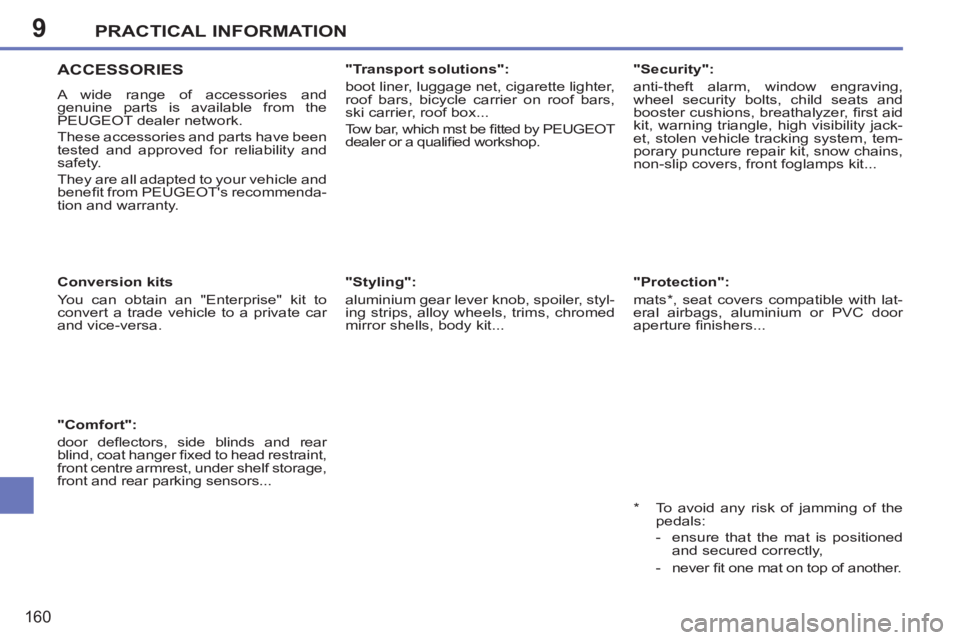
ACCESSORIES
A wide range of accessories and
genuine parts is available from the
PEUGEOT dealer network.
These accessories and parts have been
tested and approved for reliability and
safety.
They are all adapted to your vehicle and
benefi t from PEUGEOT's recommenda-
tion and warranty.
Conversion kits
You can obtain an "Enterprise" kit to
convert a trade vehicle to a private car
and vice-versa.
"Transport solutions":
boot liner, luggage net, cigarette lighter,
roof bars, bicycle carrier on roof bars,
ski carrier, roof box...
Tow bar, which mst be fi tted by PEUGEOT
dealer or a qualifi ed workshop.
"Comfort":
door defl ectors, side blinds and rear
blind, coat hanger fi xed to head restraint,
front centre armrest, under shelf storage,
front and rear parking sensors...
"Styling":
aluminium gear lever knob, spoiler, styl-
ing strips, alloy wheels, trims, chromed
mirror shells, body kit...
*
To avoid any risk of jamming of the
pedals:
- ensure that the mat is positioned
and secured correctly,
- never fi t one mat on top of another.
"Security":
anti-theft alarm, window engraving,
wheel security bolts, child seats and
booster cushions, breathalyzer, fi rst aid
kit, warning triangle, high visibility jack-
et, stolen vehicle tracking system, tem-
porary puncture repair kit, snow chains,
non-slip covers, front foglamps kit...
"Protection":
mats * , seat covers compatible with lat-
eral airbags, aluminium or PVC door
aperture fi nishers...
Page 180 of 248
178
EMERGENCY OR ASSISTANCE CALL
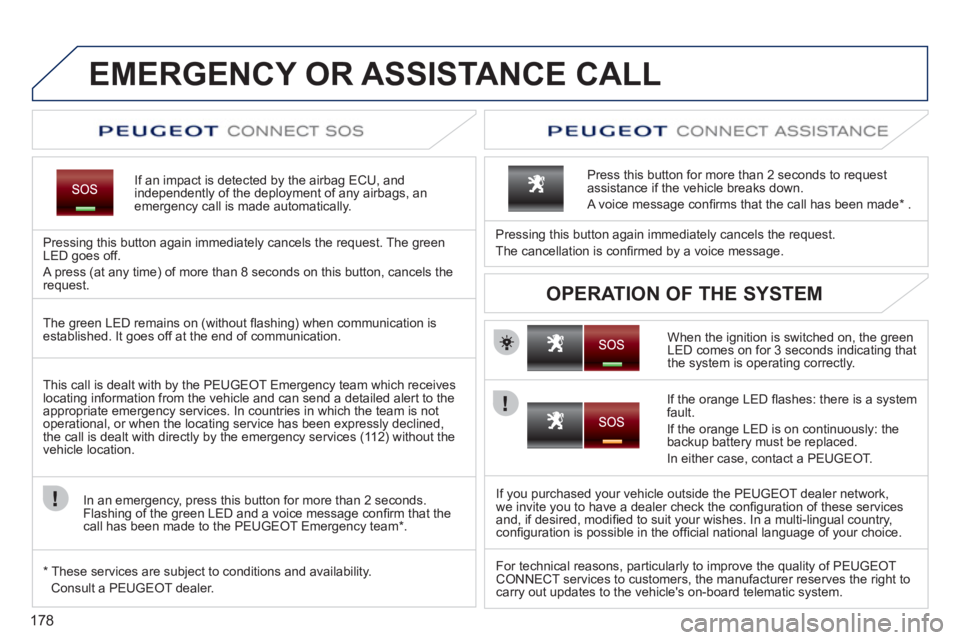
If an impact is detected by the airbag ECU, andindependently of the deployment of any airbags, anemergency call is made automatically.
Pressing this button again immediately cancels the request. The green LED goes off.
A press
(at any time) of more than 8 seconds on this button, cancels the
request.
When the ignition is switched on, the green
LED comes on for 3 seconds indicating that
the system is operating correctly. Pressin
g this button again immediately cancels the request.
The cancellation is confi rmed b
y a voice message.
Press this button for more than 2 seconds to request
assistance if the vehicle breaks down.
A voice message confi rms that the call has been made *
.
OPERATION OF THE SYSTEM
The green LED remains on (without fl ashing) when communication is established. It goes off at the end of communication.
This call is dealt with b
y the PEUGEOT Emergency team which receiveslocating information from the vehicle and can send a detailed alert to theappropriate emergency services. In countries in which the team is not
operational, or when the locating service has been expressly declined,
the call is dealt with directly by the emergency services (11 2) without the
vehicle location.
In an emergency, press this button
for more than 2 seconds.
Flashing of the green LED and a voice message confi rm that the call has been made to the PEUGEOT Emergency team * .
*
These services are sub
ject to conditions and availability.
Consult a PEUGEOT dealer.
If the oran
ge LED fl ashes: there is a system
fault.
If the oran
ge LED is on continuously: the backup battery must be replaced.
In either case, contact a PEU
GEOT.
I
f you purchased your vehicle outside the PEUGEOT dealer network,
we invite you to have a dealer check the confi guration of these services
and, if desired, modifi ed to suit your wishes. In a multi-lingual country,confi guration is possible in the offi cial national language of your choice.
For technical reasons, particularl
y to improve the quality of PEUGEOTCONNECT services to customers, the manufacturer reserves the right tocarry out updates to the vehicle's on-board telematic system.
Page 182 of 248
180
01
1
55
101
22
334466
131
111
99
144155
77881212161
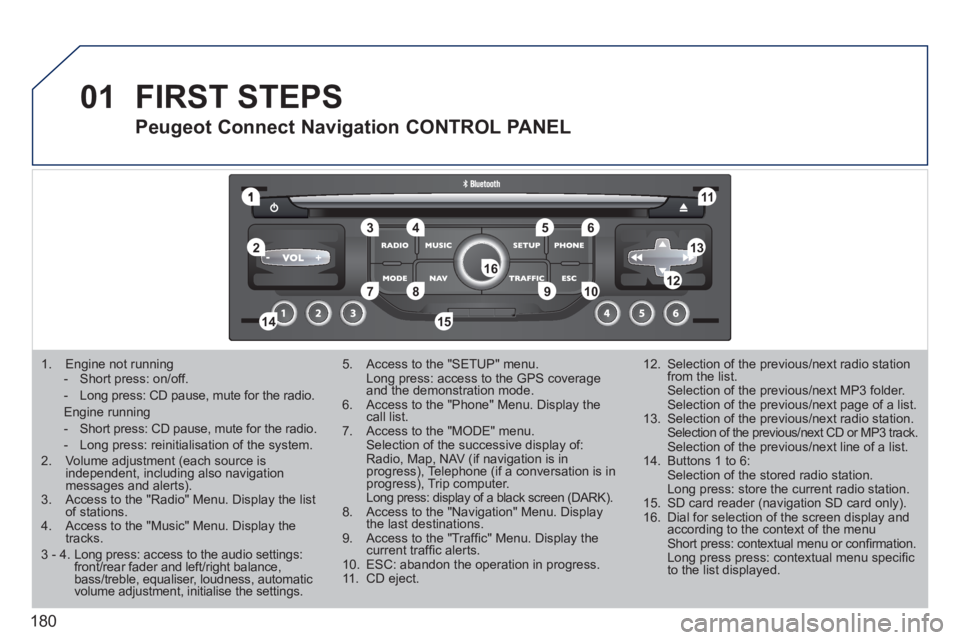
1. Engine not running
- Short press: on/off.
- Long press: CD pause, mute for the radio.
Engine running
- Short press: CD pause, mute for the radio.
- Long press: reinitialisation of the system. 2. Volume adjustment (each source is independent, including also navigation messages and alerts).3. Access to the "Radio" Menu. Display the list of stations. 4. Access to the "Music" Menu. Display thetracks.
5. Access to the "SETUP" menu. Long press: access to the GPS coverage and the demonstration mode.6. Access to the "Phone" Menu. Display thecall list. 7. Access to the "MODE" menu. Selection of the successive display of:Radio, Map, NAV (if navigation is inprogress), Telephone (if a conversation is inprogress), Trip computer. Long press: display of a black screen (DARK).8. Access to the "Navigation" Menu. Display the last destinations.9. Access to the "Traffi c" Menu. Display thecurrent traffi c alerts. 10. ESC: abandon the operation in progress. 11. CD eject.
12. Selection of the previous/next radio station from the list. Selection of the previous/next MP3 folder. Selection of the previous/next page of a list.
13. Selection of the previous/next radio station. Selection of the previous/next CD or MP3 track. Selection of the previous/next line of a list.
14. Buttons 1 to 6: Selection of the stored radio station. Long press: store the current radio station.
15. SD card reader (navigation SD card only).
16. Dial for selection of the screen display andaccording to the context of the menu Short press: contextual menu or confi rmation. Long press press: contextual menu specifi c to the list displayed.
FIRST STEPS
Peugeot Connect Navigation CONTROL PANEL
3 - 4. Long press: access to the audio settings:front/rear fader and left/right balance,bass/treble, equaliser, loudness, automatic volume adjustment, initialise the settings.
Page 232 of 248
230
09SCREEN MENU MAP
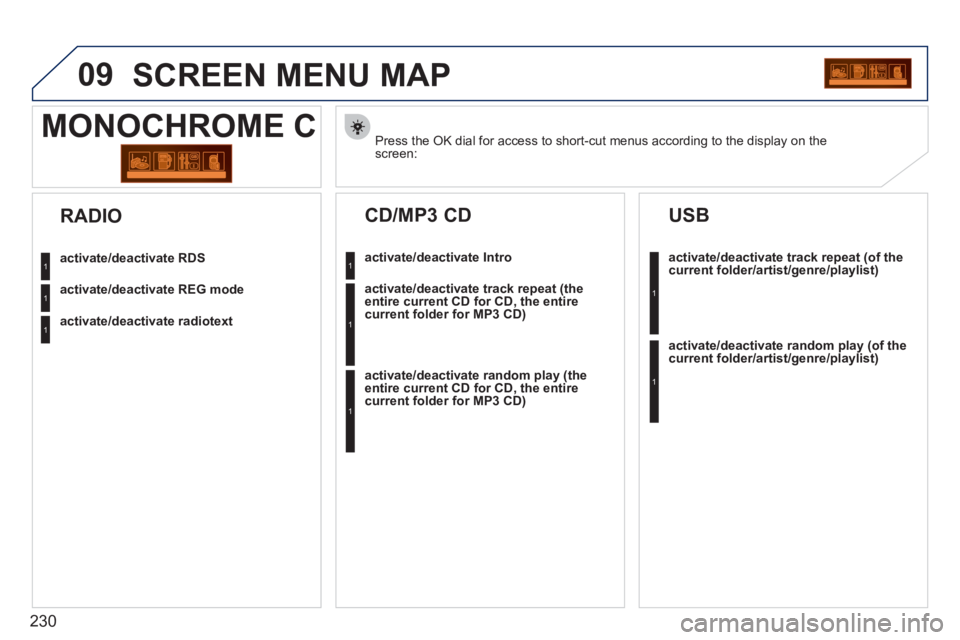
Press the OK dial for access to short-cut menus according to the display on thescreen:
MONOCHROME C
activate/deactivate RDS
activate/deactivate REG mode
activate/deactivate radiotext
RADIO
activate/deactivate Intro
CD/MP3 CD
activate/deactivate track repeat (the
entire current CD for CD, the entire
current folder for MP3 CD)
activate/deactivate random play (the
entire current CD for CD, the entire
current folder for MP3 CD)
activate/deactivate track repeat (of the current folder/artist/genre/playlist)
USB
activate/deactivate random play(of thecurrent folder/artist/genre/playlist)
1
1
1
1
1
1
1
1