Speed Peugeot 301 2017 Workshop Manual
[x] Cancel search | Manufacturer: PEUGEOT, Model Year: 2017, Model line: 301, Model: Peugeot 301 2017Pages: 306, PDF Size: 9.87 MB
Page 273 of 306
41
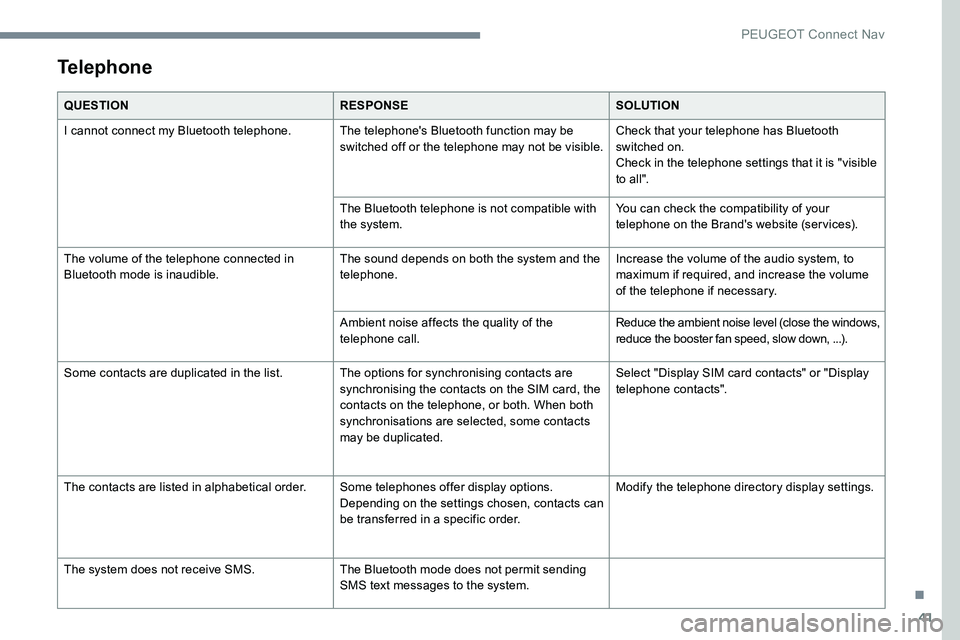
Telephone
QUESTIONRESPONSESOLUTION
I cannot connect my Bluetooth telephone. The telephone's Bluetooth function may be switched off or the telephone may not be visible.Check that your telephone has Bluetooth
switched on.
Check in the telephone settings that it is "visible
to all".
The Bluetooth telephone is not compatible with
the system. You can check the compatibility of your
telephone on the Brand's website (services).
The volume of the telephone connected in
Bluetooth mode is inaudible. The sound depends on both the system and the
telephone.Increase the volume of the audio system, to
maximum if required, and increase the volume
of the telephone if necessary.
Ambient noise affects the quality of the
telephone call. Reduce the ambient noise level (close the windows,
reduce the booster fan speed, slow down, ...).
Some contacts are duplicated in the list. The options for synchronising contacts are synchronising the contacts on the SIM card, the
contacts on the telephone, or both. When both
synchronisations are selected, some contacts
may be duplicated.Select "Display SIM card contacts" or "Display
telephone contacts".
The contacts are listed in alphabetical order. Some telephones offer display options.
Depending on the settings chosen, contacts can
be transferred in a specific order.Modify the telephone directory display settings.
The system does not receive SMS. The Bluetooth mode does not permit sending
SMS text messages to the system.
.
PEUGEOT Connect Nav
Page 286 of 306
8
The RDS, if activated, enables you to
continue listening to the same station
by automatically retuning to alternative
frequencies. However, in certain
conditions, coverage of this RDS station
may not be assured throughout the entire
country as radio stations do not cover
100% of the territory. This explains the loss
of reception of the station during a journey.
Display text information
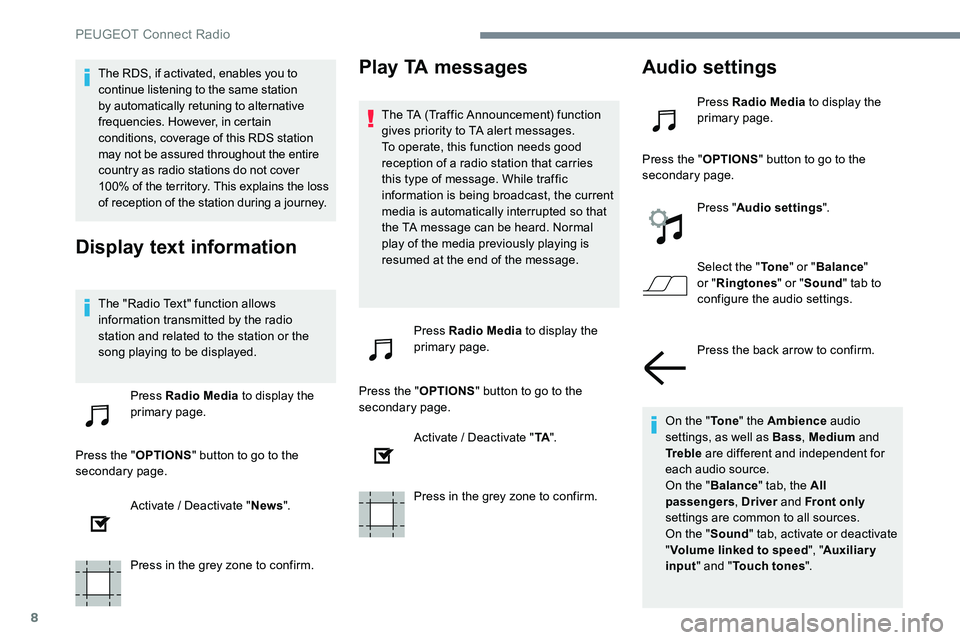
The "Radio Text" function allows
information transmitted by the radio
station and related to the station or the
song playing to be displayed.Press Radio Media to display the
primary page.
Press the " OPTIONS" button to go to the
secondary page.
Activate / Deactivate " News".
Press in the grey zone to confirm.
Play TA messages
The TA (Traffic Announcement) function
gives priority to TA alert messages.
To operate, this function needs good
reception of a radio station that carries
this type of message. While traffic
information is being broadcast, the current
media is automatically interrupted so that
the TA message can be heard. Normal
play of the media previously playing is
resumed at the end of the message.
Press Radio Media to display the
primary page.
Press the " OPTIONS" button to go to the
secondary page.
Activate / Deactivate " TA".
Press in the grey zone to confirm.
Audio settings
Press Radio Media to display the
primary page.
Press the " OPTIONS" button to go to the
secondary page.
Press "Audio settings ".
Select the " To n e" or "Balance "
or " Ringtones " or "Sound " tab to
configure the audio settings.
Press the back arrow to confirm.
On the " To n e" the Ambience audio
settings, as well as Bass , Medium and
Tr e b l e are different and independent for
each audio source.
On the " Balance " tab, the All
passengers , Driver and Front only
settings are common to all sources.
On the " Sound" tab, activate or deactivate
" Volume linked to speed ", "Auxiliary
input " and " Touch tones ".
PEUGEOT Connect Radio
Page 290 of 306
12
It is advisable to restrict file names to
20 characters, without using special characters
(e.g.: " " ? . ; ù) so as to avoid any reading or
display problems.
Use only USB keys in FAT32 format
(File Allocation Table).It is recommended that the original USB
cable for the portable device is used.
In order to be able to play a burned CDR or
CDRW, select standards ISO 9660 level 1, 2 or
Joliet if possible when burning the CD.
If the disc is burned in another format, it may
not be played correctly.
It is recommended that the same burning
standard is always used on an individual disc,
with the lowest speed possible (4x maximum)
for the best acoustic quality.
In the particular case of a multi-session CD, the
Joliet standard is recommended.Telephone
MirrorLinkTM smartphone
connection
As a safety measure and because it
requires sustained attention by the driver,
using a smartphone when driving is
prohibited.
All operations must be done with the
vehicle stationary .
The synchronisation of a personal
smartphone allows users to display
applications adapted for the smartphone's
MirrorLink
TM technology on the vehicle
screen.
The principles and standards
are constantly changing, for the
communication process between the
smartphone and the system to operate,
it is essential that the smartphone is
unlocked; update the operating system
of the smar tphone as well as the date
and time of the smar tphone and the
system .
For the list of eligible smartphones, go
to the Brand's internet website in your
c o unt r y. As a safety measure, applications can
only be viewed with the vehicle stationary;
display is interrupted once the vehicle is
moving.
The "MirrorLink
TM" function requires a
compatible smartphone and applications.
Telephone not connected by
Bluetooth®
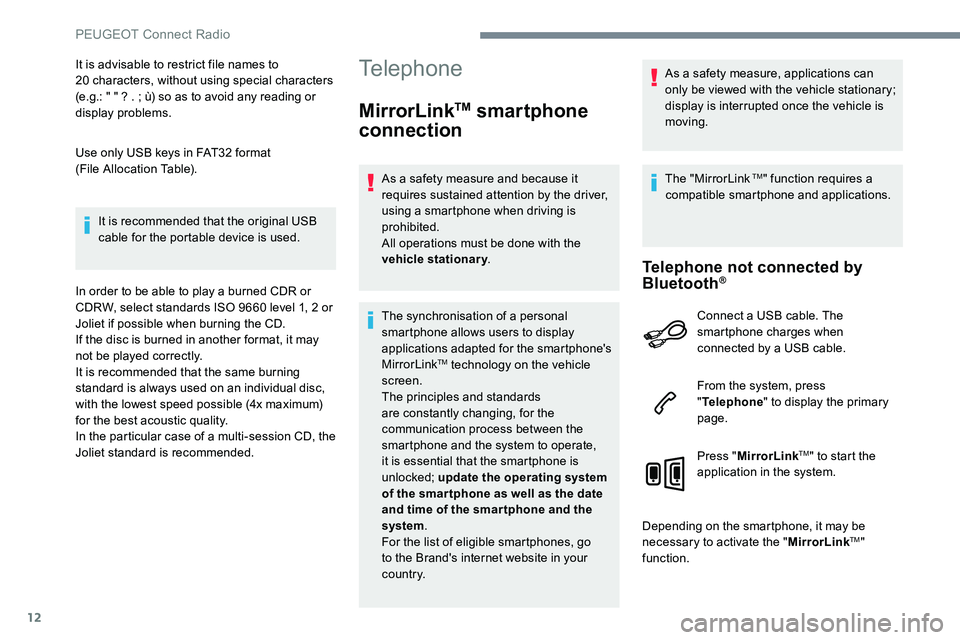
Connect a USB cable. The
smartphone charges when
connected by a USB cable.
From the system, press
" Telephone " to display the primary
page.
Press " MirrorLink
TM" to start the
application in the system.
Depending on the smartphone, it may be
necessary to activate the " MirrorLink
TM"
function.
PEUGEOT Connect Radio
Page 302 of 306
24
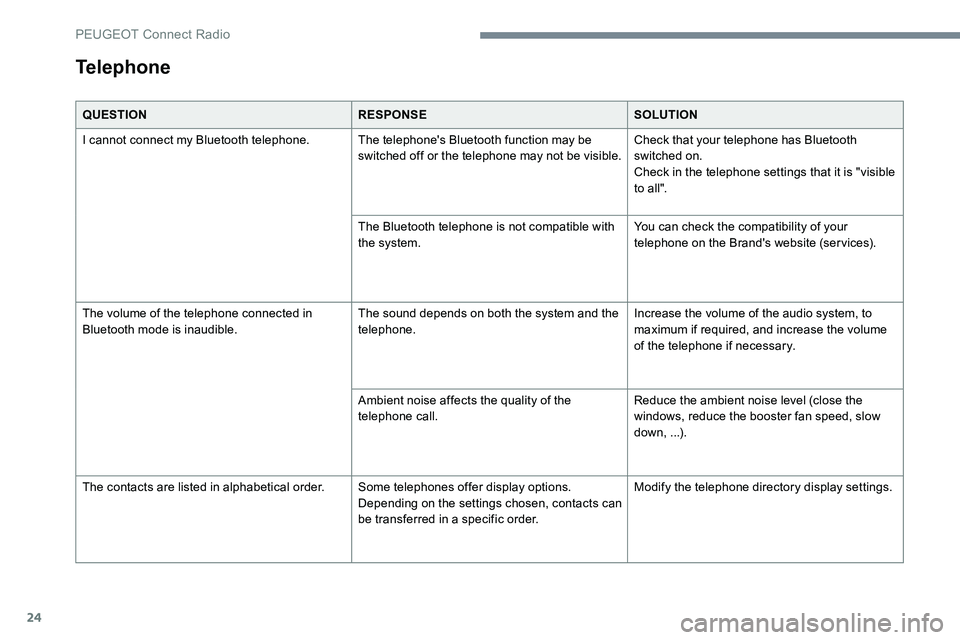
QUESTIONRESPONSESOLUTION
I cannot connect my Bluetooth telephone. The telephone's Bluetooth function may be switched off or the telephone may not be visible.Check that your telephone has Bluetooth
switched on.
Check in the telephone settings that it is "visible
to all".
The Bluetooth telephone is not compatible with
the system. You can check the compatibility of your
telephone on the Brand's website (services).
The volume of the telephone connected in
Bluetooth mode is inaudible. The sound depends on both the system and the
telephone.Increase the volume of the audio system, to
maximum if required, and increase the volume
of the telephone if necessary.
Ambient noise affects the quality of the
telephone call. Reduce the ambient noise level (close the
windows, reduce the booster fan speed, slow
down, ...).
The contacts are listed in alphabetical order. Some telephones offer display options.
Depending on the settings chosen, contacts can
be transferred in a specific order.Modify the telephone directory display settings.
Telephone
PEUGEOT Connect Radio