audio PEUGEOT 4007 2008 User Guide
[x] Cancel search | Manufacturer: PEUGEOT, Model Year: 2008, Model line: 4007, Model: PEUGEOT 4007 2008Pages: 226, PDF Size: 13.63 MB
Page 168 of 226
11
AUDIO EQUIPMENT and TELEMATICS
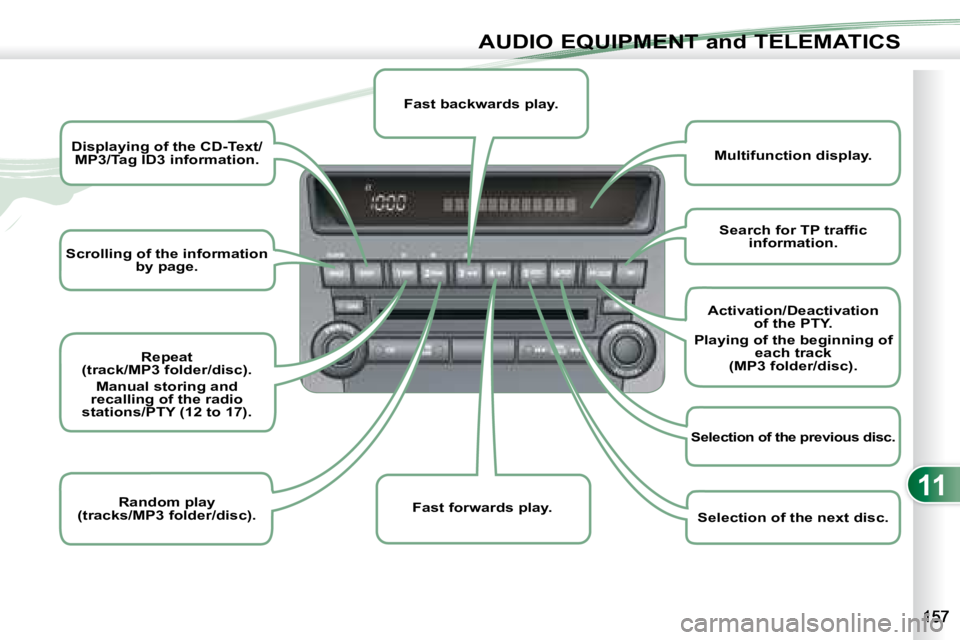
Scrolling of the information
by page.
Displaying of the CD-Text/
MP3/Tag ID3 information.
Repeat
(track/MP3 folder/disc).
Manual storing and
recalling of the radio
stations/PTY (12 to 17).
Random play
(tracks/MP3 folder/disc).
Multifunction display.
Fast backwards play.
Fast forwards play.
Search for TP traffi c
information.
Activation/Deactivation of the PTY.
Playing of the beginning of each track
(MP3 folder/disc).
Selection of the previous disc.
Selection of the next disc.
Page 169 of 226
11
i
i
AUDIO EQUIPMENT and TELEMATICS
GENERAL FUNCTIONS GENERAL FUNCTIONS
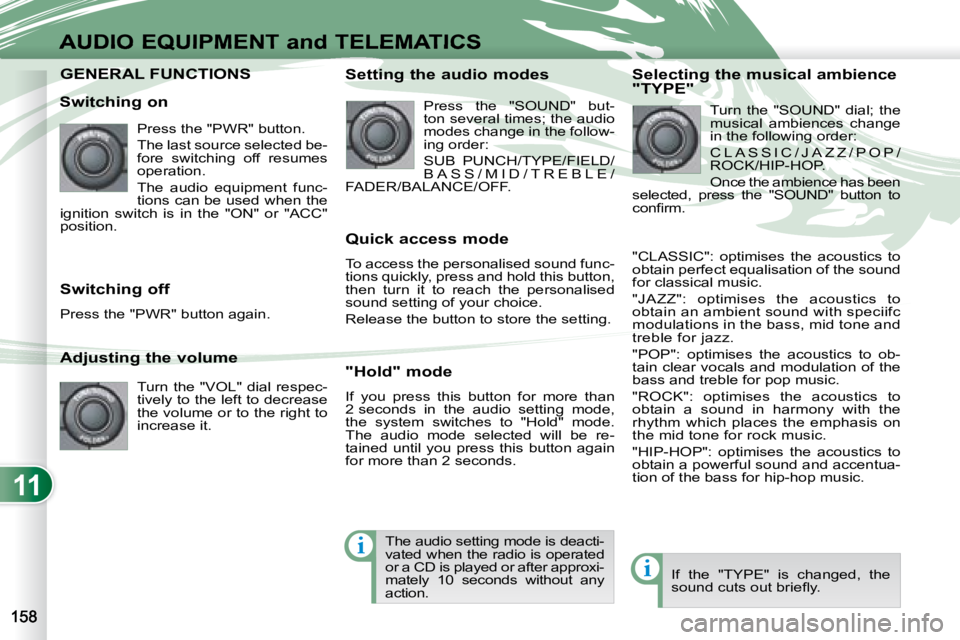
Switching on Press the "PWR" button.
The last source selected be-
fore switching off resumes
operation.
The audio equipment func-
tions can be used when the
ignition switch is in the "ON" or "ACC"
position.
Adjusting the volume
Turn the "VOL" dial respec-
tively to the left to decrease
the volume or to the right to
increase it.
Switching off
Press the "PWR" button again. Setting the audio modes
Press the "SOUND" but-
ton several times; the audio
modes change in the follow-
ing order:
SUB PUNCH/TYPE/FIELD/
B A S S / M I D / T R E B L E /
FADER/BALANCE/OFF.
Quick access mode
To access the personalised sound func-
tions quickly, press and hold this button,
then turn it to reach the personalised
sound setting of your choice.
Release the button to store the setting.
"Hold" mode
If you press this button for more than
2 seconds in the audio setting mode,
the system switches to "Hold" mode.
The audio mode selected will be re-
tained until you press this button again
for more than 2 seconds. Selecting the musical ambience
"TYPE"
Turn the "SOUND" dial; the
musical ambiences change
in the following order:
C L A S S I C / J A Z Z / P O P /
ROCK/HIP-HOP.
Once the ambience has been
selected, press the "SOUND" button to
confi rm.
"CLASSIC": optimises the acoustics to
obtain perfect equalisation of the sound
for classical music.
"JAZZ": optimises the acoustics to
obtain an ambient sound with speciifc
modulations in the bass, mid tone and
treble for jazz.
"POP": optimises the acoustics to ob-
tain clear vocals and modulation of the
bass and treble for pop music.
"ROCK": optimises the acoustics to
obtain a sound in harmony with the
rhythm which places the emphasis on
the mid tone for rock music.
"HIP-HOP": optimises the acoustics to
obtain a powerful sound and accentua-
tion of the bass for hip-hop music.
If the "TYPE" is changed, the
sound cuts out briefl y.
The audio setting mode is deacti-
vated when the radio is operated
or a CD is played or after approxi-
mately 10 seconds without any
action.
Page 170 of 226
11
ii
i
AUDIO EQUIPMENT and TELEMATICS
Selecting the surround effect
"FIELD" Turn the "SOUND" dial; the
surround effects change in
the following order:
N O R M A L / S TA G E / L I V E /
HALL.
"NORMAL": produces a sound in which
the voices are at the front and the in-
struments surround the listener.
"STAGE": produces a sound in which
the voices are immediately facing the
listener, as on a stage.
"LIVE": produces a sound similar to
that of a live show, in which the sound
reaches the listener from all directions.
"HALL": produces a sound similar to
that of a concert hall with defl ection of
the sound. Setting the bass "BASS"
Turn the "SOUND" dial to
set the required bass value.
Setting the mid tone "MID"
Turn the "SOUND" dial to set the re-
quired mid tone value.
Setting the treble "TREBLE"
Turn the "SOUND" dial to set the re-
quired treble value.
Setting the front/rear sound
distribution "FADER"
Turn the "SOUND" dial to set the bal-
ance of the volume of the front and rear
speakers.
Setting the right/left sound
distribution "BALANCE"
Turn the "SOUND" dial to set the bal-
ance of the volume of the right and left
speakers.
If the "FIELD" is changed, the
sound cuts out briefl y. If the value "0" is set, an audible
signal will be heard. Automatic volume adjustment
"SCV"
This permits automatic adjustment of
the "VOLUME", "BASS", "MID" and
"TREBLE" parameters in relation to the
vehicle speed.
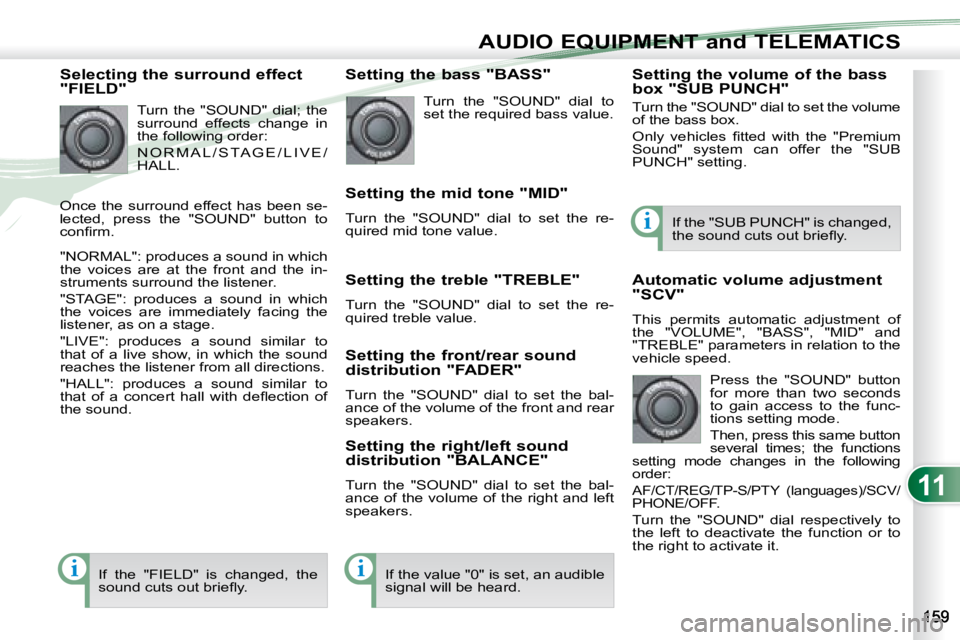
Press the "SOUND" button
for more than two seconds
to gain access to the func-
tions setting mode.
Then, press this same button
several times; the functions
setting mode changes in the following
order:
AF/CT/REG/TP-S/PTY (languages)/SCV/
PHONE/OFF.
Turn the "SOUND" dial respectively to
the left to deactivate the function or to
the right to activate it. If the "SUB PUNCH" is changed,
the sound cuts out briefl y.
Setting the volume of the bass
box "SUB PUNCH"
Turn the "SOUND" dial to set the volume
of the bass box.
Only vehicles fi tted with the "Premium
Sound" system can offer the "SUB
PUNCH" setting.
Once the surround effect has been se-
lected, press the "SOUND" button to
confi rm.
Page 172 of 226
11i
i
AUDIO EQUIPMENT and TELEMATICS
"RDS"
The "Radio Data System" (RDS) func-
tion on the FM waveband permits:
-
access to the displaying of information,
such as the name of the station, ...
- tuning to the same station while travelling through different regions,
- temporary tuning to traffi c informa- tion announcements.
Most FM stations use the RDS. These
stations transmit non-audible data in
addition to their programmes.
The data transmitted in this way al-
lows you access to various functions,
mainly displaying of the name of the
station, automatic station following or
temporary tuning to traffi c information
announcements.
The RDS allows you to continue listen-
ing to the same station by means of the
alternative frequency following. How-
ever, in certain conditions, this RDS
frequency following cannot be provided
throughout the country. Radio stations
do not cover the whole country, which
explains the loss of reception of the sta-
tion during a journey. Alternative frequencies "AF"
Your radio automatically checks and selects
the best frequency for the radio station to
which it is tuned (if the station broadcasts
on several transmitters or frequencies).
The frequency of a radio station covers
approximately 30 miles (50 km). The
change from one frequency to another
explains the temporary loss of reception
during a journey.
If the station to which you are listen-
ing does not have several frequencies
in the region in which you are currently
located, you can deactivate the alterna-
tive frequency following.
Traffic information "TP"
The "Traffi c Program" (TP) function per-
mits automatic and temporary switch-
ing to an FM station broadcasting traffi c
information.
The radio station or the source that you
are listening to at this point is paused.
Once the traffi c information has ended,
the system switches back to the radio
station or the source that you were lis-
tening to initially.
Regional following mode "REG"
Some stations are organised in a net-
work.
In different regions, they broadcast dif-
ferent or shared programmes depending
on the time of day.
You can follow:
- a regional station only,
- the entire network, with the possibility that you will be listening to a different
programme.
The "AF", "REG" and "TP"
functions can be deacti-
vated or activated via the
"TUNE" button functions
setting mode. Press the "TP" button.
"TP" appears on the display.
If the station is compatible,
"RDS" also appears.
If the radio detects traffi c information,
"TRAF INF" appears on the display, fol-
lowed by the frequency of the broad-
casting station, then its name.
The volume is different from that of the
previous source.
Following the broadcasting of the traffi c
information, the volume returns to that
of the source prior to the interruption.
When "TP" appears on the dis-
play, the radio stops solely at
RDS stations broadcasting traf-
fi c information.
On long distance journeys, when
the stored station becomes
weak, the radio searches fi rst for
another frequency for the same
station (AF). Then, if this fails, it
searches for a frequency broad-
casting the regional programme
(REG). If this also fails, the radio
returns to the stored station.
Page 173 of 226
11
i
i
AUDIO EQUIPMENT and TELEMATICS
Themed type of programme
"PTY"
Some stations offer the option of listen-
ing to a themed type of programme as a
priority, selected from the list available
below:
NEWS, AFFAIRS, INFO, SPORT, EDUCATE,DRAMA, CULTURE, SCIENCE, VARIED,
POP M, ROCK M, EASY M, LIGHT M,
CLASSICS, OTHER M, WEATHER, FINANCE,
CHILDREN, SOCIAL, RELIGION, PHONE IN,TRAVEL, LEISURE, JAZZ, COUNTRY, NATION M, OLDIES, FOLK M, DOCUMENT.
Emergency broadcasts "ALERT"
An emergency broadcast automatically
and temporarily interrupts the FM station
or the source that you are listening to.
The message "ALERT" appears on the
display and the volume is different from
that of the previous source.
Following the emergency broadcast, the
message disappears and the volume
returns to that of the source prior to the
interruption. Search for a "PTY" broadcast
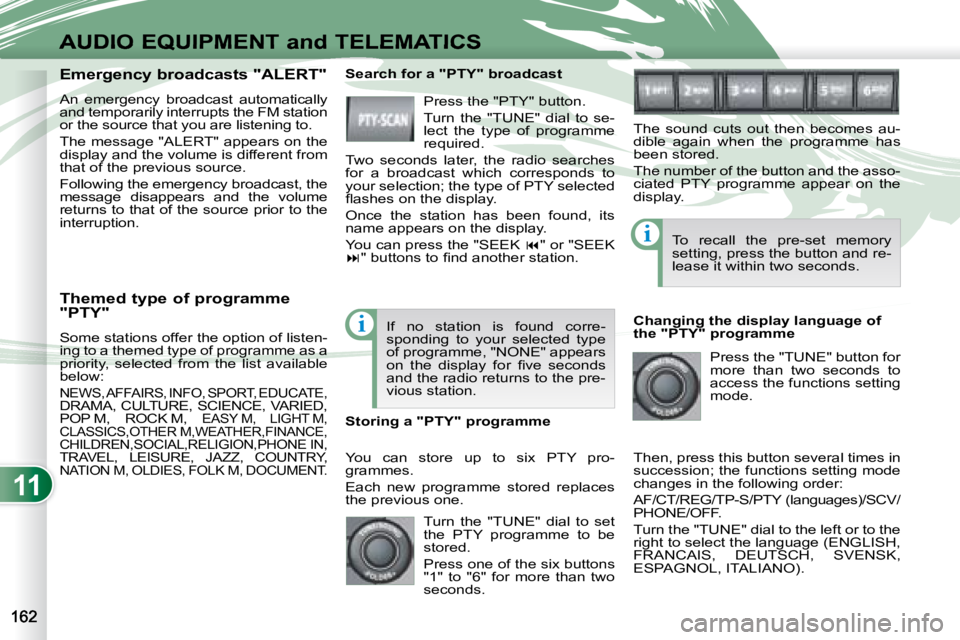
Press the "PTY" button.
Turn the "TUNE" dial to se-
lect the type of programme
required.
Two seconds later, the radio searches
for a broadcast which corresponds to
your selection; the type of PTY selected
fl ashes on the display.
Once the station has been found, its
name appears on the display.
You can press the "SEEK " or "SEEK
" buttons to fi nd another station.
If no station is found corre-
sponding to your selected type
of programme, "NONE" appears
on the display for fi ve seconds
and the radio returns to the pre-
vious station.
You can store up to six PTY pro-
grammes.
Each new programme stored replaces
the previous one.
Storing a "PTY" programme To recall the pre-set memory
setting, press the button and re-
lease it within two seconds.
Changing the display language of
the "PTY" programme Press the "TUNE" button for
more than two seconds to
access the functions setting
mode.
Then, press this button several times in
succession; the functions setting mode
changes in the following order:
AF/CT/REG/TP-S/PTY (languages)/SCV/
PHONE/OFF.
Turn the "TUNE" dial to the left or to the
right to select the language (ENGLISH,
FRANCAIS, DEUTSCH, SVENSK,
ESPAGNOL, ITALIANO).
The sound cuts out then becomes au-
dible again when the programme has
been stored.
The number of the button and the asso-
ciated PTY programme appear on the
display.
Turn the "TUNE" dial to set
the PTY programme to be
stored.
Press one of the six buttons
"1" to "6" for more than two
seconds.
Page 174 of 226
11
i
i
i
AUDIO EQUIPMENT and TELEMATICS
CD PLAYER CD PLAYER
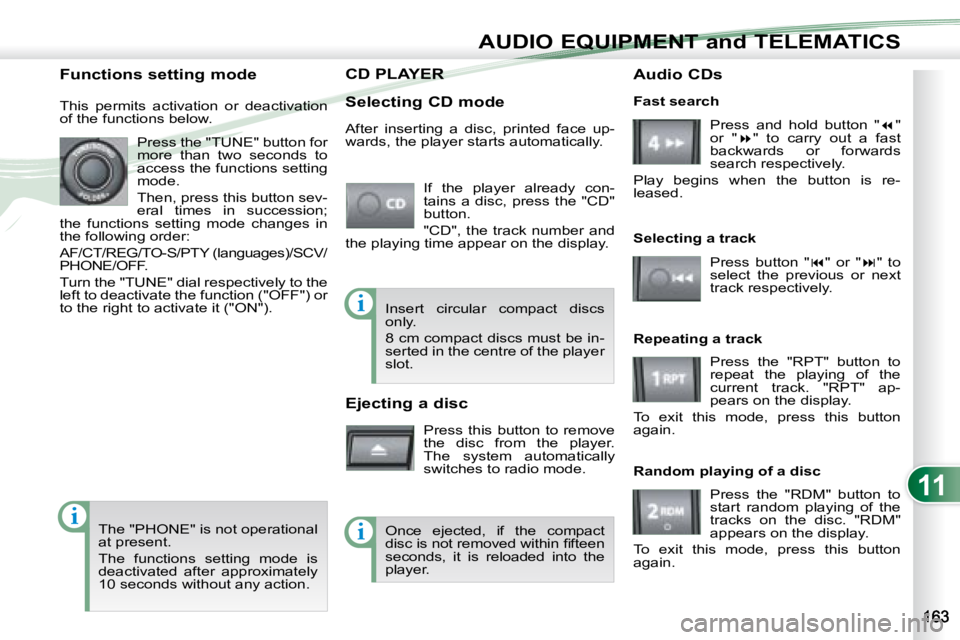
Selecting CD mode If the player already con-
tains a disc, press the "CD"
button.
"CD", the track number and
the playing time appear on the display.
Functions setting mode
This permits activation or deactivation
of the functions below.
Press the "TUNE" button for
more than two seconds to
access the functions setting
mode.
Then, press this button sev-
eral times in succession;
the functions setting mode changes in
the following order:
AF/CT/REG/TO-S/PTY (languages)/SCV/
PHONE/OFF.
Turn the "TUNE" dial respectively to the
left to deactivate the function ("OFF") or
to the right to activate it ("ON").
The "PHONE" is not operational
at present.
The functions setting mode is
deactivated after approximately
10 seconds without any action. After inserting a disc, printed face up-
wards, the player starts automatically.
Ejecting a disc
Press this button to remove
the disc from the player.
The system automatically
switches to radio mode. Fast search
Press and hold button " "
or " " to carry out a fast
backwards or forwards
search respectively.
Play begins when the button is re-
leased.
Selecting a track
Press button " " or " " to
select the previous or next
track respectively.
Repeating a track Press the "RPT" button to
repeat the playing of the
current track. "RPT" ap-
pears on the display.
To exit this mode, press this button
again.
Random playing of a disc
Press the "RDM" button to
start random playing of the
tracks on the disc. "RDM"
appears on the display.
To exit this mode, press this button
again.
Insert circular compact discs
only.
8 cm compact discs must be in-
serted in the centre of the player
slot.
Once ejected, if the compact
disc is not removed within fi fteen
seconds, it is reloaded into the
player. Audio CDs
Page 175 of 226
11
i
i
i
AUDIO EQUIPMENT and TELEMATICS
CD PLAYER CD PLAYER
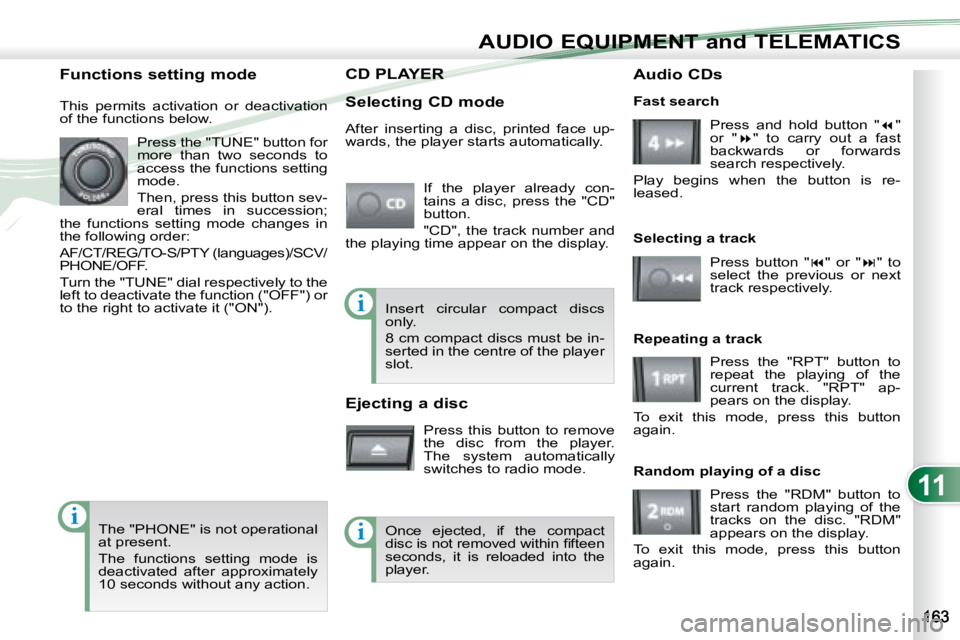
Selecting CD mode If the player already con-
tains a disc, press the "CD"
button.
"CD", the track number and
the playing time appear on the display.
Functions setting mode
This permits activation or deactivation
of the functions below.
Press the "TUNE" button for
more than two seconds to
access the functions setting
mode.
Then, press this button sev-
eral times in succession;
the functions setting mode changes in
the following order:
AF/CT/REG/TO-S/PTY (languages)/SCV/
PHONE/OFF.
Turn the "TUNE" dial respectively to the
left to deactivate the function ("OFF") or
to the right to activate it ("ON").
The "PHONE" is not operational
at present.
The functions setting mode is
deactivated after approximately
10 seconds without any action. After inserting a disc, printed face up-
wards, the player starts automatically.
Ejecting a disc
Press this button to remove
the disc from the player.
The system automatically
switches to radio mode. Fast search
Press and hold button " "
or " " to carry out a fast
backwards or forwards
search respectively.
Play begins when the button is re-
leased.
Selecting a track
Press button " " or " " to
select the previous or next
track respectively.
Repeating a track Press the "RPT" button to
repeat the playing of the
current track. "RPT" ap-
pears on the display.
To exit this mode, press this button
again.
Random playing of a disc
Press the "RDM" button to
start random playing of the
tracks on the disc. "RDM"
appears on the display.
To exit this mode, press this button
again.
Insert circular compact discs
only.
8 cm compact discs must be in-
serted in the centre of the player
slot.
Once ejected, if the compact
disc is not removed within fi fteen
seconds, it is reloaded into the
player. Audio CDs
Page 176 of 226
11
ii
AUDIO EQUIPMENT and TELEMATICS
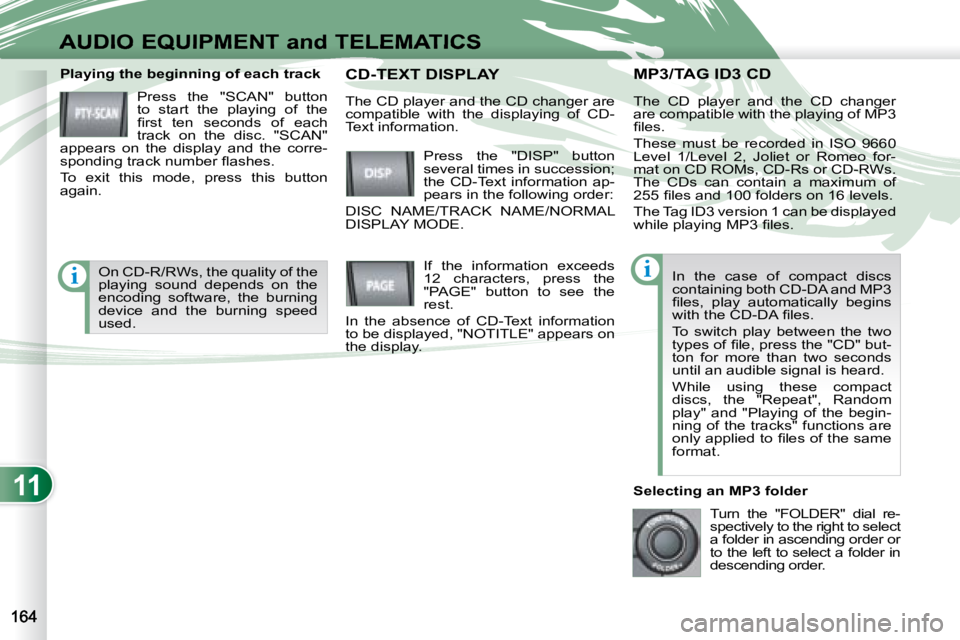
MP3/TAG ID3 CD MP3/TAG ID3 CD Playing the beginning of each track Press the "SCAN" button
to start the playing of the
fi rst ten seconds of each
track on the disc. "SCAN"
appears on the display and the corre-
sponding track number fl ashes.
To exit this mode, press this button
again. The CD player and the CD changer
are compatible with the playing of MP3
fi les.
These must be recorded in ISO 9660
Level 1/Level 2, Joliet or Romeo for-
mat on CD ROMs, CD-Rs or CD-RWs.
The CDs can contain a maximum of
255 fi les and 100 folders on 16 levels.
The Tag ID3 version 1 can be displayed
while playing MP3 fi les.
In the case of compact discs
containing both CD-DA and MP3
fi les, play automatically begins
with the CD-DA fi les.
To switch play between the two
types of fi le, press the "CD" but-
ton for more than two seconds
until an audible signal is heard.
While using these compact
discs, the "Repeat", Random
play" and "Playing of the begin-
ning of the tracks" functions are
only applied to fi les of the same
format.
Selecting an MP3 folder Turn the "FOLDER" dial re-
spectively to the right to select
a folder in ascending order or
to the left to select a folder in
descending order.
Press the "DISP" button
several times in succession;
the CD-Text information ap-
pears in the following order:
DISC NAME/TRACK NAME/NORMAL
DISPLAY MODE. CD-TEXT DISPLA CD-TEXT DISPLAY
If the information exceeds
12 characters, press the
"PAGE" button to see the
rest.
In the absence of CD-Text information
to be displayed, "NOTITLE" appears on
the display.
The CD player and the CD changer are
compatible with the displaying of CD-
Text information.
On CD-R/RWs, the quality of the
playing sound depends on the
encoding software, the burning
device and the burning speed
used.
Page 177 of 226
11
i
AUDIO EQUIPMENT and TELEMATICS
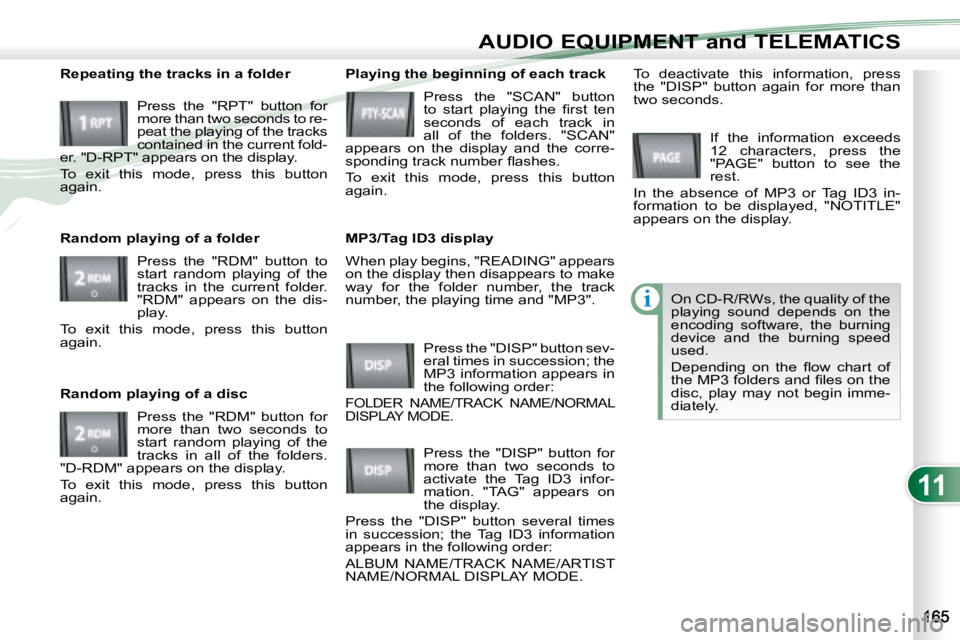
When play begins, "READING" appears
on the display then disappears to make
way for the folder number, the track
number, the playing time and "MP3".
Playing the beginning of each track
Press the "SCAN" button
to start playing the fi rst ten
seconds of each track in
all of the folders. "SCAN"
appears on the display and the corre-
sponding track number fl ashes.
To exit this mode, press this button
again.
MP3/Tag ID3 display
Press the "DISP" button sev-
eral times in succession; the
MP3 information appears in
the following order:
FOLDER NAME/TRACK NAME/NORMAL
DISPLAY MODE.
If the information exceeds
12 characters, press the
"PAGE" button to see the
rest.
In the absence of MP3 or Tag ID3 in-
formation to be displayed, "NOTITLE"
appears on the display.
Press the "DISP" button for
more than two seconds to
activate the Tag ID3 infor-
mation. "TAG" appears on
the display.
Press the "DISP" button several times
in succession; the Tag ID3 information
appears in the following order:
ALBUM NAME/TRACK NAME/ARTIST
NAME/NORMAL DISPLAY MODE. To deactivate this information, press
the "DISP" button again for more than
two seconds.
Repeating the tracks in a folder
Press the "RPT" button for
more than two seconds to re-
peat the playing of the tracks
contained in the current fold-
er. "D-RPT" appears on the display.
To exit this mode, press this button
again.
Random playing of a folder
Press the "RDM" button to
start random playing of the
tracks in the current folder.
"RDM" appears on the dis-
play.
To exit this mode, press this button
again.
Random playing of a disc
Press the "RDM" button for
more than two seconds to
start random playing of the
tracks in all of the folders.
"D-RDM" appears on the display.
To exit this mode, press this button
again. On CD-R/RWs, the quality of the
playing sound depends on the
encoding software, the burning
device and the burning speed
used.
Depending on the fl ow chart of
the MP3 folders and fi les on the
disc, play may not begin imme-
diately.
Page 178 of 226
11
i
i
AUDIO EQUIPMENT and TELEMATICS
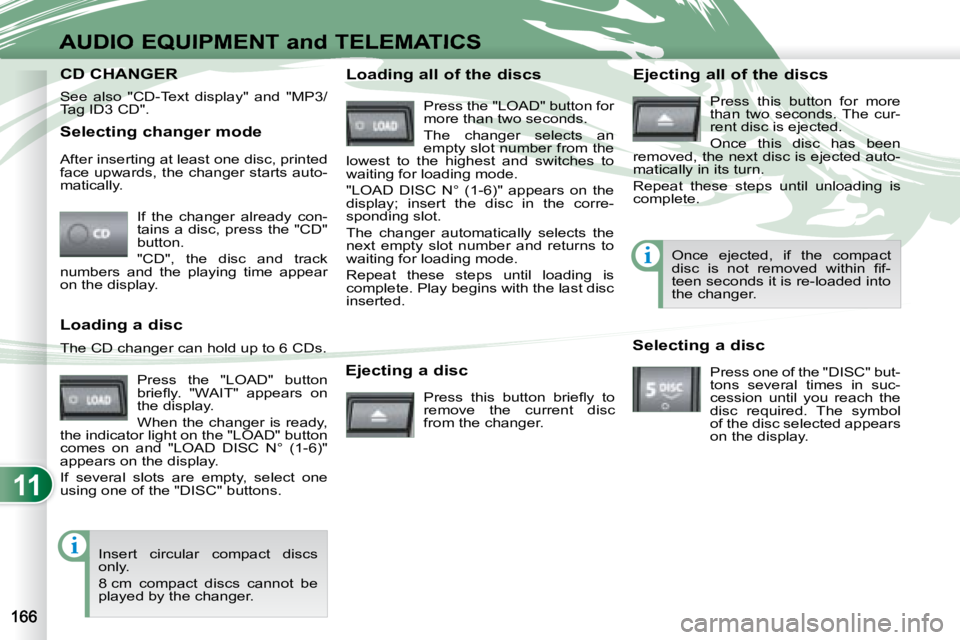
Selecting changer mode If the changer already con-
tains a disc, press the "CD"
button.
"CD", the disc and track
numbers and the playing time appear
on the display.
After inserting at least one disc, printed
face upwards, the changer starts auto-
matically.
Ejecting a disc Press this button briefl y to
remove the current disc
from the changer. Once ejected, if the compact
disc is not removed within fi f-
teen seconds it is re-loaded into
the changer.
Loading a disc
Press the "LOAD" button
briefl y. "WAIT" appears on
the display.
When the changer is ready,
the indicator light on the "LOAD" button
comes on and "LOAD DISC N° (1-6)"
appears on the display.
If several slots are empty, select one
using one of the "DISC" buttons.
The CD changer can hold up to 6 CDs.
Insert circular compact discs
only.
8 cm compact discs cannot be
played by the changer. Loading all of the discs Ejecting all of the discs
Press this button for more
than two seconds. The cur-
rent disc is ejected.
Once this disc has been
removed, the next disc is ejected auto-
matically in its turn.
Repeat these steps until unloading is
complete.
Selecting a disc Press one of the "DISC" but-
tons several times in suc-
cession until you reach the
disc required. The symbol
of the disc selected appears
on the display.
See also "CD-Text display" and "MP3/
Tag ID3 CD".
Press the "LOAD" button for
more than two seconds.
The changer selects an
empty slot number from the
lowest to the highest and switches to
waiting for loading mode.
"LOAD DISC N° (1-6)" appears on the
display; insert the disc in the corre-
sponding slot.
The changer automatically selects the
next empty slot number and returns to
waiting for loading mode.
Repeat these steps until loading is
complete. Play begins with the last disc
inserted.
CD CHANGER CD CHANGER