brightness Peugeot 508 2019 User Guide
[x] Cancel search | Manufacturer: PEUGEOT, Model Year: 2019, Model line: 508, Model: Peugeot 508 2019Pages: 320, PDF Size: 10.09 MB
Page 97 of 320
95
The screenwash jets are integrated in the
tips of each arm.
Additional jets are installed below the
midpoint of each arm.
The screenwash fluid is sprayed along the
length of the wiper blade. This improves
visibility and reduces the consumption of
screenwash fluid.
In some cases, depending on the contents
or colour of the fluid and on the exterior
brightness, the liquid spray may be hardly
noticeable.
To avoid damaging the wiper blades,
do not operate the screenwash if the
screenwash reservoir is empty.
Only operate the screenwash if there
is no risk of the fluid freezing on the
windscreen and hindering visibility. Always
use a screenwash fluid suitable for low
temperatures during the winter period.
Never top up with water.
Rear wiper (SW)
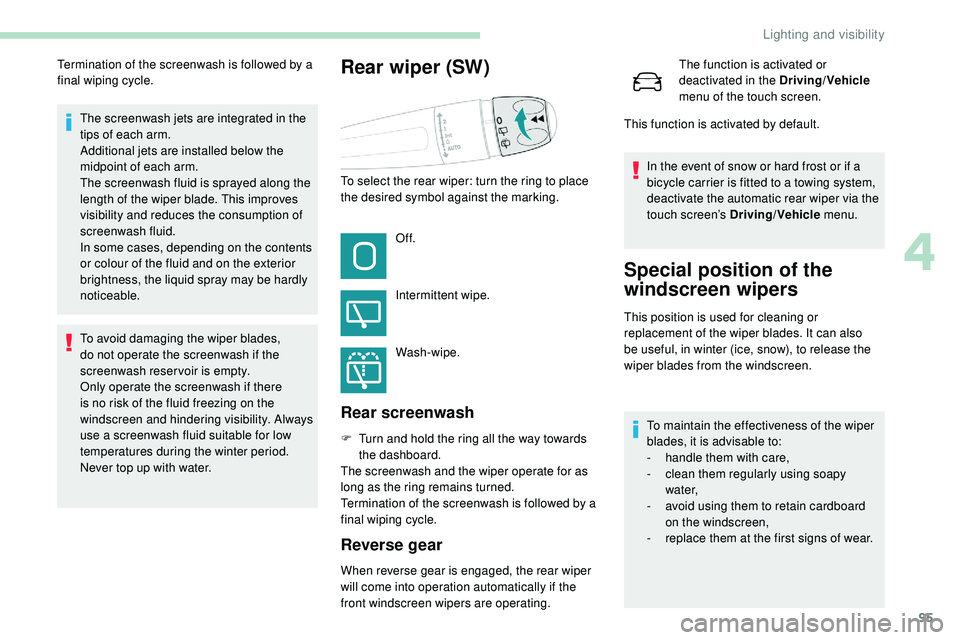
To select the rear wiper: turn the ring to place
the desired symbol against the marking.Of f.
Intermittent wipe.
Wash-wipe.
Rear screenwash
Termination of the screenwash is followed by a
final wiping cycle.
F
T
urn and hold the ring all the way towards
the dashboard.
The screenwash and the wiper operate for as
long as the ring remains turned.
Termination of the screenwash is followed by a
final wiping cycle.
Reverse gear
When reverse gear is engaged, the rear wiper
will come into operation automatically if the
front windscreen wipers are operating. The function is activated or
deactivated in the Driving/Vehicle
menu of the touch screen.
This function is activated by default.
In the event of snow or hard frost or if a
bicycle carrier is fitted to a towing system,
deactivate the automatic rear wiper via the
touch screen’s Driving/Vehicle menu.
Special position of the
windscreen wipers
This position is used for cleaning or
replacement of the wiper blades. It can also
be useful, in winter (ice, snow), to release the
wiper blades from the windscreen.
To maintain the effectiveness of the wiper
blades, it is advisable to:
-
h
andle them with care,
-
c
lean them regularly using soapy
water,
-
a
void using them to retain cardboard
on the windscreen,
-
r
eplace them at the first signs of wear.
4
Lighting and visibility
Page 262 of 320
16
Press the "OPTIONS" button to go to the
secondary page.
Press "Ring volume " to display the
volume bar.
Press the arrows or move the cursor
to set the ring volume.
Settings
Profile settings
As a safety measure and because it
requires the sustained attention of the
driver, changes to settings must only be
done with the vehicle stationary .
Press Settings to display the
primary page.
Press " Profiles ".
Select " Profile 1 " or "Profile 2 " or "Profile 3 "
or " Common profile ".
Press this button to enter a name for
the profile using the virtual keypad.
Press " OK" to save. Press the back arrow to confirm.
Press this button to activate the
profile.
Press the back arrow again to
confirm.
Press this button to initialise the
profile selected.
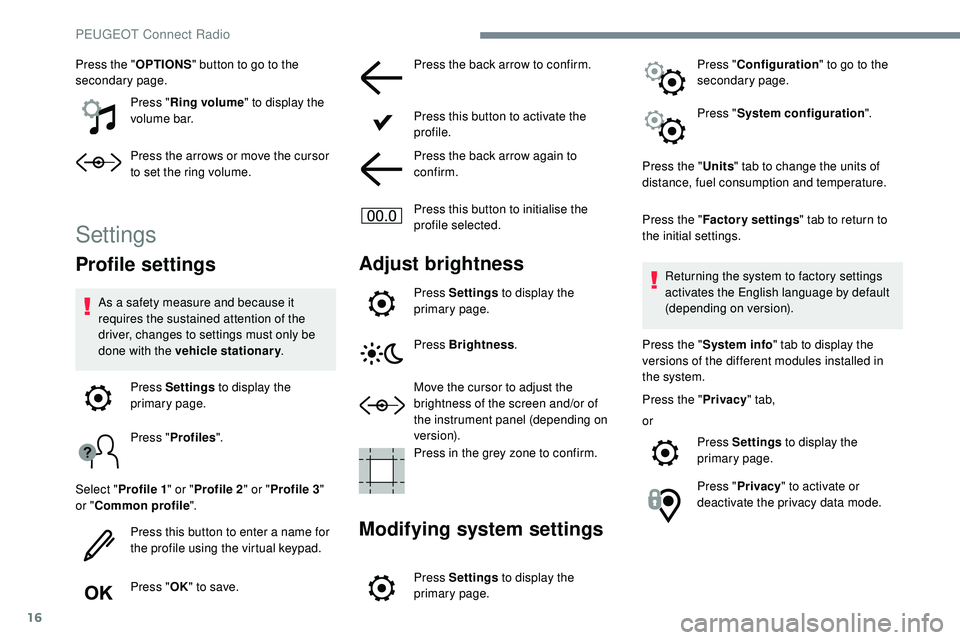
Adjust brightness
Press Settings
to display the
primary page.
Press Brightness .
Move the cursor to adjust the
brightness of the screen and/or of
the instrument panel (depending on
ve r s i o n).
Press in the grey zone to confirm.
Modifying system settings
Press Settings to display the
primary page. Press "
Configuration " to go to the
secondary page.
Press " System configuration ".
Press the " Units" tab to change the units of
distance, fuel consumption and temperature.
Press the " Factory settings " tab to return to
the initial settings.
Returning the system to factory settings
activates the English language by default
(depending on version).
Press the " System info " tab to display the
versions of the different modules installed in
the system.
Press the " Privacy" tab,
or Press Settings to display the
primary page.
Press " Privacy " to activate or
deactivate the privacy data mode.
PEUGEOT Connect Radio
Page 263 of 320
17
Activate or deactivate:
- "No sharing (data, vehicle
position) ".
-
"Data sharing only "
-
"Sharing data and the vehicle
position "
Press the back arrow to confirm.
Press Settings to display the
primary page.
Press " Configuration " to go to the
secondary page.
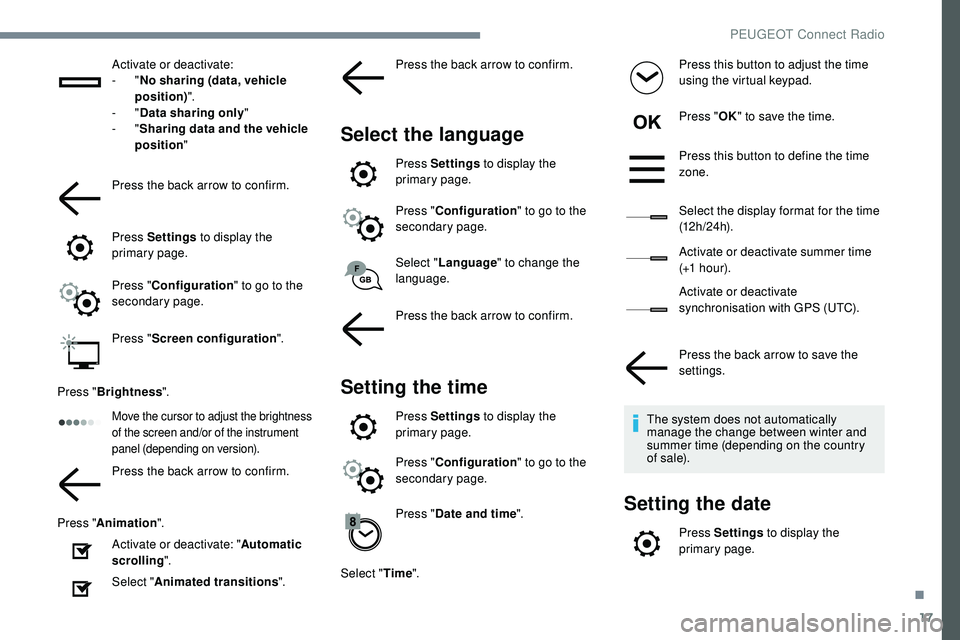
Press " Screen configuration ".
Press " Brightness ".
Move the cursor to adjust the brightness
of the screen and/or of the instrument
panel (depending on version).
Press the back arrow to confirm.
Press " Animation ".
Activate or deactivate: " Automatic
scrolling ".
Select " Animated transitions ".Press the back arrow to confirm.
Select the language
Press Settings
to display the
primary page.
Press " Configuration " to go to the
secondary page.
Select " Language " to change the
language.
Press the back arrow to confirm.
Setting the time
Press Settings to display the
primary page.
Press " Configuration " to go to the
secondary page.
Press " Date and time ".
Select " Time". Press this button to adjust the time
using the virtual keypad.
Press "
OK" to save the time.
Press this button to define the time
zone.
Select the display format for the time
(12 h / 24 h).
Activate or deactivate summer time
(+1 h o ur).
Activate or deactivate
synchronisation with GPS (UTC).
Press the back arrow to save the
settings.
The system does not automatically
manage the change between winter and
summer time (depending on the country
of s a l e).
Setting the date
Press Settings to display the
primary page.
.
PEUGEOT Connect Radio
Page 300 of 320
32
The location for the photograph is
square; the system reshapes the original
photograph if in another format.Press this button to initialise the
profile selected.
Initialisation of the profile selected
activates the English language by default.
Select a " Profile" (1 or 2 or 3) to associate the
" Audio settings " with it.
Select " Audio settings ".
Select " Ambience ".
Or
" Distribution ".
Or
" Sound ".
Or
" Voice ".
Or
" Ringtone ".
Press " OK" to save the settings.Modifying system settings
Press Settings to display the
primary page.
Press the " OPTIONS" button to go to the
secondary page.
Select "Screen configuration ".
Select " Animation ".
Activate or deactivate: " Automatic
scrolling ".
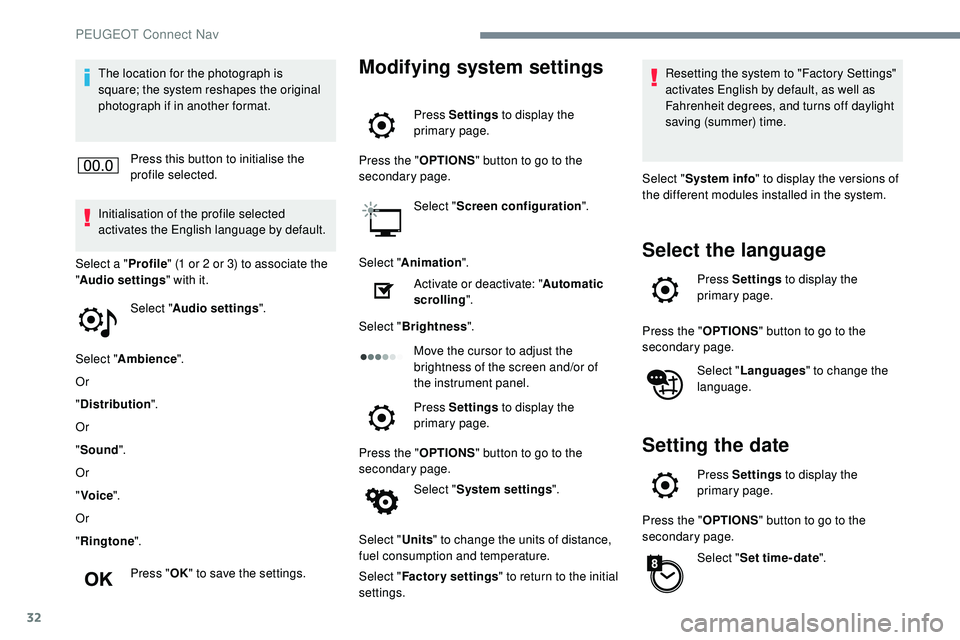
Select " Brightness ".
Move the cursor to adjust the
brightness of the screen and/or of
the instrument panel.
Press Settings to display the
primary page.
Press the " OPTIONS" button to go to the
secondary page.
Select "System settings ".
Select " Units" to change the units of distance,
fuel consumption and temperature.
Select " Factory settings " to return to the initial
settings. Resetting the system to "Factory Settings"
activates English by default, as well as
Fahrenheit degrees, and turns off daylight
saving (summer) time.
Select " System info " to display the versions of
the different modules installed in the system.
Select the language
Press Settings to display the
primary page.
Press the " OPTIONS" button to go to the
secondary page.
Select "Languages " to change the
language.
Setting the date
Press Settings to display the
primary page.
Press the " OPTIONS" button to go to the
secondary page.
Select "Set time-date ".
PEUGEOT Connect Nav
Page 309 of 320
245
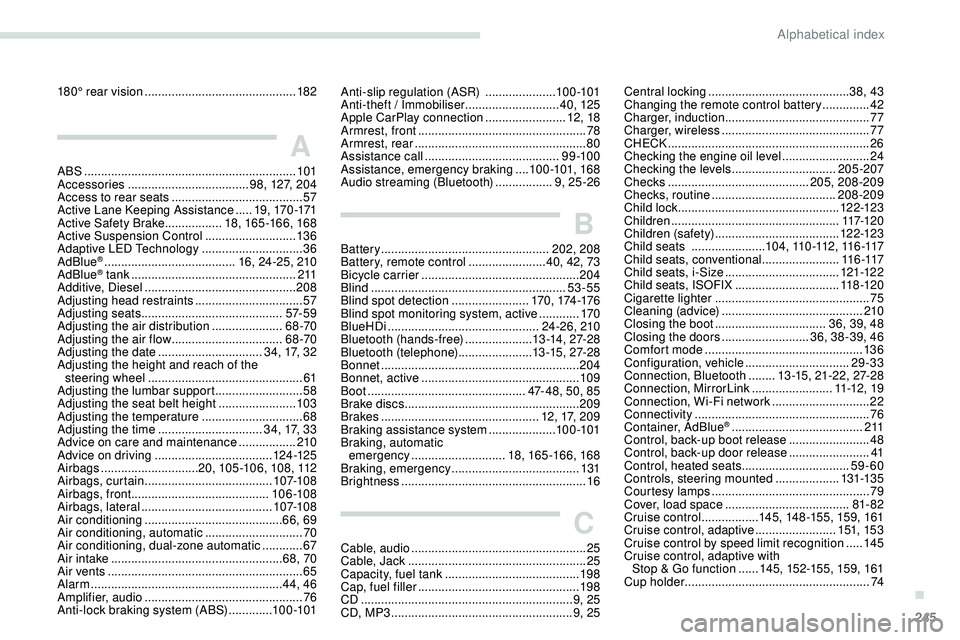
180° rear vision .............................................18 2
A
ABS ...............................................................101
Accessories .................................... 98, 127, 204
Access to rear seats
....................................... 57
Active Lane Keeping Assistance
.....19, 170 -171
Active Safety Brake................. 18, 165 -166, 168
Active Suspension Control
...........................13 6
Adaptive LED Technology
..............................36
AdBlue
® ....................................... 16 , 24 -25, 210
AdBlue® tank ................................................. 2 11
Additive, Diesel ............................................. 208
Adjusting head restraints
................................ 57
Adjusting seats
.......................................... 57- 5 9
Adjusting the air distribution
.....................68 -70
Adjusting the air flow
................................. 6
8 -70
Adjusting the date
............................... 34, 17, 32
Adjusting the height and reach of the steering wheel
.............................................. 61
Adjusting the lumbar support
.......................... 58
A
djusting the seat belt height
....................... 10
3
Adjusting the temperature
.............................. 68
Adjusting the time
............................... 34, 17, 33
Advice on care and maintenance
.................210
Advice on driving
................................... 124 -125
Airbags
............................. 2
0, 105 -10 6, 108, 112
Airbags, curtain
...................................... 107-108
Airbags, front ......................................... 10 6 -108
Airbags, lateral
....................................... 107-108
Air conditioning
......................................... 66, 69
Air conditioning, automatic
.............................70
Air conditioning, dual-zone automatic
............67
Air intake
................................................... 68, 70
Air vents
.......................................................... 65
Alarm
......................................................... 44, 46
Amplifier, audio
...............................
................76
Anti-lock braking system (ABS)
.............10 0 -101 Central locking
..........................................
3
8, 43
Changing the remote control battery
..............
42
Charger, induction
...........................................
77
Charger, wireless
............................................ 77
C
HECK
................
............................................
26
Checking the engine oil level
..........................
24
Checking the levels
...............................
205-207
Checks
..........................................
205, 208-209
Checks, routine
.....................................
208-209
Child lock
................................................
12 2-123
Children
..................................................
117-12 0
Children (safety)
.....................................
12 2-123
Child seats
......................
1
0 4 , 11 0 -112 , 11 6 -117
Child seats, conventional .......................
11 6 -117
Child seats, i-Size ..................................
121-12 2
Child seats, ISOFIX ...............................11 8 -12 0
Cigarette lighter
..............................................75
Cleaning (advice)
..........................................210
Closing the boot
.................................36, 39, 48
Closing the doors
..........................36, 38 -39, 46
Comfort mode
............................................... 13
6
Configuration, vehicle
............................... 29
-33
Connection, Bluetooth
........13 -15, 21-22, 27-28
Connection, MirrorLink
........................11 -12 , 1 9
Connection, Wi-Fi network
.............................22
Connectivity
....................................................76
Container, AdBlue
® ....................................... 2 11
Control, back-up boot release ........................ 48
Control, back-up door release
........................ 41
Control, heated seats
................................ 59-60
Controls, steering mounted
................... 131-13 5
Courtesy lamps
............................................... 79
Cover, load space
..................................... 81- 82
Cruise control
................. 145, 148 -155, 159, 161
Cruise control, adaptive
........................ 151, 15 3
Cruise control by speed limit recognition
.....145
Cruise control, adaptive with Stop & Go function
...... 1
45, 152-15 5, 159, 161
Cup holder
....................................................... 74
Anti-slip regulation (ASR) .....................10 0 -101
Anti-theft / Immobiliser ............................ 4
0, 125
Apple CarPlay connection
........................12, 18
Armrest, front
.................................................. 78
Armrest, rear
...............................
....................80
Assistance call
...............................
.........9 9 -10 0
Assistance, emergency braking
....10 0 -101, 168
Audio streaming (Bluetooth)
.................9, 25 -26
B
Battery .................................................. 202, 208
Battery, remote control .......................40, 42, 73
Bicycle carrier
...............................
................204
Blind
..............................
............................53-55
Blind spot detection
.......................170, 174 -176
Blind spot monitoring system, active
............170
BlueHDi
............................................. 24 -26, 210
Bluetooth (hands-free)
.................... 1
3 -14, 27-2 8
Bluetooth (telephone)
...................... 1
3 -15 , 27-2 8
Bonnet
........................................................... 204
Bonnet, active
............................................... 109
Boot
............................................... 47- 48, 50, 85
Brake discs
.................................................... 209
Brakes
............................................... 12, 17, 209
Braking assistance system
....................10 0 -101
Braking, automatic emergency
............................ 18, 165 -166, 168
Braking, emergency
...................................... 13
1
Brightness
....................................................... 16
C
Cable, audio .................................................... 25
Cable, Jack ..................................................... 25
Capacity, fuel tank
........................................ 198
Cap, fuel filler
...............................
.................198
CD
............................................................... 9, 25
CD, MP3
...................................................... 9, 25
.
Alphabetical index