Mph display Peugeot 508 2020 Owner's Manual
[x] Cancel search | Manufacturer: PEUGEOT, Model Year: 2020, Model line: 508, Model: Peugeot 508 2020Pages: 276, PDF Size: 8.43 MB
Page 9 of 276
7
Eco-driving
Eco-driving
Eco-driving refers to a range of everyday
practices that allow the motorist to optimise their
fuel consumption and CO
2emissions.
Optimise your use of the gearbox
With a manual gearbox, move off gently and
change up promptly. While accelerating, change
up early.
With an automatic gearbox, favour automatic
mode and avoid pressing the accelerator pedal
heavily or suddenly.
The gear efficiency indicator prompts you to
engage the most suitable gear: whenever this
indication is displayed on the instrument panel,
follow it straight away.
With an automatic gearbox, this indicator
appears only in manual mode.
Drive smoothly
Maintain a safe distance between vehicles, use
engine braking rather than the brake pedal and
press the accelerator gradually. These attitudes
help to save fuel, reduce CO
2 emissions and
decrease general traffic noise.
Favour the use of the "Eco" driving mode by
selecting it using the "Drive Mode" control.
If the vehicle has the steering-mounted
"CRUISE" control, use cruise control at speeds
above 25 mph (40
km/h) when the traffic is
flowing well.
Use electrical equipment wisely
Before moving off, if the passenger compartment
is too warm, ventilate it by opening the windows
and air vents before using the air conditioning.
At speeds above 31
mph (50 km/h), close the
windows and leave the air vents open.
Consider using equipment that can help keep
the temperature in the passenger compartment
down (sunroof blind and window blinds, etc.).
Unless automatically regulated, switch off the air
conditioning as soon as the desired temperature
has been reached.
Switch off the demisting and defrosting functions,
if they are not managed automatically.
Switch off the heated seat as soon as possible.
Switch off the headlamps and foglamps when
the visibility conditions do not require their use.
Avoid running the engine before moving off,
particularly in winter; your vehicle will warm up
much faster while driving.
As a passenger, avoid connecting your
multimedia devices (film, music, video game,
etc.) to help reduce consumption of electrical
energy, and hence fuel.
Disconnect all portable devices before leaving
the vehicle.
Limit the causes of excess consumption
Spread loads throughout the vehicle; place the
heaviest items in the boot, as close as possible
to the rear seats.
Limit the loads carried in the vehicle and
minimise wind resistance (roof bars, roof rack, bicycle carrier, trailer, etc.). Preferably, use a
roof box.
Remove roof bars and roof racks after use.
At the end of winter, remove snow tyres and refit
summer tyres.
Comply with servicing instructions
Check tyre pressures regularly, with the tyres
cold, referring to the label in the door aperture on
the driver's side.
Carry out this check in particular:
–
before a long journey
.
–
at each change of season.
–
after a long period out of use.
Do not overlook the spare wheel and, where
applicable, the tyres on your trailer or caravan.
Have your vehicle serviced regularly (engine oil,
oil filter
, air filter, passenger compartment filter,
etc.) and observe the schedule of operations in
the manufacturer's service schedule.
With a BlueHDi Diesel engine, if the SCR system
is faulty, your vehicle will emit pollution. Visit
a PEUGEOT dealer or a qualified workshop
as soon as possible to restore your vehicle’s
nitrogen oxide emissions to regulatory
compliance.
When filling the fuel tank, do not continue after
the third nozzle cut-out, to avoid overflow.
You will only see the fuel consumption of your
new vehicle settle down to a consistent average
after the first 1,900 miles (3,000 kilometres).
Page 11 of 276
9
Instruments
1Head-up digital display
This digital instrument panel can be customised.
Depending on the display mode selected, certain
information is hidden or presented differently.
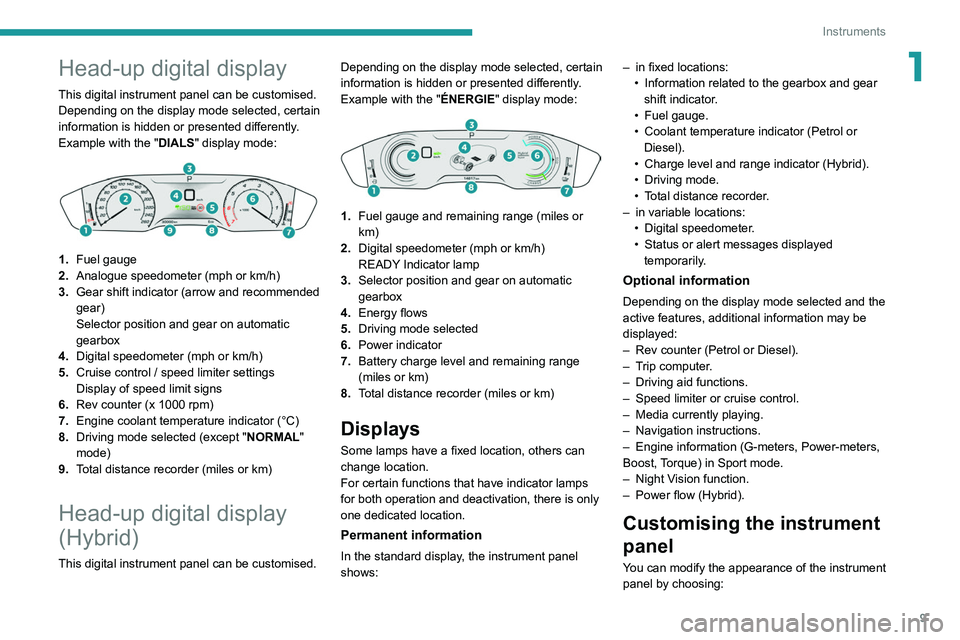
Example with the "DIALS"
display mode:
1.Fuel gauge
2. Analogue speedometer (mph or km/h)
3. Gear shift indicator (arrow and recommended
gear)
Selector position and gear on automatic
gearbox
4. Digital speedometer (mph or km/h)
5. Cruise control / speed limiter settings
Display of speed limit signs
6. Rev counter (x 1000 rpm)
7. Engine coolant temperature indicator (°C)
8. Driving mode selected (except " NORMAL"
mode)
9. Total distance recorder (miles or km)
Head-up digital display
(Hybrid)
This digital instrument panel can be customised. Depending on the display mode selected, certain
information is hidden or presented differently.
Example with the "
ÉNERGIE" display mode:
1.
Fuel gauge and remaining range (miles or
km)
2. Digital speedometer (mph or km/h)
READY Indicator lamp
3. Selector position and gear on automatic
gearbox
4. Energy flows
5. Driving mode selected
6. Power indicator
7. Battery charge level and remaining range
(miles or km)
8. Total distance recorder (miles or km)
Displays
Some lamps have a fixed location, others can
change location.
For certain functions that have indicator lamps
for both operation and deactivation, there is only
one dedicated location.
Permanent information
In the standard display, the instrument panel
shows: –
in fixed locations:
•
Information related to the gearbox and gear
shift indicator
.
•
Fuel gauge.
•
Coolant temperature indicator (Petrol or
Diesel).
•
Charge level and range indicator (Hybrid).
•
Driving mode.
•
T
otal distance recorder.
–
in variable locations:
•
Digital speedometer
.
•
Status or alert messages displayed
temporarily
.
Optional information
Depending on the display mode selected and the
active features, additional information may be
displayed:
–
Rev counter (Petrol or Diesel).
–
T
rip computer.
–
Driving aid functions.
–
Speed limiter or cruise control.
–
Media currently playing.
–
Navigation instructions.
–
Engine information (G-meters, Power-meters,
Boost,
Torque) in Sport mode.
–
Night V
ision function.
–
Power flow (Hybrid).
Customising the instrument
panel
You can modify the appearance of the instrument
panel by choosing:
Page 12 of 276
10
Instruments
– a display colour.
– a display mode.
Display language and units
These depend on the touch screen
settings.
When travelling abroad, the speed must be
shown in the official units of the country you
are driving in (mph, miles or km/h, km).
As a safety measure, these adjustments must be carried out with the vehicle
stationary.
Choosing a display colour
(With PEUGEOT Connect Nav)
The instrument panel display colour depends on
the colour scheme chosen in this system.
► Press Settings in the banner of the
touch screen.
► Select " Color schemes".
► Select a display colour and then press
"
OK" to confirm.
Setting the display mode
In each mode, specific types of information are
displayed on the instrument panel.
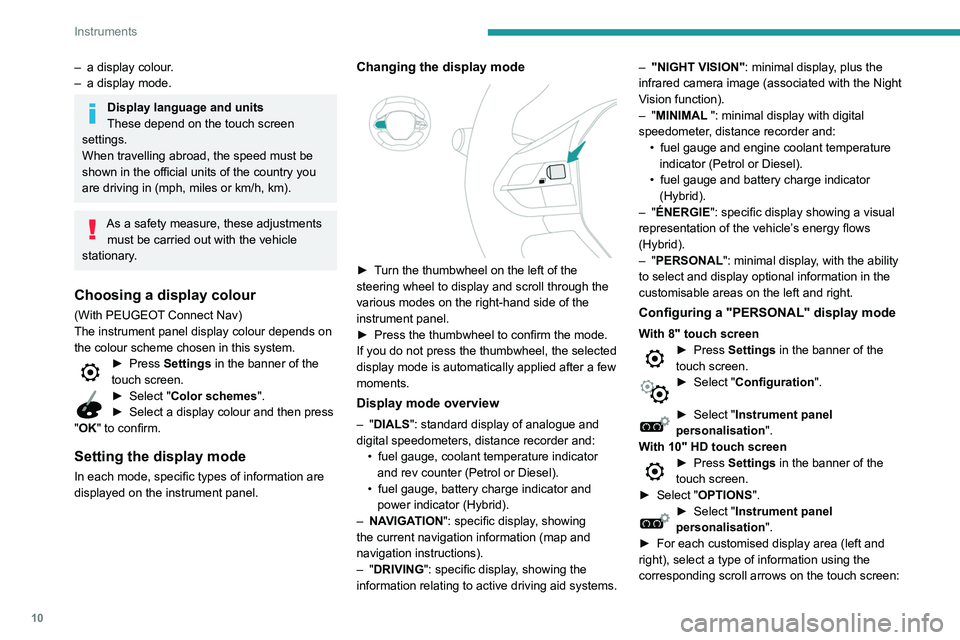
Changing the display mode
► Turn the thumbwheel on the left of the
steering wheel to display and scroll through the
various modes on the right-hand side of the
instrument panel.
►
Press the thumbwheel to confirm the mode.
If you do not press the thumbwheel, the selected
display mode is automatically applied after a few
moments.
Display mode overview
– "DIALS": standard display of analogue and
digital speedometers, distance recorder and: •
fuel gauge, coolant temperature indicator
and rev counter (Petrol or Diesel).
•
fuel gauge, battery charge indicator and
power indicator (Hybrid).
–
NA
VIGATION": specific display, showing
the current navigation information (map and
navigation instructions).
–
"DRIVING": specific display, showing the
information relating to active driving aid systems. –
"NIGHT VISION"
: minimal display, plus the
infrared camera image (associated with the Night
Vision function).
– "MINIMAL ": minimal display with digital
speedometer, distance recorder and: •
fuel gauge and engine coolant temperature
indicator (Petrol or Diesel).
•
fuel gauge and battery charge indicator
(Hybrid).
–
"ÉNERGIE": specific display showing a visual
representation of the vehicle’s energy flows
(Hybrid).
– "PERSONAL": minimal display, with the ability
to select and display optional information in the
customisable areas on the left and right.
Configuring a "PERSONAL" display mode
With 8" touch screen► Press Settings in the banner of the
touch screen.
► Select " Configuration ".
► Select "Instrument panel
personalisation".
With 10" HD touch screen
► Press Settings in the banner of the
touch screen.
►
Select "
OPTIONS".
► Select " Instrument panel
personalisation".
►
For each customised display area (left and
right), select a type of information using the
corresponding scroll arrows on the touch screen:
Page 14 of 276
12
Instruments
Cable connected (Hybrid)Fixed.
It is not possible to start the vehicle while
the charging cable is connected to the vehicle’s
connector.
Disconnect the charging cable and close the
flap.
12 V battery chargeFixed.
The battery charging circuit has a fault
(dirty terminals, slack or cut alternator belt, etc.).
Carry out (1).
If the electric parking brake is no longer working,
immobilise the vehicle:
►
With a manual gearbox, engage a gear
.
►
With an automatic gearbox, put the chocks
against one of the wheels.
Clean and retighten the terminals. If the warning
lamp does not go off when the engine is started,
carry out (2).
Door(s) openFixed, associated with a message
identifying the access.
A door or the tailgate is not properly closed
(speed less than 6 mph (10 km/h)).
Fixed, associated with a message
identifying the access, accompanied by
an audible signal.
A door or the tailgate is not properly closed
(speed above 6 mph (10 km/h)).
Seat belts not fastened/unfastenedFixed or flashing, accompanied by an
increasing audible signal.
A seat belt has not been fastened or has been
unfastened.
Electric parking brakeFixed.
The electric parking brake is applied.
Flashing.
Application/release is faulty.
Carry out (1): park on flat ground (on a level
surface).
With a manual gearbox, engage a gear.
With an automatic gearbox, select mode
P
.
Switch off the ignition and carry out (2).
BrakingFixed.
The brake fluid level in the braking circuit
has dropped significantly.
Carry out (1), then top up with fluid that complies
with the manufacturer's recommendations. If the
problem persists, carry out (2).
Fixed.
The electronic brake force
distribution
(EBFD) system is faulty.
Carry out (1) and then (2).
Orange warning/indicator lamps
Service
Temporarily on, accompanied by the display of a message.
One or more minor faults, for which there is/are
no specific warning lamp(s), have been detected. Identify the cause of the fault using the message
displayed in the instrument panel.
You can deal with certain problems yourself, for
example an open door or the start of saturation
of the particle filter.
For other faults, such as with the tyre under-
inflation detection system, carry out (3).
Fixed, accompanied by the display of a
message.
One or more major faults, for which there is/are
no specific warning lamp(s), have been detected.
Identify the cause of the fault using the message
displayed in the instrument panel, then carry out
(3).
Fixed, accompanied by the message
"Parking brake fault".
Automatic release of the electric parking brake is
unavailable.
Carry out (2).
Service warning lamp fixed and
service spanner flashing then
fixed.
The servicing interval has been exceeded.
The vehicle must be serviced as soon as
possible.
Only with BlueHDi Diesel engines.
Engine pre-heating (Diesel)Temporarily on (up to approximately 30 seconds in
severe weather conditions).
When switching on the ignition, if the weather
conditions and the engine temperature make it
necessary.
Page 16 of 276
14
Instruments
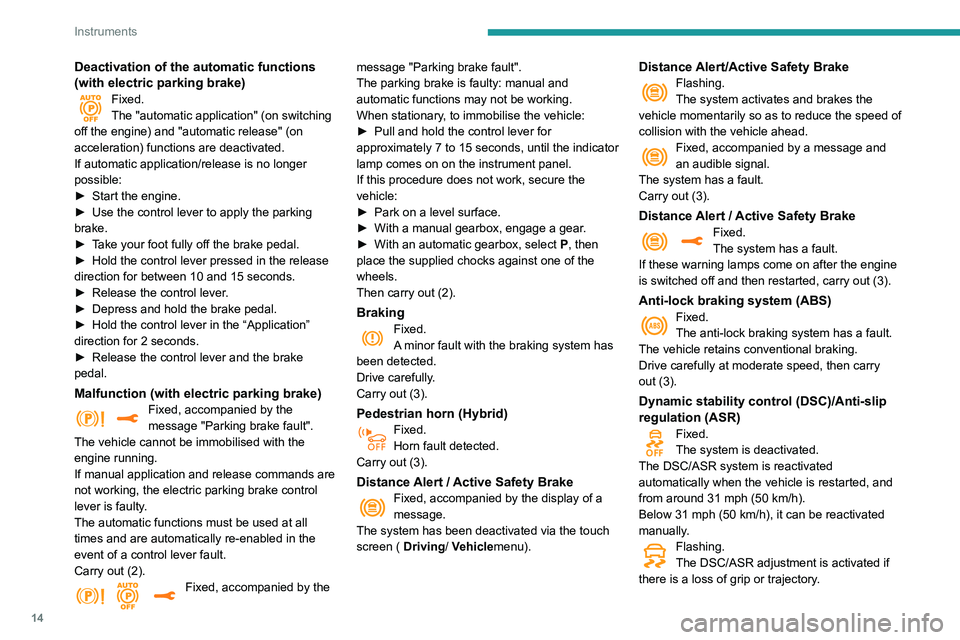
Deactivation of the automatic functions
(with electric parking brake)
Fixed.
The "automatic application" (on switching
off the engine) and "automatic release" (on
acceleration) functions are deactivated.
If automatic application/release is no longer
possible:
►
Start the engine.
►
Use the control lever to apply the parking
brake.
►
T
ake your foot fully off the brake pedal.
►
Hold the control lever pressed in the release
direction for between 10 and 15 seconds.
►
Release the control lever
.
►
Depress and hold the brake pedal.
►
Hold the control lever in the “Application”
direction for 2
seconds.
►
Release the control lever and the brake
pedal.
Malfunction (with electric parking brake)Fixed, accompanied by the
message "Parking brake fault".
The vehicle cannot be immobilised with the
engine running.
If manual application and release commands are
not working, the electric parking brake control
lever is faulty.
The automatic functions must be used at all
times and are automatically re-enabled in the
event of a control lever fault.
Carry out (2).
Fixed, accompanied by the message "Parking brake fault".
The parking brake is faulty: manual and
automatic functions may not be working.
When stationary, to immobilise the vehicle:
►
Pull and hold the control lever for
approximately 7 to 15 seconds, until the indicator
lamp comes on on the instrument panel.
If this procedure does not work, secure the
vehicle:
►
Park on a level surface.
►
With a manual gearbox, engage a gear
.
►
With an automatic gearbox, select
P
, then
place the supplied chocks against one of the
wheels.
Then carry out (2).
BrakingFixed.
A minor fault with the braking system has
been detected.
Drive carefully.
Carry out (3).
Pedestrian horn (Hybrid)
Fixed.
Horn fault detected.
Carry out (3).
Distance Alert / Active Safety BrakeFixed, accompanied by the display of a
message.
The system has been deactivated via the touch
screen ( Driving/ Vehiclemenu).
Distance Alert/Active Safety BrakeFlashing.
The system activates and brakes the
vehicle momentarily so as to reduce the speed of
collision with the vehicle ahead.
Fixed, accompanied by a message and
an audible signal.
The system has a fault.
Carry out (3).
Distance Alert / Active Safety BrakeFixed.
The system has a fault.
If these warning lamps come on after the engine
is switched off and then restarted, carry out (3).
Anti-lock braking system (ABS)Fixed.
The anti-lock braking system has a fault.
The vehicle retains conventional braking.
Drive carefully at moderate speed, then carry
out (3).
Dynamic stability control (DSC)/Anti-slip
regulation (ASR)
Fixed.
The system is deactivated.
The DSC/ASR system is reactivated
automatically when the vehicle is restarted, and
from around 31 mph (50
km/h).
Below 31
mph (50 km/h), it can be reactivated
manually.
Flashing.
The DSC/ASR adjustment is activated if
there is a loss of grip or trajectory.
Page 17 of 276
15
Instruments
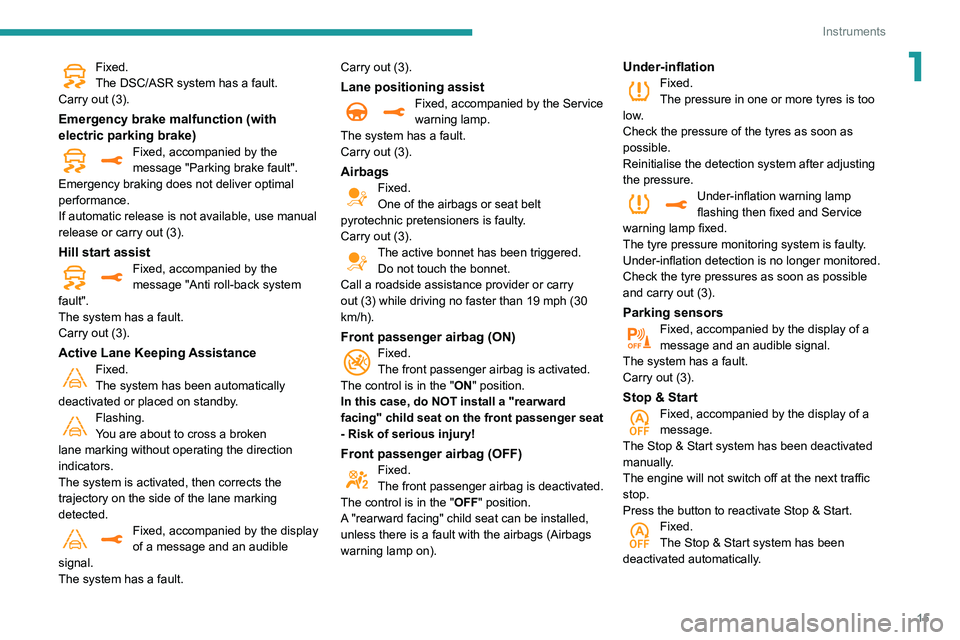
1Fixed.
The DSC/ASR system has a fault.
Carry out (3).
Emergency brake malfunction (with
electric parking brake)
Fixed, accompanied by the
message "Parking brake fault".
Emergency braking does not deliver optimal
performance.
If automatic release is not available, use manual
release or carry out (3).
Hill start assistFixed, accompanied by the
message "Anti roll-back system
fault".
The system has a fault.
Carry out (3).
Active Lane Keeping AssistanceFixed.
The system has been automatically
deactivated or placed on standby.
Flashing.
You are about to cross a broken
lane marking without operating the direction
indicators.
The system is activated, then corrects the
trajectory on the side of the lane marking
detected.
Fixed, accompanied by the display
of a message and an audible
signal.
The system has a fault. Carry out (3).
Lane positioning assistFixed, accompanied by the Service
warning lamp.
The system has a fault.
Carry out (3).
AirbagsFixed.
One of the airbags or seat belt
pyrotechnic pretensioners is faulty.
Carry out (3).
The active bonnet has been triggered. Do not touch the bonnet.
Call a roadside assistance provider or carry
out (3) while driving no faster than 19 mph (30
km/h).
Front passenger airbag (ON)Fixed.
The front passenger airbag is activated.
The control is in the "ON" position.
In this case, do NOT install a "rearward
facing" child seat on the front passenger seat
- Risk of serious injury!
Front passenger airbag (OFF)Fixed.
The front passenger airbag is deactivated.
The control is in the "OFF" position.
A "rearward facing" child seat can be installed,
unless there is a fault with the airbags (Airbags
warning lamp on).
Under-inflationFixed.
The pressure in one or more tyres is too
low.
Check the pressure of the tyres as soon as
possible.
Reinitialise the detection system after adjusting
the pressure.
Under-inflation warning lamp
flashing then fixed and Service
warning lamp fixed.
The tyre pressure monitoring system is faulty.
Under-inflation detection is no longer monitored.
Check the tyre pressures as soon as possible
and carry out (3).
Parking sensorsFixed, accompanied by the display of a
message and an audible signal.
The system has a fault.
Carry out (3).
Stop & StartFixed, accompanied by the display of a
message.
The Stop & Start system has been deactivated
manually.
The engine will not switch off at the next traffic
stop.
Press the button to reactivate Stop & Start.
Fixed.
The Stop & Start system has been
deactivated automatically.
Page 18 of 276
16
Instruments
The engine will not switch off at the next traffic
stop, if the exterior temperature is:
–
below 0°C.
–
above +35°C.
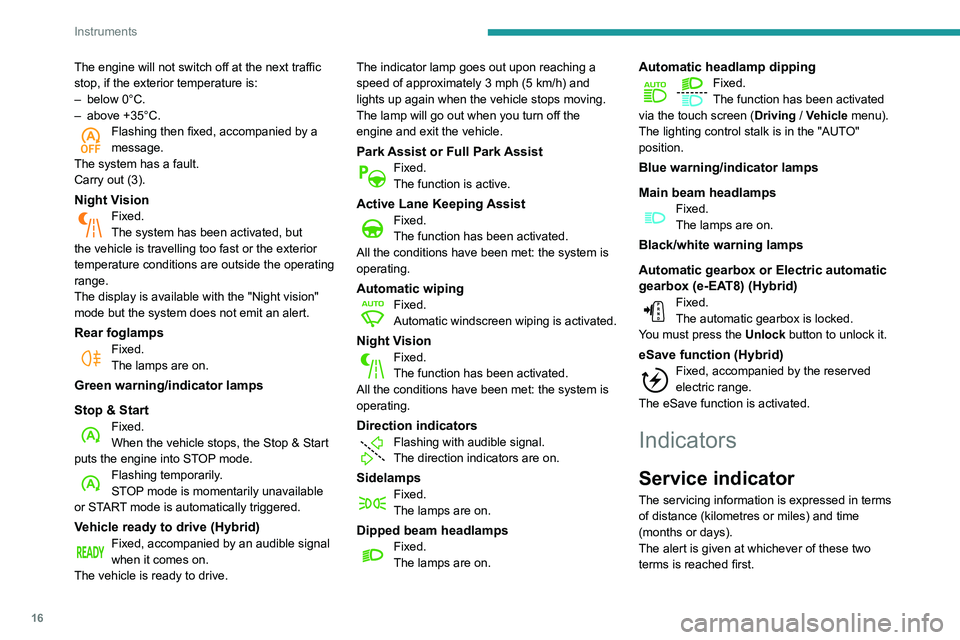
Flashing then fixed, accompanied by a
message.
The system has a fault.
Carry out (3).
Night VisionFixed.
The system has been activated, but
the vehicle is travelling too fast or the exterior
temperature conditions are outside the operating
range.
The display is available with the "Night vision"
mode but the system does not emit an alert.
Rear foglampsFixed.
The lamps are on.
Green warning/indicator lamps
Stop & Start
Fixed.
When the vehicle stops, the Stop & Start
puts the engine into STOP mode.
Flashing temporarily.
STOP mode is momentarily unavailable
or START mode is automatically triggered.
Vehicle ready to drive (Hybrid)Fixed, accompanied by an audible signal
when it comes on.
The vehicle is ready to drive. The indicator lamp goes out upon reaching a
speed of approximately 3 mph (5
km/h) and
lights up again when the vehicle stops moving.
The lamp will go out when you turn off the
engine and exit the vehicle.
Park Assist or Full Park AssistFixed.
The function is active.
Active Lane Keeping AssistFixed.
The function has been activated.
All the conditions have been met: the system is
operating.
Automatic wipingFixed.
Automatic windscreen wiping is activated.
Night VisionFixed.
The function has been activated.
All the conditions have been met: the system is
operating.
Direction indicators
Flashing with audible signal.
The direction indicators are on.
SidelampsFixed.
The lamps are on.
Dipped beam headlampsFixed.
The lamps are on.
Automatic headlamp dippingFixed.
The function has been activated
via the touch screen (Driving
/ Vehicle menu).
The lighting control stalk is in the "AUTO"
position.
Blue warning/indicator lamps
Main beam headlamps
Fixed.
The lamps are on.
Black/white warning lamps
Automatic gearbox or Electric automatic
gearbox (e-EAT8) (Hybrid)
Fixed.
The automatic gearbox is locked.
You must press the Unlock button to unlock it.
eSave function (Hybrid)Fixed, accompanied by the reserved
electric range.
The
eSave function is activated.
Indicators
Service indicator
The servicing information is expressed in terms
of distance (kilometres or miles) and time
(months or days).
The alert is given at whichever of these two
terms is reached first.
Page 22 of 276
20
Instruments
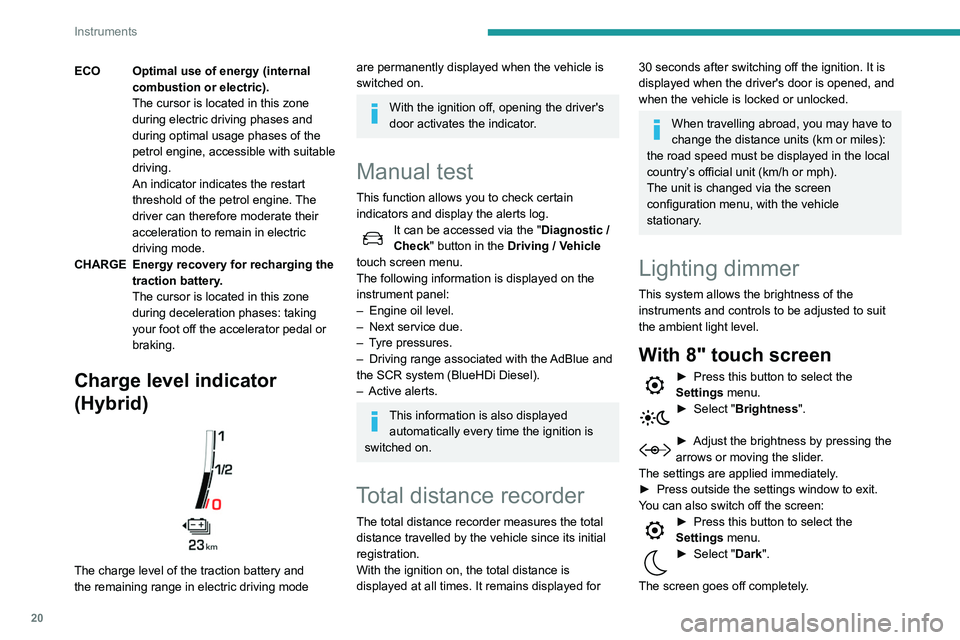
ECO Optimal use of energy (internal combustion or electric).
The cursor is located in this zone
during electric driving phases and
during optimal usage phases of the
petrol engine, accessible with suitable
driving.
An indicator indicates the restart
threshold of the petrol engine. The
driver can therefore moderate their
acceleration to remain in electric
driving mode.
CHARGE Energy recovery for recharging the traction battery.
The cursor is located in this zone
during deceleration phases: taking
your foot off the accelerator pedal or
braking.
Charge level indicator
(Hybrid)
The charge level of the traction battery and
the remaining range in electric driving mode
are permanently displayed when the vehicle is
switched on.
With the ignition off, opening the driver's
door activates the indicator.
Manual test
This function allows you to check certain
indicators and display the alerts log.
It can be accessed via the "Diagnostic /
Check" button in the Driving / Vehicle
touch screen menu.
The following information is displayed on the
instrument panel:
–
Engine oil level.
–
Next service due.
–
T
yre pressures.
–
Driving range associated with the
AdBlue and
the SCR system (BlueHDi Diesel).
–
Active alerts.
This information is also displayed automatically every time the ignition is
switched on.
Total distance recorder
The total distance recorder measures the total
distance travelled by the vehicle since its initial
registration.
With the ignition on, the total distance is
displayed at all times. It remains displayed for
30 seconds after switching off the ignition. It is
displayed when the driver's door is opened, and
when the vehicle is locked or unlocked.
When travelling abroad, you may have to
change the distance units (km or miles):
the road speed must be displayed in the local
country’s official unit (km/h or mph).
The unit is changed via the screen
configuration menu, with the vehicle
stationary.
Lighting dimmer
This system allows the brightness of the
instruments and controls to be adjusted to suit
the ambient light level.
With 8" touch screen
► Press this button to select the
Settings menu.
► Select " Brightness".
► Adjust the brightness by pressing the
arrows or moving the slider .
The settings are applied immediately.
►
Press outside the settings window to exit.
Y
ou can also switch off the screen:
► Press this button to select the
Settings menu.
► Select " Dark".
The screen goes off completely.
Page 24 of 276
22
Instruments
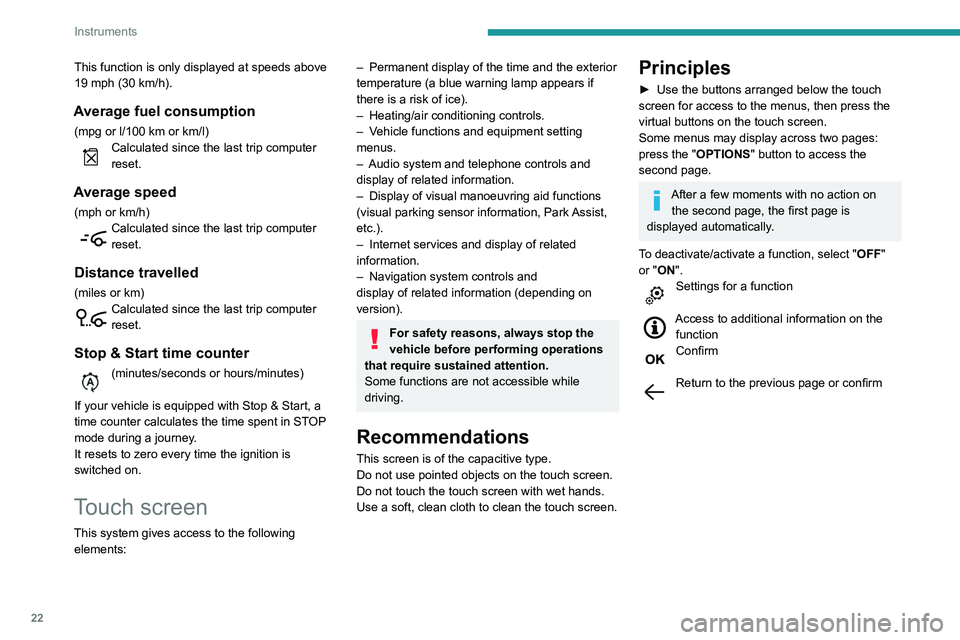
This function is only displayed at speeds above
19 mph (30 km/h).
Average fuel consumption
(mpg or l/100 km or km/l)Calculated since the last trip computer
reset.
Average speed
(mph or km/h)Calculated since the last trip computer
reset.
Distance travelled
(miles or km)Calculated since the last trip computer
reset.
Stop & Start time counter
(minutes/seconds or hours/minutes)
If your vehicle is equipped with Stop & Start, a
time counter calculates the time spent in STOP
mode during a journey.
It resets to zero every time the ignition is
switched on.
Touch screen
This system gives access to the following elements:
– Permanent display of the time and the exterior
temperature (a blue warning lamp appears if
there is a risk of ice).
–
Heating/air conditioning controls.
–
V
ehicle functions and equipment setting
menus.
–
Audio system and telephone controls and
display of related information.
–
Display of visual manoeuvring aid functions
(visual parking sensor information, Park
Assist,
etc.).
–
Internet services and display of
related
information.
–
Navigation system controls and
display
of related information (depending on
version).
For safety reasons, always stop the
vehicle before performing operations
that require sustained attention.
Some functions are not accessible while
driving.
Recommendations
This screen is of the capacitive type.
Do not use pointed objects on the touch screen.
Do not touch the touch screen with wet hands.
Use a soft, clean cloth to clean the touch screen.
Principles
► Use the buttons arranged below the touch
screen for access to the menus, then press the
virtual buttons on the touch screen.
Some menus may display across two pages:
press the "
OPTIONS" button to access the
second page.
After a few moments with no action on the second page, the first page is
displayed automatically.
To deactivate/activate a function, select " OFF"
or "ON".
Settings for a function
Access to additional information on the function
Confirm
Return to the previous page or confirm
Page 32 of 276
30
Access
Automatic (anti-intrusion security)
The doors and boot lock automatically while
driving (speed above 6 mph (10 km/h)).
To deactivate/reactivate this function (activated
by default):
► Press the button until an audible warning is
triggered and a confirmation message appears.
Transporting long or voluminous
objects
Press the central locking control to drive
with the boot open and the doors locked.
Otherwise, every time the speed of the
vehicle exceeds 6 mph (10 km/h), the locks
will rebound and an alert will appear.
Alarm
(Depending on version)
System which protects and provides a deterrent
against theft and break-ins.
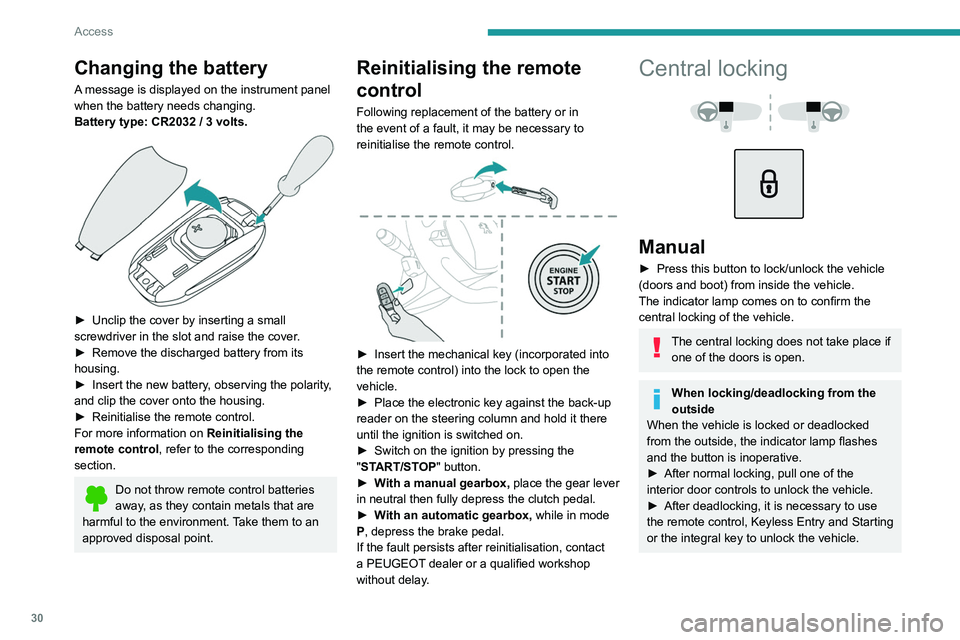
Changing the battery
A message is displayed on the instrument panel
when the battery needs changing.
Battery type: CR2032 / 3 volts.
► Unclip the cover by inserting a small
screwdriver in the slot and raise the cover .
►
Remove the discharged battery from its
housing.
►
Insert the new battery
, observing the polarity,
and clip the cover onto the housing.
►
Reinitialise the remote control.
For more information on Reinitialising the
remote control
, refer to the corresponding
section.
Do not throw remote control batteries
away, as they contain metals that are
harmful to the environment. Take them to an
approved disposal point.
Reinitialising the remote
control
Following replacement of the battery or in
the event of a fault, it may be necessary to
reinitialise the remote control.
► Insert the mechanical key (incorporated into
the remote control) into the lock to open the
vehicle.
►
Place the electronic key against the back-up
reader on the steering column and hold it there
until the ignition is switched on.
►
Switch on the ignition by pressing the
"
START/STOP" button.
►
W
ith a manual gearbox, place the gear lever
in neutral then fully depress the clutch pedal.
►
W
ith an automatic gearbox, while in mode
P, depress the brake pedal.
If the fault persists after reinitialisation, contact
a PEUGEOT dealer or a qualified workshop
without delay.
Central locking
Manual
► Press this button to lock/unlock the vehicle
(doors and boot) from inside the vehicle.
The indicator lamp comes on to confirm the
central locking of the vehicle.
The central locking does not take place if one of the doors is open.
When locking/deadlocking from the
outside
When the vehicle is locked or deadlocked
from the outside, the indicator lamp flashes
and the button is inoperative.
►
After normal locking, pull one of the
interior door controls to unlock the vehicle.
►
After deadlocking, it is necessary to use
the remote control, Keyless Entry and Starting
or the integral key to unlock the vehicle.