mirror PEUGEOT 508 2023 Owner's Guide
[x] Cancel search | Manufacturer: PEUGEOT, Model Year: 2023, Model line: 508, Model: PEUGEOT 508 2023Pages: 244, PDF Size: 7.38 MB
Page 211 of 244
209
PEUGEOT i-Connect Advanced - PEUGEOT i-Connect
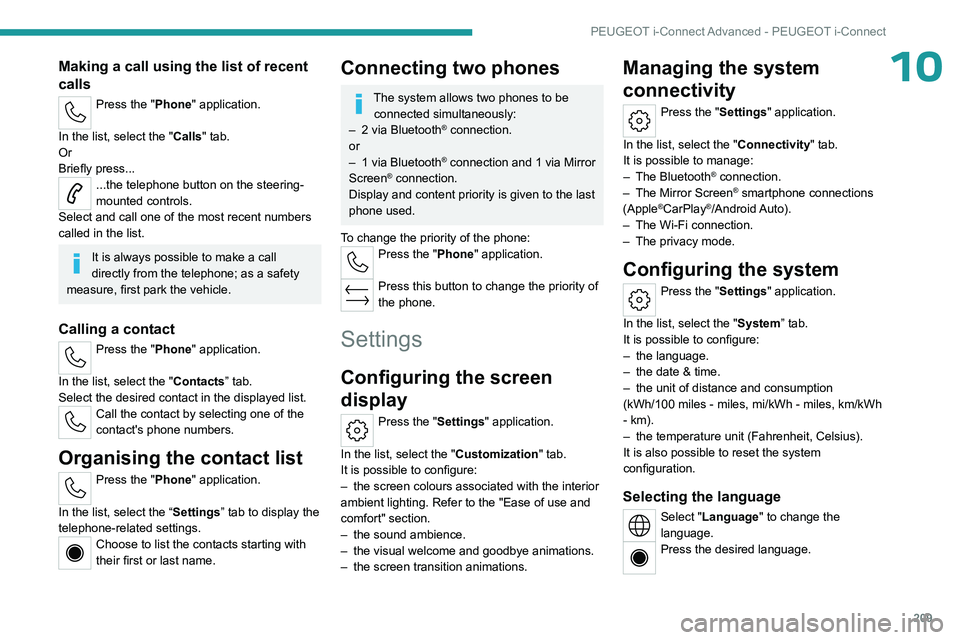
10Making a call using the list of recent
calls
Press the "Phone" application.
In the list, select the "Calls" tab.
Or
Briefly press...
...the telephone button on the steering-
mounted controls.
Select and call one of the most recent numbers
called in the list.
It is always possible to make a call
directly from the telephone; as a safety
measure, first park the vehicle.
Calling a contact
Press the "Phone" application.
In the list, select the "Contacts” tab.
Select the desired contact in the displayed list.
Call the contact by selecting one of the
contact's phone numbers.
Organising the contact list
Press the "Phone" application.
In the list, select the “Settings” tab to display the
telephone-related settings.
Choose to list the contacts starting with
their first or last name.
Connecting two phones
The system allows two phones to be connected simultaneously:
–
2 via
Bluetooth
® connection.
or
–
1 via
Bluetooth
® connection and 1 via Mirror
Screen® connection.
Display and content priority is given to the last
phone used.
To change the priority of the phone:
Press the "Phone" application.
Press this button to change the priority of
the phone.
Settings
Configuring the screen
display
Press the "Settings" application.
In the list, select the "Customization" tab.
It is possible to configure:
–
the screen colours associated with the interior
ambient lighting. Refer to the "Ease of use and
comfort" section.
–
the sound ambience.
–
the visual welcome and goodbye animations.
–
the screen transition animations.
Managing the system
connectivity
Press the "Settings" application.
In the list, select the "Connectivity" tab.
It is possible to manage:
–
The Bluetooth® connection.
–
The Mirror Screen® smartphone connections
(Apple®CarPlay®/Android Auto).
–
The Wi-Fi connection.
–
The privacy mode.
Configuring the system
Press the "Settings" application.
In the list, select the "System” tab.
It is possible to configure:
–
the language.
–
the date & time.
–
the unit of distance and consumption
(kWh/100 miles - miles, mi/kWh - miles, km/kWh
- km).
–
the temperature unit (Fahrenheit, Celsius).
It is also possible to reset the system
configuration.
Selecting the language
Select "Language" to change the
language.
Press the desired language.
Page 220 of 244
218
Alphabetical index
Inflating tyres and accessories
(using the kit)
174, 176
Information, vehicle
10, 212
Infrared camera
71, 113
Instrument panel
10, 22, 113
Instrument panels
10
ISOFIX mountings
90, 95
J
Jack 173–174, 176
Jump starting
183
K
Key 26–27, 30–31
Key, electronic
28–29
Keyless Entry and Starting
28–29, 99
Key not recognised
100
Key with remote control
26, 98
Kit, hands-free
204
Kit, puncture repair
172–174
Kit, temporary puncture repair
172–174, 176
Klaxon
78
L
Labels, identification 195
Lamps, parking
67
Lamps, rear 181
Lamps with Full LED technology
67, 181
Lane keeping assist
134
Lane positioning assist
121, 125–127
Leather (care)
171
LEDs - Light-emitting diodes
67, 180–181
Level, AdBlue®
165
Level, brake fluid
164
Level, Diesel additive
165–166
Level, engine coolant
19, 165
Level, engine oil
18, 164
Levels and checks
163–165
Level, screenwash fluid
74, 165
Light-emitting diodes - LEDs
67, 180–181
Lighting, boot
65
Lighting dimmer
22
Lighting, exterior
66, 69
Lighting, guide-me home
68
Lighting, interior
59–60
Lighting, mood
60
Lighting, welcome
68
Loading
159–160
Load reduction mode
162
Load space cover
61–62
Locating your vehicle
27
Locking
27–28
Locking from the inside
30
Locking the doors
30
Log, alerts
21
Long objects, transporting
60
Lumbar
44–45M
Mains socket (domestic network) 149–150
Maintenance (advice)
148, 169
Maintenance, routine
113, 165, 167
Manoeuvring aids (recommendations)
11 2
Map reading lamps
59
Markings, identification
195
Massage function
46–47
Massage, multi-point
46–47
Mat
59, 113
Menu, shortcuts
24
Mirror, rear view
48
Mirrors, door
47–48, 55, 136
Mirror, vanity
56
Misfuel prevention
146
Mobile application
25, 55, 155, 157
Motor, electric
107, 147, 193
Motorised tailgate
36–37
Mountings, ISOFIX
90, 95
N
Net, high load retaining 63–64
Night vision
71
Night Vision
71
O
Obstacle detection 138