radio PEUGEOT BOXER 2003 Owner's Manual
[x] Cancel search | Manufacturer: PEUGEOT, Model Year: 2003, Model line: Boxer, Model: Peugeot Boxer 2003Pages: 180, PDF Size: 1.86 MB
Page 59 of 180
05-05-2003
YOUR BOXER IN DETAIL61
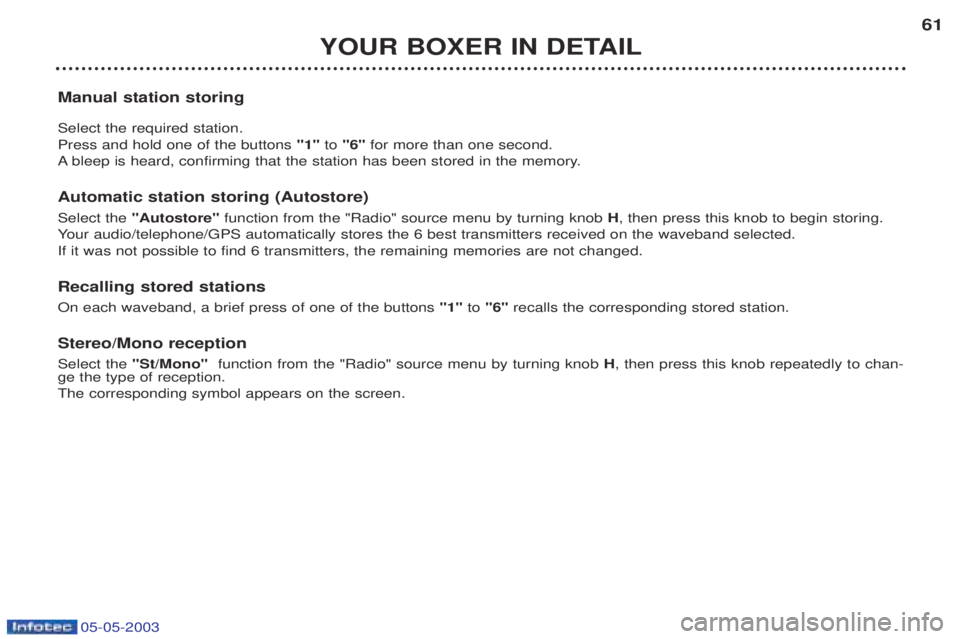
Manual station storing Select the required station. Press and hold one of the buttons "1"to "6" for more than one second.
A bleep is heard, confirming that the station has been stored in the memory.
Automatic station storing (Autostore) Select the "Autostore" function from the "Radio" source menu by turning knob H, then press this knob to begin storing.
Y our audio/telephone/GPS automatically stores the 6 best transmitters received on the waveband selected.
If it was not possible to find 6 transmitters, the remaining memories are not changed. Recalling stored stations On each waveband, a brief press of one of the buttons "1"to "6" recalls the corresponding stored station.
Stereo/Mono receptionSelect the "St/Mono" function from the "Radio" source menu by turning knob H, then press this knob repeatedly to chan-
ge the type of reception. The corresponding symbol appears on the screen.
Page 60 of 180
05-05-2003
YOUR BOXER IN DETAIL
62
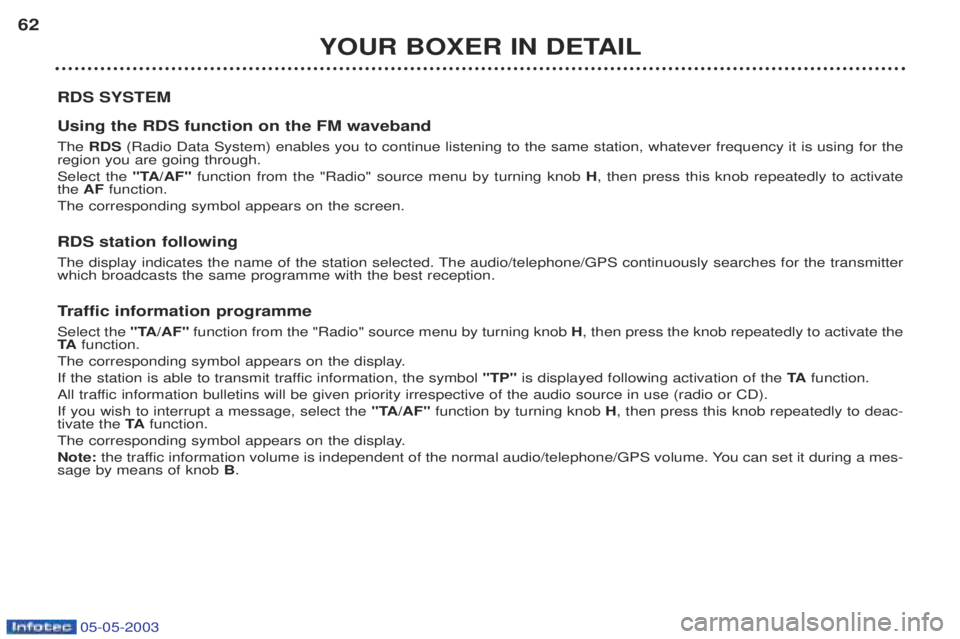
RDS SYSTEM Using the RDS function on the FM waveband The RDS (Radio Data System) enables you to continue listening to the same station, whatever frequency it is using for the
region you are going through. Select the "TA/AF"function from the "Radio" source menu by turning knob H, then press this knob repeatedly to activate
the AF function.
The corresponding symbol appears on the screen.
RDS station following
The display indicates the name of the station selected. The audio/telephone/GPS continuously searches for the transmitter which broadcasts the same programme with the best reception. T raffic information programme
Select the "TA/AF"function from the "Radio" source menu by turning knob H, then press the knob repeatedly to activate the
TA function.
The corresponding symbol appears on the display.
If the station is able to transmit traffic information, the symbol "TP"is displayed following activation of the TAfunction.
All traffic information bulletins will be given priority irrespective of the audio source in use (radio or CD).If you wish to interrupt a message, select the "TA/AF"function by turning knob H, then press this knob repeatedly to deac-
tivate the TAfunction.
The corresponding symbol appears on the display.Note: the traffic information volume is independent of the normal audio/telephone/GPS volume. You can set it during a mes-
sage by means of knob B.
Page 73 of 180
05-05-2003
YOUR BOXER IN DETAIL75
V oice commands
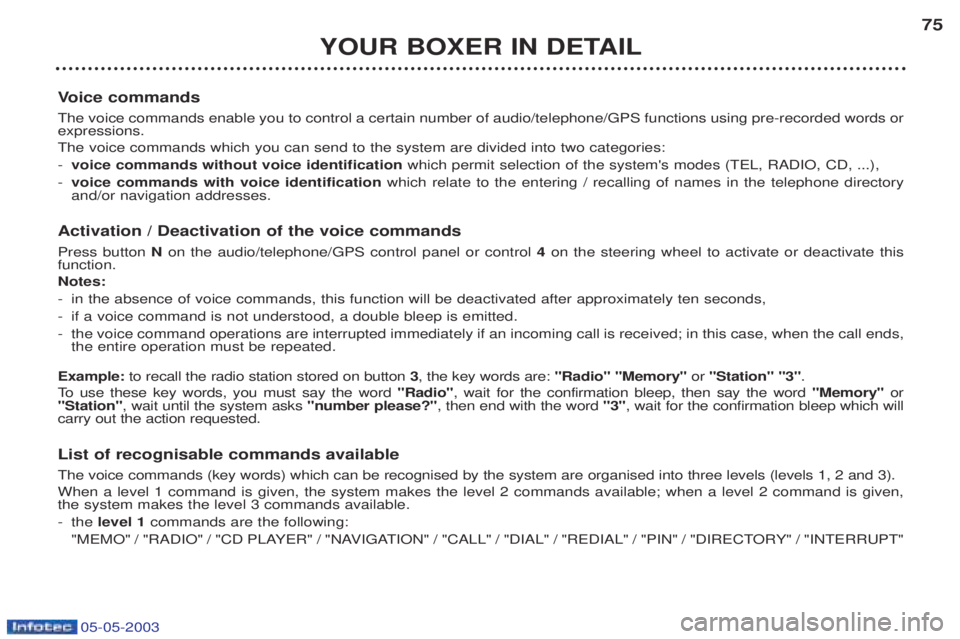
The voice commands enable you to control a certain number of audio/telephone/GPS functions using pre-recorded words or expressions. The voice commands which you can send to the system are divided into two categories: - voice commands without voice identification which permit selection of the system's modes (TEL, RADIO, CD, ...),
- voice commands with voice identification which relate to the entering / recalling of names in the telephone directory
and/or navigation addresses.
Activation / Deactivation of the voice commands Press button Non the audio/telephone/GPS control panel or control 4on the steering wheel to activate or deactivate this
function. Notes: - in the absence of voice commands, this function will be deactivated after approximately ten seconds,
- if a voice command is not understood, a double bleep is emitted.
- the voice command operations are interrupted immediately if an incoming call is received; in this case, when the call ends, the entire operation must be repeated.
Example: to recall the radio station stored on button 3, the key words are: "Radio" "Memory" or"Station" "3" .
To use these key words, you must say the word "Radio", wait for the confirmation bleep, then say the word "Memory"or
"Station" , wait until the system asks "number please?", then end with the word "3", wait for the confirmation bleep which will
carry out the action requested.
List of recognisable commands available The voice commands (key words) which can be recognised by the system are organised into three levels (levels 1, 2 and 3). When a level 1 command is given, the system makes the level 2 commands available; when a level 2 command is given, the system makes the level 3 commands available. - the level 1 commands are the following:
"MEMO" / "RADIO" / "CD PLAYER" / "NAVIGATION" / "CALL" / "DIAL" / "REDIAL" / "PIN" / "DIRECTORY" / "INTERRUPT"
Page 74 of 180
05-05-2003
YOUR BOXER IN DETAIL
76
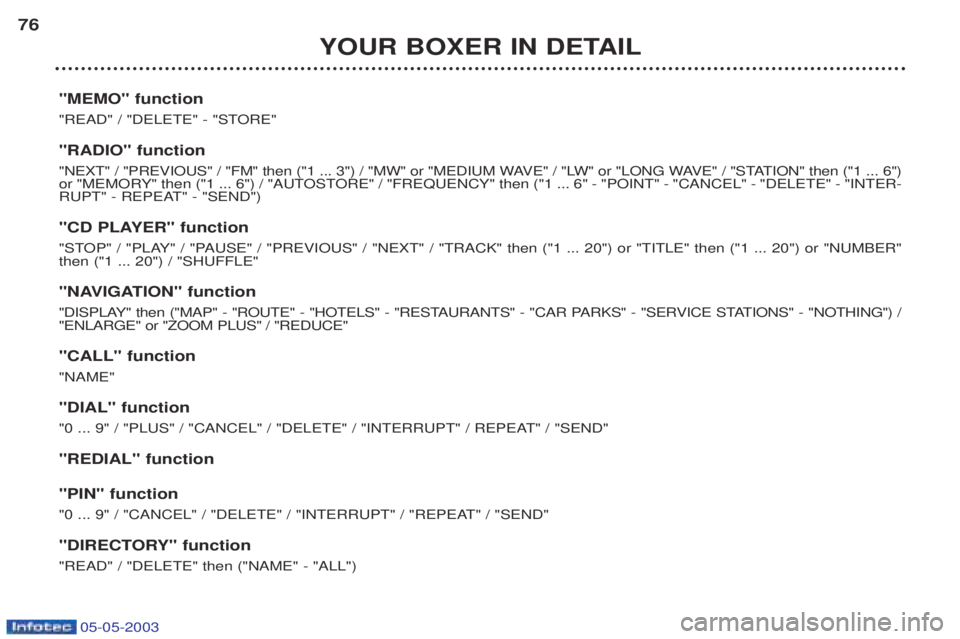
"MEMO" function
"READ" / "DELETE" - "STORE" "RADIO" function
"NEXT" / "PREVIOUS" / "FM" then ("1 ... 3") / "MW" or "MEDIUM WAVE" / "LW" or "LONG WAVE" / "STATION" then ("1 ... 6")
or "MEMORY" then ("1 ... 6") / "AUTOSTORE" / "FREQUENCY" then ("1 ... 6" - "POINT" - "CANCEL" - "DELETE" - "INTER-
RUPT" - REPEAT" - "SEND")
"CD PLAYER" function
"STOP" / "PLAY" / "PAUSE" / "PREVIOUS" / "NEXT" / "TRACK" then ("1 ... 20") or "TITLE" then ("1 ... 20") or "NUMBER" then ("1 ... 20") / "SHUFFLE"
"NAVIGATION" function
"DISPLAY" then ("MAP" - "ROUTE" - "HOTELS" - "RESTAURANTS" - "CAR PARKS" - "SERVICE STATIONS" - "NOTHING") / "ENLARGE" or "ZOOM PLUS" / "REDUCE" "CALL" function "NAME" "DIAL" function
"0 ... 9" / "PLUS" / "CANCEL" / "DELETE" / "INTERRUPT" / REPEAT" / "SEND" "REDIAL" function "PIN" function
"0 ... 9" / "CANCEL" / "DELETE" / "INTERRUPT" / "REPEAT" / "SEND"
"DIRECTORY" function "READ" / "DELETE" then ("NAME" - "ALL")
Page 77 of 180
05-05-2003
YOUR BOXER IN DETAIL79
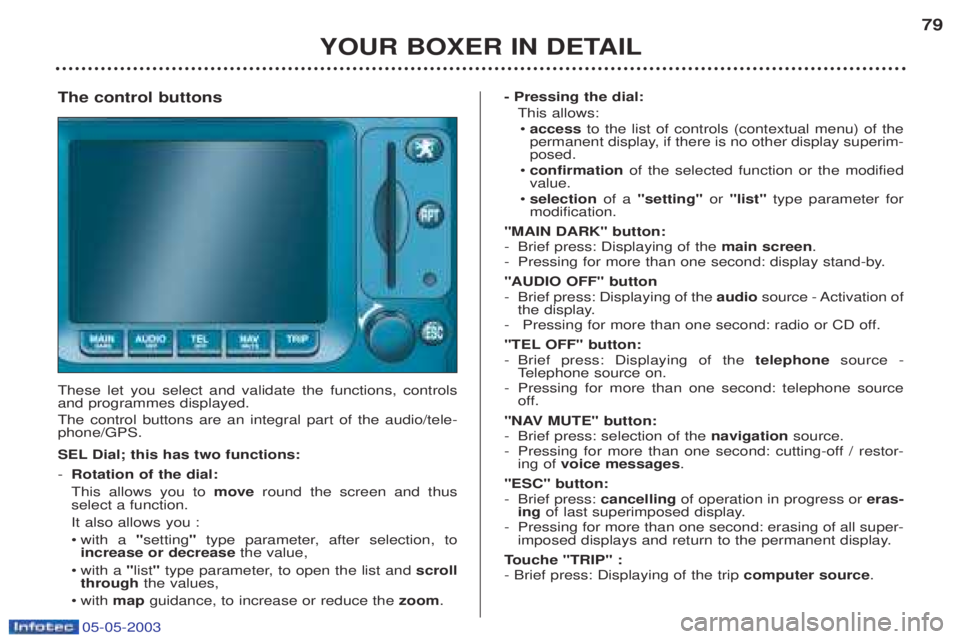
The control buttons These let you select and validate the functions, controls and programmes displayed. The control buttons are an integral part of the audio/tele- phone/GPS.
SEL Dial; this has two functions: - Rotation of the dial: This allows you to moveround the screen and thus
select a function.It also allows you :¥ with a "setting "type parameter, after selection, to
increase or decrease the value,
¥ with a "list "type parameter, to open the list and scroll
through the values,
¥w ith map guidance, to increase or reduce the zoom. - Pressing the dial:
This allows:¥ access to the list of controls (contextual menu) of the
permanent display, if there is no other display superim- posed.
¥ confirmation of the selected function or the modified
value.
¥ selection of a "setting" or "list" type parameter for
modification.
"MAIN DARK" button:
- Brief press: Displaying of the main screen.
- Pressing for more than one second: display stand-by. "AUDIO OFF" button
- Brief press: Displaying of the audiosource - Activation of
the display.
- Pressing for more than one second: radio or CD off.
"TEL OFF" button: - Brief press: Displaying of the telephonesource -
T elephone source on.
- Pressing for more than one second: telephone source
off.
"NAV MUTE" button: - Brief press: selection of the navigationsource.
- Pressing for more than one second: cutting-off / restor- ing of voice messages .
"ESC" button:
- Brief press: cancellingof operation in progress or eras-
ing of last superimposed display.
- Pressing for more than one second: erasing of all super- imposed displays and return to the permanent display.
T ouche "TRIP" :
- Brief press: Displaying of the trip computer source.