roof Peugeot Boxer 2014 User Guide
[x] Cancel search | Manufacturer: PEUGEOT, Model Year: 2014, Model line: Boxer, Model: Peugeot Boxer 2014Pages: 240, PDF Size: 8.98 MB
Page 121 of 240
Equipment
11 9
6
ACCESSORIES
OTHER ACCESSORIES
These accessories and parts, having been
tested and approved for reliability and
safety, are all adapted to your vehicle.
A wide range of recommended and genuine
parts is available.
"Comfort":
Air deflectors, insulated module, scented air
fresheners, reading lamp, cigarette lighter,
portable ashtray, non-slip seat cushions,
rear parking sensors...
"Protection":
Mats, mudflaps, vehicle protective cover,
seat covers, security grills for rear door
windows, twin rear security doors with
security locks, paint touch-up... "Security":
Anti-intrusion alarm, vehicle tracking system,
snow chains, non-slip covers, child seats,
first aid kit, warning triangle, high visibility
vest, fire extinguisher, pet safety belt, seat
belt cutter / glass hammer...
"Style":
Alloy wheels...
"Multimedia":
CD player, Wi-Fi on Board, semi-integral
satellite navigation system, hands-free kits,
driving aids, rear multimedia support, DVD
player, navigation mapping update, portable
satellite navigation systems, telephone
carrier, aftermarket digital radio, audio
systems, 230V socket...
"Transport solutions":
Towbars, towbar wiring harness with 7/13
connector, 7/7 connector, 13 connector,
interior protection kits, non-slip floor, wheel
arch protector, cab dividers, transverse roof
bars, roof racks, ladder for roof rack, roof
loading runners, loading plate for roof rack...
Installation of radiocommunication
transmitters
You are advised to contact a PEUGEOT
dealer before installing accessory
radiocommunication transmitters with
external aerial on your vehicle.
PEUGEOT dealers can advise you on
the specifications (frequency waveband,
maximum output power, aerial position,
specific installation conditions) of the
transmitters which can be fitted, in
accordance with the Vehicle Electromagnetic
Compatibility Directive (2004/104/EC).
The fitting of electrical equipment or
accessories which are not listed by
PEUGEOT may result in the failure of your
vehicle's electronic system.
We request that you take note of this point
and recommend that you contact a dealer
to be shown the range of recommended
equipment and accessories.
Depending on the country in which the
vehicle is sold or operated, it may be
compulsory to have a high visibility vest,
warning triangle, replacement bulbs and
breathalyzer in the vehicle.
To prevent the mat from becoming caught
under the pedals:
- ensure that the mat and its fixings are
positioned correctly,
- never fit one mat on top of another.
Page 208 of 240
10
10.42
VOICE COMMANDS
Information - Using the system
To ensure that your voice commands are always recognised by the system, we recommend that you follow the advice below:
- speak with a normal tone of voice,
- before speaking, always wait for the "beep" (audible signal),
- the system is able to recognise the voice commands delivered, independent off gender, tone and infl exion of the voice of the person speaking,
- keep the noise level inside the vehicle as low as possible,
- before speaking a voice command, ask other passengers not to speak. As the system recognizes voice commands whatever is said, when more than one person speaks at the same time, it is possible that the system will recognise commands different or additional to the one intended,
- for best operation, it is recommended that the windows and opening roof (for versions/markets where it is available) be closed to avoid interference from extraneous noises.
Instead of touching the screen, you can use your voice to issue commands to the system.
Steering mounted controls
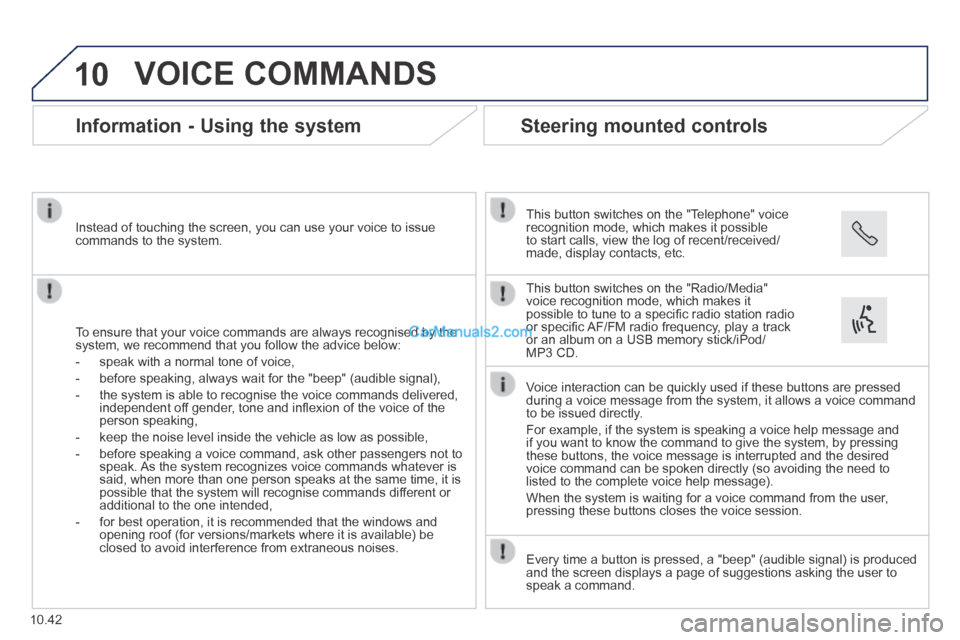
This button switches on the "Telephone" voice recognition mode, which makes it possible to start calls, view the log of recent/received/made, display contacts, etc.
Every time a button is pressed, a "beep" (audible signal) is produced \
and the screen displays a page of suggestions asking the user to speak a command.
This button switches on the "Radio/Media" voice recognition mode, which makes it possible to tune to a specifi c radio station radio or specifi c AF/FM radio frequency, play a track or an album on a USB memory stick/iPod/MP3 CD.
Voice interaction can be quickly used if these buttons are pressed during a voice message from the system, it allows a voice command to be issued directly.
For example, if the system is speaking a voice help message and if you want to know the command to give the system, by pressing these buttons, the voice message is interrupted and the desired voice command can be spoken directly (so avoiding the need to listed to the complete voice help message).
When the system is waiting for a voice command from the user, pressing these buttons closes the voice session.
Page 227 of 240
07
10.61
VOICE COMMANDS
Information - Using the system
To ensure that your voice commands are always recognised by the system, we recommend that you follow the advice below:
- speak with a normal tone of voice,
- before speaking, always wait for the "beep" (audible signal),
- the system is able to recognise the voice commands delivered, independent off gender, tone and infl exion of the voice of the person speaking,
- keep the noise level inside the vehicle as low as possible,
- before speaking a voice command, ask other passengers not to speak. As the system recognizes voice commands whatever is said, when more than one person speaks at the same time, it is possible that the system will recognise commands different or additional to the one intended,
- for best operation, it is recommended that the windows and opening roof (for versions/markets where it is available) be closed to avoid interference from extraneous noises.
Instead of touching the screen, you can use your voice to issue commands to the system.
Steering mounted controls
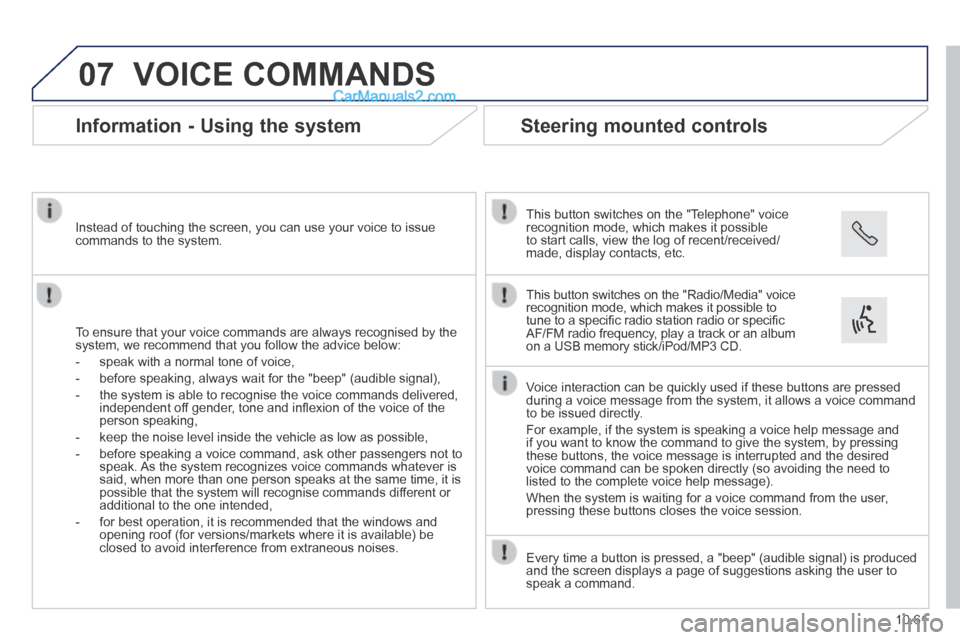
This button switches on the "Telephone" voice recognition mode, which makes it possible to start calls, view the log of recent/received/made, display contacts, etc.
Every time a button is pressed, a "beep" (audible signal) is produced \
and the screen displays a page of suggestions asking the user to speak a command.
This button switches on the "Radio/Media" voice recognition mode, which makes it possible to tune to a specifi c radio station radio or specifi c AF/FM radio frequency, play a track or an album on a USB memory stick/iPod/MP3 CD.
Voice interaction can be quickly used if these buttons are pressed during a voice message from the system, it allows a voice command to be issued directly.
For example, if the system is speaking a voice help message and if you want to know the command to give the system, by pressing these buttons, the voice message is interrupted and the desired voice command can be spoken directly (so avoiding the need to listed to the complete voice help message).
When the system is waiting for a voice command from the user, pressing these buttons closes the voice session.