ECO mode Peugeot Boxer 2018 Owner's Guide
[x] Cancel search | Manufacturer: PEUGEOT, Model Year: 2018, Model line: Boxer, Model: Peugeot Boxer 2018Pages: 232, PDF Size: 9.09 MB
Page 211 of 232
1
Audio system
Multimedia audio system –
Bluetooth® telephone
Contents
First steps
1
S
teering wheel mounted controls
2
R
adio
2
M
edia
4
T
elephone
5
S
ettings
6
V
oice commands
6T
he system is protected in such a way that
it will only operate in your vehicle.
For safety reasons, the vehicle must
always be stationary for the driver to
perform operations that require close
attention.
When the engine is switched off and to
prevent discharging of the battery, the
system switches off after activation of
energy economy mode.
First steps
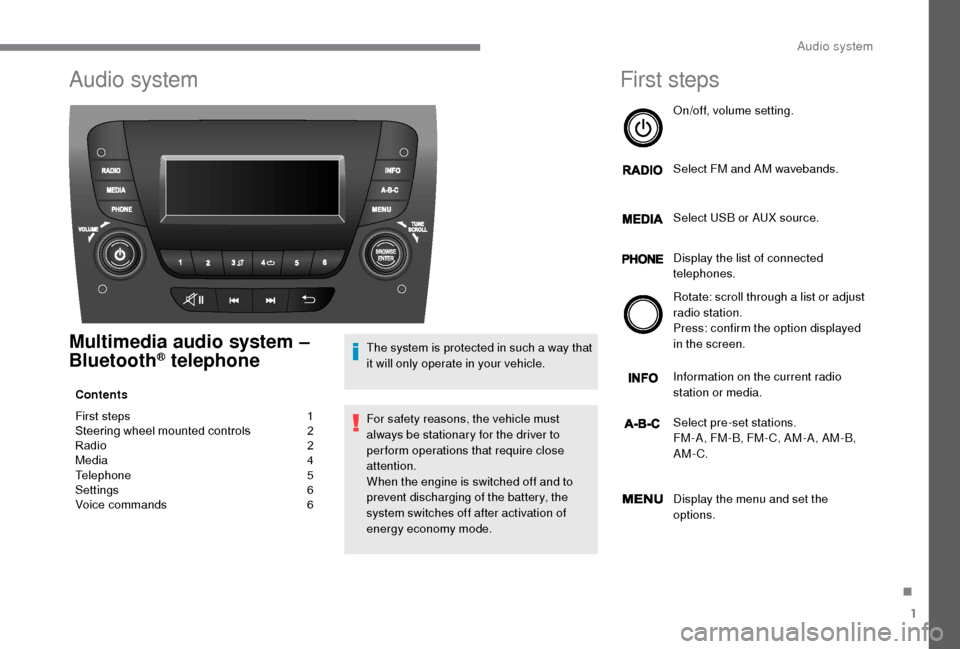
On/off, volume setting.
Select FM and AM wavebands.
Select USB or AUX source.
Display the list of connected
telephones.
Rotate: scroll through a
list or adjust
radio station.
Press: confirm the option displayed
in the screen.
Information on the current radio
station or media.
Select pre-set stations.
FM-A, FM-B, FM- C, AM-A, AM-B,
AM-C.
Display the menu and set the
options.
.
Audio system
Page 212 of 232
2
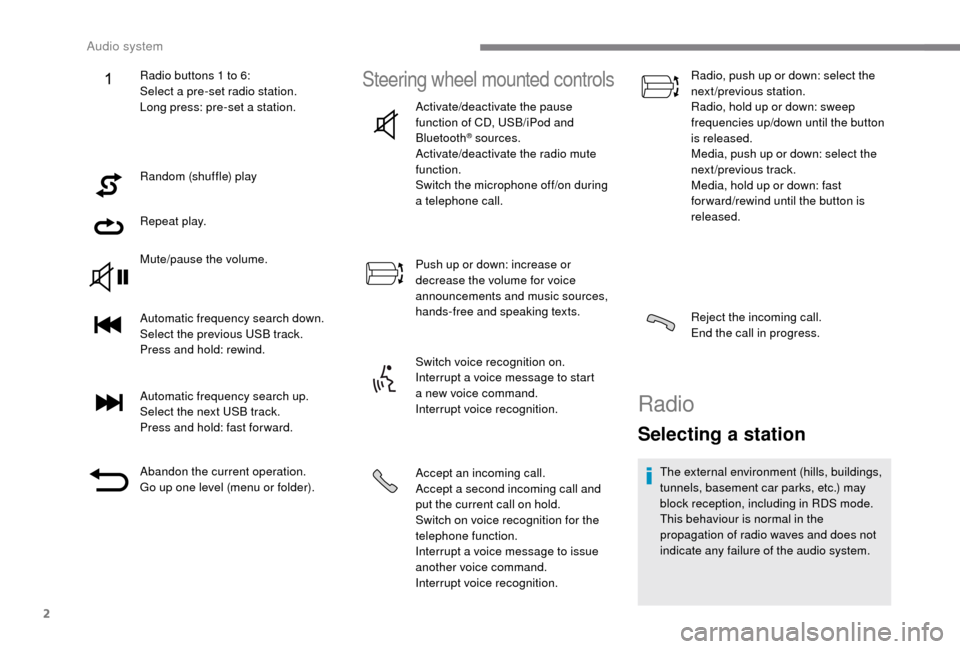
Random (shuffle) play
Repeat play.
Mute/pause the volume.
Automatic frequency search down.
Select the previous USB track.
Press and hold: rewind.
Automatic frequency search up.
Select the next USB track.
Press and hold: fast for ward.
Abandon the current operation.
Go up one level (menu or folder).
Steering wheel mounted controls
Activate/deactivate the pause
function of CD, USB/iPod and
Bluetooth
® sources.
Activate/deactivate the radio mute
function.
Switch the microphone off/on during
a
telephone call.
Push up or down: increase or
decrease the volume for voice
announcements and music sources,
hands-free and speaking texts.
Switch voice recognition on.
Interrupt a
voice message to start
a
new voice command.
Interrupt voice recognition.
Accept an incoming call.
Accept a
second incoming call and
put the current call on hold.
Switch on voice recognition for the
telephone function.
Interrupt a
voice message to issue
another voice command.
Interrupt voice recognition. Radio, push up or down: select the
next/previous station.
Radio, hold up or down: sweep
frequencies up/down until the button
is released.
Media, push up or down: select the
next/previous track.
Media, hold up or down: fast
for ward/rewind until the button is
released.
Reject the incoming call.
End the call in progress.
Radio
Selecting a station
The external environment (hills, buildings,
tunnels, basement car parks, etc.) may
block reception, including in RDS mode.
This behaviour is normal in the
propagation of radio waves and does not
indicate any failure of the audio system.
Radio buttons 1
to 6:
Select a
pre-set radio station.
Long press: pre-set a
station.
Audio system
Page 217 of 232
7
To ensure that your voice commands are
always recognised by the system, we
recommend that you follow the advice
below:
-
s
peak in a normal tone,
-
a
lways wait for the "beep" (audible
signal) before speaking,
-
t
he system is able to recognise the
voice commands delivered, regardless
of gender, tone and inflexion of the
voice of the person speaking,
-
k
eep the noise level inside the
passenger compartment as low as
possible,
-
a
sk the other passengers not to
speak before you use the voice
commands. As the system recognises
voice commands whatever is said,
when more than one person speaks
at the same time, it is possible that
the system will recognise different
or additional commands to the one
intended,
-
f
or best operation, it is recommended
that the windows and sunroof (for
models/markets where it is available)
be closed to avoid inter ference from
outside noise.Steering wheel mounted controls
This button switches on the
"Telephone" voice recognition
mode, which makes it possible to
start calls, view the log of recent /
received/made calls, display
contacts, etc.
This button switches on the "Radio/
Media" voice recognition mode,
which makes it possible to tune
to a
specific radio station radio or
specific AM/FM radio frequency,
play a
track or an album on a USB
memory stick/iPod/MP3
CD.Voice interaction can be quickly used if
these buttons are pressed during a
voice
message from the system; it allows
a
voice command to be issued directly.
For example, if the system is speaking
a
voice help message and if you know
the command to give the system, by
pressing these buttons, the voice
message is interrupted and the desired
voice command can be spoken directly (so
avoiding the need to listen to the complete
voice help message).
When the system is waiting for a
voice
command from the user, pressing these
buttons closes the voice session.
Every time a
button is pressed, a "beep"
(audible signal) is produced and the
screen displays a
page of suggestions
asking the user to speak a
command.
.
Audio system