reset PONTIAC BONNEVILLE 1996 Owners Manual
[x] Cancel search | Manufacturer: PONTIAC, Model Year: 1996, Model line: BONNEVILLE, Model: PONTIAC BONNEVILLE 1996Pages: 387, PDF Size: 18.71 MB
Page 60 of 387
Vehicles are delivered programmed in Mode 5. To
change to another mode:
1. Press and hold the power door lock switch.
2. Press the opened trunk button on the transmitter. The
transmitter will remain
in its current mode.
3. Press the opened trunk button again. Each time the
opened
trunk button is pressed, the transmitter will
advance to the next mode.
4. Release the power door lock switch.
Delayed Locking (Option)
NOTE: This feature is available only if you request your
dealer to activate this option. After initial activation
you can turn this feature on and off by using the
following procedure.
This feature lets the driver delay the actual locking of
the vehicle. When the power door lock switch is pressed
with the key removed from the ignition and the driver's
door open, a chime will sound three times to signal that
the delayed locking system
is active. When all doors
have been closed, the doors will lock automatically after five seconds.
If any door is opened before this, the
five-second twer will reset itself once all the doors
have been closed again.
Pressing the door lock switch twice within two seconds will override
this feature. The delayed locking feature
can be turned on.or
off for
each remote transmitter.
To turn the feature on:
1. Press and hold the power door lock switch
throughout
this procedure. All'the doors will Io&.
2. Press the UNLOCK button on the remote
transmitter. The lock delay is still
off and all
doors will remain locked.
3. Press the UNLOCK button on the remote
transmitter again. Lock delay is now active and
all doors dill unlock.
4. Release the power door lock switch. I
If your vehicle is not equipped with the Remote Keyless
Enby, use the following procedure to
turn the feature on:
1. With the ignition on, press and hold the power door
lock switch.
All doors will lock.
2. Toggle the headlamps switch seven times (off to on
is one toggle). The doors will unlock to confirm that
the feature
is now on.
3. Release the power door lock switch.
To
turn the feature off, repeat the previous procedure.
ProCarManuals.com
Page 88 of 387
Windshield Washer
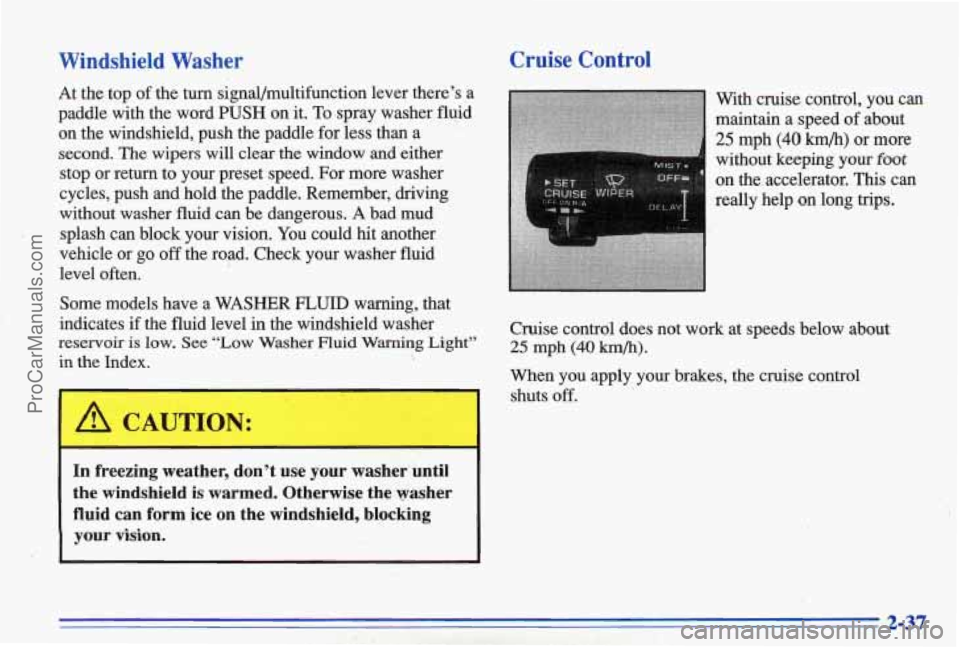
At the top of the turn signal/multifunction lever there’s a
paddle with the word
PUSH on it. To spray washer fluid
on the windshield, push the paddle for less than a
second. The wipers
will clear the window and either
stop or return to your preset speed. For more washer
cycles, push and hold the paddle. Remember, driving
without washer fluid can be dangerous.
A bad mud
splash can block your vision. You could hit another
vehicle or go
off the road. Check your washer fluid
level often.
Some models have a WASHER
FLUID warning, that
indicates
if the fluid level in the windshield washer
reservoir is low. See “Low Washer Fluid Warning Light”
in
the Index.
A CAUTION:
In freezing weather, don’t use your washer until
the windshield is warmed. Otherwise the washer fluid can form ice on the windshield, blocking
your vision.
Cruise Control
on the accelerator. his can
really help
on long trips.
Cruise control does not work at speeds below about
25 mph (40 km/h).
When you apply your brakes, the cruise control
shuts
off.
ProCarManuals.com
Page 90 of 387
Resuming a Set Speed
Suppose you set your cruise control at a desired speed and then you apply the brake.
This, of course, shuts off
the cruise control. But you don’t need to reset it.
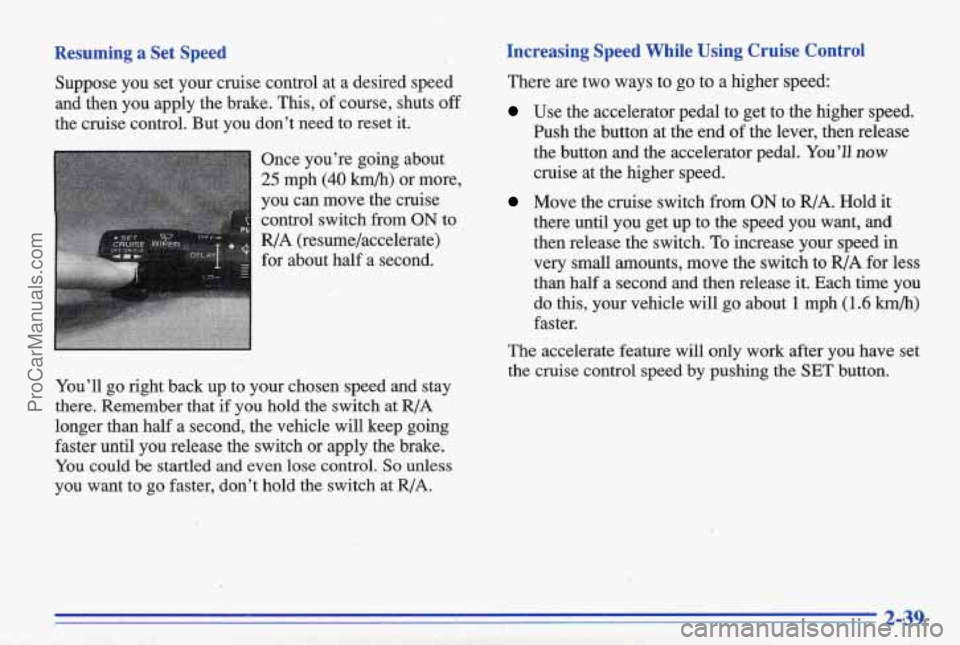
Once you’re going about
25 mph (40 km/h) or more,
you can move the cruise control switch
from ON to
R/A (resume/accelerate)
for about half a second.
You’ll go right back up to your chosen speed and stay
there. Remember that if you hold the switch at
R/A
longer than half a second, th’e vehicle will keep going
faster until you release the switch or apply the brake.
You could
be startled and even lose control. So unless
you want to go faster, don’t hold the switch at
R/A.
Increasing Speed While Using Cruise Control
There are two ways to go to a higher speed:
Use the accelerator pedal to get to the higher speed.
hsh the button at the end
of the lever, then release
the button and the accelerator pedal.
You’ll now
cruise at the higher speed.
Move the cruise switch from ON to R/A. Hold it
there until you get up to the speed you want, and
then release the switch.
To increase your speed in
very small mounts, move the switch to R/A for less
than half a second and then release it. Each time you
do this, your vehicle will go about 1 mph (1.6 km/h)
The accelerate feature will only work after you have set
the cruise control speed by pushing the
SET button.
, faster.
1.
2-39
ProCarManuals.com
Page 112 of 387
Speedometer and Odometer
Your speedometer lets you see your speed in both miles
per
hour (mph) and kilometers per hour (km/h). Your
odometer shows how
far your vehicle has been driven,
in either miles (used in the United States) or kilometers
(used in Canada).
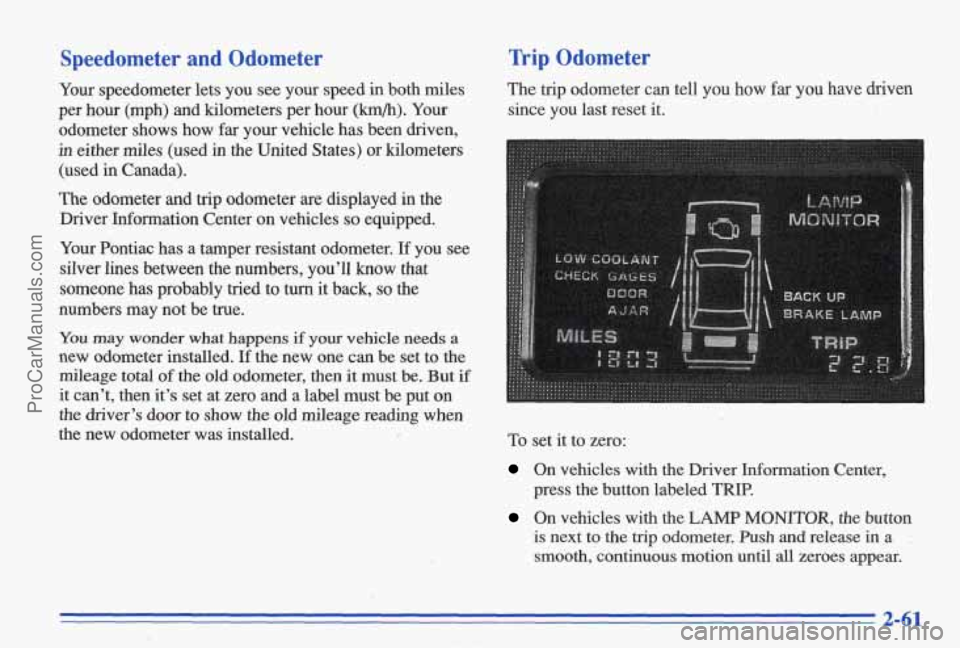
The odometer and trip odometer are displayed in the
Driver Information Center on vehicles
so equipped.
Your Pontiac has a tamper resistant odometer.
If you see
silver lines between the numbers, you’ll know that
someone has probably tried
to turn it back, so the
numbers may not be true.
Trip Odometer
The trip odometer can tell you how far you have driven
since you last reset it.
You may wonder what happens if your vehicle needs a
new odometer installed. If the new one can be set to the
mileage total
of the old odometer, then it must be. But if
it can’t, then it’s set at zero and a label must be put on
the driver’s door to show the old mileage reading when
the new odometer was installed. To set it to zero:
On vehicles with the Driver Information Center,
press the button labeled
TRIP.
On vehicles with the LAMP MONITOR, the button
is next to the trip odometer. Push and release in a .
smooth, continuous motion until all zeroes appear.
2-61
ProCarManuals.com
Page 117 of 387
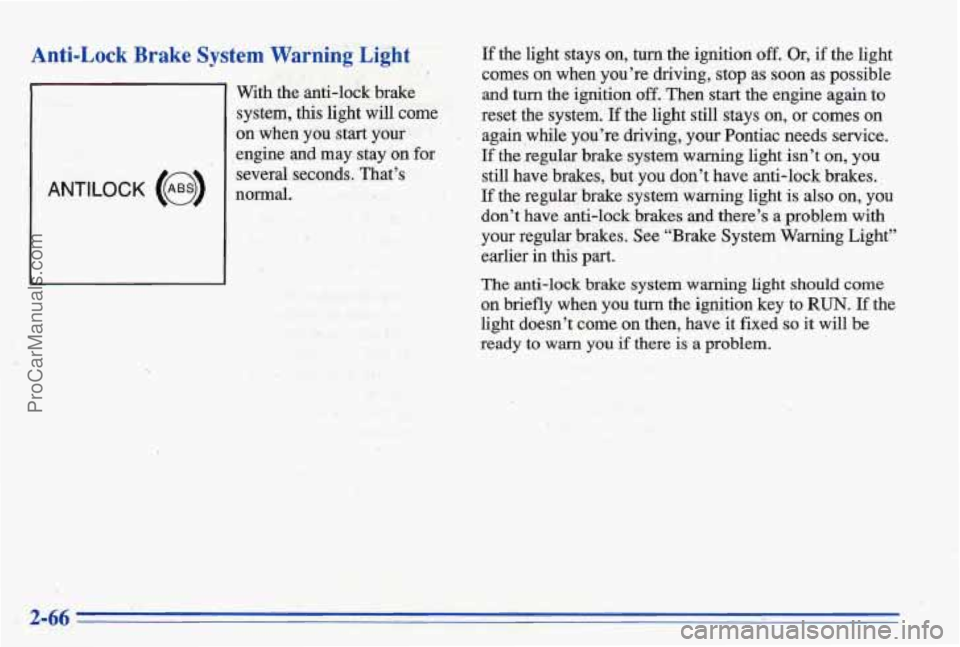
Anti-Lock Brake System Warhing Light If the light stays on, turn the ignition off. Or, if the light I comes on when you’re driving, stop as soon as possible
With the anti-lock
brake and turn the ignition off. Then start the engine again to
system, &is fight will come reset the system. If the light still stays on, or comes on
ANTILOCK (@)
1
on when you start your I again while you’re driving, your Pontiac needs service.
,engine
and may stay on for If the regular brake system warning light isn’t on, you
several seconds. That’s still have brakes, but YOU don’t have anti-lock brakes.
normal.
If the regular brake system warning light is’ also on, YOU
don’t have anti-lock brakes and there’s a problem with
your regular brakes. See “Brake System Warning Light”
earlier
in this part.
The anti-lock brake system warning light should come
on briefly when you turn the ignition key to RUN. If the
light doesn’t
come on then, have‘it fixed so it will be
ready
to warn you if there is a problem.
ProCarManuals.com
Page 147 of 387
reo
1.
I ' Playing the I
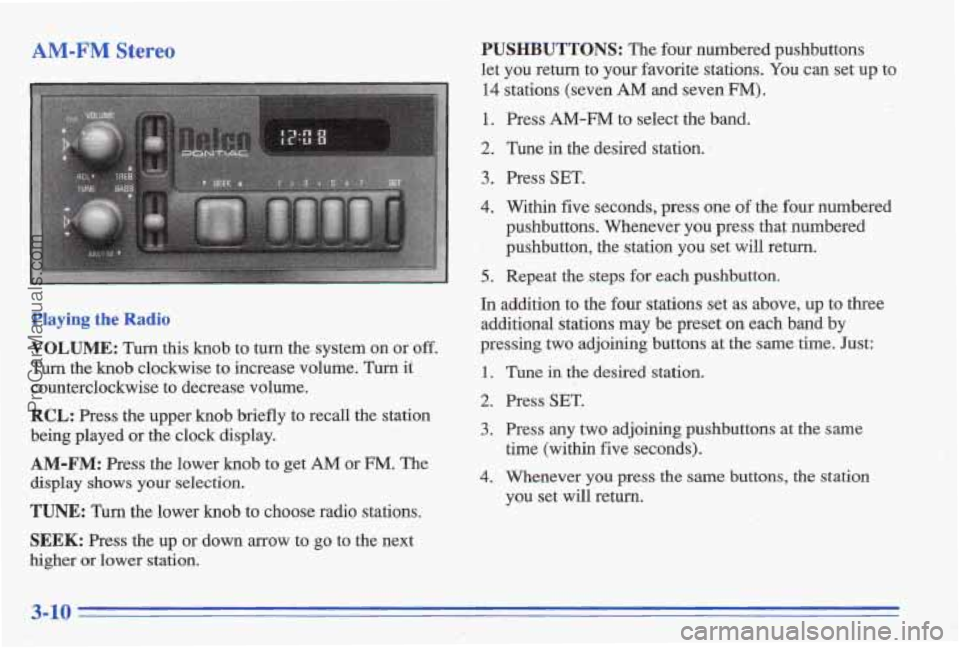
VOLUME: Turn this knob to turn the system on or off.
Turn the knob clockwise to increase volume. Turn it
counterclockwise to decrease volume.
RCL: Press the upper knob briefly to recall the station
being played or the clock display.
AM-FM: Press the lower knob to get AM or FM. The
display shows your selection.
TUNE: Turn the lower knob to choose radio stations.
SEEK: Press the up or down arrow to go to the next
higher or lower station.
PUSHBUTTONS: The four numbered pushbuttons
let you return to your favorite stations.
You can set up to
14 stations (seven AM and seven FM).
1. Press AM-FM to select the band.
2. Tune in the desired station. 1
3. Press SET.
4. Within five seconds, press one of the four numbered
pushbuttons. Whenever you press that numbered
', pushbutton, the station you set will return.
5.. Repeat the steps for each pushbutton.
In addition to the four stations set as above, up to three
additional stations may be preset on each band by
pressing
two adjoining buttons at the same time. Just:
1.
2.
3.
4.
Tune iil the desired station.
Press
SET.
Press any two adjoining pushbuttons at the same
time (within five seconds).
Whenever
you press the same buttons, the station
you set
will return.
ProCarManuals.com
Page 151 of 387
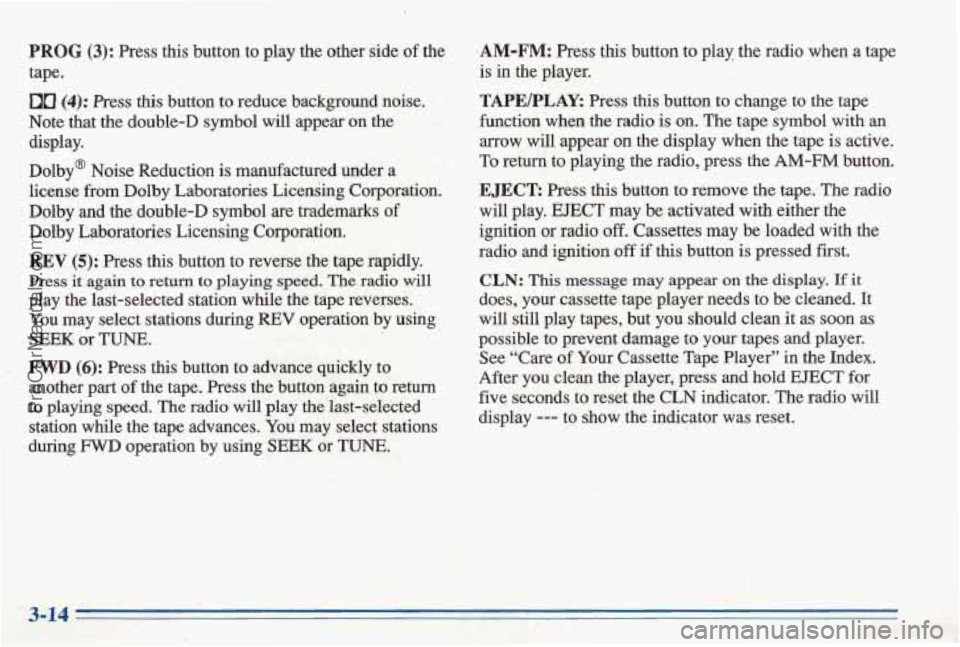
PROG (3): Press this button to play the other side of the
tape.
DD (4): Press this button to reduce background noise.
Note that the double-D symbol
will appear on the
display.
Dolby@ Noise Reduction is manufactured under
a
license from Dolby Laboratories Licensing Corporation.
Dolby
and the double-D symbol are trademarks of
Dolby Laboratories Licensing Corporation.
REV (5): Press this button to reverse the tape rapidly.
Press it again to return to playing speed. The radio will
play the last-selected station while the tape reverses.
You may select stations during REV operation .by using
SEEK or TUNE.
. FWD (6): Press this button to advance quickly to
another part
of the tape. Press the button again to return
to playing speed. The radio will play the'last-selected
station while the tape advances.
You may select stations
during
FWD operation by using SEEK or TUNE.
.AM-FM: Press this button to play the radio when a tape
is in the player.
TAPE/PLAY: Press this button to change to the tape
function when
the radio is on. The tape symbol with an
arrow will appear on the display when the tape is active.
To return to playing the radio, press the
AM-FM button.
E JECR Press this button to remove the tape., The radio
will play. EJECT may be activated with either the '
ignition or radio off. Cassettes may be loaded with the
radio and ignition
off if this button is pressed first.
CLN: This message may appear on the display. If it
does, your cas'sette tape player needs to be cleaned. It
will still play tapes, but you should clean
it as soon as
possible to prevent damage to your tapes
and player.
See "Care
of Your Cassette Tape Player" in the Index.
After you clean the player, press and hold
EJECT for
five seconds to reset the
CLN indicator. The radio will
display --- to show the indicator was reset.
ProCarManuals.com
Page 154 of 387
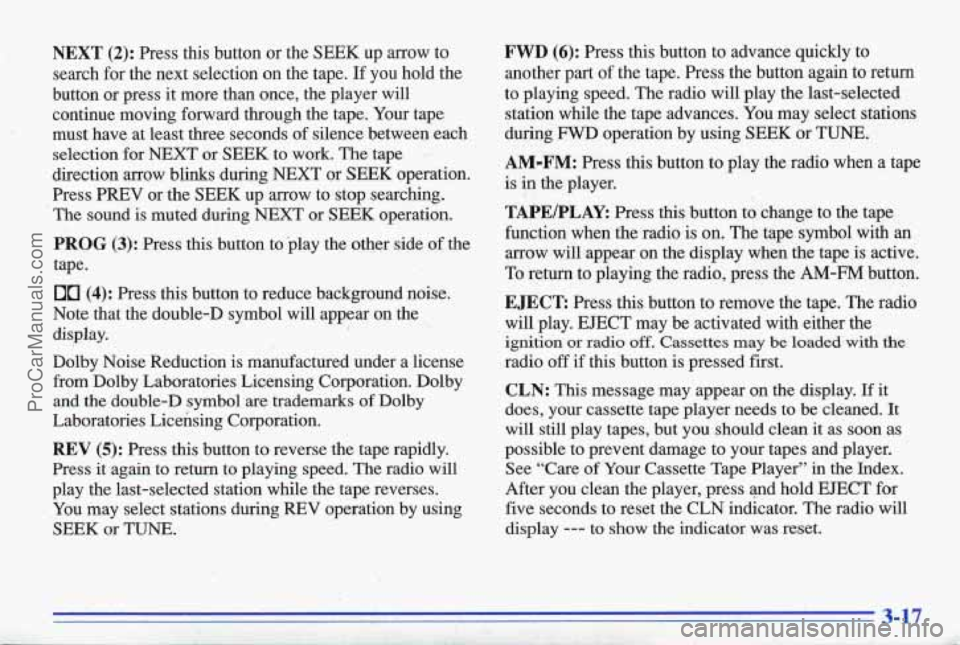
NEXT (2): Press this button or the SEEK up arrow to
search for the next selection on the tape.
If you hold the
button or press it more than once, the player will
continue moving forward through the tape. Your tape
must have at least three seconds of silence between each
selection for NEXT or
SEEK to work. The tape ,
direction arrow blinks during NEXT or SEEK operation.
Press PREV or the SEEK up arrow to stop searching.
The sound is muted during NEXT or
SEEK operation.
PROG (3): Press this button to play the other side of the
tape.
00 (4): Press this button to reduce background noise.
Note that the double-D symbol will appear on the
display.
Dolby Noise Reduction is manufactured under a license from Dolby Laboratories Licensing Corporation. Dolby
and the double-D symbol
are trademarks of Dolby
Laboratories Licensing Corporation.
REV (5): Press this button to reverse the tape rapidly.
Press
it again to return to playing speed. The radio will
play the last-selected station while the tape reverses.
,You may select stations during REV operation
by using
SEEK or TUNE.
I
! . >. ’ I. ..
FWD (6): Press this button to advance quickly to
another part of the tape. Press the button again to return
to playing speed. The radio
will play the last-selected
station while the tape advances. You may select stations
during
FWD operation by using SEEK or TUNE.
AM-FM: Press this button to play the radio when a tape
is
in the player.
TAPEIPLAY: Press this button to change to the tape
function when the radio is on. The tape symbol with an
arrow will appear on the display when the tape is active.
To return to playing the radio, press the
AM-FM button.
EJECT Press this button to remove the tape. The radio
will play.
EJECT may be activated with either the
ignition or radio off. Cassettes may be loaded with the
radio off if this button is pressed first.
CLN: This message may appear on the display. If it
does, your cassette tape player needs to be cleaned.
It
will still play tapes, but you should clean it as soon as
possible to prevent damage to your tapes and player.
See “Care
of Your Cassette Tape Player” in the Index.
After you clean the player, press and hold EJECT for
five seconds to reset the CLN indicator. The radio will
display
--- to show the indicator was reset.
1
ProCarManuals.com
Page 162 of 387
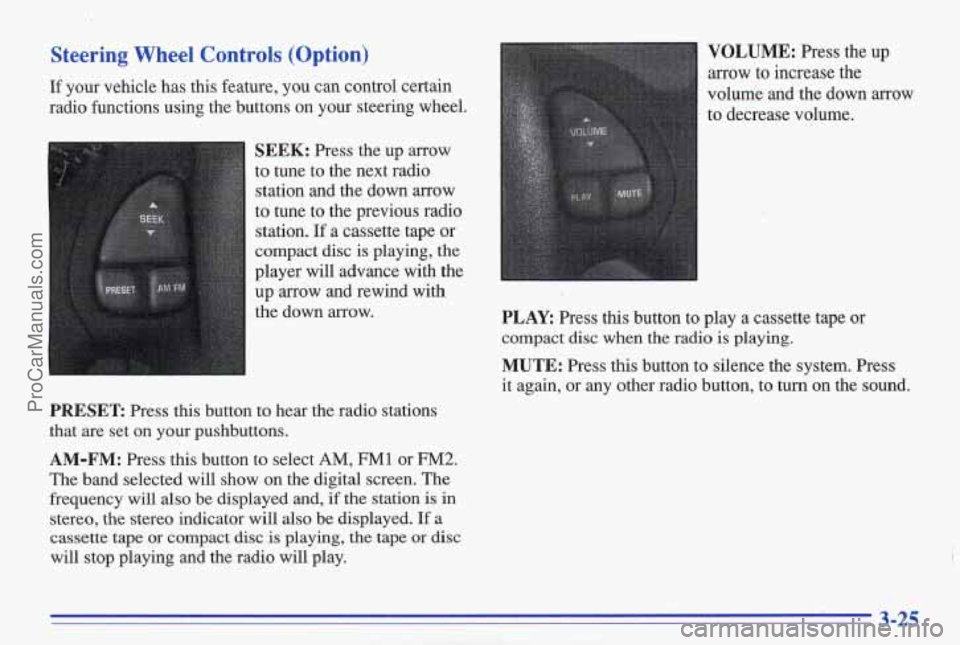
Steering Wheel Controls (Option)
If your vehicle has this feature, you can control certain
radio functions using the buttons
on your steering wheel.
SEEK: Press the up arrow
to tune to the next radio
station and the down
arrow
to tune to the previous radio station.
If a cassette tape or
compact disc
is playing, the
player will advance with the
up arrow and rewind with
the down arrow.
PRESET Press this button to hear the radio stations
that are set on
your pushbuttons.
AM-FM: Press this button to select AM, FM1 or FM2.
The band selected will show on the digital screen. The
frequency will also be displayed and,
if the station is in
stereo, the stereo indicator will also be displayed.
If a
cassette tape
or compact disc is playing, the tape or disc
will stop playing and the radio will play.
VOLUME: Press the up
arrow to increase the
volume and the down arrow
to decrease volume.
PLAY: Press this button to play a cassette tape or
compact disc when the radio
is playing.
MUTE: Press this button to silence the system. Press
it again, or any other radio button, to turn on the sound.
3-25
ProCarManuals.com
Page 164 of 387
Care of Your Cassette Tape Player The radio will default back to CUT TAPE DETECTION
A tape player that is not cleaned regularly can cause
reduced sound quality, ruined cassettes or a damaged You may
also choose a non-scrubbing action, wet-type
mechanism. Cassette tapes should be stored in their cleaner whi\
ch uses a cassette with a fabric belt to clean
cases away from contaminants, direct sunlight and the tape head. It may not'clean as thoroughly as the
extreme heat.
If they aren't, they may not operate scrubbing type cleaner.
when the cleaner cassette is ejected.
properly
or may cause failure of the tape player.
Cassettes are subject to wear and the sound quality may
tape player should be clean4 regularly after every, degrade over time. Always make sure that\
the cassette
50 hours of use. Youi. radio may display CLN to indicate tape is in good condition before you have your tape
that you have used your tape player for
50 hok without player serviced.
resetting the tape clean timer.
If you notice a reduction in
sound quality, try a known good cassette to see if the tape Care of Your Compact Discs
or the tape player is at fault. If this other cassette has no Handle discs carefully. Store them in th'eir original cases
improvement in sound quality, clean the tape player. or other protective cases and away from direct sunlight ,
Cleaning my be done with a scrubbing action, and dust. If the surface
of a disc is soiled, dampen a
non-abrasive cleaning cassette with pads which scrub clean, soft cloth
in a mild, neutral detergent solution and
the tape head as the hubs of the cleaner cassette
turn. clean it, wiping from the center to the edge.
Follow these steps to prevent the cassette from being Be sure never td touch the signal surface when handling
ejected due to the CUT TAPE DETECTION feature:
discs. Pick up discs by grasping the outer edges or the
1. Turn the radio off and the ignition on. ' edge of the hole and the outer edge..
2. Press and hold the TAPEPLAY button for three
3. ~nskrt the cleaner cassette.
seconds (tape indicator will flash
for two seconds).
ProCarManuals.com