display PONTIAC BONNEVILLE 2003 User Guide
[x] Cancel search | Manufacturer: PONTIAC, Model Year: 2003, Model line: BONNEVILLE, Model: PONTIAC BONNEVILLE 2003Pages: 418, PDF Size: 20.24 MB
Page 144 of 418
Manual Operation
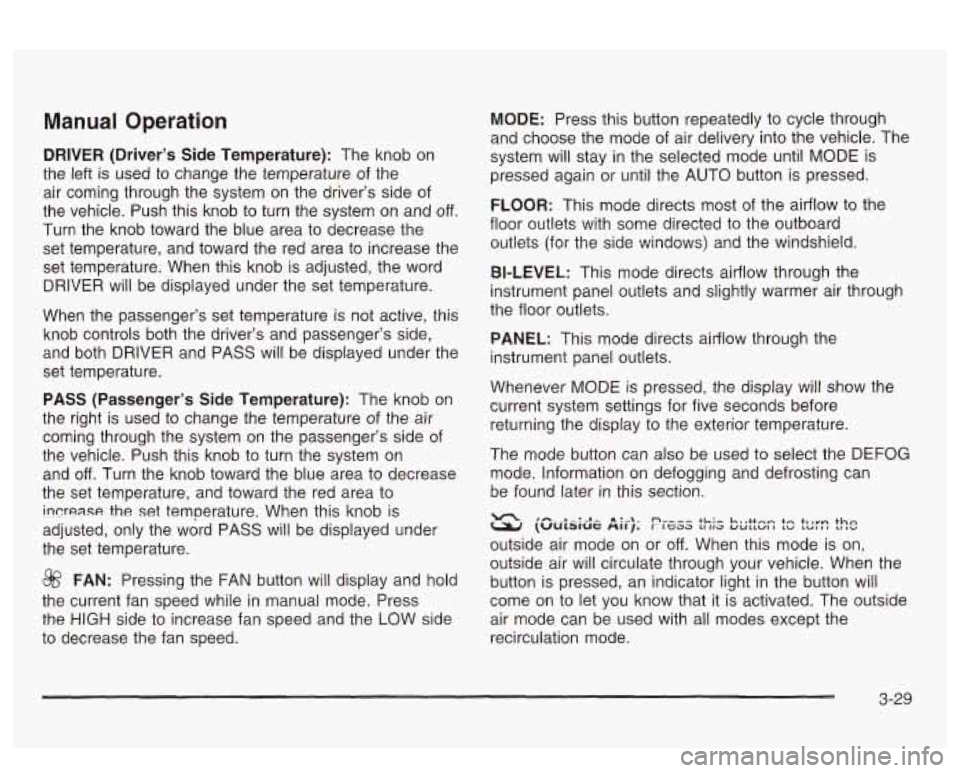
DRIVER (Driver’s Side Temperature): The knob on
the left is used to change the temperature of the
air coming through the system on the driver’s side of
the vehicle. Push this knob to turn the system on and
off.
Turn the knob toward the blue area to decrease the
set temperature, and toward the red area to increase the
set temperature. When this knob is adjusted, the word
DRIVER will be displayed under the set temperature.
When the passenger’s set temperature is not active, this
knob controls both the driver’s and passenger’s side,
and both DRIVER and PASS will be displayed under the
set temperature.
PASS (Passenger’s Side Temperature): The knob on
the right is used to change the temperature of the air
coming through the system on the passenger’s side of
the vehicle. Push this knob to turn the system on
and
off. Turn the knob toward the blue area to decrease
the set temperature, and toward the red area to
increase the set temperature. When this knob is
adjusted, only the word PASS will be displayed under
the set temperature.
@ FAN: Pressing the FAN button will display and hold
the current fan speed while in manual mode. Press
the
HIGH side to increase fan speed and the LOW side
to decrease the fan speed.
MODE: Press this button repeatedly to cycle through
and choose the mode of air delivery into the vehicle. The
system will stay in the selected mode until MODE is
pressed again or until the AUTO button is pressed.
FLOOR: This mode directs most of the airflow to the
floor outlets with some directed to the outboard
outlets (for the side windows) and the windshield.
BI-LEVEL: This mode directs airflow through the
instrument panel outlets and slightly warmer air through
the floor outlets.
PANEL: This mode directs airflow through the
instrument panel outlets.
Whenever MODE is pressed, the display will show the
current system settings for five seconds before
returning the display to the exterior temperature.
The mode button can also be used to select the DEFOG
mode. Information
on defogging and defrosting can
be found later in this section.
(Uulslut: nrrj. r ttaa Lilia UULIWI I cu LCII~I *---*-:-n- a:--\- nu-,, +L:- L,,++-- tr +ha
outside air mode on or off. When this mode is on,
outside air will circulate through your vehicle. When the
button is pressed, an indicator light in the button will
come on
to let you know that it is activated. The outside
air mode can be used with all modes except the
recirculation mode.
3-29
Page 153 of 418
Speedometer and Odometer
Your speedometer lets you see your speed in miles per
hour (mph) or kilometers per hour (km/h). Your
odometer shows how far your vehicle has been driven,
in either miles (used
in the United States) or kilometers
(used in Canada).
The speedometer shows a top speed
of 140 mph
(220 km/h). This is not intended to be the vehicle’s top
speed.
Your vehicle is equipped with a tamper resistant
odometer.
If you see ERROR displayed, you’ll know that
someone has probably tried to turn it back.
You may wonder what happens
if your vehicle needs a
new odometer installed. If the new one can be set to
the mileage total of the old odometer, then
it must
be. But
if it can’t, then it’s set at zero and a label must
be put on the driver’s door to show the old mileage
reading when the new odometer was installed.
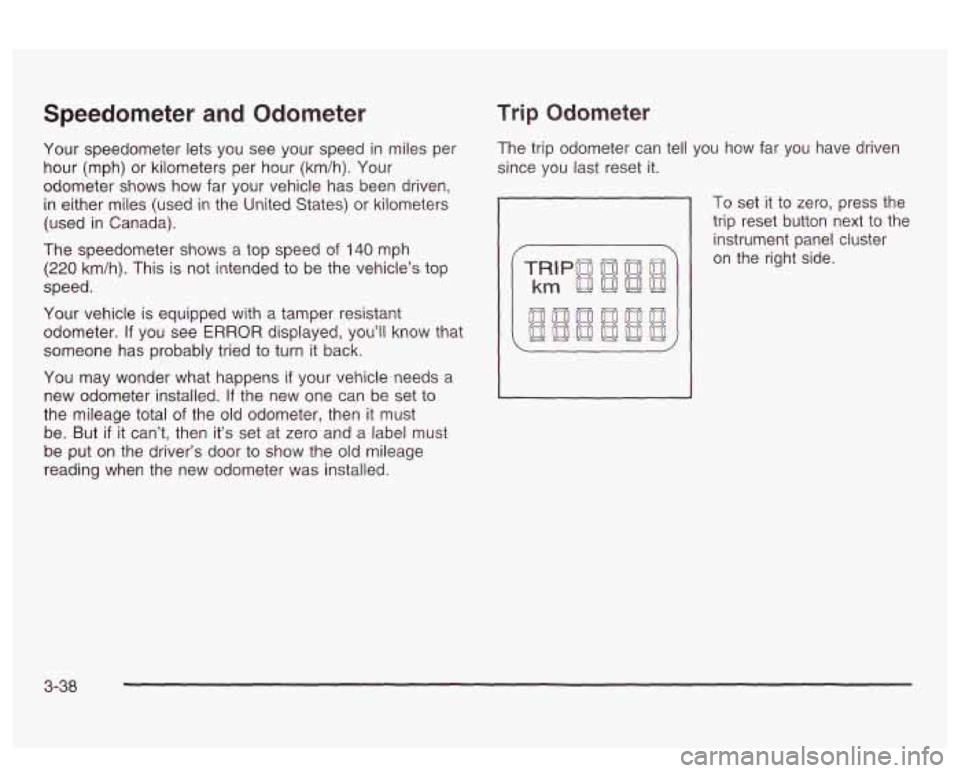
Trip Odometer
The trip odometer can tell you how far you have driven
since you last reset it.
To set it to zero, press the
trip reset button next to the
instrument panel cluster
on the right side.
3-38
Page 155 of 418
Air Bag Readiness Light
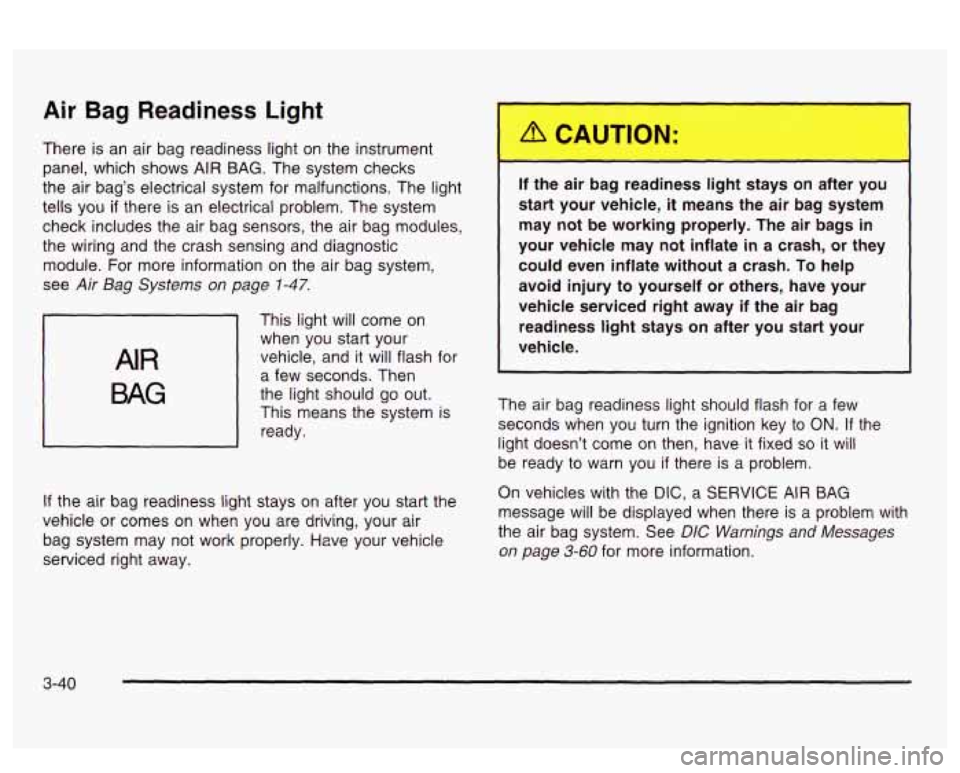
There is an air bag readiness light on the instrument
panel, which shows
AIR BAG. The system checks
the air bag’s electrical system for malfunctions. The light
tells you
if there is an electrical problem. The system
check includes the air bag sensors, the air bag modules,
the wiring and the crash sensing and diagnostic
module. For more information on the air bag system,
see
Air Bag Systems on page 1-47.
AIR
BAG
This light will come on
when you start your
vehicle, and it will flash for
a few seconds. Then
the light should go out.
This means the system is
ready.
If the air bag readiness light stays on after you start the
vehicle or comes on when you are driving, your air
bag system may not work properly. Have your vehicle
serviced right away. If the air
I ~ 3 reac ess IiL ~ :ays on after
you
start your vehicle,
it means the air bag system
may not be working properly. The air bags in
your vehicle may not inflate
in a crash, or they
could even inflate without a crash.
To help
avoid injury
to yourself or others, have your
vehicle serviced right away if the air bag
readiness
light stays on after you start your
vehicle.
The air bag readiness light should flash for a few
seconds when you turn the ignition key to
ON. If the
light doesn’t come
on then, have it fixed so it will
be ready to warn you if there is a problem.
On vehicles with the
DIC, a SERVICE AIR BAG
message will be displayed when there is a problem with
the air bag system. See
DIC Warnings and Messages
on page 3-60 for more information.
3-40
Page 156 of 418
Battery Warning Light
If your vehicle has this
feature, this light will come
on briefly when you
start the vehicle, as a
check to show you
it is working; then it should
go out.
If it stays on, or comes on while you are driving, you
may have a problem with the electrical charging system.
Have
it checked right away. Eriving while this light is
on could drain your battery and result in a vehicle that
may stall.
If you must drive a short distance with the light on, be
certain to turn
off all your accessories, such as the radio
and climate control system.
Some instrument panel clusters with a voltmeter gage
do not have a battery warning light. They have a CHECK
GAGES warning to indicate a problem.
On vehicles with a DIC, a CHECK CHARGE SYSTEM
message will be displayed and a warning chime will
sound. See
DIC Warnings and Messages on page 3-60
for more information.
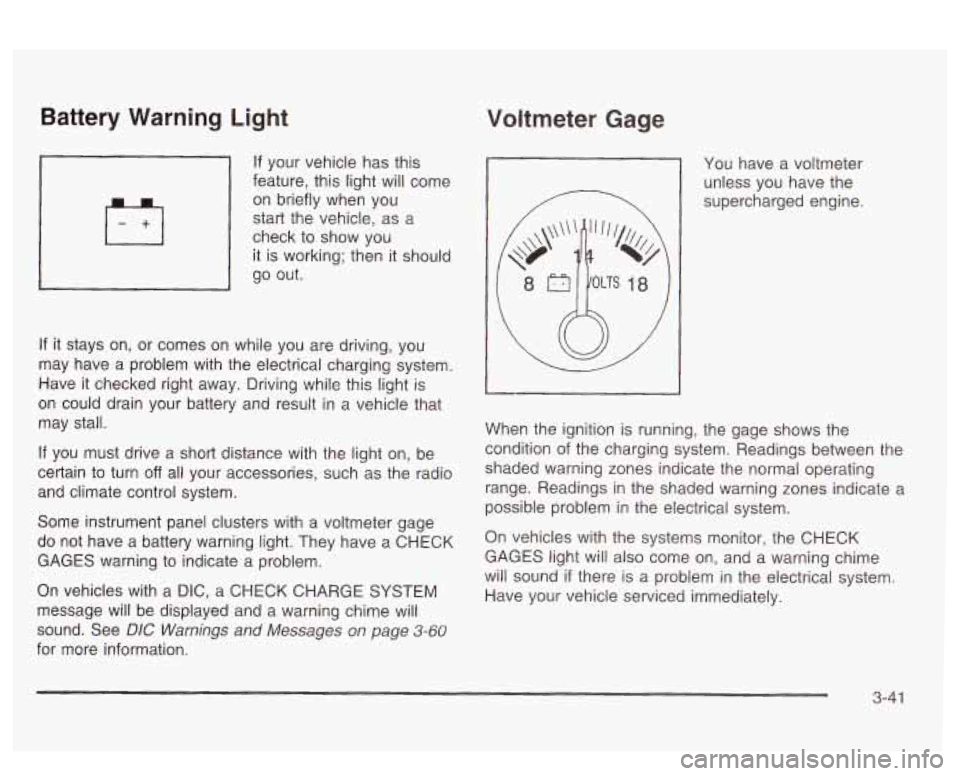
Voltmeter Gage
You have a voltmeter
unless you have the
supercharged engine.
When the ignition is running, the gage shows the
condition
of the charging system. Readings between the
shaded warning zones indicate the normal operating
range. Readings in the shaded warning zones indicate a
possible problem in the electrical system.
On vehicles with the systems monitor, the CHECK
GAGES light will also come on, and a warning chime
will sound
if there is a problem in the electrical system.
Have your vehicle serviced immediately.
3-41
Page 157 of 418
On vehicles with a DIC, a CHECK CHARGE SYSTEM
message will be displayed and a warning chime will
sound
if there is a problem in the electrical system. Have
your vehicle serviced immediately. See
DIC Warnings
and Messages on page
3-60 for more information.
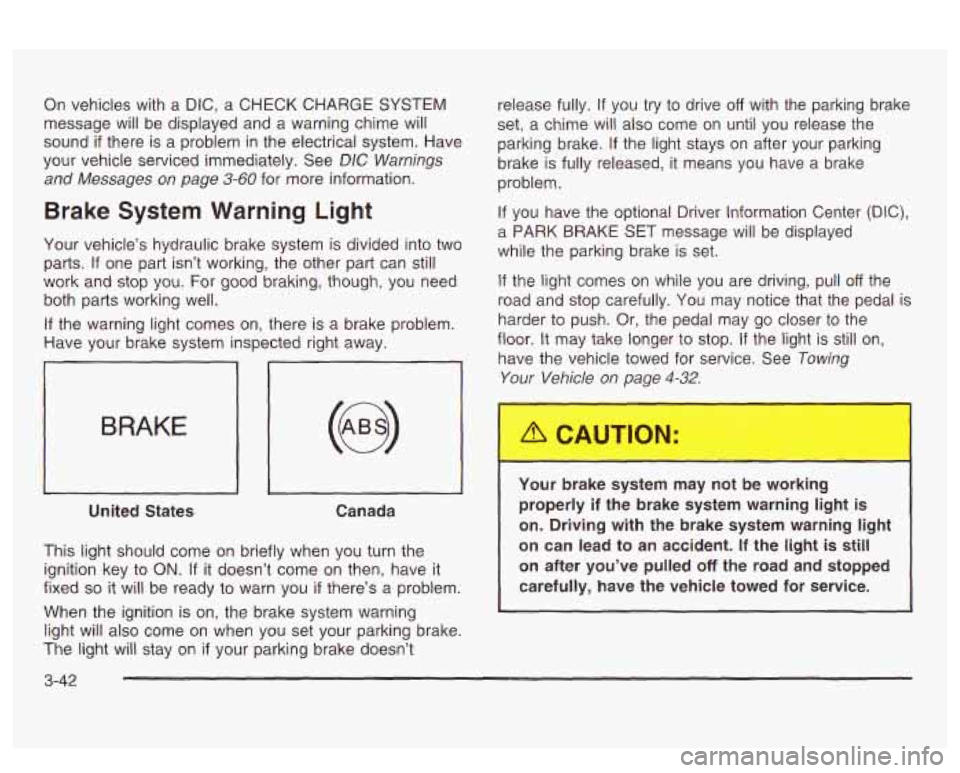
Brake System Warning Light
Your vehicle’s hydraulic brake system is divided into two
parts.
If one part isn’t working, the other part can still
work and stop you. For good braking, though, you need
both parts working well.
If the warning light comes on, there is a brake problem.
Have your brake system inspected right away.
iL
BRAKE
United States Canada
This light should come on briefly when you turn the
ignition key to
ON. If it doesn’t come on then, have it
fixed
so it will be ready to warn you if there’s a problem.
When the ignition is on, the brake system warning
light will also come on when you set your parking brake.
The light will stay on
if your parking brake doesn’t release fully.
If you
try to drive off with the parking brake
set,
a chime will also come on until you release the
parking brake.
If the light stays on after your parking
brake is fully released, it means you have a brake
problem.
If you have the optional Driver Information Center (DIC),
a PARK BRAKE SET message will be displayed
while the parking brake is set.
If the light comes on while you are driving, pull off the
road and stop carefully. You may notice that the pedal is
harder to push. Or, the pedal may go closer to the
floor.
It may take longer to stop. If the light is still on,
have the vehicle towed for service. See
Towing
Your Vehicle on page 4-32.
Your brake system may not be working
properly
if the brake system warning light is
on. Driving with the brake system warning light
on can lead to an accident.
If the light is still
on after you’ve pulled
off the road and stopped
carefully, have the vehicle towed for service.
I
3-42
Page 160 of 418
The optional Traction Control System is active and
is limiting wheel spin. You may feel the system
working, but this is normal. Slippery road conditions
may exist,
so adjust your driving accordingly.
If the LOW TRAC light comes on, slippery road
conditions may exist,
so you should consider slowing
down and adjusting your driving accordingly.
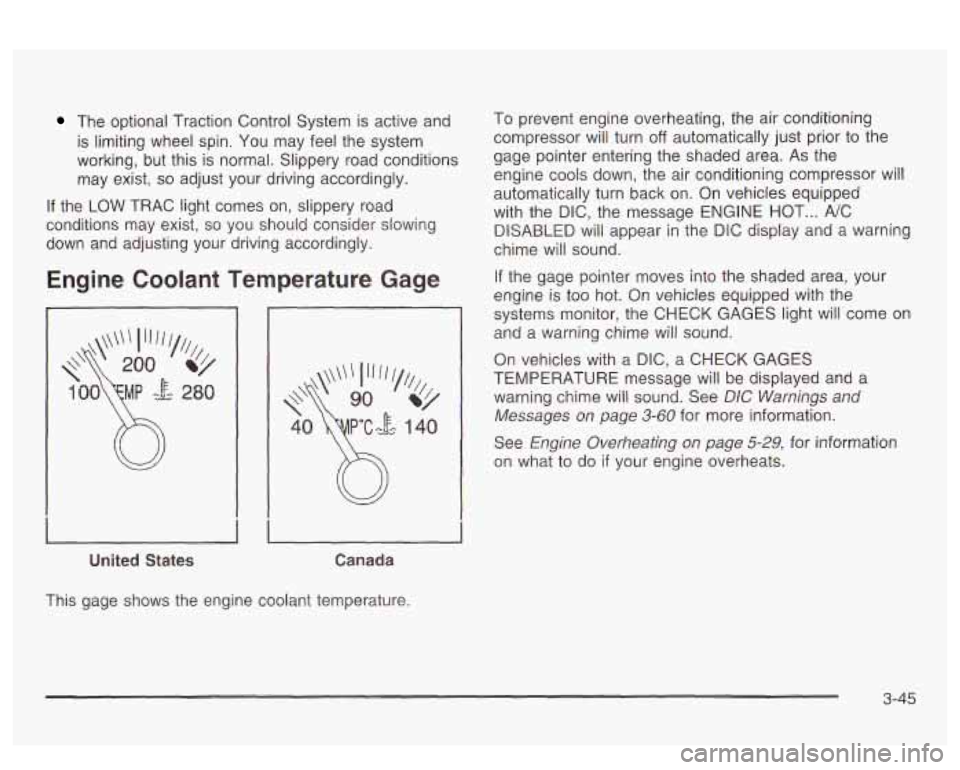
Engine Coolant Temperature Gage
United States Canada
To prevent engine overheating, the air conditioning
compressor will turn
off automatically just prior to the
gage pointer entering the shaded area. As the
engine cools down, the air conditioning compressor will
automatically turn back on. On vehicles equipped
with the DIC, the message ENGINE HOT
... NC
DISABLED will appear in the DiC display and a warning
chime will sound.
If the gage pointer moves into the shaded area, your
engine is too hot.
On vehicles equipped with the
systems monitor, the CHECK GAGES light will come
on
and a warning chime will sound.
On vehicles with a
DIC, a CHECK GAGES
TEMPERATURE message will be displayed and a
warning cnime wili sound.
See DIC bVamiisgs and
Messages on page 3-60 for more information.
See
Engine Overheating on page 5-29, for information
on what to do
if your engine overheats.
This gage shows the engine coolant temperature.
3-45
Page 165 of 418
On vehicles with a DIC, a CHECK GAGES OIL
PRESSURE message will be displayed and a warning
chime will sound. See
DIC Warnings and Messages
on Daue
3-60 for more information.
Don’t keep drivi
J if the oil pressure is low. If
you do, your engine can become
so hot that it
catches fire. You or others could be burned.
Check your oil as soon as possible and have
your vehicle serviced.
Notice: Damage to your engine from neglected oil
problems can be costly and is not covered by
your warranty.
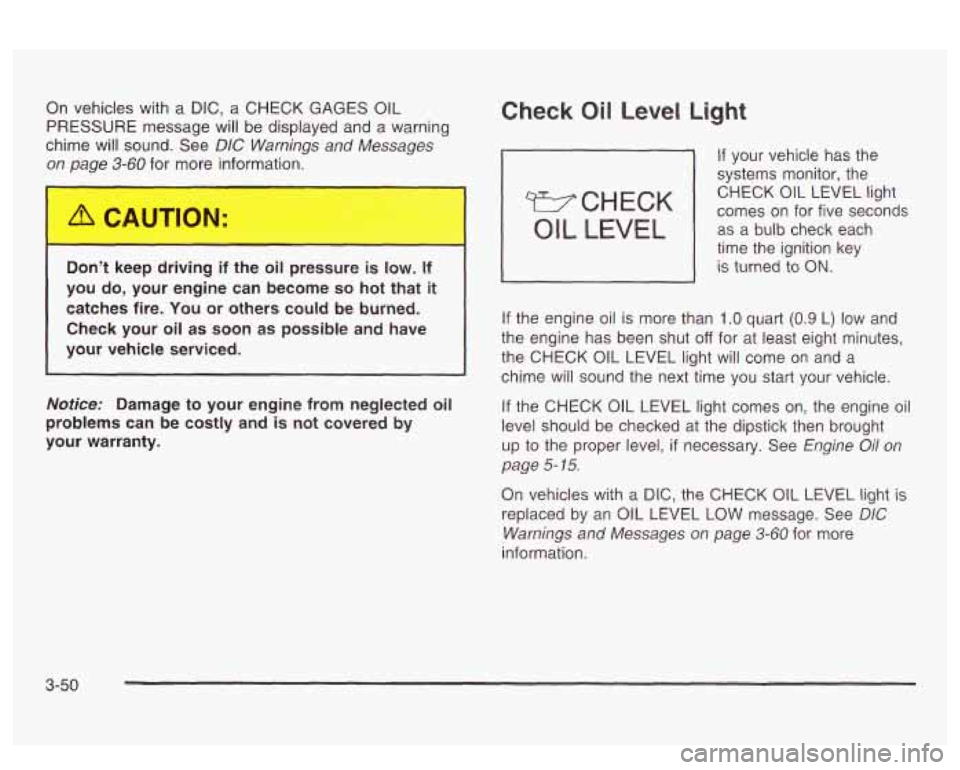
Check Oil Level Light
If your vehicle has the
systems monitor, the
comes on for five seconds CHECK
OIL LEVEL light
OIL LEVEL I as
a-bulb check each
time the ignition key
I is turned io ON.
If the engine oil is more than 1 .O quart (0.9 L) low and
the engine has been shut
off for at least eight minutes,
the CHECK OIL LEVEL light will come on and a
chime will sound the next time you
start your vehicle.
If the CHECK OIL LEVEL light comes on, the engine oil
level should be checked
at the dipstick then brought
up
to the proper level, if necessary. See Engine Oil on
page
5- 15.
On vehicles with a DIC, the CHECK OIL LEVEL light is
replaced by an OIL LEVEL
LOW message. See DIC
Warnings and Messages on page 3-60 for more
information.
3-50
Page 167 of 418
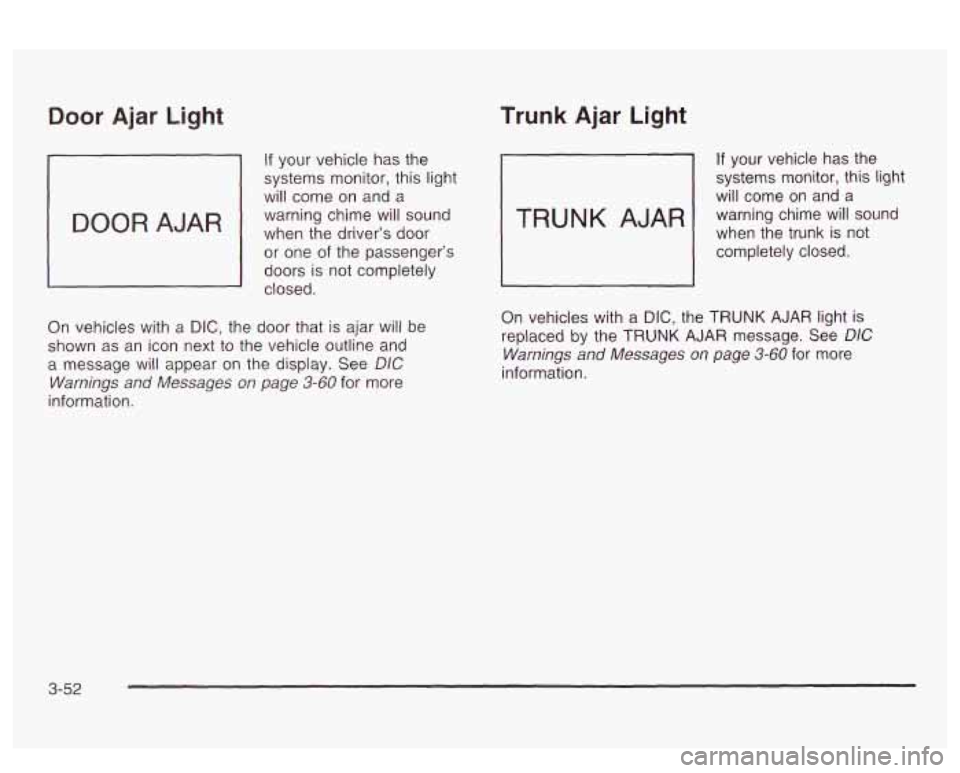
Door Ajar Light
If your vehicle has the
systems monitor, this light
will come on and a
warning chime will sound
when the driver’s
door
or one of the passenger’s
doors is not completely
closed.
On vehicles with
a DIC, the door that is ajar will be
shown as an icon next to the vehicle outline and
a message will appear on the display. See
DIC
Warnings and Messages on page 3-60 for more
information.
Trunk Ajar Light
If your vehicle has the
systems monitor, this light
will come on and a
when the trunk is not
warning chime
will sound
1 completely closed.
On vehicles with a
DIC, the TRUNK AJAR light is
replaced by the
TRUNK AJAR message. See DIC
Warnings and Messages on page 3-60 for more
information.
3-52
Page 169 of 418
On vehicles with a DIC, the CHECK GAGES LOW
FUEL message will be displayed when the fuel gage
reads
in the yellow band. See DIC Warnings and
Messages on page
3-60 for more information.
Here are some things that owners ask about. None of
these show a problem with your fuel gage:
At the service station, the gas pump shuts off
before the gage reads full.
It takes a little more (or less) fuel to fill up than the
gage indicated. For example, the gage may have
indicated the tank was half full, but it actually took a
little more (or less) than half the tank’s capacity
to
fill the tank.
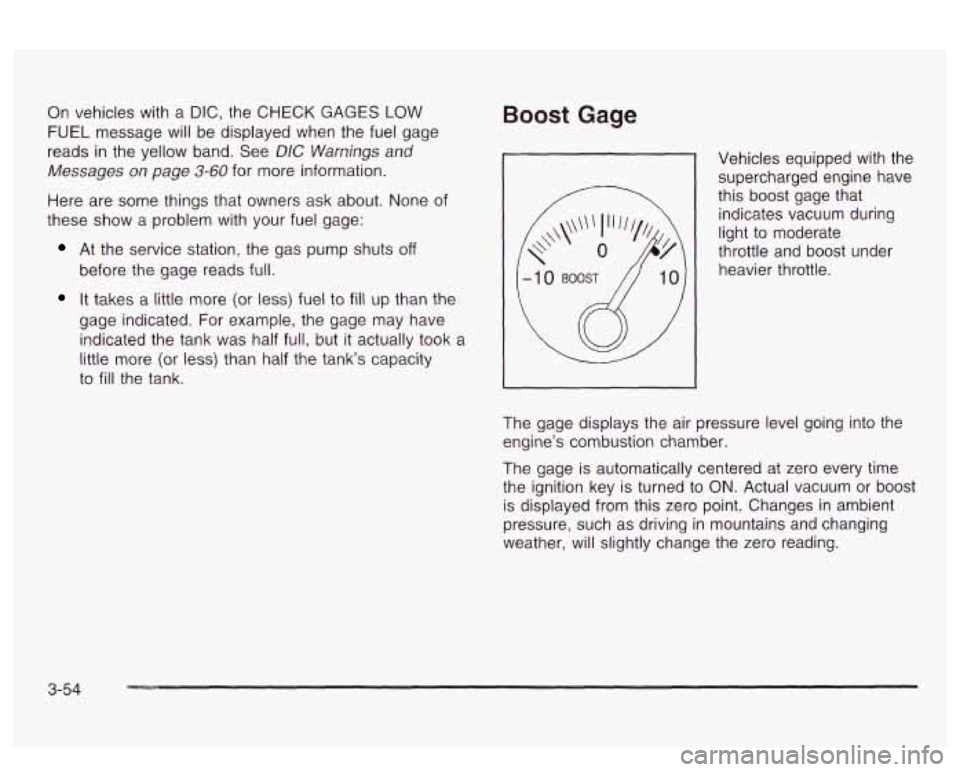
Boost Gage
Vehicles equipped with the supercharged engine have
this boost gage that
indicates vacuum during
light to moderate
throttle and boost under
heavier throttle.
The gage displays the air pressure level going into the
engine’s combustion chamber.
The gage is automatically centered at zero every time
the ignition key is turned to
ON. Actual vacuum or boost
is displayed from this zero point. Changes in ambient
pressure, such as driving in mountains and changing
weather, will slightly change the zero reading.
3-54
Page 171 of 418
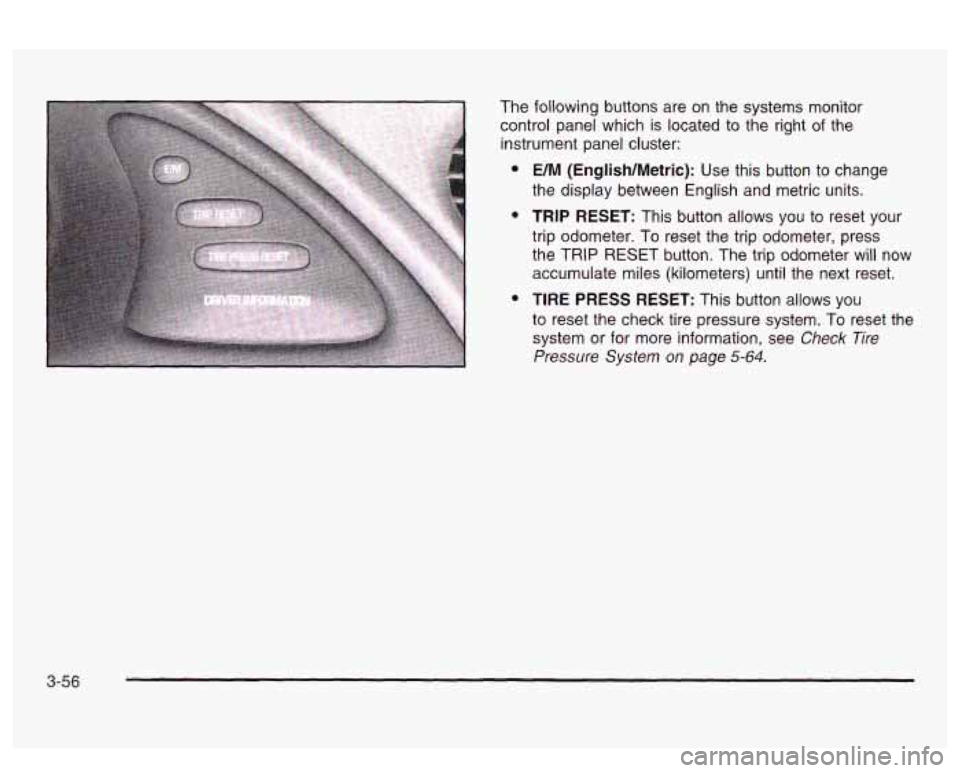
The following buttons are on the systems monitor
control panel which is located to the right
of the
instrument panel cluster:
e
e
e
UM (English/Metric): Use this button to change
the display between English and metric units.
TRIP RESET: This button allows you to reset your
trip odometer. To reset the trip odometer, press
the TRIP RESET button. The trip odometer will now
accumulate miles (kilometers) until the next reset.
TIRE PRESS RESET: This button allows you
to reset the check tire pressure system. To reset the
system or for more information, see
Check Tire
Pressure System on page 5-64.
3-56