display PONTIAC BONNEVILLE 2003 Repair Manual
[x] Cancel search | Manufacturer: PONTIAC, Model Year: 2003, Model line: BONNEVILLE, Model: PONTIAC BONNEVILLE 2003Pages: 418, PDF Size: 20.24 MB
Page 215 of 418
Care of Your Cassette Tape Player
A tape player that is not cleaned regularly can cause
reduced sound quality, ruined cassettes or a damaged
mechanism. Cassette tapes should be stored
in their
cases away from contarninants, direct sunlight and
extreme heat.
If they aren’t, they may not operate
properly or may cause failure of the tape player.
Your tape player should be cleaned regularly after every
50 hours of use. Your radio may display CLEAN
PLAYER to indicate that you have used your tape player
for
50 hours without resetting the tape clean timer. If
this message appears on the display, your cassette tape
player needs to be cleaned.
It will still play tapes, but
you should clean
it as soon as possible to prevent
damage to your tapes and player.
If you notice a
reduction in sound quality, try a known good cassette to
see
if the tape or the tape player is at fault. If this
other cassette has no improvement in sound quality,
clean the tape player.
For best results, use a scrubbing action, non-abrasive
cleaning cassette with pads which scrub the tape
head as the hubs
of the cleaner cassette turn. The
recommended cleaning cassette is available through
your dealership.
You may also choose a non-scrubbing action, wet-type
cleaner which uses a cassette with a fabric belt to
clean the tape head. This type of cleaning cassette will not eject
on its own. A non-scrubbing action cleaner
may not clean as thoroughly as the scrubbing type
cleaner. The use of a non-scrubbing action, dry-type
cleaning cassette is not recommended.
After you clean the player, press and hold the eject
button for five seconds to reset the CLEAN PLAYER
indicator. The radio will display CLEANED to show the
indicator was reset.
Cassettes are subject to wear and the sound quality
may degrade over time. Always make sure the cassette
tape is in good condition before you have your tape
player serviced.
Care of Your CDs
Handle discs carefully. Store them in their original cases
or other protective cases and away from direct sunlight
and dust.
If the surface of a disc is soiled, dampen
a clean, soft cloth in a mild, neutral detergent solution
and clean it, wiping from the center to the edge.
Be sure never to touch the side without writing when
handling discs. Pick up discs by grasping the outer
edges or the edge
of the hole and the outer edge.
3-1 00
Page 216 of 418
Care of Your CD Player
The use of CD lens cleaner discs is not advised, due to
the risk of contaminating the lens of the
CD optics
with lubricants internal to the CD mechanism.
Diversity Antenna System
Your AM-FM antennas are located in the windshield and
rear window. Be sure that the inside surfaces of the
windshield and rear window are not scratched and that
the lines on the glass are not damaged.
If the inside
surfaces are damaged, they could interfere with
radio reception.
Do not appiy an aftermarket glass tinting. The metaffic
film in some tinting materials will interfere with or
distort the incoming radio reception.
Notice: Do not try to clear frost or other material
from the inside
of the rear window with a razor blade
or anything else that
is sharp. This may damage
the rezr defngger grid and affect your radio’s ability
to pick up stations clearly. The repairs wouldn’t
be covered by your warranty.
If, when you turn on your rear window defogger, you
hear static on your radio station, it could mean that
a defogger grid line has been damaged.
If this is true,
the grid line
must be repaired.
If you choose to add an aftermarket cellular telephone
to your vehicle, and the antenna needs to be attached to
the glass, be sure that you do not damage the grid
lines for the AM-FM antennas
or place the cellular
telephone antenna over the grid lines.
XM Satellite Radio Antenna System
Your XMTM Satellite Radio antenna is located on the
roof
of your vehicle. Keep this antenna clear of
snow and ice build
up for clear radio reception.
Chime Level Adjustment
The volume level of the vehicle’s chimes can be
controlled by the radio.
To change the volume level,
press and hold pushbutton 6 with the ignition on and the
radio power
off. The chime volume level will change
from the normal level to loud, and LOUD will be
displayed on the radio. To change back to the default or
normai
seiiiry, press a! IU I IU~ ~JUZ,~ ~u~rrul I S acjzi::.
The chime level will change from the loud level
to normal, and NORMAL will be displayed.
- .- -1 I- -1 -. .-LL urrr
3-1 01
Page 269 of 418
If your vehicle has the optional Driver Information
Center (DIC), the CHECK
GAS CAP message will be
displayed
if the fuel cap is not properly reinstalled.
Notice: If you need a new fuel cap, be sure to get
the right type. Your dealer can get one for you.
If you get the wrong type,
it may not fit properly.
This may cause your malfunction indicator lamp to
light and may damage your fuel tank and emissions
system. See “Malfunction Indicator Lamp” in
the Index.
Fuel Door Lock
On models having the optional theft-deterrent system,
the fuel door is locked and unlocked together with
the driver’s power door lock.
To unlock the fuel filler
door, use the power door lock button or the remote
keyless entry transmitter (if equipped). If your
vehicle has a fuel door lock, the fuel door can be
opened manually
in case of an electrical power
failure.
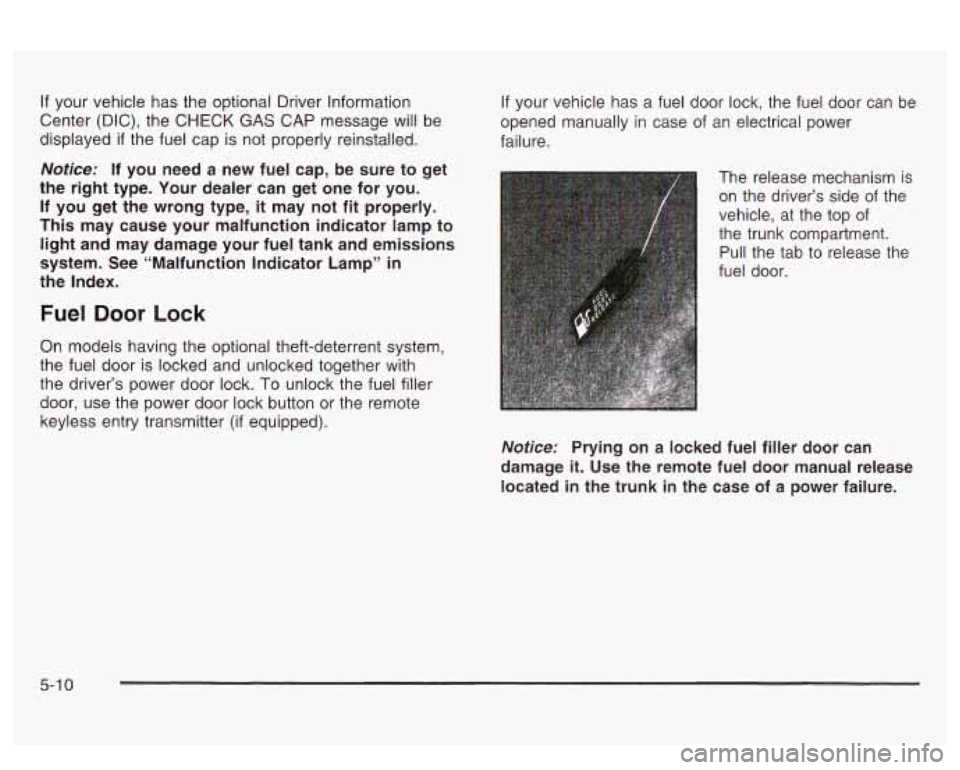
The release mechanism is on the driver’s side of the
vehicle, at the top of
the trunk compartment.
Pull the tab to release the
fuel door.
Notice: Prying on a locked fuel filler door can
damage
it. Use the remote fuel door manual release
located in the trunk in the case of a power failure.
5-1 0
Page 280 of 418
How to Reset the Oil Life System
The GM Oil Life SystemTM calculates when to change
your engine oil and filter based on vehicle use. Anytime
your oil is changed, reset the system
so it can
calculate when the next oil change is required.
If a
situation occurs where you change your oil prior to an
ENGINE
OIL CHANGE SOON message being
turned on, reset the system.
Always reset the engine oil life to
100% after every oil
change. It will not reset itself.
To reset the Oil Life
System, do the following:
1. Display OIL LIFE on the DIC.
2. Press and hold the RESET button for more than
five seconds. The oil life will change to
100%.
What to Do with Used Oil
Used engine oil contains certain elements that may be
unhealthy for your skin and could even cause cancer.
Don't let used oil stay on your skin for very long. Clean
hand cleaner. Wash or properly dispose of clothing or
rags containing used engine oil. See the manufacturer's
warnings about the use and disposal of oil products.
Used oil can be a threat to the environment.
If you
change your QW~ oil, be sure to drain all the oil from the
filter before disposal. Never dispose
of oil by putting it
~. -I.!.- -.--I --:I- ... :LC. ^^^_ --A ..._+_" _" ~ YOU1 SKII I ~IIU II~IIZY vvll11 auap a1 IU vvaLG1, VI u ywwu
in the trash, pouring it on the ground, into sewers, or
into streams or bodies of water. Instead, recycle it
by taking it to a place that collects used oil.
If you have
a problem properly disposing
of your used oil, ask
your dealer, a service station or a local recycling center
for help.
Supercharger Oil
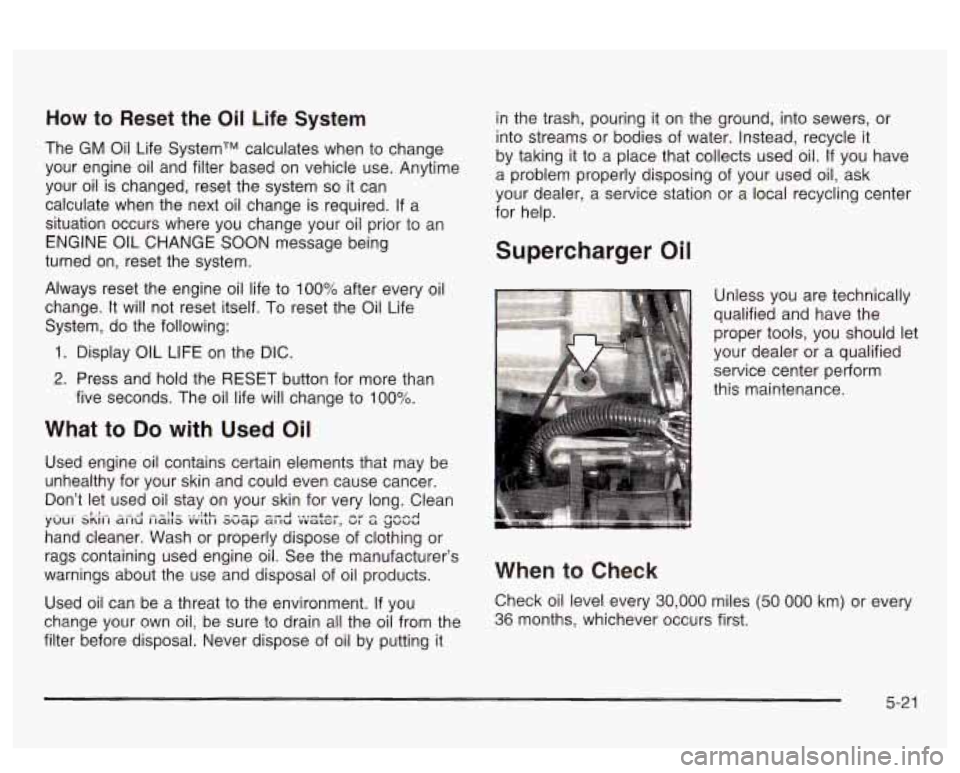
Unless you are technically
qualified and have the
proper tools, you should let
your dealer or a qualified
service center perform
this maintenance.
When to Check
Check oil level every 30,000 miles (50 000 km) or every
36 months, whichever occurs first.
5-21
Page 300 of 418
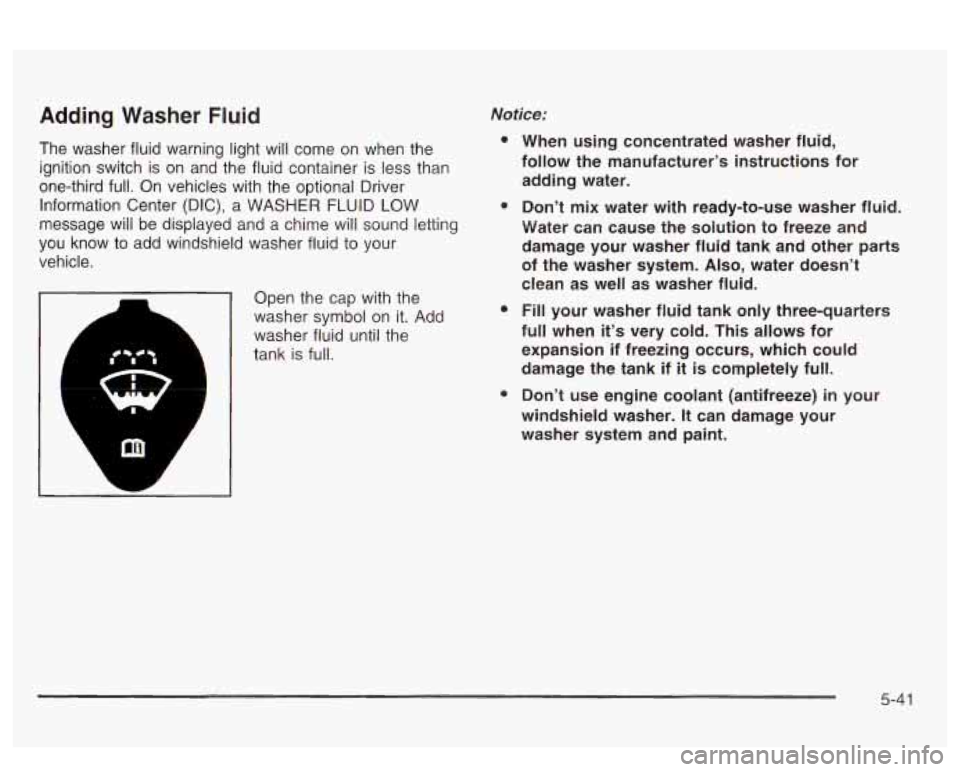
Adding Washer Fluid
The washer fluid warning light will come on when the
ignition switch is on and the fluid container is less than
one-third full. On vehicles with the optional Driver
Information Center (DIC), a WASHER FLUID LOW
message
will be displayed and a chime will sound letting
you know to add windshield washer fluid to your
vehicle.
Open the cap with the
washer symbol on it. Add
washer fluid until the
tank is full.
Notice:
e
e
e
0
When using concentrated washer fluid,
follow the manufacturer’s instructions for adding water.
Don’t mix water with ready-to-use washer fluid.
Water can cause the solution to freeze and
damage your washer fluid tank and other parts
of the washer system.
Also, water doesn’t
clean as well as washer fluid.
Fill your washer fluid tank only three-quarters
full when
it’s very cold. This allows for
expansion if freezing occurs, which could damage the tank if
it is completely full.
Don’t use engine coolant (antifreeze)
in your
windshield washer. It can damage your
washer system and paint.
5-4 1
Page 301 of 418
Brakes
Brake Fluid
I 1
your brake system fixed, since a leak means that
sooner or later your brakes won’t work well, or won’t
work at all.
So, it isn’t a good idea to “top off your brake fluid.
Adding brake fluid won’t correct a leak.
If you add fluid
when your linings are worn, then you’ll have too
much fluid when you get new brake linings. You should
add (or remove) brake fluid, as necessary, only when
work
is done on the brake hydraulic system
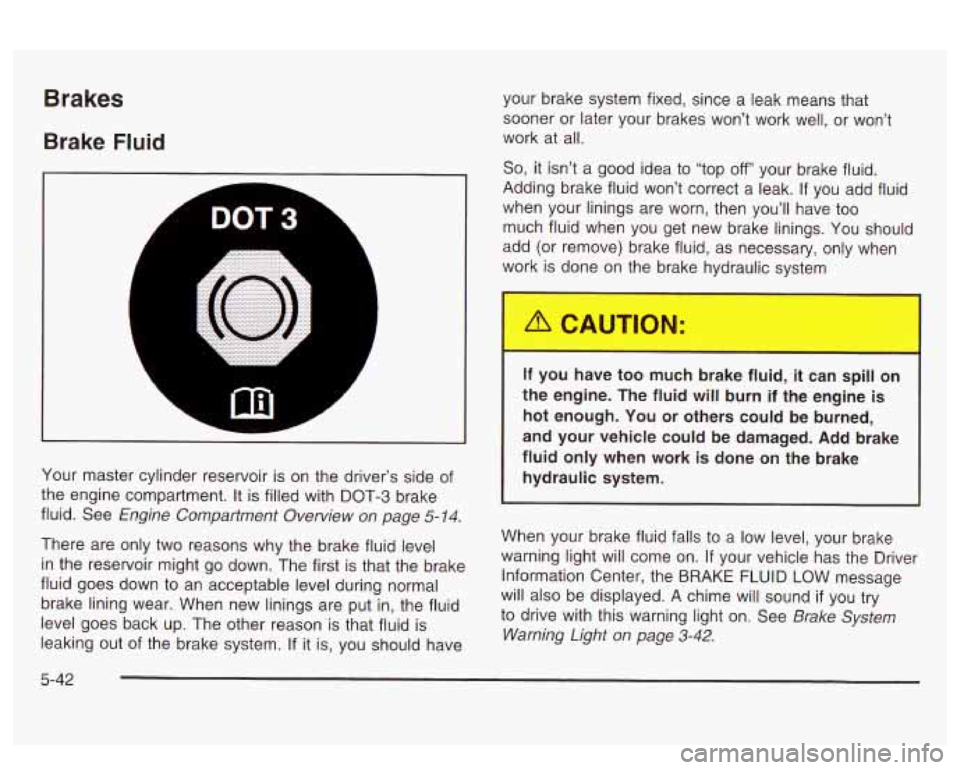
Your master cylinder reservoir is on the driver’s side of
the engine compartment. It is filled with DOT-3 brake
fluid. See
Engine Compartment Overview on page 5-14.
There are only two reasons why the brake fluid level
in the reservoir might go down. The first is that the brake
fluid goes down to an acceptable level during normal
brake lining wear. When new linings are put in, the fluid
level goes back up. The other reason is that fluid is
leaking out of the brake system.
If it is, you should have
If you have too much brake fluid, it can spill on
the engine. The fluid will burn if the engine
is
hot enough. You or others could be burned,
and your vehicle could be damaged. Add brake
fluid only when work
is done on the brake
hydraulic system.
When your brake fluid falls to a low level, your brake
warning light will come on. If your vehicle has the Driver
Information Center, the BRAKE FLUID LOW message
will also be displayed. A chime will sound
if you try
to drive with this warning light on. See
Brake System
Warning Light on page
3-42.
5-42
Page 324 of 418
To reset (calibrate) the system with a Driver Information
Center (DIC):
1.
2.
3.
4.
5.
Turn the ignition switch to ON.
Using the MODE and SELECT buttons, change the The system Completes
the calibration process during
DIC to display TIRE PRESSURE. driving. Calibration time
can take
45 to 90 minutes, ..,
Press and hold the RESET button for about five
seconds.
The display should change to read TIRE
PRESSURE RESET. If TIRE PRESSURE RESET
does not appear on the display after about five
seconds, see your dealer for service.
When you release the button after seeing the TIRE
PRESSURE RESET message, the display will
change to read TIRE PRESSURE NORMAL.
1.
2.
4. Release the TIRE PRESS RESET button and the
system should reset. The TIRE PRESS light will
go out.
To reset (calibrate) the system with a systems monitor:
n 3.
Turn the ignition switch to ON.
Press and hold the TIRE PRESS RESET button for
about five seconds.
should begin to flash.
If the TIRE PRESS light
does not begin to flash after about five seconds, see
your dealer for service.
TIL- TI~T nnr-nn I:-.LL -- LL- -..-.I.--- I I le I 1nc r ncaa II~I 11 VI I 11 IC ayatcl I 13 I I IUI IILUI
depending on your driving habits. After the system has
been calibrated, the system will alert the driver that
a tire is low, up to a maximum speed of
65 mph
(1 05 km/h).
Tire Inspection and Rotation
Tires should be rotated every 6,000 to 8,000 miles
(10 000 to 13 000 km).
Any time you notice unusual wear rotate your tires as
soon as possible and check wheel alignment. Also
check for damaged tires or wheels. See
When It Is Time
for New Tires on page 5-67 and Wheel Replacement
on page 5-69 for more information.
Tne purpose
oi reguiar rorarion is io acnieve more
uniform wear for all tires on the vehicle. The first rotation
is the most important. See “Part A: Scheduled
Maintenance Services,” in Section
6, for scheduled
rotation intervals.
5-65
Page 403 of 418
Customer Assistance Information (cont.)
GM Mobility Program for Persons with
Disabilities
................................................ 7-4
Reporting Safety Defects to General Motors
...... 7-9
Reporting Safety Defects to the Canadian
Government
.............................................. 7-8
Reporting Safety Defects to the United States
Government
.............................................. 7-8
Roadside Assistance Program
......................... 7-5
Service Publications Ordering Information
......... 7-9
Daytime Running Lamps
.................................. 3-14
Defogging and Defrosting
......................... 3.26. 3-31
Defensive Driving
............................................. 4-2
Delayed Entry Lighting
..................................... 3-17
Delayed Exit Lighting
....................................... 3-17
Delayed Locking
..................................... 2.12. 3-66
Diversity Antenna
.......................................... 3-1 01
Doing Your Own Service Work ........................... 5-3
Door Dinghy Towing
................................................ 4-33
Dolly Towing
.................................................. 4-33
Ajar Light
................................................... 3-52
Central Door Unlocking System
..................... 2-1 1
Delayed Locking .......................................... 2-1 2 Door (cont.)
Locks
........................................................ 2-10
Power Door Locks
....................................... 2-11
Programmable Automatic Door Locks
............. 2-13
Rear Door Security Locks
............................. 2-15
Position, Safety Belt
..................................... 1-12
Driver Information Center (DIC) ......................... 3-57
DIC Controls and Displays
............................ 3-57
DIC Warnings and Messages
........................ 3-60
Driver Identifier DIC Display
.......................... 3-61
At Night
..................................................... 4-16
City
........................................................... 4-20
Defensive
..................................................... 4-2
Drunken
....................................................... 4-3
Freeway
..................................................... 4-21
Hill and Mountain Roads
............. ......... 4-24
In Rain and on Wet Roads
....................... 4-17
Winter
........................................... ..... 4-26
Driving On Grades
.......................................... 4-41
Driving on Snow or Ice
.................................... 4-27
Driving Through Deep Standing Water
............... 4-19
Driving Through Flowing Water
......................... 4-19
Driving with a Trailer
....................................... 4-39
Driver
Driver
ID
....................................................... 3-67
DIC Vehicle Personalization
.......................... 3-62
Driving
4
Page 405 of 418
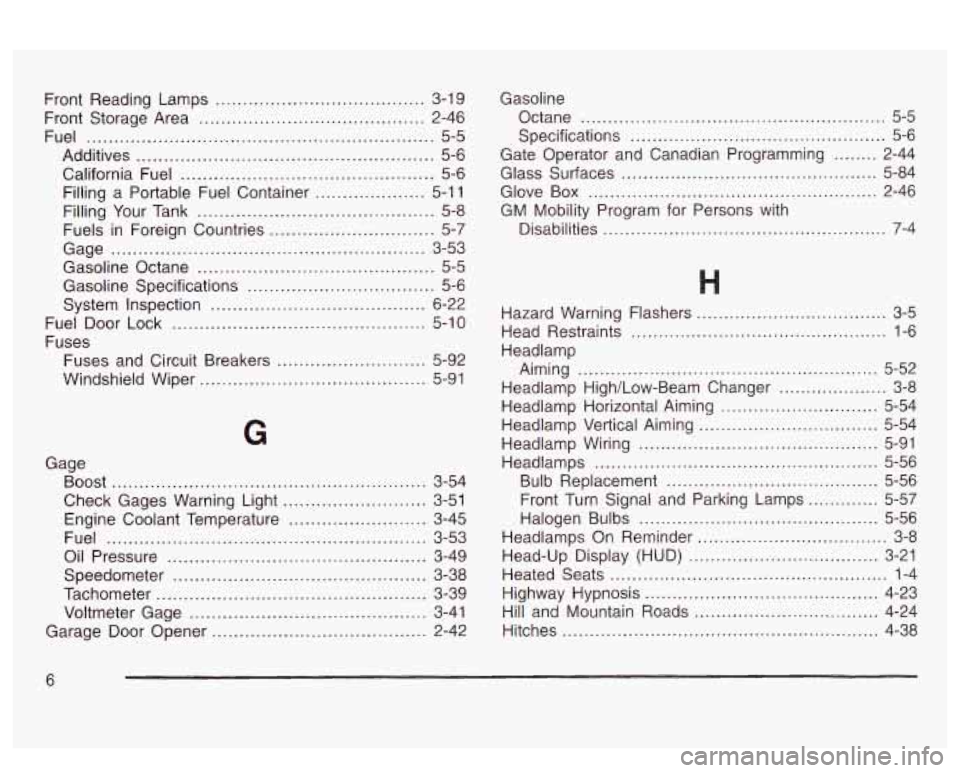
Front Reading Lamps ...................................... 3-19
Front Storage Area
......................................... 2-46
Fuel
............................................................... 5-5
Additives ...................................................... 5-6
California Fuel
.............................................. 5-6
Filling a Portable Fuel Container
.................... 5-1 1
Filling Your Tank
........................................... 5-8
Fuels in Foreign Countries
.............................. 5-7
Gage ......................................................... 3-53
Gasoline Octane
........................................... 5-5
Gasoline Specifications .................................. 5-6
System Inspection
....................................... 6-22
Fuel Door Lock
.............................................. 5-10
Fuses Fuses and Circuit Breakers
........................... 5-92
Windshield Wiper
......................................... 5-91
G
Gage Boost
......................................................... 3-54
Check Gages Warning Light
.......................... 3-51
Engine Coolant Temperature
......................... 3-45
Fuel
.......................................................... 3-53
Oil Pressure
............................................... 3-49
Speedometer
.............................................. 3-38
Tachometer
................................................. 3-39
Voltmeter Gage
........................................... 3-41
Garage
Door Opener ....................................... 2-42 Gasoline
Octane
........................................................ 5-5
Specifications ............................................... 5-6
Gate Operator and Canadian Programming
........ 2-44
Glass Surfaces
............................................... 5-84
Glove
Box ..................................................... 2-46
GM Mobility Program for Persons with
Disabilities
................................................ 7-4
Hazard Warning Flashers ................................... 3-5
Head Restraints
............................................... 1-6
Headlamp Aiming
....................................................... 5-52
Headlamp High/Low-Beam Changer .................... 3-8
Headlamp Horizontal Aiming
............................. 5-54
Headlamp Vertical Aiming
................................. 5-54
Headlamp Wiring
............................................ 5-91
Headlamps
.................................................... 5-56
Bulb Replacement
....................................... 5-56
Front Turn Signal and Parking Lamps
............. 5-57
Halogen Bulbs ............................................ 5-56
Headlamps On Reminder
................................... 3-8
Head-Up Display (HUD)
................................... 3-21
Heated Seats
................................................... 1-4
Highway Hypnosis
........................................... 4-23
Hill and Mountain Roads
.................................. 4-24
Hitches
.......................................................... 4-38
6