ad blue PONTIAC BONNEVILLE 2003 Owners Manual
[x] Cancel search | Manufacturer: PONTIAC, Model Year: 2003, Model line: BONNEVILLE, Model: PONTIAC BONNEVILLE 2003Pages: 418, PDF Size: 20.24 MB
Page 105 of 418
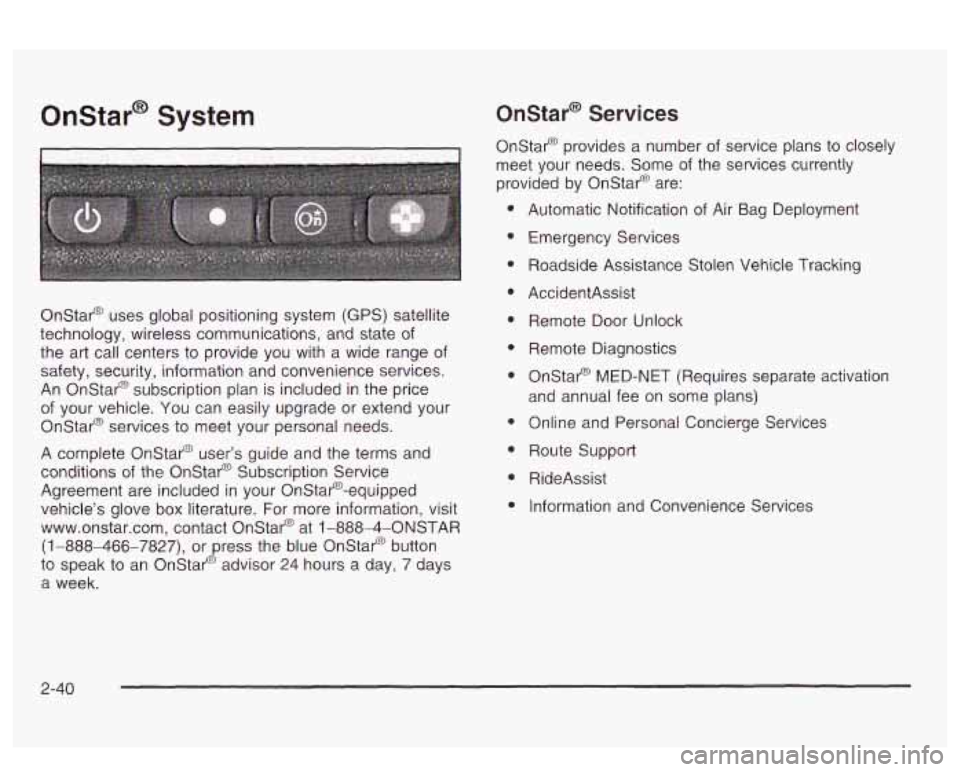
Onstar@ System
Onstar@ uses global positioning system (GPS) satellite
technology, wireless communications, and state
of
the art call centers to provide you with a wide range of
safety, security, information and convenience services.
An Onstar@ subscription plan is included in the price
of your vehicle. You can easily upgrade or extend your
Onstar@ services to meet your personal needs.
A complete Onstar@ user’s guide and the terms and
conditions of the Onstar@ Subscription Service
Agreement are included in your Onstar@’-equipped
vehicle’s glove
box literature. For more information, visit
www.onstar.com, contact Onstar@ at
1 -888-4-ONSTAR
(1-888-466-7827), or press the blue Onstar@ button
to speak to an Onstar@ advisor 24 hours
a day, 7 days
a week.
OnStaP Services
Onstar@ provides a number of service plans to closely
meet your needs. Some of the services currently
provided by Onstar@ are:
Automatic Notification
of Air Bag Deployment
Emergency Services
Roadside Assistance Stolen Vehicle Tracking
AccidentAssist
Remote Door Unlock
Remote Diagnostics
Onstar@ MED-NET (Requires separate activation
and annual fee on some plans)
Online and Personal Concierge Services
Route Support
RideAssist
Information and Convenience Services
2-40
Page 144 of 418
Manual Operation
DRIVER (Driver’s Side Temperature): The knob on
the left is used to change the temperature of the
air coming through the system on the driver’s side of
the vehicle. Push this knob to turn the system on and
off.
Turn the knob toward the blue area to decrease the
set temperature, and toward the red area to increase the
set temperature. When this knob is adjusted, the word
DRIVER will be displayed under the set temperature.
When the passenger’s set temperature is not active, this
knob controls both the driver’s and passenger’s side,
and both DRIVER and PASS will be displayed under the
set temperature.
PASS (Passenger’s Side Temperature): The knob on
the right is used to change the temperature of the air
coming through the system on the passenger’s side of
the vehicle. Push this knob to turn the system on
and
off. Turn the knob toward the blue area to decrease
the set temperature, and toward the red area to
increase the set temperature. When this knob is
adjusted, only the word PASS will be displayed under
the set temperature.
@ FAN: Pressing the FAN button will display and hold
the current fan speed while in manual mode. Press
the
HIGH side to increase fan speed and the LOW side
to decrease the fan speed.
MODE: Press this button repeatedly to cycle through
and choose the mode of air delivery into the vehicle. The
system will stay in the selected mode until MODE is
pressed again or until the AUTO button is pressed.
FLOOR: This mode directs most of the airflow to the
floor outlets with some directed to the outboard
outlets (for the side windows) and the windshield.
BI-LEVEL: This mode directs airflow through the
instrument panel outlets and slightly warmer air through
the floor outlets.
PANEL: This mode directs airflow through the
instrument panel outlets.
Whenever MODE is pressed, the display will show the
current system settings for five seconds before
returning the display to the exterior temperature.
The mode button can also be used to select the DEFOG
mode. Information
on defogging and defrosting can
be found later in this section.
(Uulslut: nrrj. r ttaa Lilia UULIWI I cu LCII~I *---*-:-n- a:--\- nu-,, +L:- L,,++-- tr +ha
outside air mode on or off. When this mode is on,
outside air will circulate through your vehicle. When the
button is pressed, an indicator light in the button will
come on
to let you know that it is activated. The outside
air mode can be used with all modes except the
recirculation mode.
3-29