ignition PONTIAC G5 2008 Owner's Guide
[x] Cancel search | Manufacturer: PONTIAC, Model Year: 2008, Model line: G5, Model: PONTIAC G5 2008Pages: 388, PDF Size: 2.22 MB
Page 134 of 388
Battery Run-Down Protection
Your vehicle has a battery saver feature designed to
protect the vehicle’s battery.
When any interior lamp is left on and the ignition is
turned off, the battery rundown protection system
automatically turns the lamp off after 20 minutes.
This prevents draining of the battery.
Accessory Power Outlet(s)
Accessory power outlets can be used to connect
electrical equipment such as a cellular phone or
CB radio.
The accessory power outlet is located in the center
console, rearward of the shift lever.
To use the accessory power outlet, remove the cover.
When not in use, always cover the accessory power
outlet with the protective cap.
Notice:Leaving electrical equipment on for
extended periods will drain the battery. Always turn
off electrical equipment when not in use and do
not plug in equipment that exceeds the maximum
amperage rating of 20 amperes.Certain electrical accessories may not be compatible
with the accessory power outlet and could result
in blown vehicle or adapter fuses. If you experience a
problem, see your dealer/retailer for additional
information on the accessory power outlet.
Notice:Adding any electrical equipment to your
vehicle may damage it or keep other components
from working as they should. The repairs would not
be covered by your warranty. Do not use equipment
exceeding maximum amperage rating of 20 amperes.
Check with your dealer/retailer before adding
electrical equipment.
When adding electrical equipment, be sure to follow the
installation instructions included with the equipment.
Notice:Improper use of the power outlet can cause
damage not covered by your warranty. Do not
hang any type of accessory or accessory bracket
from the plug because the power outlets are
designed for accessory power plugs only.
3-18
Page 136 of 388
Operation
To change the current mode, select one of the following:
H(Vent):The air is directed though the instrument
panel outlets.
)(Bi-Level):The air is split between the instrument
panel outlets and the oor outlets. Cooler air is directed to
the upper outlets and warmer air to the oor outlets.
6(Floor):Most of the air is directed through the oor
outlets with some air directed to the windshield and
side windows.
The left knob can also be used to select defog or
defrost mode. Information on defogging and defrosting
can be found later in this section.
9(Fan):Turn the center knob clockwise or
counterclockwise to increase or decrease the fan speed.
In any setting other than off, the fan will run continuously
with the ignition on. The fan must be turned on to run
the air conditioning compressor.
9(Off):To turn the fan off, turn the knob all the way
counterclockwise to the off position.
Temperature Control:Turn the right knob clockwise or
counterclockwise to increase or decrease the
temperature inside the vehicle.
h(Recirculation):Press this button to prevent
outside air and odors from entering the vehicle or to help
heat or cool the air inside the vehicle more quickly. An
indicator light above the button will come on in this mode.
The air conditioning compressor also comes on. This
mode is not available for oor, defog and defrost modes.
When the recirculation button is pressed, the recirculate
indicator light will ash ve times and outside air will be
delivered. Operation in this mode during periods of high
humidity and cool outside temperatures may result in
increased window fogging. If window fogging is
experienced, select the defrost mode.
Outside Air:This mode allows outside air to circulate
through the vehicle. This mode is automatically
active if recirculate is not selected. There is no button
for outside air.
#(Air Conditioning):If your vehicle has air
conditioning, press this button to turn the air conditioning
system on or off. When this button is pressed, an
indicator light above the button comes on to show that
the air conditioning is activated.
On hot days, open the windows to let hot inside air
escape; then close them. This helps to reduce the time
it takes for the vehicle to cool down. It also helps the
system to operate more efficiently.
3-20
Page 138 of 388
Rear Window Defogger
The rear window defogger uses a warming grid to
remove fog from the rear window.
The rear window defogger will only work when the
ignition is in ON/RUN.
<(Rear):Press the button to turn the rear window
defogger on or off. Be sure to clear as much snow from
the rear window as possible. An indicator light above
the button comes on to show that the rear window
defogger is activated.
The rear window defogger turns off about 15 minutes
after the button is pressed. If turned on again, the
defogger only runs for about seven minutes before
turning off. If the vehicle is moving faster than 50 mph
(80 kph), the rear defogger will stay on. The defogger
can also be turned off by pressing the button again or by
turning off the engine.
Notice:Do not use anything sharp on the inside
of the rear window. If you do, you could cut or
damage the warming grid, and the repairs would not
be covered by your warranty. Do not attach a
temporary vehicle license, tape, a decal or anything
similar to the defogger grid.
Outlet Adjustment
Use the thumbwheels located next to and below the air
outlets to change the direction of the airow and to
open and close the outlets.
Operation Tips
Clear away any ice, snow or leaves from the air
inlets at the base of the windshield that may
block the ow of air into your vehicle.
Use of non-GM approved hood deectors may
adversely affect the performance of the system.
Keep the path under the front seats clear of objects
to help circulate the air inside of your vehicle more
effectively.
3-22
Page 148 of 388
Charging System Light
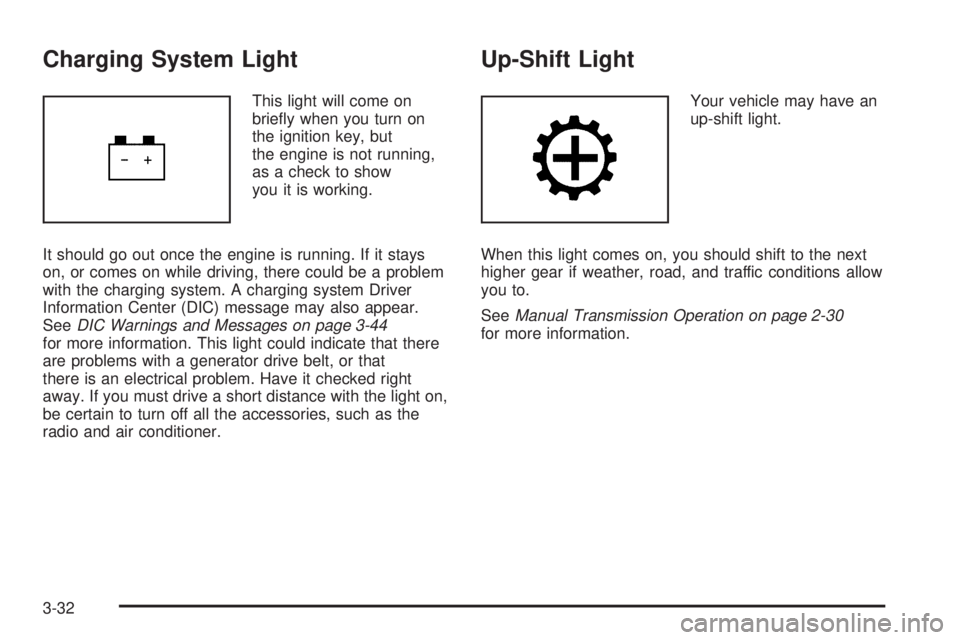
This light will come on
briey when you turn on
the ignition key, but
the engine is not running,
as a check to show
you it is working.
It should go out once the engine is running. If it stays
on, or comes on while driving, there could be a problem
with the charging system. A charging system Driver
Information Center (DIC) message may also appear.
SeeDIC Warnings and Messages on page 3-44
for more information. This light could indicate that there
are problems with a generator drive belt, or that
there is an electrical problem. Have it checked right
away. If you must drive a short distance with the light on,
be certain to turn off all the accessories, such as the
radio and air conditioner.
Up-Shift Light
Your vehicle may have an
up-shift light.
When this light comes on, you should shift to the next
higher gear if weather, road, and traffic conditions allow
you to.
SeeManual Transmission Operation on page 2-30
for more information.
3-32
Page 149 of 388
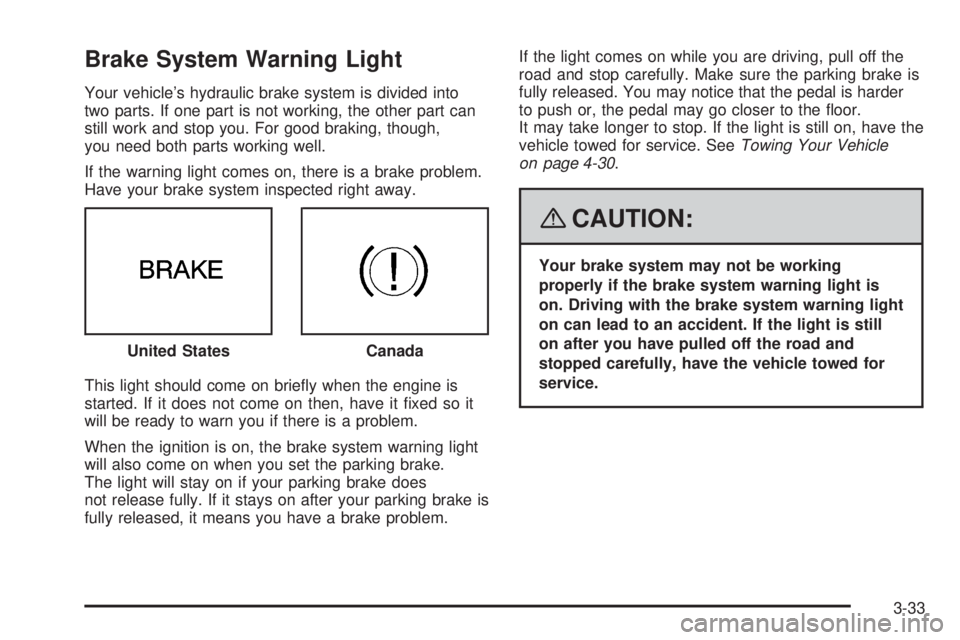
Brake System Warning Light
Your vehicle’s hydraulic brake system is divided into
two parts. If one part is not working, the other part can
still work and stop you. For good braking, though,
you need both parts working well.
If the warning light comes on, there is a brake problem.
Have your brake system inspected right away.
This light should come on briey when the engine is
started. If it does not come on then, have it xed so it
will be ready to warn you if there is a problem.
When the ignition is on, the brake system warning light
will also come on when you set the parking brake.
The light will stay on if your parking brake does
not release fully. If it stays on after your parking brake is
fully released, it means you have a brake problem.If the light comes on while you are driving, pull off the
road and stop carefully. Make sure the parking brake is
fully released. You may notice that the pedal is harder
to push or, the pedal may go closer to the oor.
It may take longer to stop. If the light is still on, have the
vehicle towed for service. SeeTowing Your Vehicle
on page 4-30.
{CAUTION:
Your brake system may not be working
properly if the brake system warning light is
on. Driving with the brake system warning light
on can lead to an accident. If the light is still
on after you have pulled off the road and
stopped carefully, have the vehicle towed for
service. United States
Canada
3-33
Page 150 of 388
Anti-lock Brake System (ABS)
Warning Light
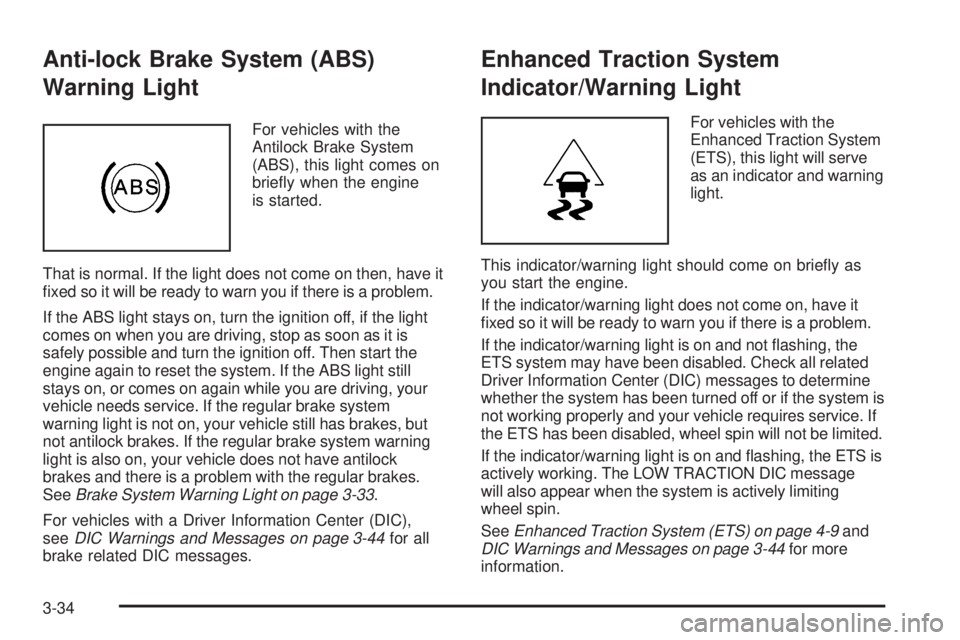
For vehicles with the
Antilock Brake System
(ABS), this light comes on
briey when the engine
is started.
That is normal. If the light does not come on then, have it
xed so it will be ready to warn you if there is a problem.
If the ABS light stays on, turn the ignition off, if the light
comes on when you are driving, stop as soon as it is
safely possible and turn the ignition off. Then start the
engine again to reset the system. If the ABS light still
stays on, or comes on again while you are driving, your
vehicle needs service. If the regular brake system
warning light is not on, your vehicle still has brakes, but
not antilock brakes. If the regular brake system warning
light is also on, your vehicle does not have antilock
brakes and there is a problem with the regular brakes.
SeeBrake System Warning Light on page 3-33.
For vehicles with a Driver Information Center (DIC),
seeDIC Warnings and Messages on page 3-44for all
brake related DIC messages.
Enhanced Traction System
Indicator/Warning Light
For vehicles with the
Enhanced Traction System
(ETS), this light will serve
as an indicator and warning
light.
This indicator/warning light should come on briey as
you start the engine.
If the indicator/warning light does not come on, have it
xed so it will be ready to warn you if there is a problem.
If the indicator/warning light is on and not ashing, the
ETS system may have been disabled. Check all related
Driver Information Center (DIC) messages to determine
whether the system has been turned off or if the system is
not working properly and your vehicle requires service. If
the ETS has been disabled, wheel spin will not be limited.
If the indicator/warning light is on and ashing, the ETS is
actively working. The LOW TRACTION DIC message
will also appear when the system is actively limiting
wheel spin.
SeeEnhanced Traction System (ETS) on page 4-9and
DIC Warnings and Messages on page 3-44for more
information.
3-34
Page 153 of 388
When the Light Flashes First and Then
is Solid
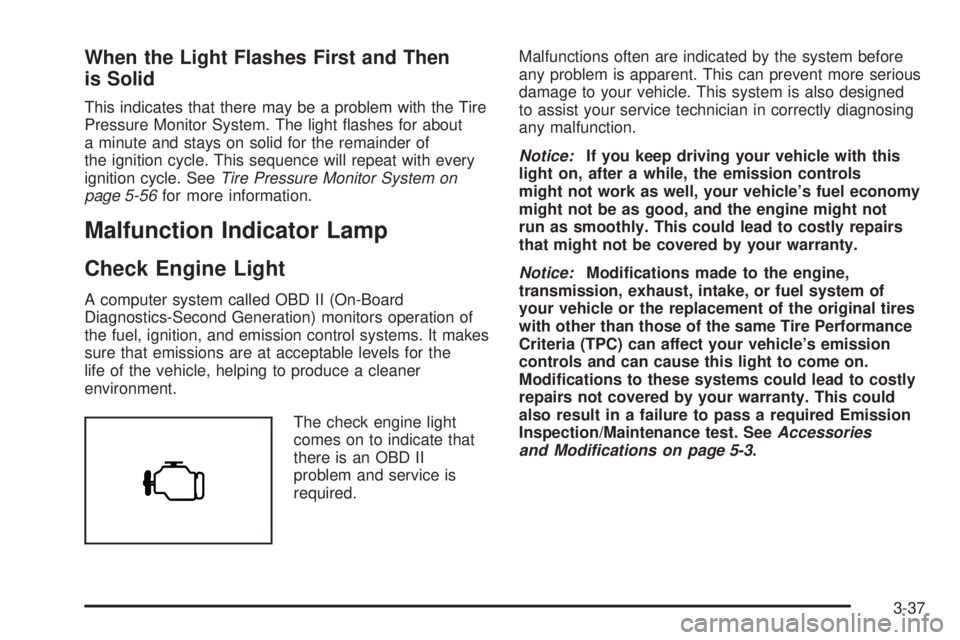
This indicates that there may be a problem with the Tire
Pressure Monitor System. The light ashes for about
a minute and stays on solid for the remainder of
the ignition cycle. This sequence will repeat with every
ignition cycle. SeeTire Pressure Monitor System on
page 5-56for more information.
Malfunction Indicator Lamp
Check Engine Light
A computer system called OBD II (On-Board
Diagnostics-Second Generation) monitors operation of
the fuel, ignition, and emission control systems. It makes
sure that emissions are at acceptable levels for the
life of the vehicle, helping to produce a cleaner
environment.
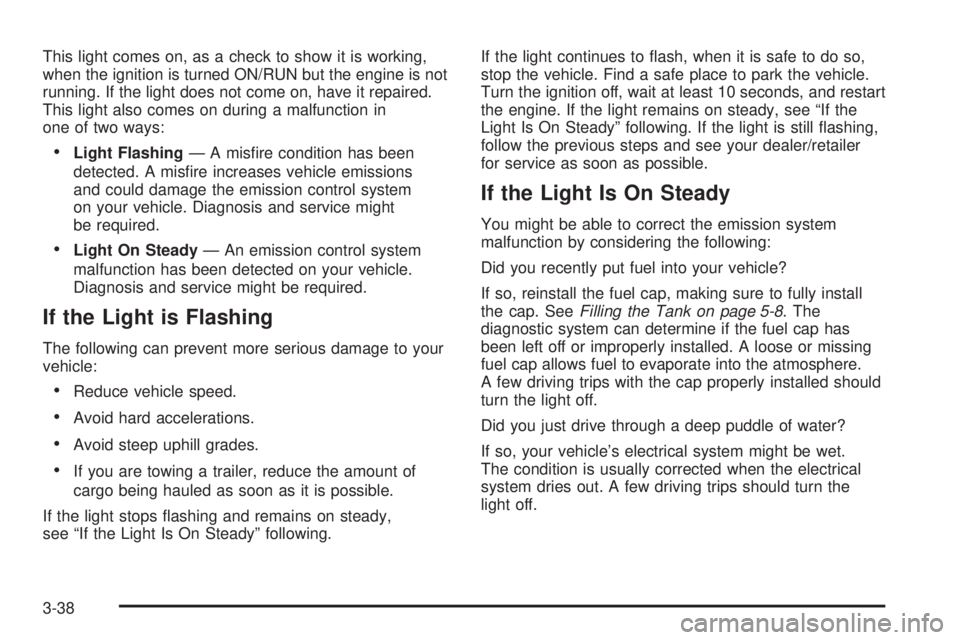
The check engine light
comes on to indicate that
there is an OBD II
problem and service is
required.Malfunctions often are indicated by the system before
any problem is apparent. This can prevent more serious
damage to your vehicle. This system is also designed
to assist your service technician in correctly diagnosing
any malfunction.
Notice:If you keep driving your vehicle with this
light on, after a while, the emission controls
might not work as well, your vehicle’s fuel economy
might not be as good, and the engine might not
run as smoothly. This could lead to costly repairs
that might not be covered by your warranty.
Notice:Modications made to the engine,
transmission, exhaust, intake, or fuel system of
your vehicle or the replacement of the original tires
with other than those of the same Tire Performance
Criteria (TPC) can affect your vehicle’s emission
controls and can cause this light to come on.
Modications to these systems could lead to costly
repairs not covered by your warranty. This could
also result in a failure to pass a required Emission
Inspection/Maintenance test. SeeAccessories
and Modifications on page 5-3.
3-37
Page 154 of 388
This light comes on, as a check to show it is working,
when the ignition is turned ON/RUN but the engine is not
running. If the light does not come on, have it repaired.
This light also comes on during a malfunction in
one of two ways:
Light Flashing— A misre condition has been
detected. A misre increases vehicle emissions
and could damage the emission control system
on your vehicle. Diagnosis and service might
be required.
Light On Steady— An emission control system
malfunction has been detected on your vehicle.
Diagnosis and service might be required.
If the Light is Flashing
The following can prevent more serious damage to your
vehicle:
Reduce vehicle speed.
Avoid hard accelerations.
Avoid steep uphill grades.
If you are towing a trailer, reduce the amount of
cargo being hauled as soon as it is possible.
If the light stops ashing and remains on steady,
see “If the Light Is On Steady” following.If the light continues to ash, when it is safe to do so,
stop the vehicle. Find a safe place to park the vehicle.
Turn the ignition off, wait at least 10 seconds, and restart
the engine. If the light remains on steady, see “If the
Light Is On Steady” following. If the light is still ashing,
follow the previous steps and see your dealer/retailer
for service as soon as possible.
If the Light Is On Steady
You might be able to correct the emission system
malfunction by considering the following:
Did you recently put fuel into your vehicle?
If so, reinstall the fuel cap, making sure to fully install
the cap. SeeFilling the Tank on page 5-8. The
diagnostic system can determine if the fuel cap has
been left off or improperly installed. A loose or missing
fuel cap allows fuel to evaporate into the atmosphere.
A few driving trips with the cap properly installed should
turn the light off.
Did you just drive through a deep puddle of water?
If so, your vehicle’s electrical system might be wet.
The condition is usually corrected when the electrical
system dries out. A few driving trips should turn the
light off.
3-38
Page 157 of 388
Highbeam On Light
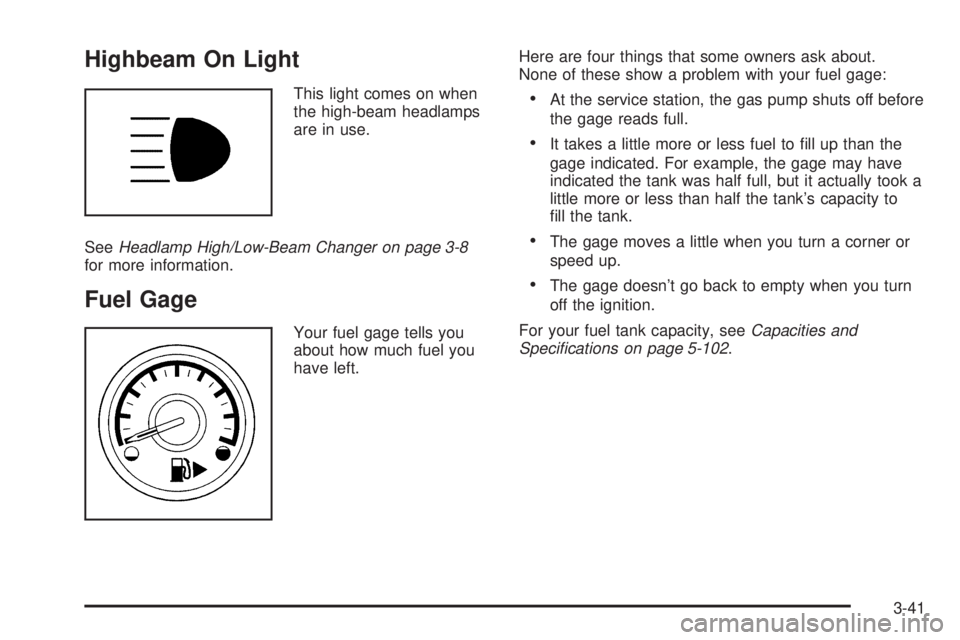
This light comes on when
the high-beam headlamps
are in use.
SeeHeadlamp High/Low-Beam Changer on page 3-8
for more information.
Fuel Gage
Your fuel gage tells you
about how much fuel you
have left.Here are four things that some owners ask about.
None of these show a problem with your fuel gage:
At the service station, the gas pump shuts off before
the gage reads full.
It takes a little more or less fuel to ll up than the
gage indicated. For example, the gage may have
indicated the tank was half full, but it actually took a
little more or less than half the tank’s capacity to
ll the tank.
The gage moves a little when you turn a corner or
speed up.
The gage doesn’t go back to empty when you turn
off the ignition.
For your fuel tank capacity, seeCapacities and
Specifications on page 5-102.
3-41
Page 158 of 388
Driver Information Center (DIC)
Your vehicle has a Driver Information Center (DIC).
The DIC display gives you the status of many of your
vehicle’s systems. The DIC is also used to display driver
personalization menu modes and warning/status
messages. All messages will appear in the DIC display,
located at the bottom of the instrument panel cluster.
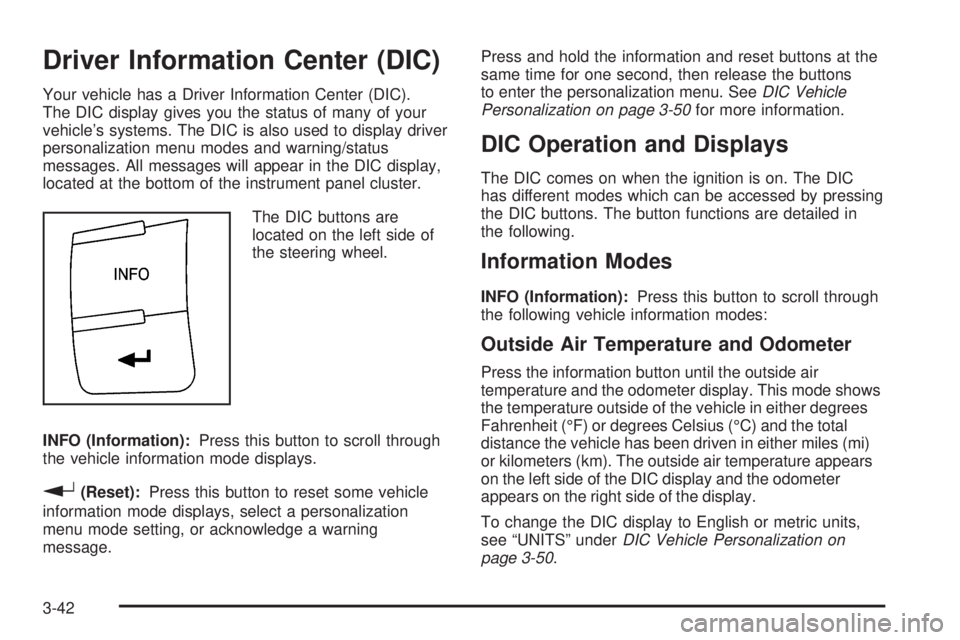
The DIC buttons are
located on the left side of
the steering wheel.
INFO (Information):Press this button to scroll through
the vehicle information mode displays.
r(Reset):Press this button to reset some vehicle
information mode displays, select a personalization
menu mode setting, or acknowledge a warning
message.Press and hold the information and reset buttons at the
same time for one second, then release the buttons
to enter the personalization menu. SeeDIC Vehicle
Personalization on page 3-50for more information.
DIC Operation and Displays
The DIC comes on when the ignition is on. The DIC
has different modes which can be accessed by pressing
the DIC buttons. The button functions are detailed in
the following.
Information Modes
INFO (Information):Press this button to scroll through
the following vehicle information modes:
Outside Air Temperature and Odometer
Press the information button until the outside air
temperature and the odometer display. This mode shows
the temperature outside of the vehicle in either degrees
Fahrenheit (°F) or degrees Celsius (°C) and the total
distance the vehicle has been driven in either miles (mi)
or kilometers (km). The outside air temperature appears
on the left side of the DIC display and the odometer
appears on the right side of the display.
To change the DIC display to English or metric units,
see “UNITS” underDIC Vehicle Personalization on
page 3-50.
3-42