ignition PONTIAC GRAND AM 2003 Owner's Guide
[x] Cancel search | Manufacturer: PONTIAC, Model Year: 2003, Model line: GRAND AM, Model: PONTIAC GRAND AM 2003Pages: 354, PDF Size: 16.3 MB
Page 135 of 354
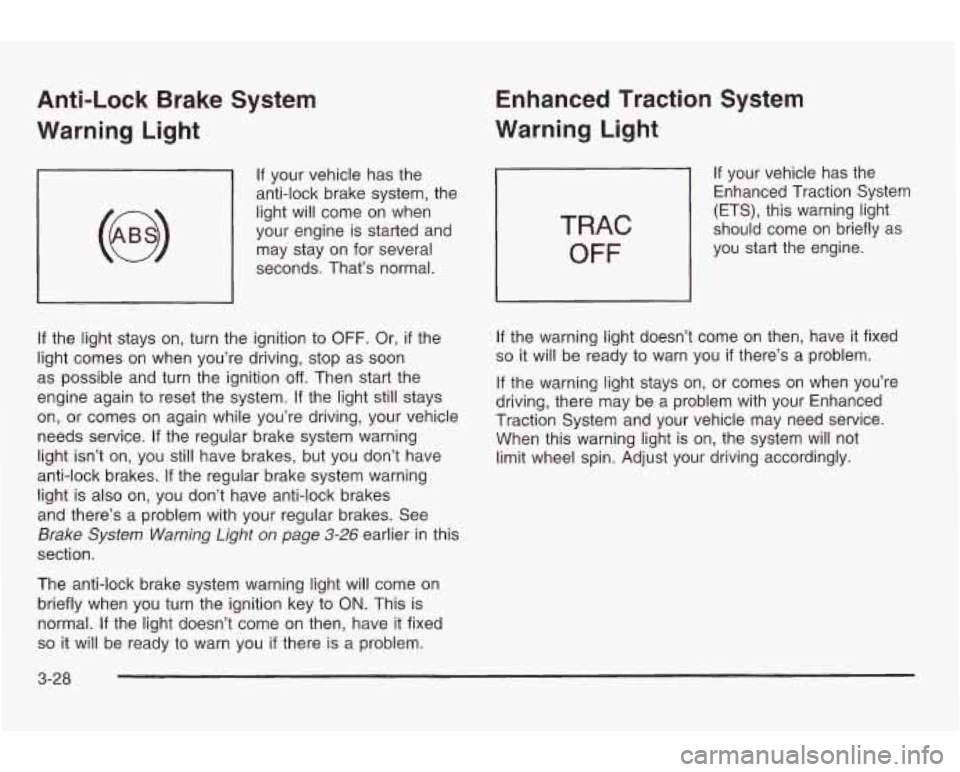
Anti-Lock Brake System
Warning Light
If your vehicle has the
anti-lock brake system, the
light will come on when
your engine is started and
may stay on for several
seconds. That’s normal.
If the light stays on, turn the ignition to OFF. Or, if the
light comes on when you’re driving, stop as soon
as possible and turn the ignition
off. Then start the
engine again to reset the system. If the light still stays
on, or comes on again while you’re driving, your vehicle
needs service. If the regular brake system warning
light isn’t on, you still have brakes, but you don’t have
anti-lock brakes. If the regular brake system warning
light is also on, you don’t have anti-lock brakes
and there’s a problem with your regular brakes. See
Brake System Warning Light on page 3-26 earlier in this
section.
The anti-lock brake system warning light will come on
briefly when you turn the ignition key
to ON. This is
normal.
If the light doesn’t come on then, have it fixed
so it will be ready to warn you if there is a problem.
Enhanced Traction System
Warning Light
TRAC
OFF
If your vehicle has the
Enhanced Traction System
(ETS), this warning light
should come on briefly as
you start the engine.
If the warning light doesn’t come on then, have it fixed
so it will be ready to warn you if there’s a problem.
If the warning light stays on, or comes on when you’re
driving, there may be a problem with your Enhanced
Traction System and your vehicle may need service.
When this warning light is on, the system will not
limit wheel spin. Adjust your driving accordingly.
3-28
Page 136 of 354
The Enhanced Traction System warning light may come
on for the following reasons:
0 If you turn the system off by pressing the ETS
button on the center console near the gear
shift lever, the warning light will come on and stay
on. To turn the system back on, press the button
again. The warning light should
go off. See
Enhanced Traction System (ETS) on page 4-9 for
more information.
0 If the traction control system is affected by an
engine-related problem, the system will turn
off and
the warning light will come on.
0 If the vehicle is driven on an extremely rough road,
the warning light may come on momentarily but will
go
off again when the vehicle leaves the rough
surface.
If the Enhanced Traction System warning light comes
on and stays on for an extended period of time when the
system is turned on and the parking brake is fully
released, your vehicle needs service.
Enhanced Traction System
Active Light
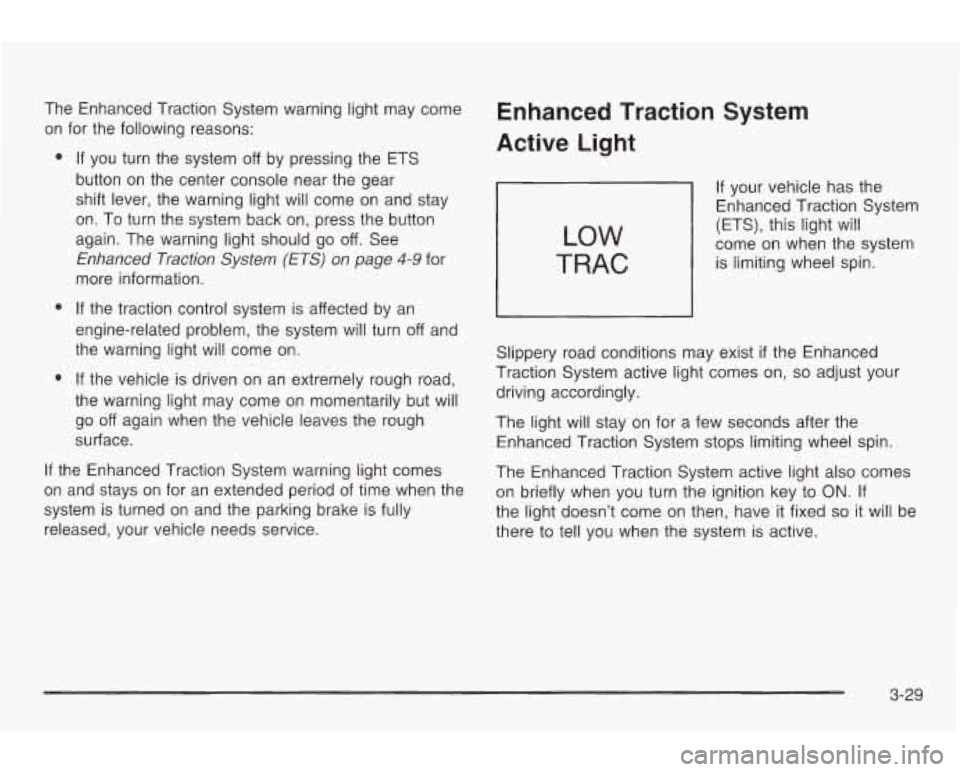
LOW
TRAC
If your vehicle has the
Enhanced Traction System
(ET§), this light
will
come on when the system
is limiting wheel spin.
Slippery road conditions may exist
if the Enhanced
Traction System active light comes
on, so adjust your
driving accordingly.
The light will stay on for a few seconds after the
Enhanced Traction System stops limiting wheel spin.
The Enhanced Traction System active light also comes on briefly when you turn the ignition key to
ON. If
the light doesn’t come on then, have
it fixed so it will be
there
to tell you when the system is active.
3-29
Page 137 of 354
Engine Coolant Temperature Gage
L
United States Canada
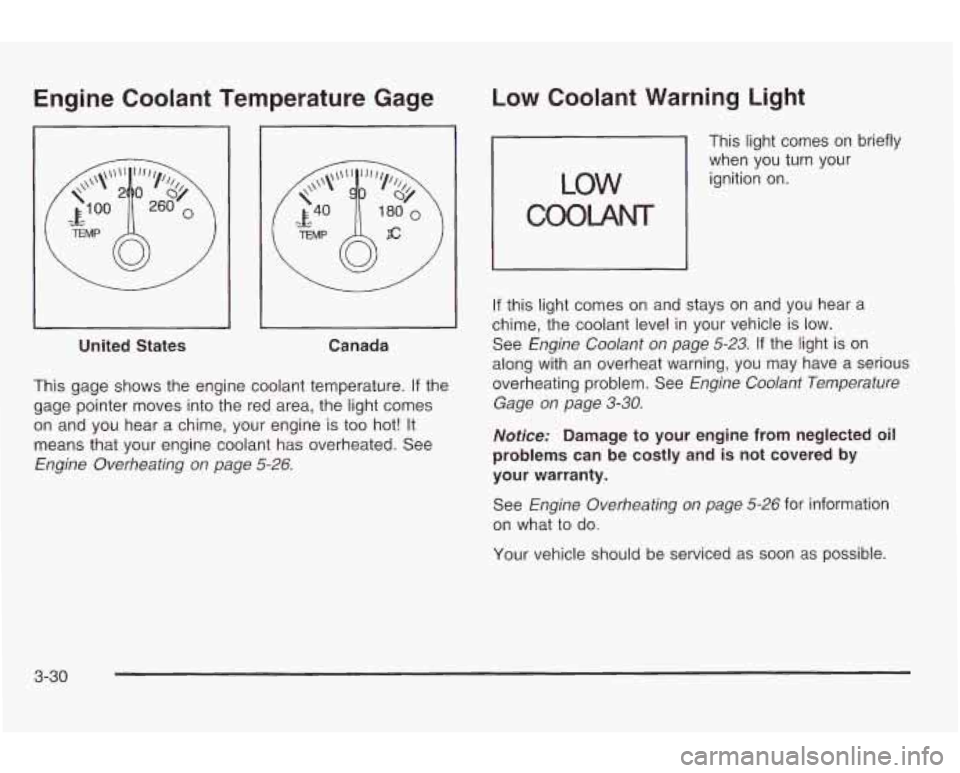
This gage shows the engine coolant temperature.
If the
gage pointer moves into the red area, the light comes
on and you hear a chime, your engine is
too hot! It
means that your engine coolant has overheated. See
Engine Overheating on page 5-26.
Low Coolant Warning Light
This light comes on briefly
when you turn your
ignition on.
COOLANT
If this light comes on and stays on and you hear a
chime, the coolant level in your vehicle is
low.
See Engine Coolant on page 5-23. If the light is on
along with an overheat warning, you may have a serious
overheating problem. See
Engine Coolant Temperature
Gage on page
3-30.
Notice: Damage to your engine from neglected oil
problems can be costly and is not covered by
your warranty.
See
Engine Overheating on page 5-26 for information
on what
to do.
Your vehicle should be serviced as soon as possible.
3-30
Page 138 of 354
Malfunction Indicator Lamp
Service Engine Soon Light
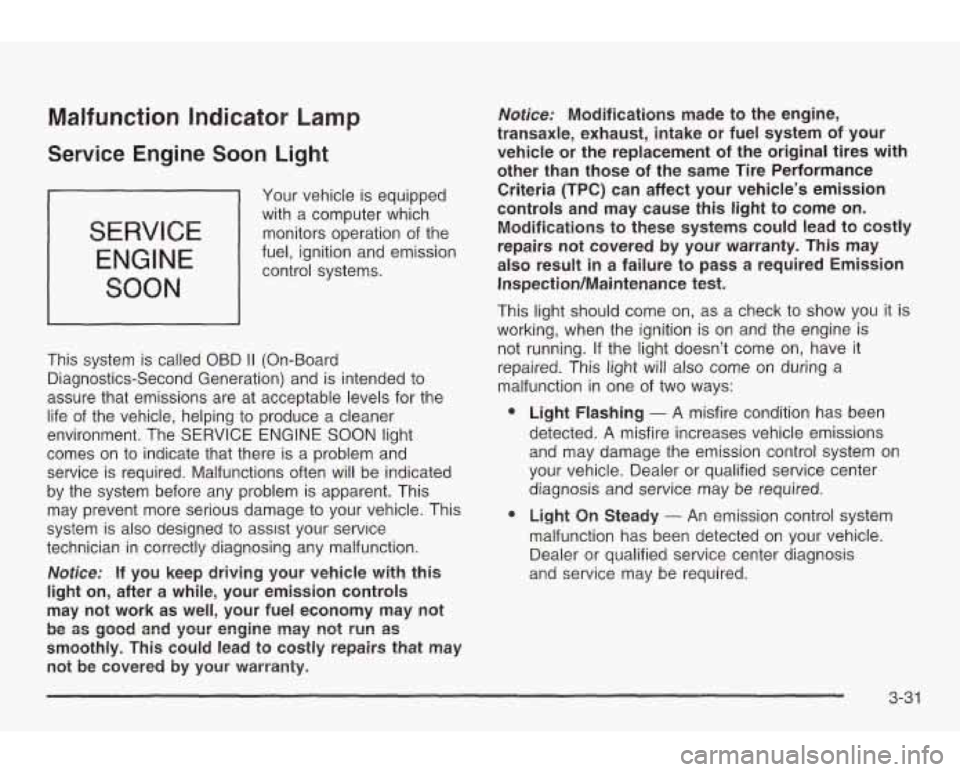
SERVICE
ENGINE
SOON
Your vehicle is equipped
with a computer which
monitors operation of the
fuel, ignition and emission control systems.
This system is called OBD
II (On-Board
Diagnostics-Second Generation) and is intended to
assure that emissions are at acceptable levels for the
life of the vehicle, helping
to produce a cleaner
environment. The
SERVICE ENGINE SOON light
comes on to indicate that there is a problem and
service is required. Malfunctions often will be indicated
by the system before any problem
is apparent. This
may prevent more serious damage
to your vehicle. This
system is also designed to assist your service
technician in correctly diagnosing any malfunction.
Notice: If you keep driving your vehicle with this
light on, after a while, your emission controls
may not work as well, your fuel economy may not
smoothly. This could lead to costly repairs that may not be covered by your warramty.
be 85 gcod and yaur engine may not run as
Notice: Modifications made to the engine,
transaxle, exhaust, intake or fuel system of your
vehicle or the replacement of
the original tires with
other than those
of the same Tire Performance
Criteria
(TPC) can affect your vehicle’s emission
controls and may cause
this light to come on.
Modifications to these systems could lead to costly
repairs not covered &y your warranty. This may
also result in a failure to pass a required Emission
Inspection/Maintenance test.
This light should come on, as a check to show you
it is
working, when the ignition is on and the engine
is
not running. If the light doesn’t come on, have it
repaired. This light will also come on during
a
malfunction in one of two ways:
e
e
Light Flashing - A misfire condition has been
detected.
A misfire increases vehicle emissions
and may damage the emission control system
on
your vehicle. Dealer or qualified service center
diagnosis and service may be required.
Light On Steady
- An emission control system
malfunction has been detected on your vehicle.
Dealer or qualified service center diagnosis
and service may be required.
3-31
Page 141 of 354
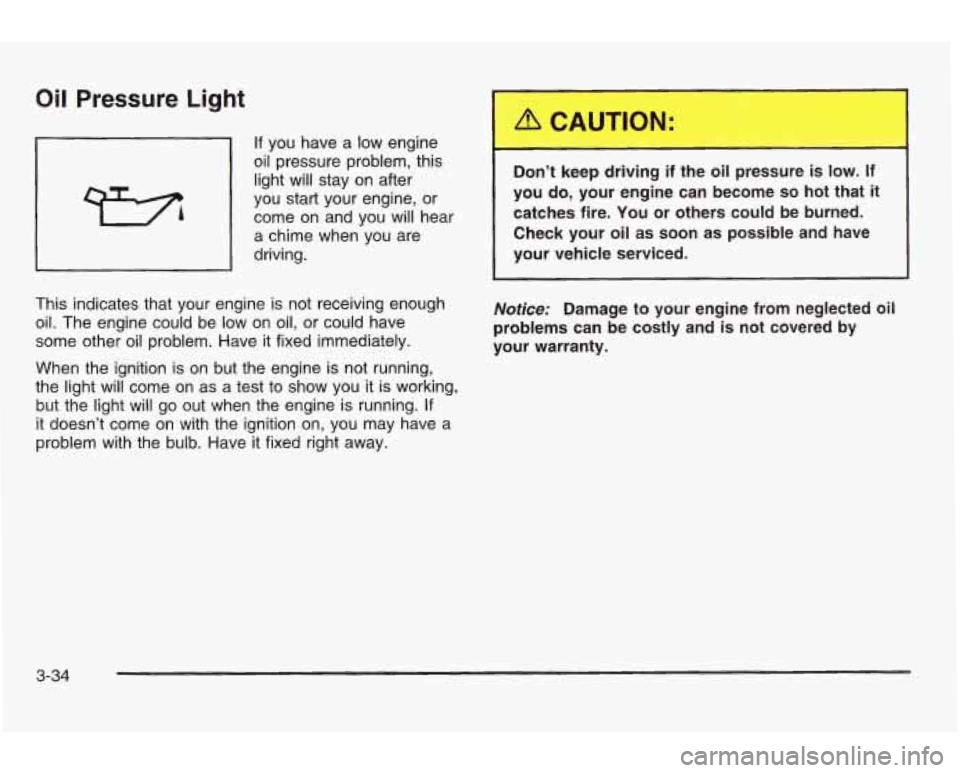
Oil Pressure Light
If you have a low engine
oil pressure problem, this
light will stay on after
you start your engine,
or
come on and you will hear
a chime when you are
driving.
This indicates that your engine is not receiving enough
oil. The engine could be low on oil,
or could have
some other oil problem. Have it fixed immediately.
When the ignition is on but the engine is not running,
the light will come on as a test to show you it is working,
but the light will go out when the engine is running.
If
it doesn’t come on with the ignition on, you may have a
problem with the bulb. Have it fixed right away. Don’t keep driving if the oil pressure
is low. If
you
do, your engine can become so hot that it
catches fire. You or others could be burned.
Check your oil as soon as possible and have
your vehicle serviced.
Notice: Damage to your engine from neglected oil
problems can be costly and is not covered by
your warranty.
3-34
Page 143 of 354

Security Light
SECURITY
This light will come on
when you turn the key
to
ON and will stay on
until the vehicle starts.
Service Vehicle Soon Light
SERVICE
VEHICLE
SOON
This light will come on
briefly when you turn the
ignition
to ON.
If you’re driving and the security light comes on and
remains on, your Passlock@ system is not working
properly. Your vehicle is not protected by Passlock@
and you should see your dealer.
Low Washer Fluid Warning
Light
It will stay on, or come on and a chime will sound if it
detects a problem on the vehicle, such
as a Daytime
Running
Lamps (DRL) or an automatic headlamp
system malfunction.
If this happens, see your dealer as
soon as possible.
This light will come on
briefly when you turn on
the ignition.
It will also stay
on, or come on and a
chime will sound,
if
the windshield washer fluid
reservoir is less than
one-third full.
3-36
Page 144 of 354
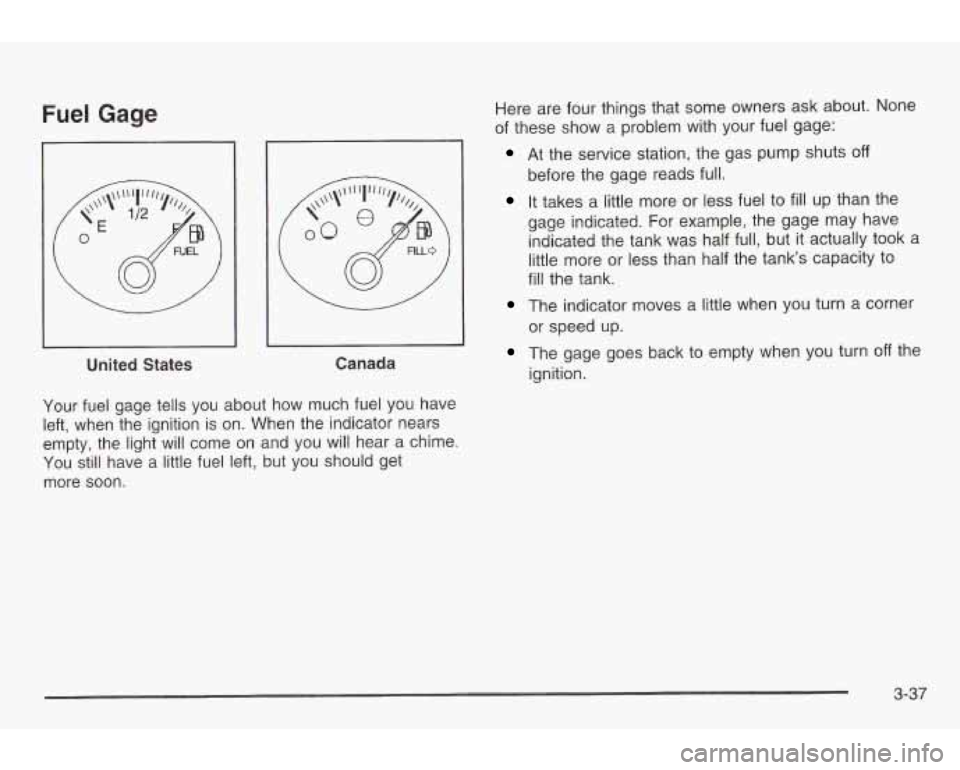
Fuel Gage
I
United States Canada
Your fuel gage tells you about how much fuel
you have
left, when the ignition
is on. When the indicator nears
empty, the light will come on and you will hear a chime.
You still have a little fuel left, but you should get
more
soon.
Here are four things that some owners ask about. None
of these show a problem with your fuel gage:
At the service station, the gas pump shuts off
before the gage reads full.
It takes a little more or less fuel to fill up than the
gage indicated. For example, the gage may have indicated the tank was half full, but it actually took a
little more or less than half the tank’s capacity
to
fill the tank.
The indicator moves a little when you turn a corner
The gage goes back to empty when you turn off the
or
speed up.
ignition.
3-37
Page 145 of 354
Audio System(s)
Notice: Before you add any sound equipment to
your vehicle
- like a tape player, CB radio, mobile
telephone or two-way radio
- be sure you can
add what you want. If you can, it’s very important to
do
it properly. Added sound equipment may
interfere with the operation of your vehicle’s engine,
Delphi Electronics radio or other systems, and
even damage them. Your vehicle’s systems may interfere with the operation of sound equipment that
has been added improperly.
So, before adding sound equipment, check with
your dealer and be sure to check federal rules
covering mobile radio and telephone units. Your
audio system has been designed to operate easily
and to give years of listening pleasure. You
will get
the most enjoyment out of it
if you acquaint yourself
with it first. Find out what your audio system can do and
how to operate
all of its controls to be sure you’re
getting the most out of the advanced engineering that
went into it.
Your vehicle has
a feature called Retained Accessory
Power (RAP). With RAP, you can play your audio
system even after the ignition is turned
off. See Retained
Accessory Power under
Ignition Positions on page 2-18.
Setting the Time for Radios
without Radio Data Systems (RDS)
Press and hold the HR or MIN arrow for two seconds.
Then press the HR arrow until the correct hour appears
on the display. Press and hold the
MIN arrow until
the correct minute appears. The time may be set with
the ignition on or
off.
3-38
Page 146 of 354
Setting the Time for Radios with
Radio Data Systems
(RDS)
Press and hold HR or MIN for two seconds. Then press
and hold HR until the correct hour appears on the
display. AM will also appear. Press and hold
MlN until
the correct minute appears on the display. The time may
be set with the ignition on or
off.
To synchronize the time with an FM station broadcasting
Radio Data System (RDS) information, press and
hold
HR and MIN at the same time for two seconds until
UPDATED appears on the display. If the time is not
available from the station,
NO UPDATE will appear on
the display instead.
RDS time is broadcast once a minute. Once you have
tuned
to an RDS broadcast station, it may take a
few minutes before pressing and holding the HR and
MIN buttons will result in an update to the time.
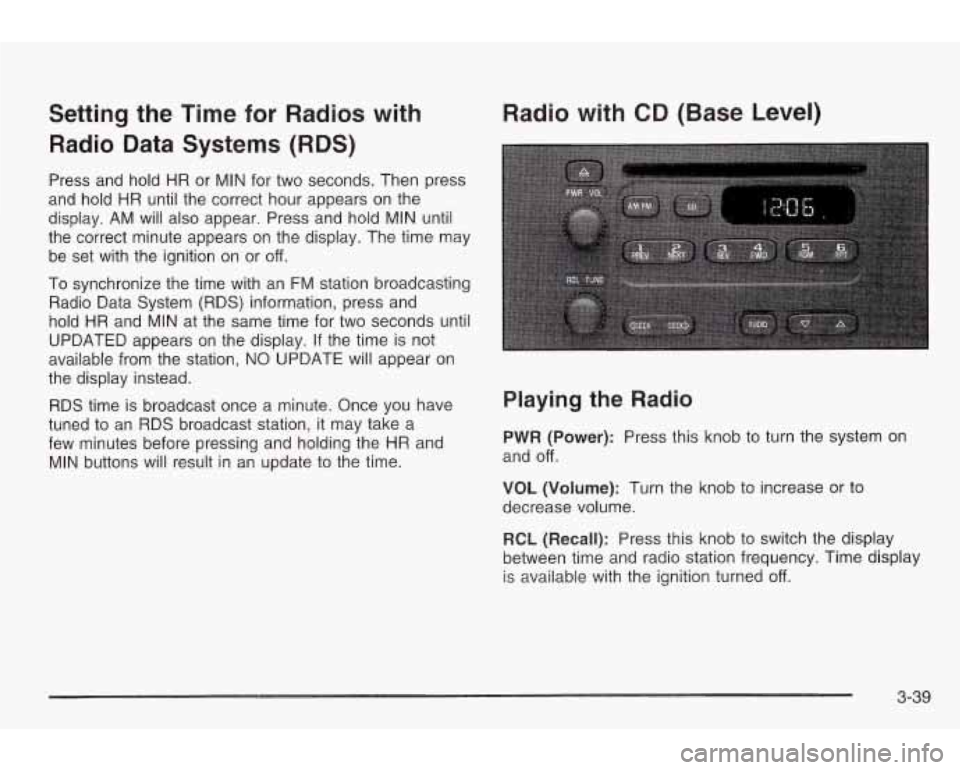
Radio with CD (Base Level)
Playing the Radio
PWR (Power): Press this knob to turn the system on
and
off.
VOL (Volume): Turn the knob to increase or to
decrease volume.
RCL (Recall): Press this knob
to switch the display
between time and radio station frequency. Time display
is available with the ignition turned
off.
3-39
Page 148 of 354
To adjust both tone controls and both speaker controls
to the middle position, first end out of audio mode
by pressing another button, causing the radio to perform
that function, or by waiting five seconds for the display
to return to time of day. Then press and hold the AUDIO
button for more than two seconds until you hear a
beep.
CEN will appear on the display.
Adjusting the Speakers (Balance/Fade)
AUDIO: To adjust the balance between the right
and the left speakers, press and release the AUDIO
button until
BAL appears on the display. Then press and
hold the up or the down arrow to move the sound
toward the right or the left speakers.
To adjust the fade between the front and rear speakers,
press and release the AUDIO button until FAD
appears on the display. Then press and hold the up or
the down arrow
to move the sound toward the front
or the rear speakers.
To adjust balance or fade to the middle position, select
than two seconds until you hear a beep.
L and a zero
or
F and a zero will appear on the display.
n A I rn n TI- -- -._-I I- -1-1 n I ~n~n I-.. DHL UI rnu. I II~II peas CAI IU I iuiu HWUIU IUI 111u1e
To adjust both tone controls and both speaker controls
to the middle position, first end out of audio mode
by pressing another button, causing the radio
to perform
that function, or by waiting five seconds for the display
to return to time of day. Then press and hold AUDIO for
more than two seconds until you hear a beep.
CEN
will appear on the display.
Radio Messages
CAL (Calibration): Your audio system has been
calibrated for your vehicle from the factory.
If CAL
appears on the display it means that your radio has not
been configured properly for your vehicle and must
be returned
to the dealership for service.
LOC (Locked): This message is displayed when the
THEFTLOCK@ system has locked up. You must return
to the dealership for service.
Playing a Compact Disc
Insert a disc partway into the slot, label side up. The
display will show CD. If you want
to insert a compact
disc with the ignition
off, first press RCL or the eject
button.
mInw,-.v 1.,;11 311 ;+ Thn A;nn ehnallA knmim .-~lo~t;mm Thn tJlCdy&l VVlll pull I1 II 1. I IIG U13b JIlVUlU UGYII I pluyll 13. I (IC.
If an error appears on the display, see ‘Compact Disc
Messages” later in this section.
3-4 1