key PONTIAC GRAND PRIX 2004 Owner's Manual
[x] Cancel search | Manufacturer: PONTIAC, Model Year: 2004, Model line: GRAND PRIX, Model: PONTIAC GRAND PRIX 2004Pages: 432, PDF Size: 2.99 MB
Page 92 of 432
Shifting Into Park (P)
{CAUTION:
It can be dangerous to get out of your vehicle
if the shift lever is not fully in PARK (P) with
the parking brake ®rmly set. Your vehicle can
roll. If you have left the engine running, the
vehicle can move suddenly. You or others
could be injured. To be sure your vehicle won't
move, even when you're on fairly level ground,
use the steps that follow. If you're pulling a
trailer, see ªTowing a Trailerº in the Index.1. Hold the brake pedal down with your right foot and
set the parking brake.
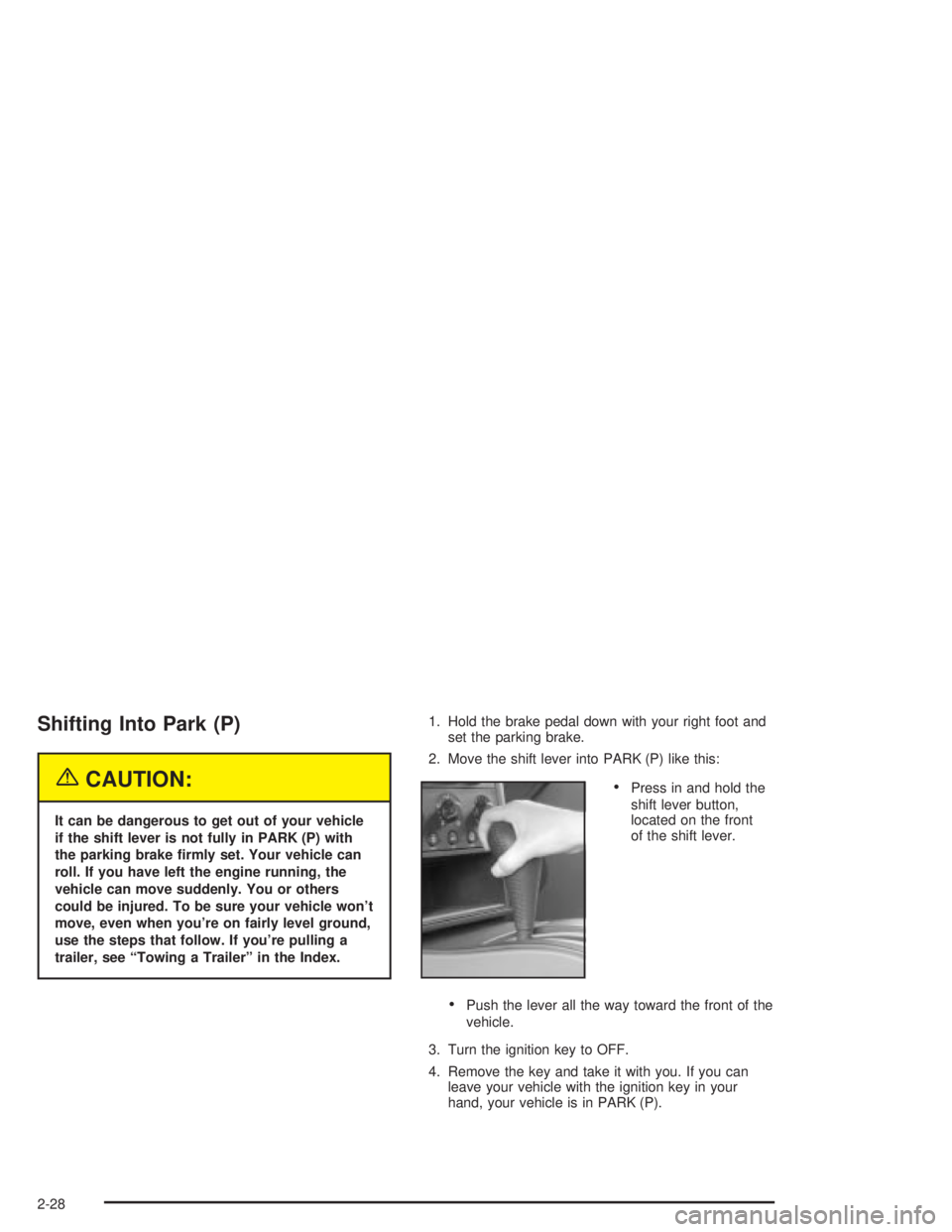
2. Move the shift lever into PARK (P) like this:
·Press in and hold the
shift lever button,
located on the front
of the shift lever.
·Push the lever all the way toward the front of the
vehicle.
3. Turn the ignition key to OFF.
4. Remove the key and take it with you. If you can
leave your vehicle with the ignition key in your
hand, your vehicle is in PARK (P).
2-28
Page 94 of 432
Shifting Out of Park (P)
Your vehicle has an automatic transaxle shift lock
control system which locks the shift lever in PARK (P)
when the ignition is in the OFF position. In addition,
you have to fully apply your regular brakes before you
can shift from PARK (P) when the ignition is in RUN.
See
Automatic Transaxle Operation on page 2-22.
If you cannot shift out of PARK (P), ease pressure on
the shift lever and push the shift lever all the way up
into PARK (P) as you maintain brake application.
Then move the shift lever into the gear you want.
If you ever hold the brake pedal down but still can't shift
out of PARK (P), try this:
1. Turn the key to ACCESSORY. (There is no shift
interlock in this key position.)
2. Apply and hold the brake until the end of Step 4.
3. Shift the transaxle to NEUTRAL (N).
4. Start the vehicle and then shift to the transaxle gear
you want.
5. Have the system ®xed as soon as you can.
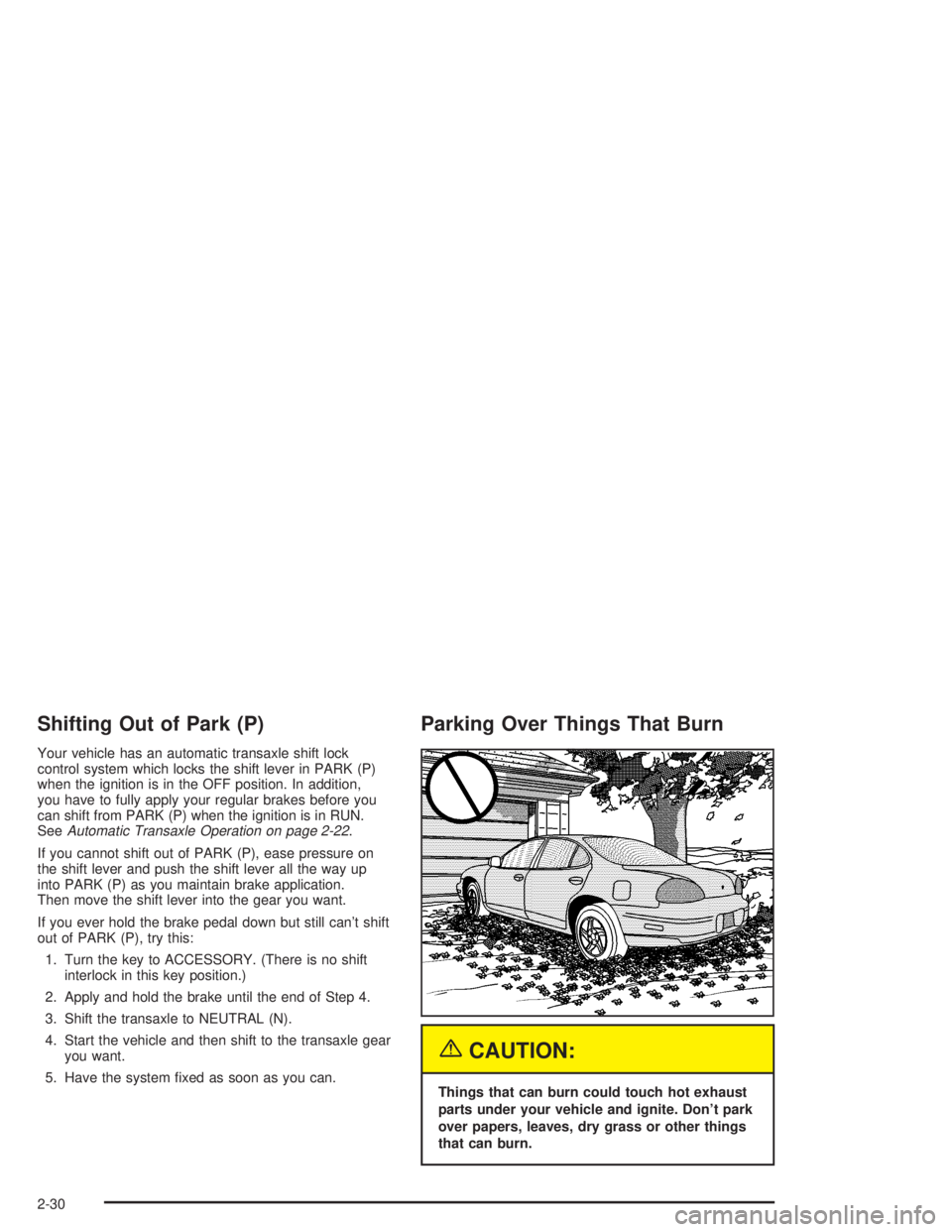
Parking Over Things That Burn
{CAUTION:
Things that can burn could touch hot exhaust
parts under your vehicle and ignite. Don't park
over papers, leaves, dry grass or other things
that can burn.
2-30
Page 100 of 432
OnStaržPersonal Calling
With OnStaržPersonal Calling, you have a safer way to
stay connected while driving. It's a hands-free wireless
phone that's integrated into your vehicle. You can place
calls nationwide using voice-activated dialing with no
contracts, no roaming charges and no access fees.
To ®nd out more about OnStar
žPersonal Calling, refer to
the OnStaržuser's guide in your vehicle's glove box, or
call OnStaržat 1-888-4-ONSTAR (1-888-466-7827).
OnStaržVirtual Advisor
With OnStaržVirtual Advisor you can listen to the news,
entertainment and informative topics, such as traffic
and weather reports. You are able to listen and reply to
your e-mail through your vehicle's speakers.
A completed Subscription Service Agreement is required
prior to delivery of OnStar
žservices and prepaid
calling minutes are also required for OnStaržPersonal
Calling and OnStaržVirtual Advisor use. Terms and
conditions of the Subscription Service Agreement can be
found at www.onstar.com.
Storage Areas
Glove Box
Use your key to lock and unlock the glove box. To open
the glove box lift the latch.
Overhead Console
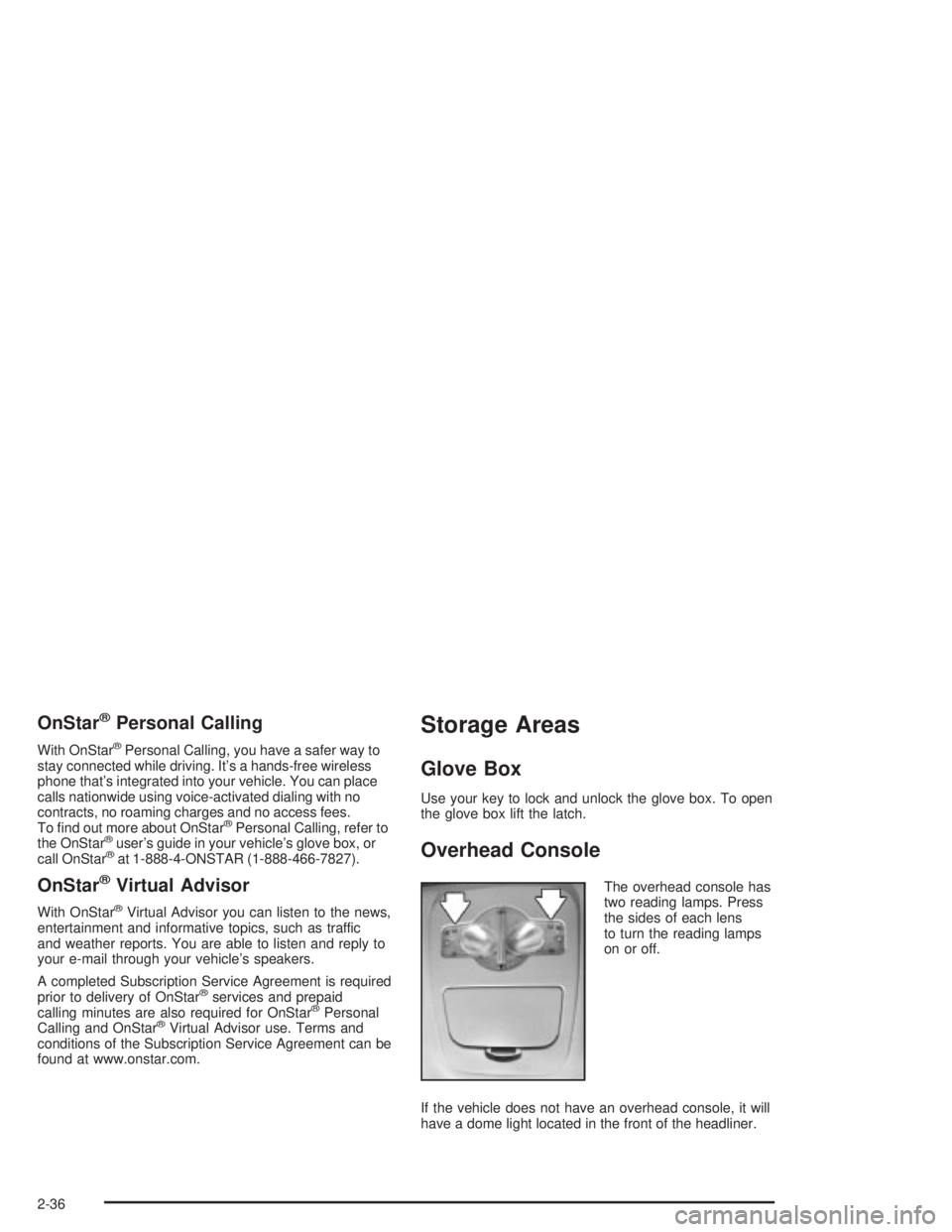
The overhead console has
two reading lamps. Press
the sides of each lens
to turn the reading lamps
on or off.
If the vehicle does not have an overhead console, it will
have a dome light located in the front of the headliner.
2-36
Page 108 of 432
Hazard Warning Flashers
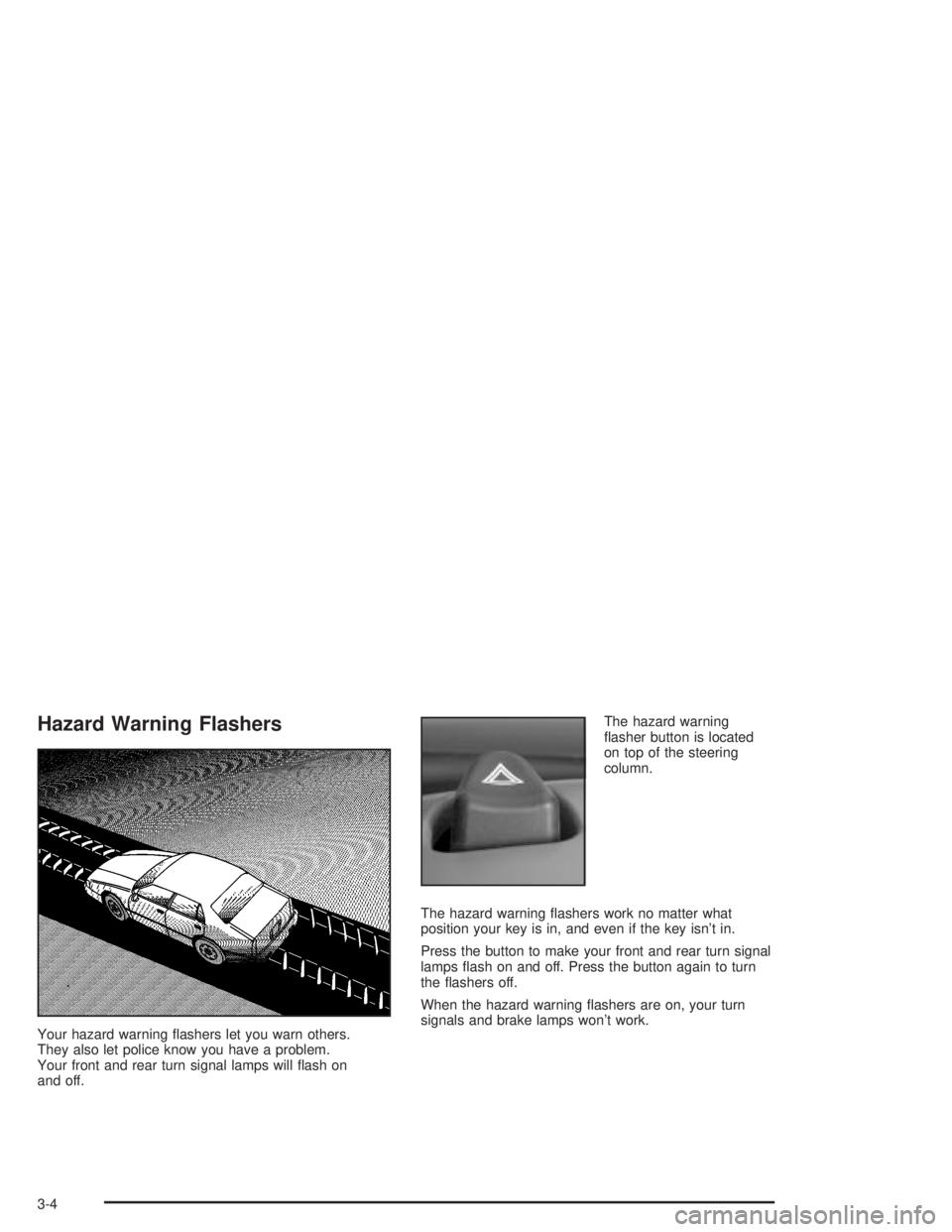
Your hazard warning ¯ashers let you warn others.
They also let police know you have a problem.
Your front and rear turn signal lamps will ¯ash on
and off.The hazard warning
¯asher button is located
on top of the steering
column.
The hazard warning ¯ashers work no matter what
position your key is in, and even if the key isn't in.
Press the button to make your front and rear turn signal
lamps ¯ash on and off. Press the button again to turn
the ¯ashers off.
When the hazard warning ¯ashers are on, your turn
signals and brake lamps won't work.
3-4
Page 121 of 432
Courtesy Lamps
When a door is opened, the courtesy lamps will
automatically come on. You can also turn these lamps
on by manually turning the interior lamps control all
the way to the right.
Entry Lighting
The entry lighting feature lights the interior of the vehicle
before you enter. The interior lamps will come on for
40 seconds when you unlock the doors using the remote
keyless entry transmitter and the ignition is in LOCK
or OFF. After 40 seconds have elapsed, the interior
lamps will slowly fade out. The lamps will fade out before
40 seconds have elapsed if you do the following:
·Lock all doors using the remote keyless entry
transmitter.
·Lock the doors using the power door lock switch.
When any door is opened, entry lighting is canceled.
The interior lamps will stay on while any door is opened
and slowly fade out when all doors are closed. The
interior lamps may stay on for up to 25 seconds after all
doors have been closed if they have not been locked.
Delayed Entry Lighting
The delayed lighting feature will continue to light the
interior of the vehicle for 25 seconds after all the
doors have been closed. Delayed lighting will not
occur while the ignition is in RUN or ACCESSORY.
After 25 seconds have elapsed, the interior lamps will
slowly fade out. The lamps will fade out before the
25 seconds have elapsed if you do any of the following:
·Turn the ignition to RUN or ACCESSORY.
·Lock the doors using the remote keyless entry
transmitter.
·Lock the doors using the power door lock switch.
To turn the delayed lighting feature off or on, see
personal programming under
DIC Controls and Displays
on page 3-45.
3-17
Page 122 of 432
Delayed Exit Lighting
For exiting the vehicle at night, the vehicle is equipped
with the delayed exit lighting feature. The interior
lamps will light for up to 25 seconds when you remove
the key from the ignition. After 25 seconds have
elapsed, the interior lamps will slowly fade out.
The lamps will fade out before the 25 seconds have
elapsed if you do any of the following:
·Turn the ignition to RUN or ACCESSORY.
·Lock the doors using the remote keyless entry
transmitter.
·Lock the doors using the power door lock switch.
When any door is opened, delayed exit lighting is
canceled. The interior lamps will stay on while any door
is opened and will slowly fade out when all the doors
are closed. The interior lamps may stay on for up
to 25 seconds after all the doors have been closed if
they have not been locked.
To turn the delayed exit lighting feature off or on, see
personal programming under
DIC Controls and Displays
on page 3-45.
Overhead Console Reading Lamps
Your vehicle may have reading lamps on the overhead
console. These lamps will turn on when you open
the doors. When the doors are closed, press the side
of each lamp to turn them on and off.
Front Reading Lamps
If the vehicle has the optional sunroof, you will have
reading lamps in front of the sunroof switch located on
the headliner. These lamps will come on when you
open the doors. The lamps can be turned on and off
manually by pressing the side of each reading lamp
when the doors are closed.
Rear Assist Handle Reading Lamps
Your vehicle may have reading lamps on each rear
assist handle. Press the side of the reading lamp
to turn it on or off.
3-18
Page 124 of 432
The HUD information can be displayed in three
languages, English, French and Spanish.
Language selection is done through the trip computer in
the Driver Information Center (DIC). See
DIC Controls
and Displays on page 3-45.
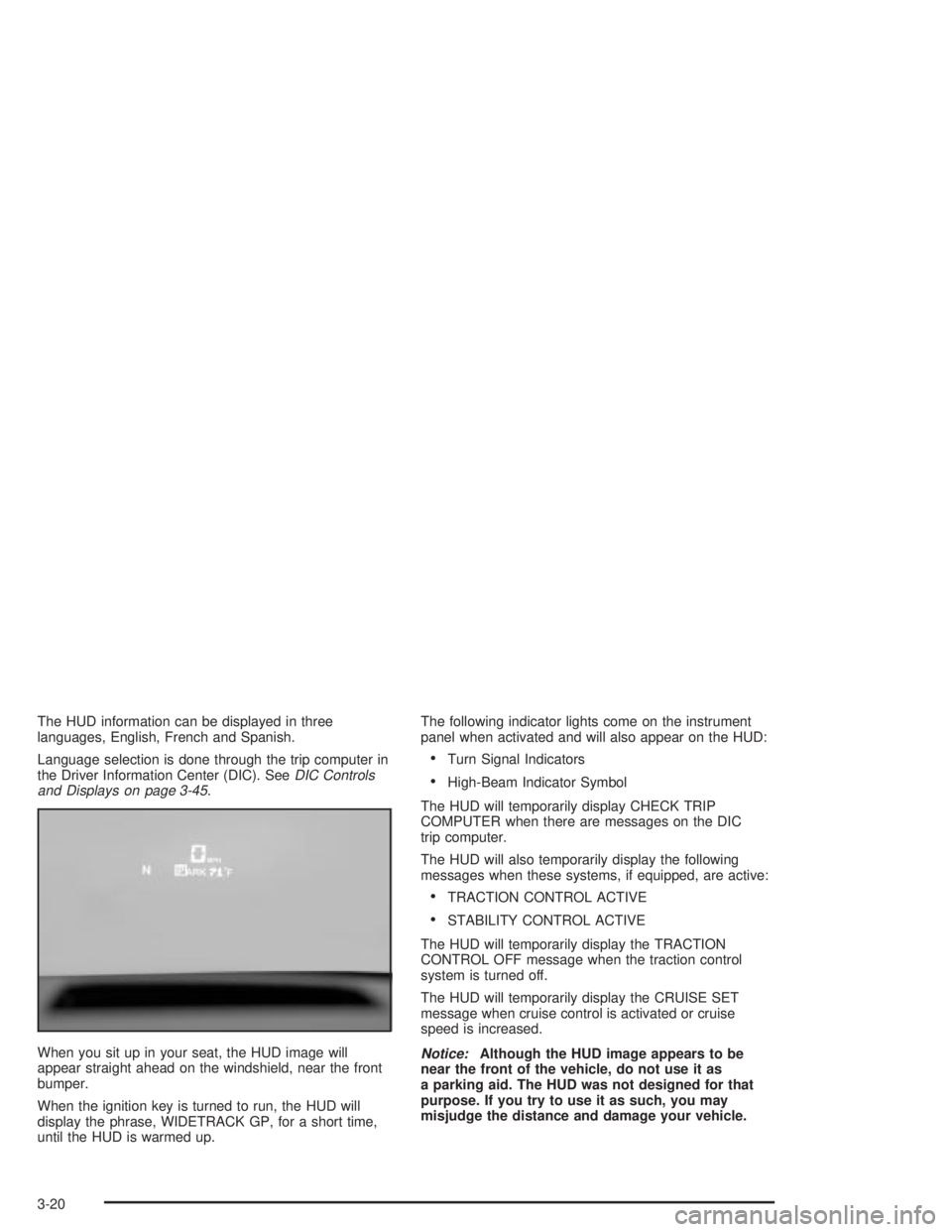
When you sit up in your seat, the HUD image will
appear straight ahead on the windshield, near the front
bumper.
When the ignition key is turned to run, the HUD will
display the phrase, WIDETRACK GP, for a short time,
until the HUD is warmed up.The following indicator lights come on the instrument
panel when activated and will also appear on the HUD:
·Turn Signal Indicators
·High-Beam Indicator Symbol
The HUD will temporarily display CHECK TRIP
COMPUTER when there are messages on the DIC
trip computer.
The HUD will also temporarily display the following
messages when these systems, if equipped, are active:
·TRACTION CONTROL ACTIVE
·STABILITY CONTROL ACTIVE
The HUD will temporarily display the TRACTION
CONTROL OFF message when the traction control
system is turned off.
The HUD will temporarily display the CRUISE SET
message when cruise control is activated or cruise
speed is increased.
Notice:Although the HUD image appears to be
near the front of the vehicle, do not use it as
a parking aid. The HUD was not designed for that
purpose. If you try to use it as such, you may
misjudge the distance and damage your vehicle.
3-20
Page 138 of 432
Safety Belt Reminder Light
When the key is turned to RUN or START, a chime
will come on for several seconds to remind people to
fasten their safety belts, unless the driver's safety belt is
already buckled.
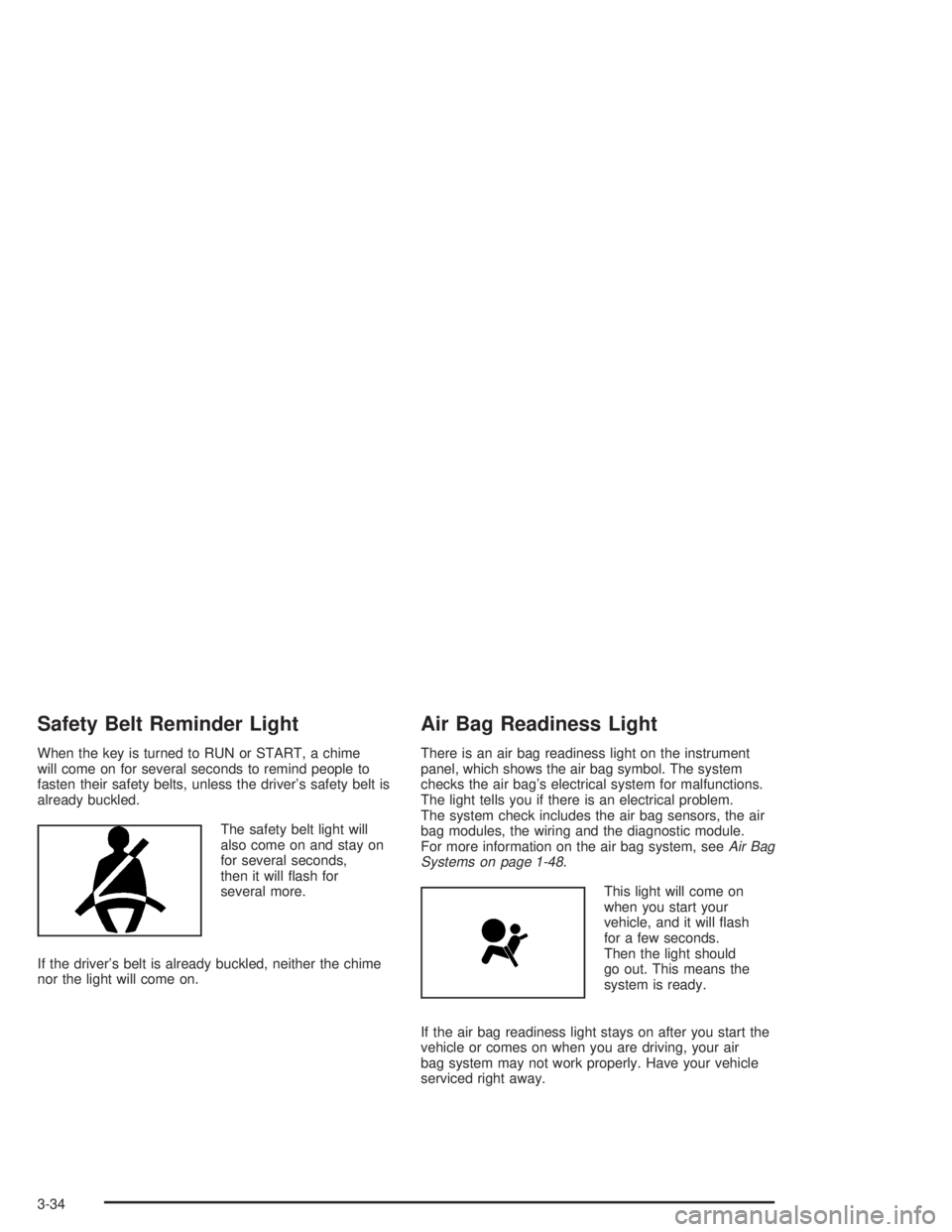
The safety belt light will
also come on and stay on
for several seconds,
then it will ¯ash for
several more.
If the driver's belt is already buckled, neither the chime
nor the light will come on.
Air Bag Readiness Light
There is an air bag readiness light on the instrument
panel, which shows the air bag symbol. The system
checks the air bag's electrical system for malfunctions.
The light tells you if there is an electrical problem.
The system check includes the air bag sensors, the air
bag modules, the wiring and the diagnostic module.
For more information on the air bag system, see
Air Bag
Systems on page 1-48.
This light will come on
when you start your
vehicle, and it will ¯ash
for a few seconds.
Then the light should
go out. This means the
system is ready.
If the air bag readiness light stays on after you start the
vehicle or comes on when you are driving, your air
bag system may not work properly. Have your vehicle
serviced right away.
3-34
Page 139 of 432
{CAUTION:
If the air bag readiness light stays on after you
start your vehicle, it means the air bag system
may not be working properly. The air bags in
your vehicle may not in¯ate in a crash, or they
could even in¯ate without a crash. To help
avoid injury to yourself or others, have your
vehicle serviced right away if the air bag
readiness light stays on after you start your
vehicle.
The air bag readiness light should ¯ash for a few
seconds when you turn the ignition key to RUN. If the
light doesn't come on then, have it ®xed so it will
be ready to warn you if there is a problem.
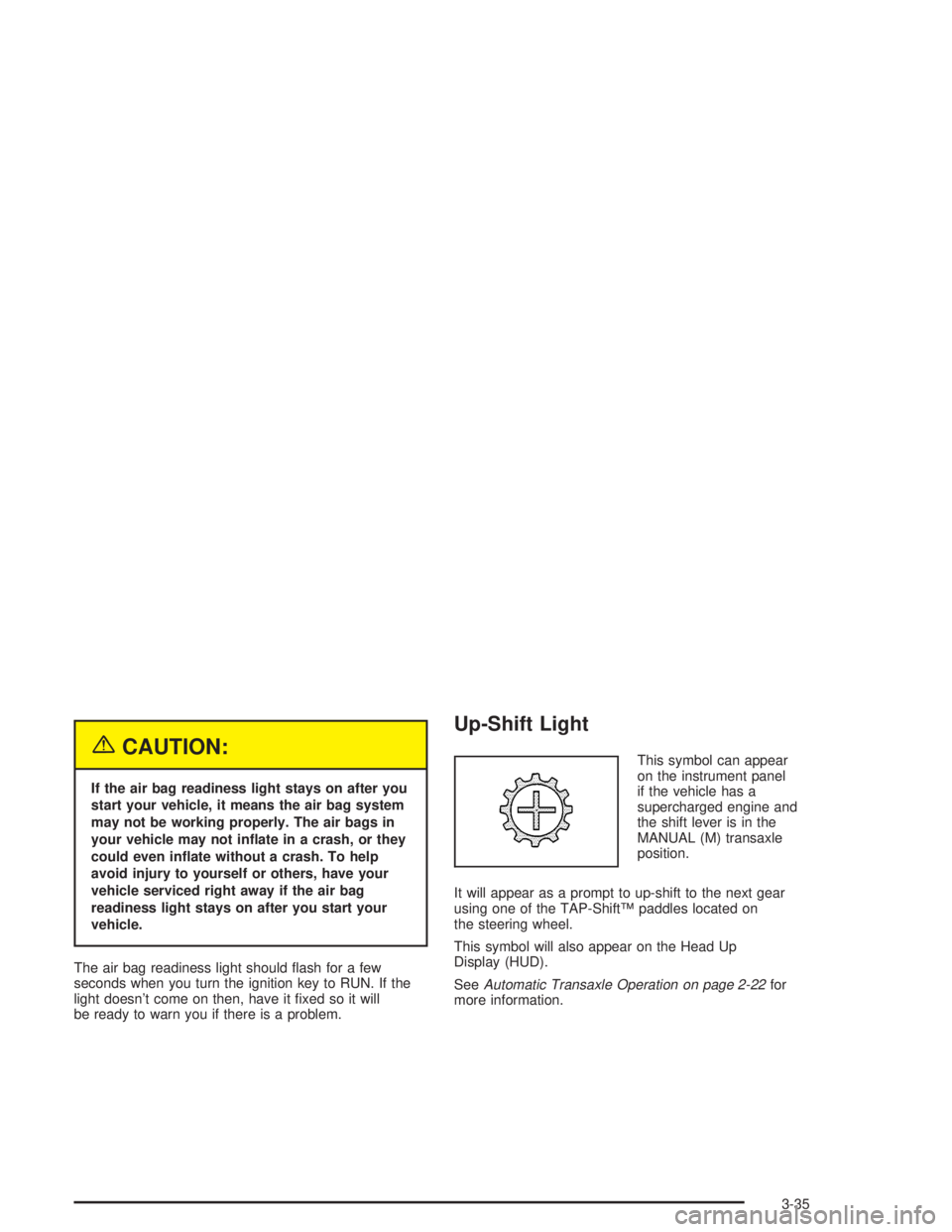
Up-Shift Light
This symbol can appear
on the instrument panel
if the vehicle has a
supercharged engine and
the shift lever is in the
MANUAL (M) transaxle
position.
It will appear as a prompt to up-shift to the next gear
using one of the TAP-ShiftŸ paddles located on
the steering wheel.
This symbol will also appear on the Head Up
Display (HUD).
See
Automatic Transaxle Operation on page 2-22for
more information.
3-35
Page 140 of 432
Brake System Warning Light
Your vehicle's hydraulic brake system is divided into
two parts. If one part isn't working, the other part can
still work and stop you. For good braking, though,
you need both parts working well.
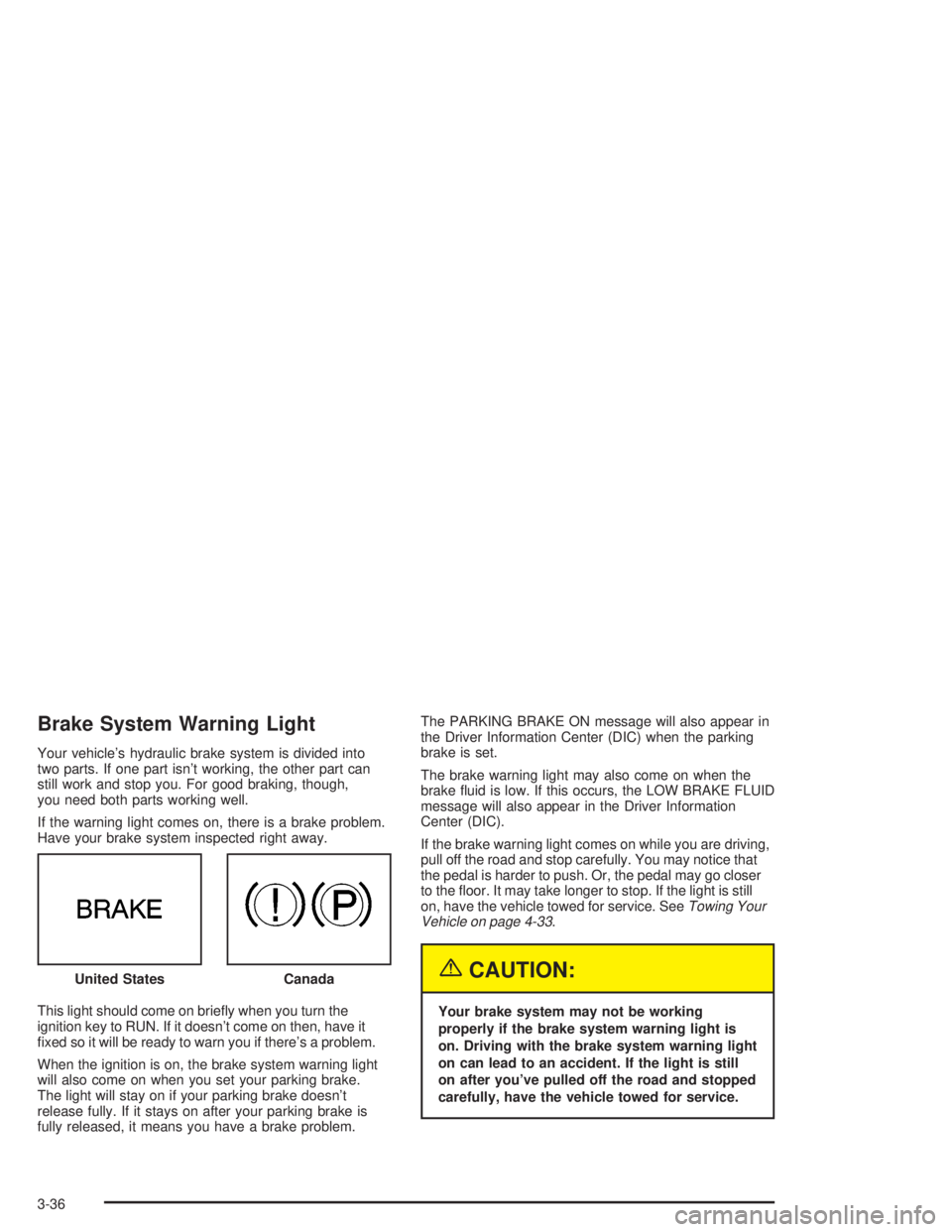
If the warning light comes on, there is a brake problem.
Have your brake system inspected right away.
This light should come on brie¯y when you turn the
ignition key to RUN. If it doesn't come on then, have it
®xed so it will be ready to warn you if there's a problem.
When the ignition is on, the brake system warning light
will also come on when you set your parking brake.
The light will stay on if your parking brake doesn't
release fully. If it stays on after your parking brake is
fully released, it means you have a brake problem.The PARKING BRAKE ON message will also appear in
the Driver Information Center (DIC) when the parking
brake is set.
The brake warning light may also come on when the
brake ¯uid is low. If this occurs, the LOW BRAKE FLUID
message will also appear in the Driver Information
Center (DIC).
If the brake warning light comes on while you are driving,
pull off the road and stop carefully. You may notice that
the pedal is harder to push. Or, the pedal may go closer
to the ¯oor. It may take longer to stop. If the light is still
on, have the vehicle towed for service. See
Towing Your
Vehicle on page 4-33.
{CAUTION:
Your brake system may not be working
properly if the brake system warning light is
on. Driving with the brake system warning light
on can lead to an accident. If the light is still
on after you've pulled off the road and stopped
carefully, have the vehicle towed for service. United States
Canada
3-36