warning PONTIAC GRAND PRIX 2007 Owner's Guide
[x] Cancel search | Manufacturer: PONTIAC, Model Year: 2007, Model line: GRAND PRIX, Model: PONTIAC GRAND PRIX 2007Pages: 526, PDF Size: 2.92 MB
Page 198 of 526
RANGE:This screen displays the approximate
number of remaining miles or kilometers the
vehicle can be driven without refueling. This
estimate is based on the average fuel economy
for the amount of fuel remaining in the fuel
tank and the current driving conditions. This
estimate will change if driving conditions change.
For example, if driving in traffic and making
frequent stops, the display may read one number,
but if the vehicle is driven on a freeway the
number may change even though the same
amount of fuel is in the fuel tank. This is because
different driving conditions produce different
fuel economies. Generally, freeway driving
produces better fuel economy than city driving.
If the fuel tank contains less than 2 gallons (7.6 L),
the LOW FUEL message will appear on the DIC
screen. Fill the fuel tank as soon as possible
to avoid running out of fuel. See “Low Fuel” under
DIC Warnings and Messages on page 200.
Press the fuel button again to advance to the next
screen.DIC Compass (Uplevel DIC)
Your vehicle may have a compass in the Driver
Information Center (DIC).
Setting the Compass
The compass is self-calibrating, which eliminates
the need to manually set the compass.
However, under certain circumstances, such as
during a long distance cross-country trip, it will be
necessary to compensate for compass variance
and reset the zone through the DIC.
Compass variance is the difference between the
earth’s magnetic north and true geographic
north. If not adjusted to account for compass
variance, the compass in the vehicle could give
false readings.
In order to do this, the compass must be set or
calibrated to the variance zone in which the vehicle
is traveling.
198
Page 200 of 526
DIC Warnings and Messages
These messages display if there is a problem in
one of the vehicle’s systems. They override
any other mode or screen the Driver Information
Center (DIC) may be in.
Some messages can be cleared from the DIC
screen. In order to do this, the message must be
acknowledged. To acknowledge or clear the
message from the screen, press the set/reset
button on the DIC. SeeDIC Controls and Displays
(Base Level DIC) on page 186orDIC Controls
and Displays (Uplevel DIC with Trip Computer) on
page 190for DIC button descriptions.
Other warning messages are not allowed to be
cleared until the problem indicated by the warning
message is taken care of. When the problem
indicated by the message is resolved, it can be
acknowledged and the screen can be reset.
Be sure to take any message that appears on the
DIC screen seriously and remember that
clearing the messages that are able to be
acknowledged, will only make the message
disappear, not correct the problem.
A/C OFF FOR ENGINE PROTECTION
This message displays when the engine coolant
becomes hotter than the normal operating
temperature. To avoid added strain on a hot
engine, the air conditioning compressor is
automatically turned off. When the coolant
temperature returns to normal, the air conditioning
compressor turns back on. The vehicle can
then continue to be driven.
This message comes on while the ignition is in
RUN. A chime sounds for two seconds when this
message is displayed. Press the set/reset
button to acknowledge this warning message and
to clear it from the screen.
This message continues to display for
three seconds if it has not been acknowledged
when the engine is turned off. It also re-displays
for three seconds if the message has been
acknowledged, but the condition still exists when
the engine is turned off.
If the condition still exists, the message re-appears
when the engine is turned on.
200
Page 204 of 526
CHECK TIRE PRESSURE
This message displays when the tire pressure in
one of the tires needs to be checked. This
message also displays LEFT FRONT, RIGHT
FRONT, LEFT REAR, or RIGHT REAR to indicate
which tire needs to be checked. You can receive
more than one tire pressure message at a time.
To read the other messages that may have
been sent at the same time, press the set/reset
button. If a tire pressure message appears on the
DIC, stop as soon as you can. Have the tire
pressures checked and set to those shown on the
Tire Loading Information label. SeeTires on
page 400,Loading Your Vehicle on page 317, and
Ination - Tire Pressure on page 408. The DIC
display also shows the tire pressure values for the
front and rear tires by pressing the options
button. SeeDIC Controls and Displays (Base
Level DIC) on page 186orDIC Controls and
Displays (Uplevel DIC with Trip Computer)
on page 190. If the tire pressure is low, the low
tire pressure warning light comes on. SeeLow Tire
Pressure Warning Light on page 178for more
information.This message displays while the ignition is in
RUN. Press the set/reset button to acknowledge
this message and to clear it from the screen.
This message continues to display for
three seconds if it has not been acknowledged
when the engine is turned off. It also re-displays for
three seconds if the message has been
acknowledged, but the condition still exists when
the engine is turned off.
If the condition still exists, the message re-appears
when the engine is turned on.
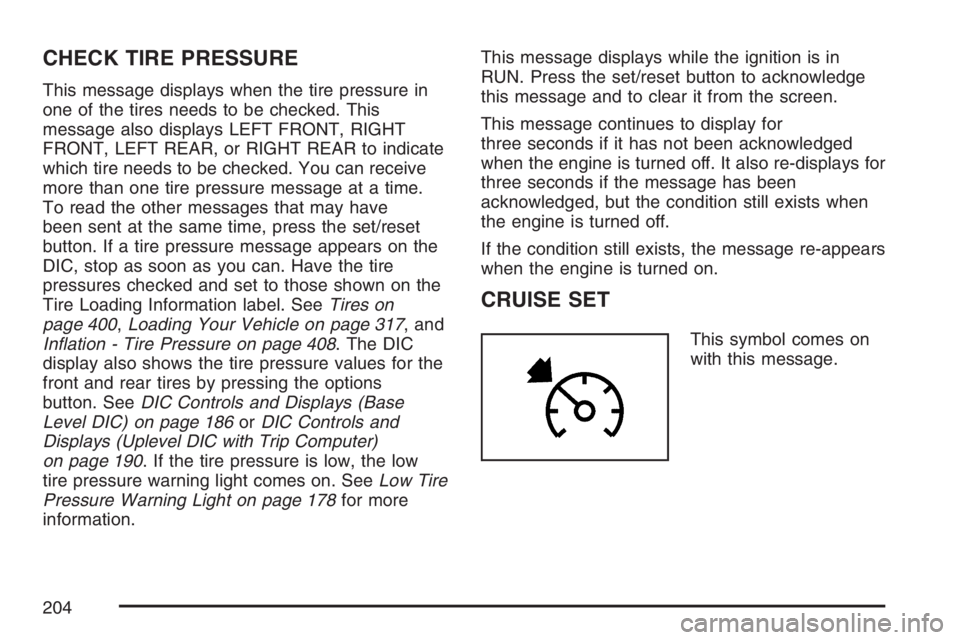
CRUISE SET
This symbol comes on
with this message.
204
Page 205 of 526
This message and symbol display briey whenever
the cruise control is set. The cruise control light
on the instrument panel cluster also comes
on when cruise control is set. SeeCruise Control
Light on page 185. CRUISE SET also appears
briey in the Head-Up Display (HUD), if your
vehicle has this feature. This message displays
when the ignition is in RUN. SeeCruise Control on
page 140for more information.
This message does not need to be acknowledged.
DELAYED LOCKING
This message displays when the doors of the
vehicle are closed and the delayed locking feature
has been programmed through the DIC. See
“DELAYED LOCKING” underDIC Vehicle
Customization on page 226for more information.
This message displays when the ignition is in
OFF. A chime sounds for two seconds when this
message is displayed.
This message cannot be acknowledged.
HEADLAMPS SUGGESTED
This message displays when the amount of
available light outside the vehicle is low and the
exterior lamps control has been turned off. This
condition happens when the headlamps are turned
off at night or the Daytime Running Lamps (DRL)
are turned off during the day. This message informs
the driver that it has become dark enough outside
to require the headlamps to be turned on. When the
headlamps are turned on, this message clears from
the screen. SeeExterior Lamps on page 144and
Daytime Running Lamps (DRL) on page 145for
more information.
This message displays while the ignition is in
RUN. A chime sounds for two seconds when this
message is displayed. Press the set/reset
button to acknowledge this warning message and
to clear it from the screen.
This message continues to display if it has not
been acknowledged when the engine is turned off.
It also re-displays for three seconds if the
message has been acknowledged, but the
condition still exists when the engine is turned off.
If the condition still exists, the message
re-appears when the engine is turned on.
205
Page 206 of 526
HOT COOLANT
Notice:If the HOT COOLANT warning message
appears on the DIC display, stop the vehicle as
soon as possible. Do not increase the engine
speed above normal idling speed. Severe
engine damage can result from driving a vehicle
with an overheated engine. SeeEngine
Overheating on page 364for more information.
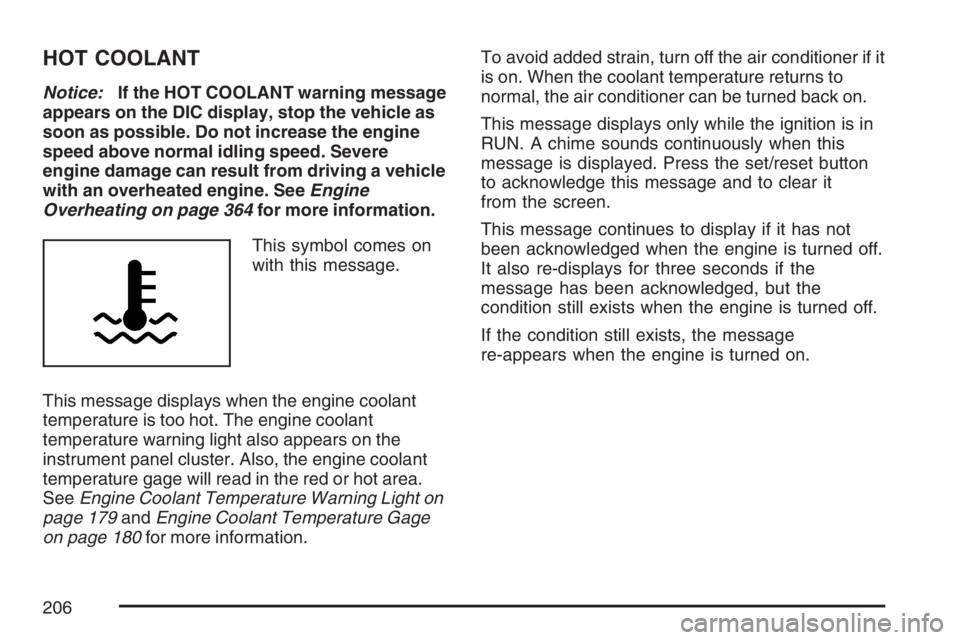
This symbol comes on
with this message.
This message displays when the engine coolant
temperature is too hot. The engine coolant
temperature warning light also appears on the
instrument panel cluster. Also, the engine coolant
temperature gage will read in the red or hot area.
SeeEngine Coolant Temperature Warning Light on
page 179andEngine Coolant Temperature Gage
on page 180for more information.To avoid added strain, turn off the air conditioner if it
is on. When the coolant temperature returns to
normal, the air conditioner can be turned back on.
This message displays only while the ignition is in
RUN. A chime sounds continuously when this
message is displayed. Press the set/reset button
to acknowledge this message and to clear it
from the screen.
This message continues to display if it has not
been acknowledged when the engine is turned off.
It also re-displays for three seconds if the
message has been acknowledged, but the
condition still exists when the engine is turned off.
If the condition still exists, the message
re-appears when the engine is turned on.
206
Page 210 of 526
LOW BRAKE FLUID
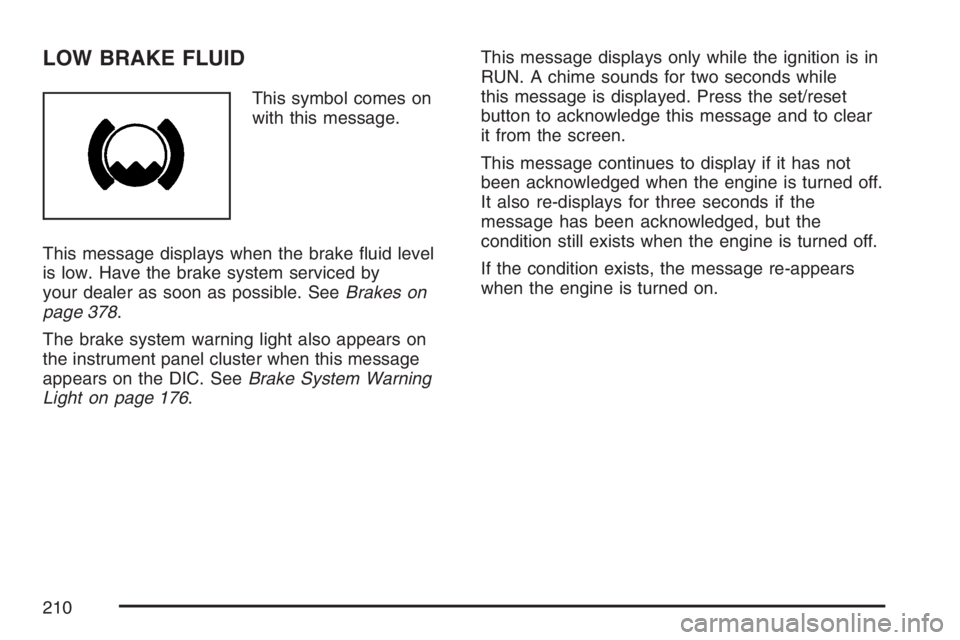
This symbol comes on
with this message.
This message displays when the brake uid level
is low. Have the brake system serviced by
your dealer as soon as possible. SeeBrakes on
page 378.
The brake system warning light also appears on
the instrument panel cluster when this message
appears on the DIC. SeeBrake System Warning
Light on page 176.This message displays only while the ignition is in
RUN. A chime sounds for two seconds while
this message is displayed. Press the set/reset
button to acknowledge this message and to clear
it from the screen.
This message continues to display if it has not
been acknowledged when the engine is turned off.
It also re-displays for three seconds if the
message has been acknowledged, but the
condition still exists when the engine is turned off.
If the condition exists, the message re-appears
when the engine is turned on.
210
Page 212 of 526
This message continues to display if it has not
been acknowledged when the engine is turned off.
It also re-displays for three seconds if the
message has been acknowledged, but the
condition still exists when the engine is turned off.
If the condition still exists, the message
re-appears when the engine is turned on.
LOW OIL PRESSURE
Notice:If the LOW OIL PRESSURE warning
message appears on the DIC display, stop the
vehicle immediately. Do not drive the vehicle
until the cause of the low oil pressure is
corrected. Severe engine damage can result
from driving a vehicle with low oil pressure. See
Engine Oil on page 350for more information.
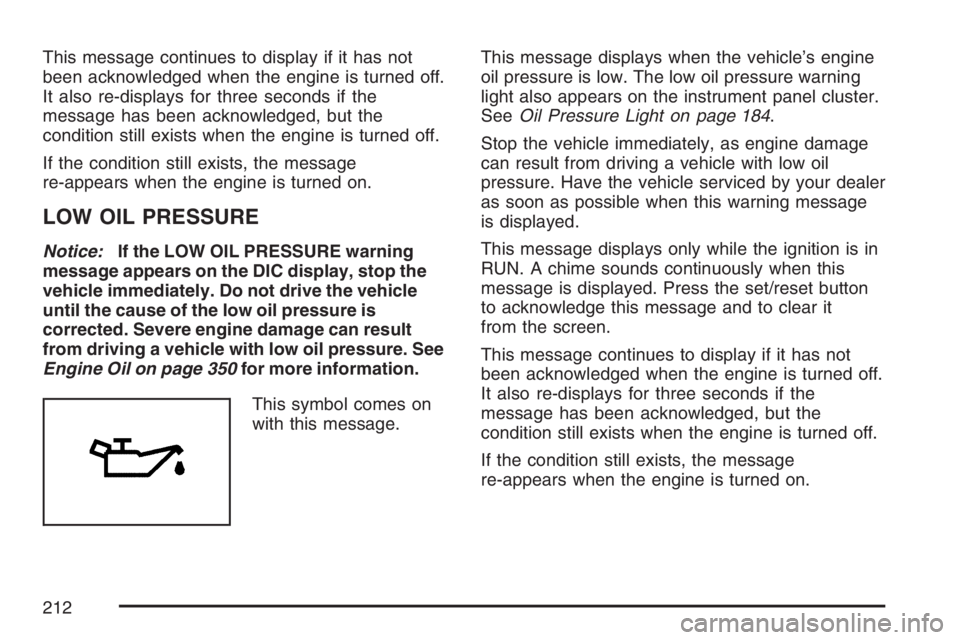
This symbol comes on
with this message.This message displays when the vehicle’s engine
oil pressure is low. The low oil pressure warning
light also appears on the instrument panel cluster.
SeeOil Pressure Light on page 184.
Stop the vehicle immediately, as engine damage
can result from driving a vehicle with low oil
pressure. Have the vehicle serviced by your dealer
as soon as possible when this warning message
is displayed.
This message displays only while the ignition is in
RUN. A chime sounds continuously when this
message is displayed. Press the set/reset button
to acknowledge this message and to clear it
from the screen.
This message continues to display if it has not
been acknowledged when the engine is turned off.
It also re-displays for three seconds if the
message has been acknowledged, but the
condition still exists when the engine is turned off.
If the condition still exists, the message
re-appears when the engine is turned on.
212
Page 213 of 526
LOW WASHER FLUID
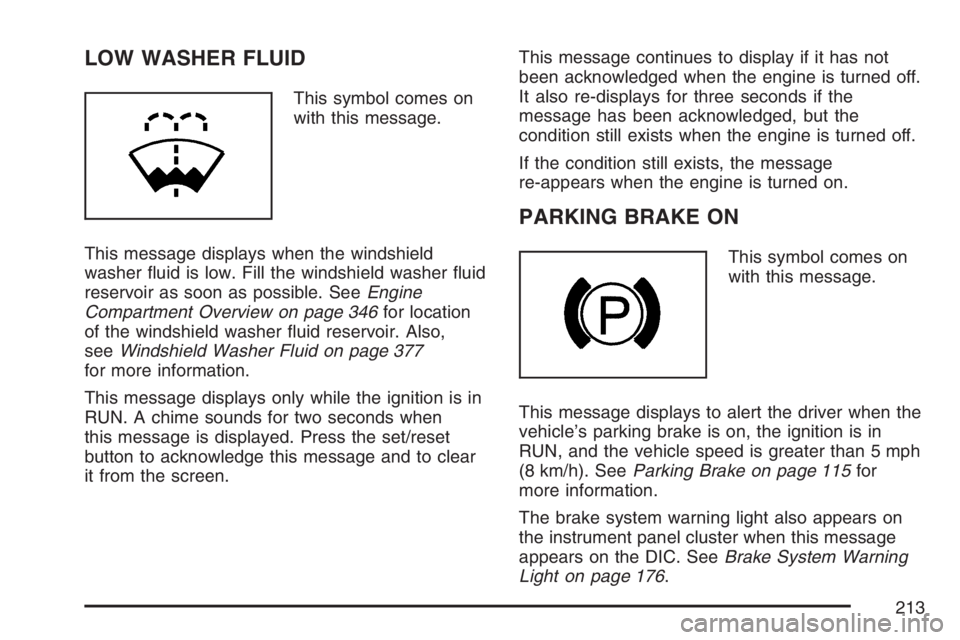
This symbol comes on
with this message.
This message displays when the windshield
washer uid is low. Fill the windshield washer uid
reservoir as soon as possible. SeeEngine
Compartment Overview on page 346for location
of the windshield washer uid reservoir. Also,
seeWindshield Washer Fluid on page 377
for more information.
This message displays only while the ignition is in
RUN. A chime sounds for two seconds when
this message is displayed. Press the set/reset
button to acknowledge this message and to clear
it from the screen.This message continues to display if it has not
been acknowledged when the engine is turned off.
It also re-displays for three seconds if the
message has been acknowledged, but the
condition still exists when the engine is turned off.
If the condition still exists, the message
re-appears when the engine is turned on.
PARKING BRAKE ON
This symbol comes on
with this message.
This message displays to alert the driver when the
vehicle’s parking brake is on, the ignition is in
RUN, and the vehicle speed is greater than 5 mph
(8 km/h). SeeParking Brake on page 115for
more information.
The brake system warning light also appears on
the instrument panel cluster when this message
appears on the DIC. SeeBrake System Warning
Light on page 176.
213
Page 215 of 526
This message displays only when the ignition is in
RUN. A chime sounds for two seconds while
this message is displayed. Press the set/reset
button to acknowledge this message and to clear
it from the screen.
This message continues to display if it has not
been acknowledged when the engine is turned off.
It also re-displays for three seconds if the
message has been acknowledged, but the
condition still exists when the engine is turned off.
If the condition still exists, the message
re-appears when the engine is turned on.
REMOTE START ACTIVE PRESS
HAZARD SWITCH TO CANCEL
If your vehicle has the remote start feature, this
message displays when a remote start is initiated.
If you would like to cancel the remote start, turn
on the hazard warning ashers. SeeHazard
Warning Flashers on page 134.
REMOTE START DISABLED
If your vehicle has the remote start feature, this
message displays if a remote start attempt is
unsuccessful. This may be caused if any of the
following conditions are true when a remote
start attempt is made:
The remote start system is disabled through
the DIC.
The key is in the ignition.
The hood or the doors are not closed.
There is an emission control system
malfunction.
The engine coolant temperature is too high.
The oil pressure is low.
The hazard warning ashers are turned on.
The maximum number of remote starts
or remote start attempts between ignition
cycles has been reached.
The content theft-deterrent alarm is on while
attempting to remote start the vehicle.
See “REMOTE START” underDIC Vehicle
Customization on page 226and “Remote Vehicle
Start” underRemote Keyless Entry (RKE) System
Operation on page 87for more information.
215
Page 218 of 526
SERVICE BRAKE APPLY SENSOR
This message displays when the brake apply
sensor is not functioning properly. The vehicle still
has brakes when this warning message displays,
but you should have the vehicle serviced by
your dealer as soon as possible.
This message displays only while the ignition is in
RUN. A chime sounds for two seconds while
this message is displayed. Press the set/reset
button to acknowledge this message and to clear
it from the screen.
This message continues to display if it has not
been acknowledged when the engine is turned off.
It also re-displays for three seconds if the
message has been acknowledged, but the
condition still exists when the engine is turned off.
If the condition still exists, the message
re-appears when the engine is turned on.
SERVICE PARK LAMPS
This message displays if one of the vehicle’s
parking lamps needs to be replaced. SeeFront
Turn Signal, Parking and Fog Lamps on page 394
for bulb replacement procedures.
This message displays only while the ignition is in
RUN. A chime sounds for two seconds while
this message is displayed. Press the set/reset
button to acknowledge this message and to clear
it from the screen.
This message continues to display if it has not
been acknowledged when the engine is turned off.
It also re-displays for three seconds if the
message has been acknowledged, but the
condition still exists when the engine is turned off.
If the condition still exists, the message
re-appears when the engine is turned on.
218