warning PONTIAC GRAND PRIX 2007 Service Manual
[x] Cancel search | Manufacturer: PONTIAC, Model Year: 2007, Model line: GRAND PRIX, Model: PONTIAC GRAND PRIX 2007Pages: 526, PDF Size: 2.92 MB
Page 219 of 526
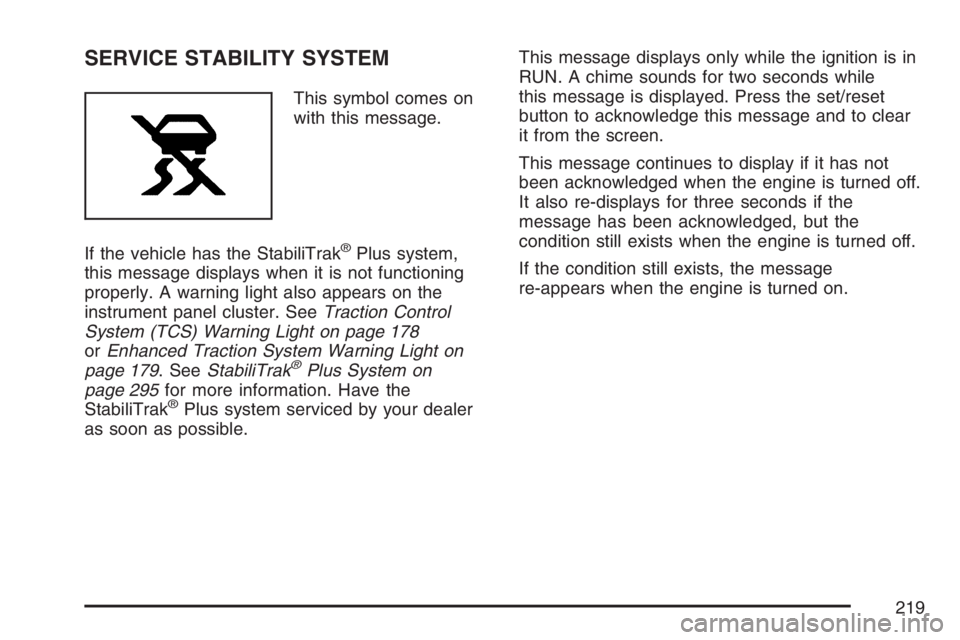
SERVICE STABILITY SYSTEM
This symbol comes on
with this message.
If the vehicle has the StabiliTrak
®Plus system,
this message displays when it is not functioning
properly. A warning light also appears on the
instrument panel cluster. SeeTraction Control
System (TCS) Warning Light on page 178
orEnhanced Traction System Warning Light on
page 179. SeeStabiliTrak
®Plus System on
page 295for more information. Have the
StabiliTrak
®Plus system serviced by your dealer
as soon as possible.This message displays only while the ignition is in
RUN. A chime sounds for two seconds while
this message is displayed. Press the set/reset
button to acknowledge this message and to clear
it from the screen.
This message continues to display if it has not
been acknowledged when the engine is turned off.
It also re-displays for three seconds if the
message has been acknowledged, but the
condition still exists when the engine is turned off.
If the condition still exists, the message
re-appears when the engine is turned on.
219
Page 220 of 526
SERVICE THEFT SYSTEM
This message displays if there is a problem with
the theft-deterrent system programmed in the key.
A fault has been detected in the system which
means that the system is disabled and it is
not protecting the vehicle. The vehicle usually
restarts; however, you may want to take the
vehicle to your dealer before turning off the engine.
SeeKeys on page 84for information on the
PASS-Key
®III system.
This message displays only while the ignition is in
RUN. A chime sounds for two seconds while
this message is displayed. Press the set/reset
button to acknowledge this message and to clear
it from the screen.
This message continues to display if it has not
been acknowledged when the engine is turned off.
It also re-displays for three seconds if the
message has been acknowledged, but the
condition still exists when the engine is turned off.
If the condition still exists, the message
re-appears when the engine is turned on.
SERVICE TIRE MONITOR SYSTEM
This message displays if a part on the Tire
Pressure Monitor (TPM) system is not working
properly. If you drive your vehicle while any of the
four sensors are missing or inoperable, the
warning comes on in about 20 minutes. A sensor
would be missing, for example, if you put
different wheels on your vehicle without
transferring the sensors. If the warning comes on
and stays on, there may be a problem with the
TPM. See your dealer.
This message displays only while the ignition is in
RUN. Press the set/reset button to acknowledge
this message and to clear it from the screen.
This message continues to display if it has
not been acknowledged when the engine is turned
off. It also re-displays for three seconds if the
message has been acknowledged, but the
condition still exists when the engine is turned off.
If the condition still exists, the message
re-appears when the engine is turned on.
220
Page 221 of 526
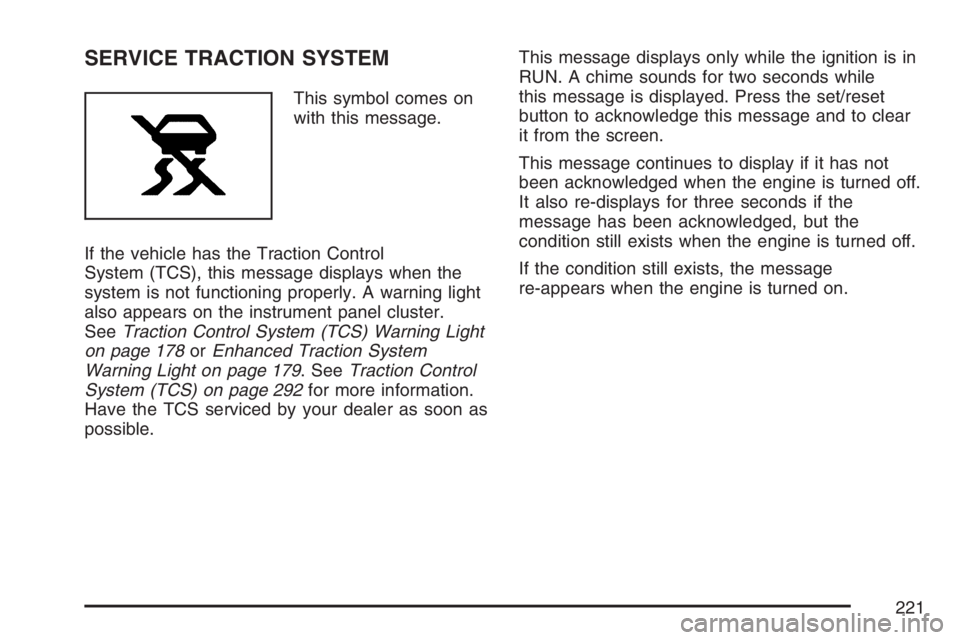
SERVICE TRACTION SYSTEM
This symbol comes on
with this message.
If the vehicle has the Traction Control
System (TCS), this message displays when the
system is not functioning properly. A warning light
also appears on the instrument panel cluster.
SeeTraction Control System (TCS) Warning Light
on page 178orEnhanced Traction System
Warning Light on page 179. SeeTraction Control
System (TCS) on page 292for more information.
Have the TCS serviced by your dealer as soon as
possible.This message displays only while the ignition is in
RUN. A chime sounds for two seconds while
this message is displayed. Press the set/reset
button to acknowledge this message and to clear
it from the screen.
This message continues to display if it has not
been acknowledged when the engine is turned off.
It also re-displays for three seconds if the
message has been acknowledged, but the
condition still exists when the engine is turned off.
If the condition still exists, the message
re-appears when the engine is turned on.
221
Page 223 of 526
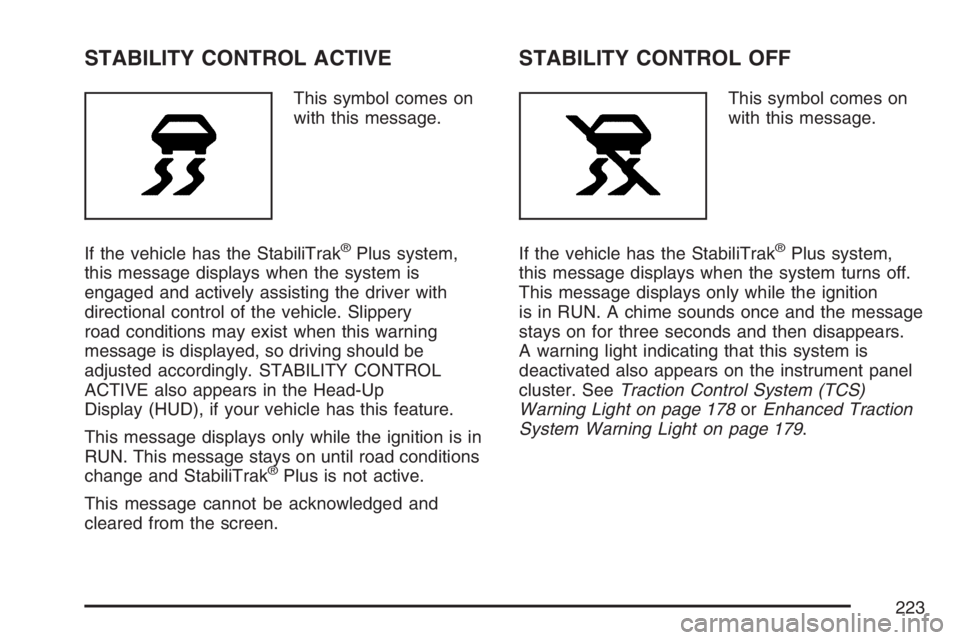
STABILITY CONTROL ACTIVE
This symbol comes on
with this message.
If the vehicle has the StabiliTrak
®Plus system,
this message displays when the system is
engaged and actively assisting the driver with
directional control of the vehicle. Slippery
road conditions may exist when this warning
message is displayed, so driving should be
adjusted accordingly. STABILITY CONTROL
ACTIVE also appears in the Head-Up
Display (HUD), if your vehicle has this feature.
This message displays only while the ignition is in
RUN. This message stays on until road conditions
change and StabiliTrak
®Plus is not active.
This message cannot be acknowledged and
cleared from the screen.
STABILITY CONTROL OFF
This symbol comes on
with this message.
If the vehicle has the StabiliTrak
®Plus system,
this message displays when the system turns off.
This message displays only while the ignition
is in RUN. A chime sounds once and the message
stays on for three seconds and then disappears.
A warning light indicating that this system is
deactivated also appears on the instrument panel
cluster. SeeTraction Control System (TCS)
Warning Light on page 178orEnhanced Traction
System Warning Light on page 179.
223
Page 225 of 526
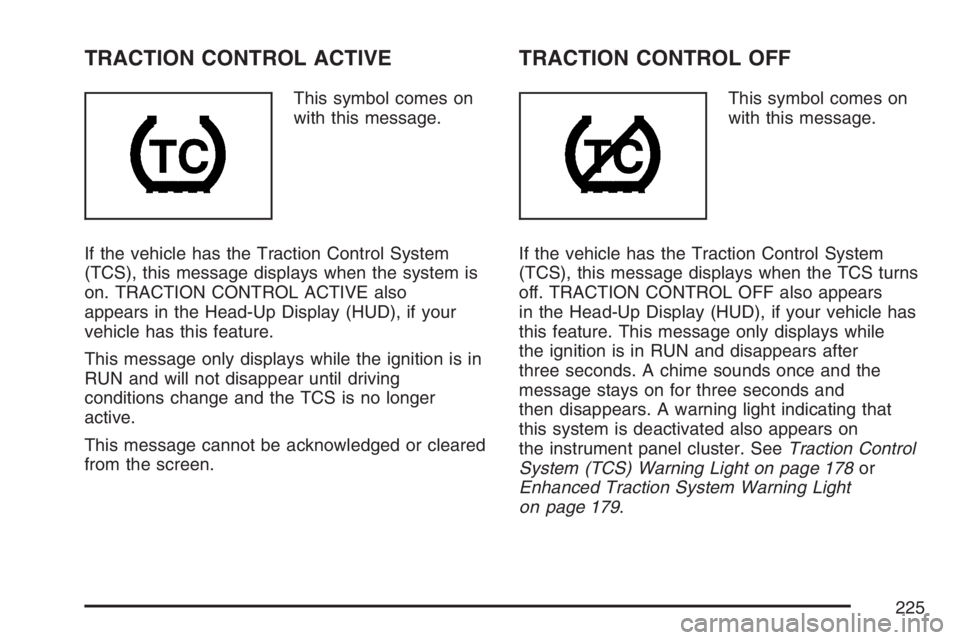
TRACTION CONTROL ACTIVE
This symbol comes on
with this message.
If the vehicle has the Traction Control System
(TCS), this message displays when the system is
on. TRACTION CONTROL ACTIVE also
appears in the Head-Up Display (HUD), if your
vehicle has this feature.
This message only displays while the ignition is in
RUN and will not disappear until driving
conditions change and the TCS is no longer
active.
This message cannot be acknowledged or cleared
from the screen.
TRACTION CONTROL OFF
This symbol comes on
with this message.
If the vehicle has the Traction Control System
(TCS), this message displays when the TCS turns
off. TRACTION CONTROL OFF also appears
in the Head-Up Display (HUD), if your vehicle has
this feature. This message only displays while
the ignition is in RUN and disappears after
three seconds. A chime sounds once and the
message stays on for three seconds and
then disappears. A warning light indicating that
this system is deactivated also appears on
the instrument panel cluster. SeeTraction Control
System (TCS) Warning Light on page 178or
Enhanced Traction System Warning Light
on page 179.
225
Page 288 of 526
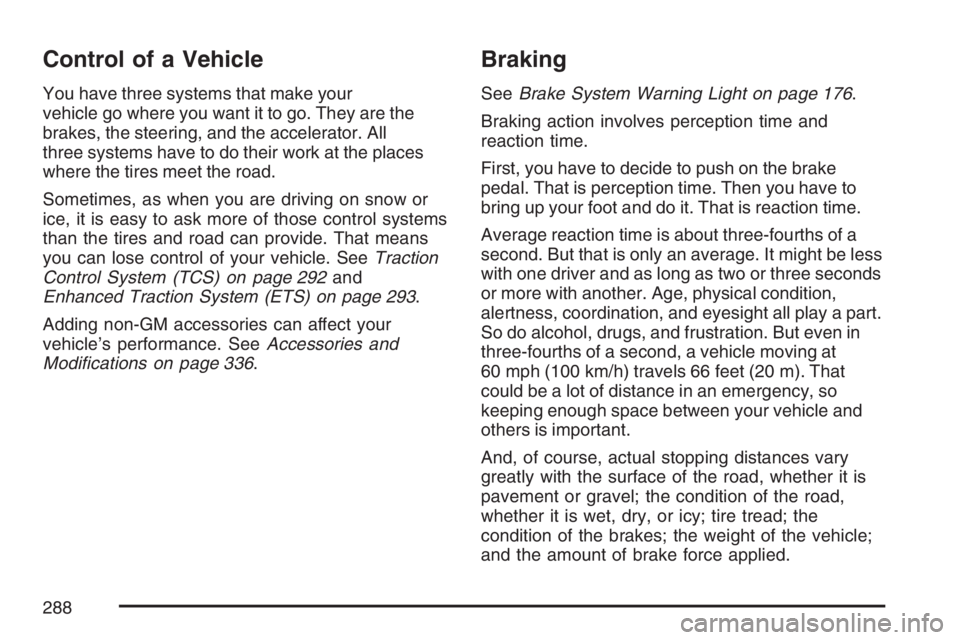
Control of a Vehicle
You have three systems that make your
vehicle go where you want it to go. They are the
brakes, the steering, and the accelerator. All
three systems have to do their work at the places
where the tires meet the road.
Sometimes, as when you are driving on snow or
ice, it is easy to ask more of those control systems
than the tires and road can provide. That means
you can lose control of your vehicle. SeeTraction
Control System (TCS) on page 292and
Enhanced Traction System (ETS) on page 293.
Adding non-GM accessories can affect your
vehicle’s performance. SeeAccessories and
Modications on page 336.
Braking
SeeBrake System Warning Light on page 176.
Braking action involves perception time and
reaction time.
First, you have to decide to push on the brake
pedal. That is perception time. Then you have to
bring up your foot and do it. That is reaction time.
Average reaction time is about three-fourths of a
second. But that is only an average. It might be less
with one driver and as long as two or three seconds
or more with another. Age, physical condition,
alertness, coordination, and eyesight all play a part.
So do alcohol, drugs, and frustration. But even in
three-fourths of a second, a vehicle moving at
60 mph (100 km/h) travels 66 feet (20 m). That
could be a lot of distance in an emergency, so
keeping enough space between your vehicle and
others is important.
And, of course, actual stopping distances vary
greatly with the surface of the road, whether it is
pavement or gravel; the condition of the road,
whether it is wet, dry, or icy; tire tread; the
condition of the brakes; the weight of the vehicle;
and the amount of brake force applied.
288
Page 289 of 526
Avoid needless heavy braking. Some people drive
in spurts — heavy acceleration followed by
heavy braking — rather than keeping pace with
traffic. This is a mistake. The brakes may not have
time to cool between hard stops. The brakes
will wear out much faster if you do a lot of heavy
braking. If you keep pace with the traffic and
allow realistic following distances, you will
eliminate a lot of unnecessary braking. That means
better braking and longer brake life.
If your vehicle’s engine ever stops while you are
driving, brake normally but do not pump the
brakes. If you do, the pedal may get harder to
push down. If the engine stops, you will still have
some power brake assist. But you will use it
when you brake. Once the power assist is used
up, it may take longer to stop and the brake pedal
will be harder to push.
Adding non-GM accessories can affect your
vehicle’s performance. SeeAccessories and
Modications on page 336.Anti-Lock Brake System (ABS)
Your vehicle may have the Anti-Lock Brake
System (ABS), an advanced electronic braking
system that will help prevent a braking skid.
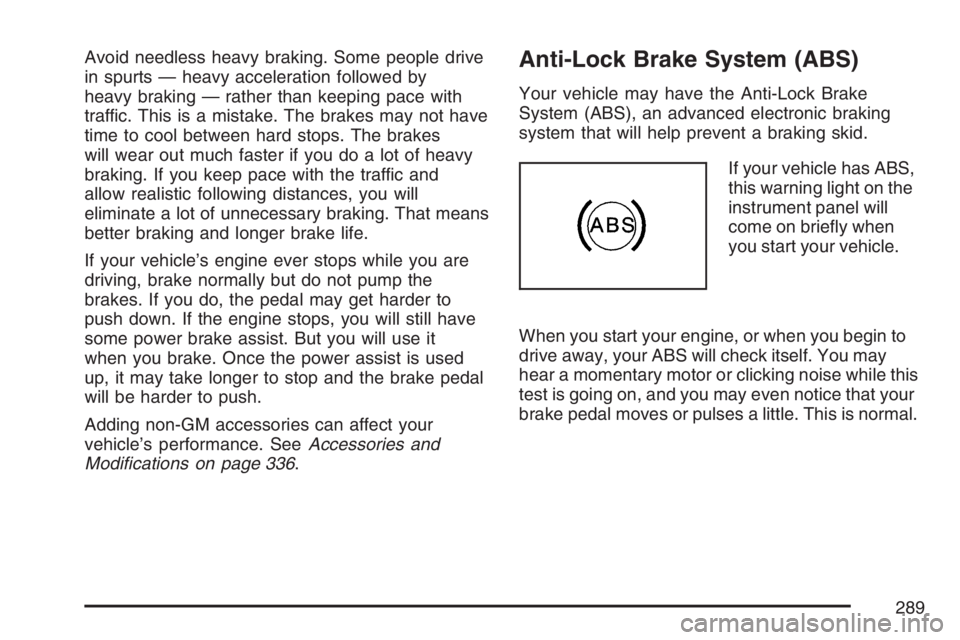
If your vehicle has ABS,
this warning light on the
instrument panel will
come on briey when
you start your vehicle.
When you start your engine, or when you begin to
drive away, your ABS will check itself. You may
hear a momentary motor or clicking noise while this
test is going on, and you may even notice that your
brake pedal moves or pulses a little. This is normal.
289
Page 294 of 526
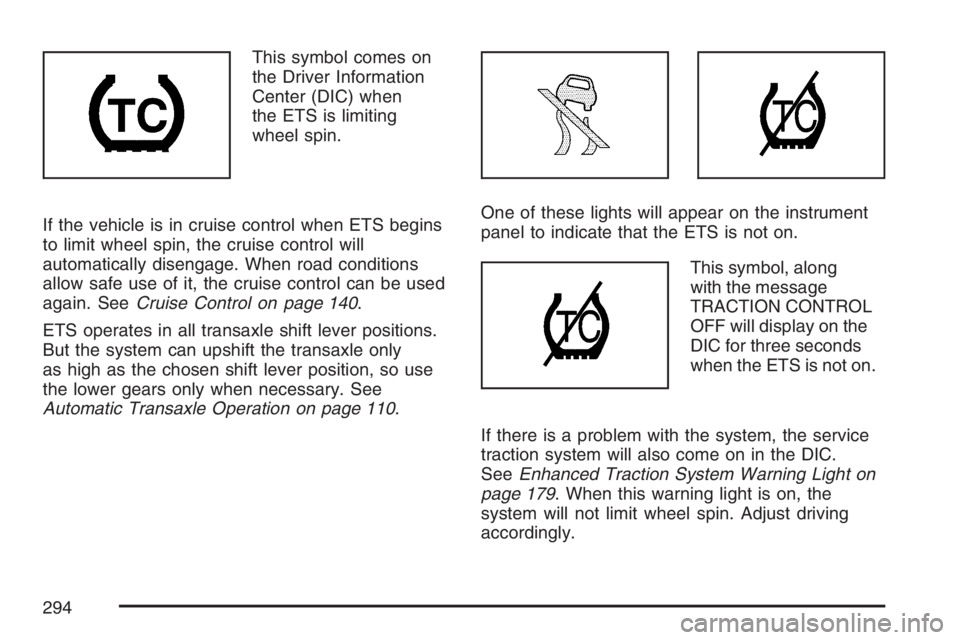
This symbol comes on
the Driver Information
Center (DIC) when
the ETS is limiting
wheel spin.
If the vehicle is in cruise control when ETS begins
to limit wheel spin, the cruise control will
automatically disengage. When road conditions
allow safe use of it, the cruise control can be used
again. SeeCruise Control on page 140.
ETS operates in all transaxle shift lever positions.
But the system can upshift the transaxle only
as high as the chosen shift lever position, so use
the lower gears only when necessary. See
Automatic Transaxle Operation on page 110.One of these lights will appear on the instrument
panel to indicate that the ETS is not on.
This symbol, along
with the message
TRACTION CONTROL
OFF will display on the
DIC for three seconds
when the ETS is not on.
If there is a problem with the system, the service
traction system will also come on in the DIC.
SeeEnhanced Traction System Warning Light on
page 179. When this warning light is on, the
system will not limit wheel spin. Adjust driving
accordingly.
294
Page 295 of 526
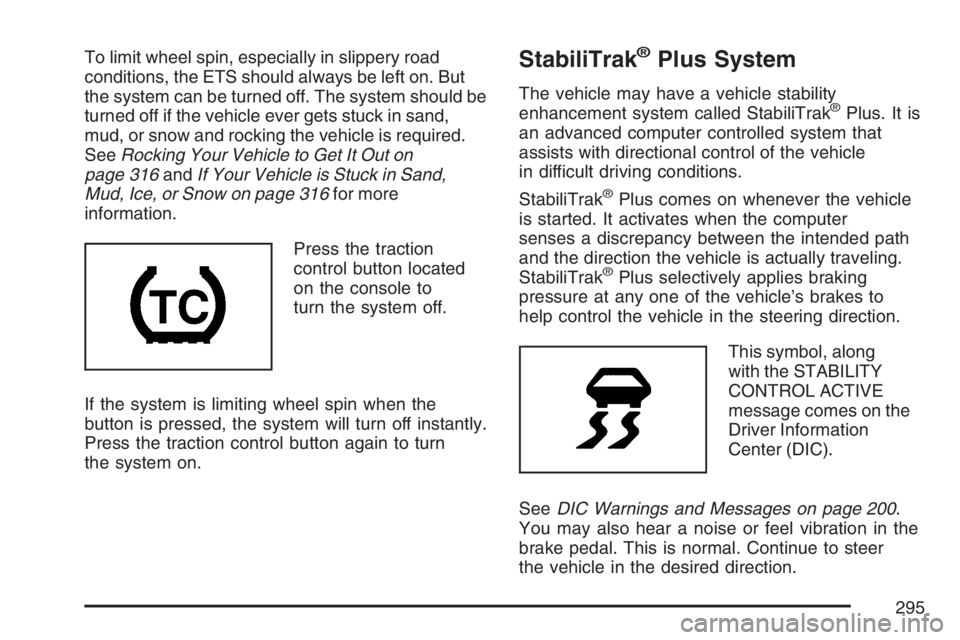
To limit wheel spin, especially in slippery road
conditions, the ETS should always be left on. But
the system can be turned off. The system should be
turned off if the vehicle ever gets stuck in sand,
mud, or snow and rocking the vehicle is required.
SeeRocking Your Vehicle to Get It Out on
page 316andIf Your Vehicle is Stuck in Sand,
Mud, Ice, or Snow on page 316for more
information.
Press the traction
control button located
on the console to
turn the system off.
If the system is limiting wheel spin when the
button is pressed, the system will turn off instantly.
Press the traction control button again to turn
the system on.StabiliTrak®Plus System
The vehicle may have a vehicle stability
enhancement system called StabiliTrak®Plus. It is
an advanced computer controlled system that
assists with directional control of the vehicle
in difficult driving conditions.
StabiliTrak
®Plus comes on whenever the vehicle
is started. It activates when the computer
senses a discrepancy between the intended path
and the direction the vehicle is actually traveling.
StabiliTrak
®Plus selectively applies braking
pressure at any one of the vehicle’s brakes to
help control the vehicle in the steering direction.
This symbol, along
with the STABILITY
CONTROL ACTIVE
message comes on the
Driver Information
Center (DIC).
SeeDIC Warnings and Messages on page 200.
You may also hear a noise or feel vibration in the
brake pedal. This is normal. Continue to steer
the vehicle in the desired direction.
295
Page 296 of 526
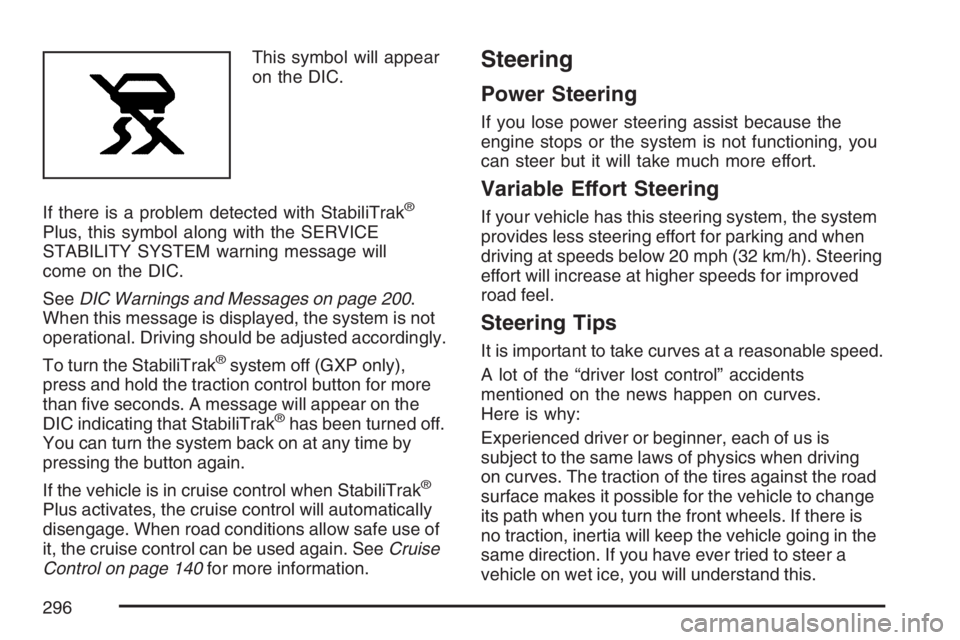
This symbol will appear
on the DIC.
If there is a problem detected with StabiliTrak
®
Plus, this symbol along with the SERVICE
STABILITY SYSTEM warning message will
come on the DIC.
SeeDIC Warnings and Messages on page 200.
When this message is displayed, the system is not
operational. Driving should be adjusted accordingly.
To turn the StabiliTrak
®system off (GXP only),
press and hold the traction control button for more
than ve seconds. A message will appear on the
DIC indicating that StabiliTrak
®has been turned off.
You can turn the system back on at any time by
pressing the button again.
If the vehicle is in cruise control when StabiliTrak
®
Plus activates, the cruise control will automatically
disengage. When road conditions allow safe use of
it, the cruise control can be used again. SeeCruise
Control on page 140for more information.
Steering
Power Steering
If you lose power steering assist because the
engine stops or the system is not functioning, you
can steer but it will take much more effort.
Variable Effort Steering
If your vehicle has this steering system, the system
provides less steering effort for parking and when
driving at speeds below 20 mph (32 km/h). Steering
effort will increase at higher speeds for improved
road feel.
Steering Tips
It is important to take curves at a reasonable speed.
A lot of the “driver lost control” accidents
mentioned on the news happen on curves.
Here is why:
Experienced driver or beginner, each of us is
subject to the same laws of physics when driving
on curves. The traction of the tires against the road
surface makes it possible for the vehicle to change
its path when you turn the front wheels. If there is
no traction, inertia will keep the vehicle going in the
same direction. If you have ever tried to steer a
vehicle on wet ice, you will understand this.
296